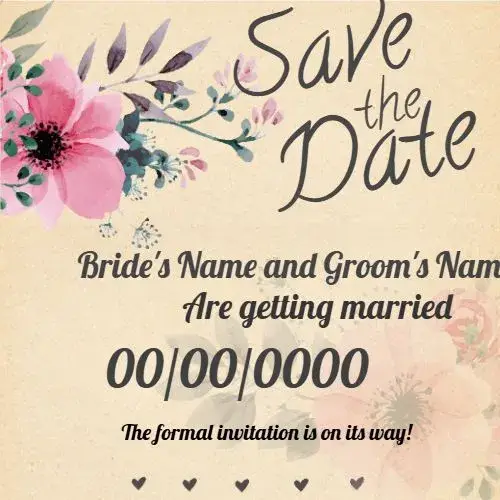
Give guests time to plan
Save the date invitations to customize online
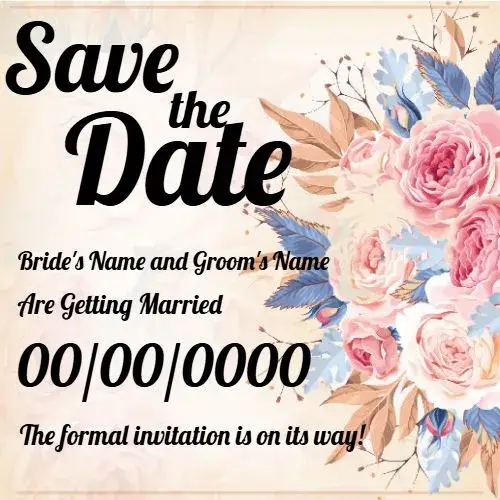
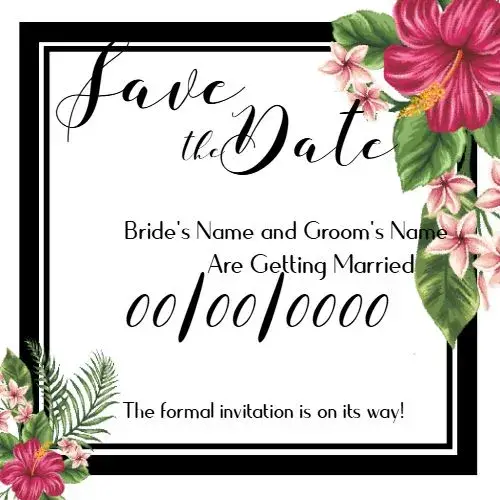
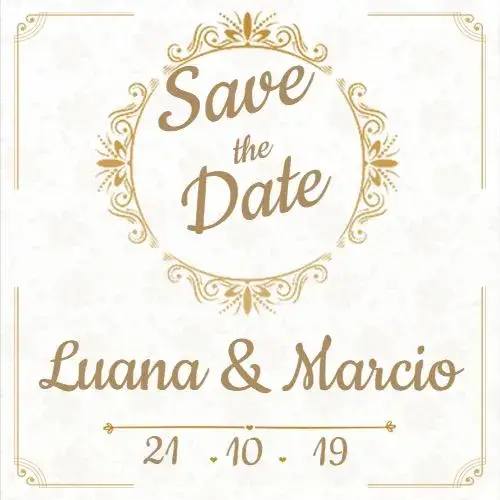
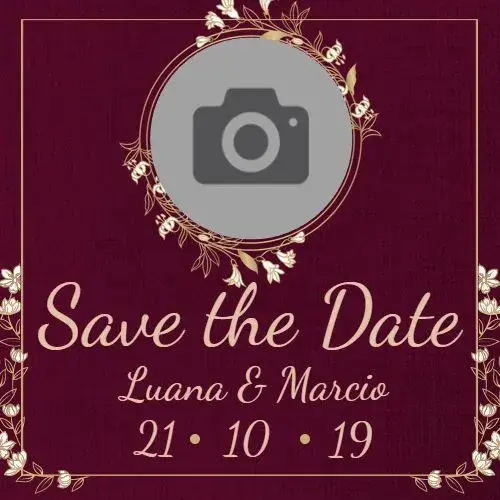
Compare the artwork in this selection and inspect a template before opening the editor. Send a save the date only after the wedding date and general location have been confirmed.
24 curated templatesCurated templates
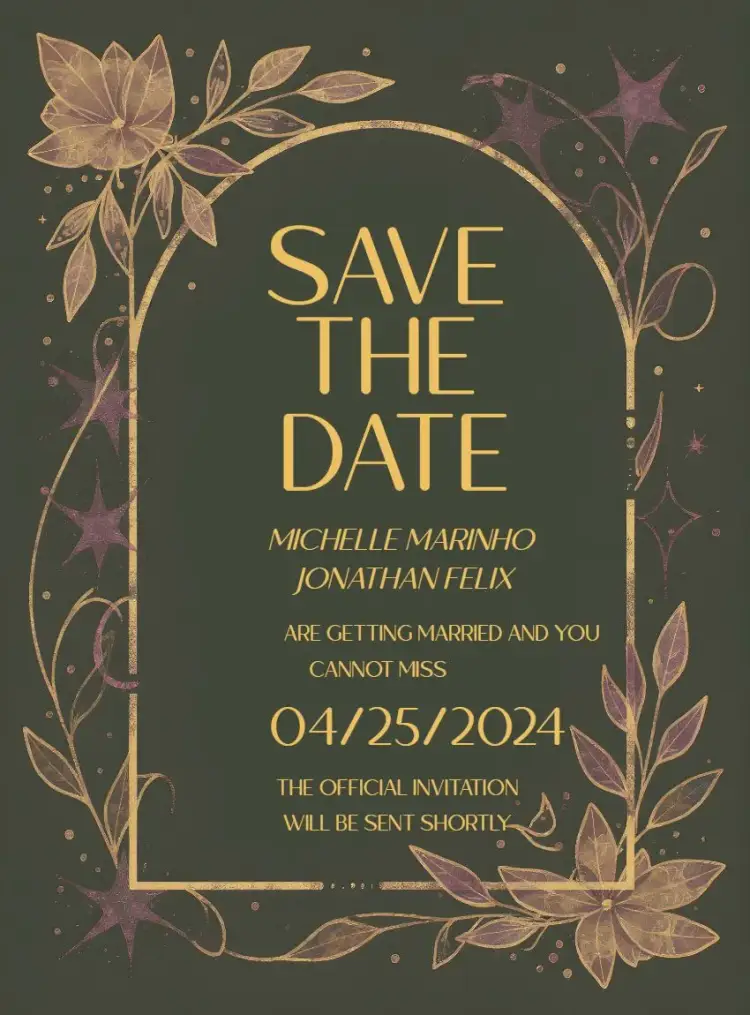

Selection
Curated templates
Choose a design, personalize the event details, and get your invitation ready to share.
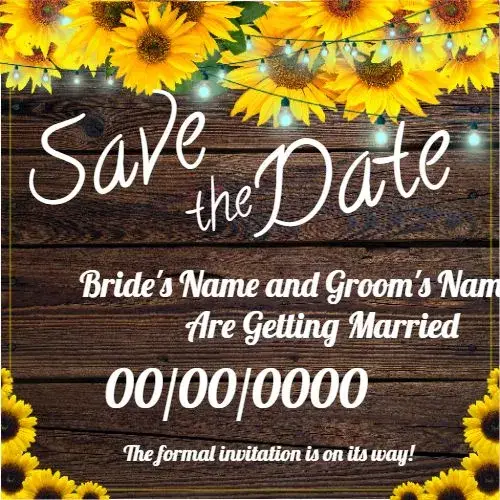
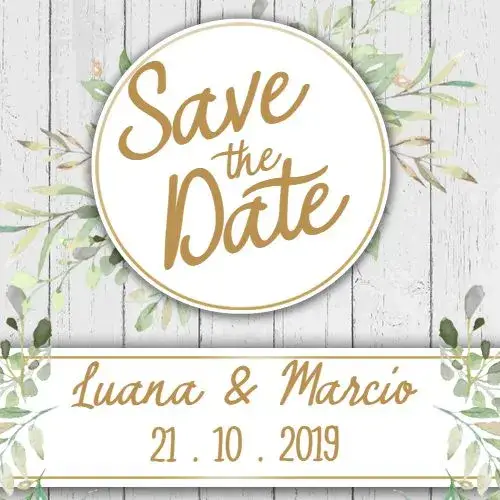

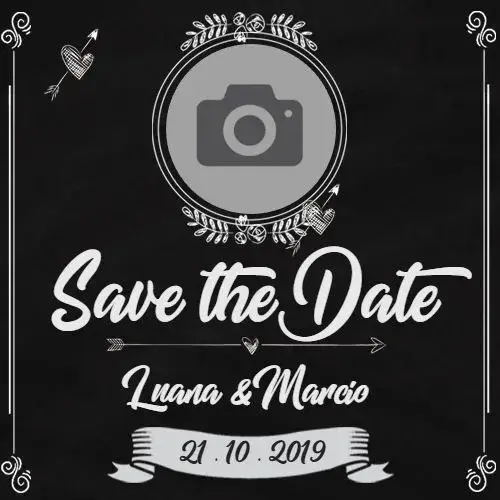
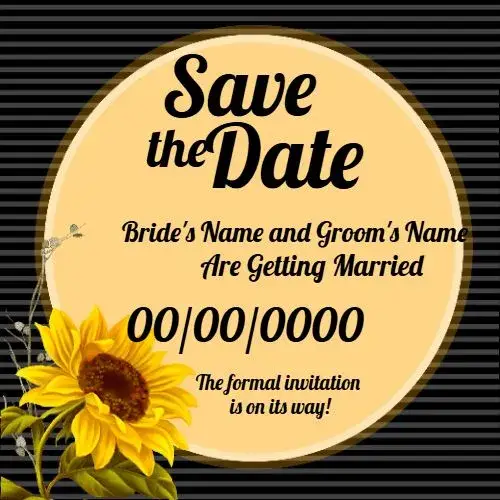
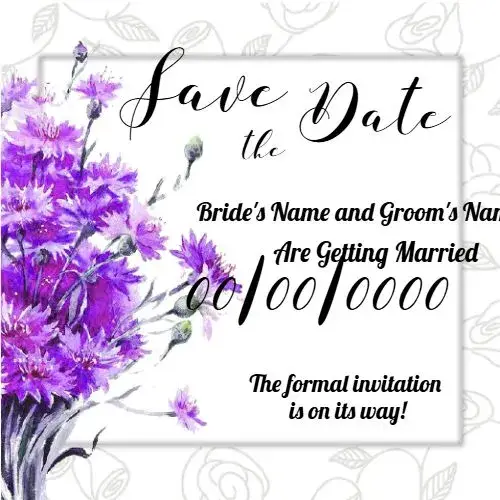
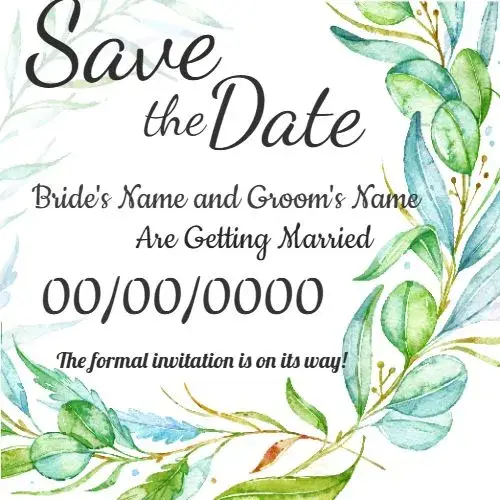

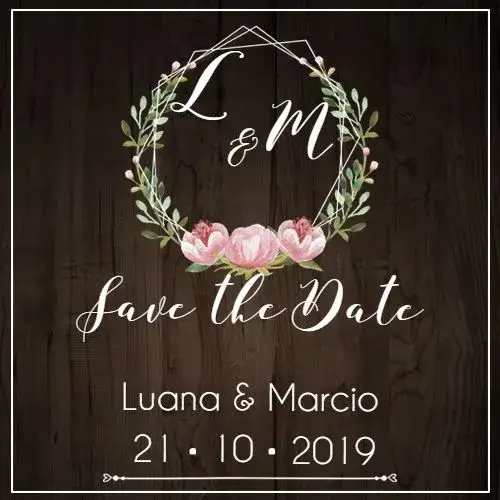
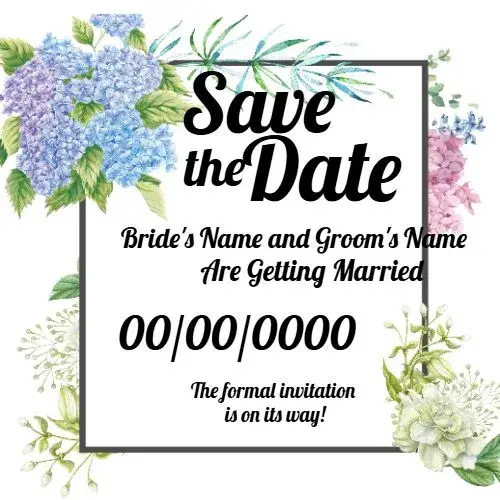

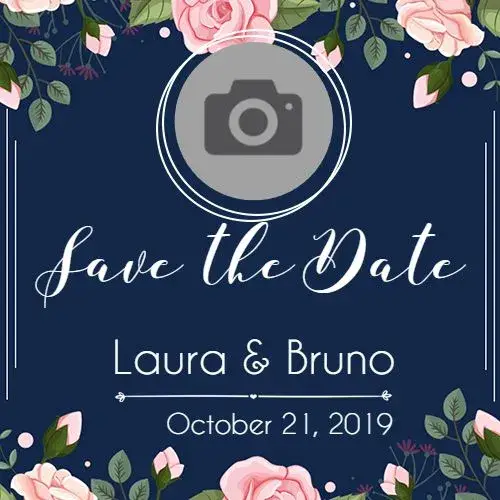
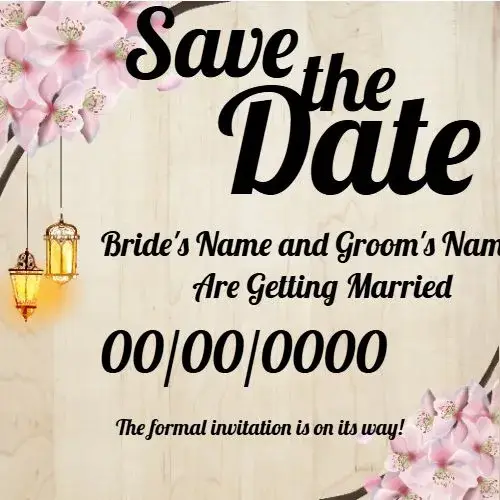
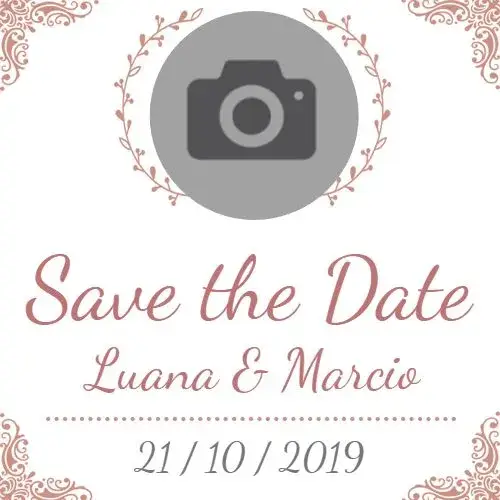
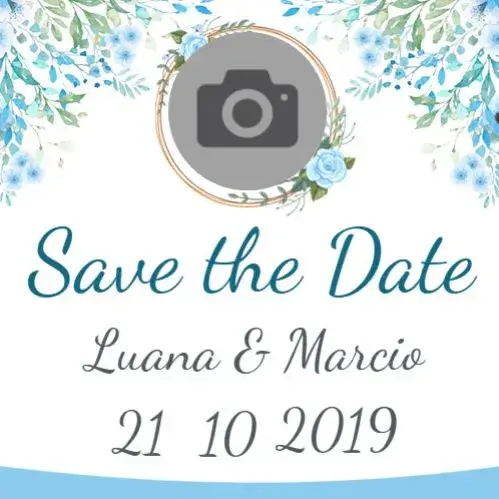
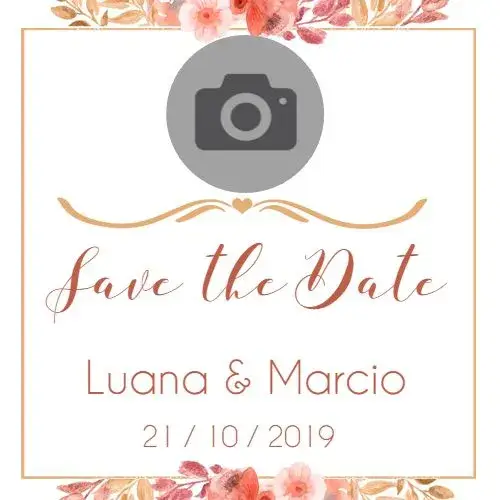
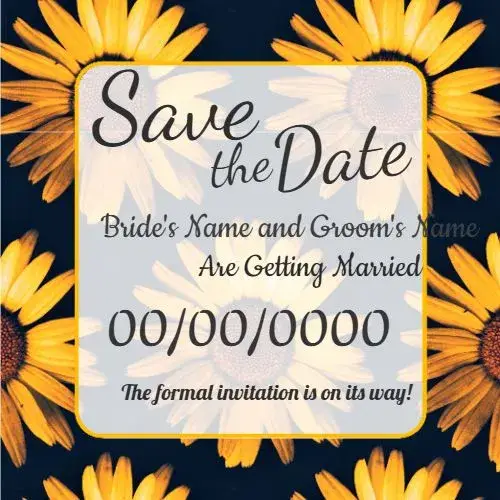
How to choose
About this collection
From the right design to the editor, step by step.
Share the information guests need first
A save the date is an early notice, not a replacement for the full invitation. The couple's names, wedding date, and city or general location are usually enough. Add a wedding website only if it is ready for guests, and state that a formal invitation will follow. This limited purpose gives you freedom to choose a bold, photo-led, or minimal design without fitting the entire wedding schedule into one piece.
Consider travel and timing
Save the dates are especially useful when guests will travel, the date falls during a busy season, or accommodations may fill early. Make sure the location is specific enough for planning but avoid publishing details that have not been finalized. If the guest list is still changing, confirm recipients before sending because an early notice is generally understood as an invitation to the wedding.
Keep the design connected to the wedding
The save the date may introduce the wedding palette or tone, but it does not have to match the formal suite exactly. Use a clear date treatment, readable names, and a high-quality photo if one is included. Proofread the date and location carefully, then preview at phone size. A concise, accurate design gives guests confidence to reserve the date while the remaining plans take shape.
Details to confirm before editing
Send a save the date only after the wedding date and general location have been confirmed. Guests arranging travel need the city or region; the exact schedule can wait. Say that the formal invitation will follow, and do not request a final RSVP before you are ready to explain the full plan.
Spell out the month in the date — [Month] [day], [year] — and check the time. Include a.m. or p.m., or use a clearly labeled 24-hour time. For guests in another region, add the city and the time zone when needed rather than relying on an ambiguous numeric date.
Example wording to adapt
The following wording is a suggestion: replace the fields in brackets and remove anything that does not apply to your event.
Save the date! [Name] and [Name] are getting married on [date] in [city]. A formal invitation with the schedule and RSVP details will follow.
From the selected template to the editor
Open the selected invitation page, inspect its preview and use the personalization button to enter the editor. Replace the sample details with your event information and check which elements that template allows you to change. To include a photo, choose a design with space for one or check the editor options. Review the result on a phone and check the download options and conditions shown for that template before completing it. Sharing an image does not automatically make the text inside it clickable: send necessary maps and links in the accompanying message too.
Questions
Frequently asked questions
What to check before opening the editor.
What information belongs on a save the date?
Include the couple’s names, wedding date, and city or location. You may add a ready wedding website and note that a formal invitation will follow.
Is a save the date the same as a wedding invitation?
No. It provides early notice so guests can plan. The formal invitation later confirms the schedule, venue, RSVP, and other details.
When are save the dates most helpful?
They are valuable for destination weddings, holiday weekends, busy seasons, or any event that asks guests to arrange travel well ahead.
Does the save the date need to match the invitation?
No. It can introduce the general style while the formal invitation develops a more complete visual system later.
How do I open a selected template in the editor?
Open the invitation page, inspect the design and use the personalization button. Replace the example event details. Photo, color and design changes depend on the selected template and the options available in the editor.
Collections
Explore related collections
24 templates
Wedding invitations to customize online
Compare wedding invitation designs, organize ceremony, reception and RSVP details, then open a template to personalize the names and schedule.
Curated templates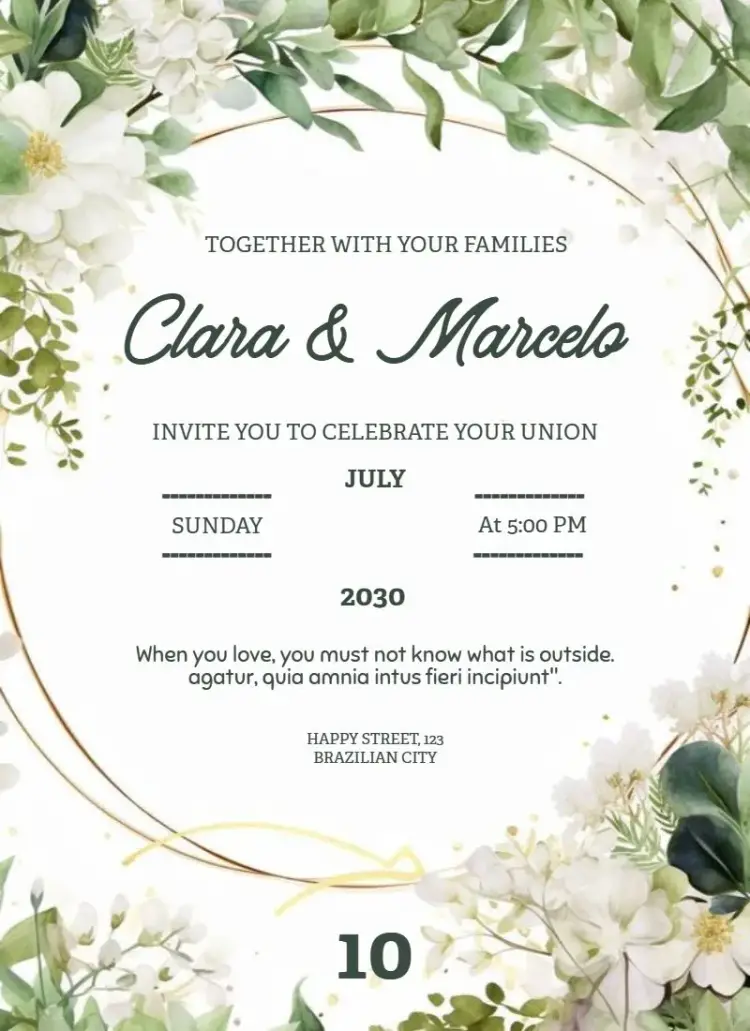
24 templates
Bridal shower invitations to customize online
Compare bridal shower invitation designs for brunches or gatherings, organize the host and RSVP details, then open a template to personalize.
Curated templates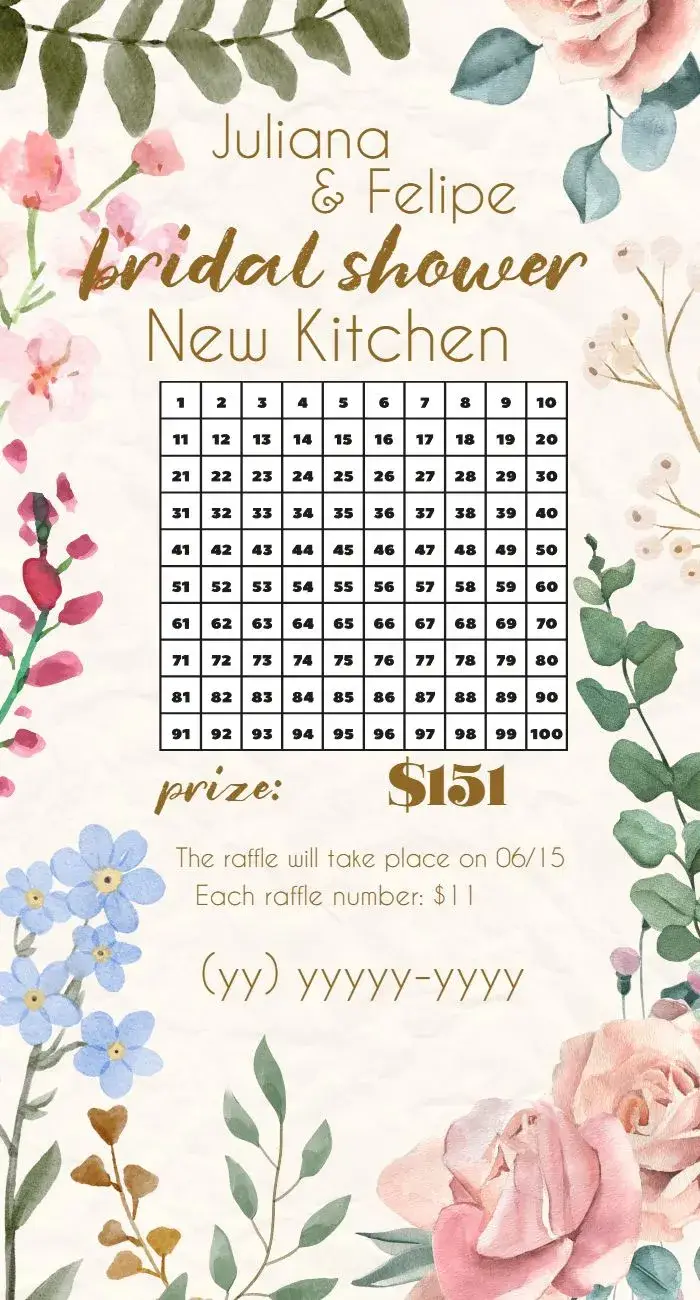
22 templates
Graduation invitations to customize online
Compare graduation invitation designs, organize school, program and ceremony or party details, then open a template to personalize the message.
Curated templates
Invitation wording: customize and copy your message
Build invitation wording for birthdays, weddings, baby showers and graduations. Customize a sample and copy it into your invitation’s editable text fields.
Build your invitation messageHow to print invitations: size, aspect ratio and PDF
Estimate print dimensions and image resolution from pixels. Understand the editor’s one, two or four invitations per A4 PDF sheet options.
Estimate print size and image resolutionInvitations with RSVP: share an event confirmation link
Learn how to create an event from an edited invitation, review RSVP settings and send a published event link for guests to respond.
Prepare the message for your RSVP linkCreate an invitation that feels like yours
Choose a template and edit the wording, colors, and event details directly in your browser.