Celebrate one wonderful year
First birthday invitations to customize online
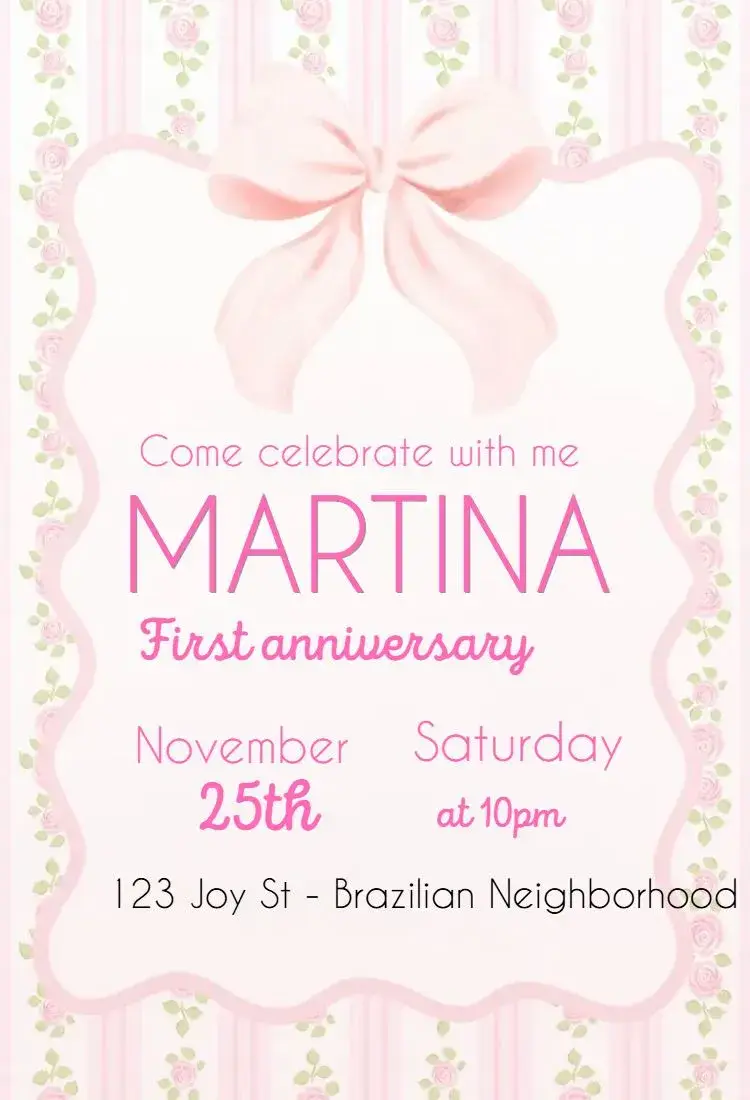
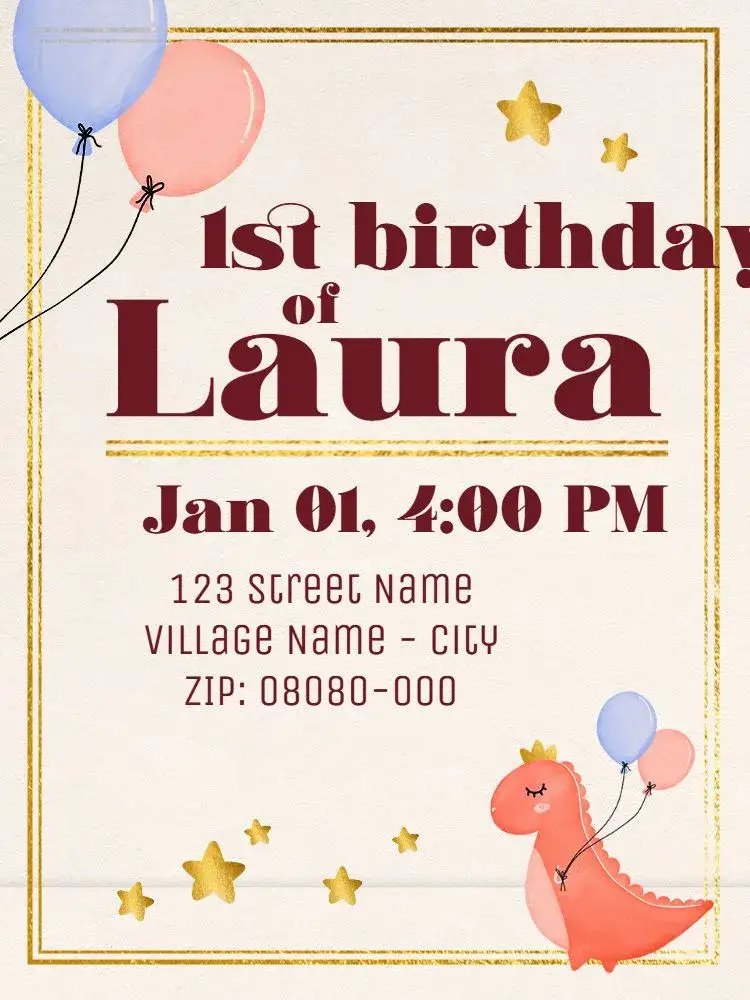
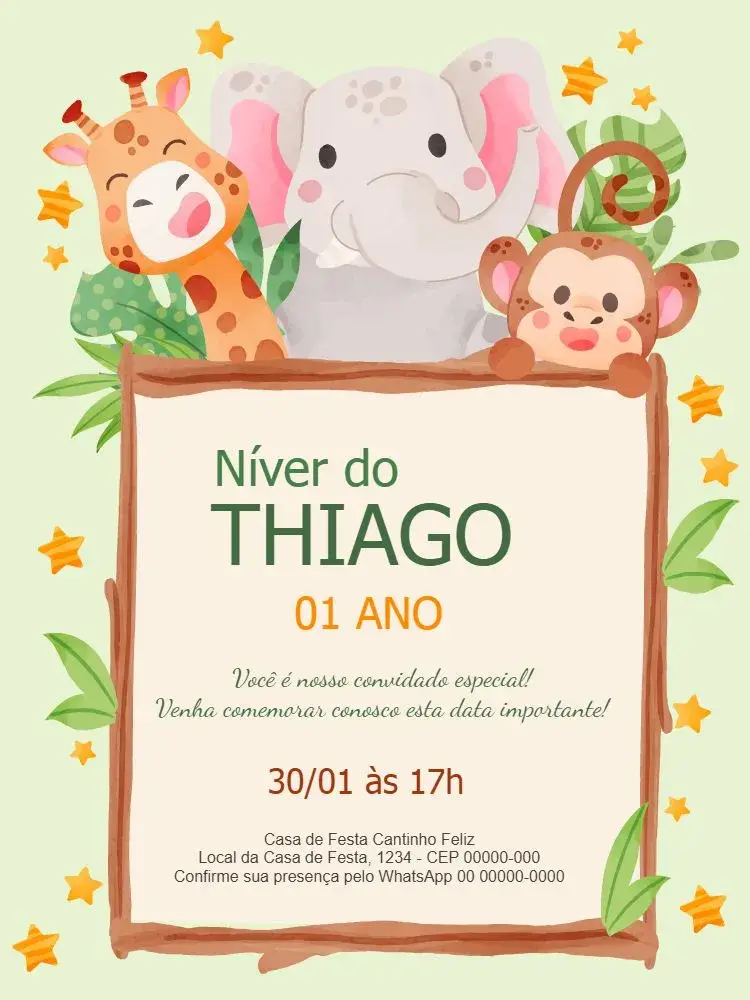
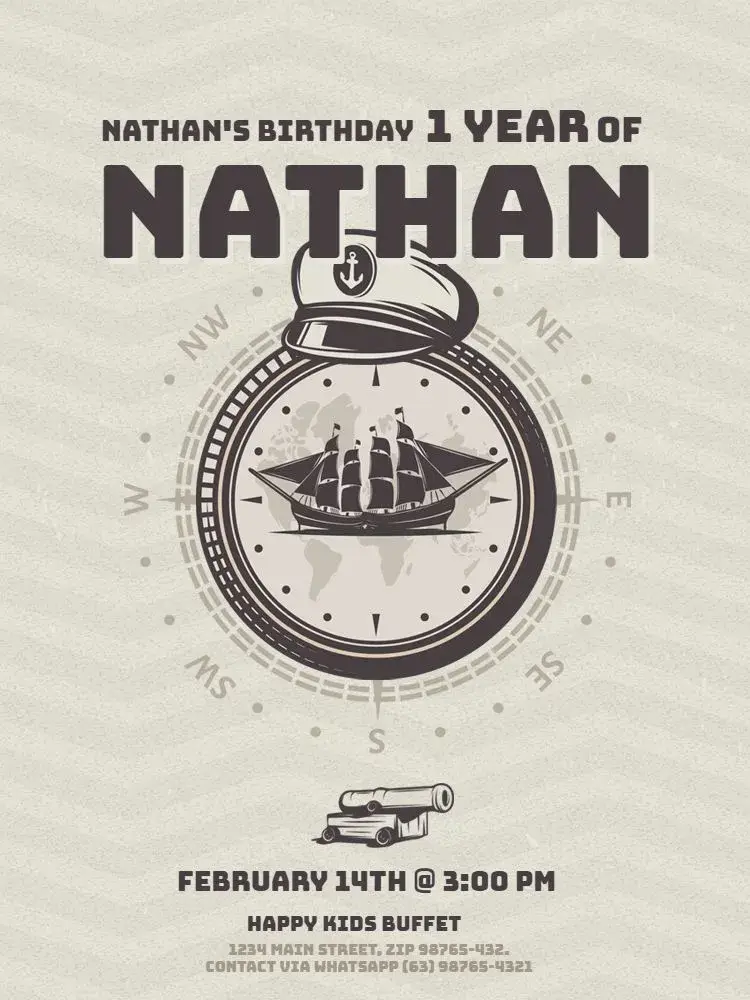
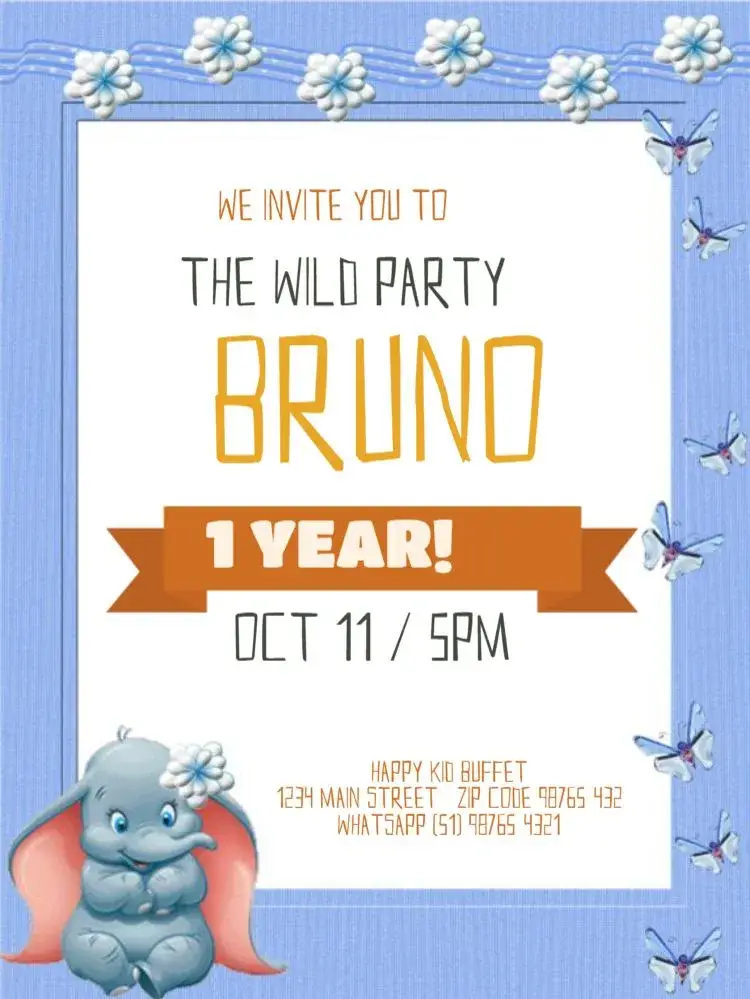
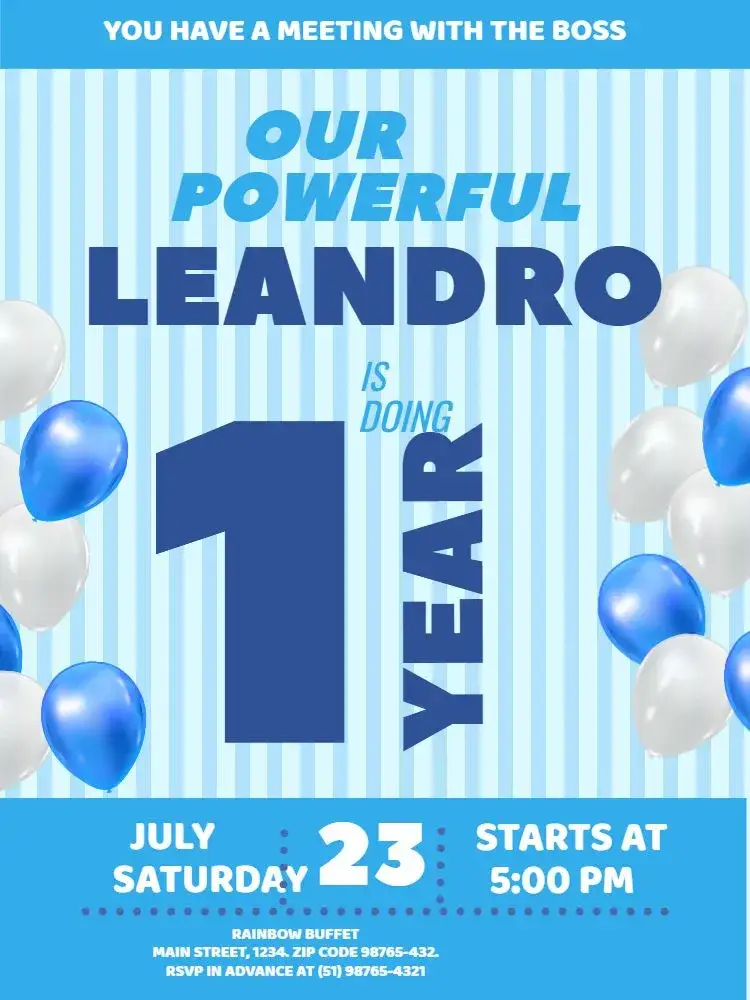
Compare the artwork in this selection and inspect a template before opening the editor. A first birthday may be scheduled around the baby's routine.
24 curated templatesCurated templates
Selection
Curated templates
Choose a design, personalize the event details, and get your invitation ready to share.
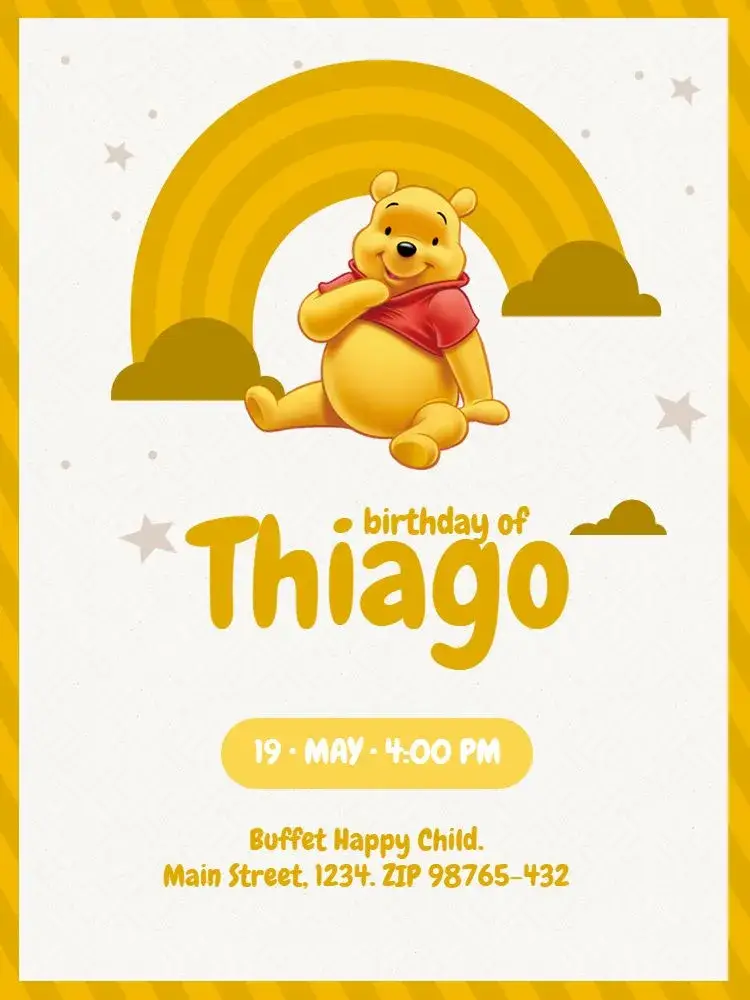
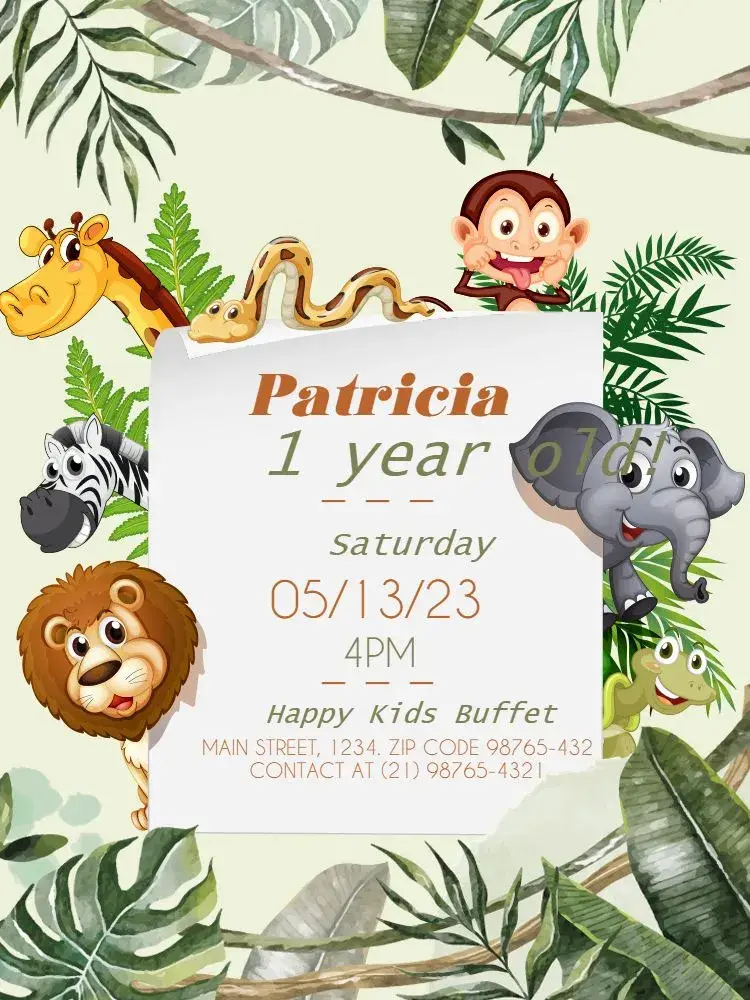
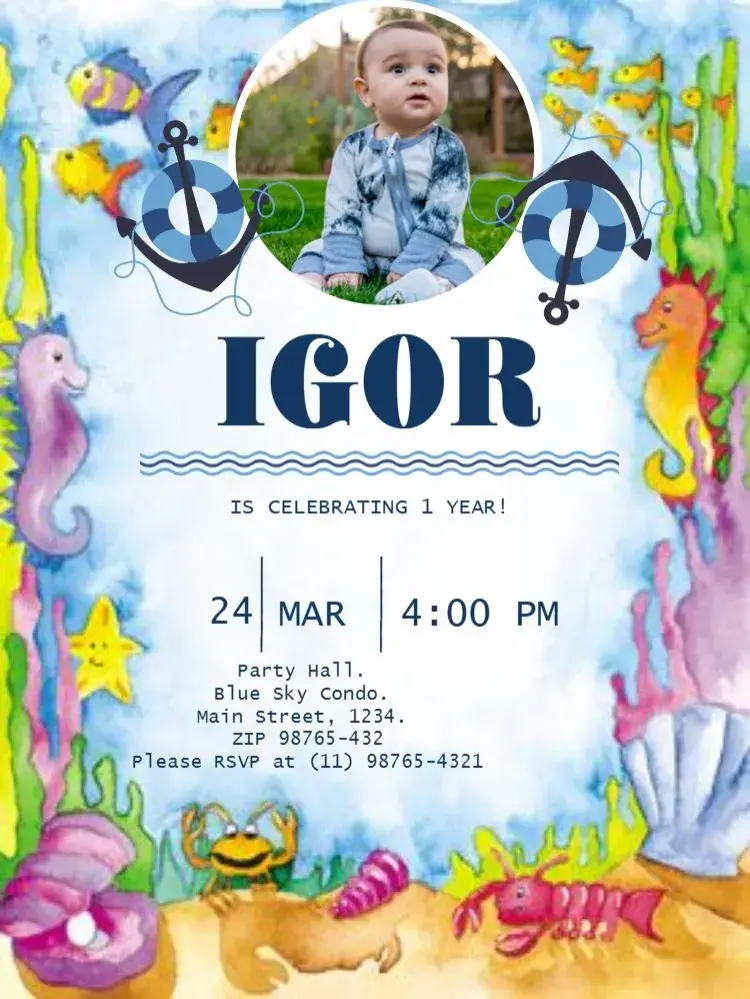
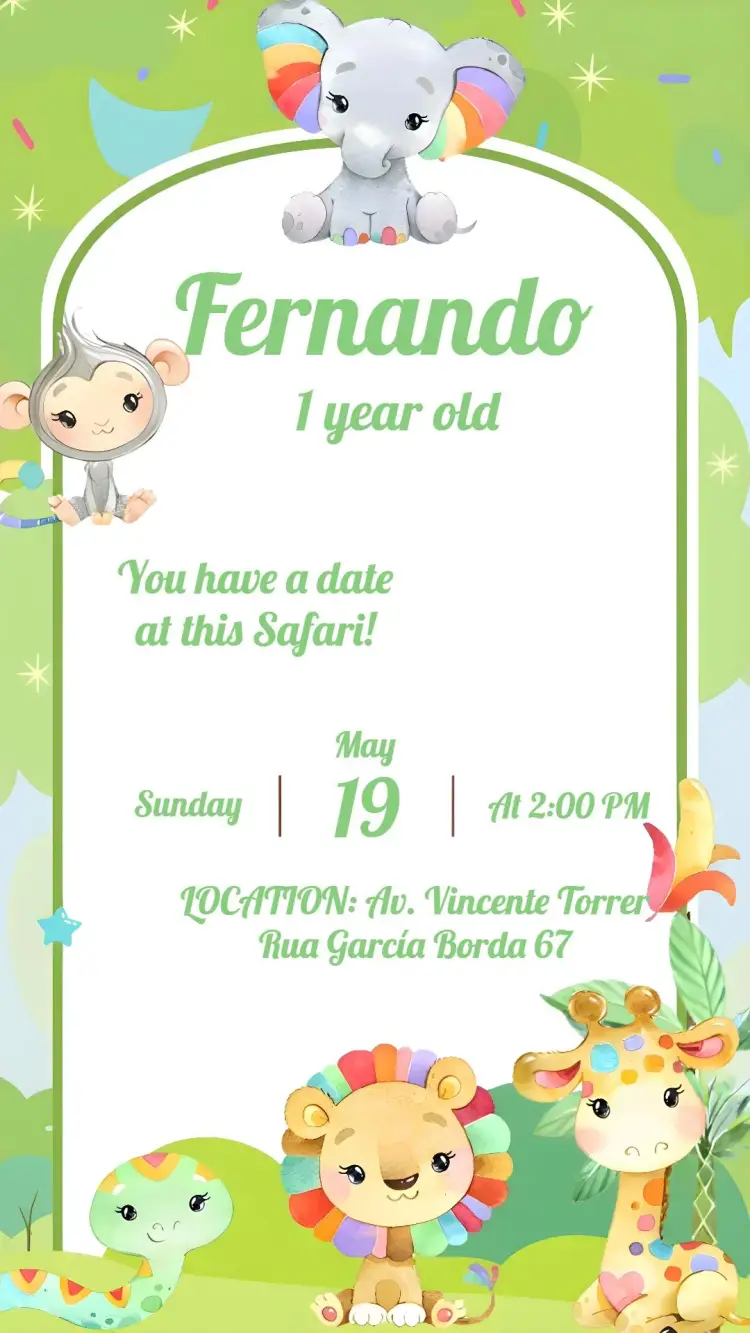

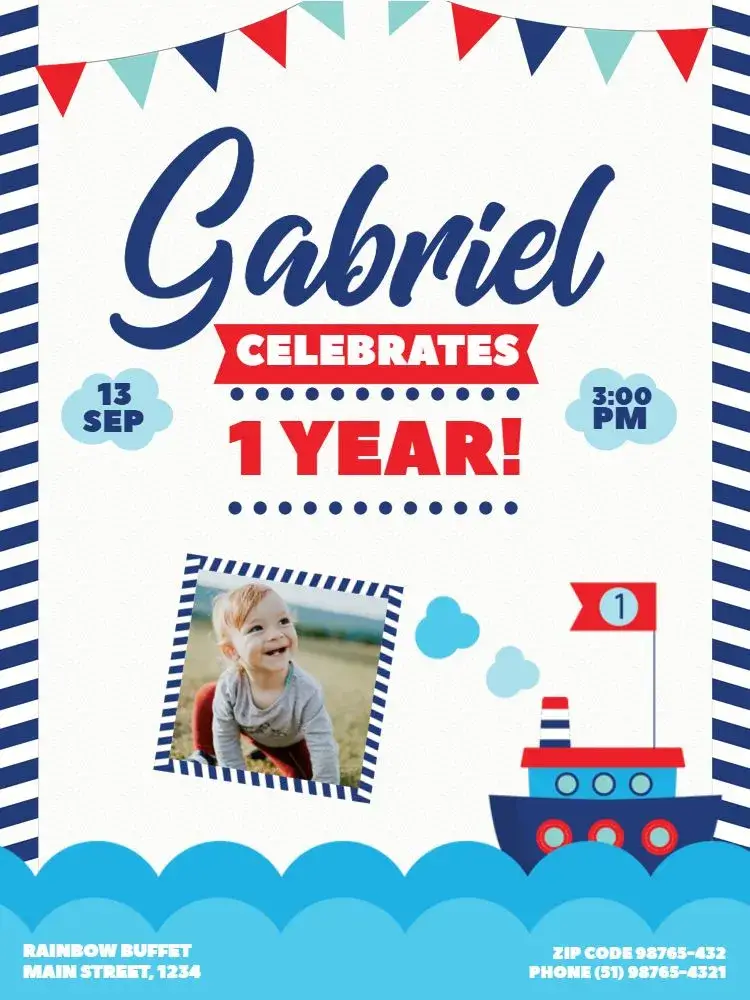
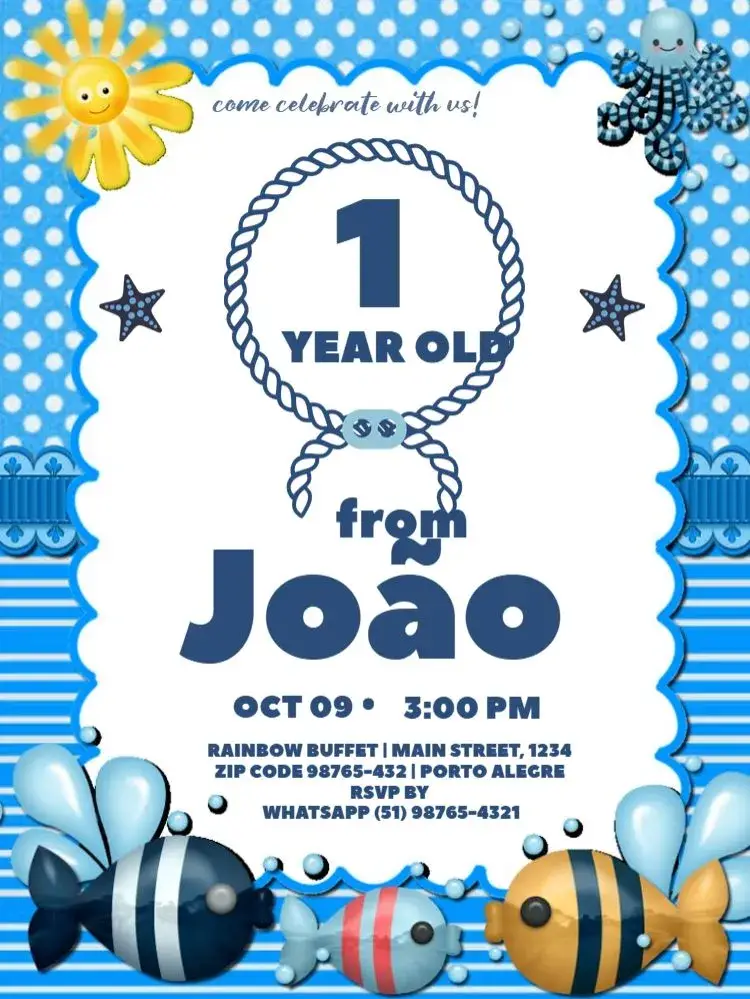
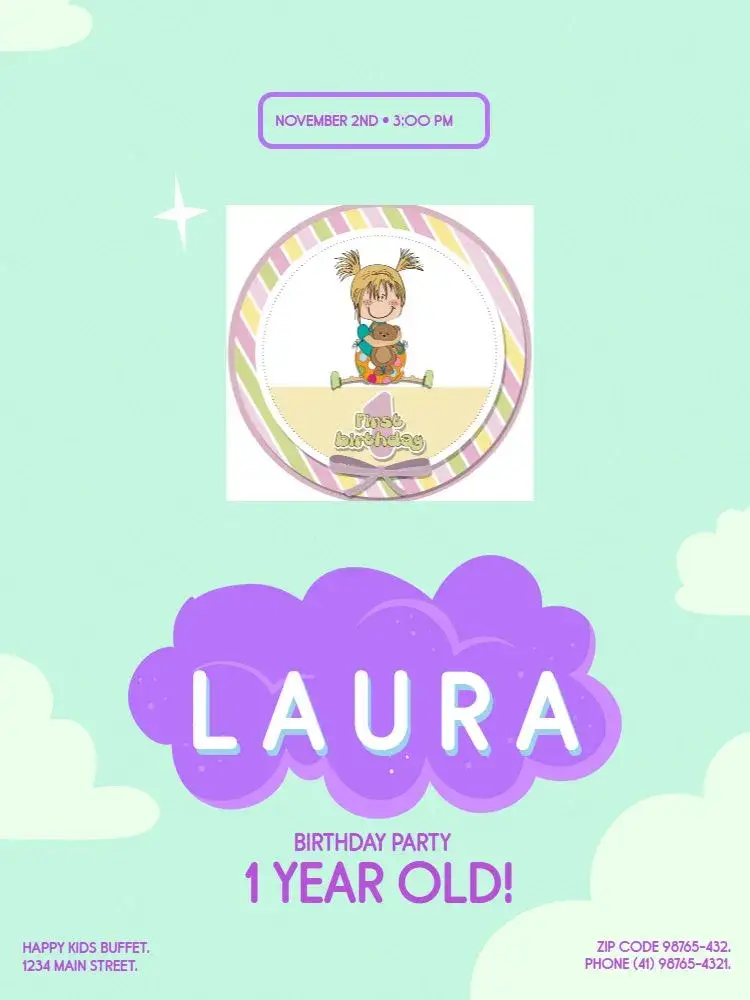
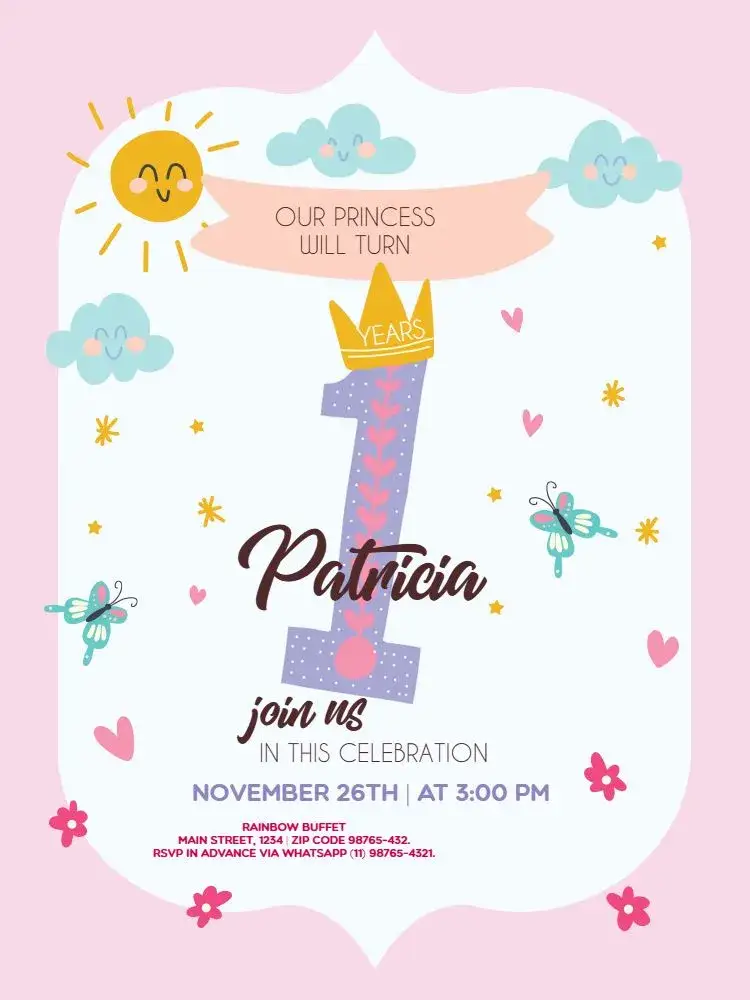
How to choose
About this collection
From the right design to the editor, step by step.
Give the first year a thoughtful visual story
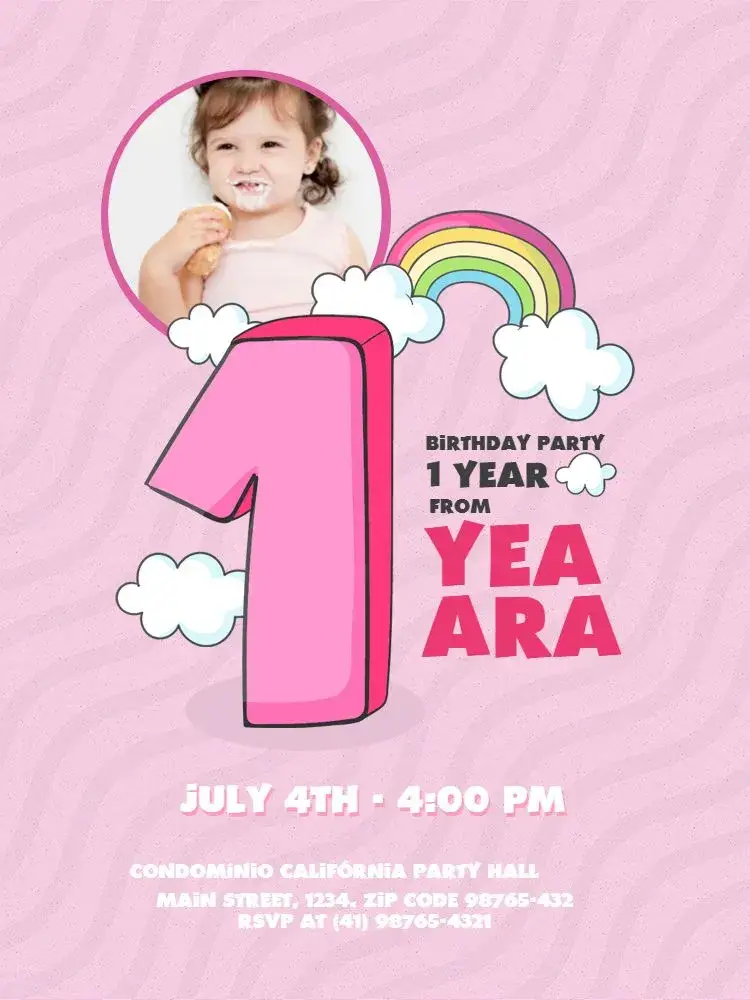
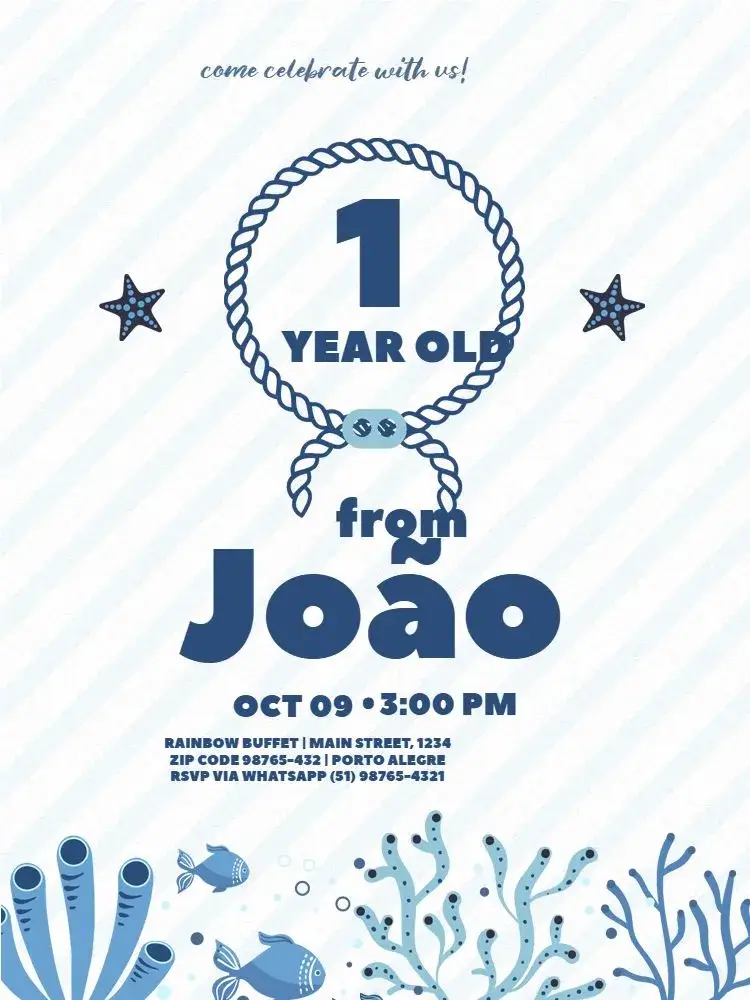
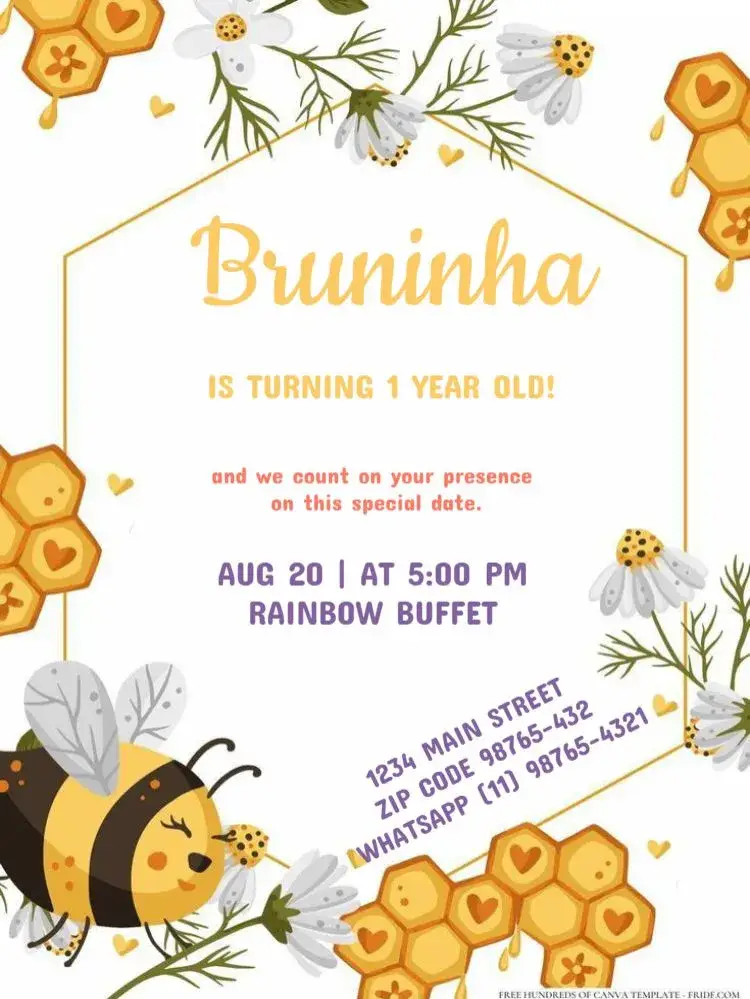
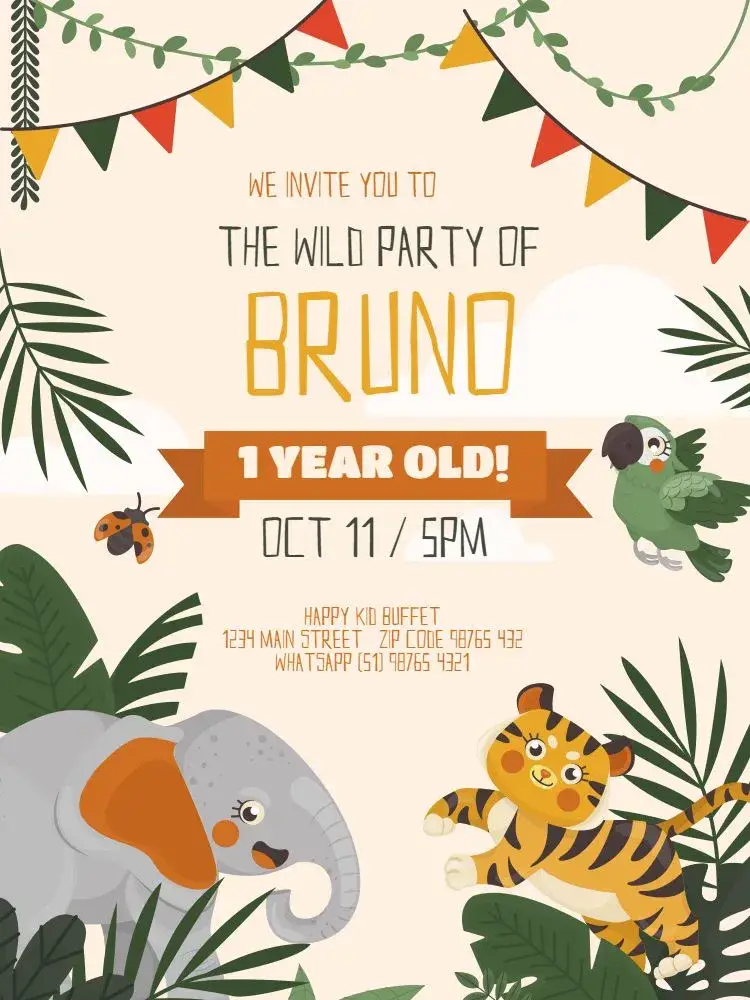
A first birthday often brings together photographs, favorite colors, and memories from a year of change. You might choose a soft and simple design, a cheerful illustration, or a layout inspired by the party setting. The number one can be a visual focus without taking over the entire piece. A strong option keeps the child's name prominent and feels personal to the family.
Include details that help families plan
List the date, start time, location, and RSVP contact. Consider whether guests need to know about stroller access, outdoor conditions, siblings, parking, or a scheduled activity. If the gathering follows a nap-friendly window or has a defined end time, that detail can also be useful. Keep the wording concise so parents and caregivers can find what they need quickly.
Use photos and type carefully
If the invitation features a photo, choose a clear image and keep text away from busy areas. Test contrast at phone size and avoid combining too many decorative fonts. Double-check the child's name, address, and every number before sharing. A review by another family member helps protect against small errors and leaves you with a polished invitation that can also become a keepsake.
Details to confirm before editing
A first birthday may be scheduled around the baby's routine. Include start and end times when helpful, and check stroller access at the venue. Feature the first year without repeating the age in every block; the child's name and the practical details still need room.
Spell out the month in the date — [Month] [day], [year] — and check the time. Include a.m. or p.m., or use a clearly labeled 24-hour time. For guests in another region, add the city and the time zone when needed rather than relying on an ambiguous numeric date.
Example wording to adapt
The following wording is a suggestion: replace the fields in brackets and remove anything that does not apply to your event.
[Name] is turning one! We would love to celebrate with you on [date] at [time], at [venue]. Please RSVP to [host] by [deadline].
From the selected template to the editor
Open the selected invitation page, inspect its preview and use the personalization button to enter the editor. Replace the sample details with your event information and check which elements that template allows you to change. To include a photo, choose a design with space for one or check the editor options. Review the result on a phone and check the download options and conditions shown for that template before completing it. Sharing an image does not automatically make the text inside it clickable: send necessary maps and links in the accompanying message too.
How should you plan the first birthday?
Check whether the artwork refers specifically to the first year or can suit another age. Consider the child’s routine when choosing the start time. For a photo layout, check sharpness and crop without covering the face or important event information.
Questions
Frequently asked questions
What to check before opening the editor.
What should a first birthday invitation include?
Include the child’s name, date, time, location, RSVP details, and any practical notes that help families with young children plan.
Can I use a baby photo on the invitation?
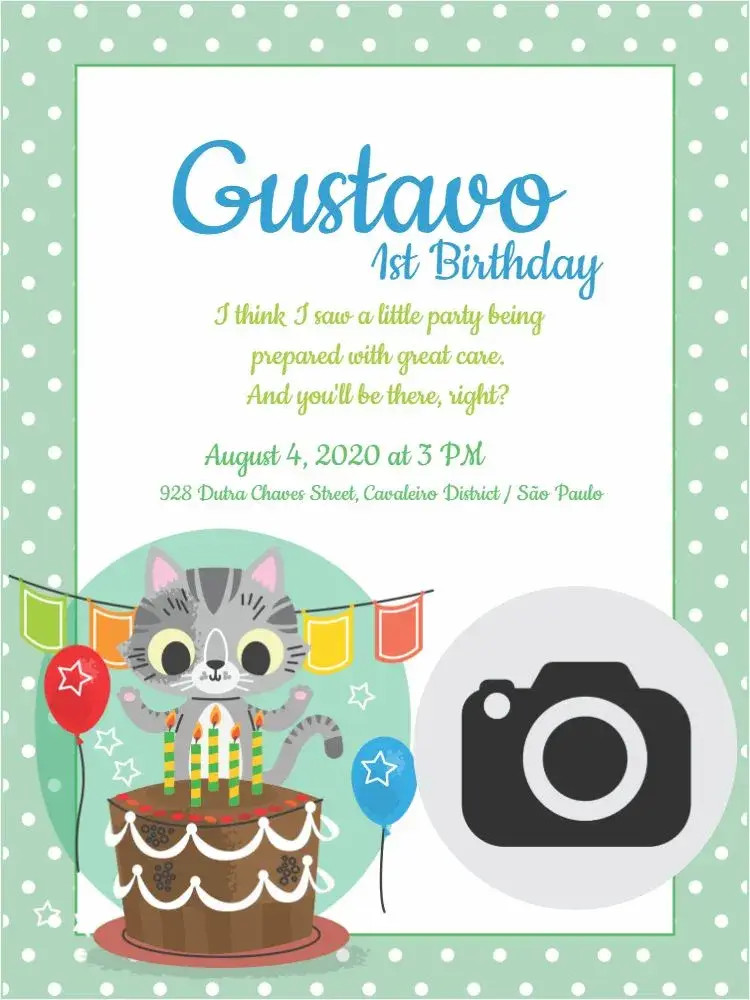
Choose a template with space for a photo or check the image options available in the editor. Preview the result after the change so the event details remain readable.
How do I highlight the first birthday?
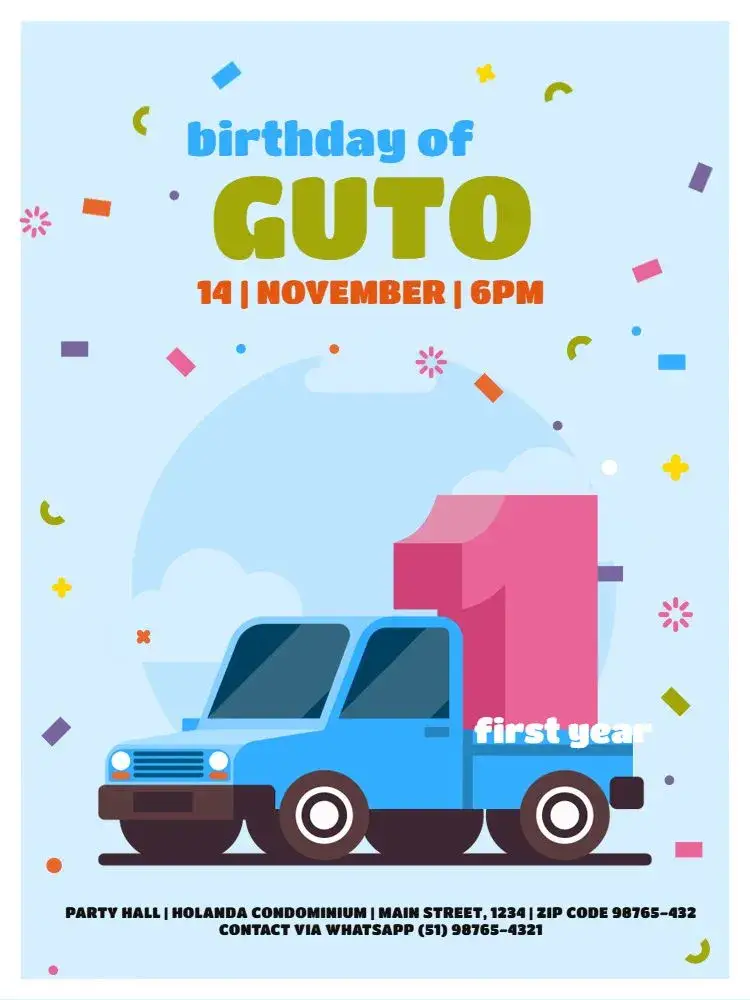
Use the number one in the headline or as a visual element, while keeping the child’s name and event details easy to read.
Does a first birthday invitation need a character theme?
No. Minimal, nature-inspired, typographic, and photo-led designs can feel just as festive and may better match the family’s style.
How should you plan the first birthday?
Check whether the artwork refers specifically to the first year or can suit another age. Consider the child’s routine when choosing the start time. For a photo layout, check sharpness and crop without covering the face or important event information.
How do I open a selected template in the editor?
Open the invitation page, inspect the design and use the personalization button. Replace the example event details. Photo, color and design changes depend on the selected template and the options available in the editor.
Collections
Explore related collections
24 templates
Kids' birthday invitations to customize online
Compare kids' birthday invitation designs, organize the name, age and caregiver instructions, then open a template that suits the actual party.
Curated templates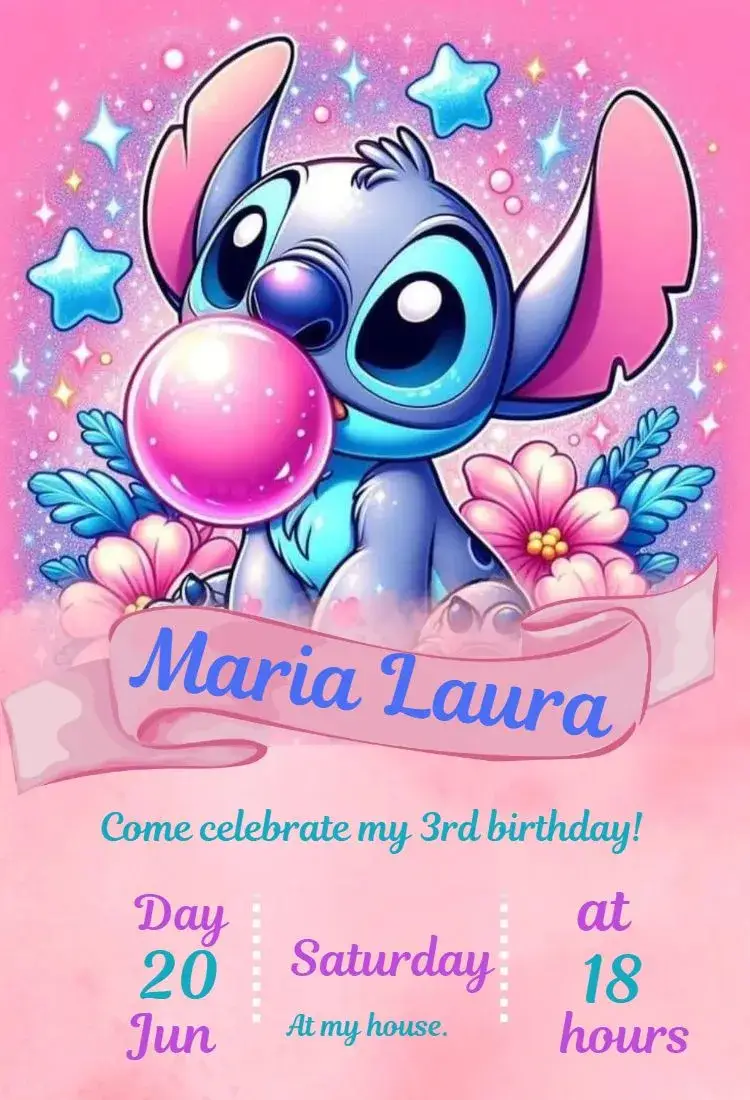
24 templates
Birthday invitations you can customize online
Compare birthday invitation designs, organize the name, date and venue, then open a template to personalize the details of your celebration.
Curated templates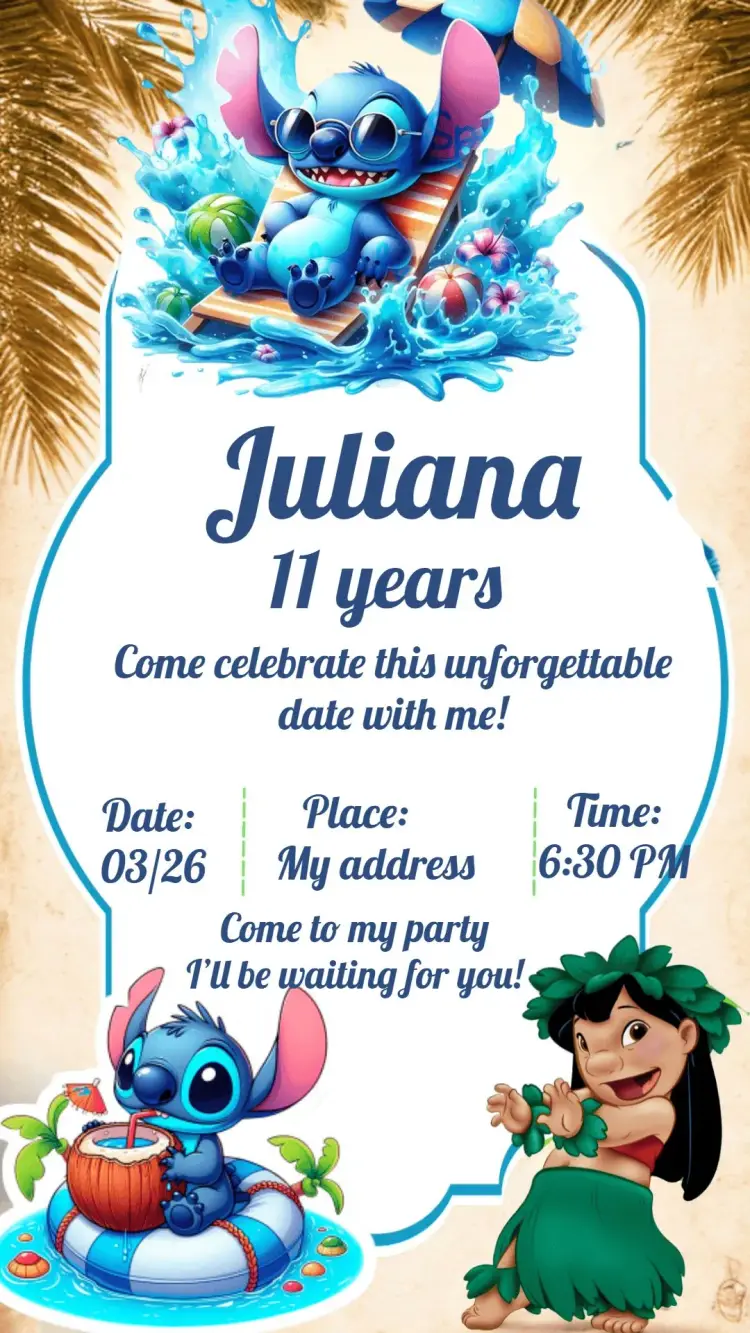
24 templates
Baby shower invitations to customize online
Compare baby shower invitation designs, organize the hosts, date and gift notes, then open a template to personalize the gathering details.
Curated templates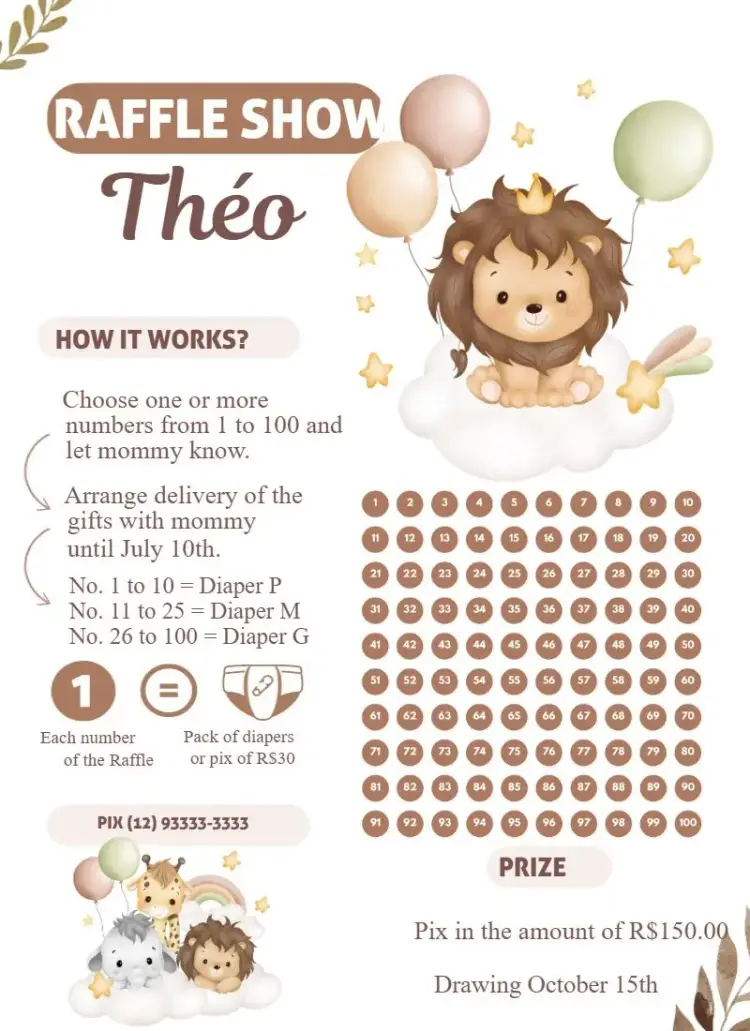
Invitation wording: customize and copy your message
Build invitation wording for birthdays, weddings, baby showers and graduations. Customize a sample and copy it into your invitation’s editable text fields.
Build your invitation messageHow to print invitations: size, aspect ratio and PDF
Estimate print dimensions and image resolution from pixels. Understand the editor’s one, two or four invitations per A4 PDF sheet options.
Estimate print size and image resolutionInvitations with RSVP: share an event confirmation link
Learn how to create an event from an edited invitation, review RSVP settings and send a published event link for guests to respond.
Prepare the message for your RSVP linkCreate an invitation that feels like yours
Choose a template and edit the wording, colors, and event details directly in your browser.