


Editable designsFor many occasions
Digital Invitations Editable for Every Occasion
Digital invitation templates for birthdays, weddings, baby showers and more. Edit the text in your browser. Download and send it on WhatsApp.
Occasions
See all occasionsBrowse by occasion
Each occasion groups editable designs. Open one to compare the artwork.
Swipe for more
Season
Christmas and year-end
Invitation selections for December gatherings.
Trending
Browse all designsTrending designs
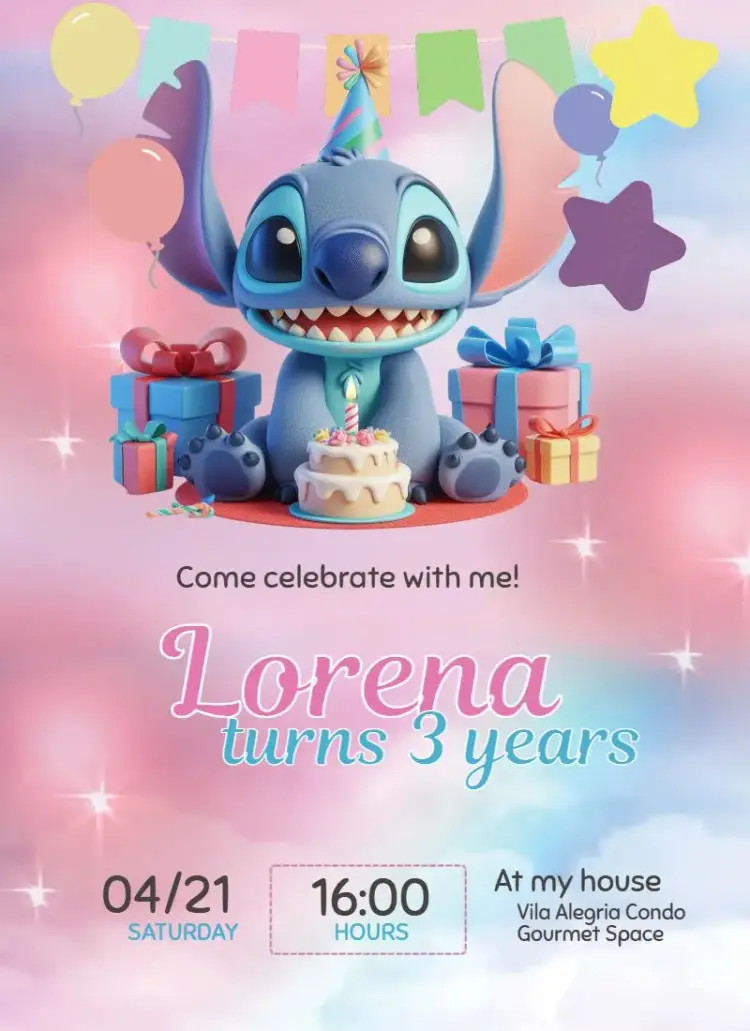
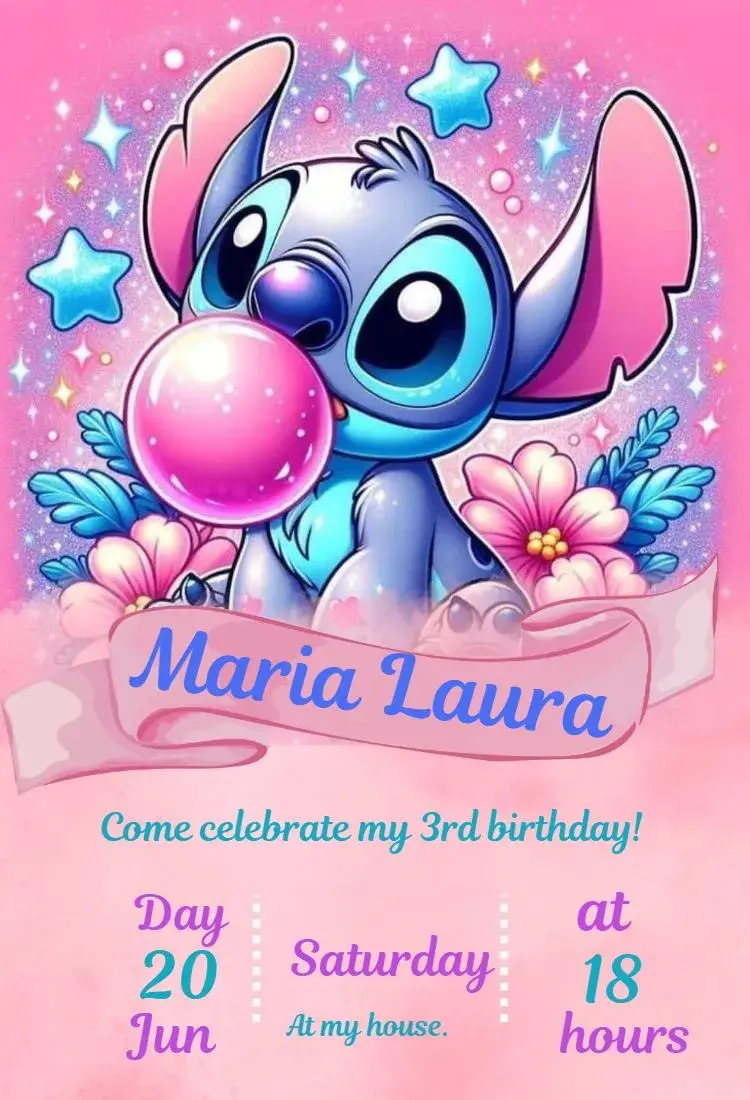
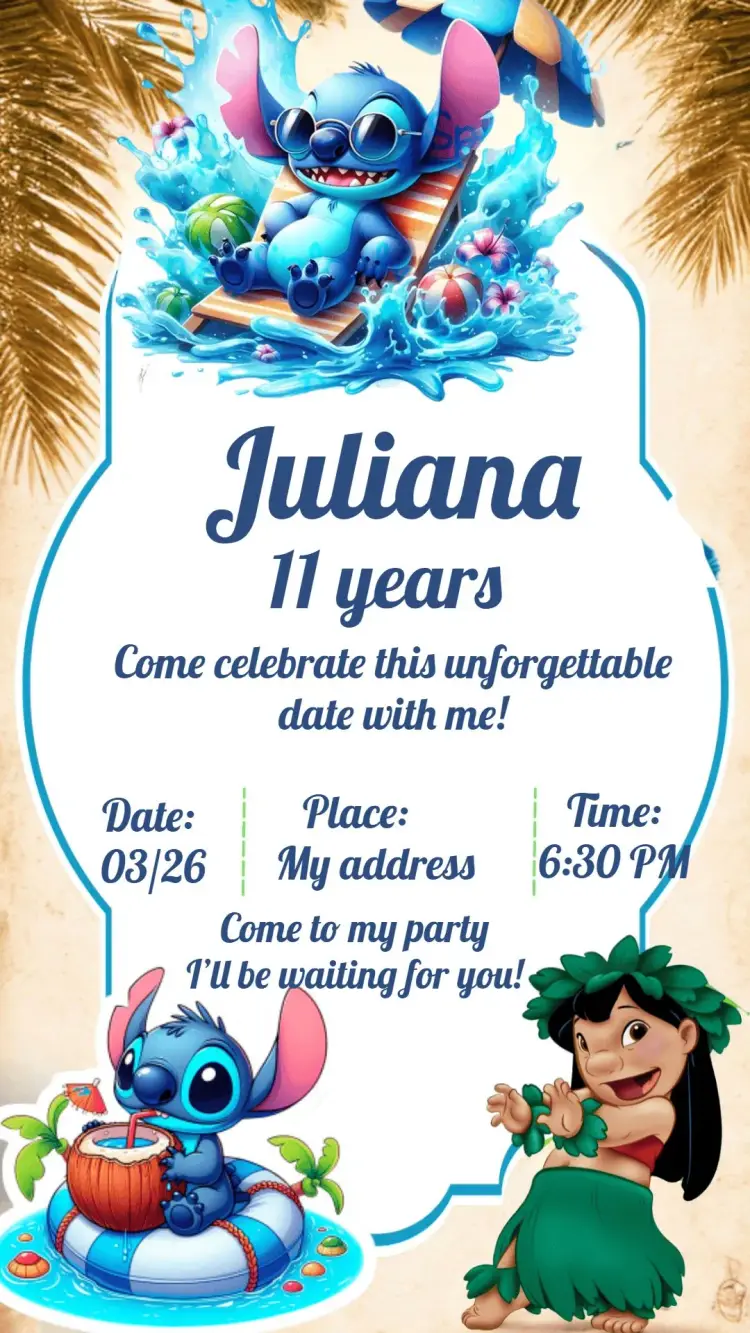
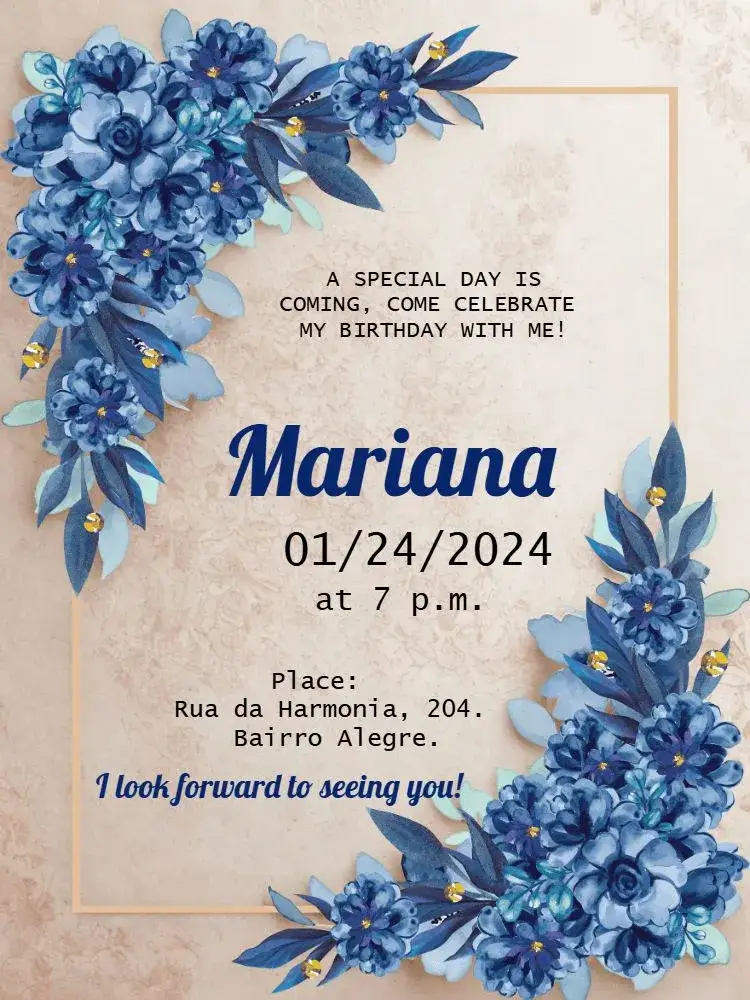
The most sought-after designs right now. View the details or start customizing the design you choose.





New · Powered by AI
Turn your kid's photo into the hero of the invite
Upload a photo and describe your theme to generate AI artwork. Results may vary; check the credits and conditions shown in the workflow.
Paid feature using AI credits


Collections
Invitation collections
Guides and tools
Guides and tools
Invitation wording: customize and copy your message
Build invitation wording for birthdays, weddings, baby showers and graduations. Customize a sample and copy it into your invitation’s editable text fields.
Build your invitation messageHow to print invitations: size, aspect ratio and PDF
Estimate print dimensions and image resolution from pixels. Understand the editor’s one, two or four invitations per A4 PDF sheet options.
Estimate print size and image resolutionInvitations with RSVP: share an event confirmation link
Learn how to create an event from an edited invitation, review RSVP settings and send a published event link for guests to respond.
Prepare the message for your RSVP link
Frequently asked questions
Everything you need to know
Learn how to choose, edit, download and share. Use our contact channels for account-specific questions.
How do I choose a design?
Search for an occasion, theme and details such as a color or photo. Compare the artwork and open the details or editor of the design you choose.
What can I edit?
Fields and elements vary by design. Check the text, images and styling options available in the editor before finishing.
Can I use the editor on a phone?
You can open the editor in a phone or computer browser. Performance and some options, such as native sharing, depend on your device and browser.
Which files can I download?
Check the editor’s options. Image export generates PNG; PDF export places one, two or four designs on A4. Resolution and printed size depend on the design and exported file.
Will my file have a watermark?
Clean file access follows a purchase, a credit or your plan’s conditions. Previews and files that are not activated may have a watermark.
How does RSVP work?
An RSVP event is linked to your edited invitation. Configure it, check activation conditions and send the published event link for guests to reply. An image alone does not record RSVPs.
How do I send an invitation?
Download the image or use your browser’s available sharing options. If you use RSVP, send the published event URL as a text link alongside the image.
Do I need to pay before choosing a design?
You can browse the catalog and open the editor before choosing file access. Clean downloads and additional features follow the prices and conditions shown in the workflow.
Are similar names the same design?
Each template has its own artwork and layout. Similar names may represent different designs. Compare colors, characters, photo areas and the placement of event details.
Where do I manage a subscription?
Open your account to check your plan, renewal and available cancellation options. Access follows the conditions and dates shown for your subscription.
Ready to create your next invitation?
Choose a design, personalize its fields and review your event details.
Choose a design- Editing is free
- Instant preview
- Secure checkout