
Make it yoursDesigns for your celebration
Birthday invitations for your celebration
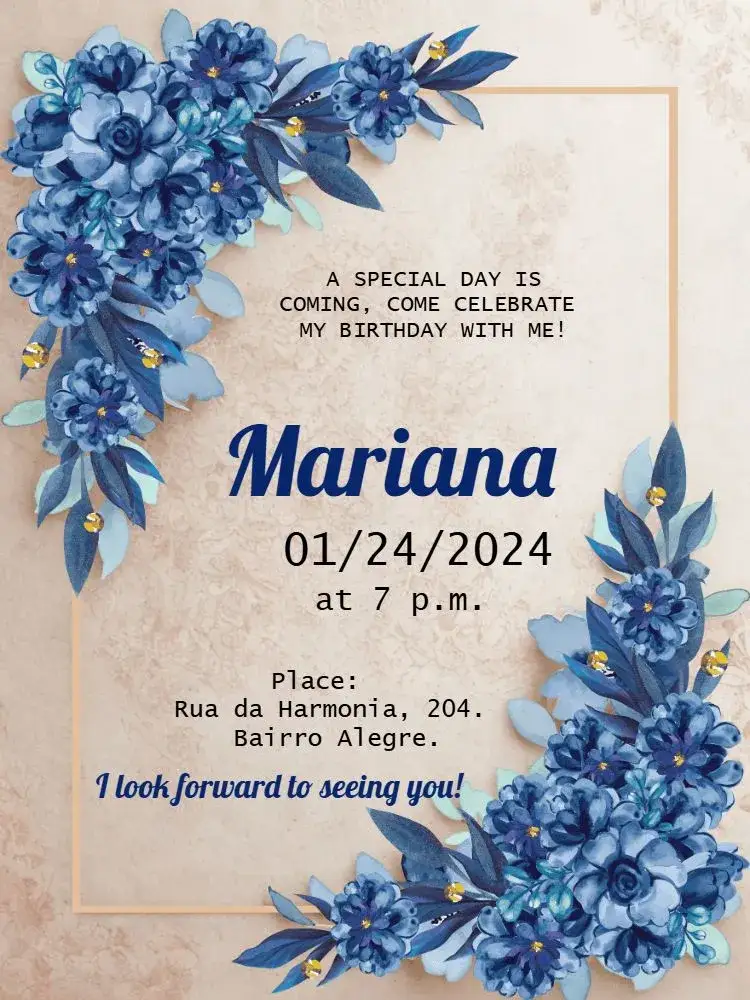
A backyard party, a birthday dinner or a get-together with friends: choose a design that fits your plans and replace the sample details with your own.
Designs for your celebration
Browse more designsChoose your birthday invitation design
Open a preview to check the layout, or go straight to the editor for the design you like.





Invitation wording: customize and copy your message
Build invitation wording for birthdays, weddings, baby showers and graduations. Customize a sample and copy it into your invitation’s editable text fields.
Build your invitation message
How to print invitations: size, aspect ratio and PDF
Estimate print dimensions and image resolution from pixels. Understand the editor’s one, two or four invitations per A4 PDF sheet options.
Estimate print size and image resolution
Invitations with RSVP: share an event confirmation link
Learn how to create an event from an edited invitation, review RSVP settings and send a published event link for guests to respond.
Prepare the message for your RSVP link
What to look for in a birthday invitation
The design should match your celebration and make the party details easy to find.
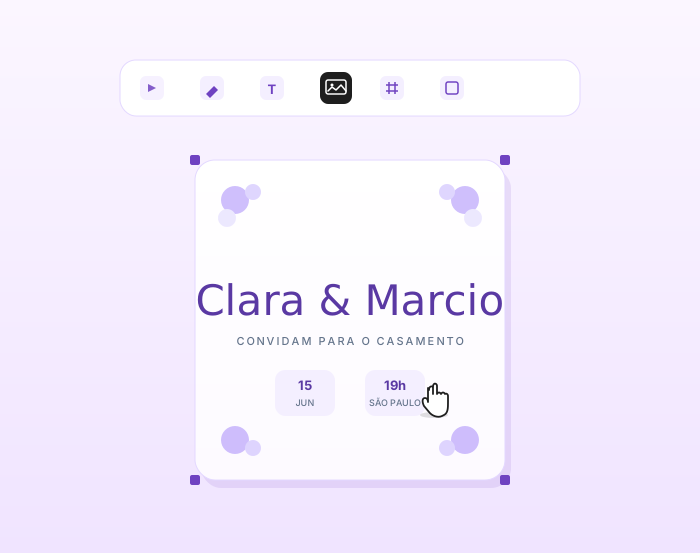
A style that fits the party
Compare floral, sports, colorful and understated designs. A theme name helps you search, but the preview shows how each invitation is arranged.
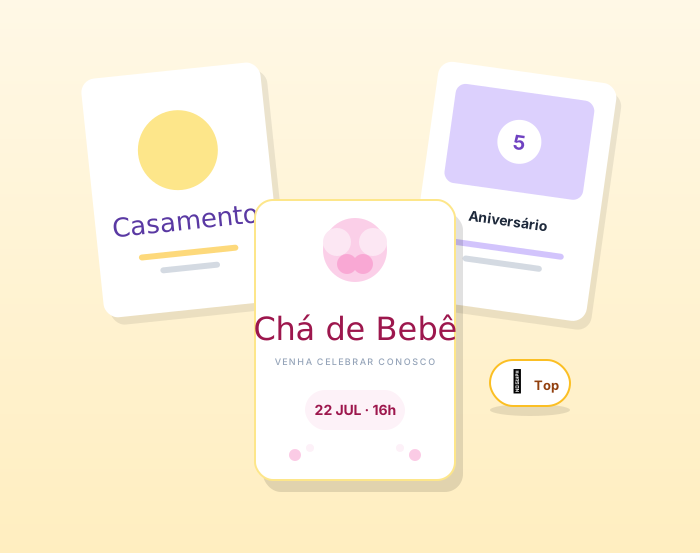
Room for the details
Check where the name, age, date, time and address go. If you need more text, choose a layout with enough space to keep the lettering readable.
How you plan to send it
For a message, check the invitation on a small screen. For printing, explore the editor’s PDF options and check the final size before making several copies.
How to make your birthday invitation
Have the party details ready before you start editing.
01
Pick a design
Search for a style, compare the previews and open the invitation that suits the party. Similar names can refer to different artwork and layouts.
02
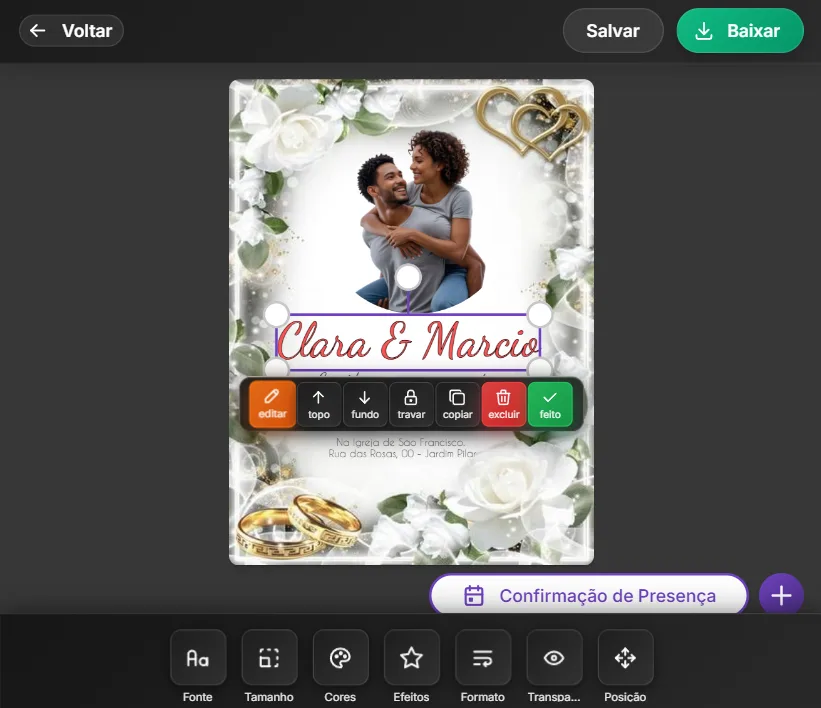
Replace the sample details
Edit the available text elements with the name, age if needed and event information. Check the smaller text areas as well as the headline.
03
Review and prepare to send
Check the preview and available unlock options, then choose a file format for your needs. Send a test version before sharing it with everyone.
What should a birthday invitation say?
A short message works well when the essential details are complete.
01
An opening and the name
Try a line such as “Come celebrate with me” and make the birthday person’s name clear. Add the age if it is part of the celebration.
02
Date, time and venue
Include the month with the date and double-check the time. Add the venue name and an address that guests can find.
03
Any useful instructions
If you need replies by a certain date or have an important instruction, add a short line. Keep it from competing with the main party details.
Before you send the invitations
A quick review can save you from sending a corrected version later.
- Check the spelling of the name and the age.
- Confirm the date and start time.
- Include a complete, readable address.
- Remove every sample name and contact detail.
Browse the designs and try the editor first. Check the price and available unlock options before downloading your final file without a watermark.
FAQ
Birthday invitation questions
Answers about designs, customization and the invitation you will send.
How do I find a birthday invitation for an adult?
Search for a style or a phrase such as “adult birthday” with the age you want. Compare the previews: an age shown in a sample may be editable text rather than a limit on the design.
What is different about a kids’ invitation?
The artwork, style and text layout differ. The kids’ birthday page focuses on choosing a theme and checking the child’s party details. For other ages, start with a style that fits the celebration.
Can I change the name and age in the preview?
Editable text can be changed in the editor. Open the design to check its elements: a detail built into the background image may not be editable on its own.
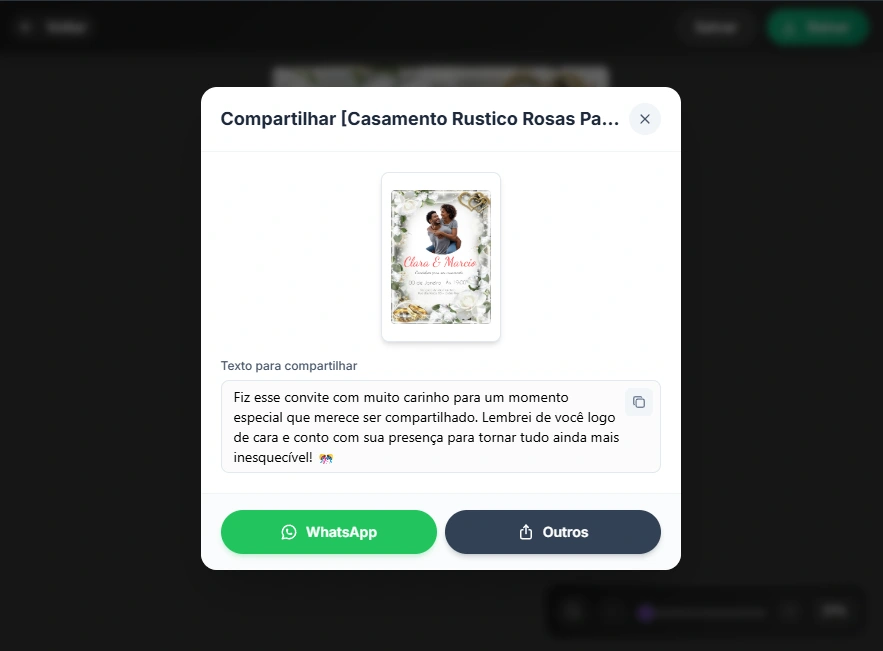
Can I send the invitation through WhatsApp?
Once you have prepared the invitation and unlocked the final file, you can send the image through WhatsApp. Check that the date, time and address are readable on a phone first.
Can I print the invitation?
The editor has a PDF option. Check its available settings and make a test print; paper, printer and final size all affect the result.
Is the invitation download free?
Check the design’s price and the options shown when downloading. Trying the editor does not mean every final file is free or unlocked without a watermark.
Pick a design and add your party details
Start with a layout that fits the birthday instead of building one from scratch.