
Themes for children’s parties
Kids’ birthday invitations in their favorite theme
Compare characters, animals, colors and layouts. Choose a design for your child’s celebration and personalize the party details in the editor.
See kids’ birthday designs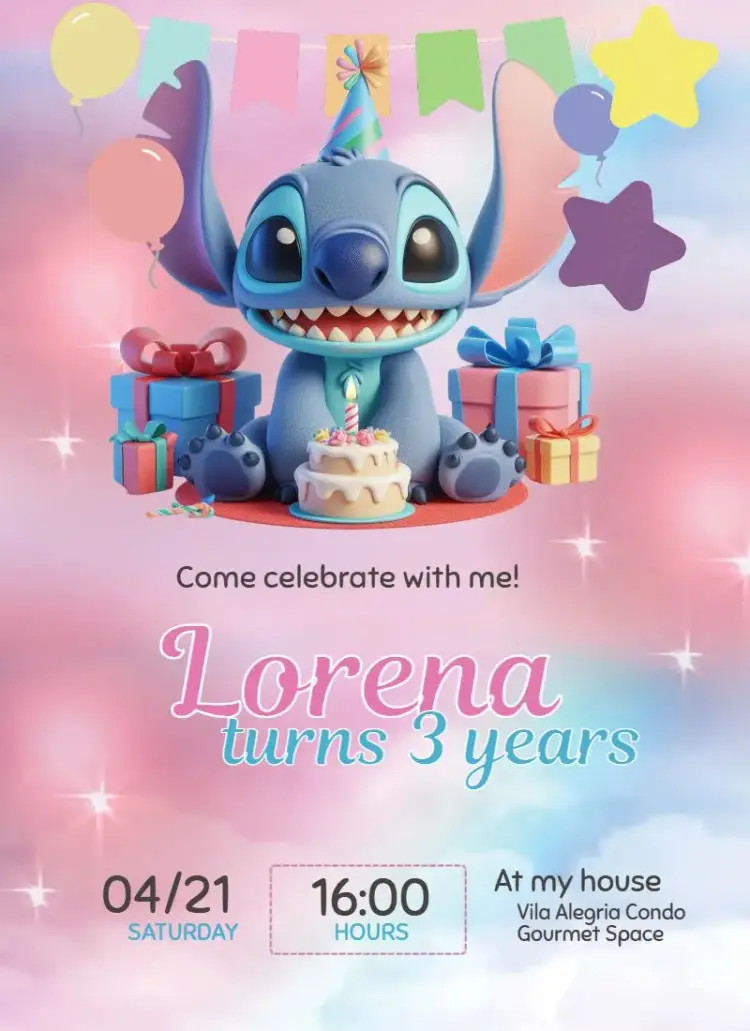
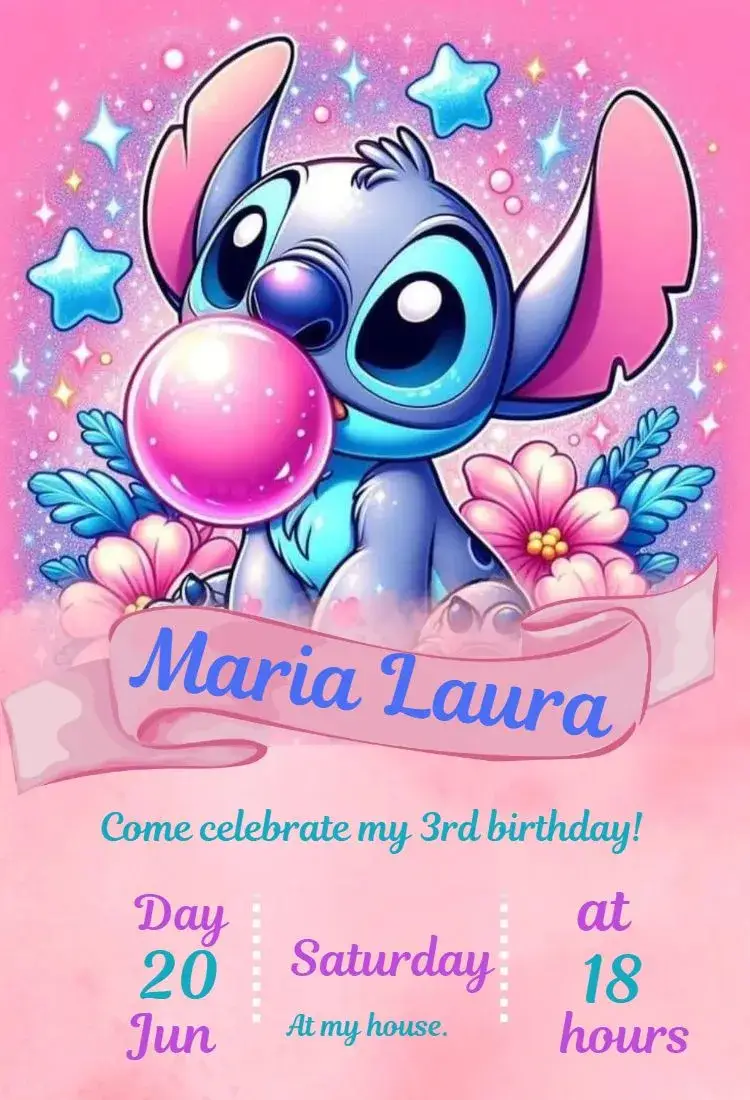
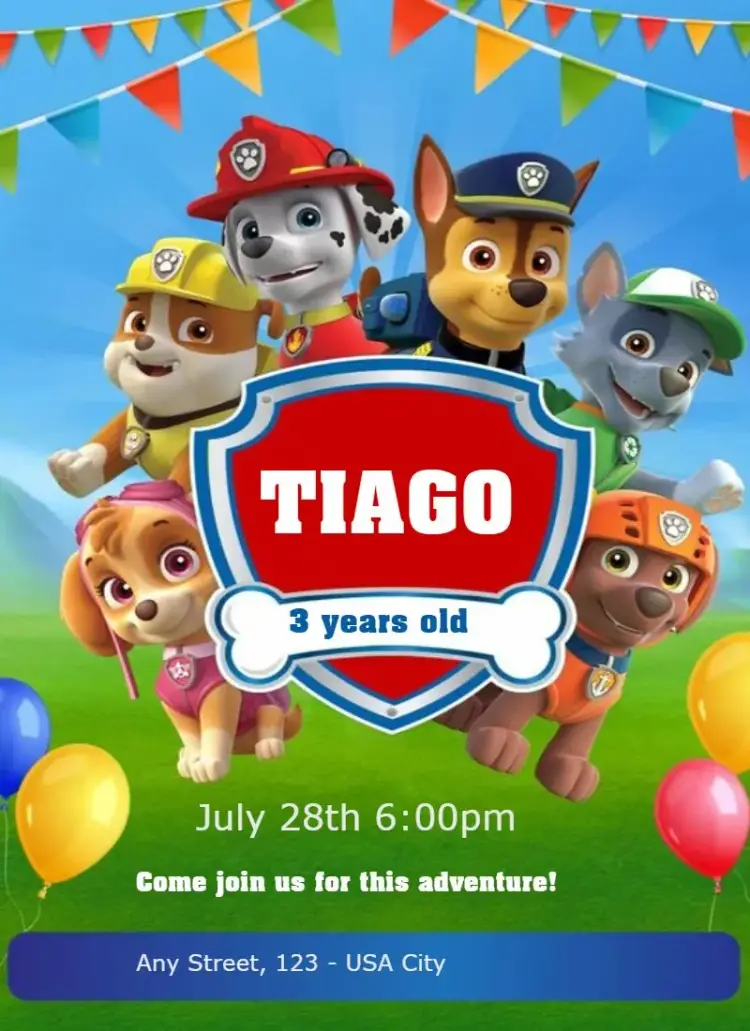
Designs
Browse more designsDesigns for your child’s birthday party
Compare the artwork, colors and room for party details. Open a design directly in the editor without another search.



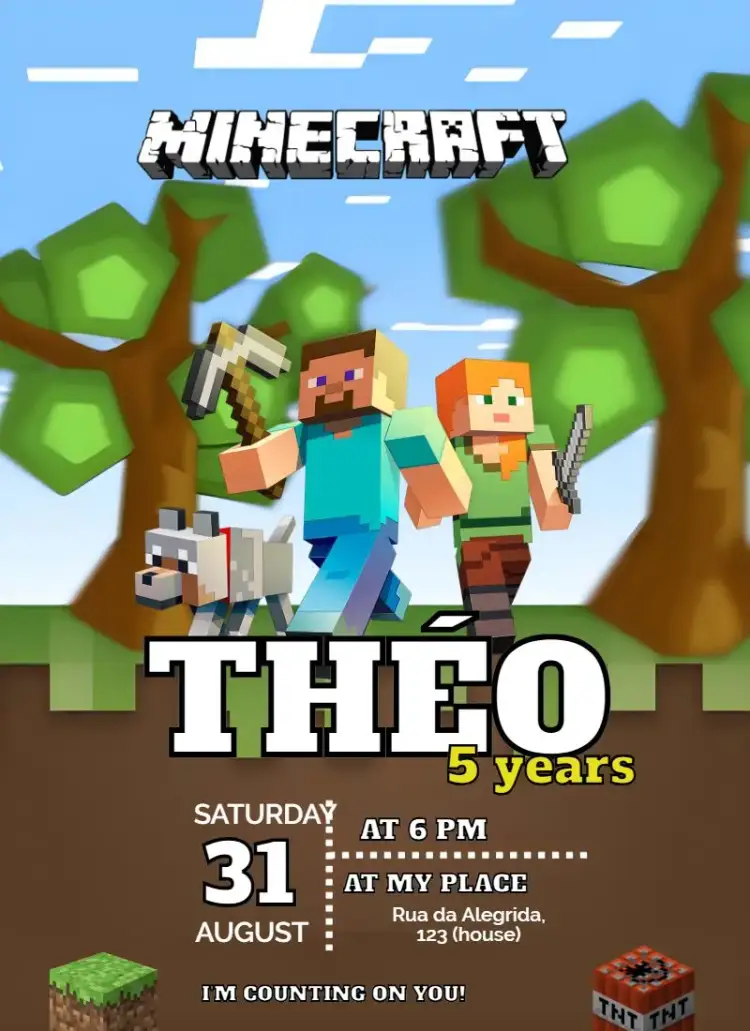


Before you choose
How to choose a kids’ invitation
Two designs with the same theme can have different layouts and customization options.
Theme and layout
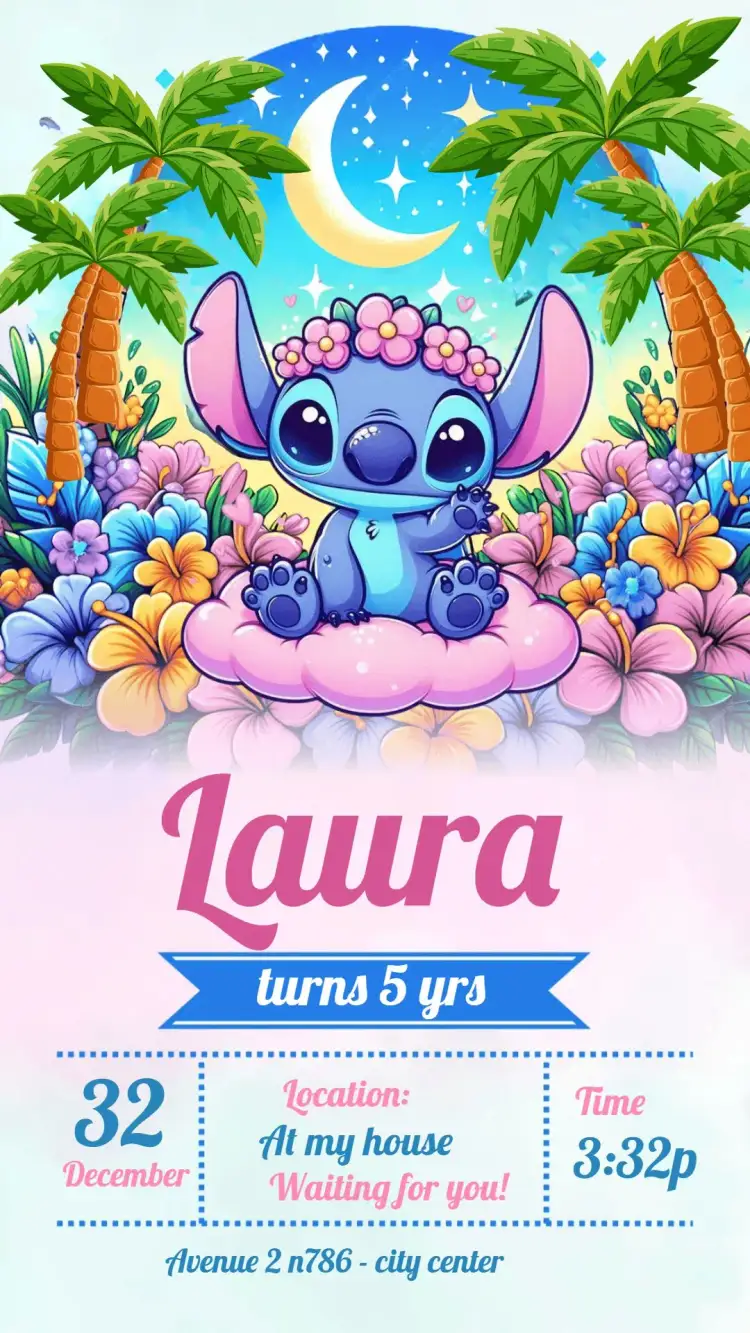
Look at the characters or motifs, background, illustration positions and colors. “Pink”, “blue” or “with flowers” can describe different artwork within the same theme.
With or without a photo
If you want to add a photo, choose a layout with room for it. Open the design in the editor to check the available elements.
Readable party details
The name and age can stand out, but the date, time and venue still need to be clear. With detailed artwork, check the text size and contrast carefully.
Step by step
Personalize your child’s invitation
Have the party details ready, along with a photo if you plan to use one.
Compare designs for the theme
Search for the theme and a visual detail. Open more than one preview to compare the layout and text space rather than choosing by name alone.
Add the name and party information
Replace the sample name, age, date, time and address in the available elements. Make sure the text does not cover a character or photo.
Review with another organizer
Check the invitation with someone helping plan the party, review the unlock options and send a test version before distributing the final file.
In practice
Information that helps the invited families
A child’s invitation also needs to guide the adults bringing them.
Where the party is
Give the venue name and address. If the party is inside a school, club or residential complex, include any directions needed to reach it.
When to arrive and reply
Show the start time. If you need replies, add a contact and deadline or explore the invitation’s RSVP option in the editor.
Personal information
Share addresses and contact details with the people who need them. Before posting an invitation publicly, consider whether it exposes the child’s photo or personal details.
Kids’ invitation checklist
Check the details that are easy to miss when using a sample design.
- The child’s name and current age.
- The date and time agreed with the venue.
- Text that does not cover the photo or characters.
- A correct contact and no sample details left behind.
Browse the designs and try the editor first. Check the price and available unlock options before downloading your final file without a watermark.
Guides and tools
Invitation guides and practical tools
Invitation wording: customize and copy your message
Build invitation wording for birthdays, weddings, baby showers and graduations. Customize a sample and copy it into your invitation’s editable text fields.
Build your invitation messageHow to print invitations: size, aspect ratio and PDF
Estimate print dimensions and image resolution from pixels. Understand the editor’s one, two or four invitations per A4 PDF sheet options.
Estimate print size and image resolutionInvitations with RSVP: share an event confirmation link
Learn how to create an event from an edited invitation, review RSVP settings and send a published event link for guests to respond.
Prepare the message for your RSVP linkMore options
Find the right invitation for your plans
FAQ
Kids’ birthday invitation questions
Answers about designs, customization and the invitation you will send.
How do I choose between designs with the same character?
Compare the whole preview: colors, setting, illustrations, name position and space for details. Similar names do not mean the artwork is identical.
Can I add my child’s photo?
The editor supports images, but the available space and elements vary by design. Choose a layout that accommodates the photo and review it before downloading.
Can I change the age shown in the sample?
Yes, if the age is an editable text element. A number incorporated into the background image may not be editable separately.
Can I make the invitation on my phone?
You can open the editor in your phone’s browser. Zoom in to check small text, then review the complete preview before preparing the final file.
How can I ask guests to RSVP?
You can write a contact on the invitation or explore the editor’s RSVP option. Check the setup and unlock requirements before sending a confirmation link.
How do I download without a watermark?
Check the design’s unlock and payment options. Use the final file released by the platform; a screenshot of the preview is not a substitute for an unlocked download.
Find a design for their party theme
Compare the previews and start with the invitation that suits your child’s celebration.