Gender reveal invitations to customize online
Explore reveal invitation designs that create anticipation while keeping the schedule, location, RSVP, and guest instructions clear and easy to find.
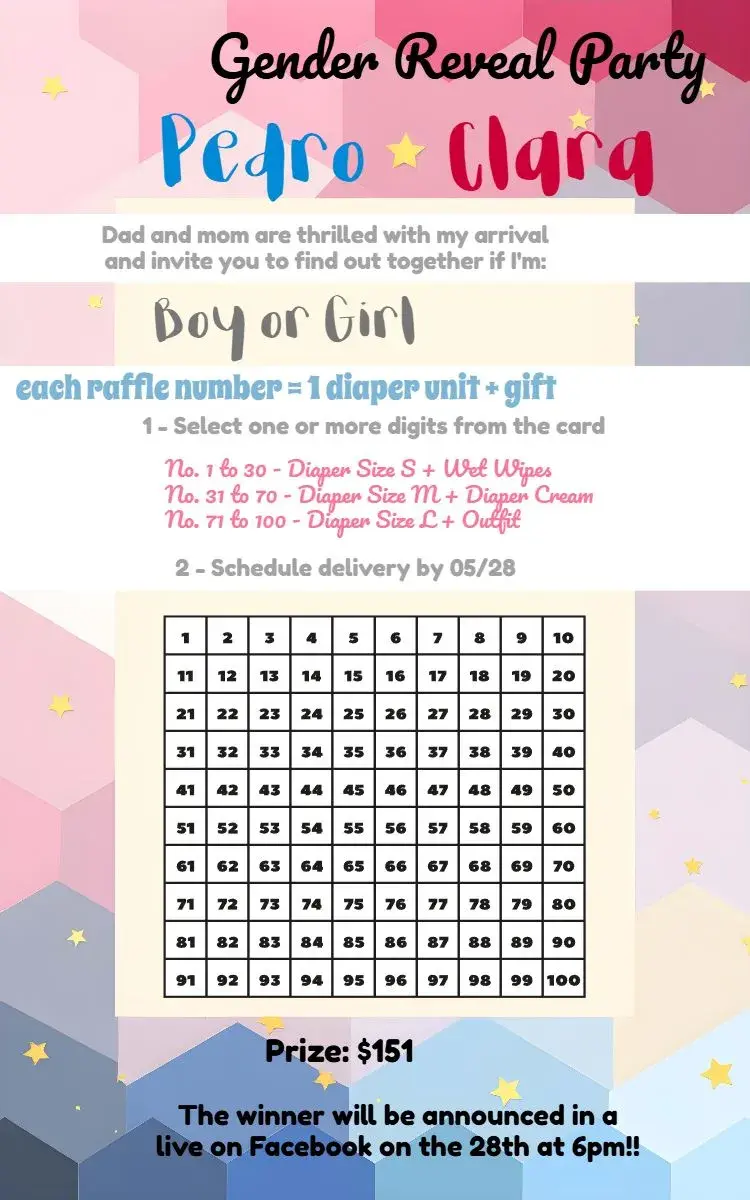
Curated templates
Choose a design, personalize the event details, and get your invitation ready to share.

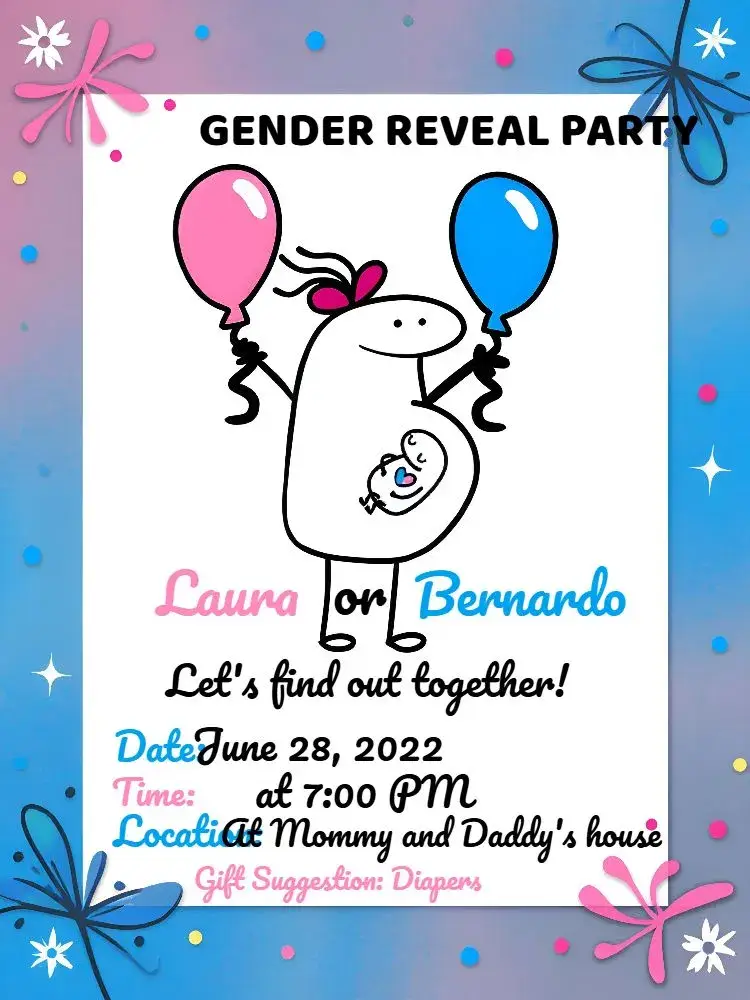
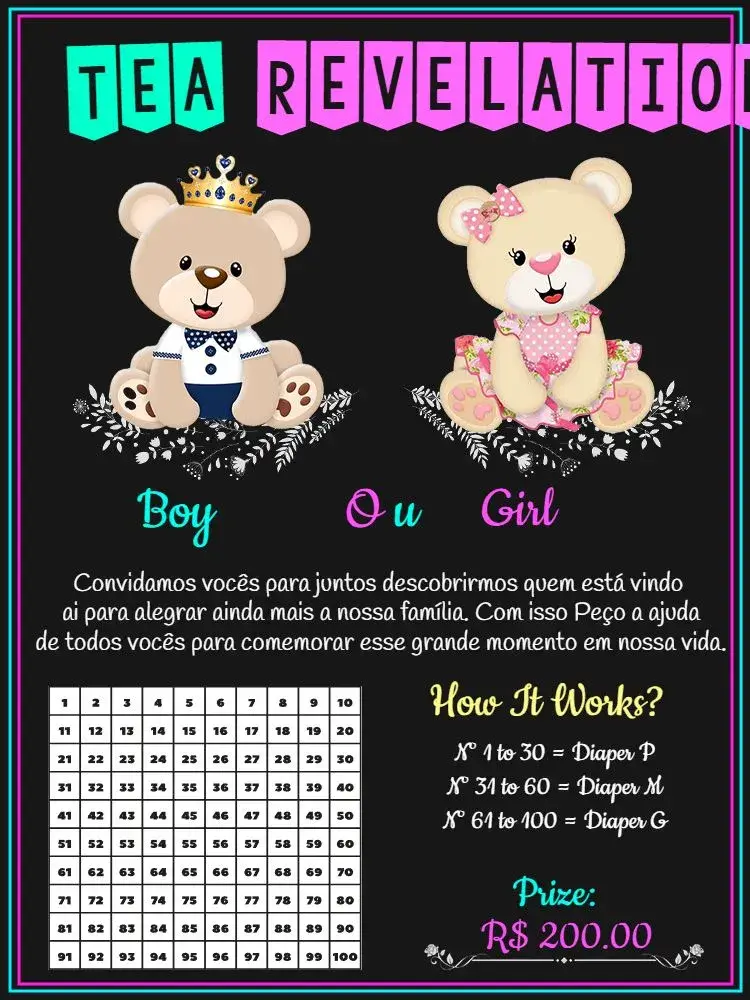

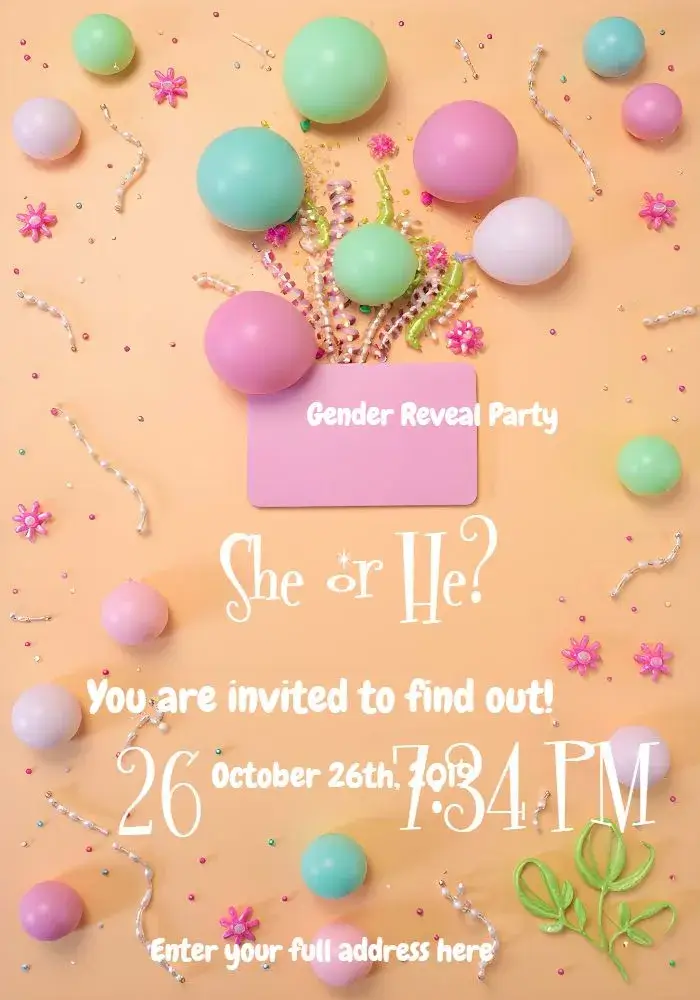
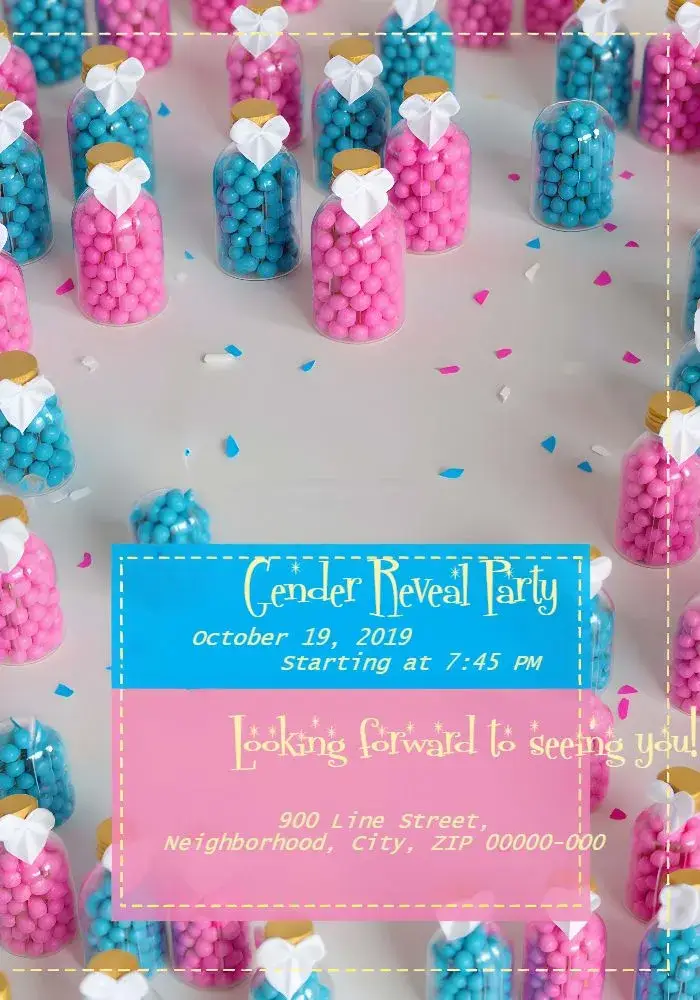
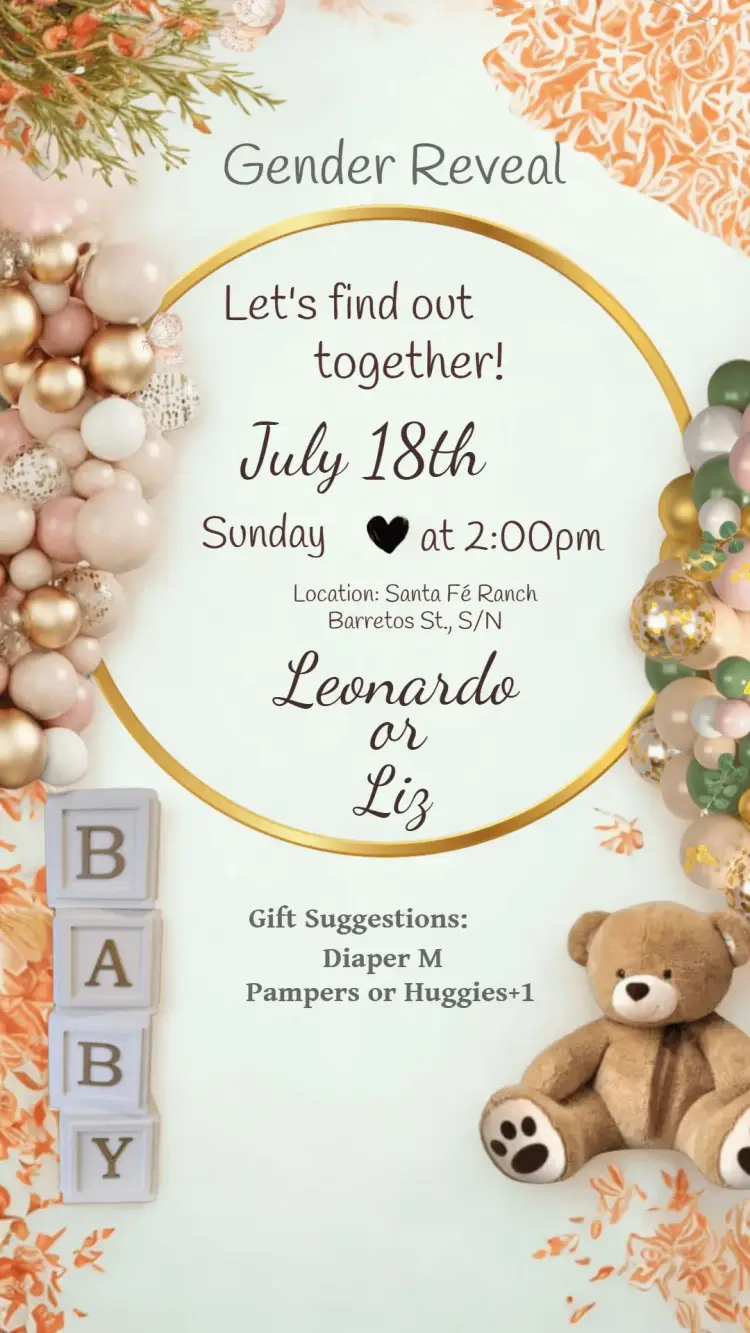
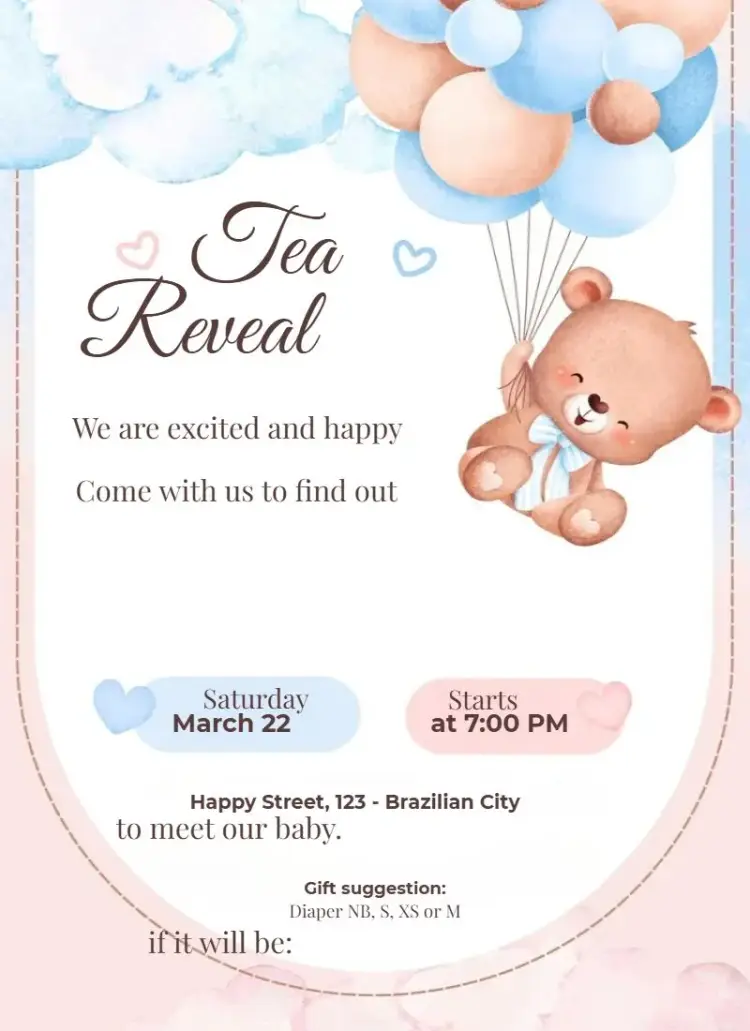
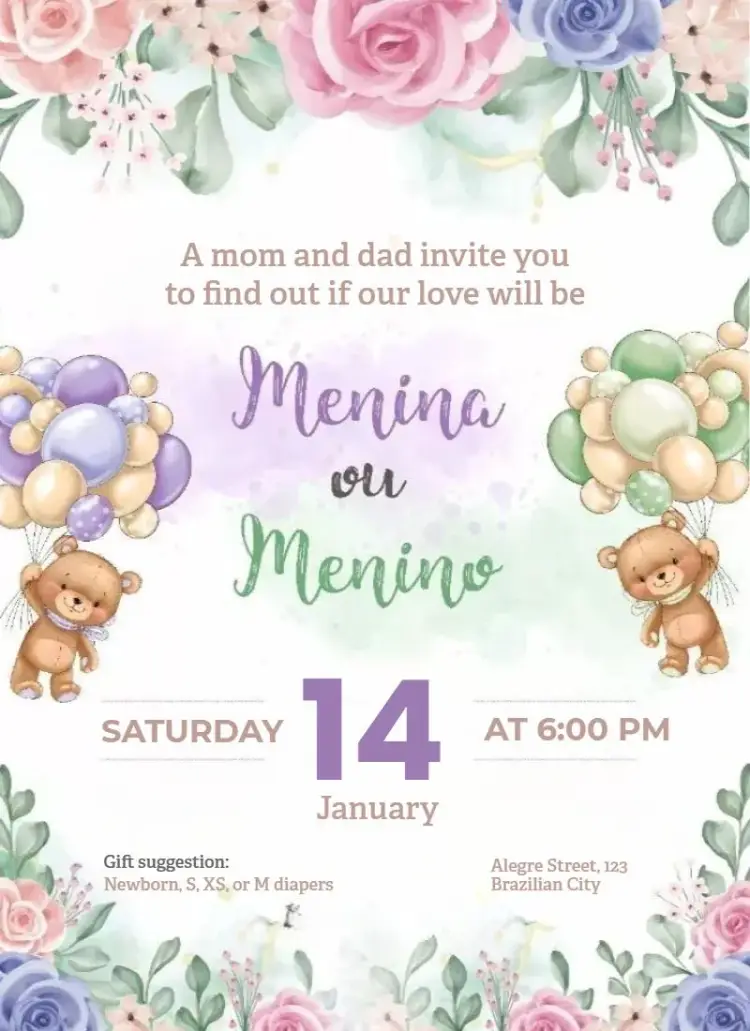

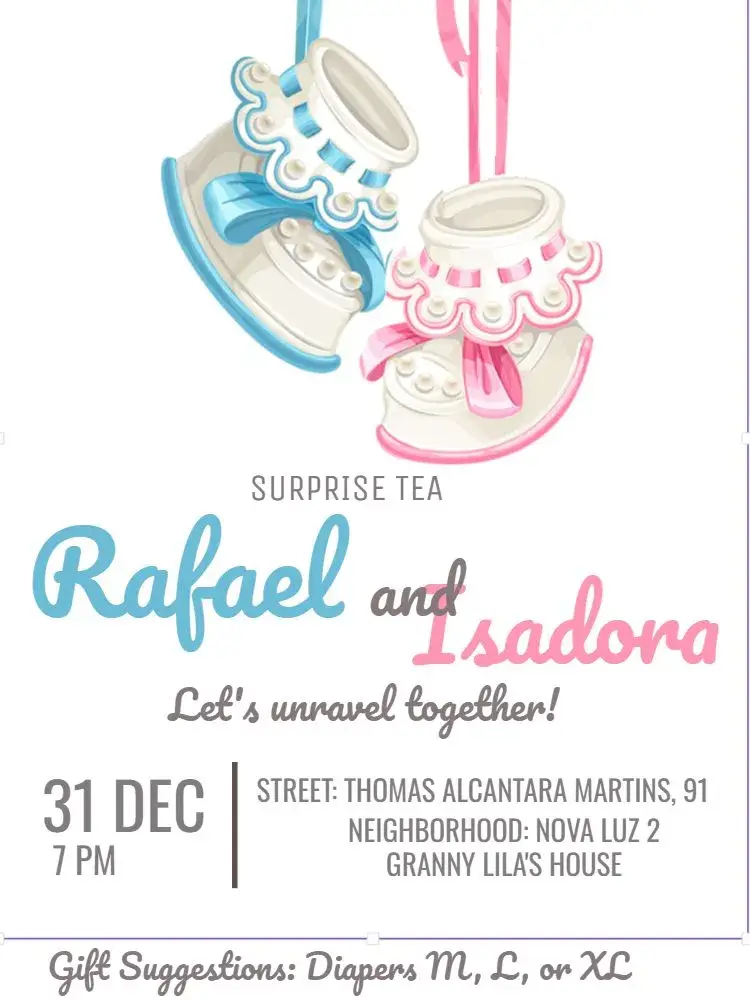
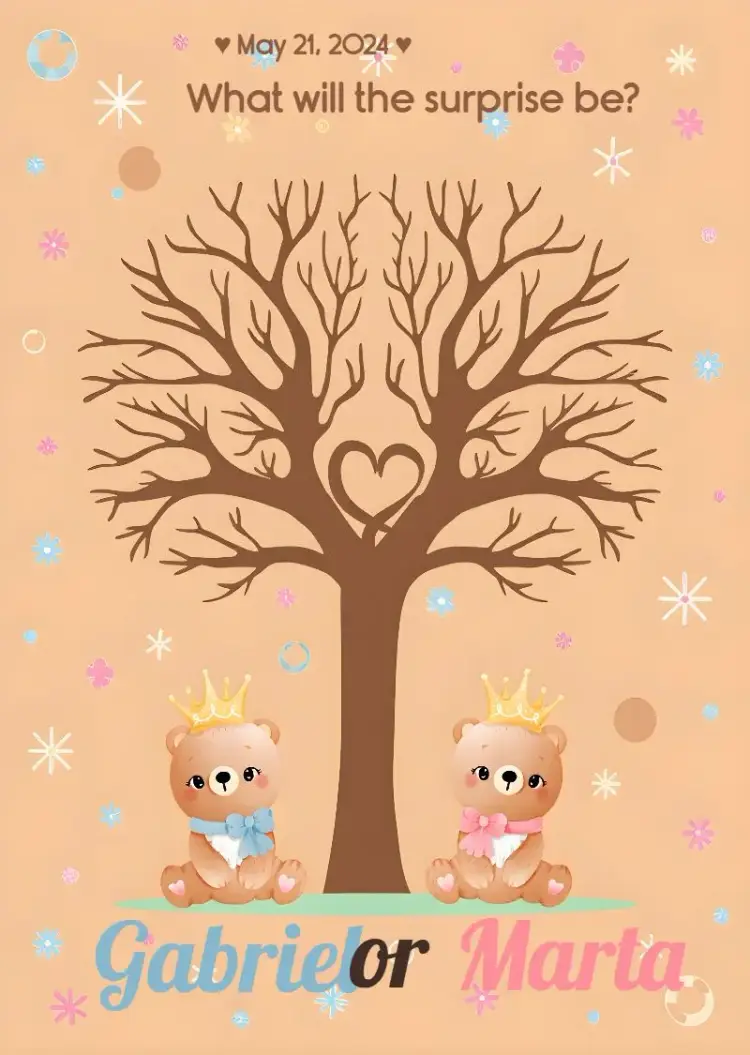
About this collection
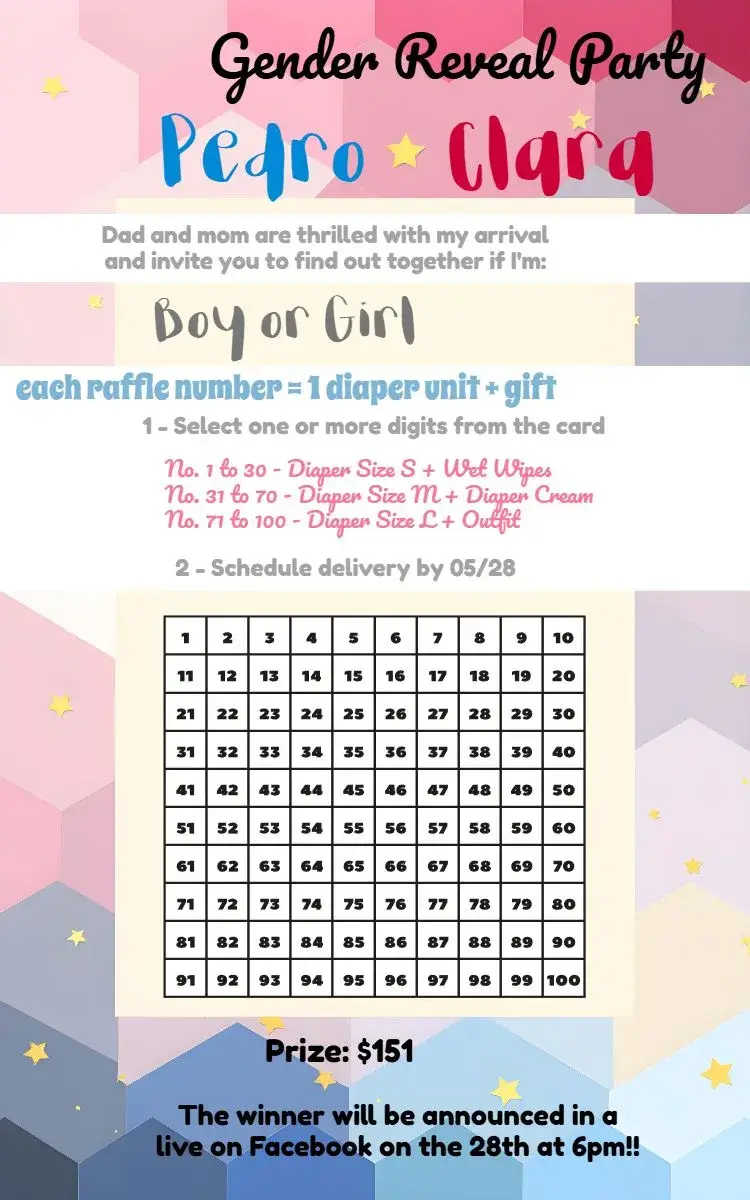
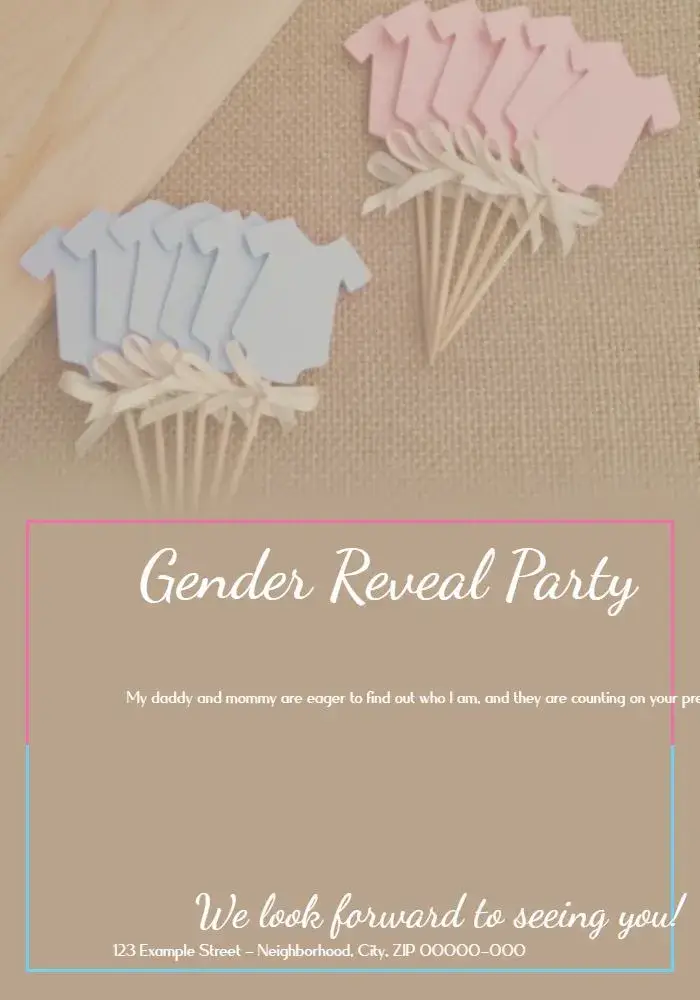
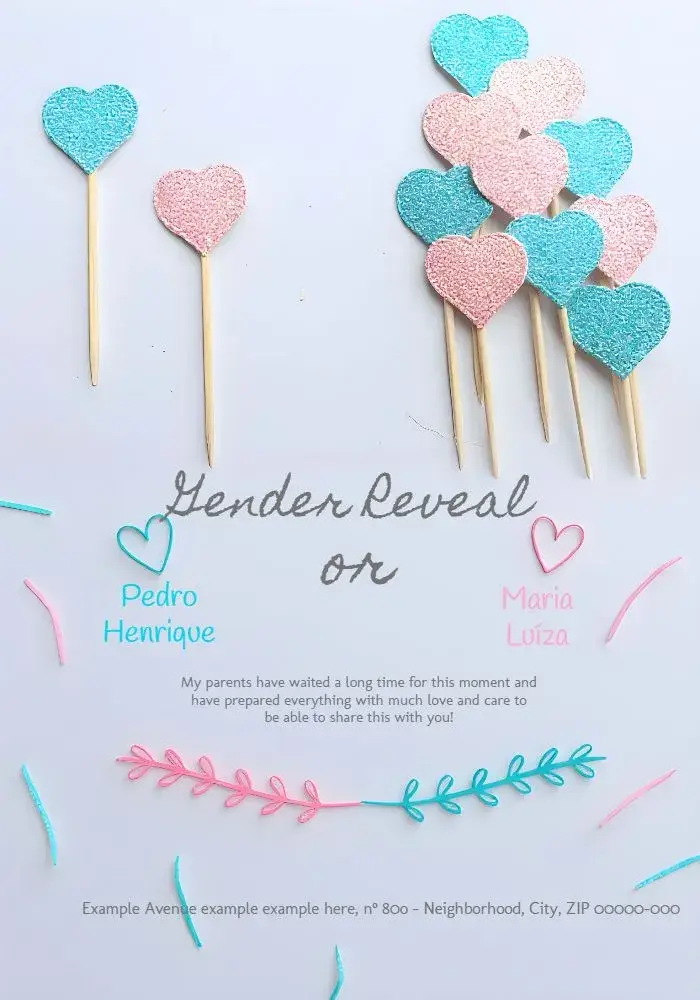
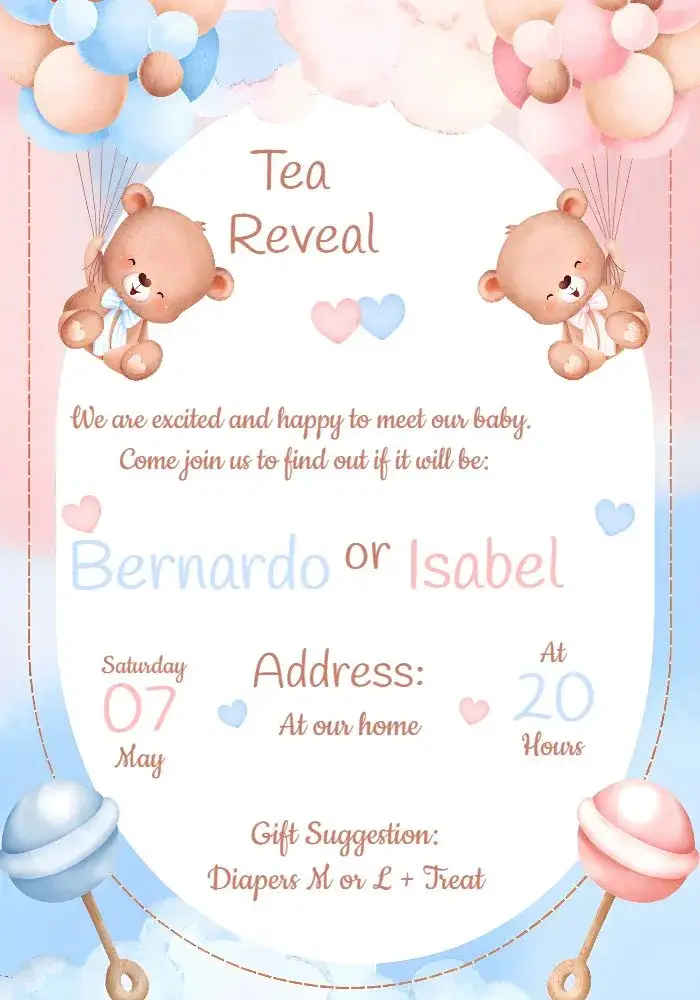
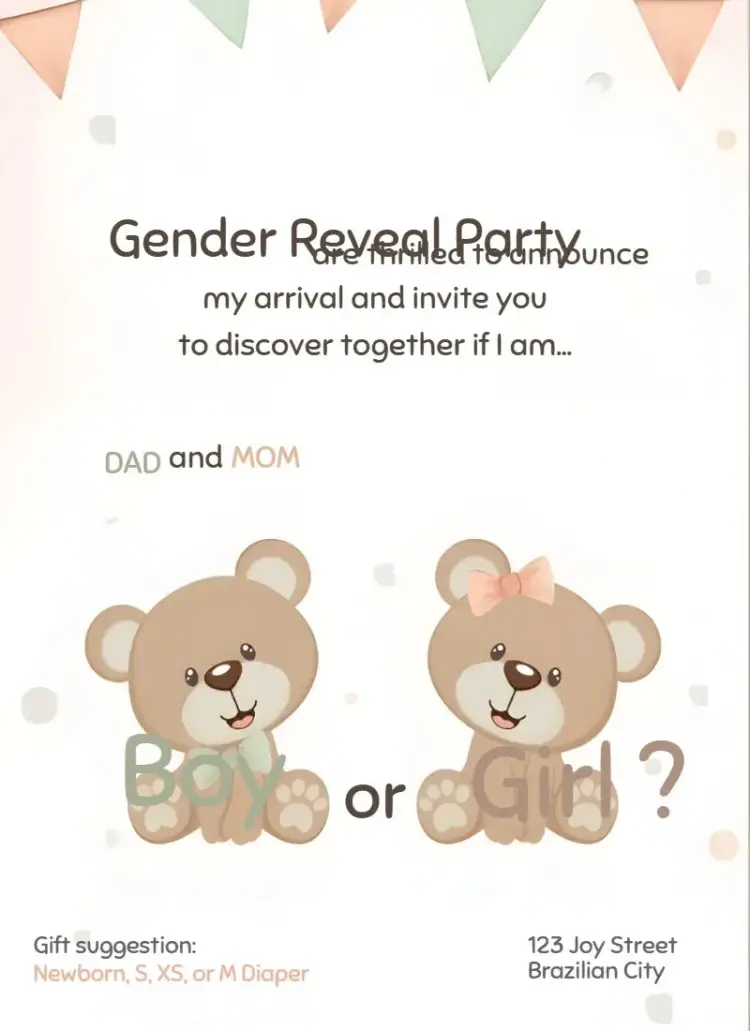
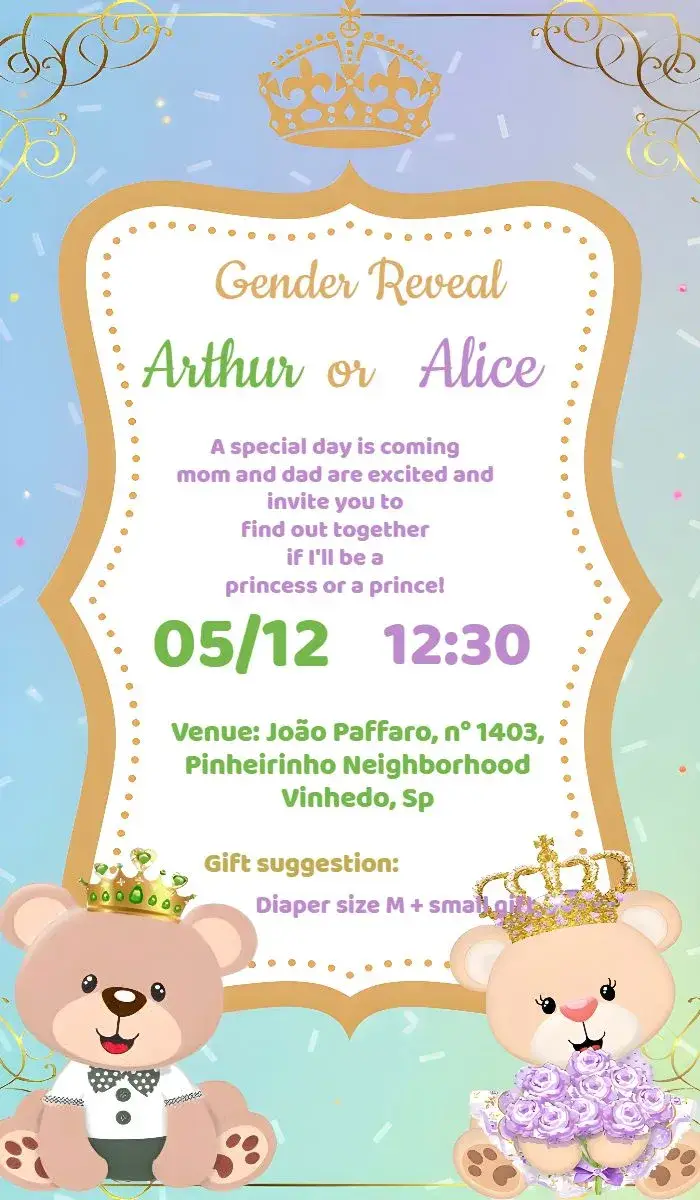
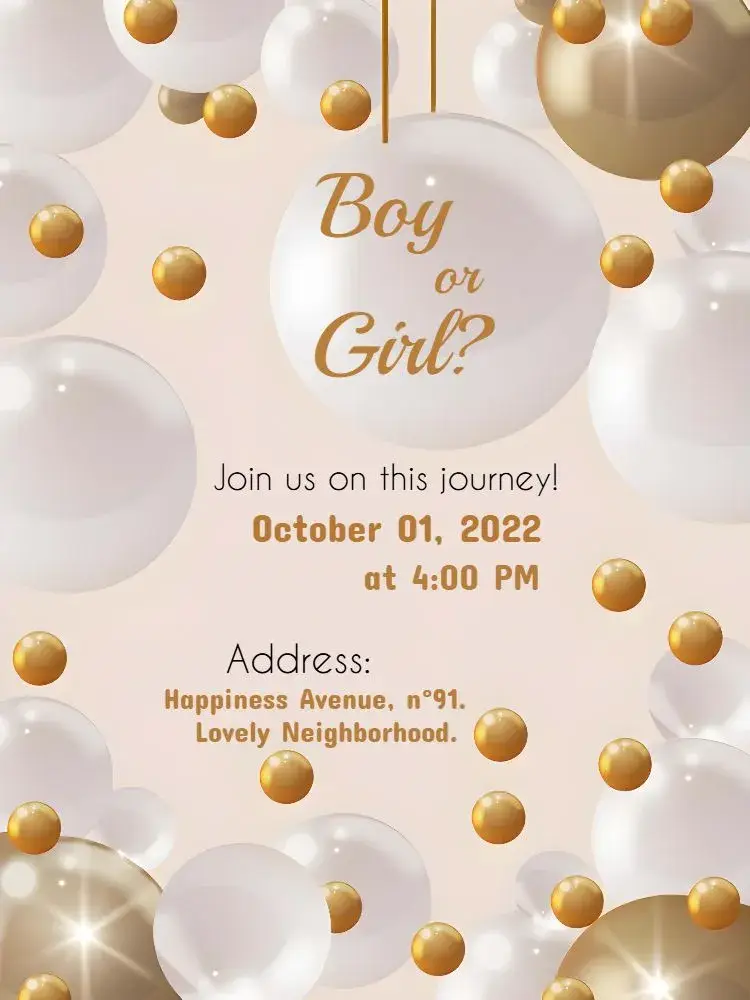
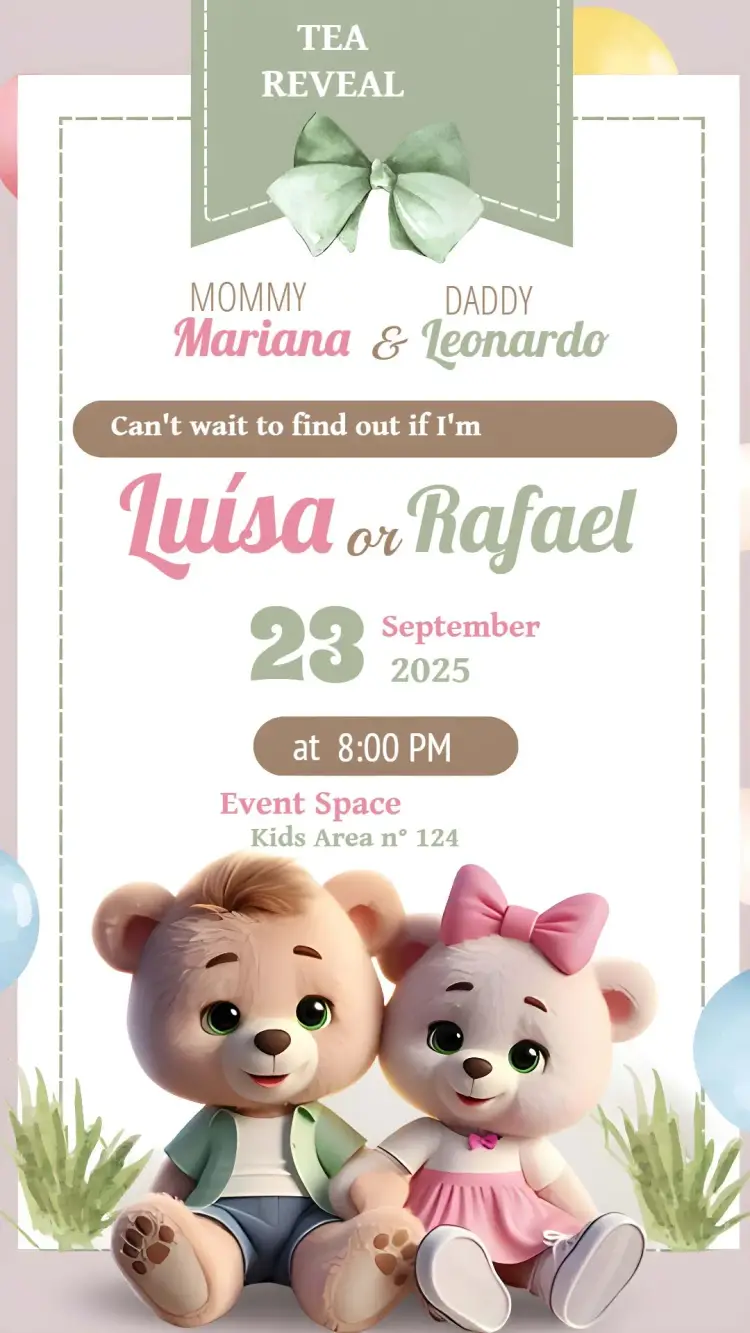
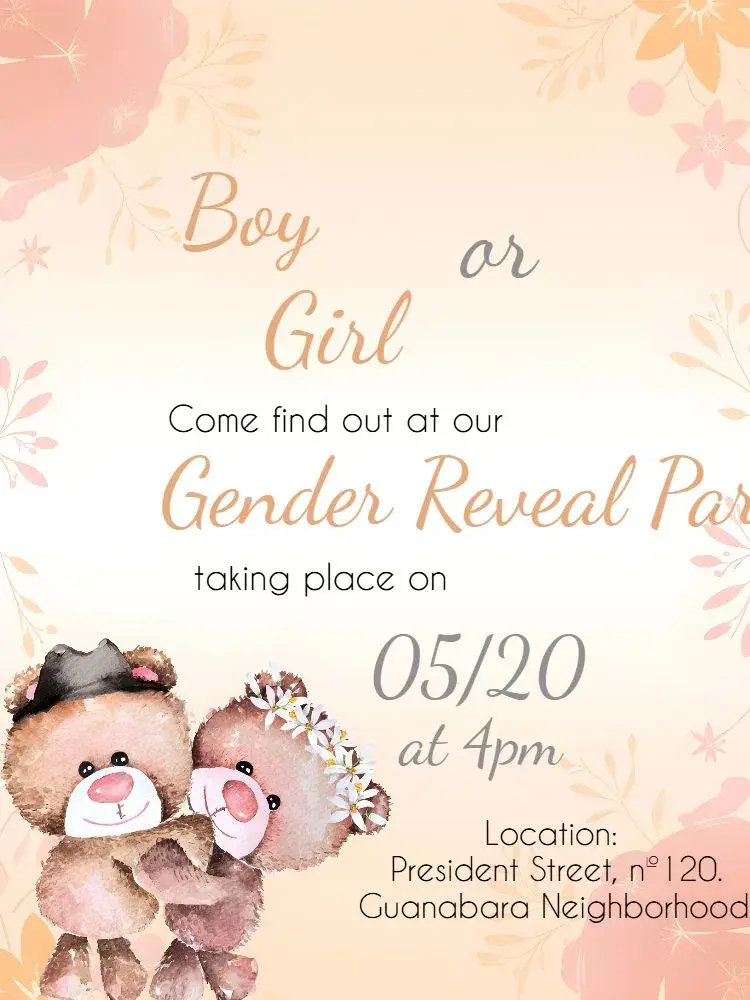
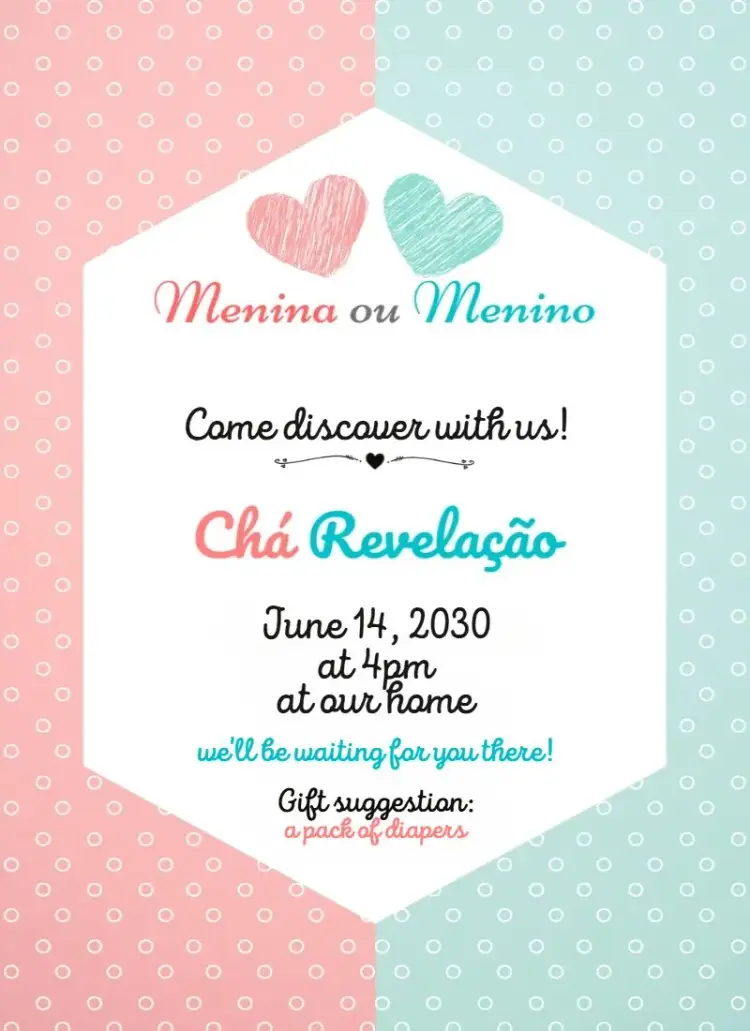
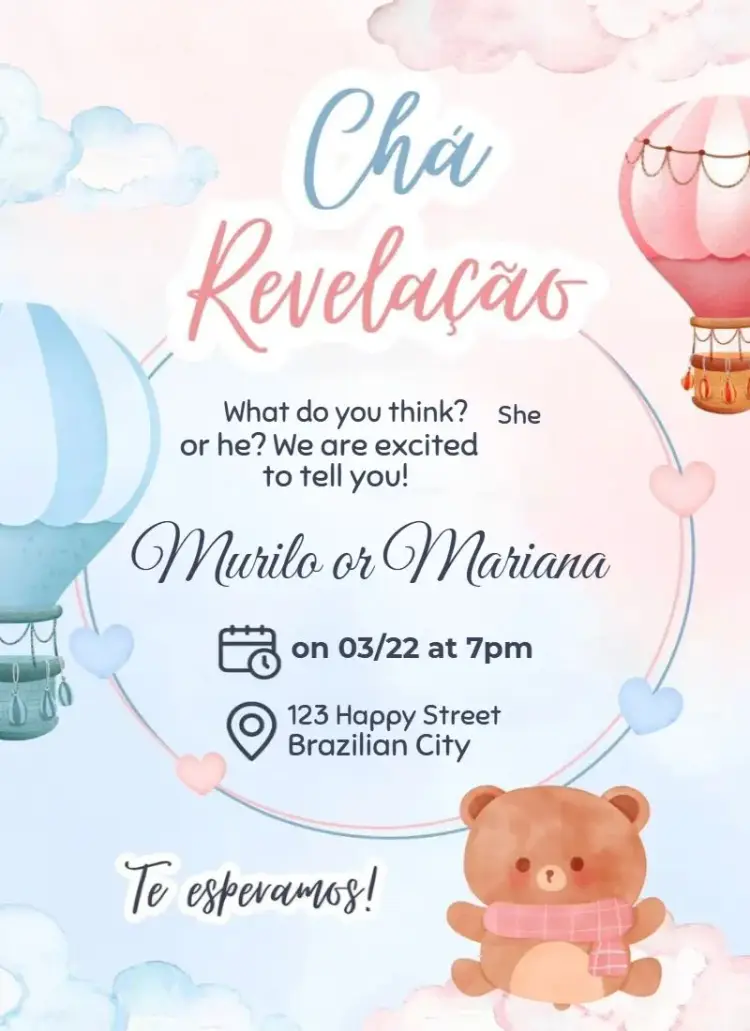
Create anticipation in your own style
A reveal invitation can use questions, contrasting colors, or playful clues, but it does not have to follow one visual formula. Neutral palettes, bold graphics, and minimal layouts can build just as much excitement. Choose a design that represents the family and the kind of gathering being planned. The surprise should feel inviting, not come at the expense of clear information.
Explain how guests can participate
List the date, time, location, and RSVP contact. If guests are encouraged to wear a color, make a prediction, bring an item, or keep information private, state that request directly. Registry or gift notes belong in a secondary section. Clear instructions reduce follow-up messages and help everyone arrive ready to take part in the moment.
Protect the reveal during final review
Check copy, images, links, and file names for accidental clues. Confirm all numbers and the map location, then preview the invitation at phone size. Ask a trusted person who understands the plan to review the final version. This step helps preserve the surprise while ensuring that guests know where to be, when to arrive, and what is expected of them.
Frequently asked questions
What goes on a gender reveal invitation?
Include date, time, location, RSVP details, and any instructions for predictions, attire, gifts, or keeping the surprise private.
Do gender reveal invitations have to use pink and blue?
No. Neutral, natural, bright, or custom palettes can create anticipation and may better reflect the family’s preferred style.
How can guests submit a prediction?
Add one short instruction explaining whether they should wear a color, contact a host, or respond before the event.
How do I avoid spoiling the surprise?
Review every text block, image, link, and file name with someone who knows the plan before the invitation is shared.
Explore related collections
Baby shower invitations to customize online
Explore baby shower invitations in warm, modern styles, personalize the gathering details, and create a welcoming message for every guest.
First birthday invitations to customize online
Browse first birthday invitations, personalize the celebration details, and choose a sweet, readable design for family and friends.
Kids' birthday invitations to customize online
Find kids' birthday invitations for different ages and party styles, then customize the name, date, time, location, and family instructions online.
Create an invitation that feels like yours
Choose a template and edit the wording, colors, and event details directly in your browser.