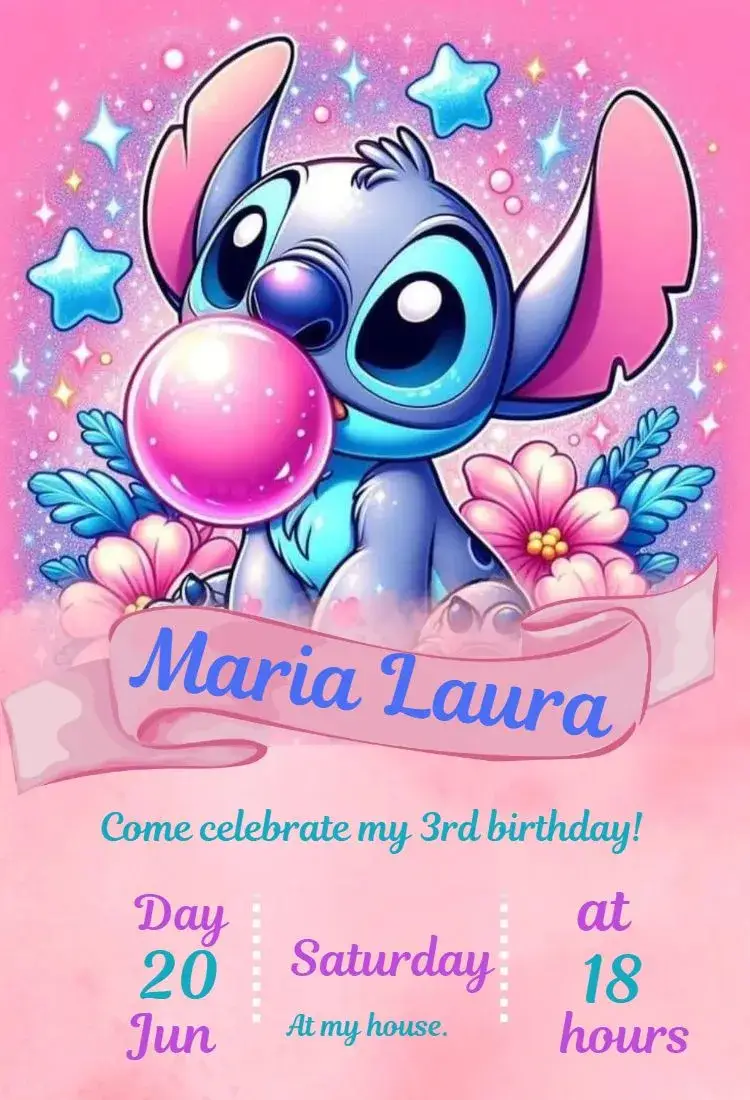
Big imagination, happy celebrations
Kids' birthday invitations to customize online
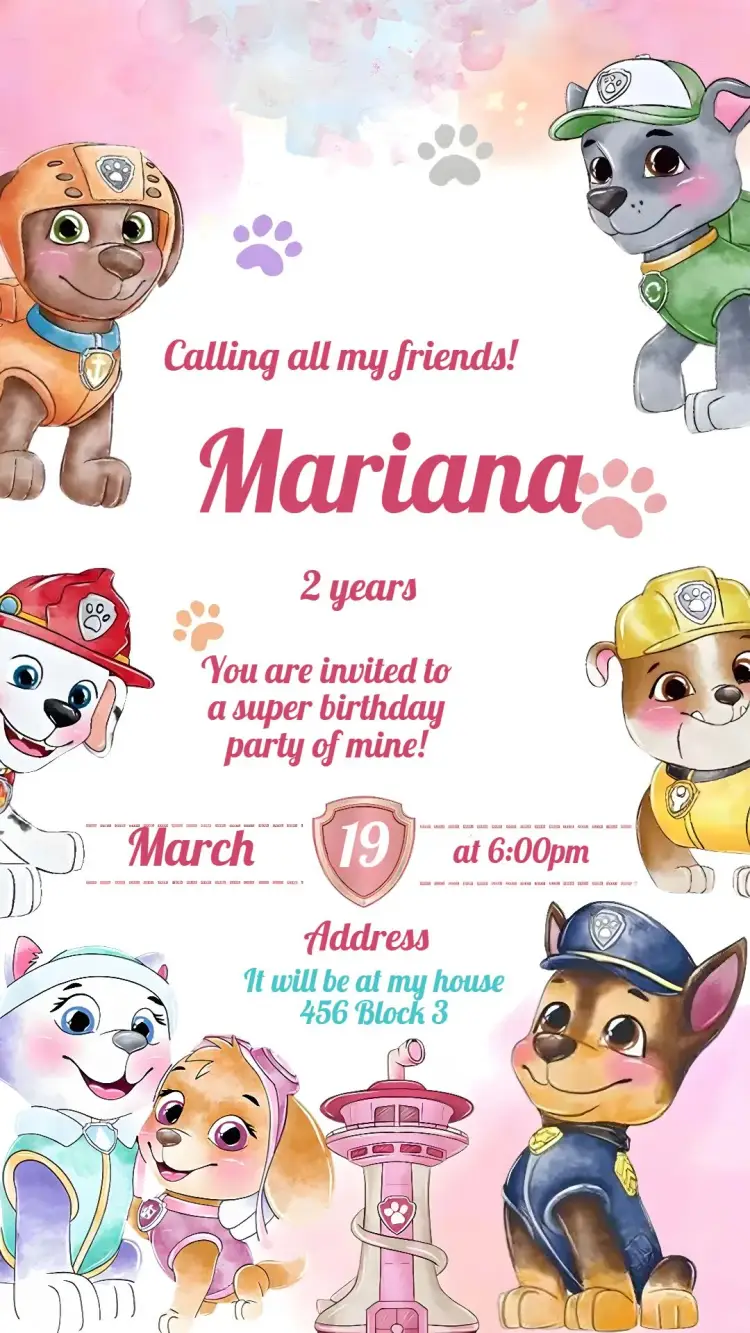
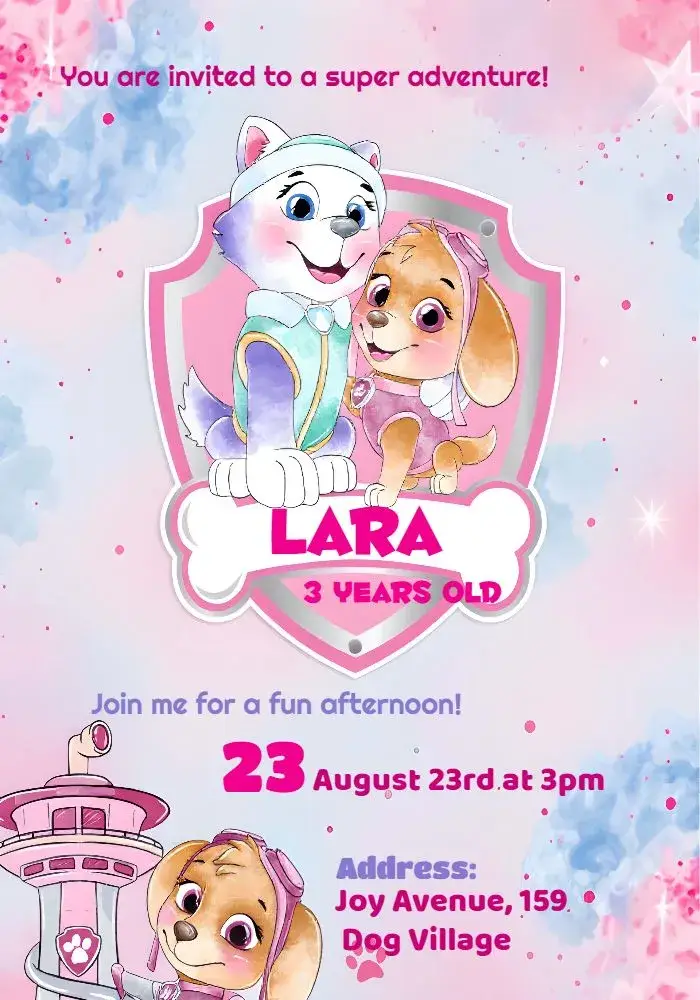
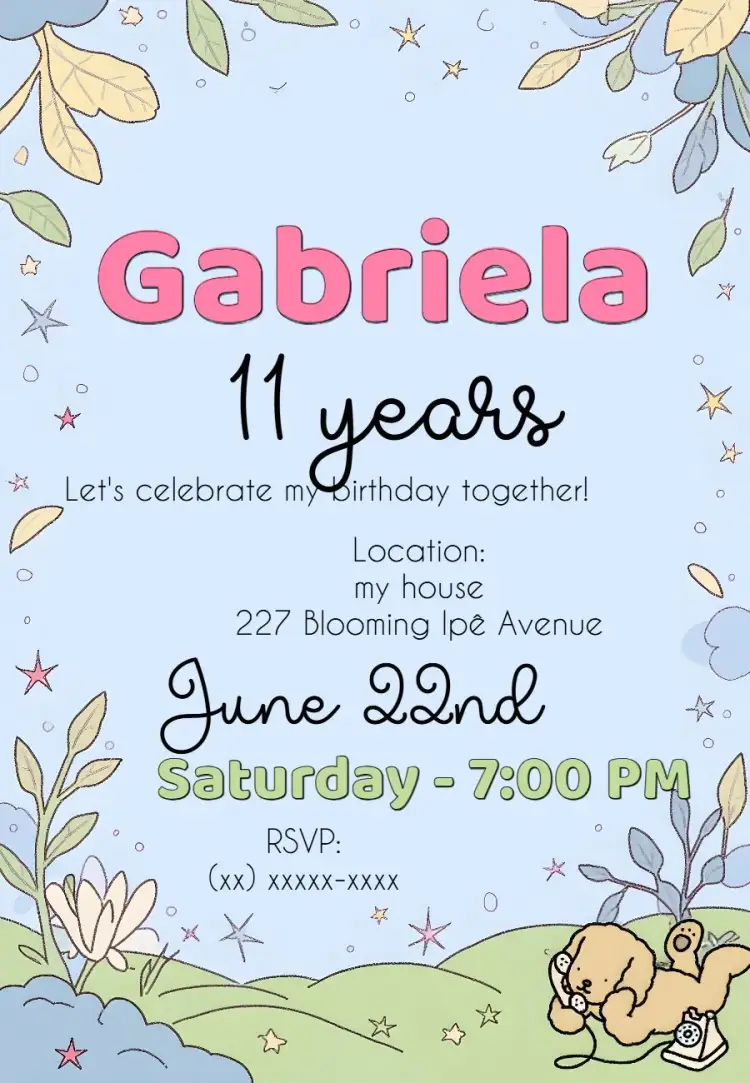
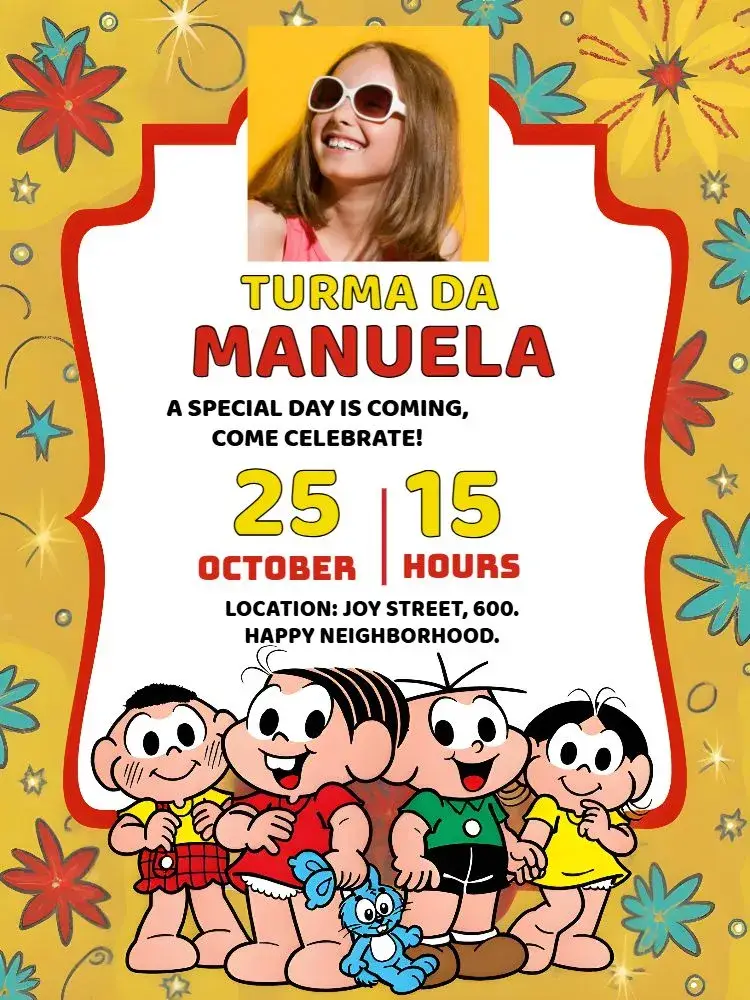
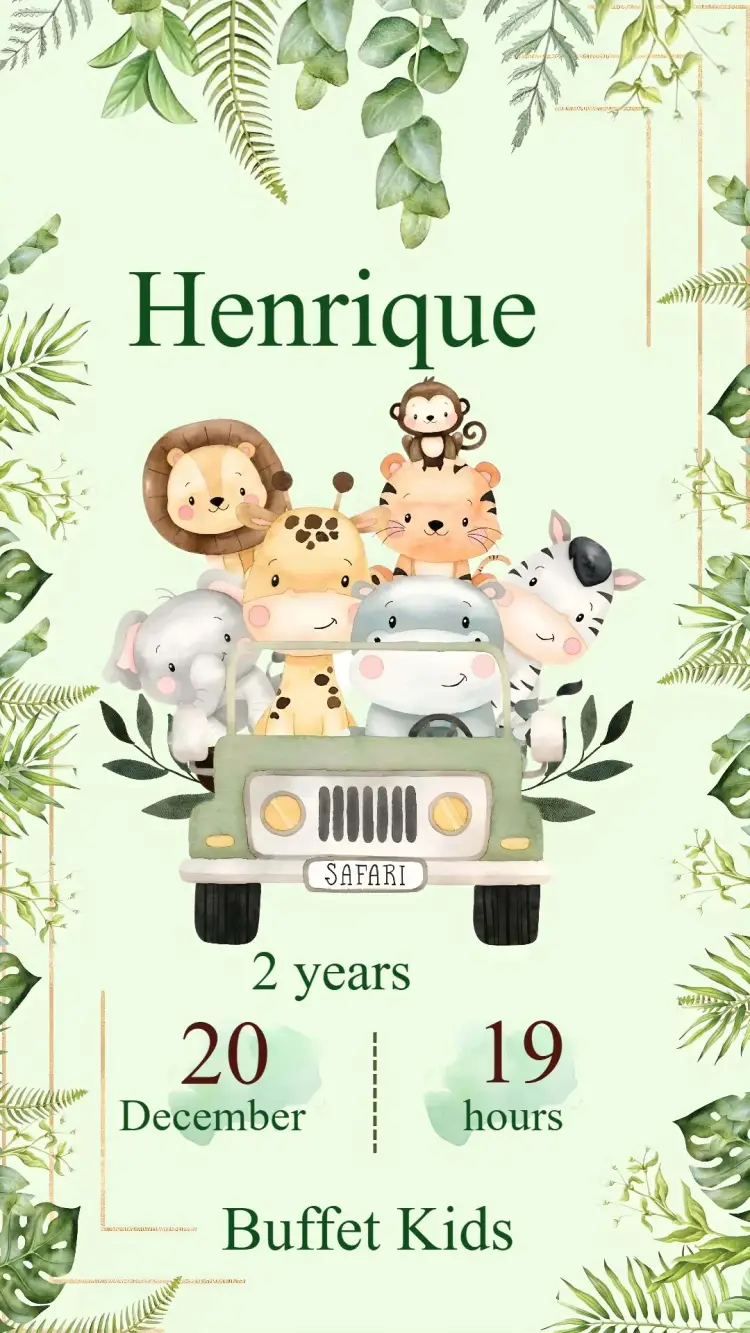
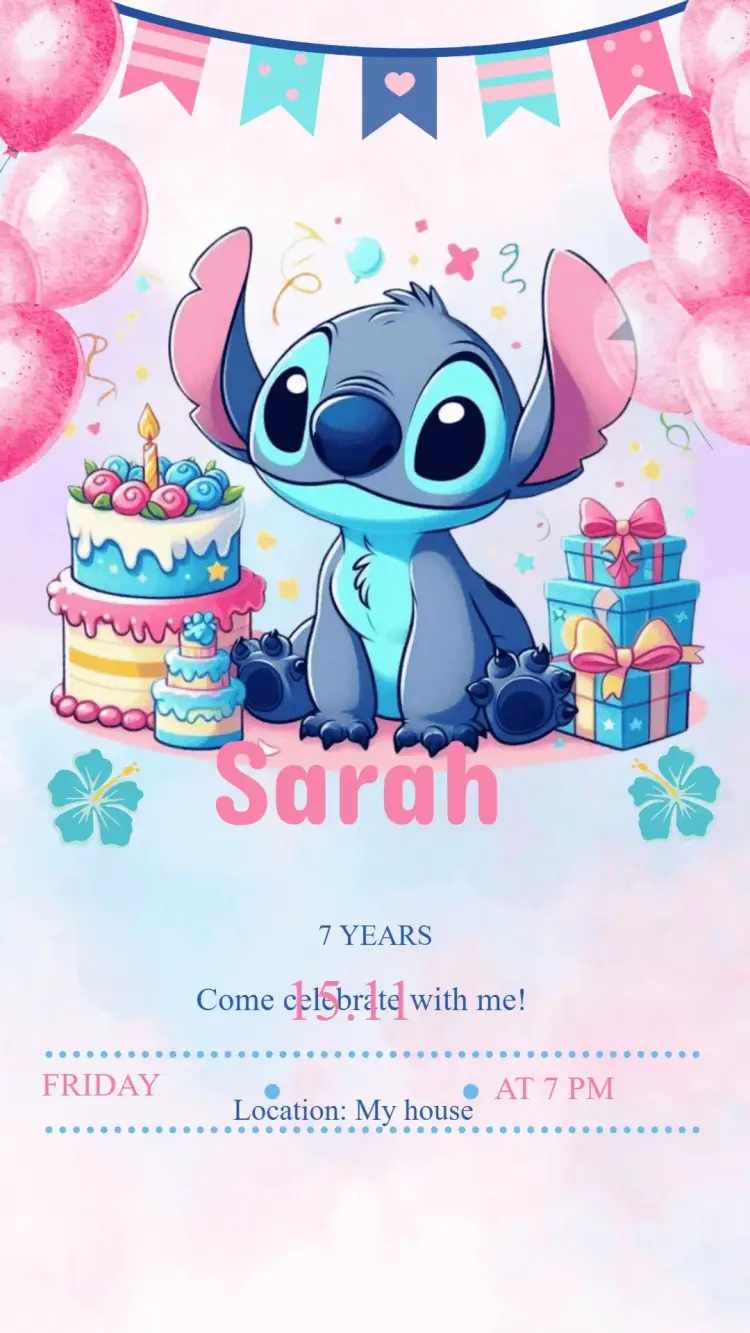
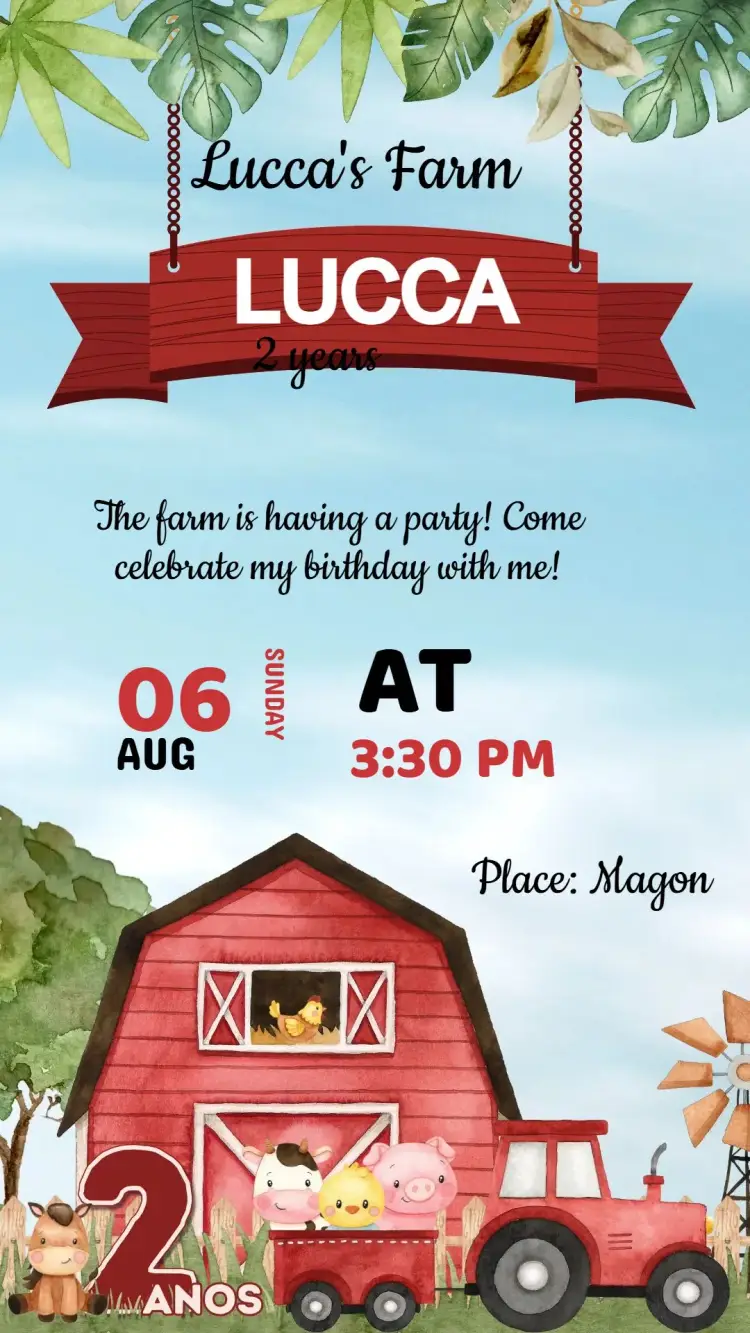
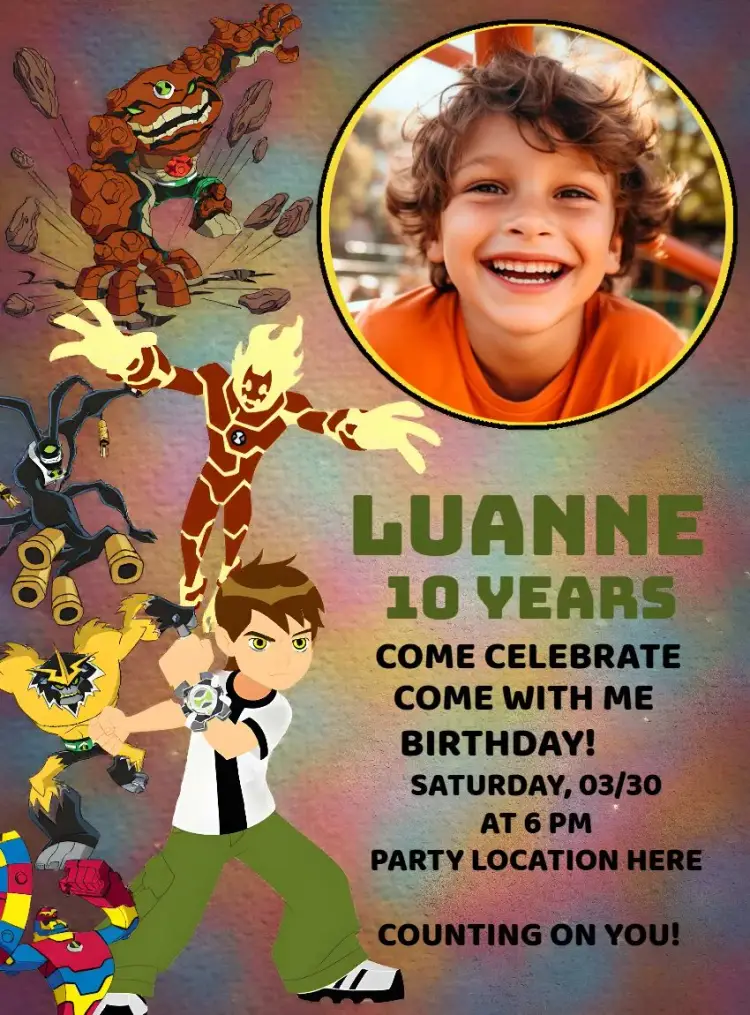
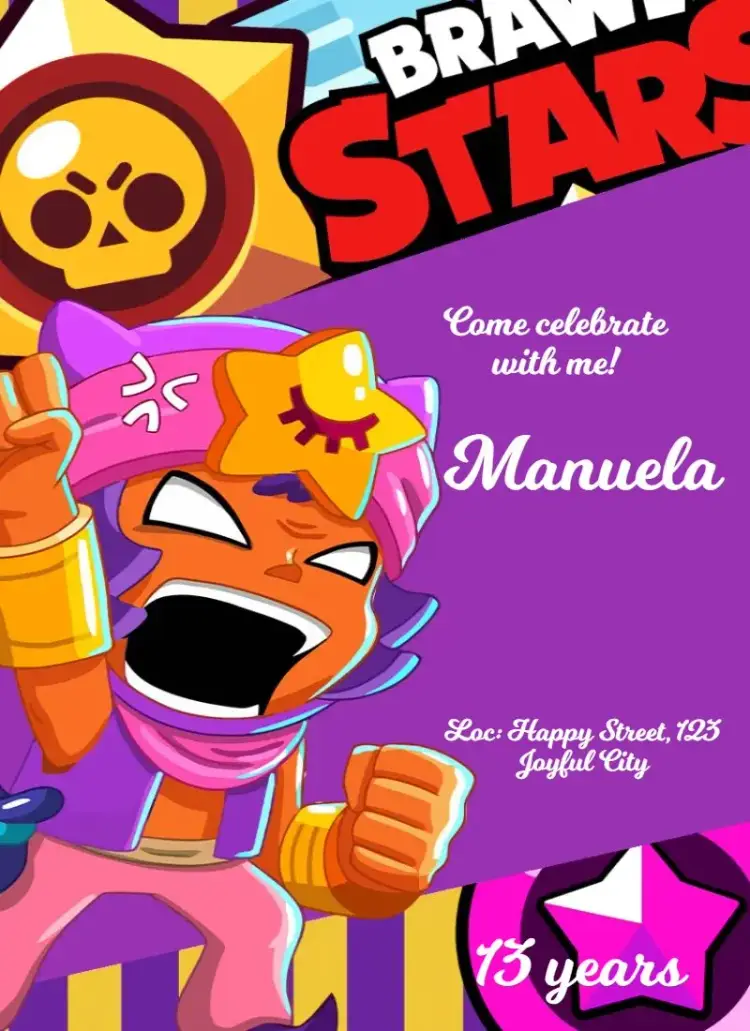
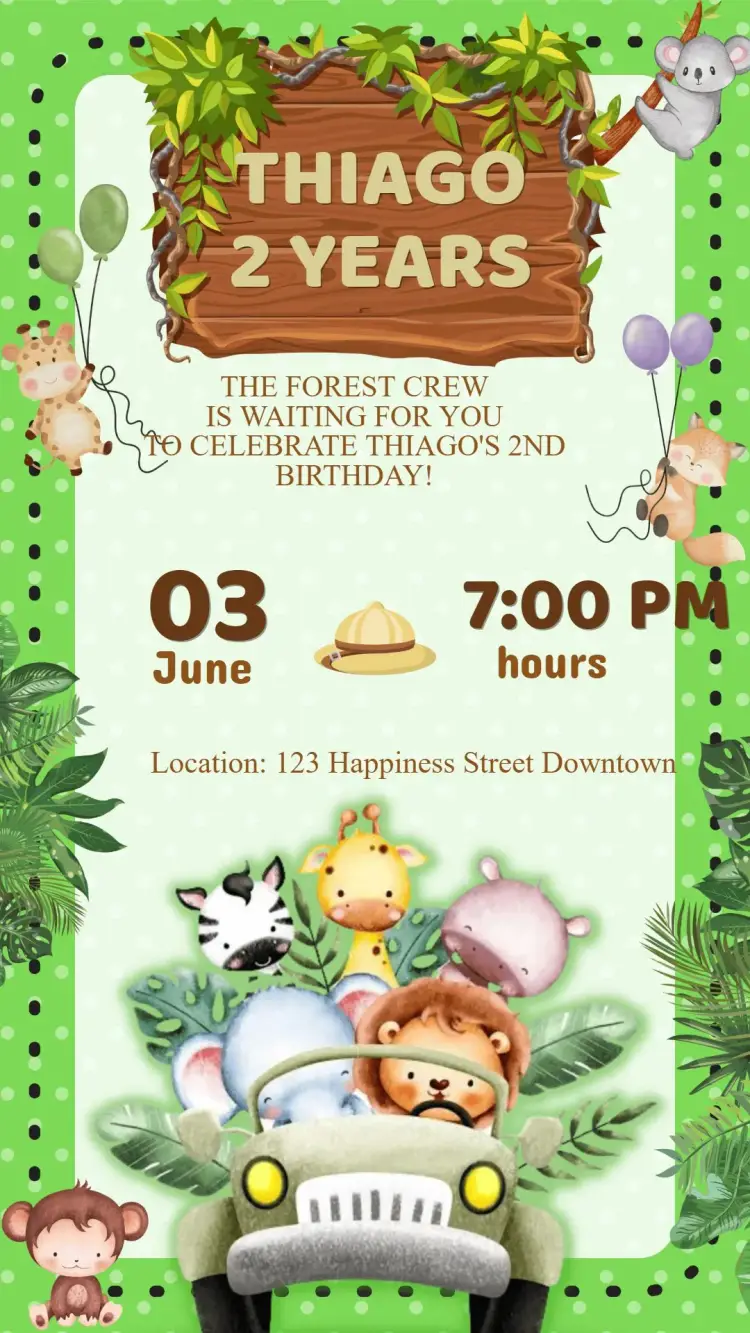
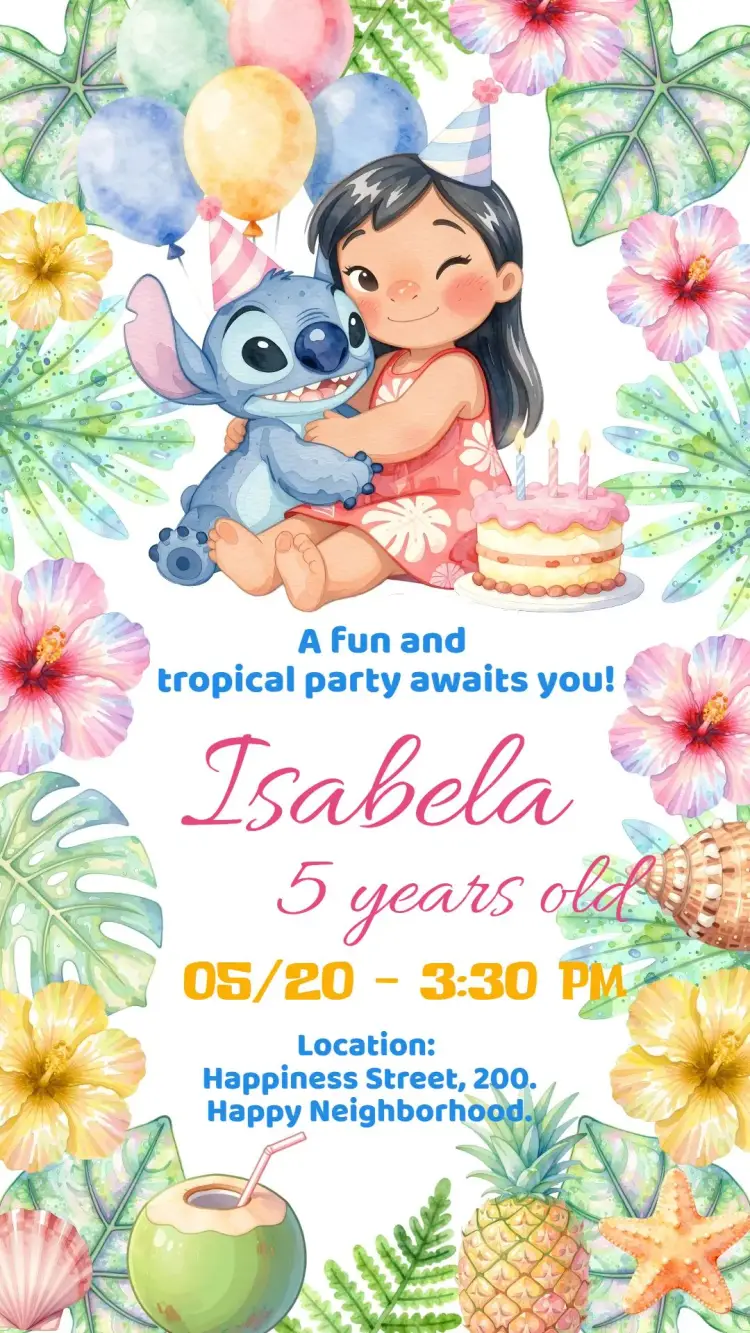
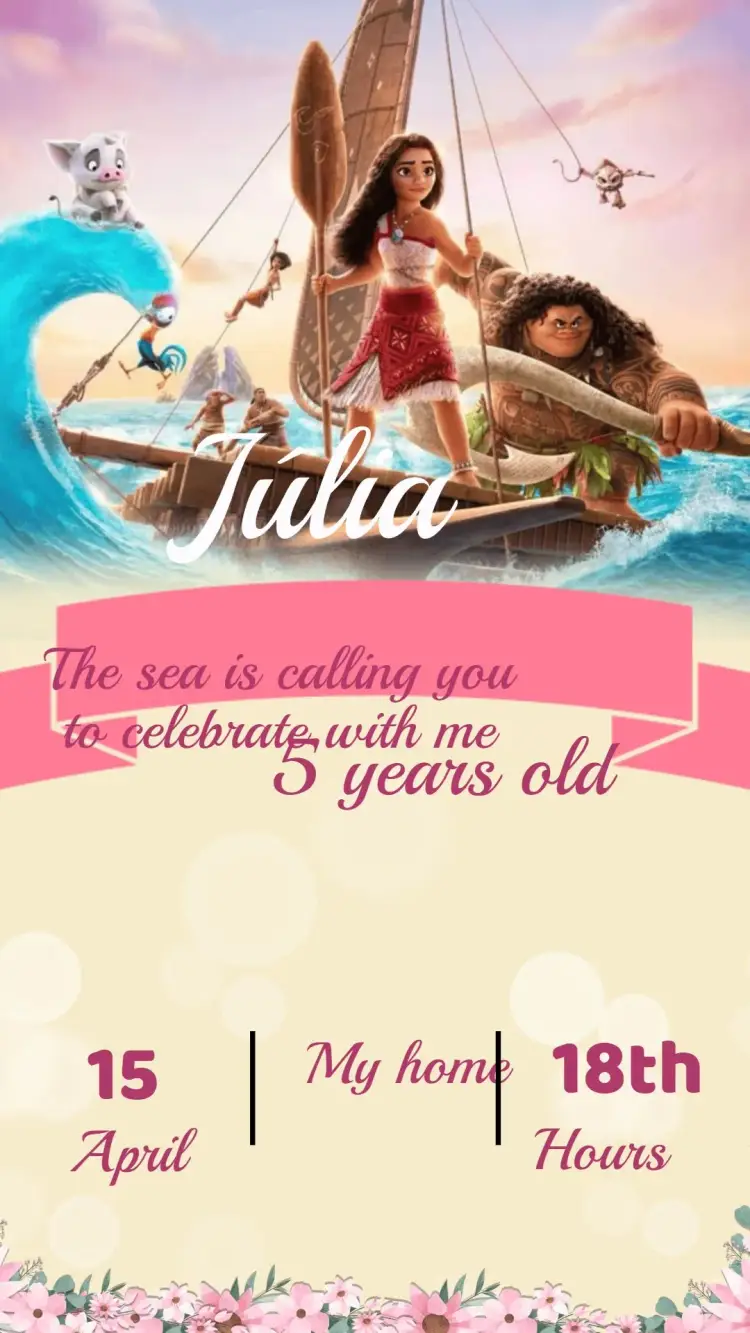
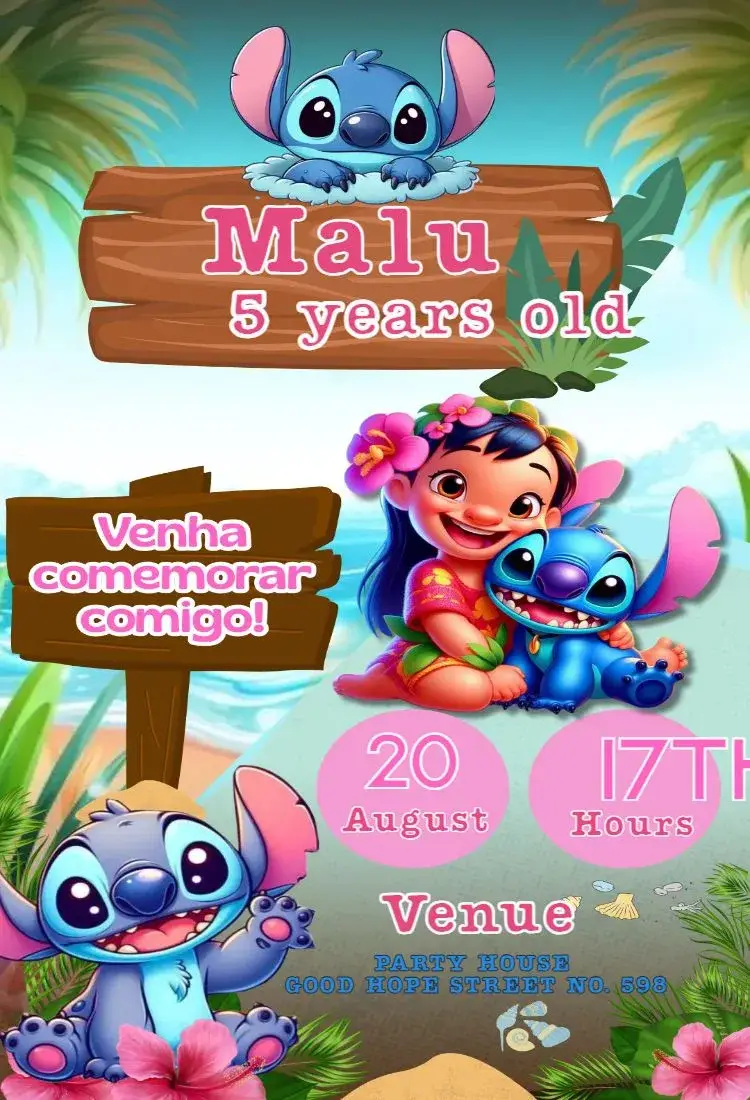
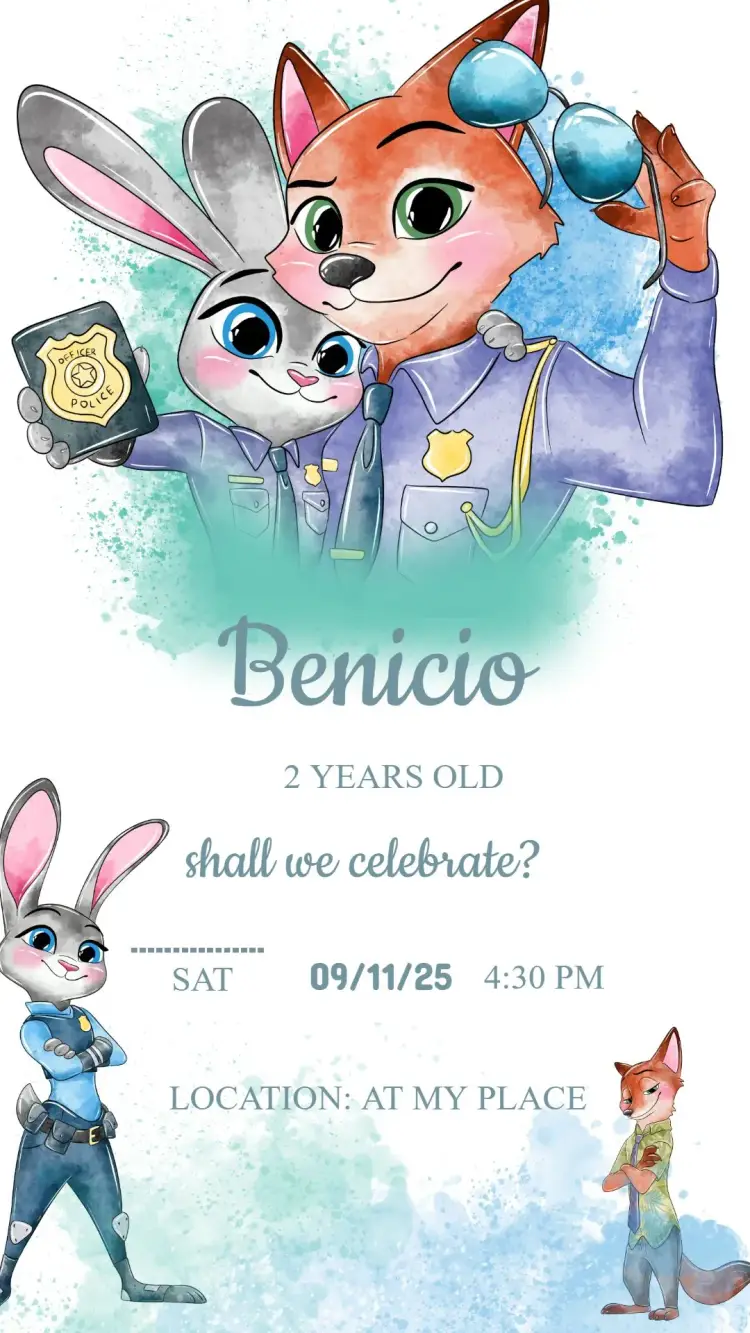
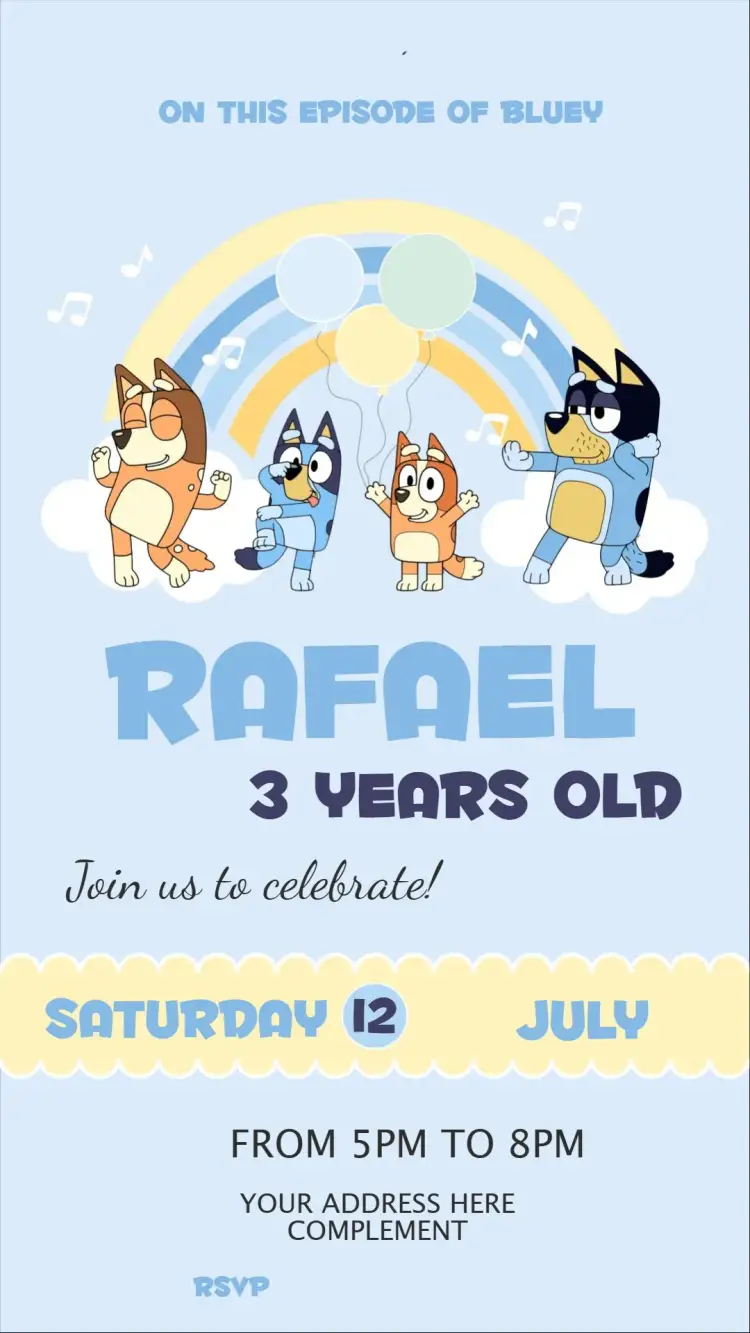
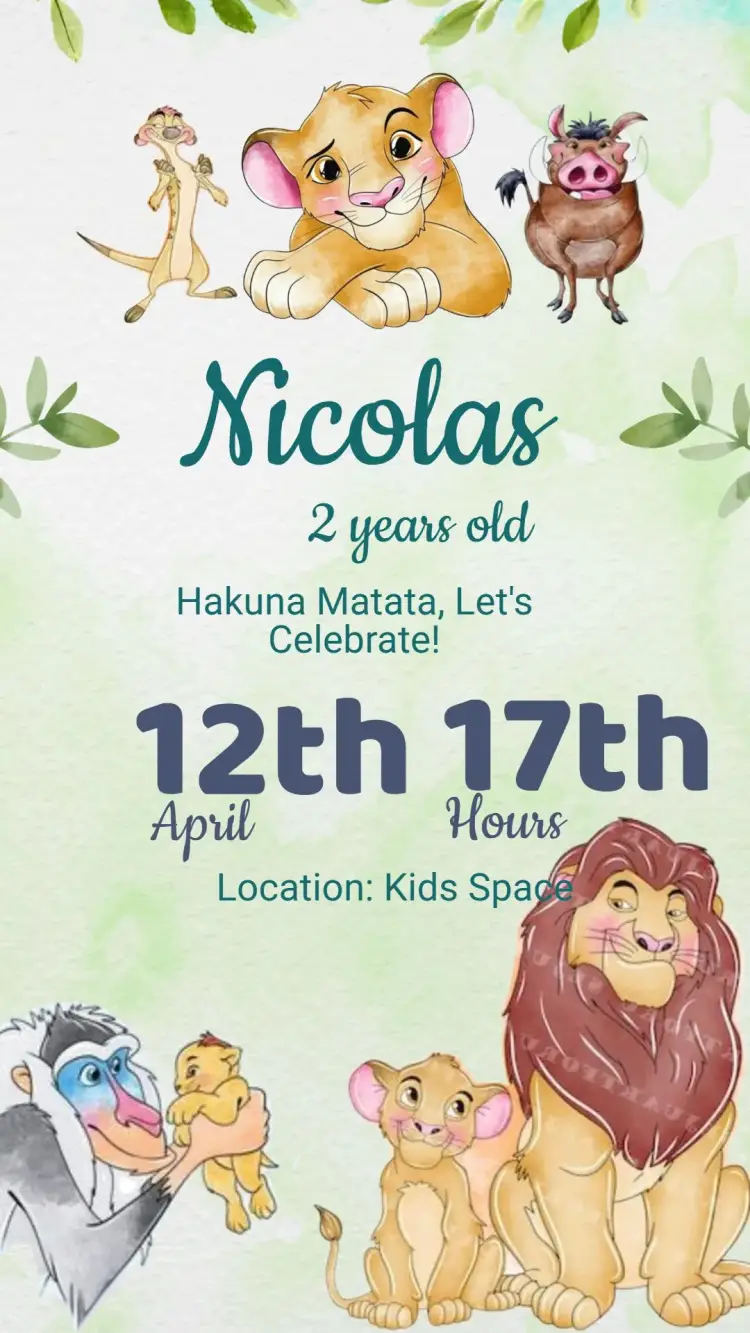
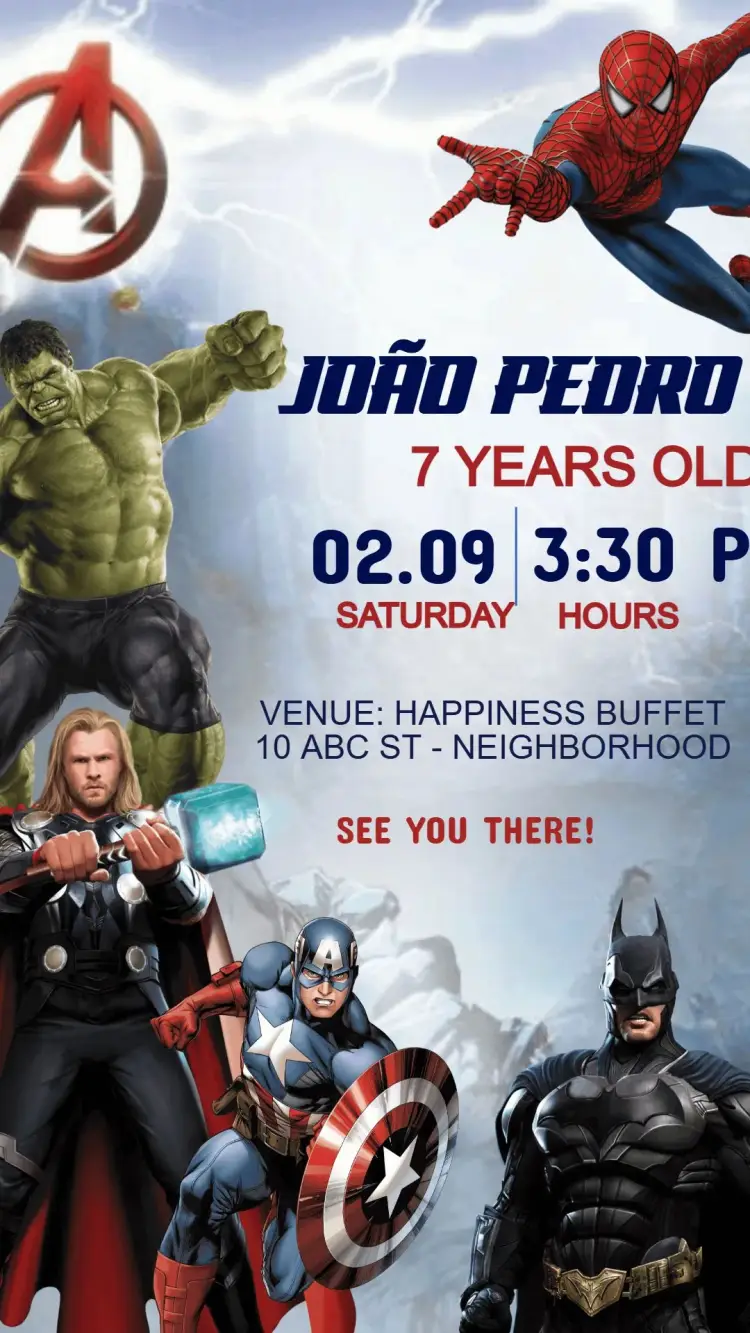
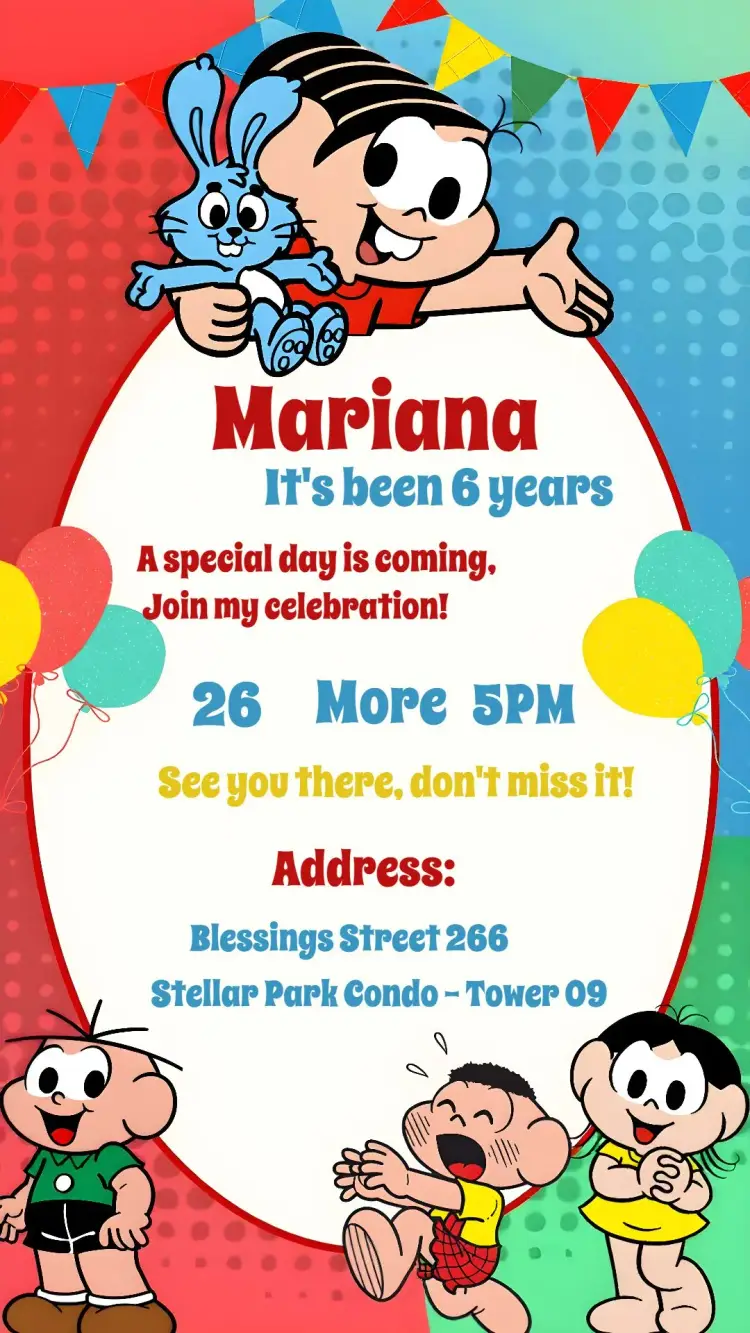
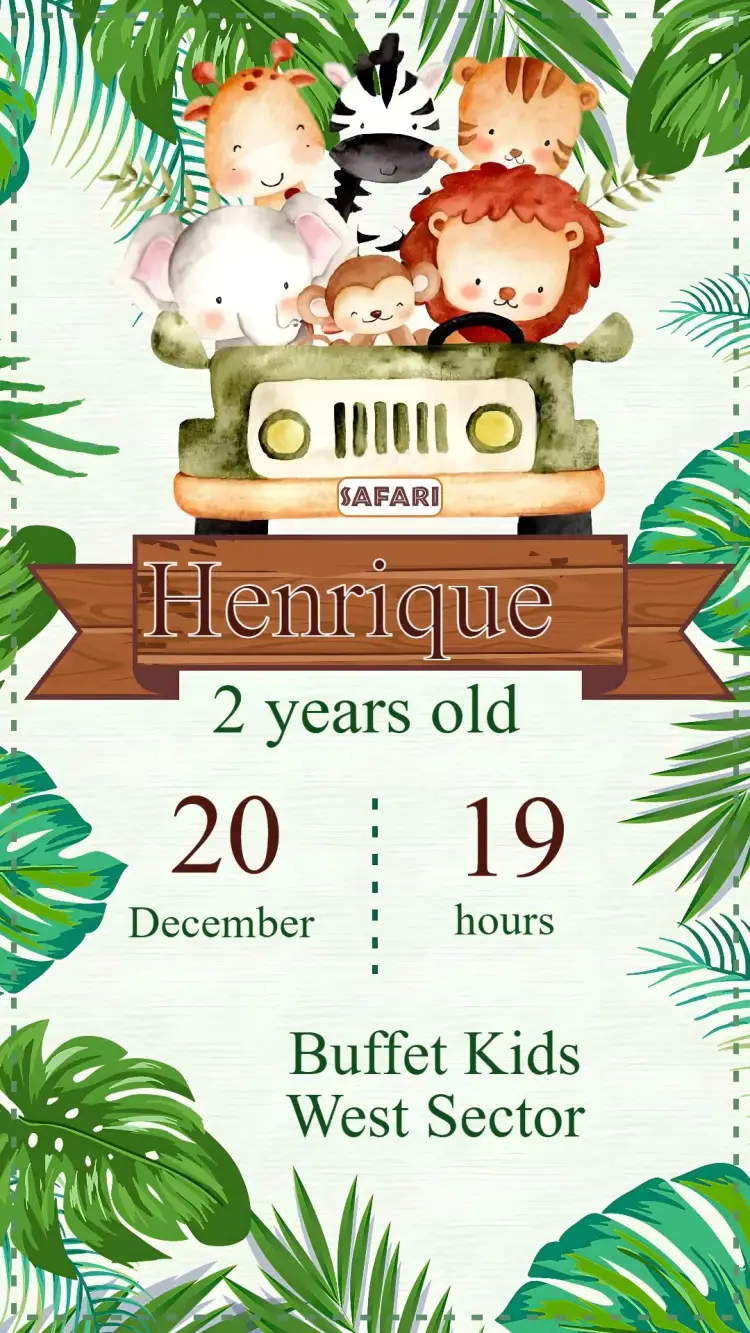
Compare the artwork in this selection and inspect a template before opening the editor. Specify whether adults should stay, whether siblings are invited, and when pickup is expected.
24 curated templatesCurated templates

Selection
Curated templates
Choose a design, personalize the event details, and get your invitation ready to share.


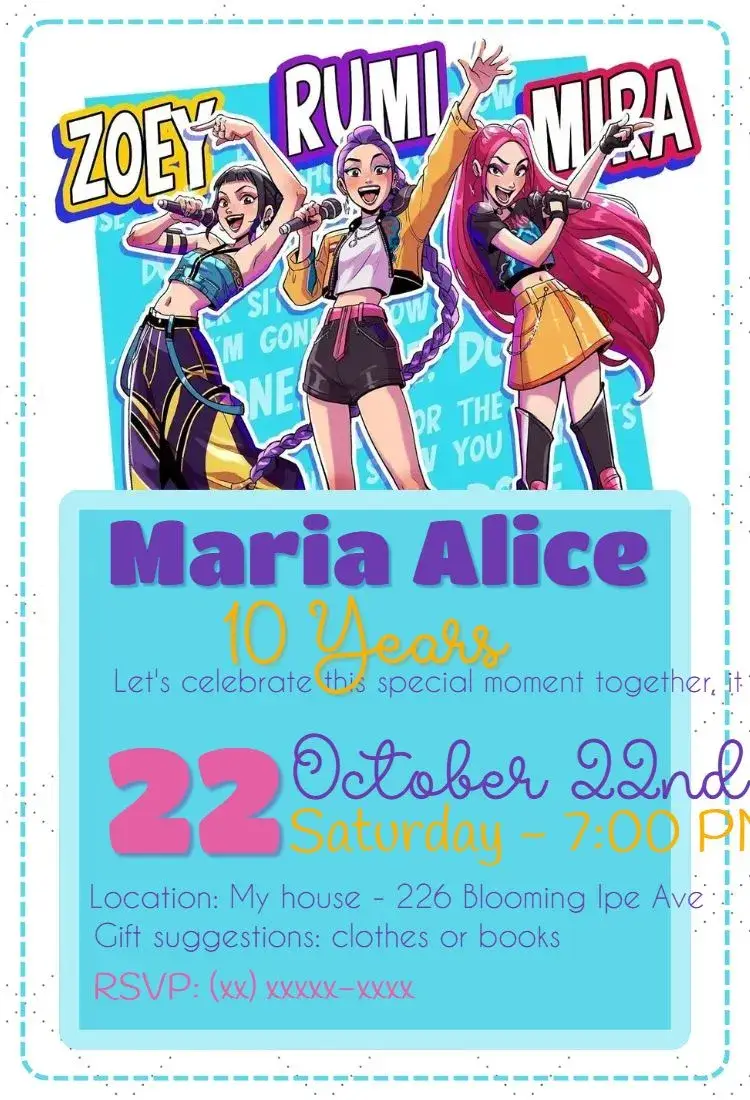
How to choose
About this collection
From the right design to the editor, step by step.
Build the design around the child and the party
Begin with the child's interests, age, and the type of gathering you are hosting. An outdoor party may call for bright, open compositions, while a small celebration at home can use a warmer tone. A themed event benefits from recognizable visual cues, but the invitation does not need to be crowded. A few well-chosen elements can communicate the idea and leave enough room for guests to read the details.
Write for parents and caregivers
List the child's name and age along with the date, start and end times when helpful, and full address. Call out swimming, costumes, drop-off arrangements, siblings, or another detail families need to plan for. Add a clear RSVP contact and deadline if attendance affects the setup. Short blocks and strong contrast make the message easier to check quickly from a phone.
Check every detail before sending
Confirm the spelling of the child's name, the age being celebrated, and every number in the invitation. Limit decorative fonts and make sure text remains visible over illustrated backgrounds. Ask another caregiver or organizer to review the final version. That small step protects the practical information while letting the design stay fun, welcoming, and connected to the celebration.
Details to confirm before editing
Specify whether adults should stay, whether siblings are invited, and when pickup is expected. For swimming, costumes or outdoor activities, list what caregivers should bring. Keep those practical notes separate from the main date and address.
Spell out the month in the date — [Month] [day], [year] — and check the time. Include a.m. or p.m., or use a clearly labeled 24-hour time. For guests in another region, add the city and the time zone when needed rather than relying on an ambiguous numeric date.
Example wording to adapt
The following wording is a suggestion: replace the fields in brackets and remove anything that does not apply to your event.
[Name] is turning [age]! Come play with us on [date], from [start] to [end], at [venue]. Please RSVP to [caregiver] by [deadline].
From the selected template to the editor
Open the selected invitation page, inspect its preview and use the personalization button to enter the editor. Replace the sample details with your event information and check which elements that template allows you to change. To include a photo, choose a design with space for one or check the editor options. Review the result on a phone and check the download options and conditions shown for that template before completing it. Sharing an image does not automatically make the text inside it clickable: send necessary maps and links in the accompanying message too.
What do parents and caregivers need to know?
Decide whether adults should stay, whether siblings are included and whether children need spare clothes. Compare photo layouts, central illustrations and designs with a larger text area. Keep the name and age easy to read without repeating the theme in every line.
Questions
Frequently asked questions
What to check before opening the editor.
What should a kids' birthday invitation say?
Include the child’s name and age, date, time, location, RSVP details, and any instructions parents or caregivers need to know.
How do I choose a party theme for the invitation?
Start with the child’s interests and the real event plan. A few colors or illustrations can communicate a theme without overwhelming the information.
How can I make the invitation easy to read on a phone?
Use short copy, high contrast, comfortable type sizes, and a clear order for the date, time, location, and special instructions.
Does the invitation have to match every decoration?
No. Repeating one or two colors or motifs is often enough to create a consistent look while preserving flexibility and readability.
What do parents and caregivers need to know?
Decide whether adults should stay, whether siblings are included and whether children need spare clothes. Compare photo layouts, central illustrations and designs with a larger text area. Keep the name and age easy to read without repeating the theme in every line.
How do I open a selected template in the editor?
Open the invitation page, inspect the design and use the personalization button. Replace the example event details. Photo, color and design changes depend on the selected template and the options available in the editor.
Collections
Explore related collections
24 templates
Birthday invitations you can customize online
Compare birthday invitation designs, organize the name, date and venue, then open a template to personalize the details of your celebration.
Curated templates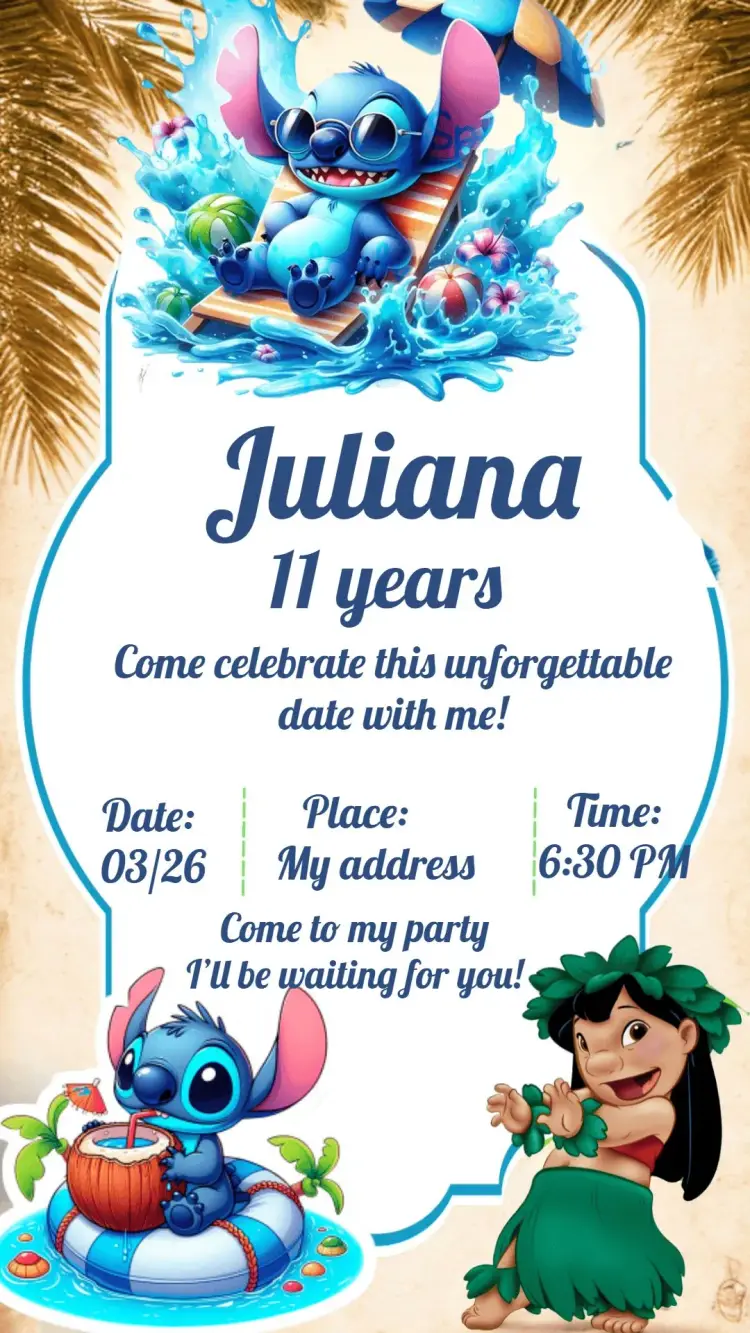
24 templates
First birthday invitations to customize online
Compare first birthday invitation designs, organize the one-year celebration details, then open a template to personalize a message for family.
Curated templates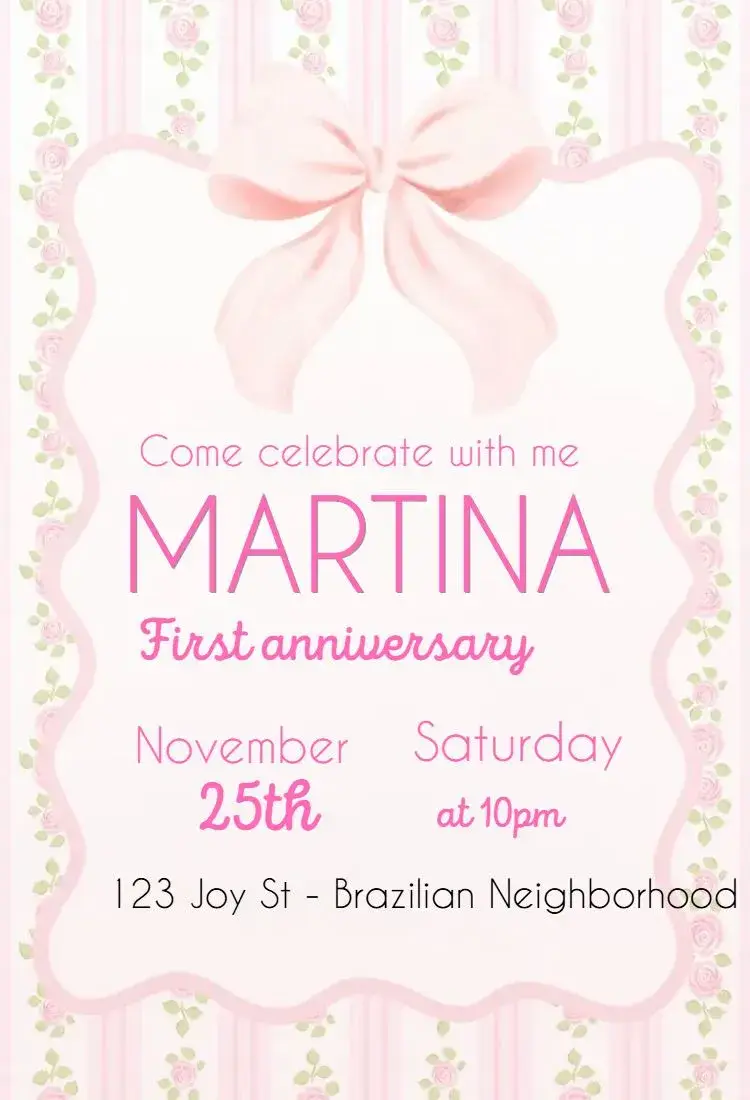
24 templates
Quinceañera invitations to customize online
Compare quinceañera invitation designs, organize Mass, reception and attire notes when relevant, then open a template to personalize the celebration.
Curated templates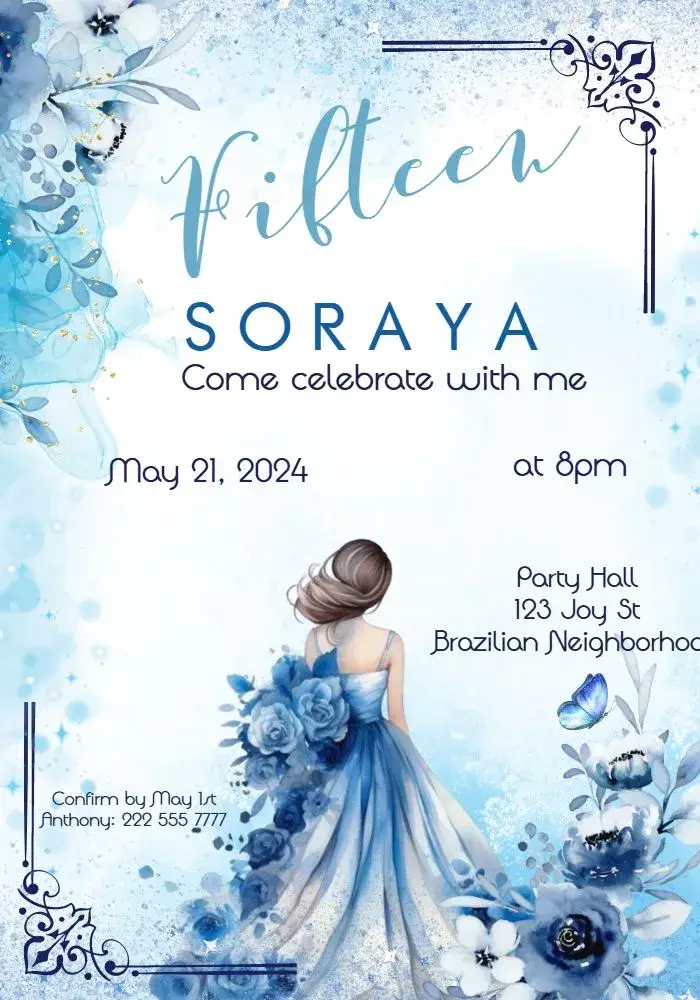
Invitation wording: customize and copy your message
Build invitation wording for birthdays, weddings, baby showers and graduations. Customize a sample and copy it into your invitation’s editable text fields.
Build your invitation messageHow to print invitations: size, aspect ratio and PDF
Estimate print dimensions and image resolution from pixels. Understand the editor’s one, two or four invitations per A4 PDF sheet options.
Estimate print size and image resolutionInvitations with RSVP: share an event confirmation link
Learn how to create an event from an edited invitation, review RSVP settings and send a published event link for guests to respond.
Prepare the message for your RSVP linkCreate an invitation that feels like yours
Choose a template and edit the wording, colors, and event details directly in your browser.