Find designs organized by event
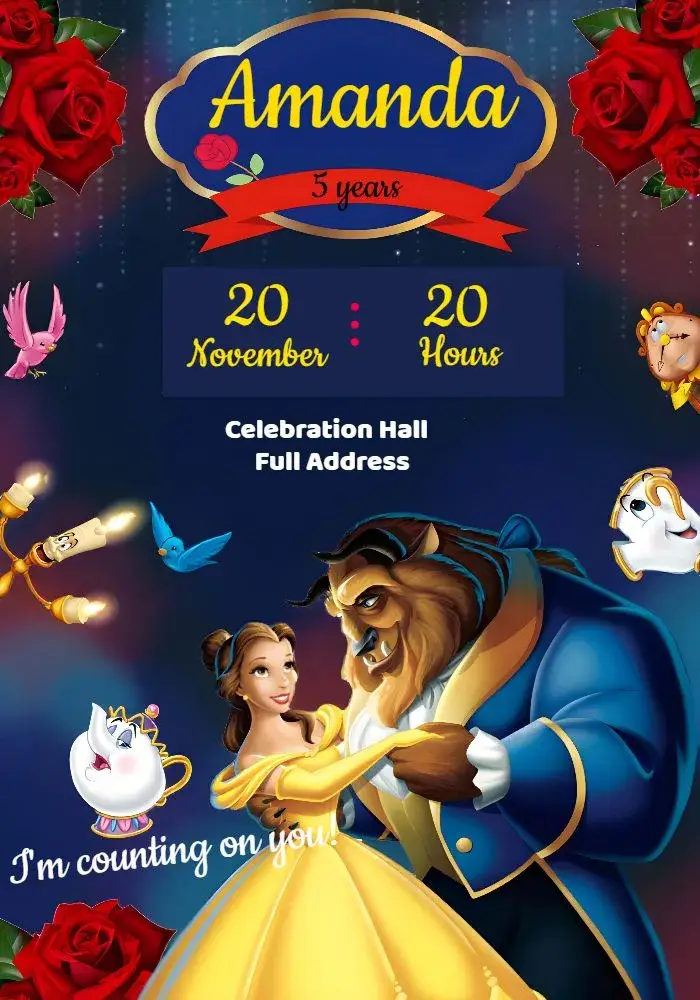
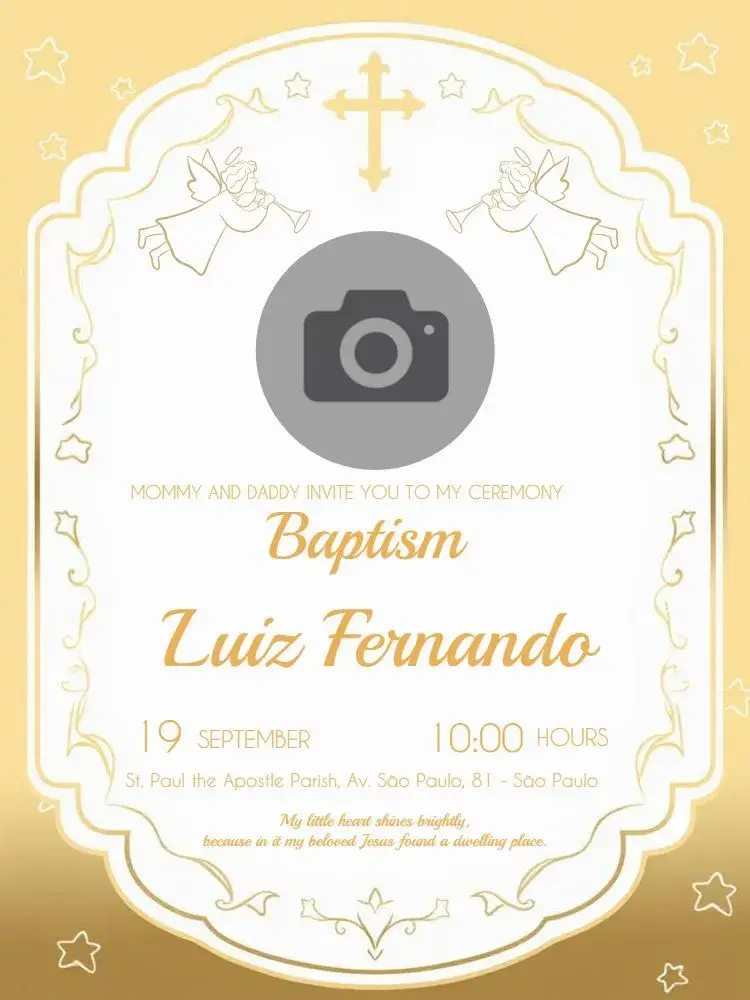
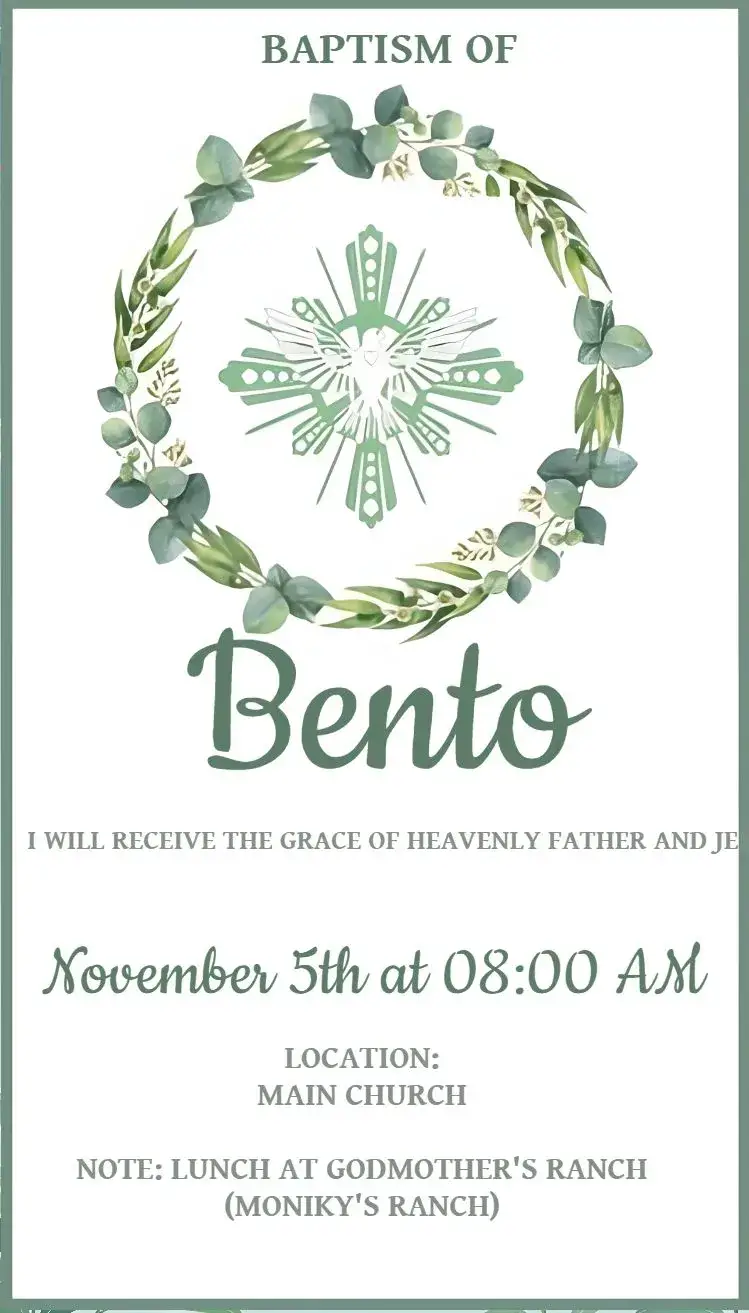
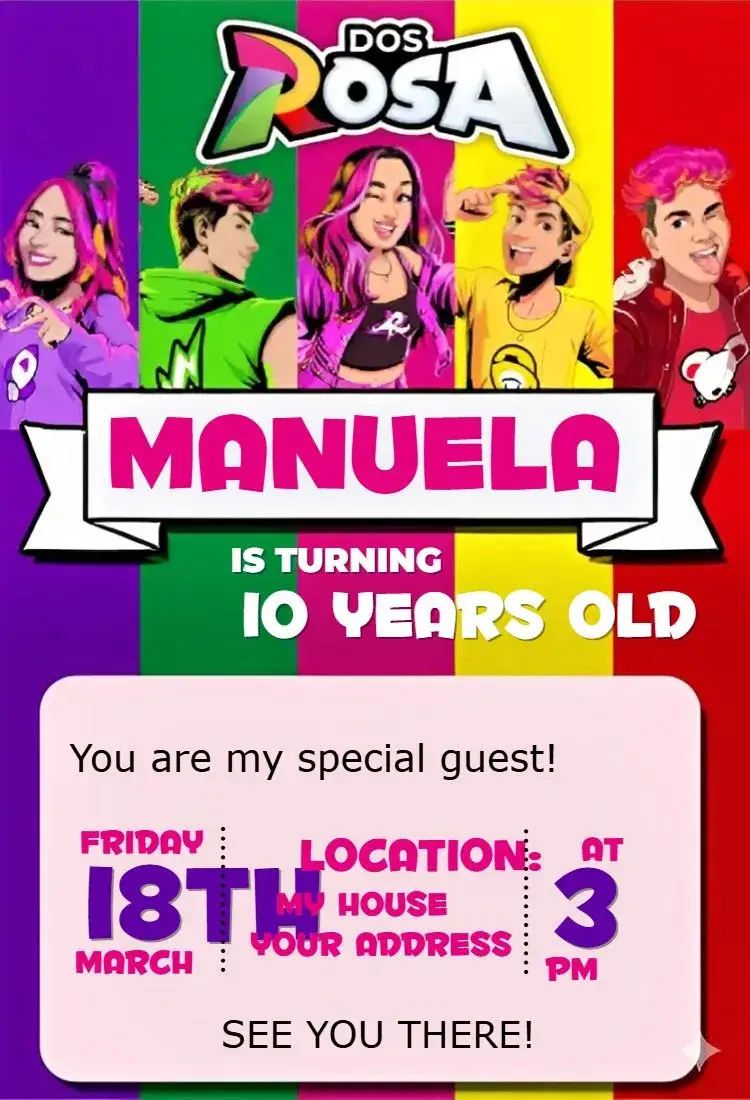
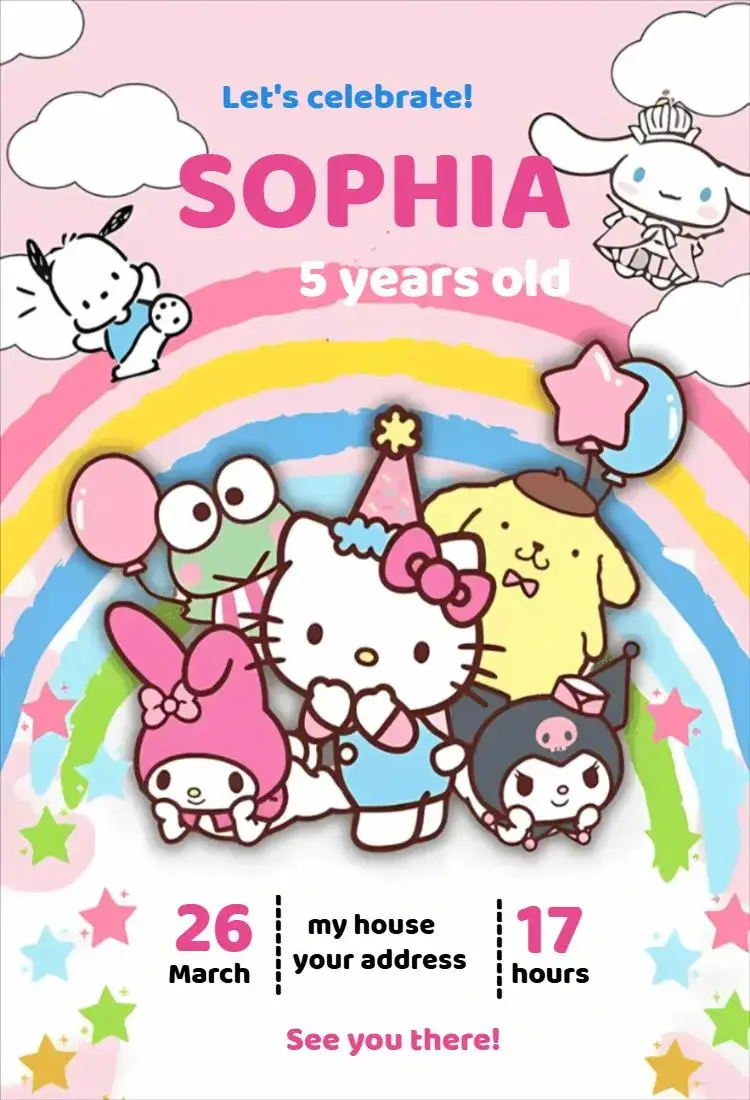
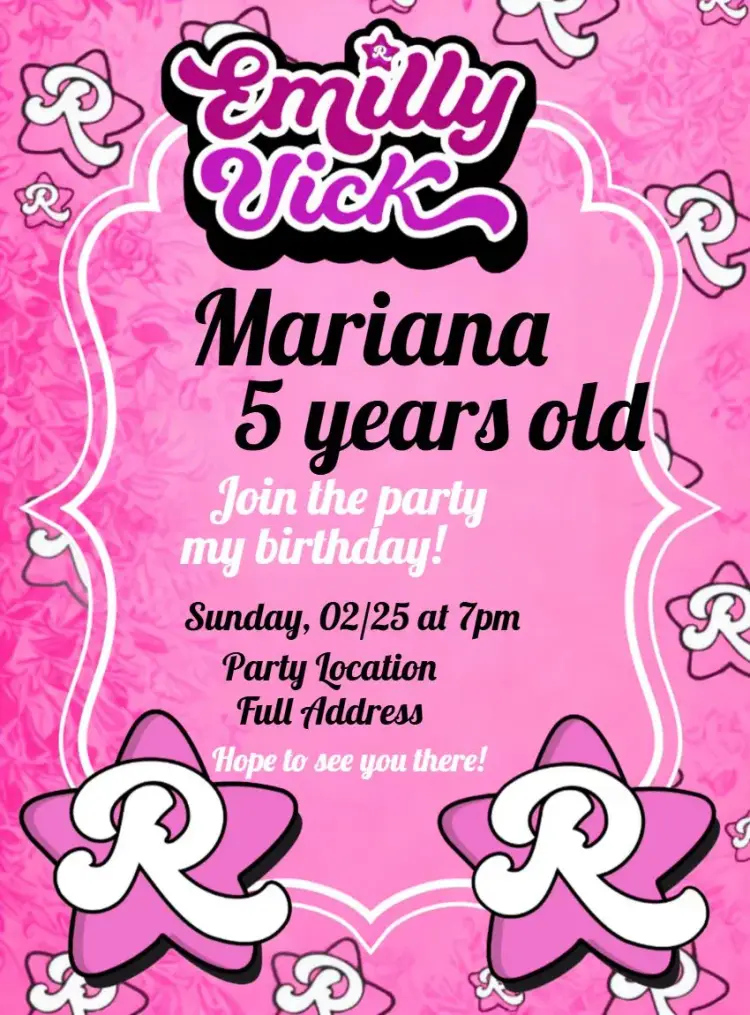
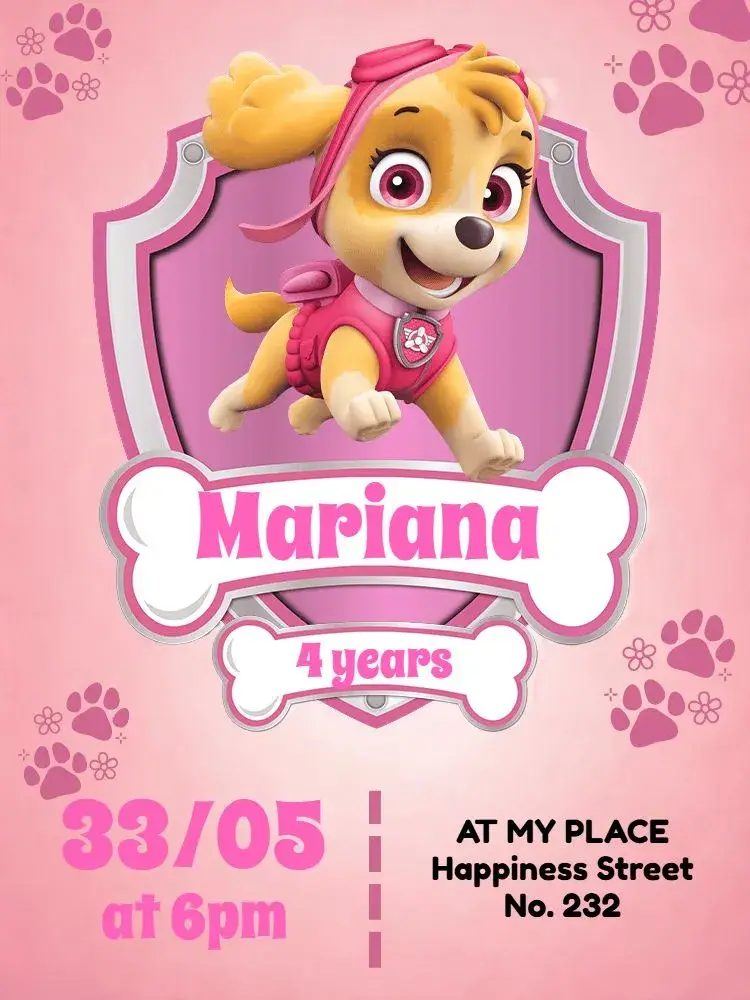
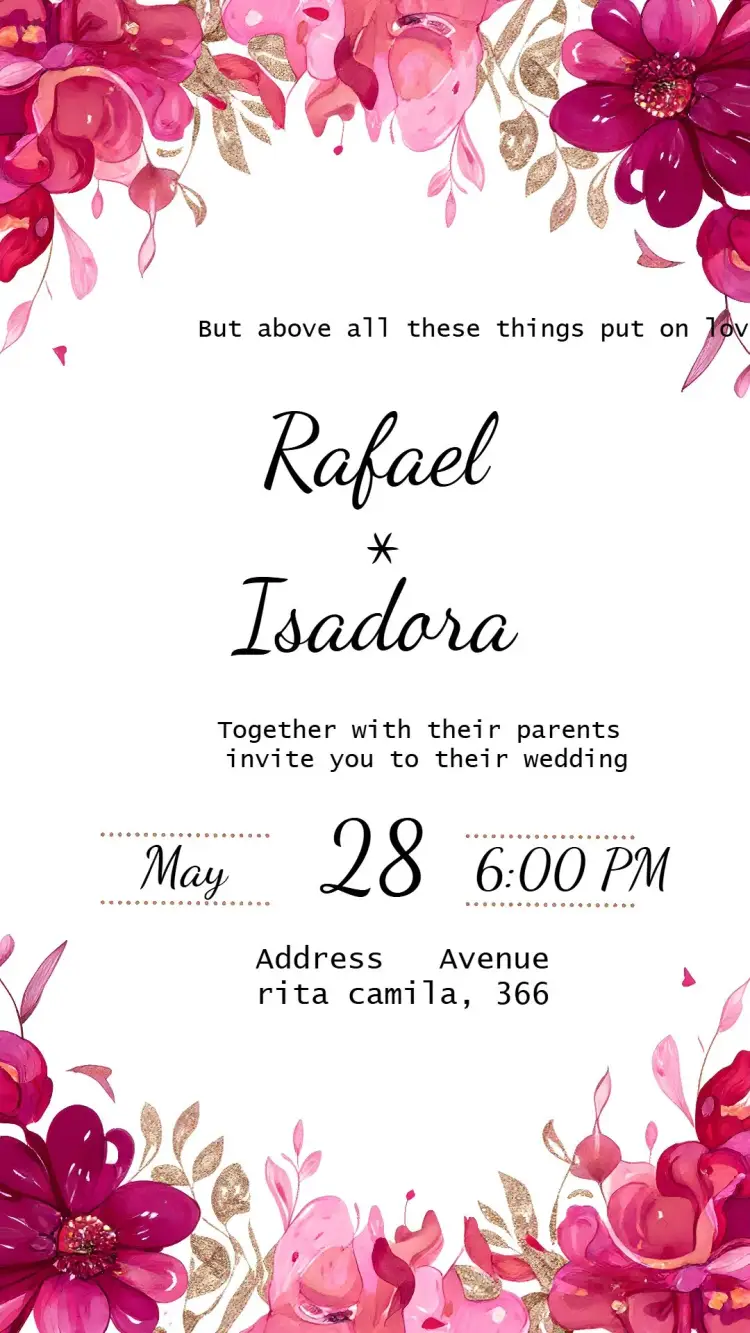
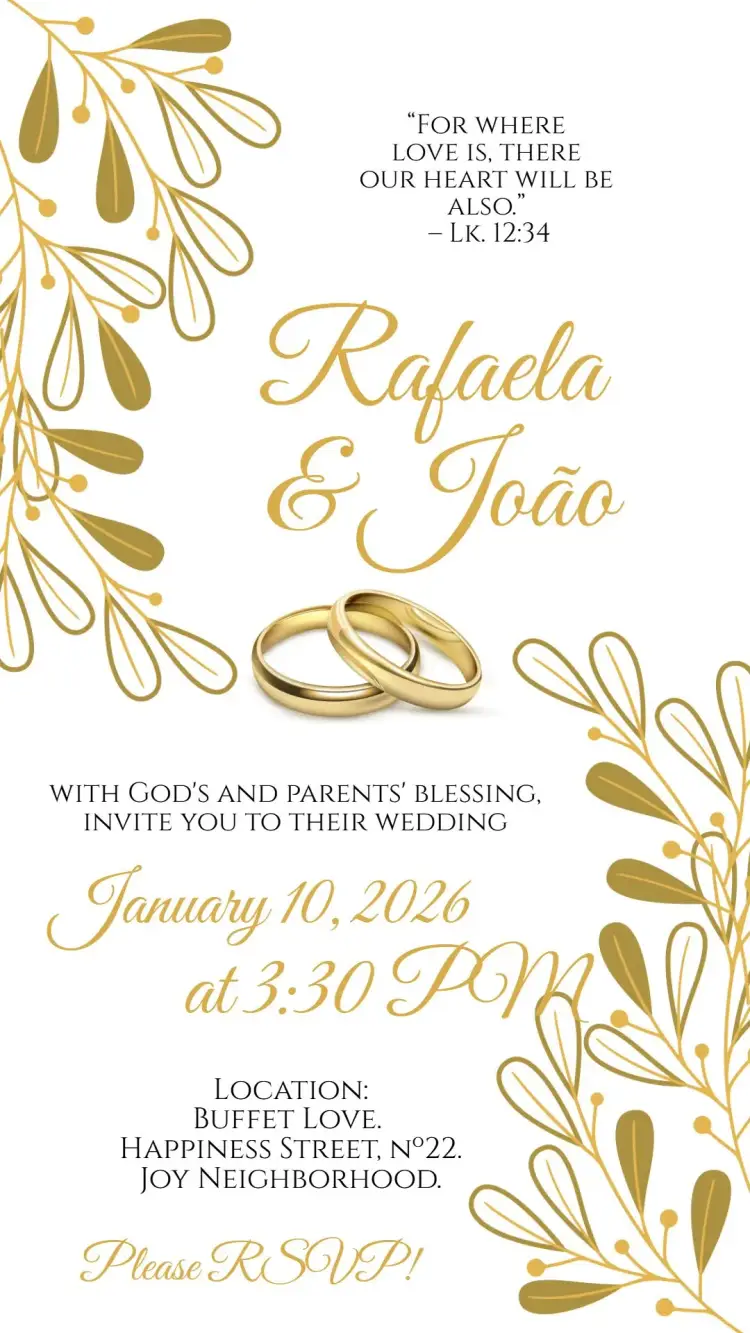
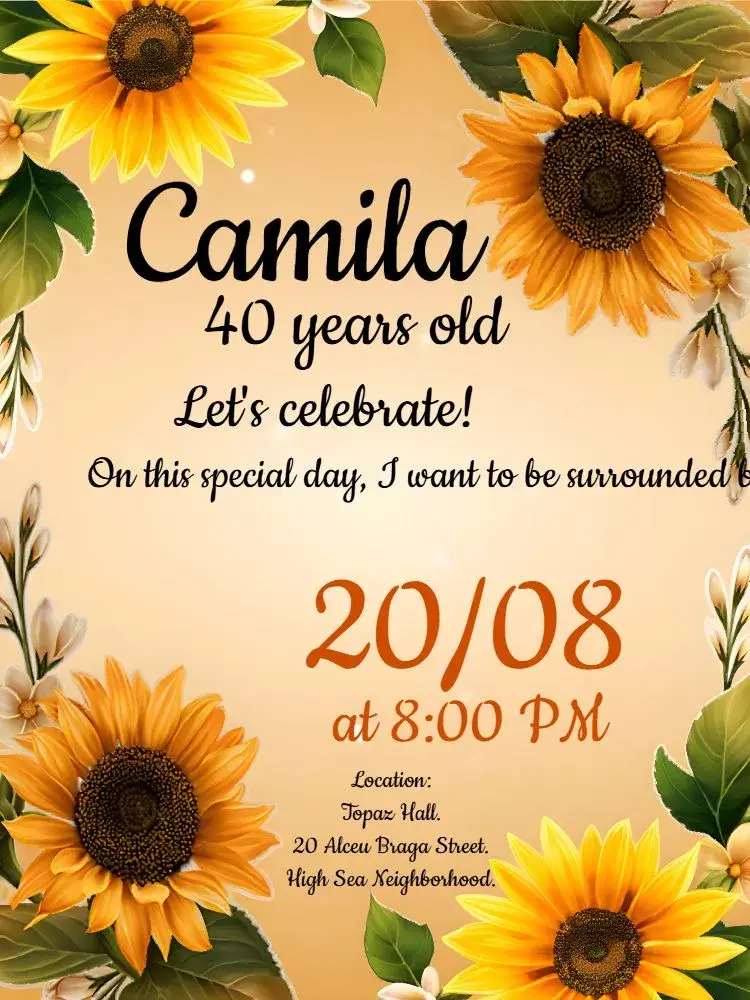
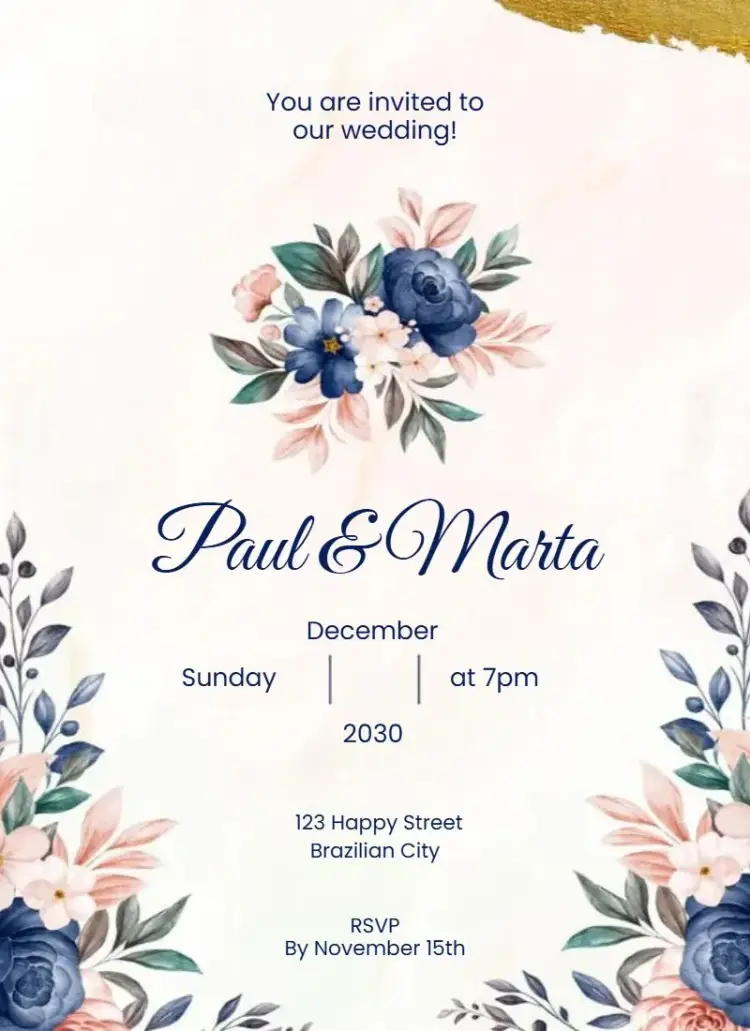
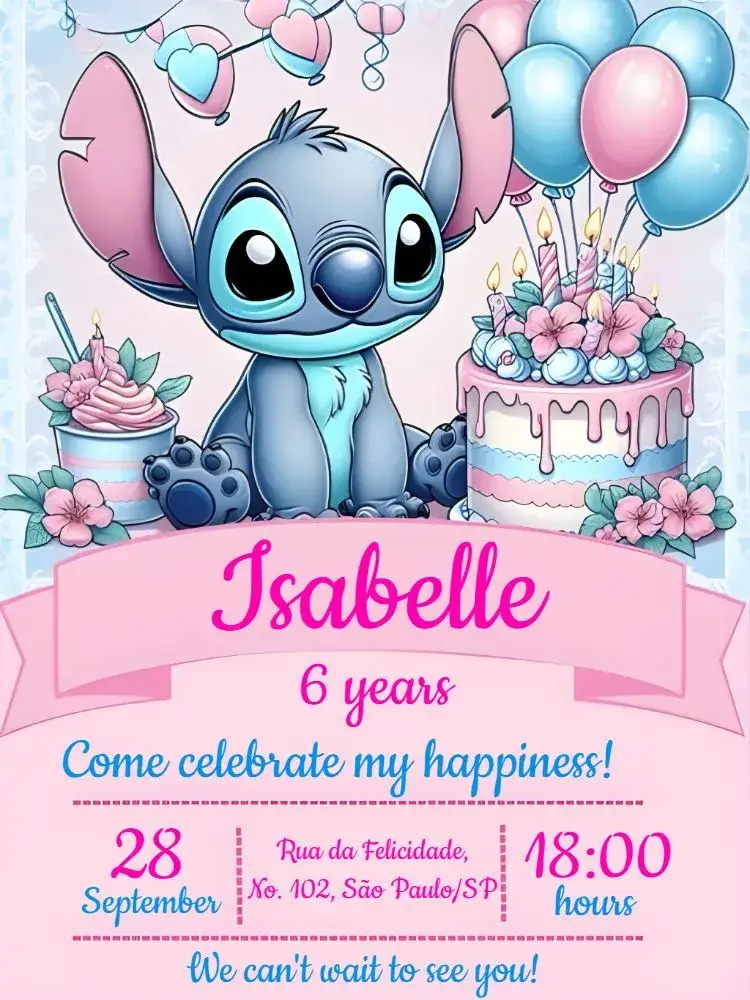
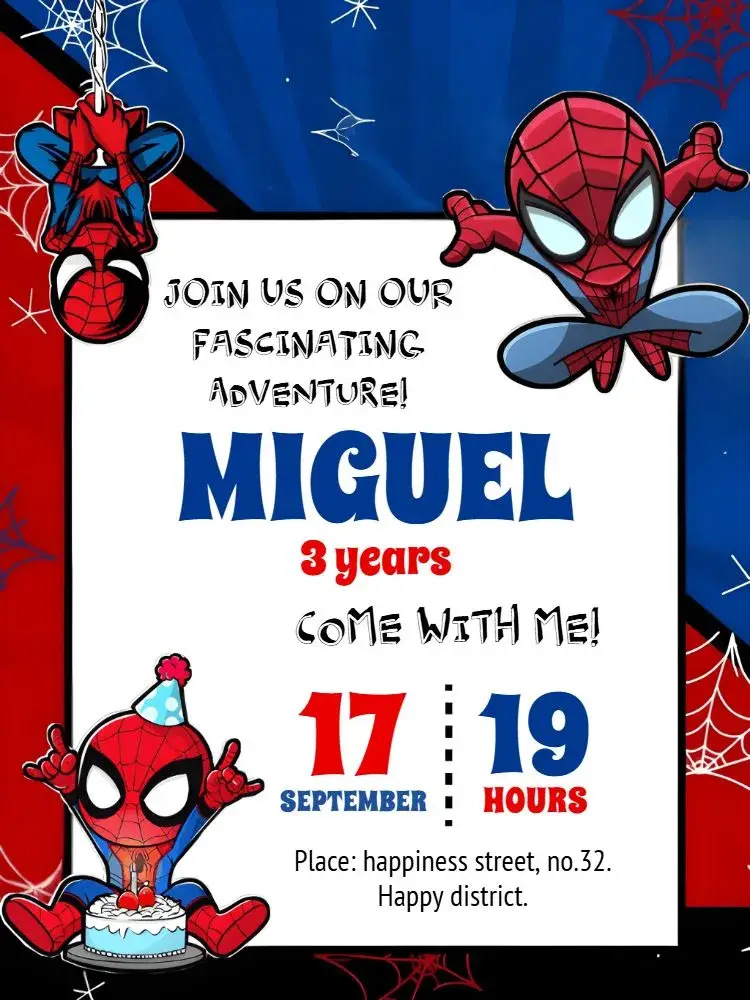
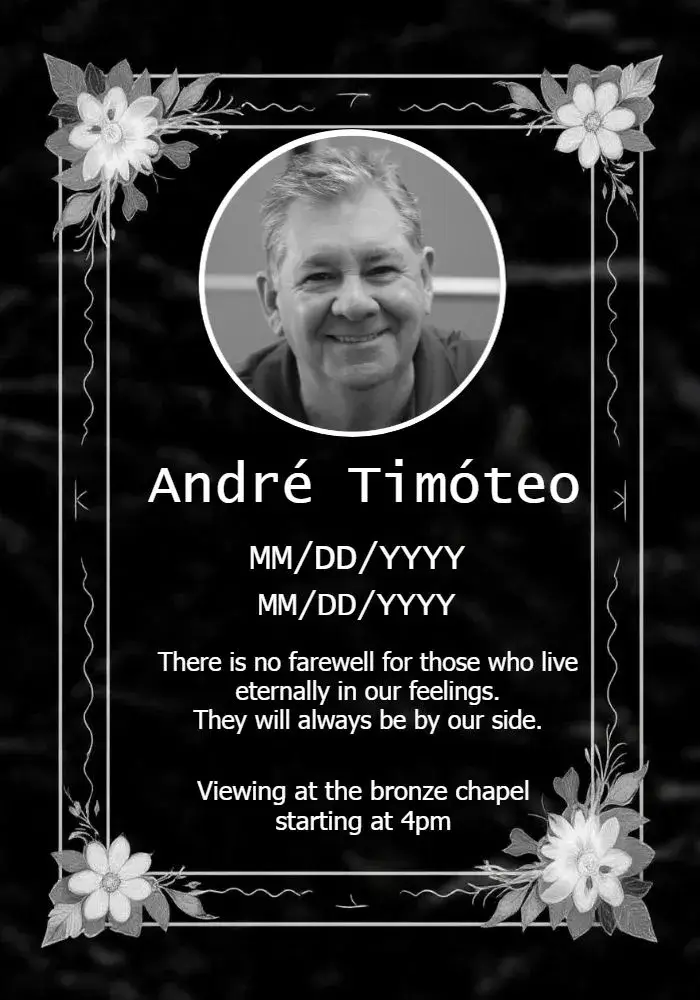
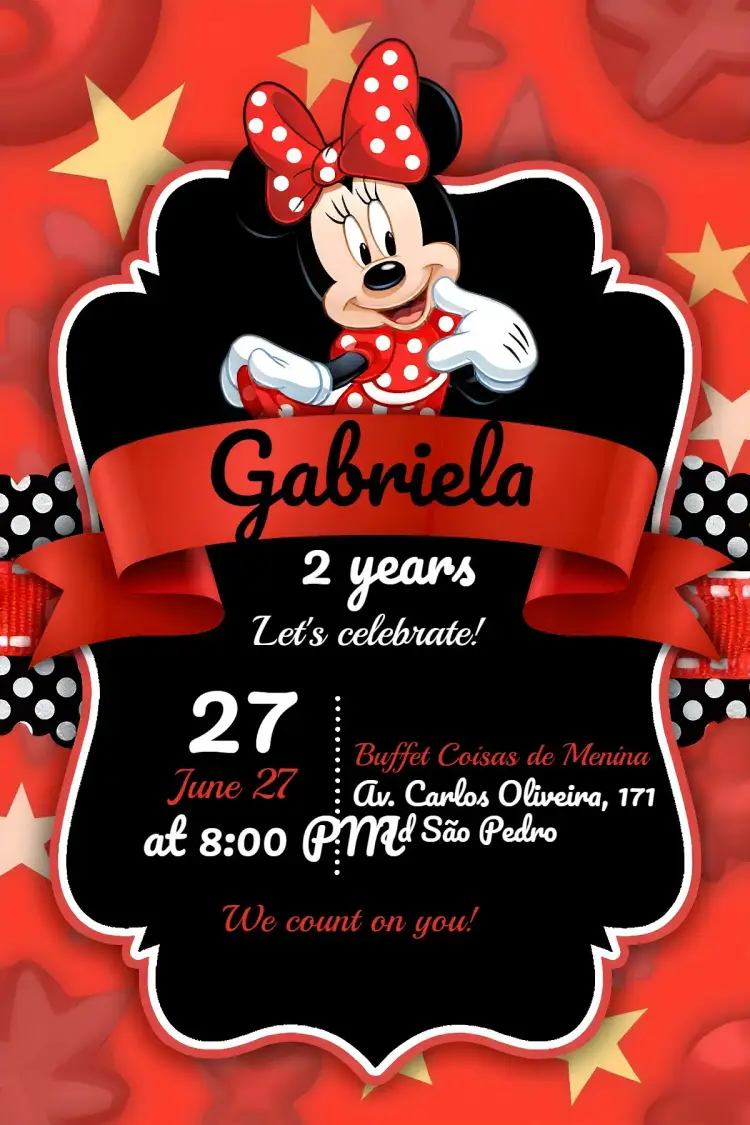
Explore the main digital invitation categories on Convitede. Find invitations for and much more. Open the design to check what can be personalized. Illustrations built into a background image may not be editable separately.
Invitation categories and editable designs
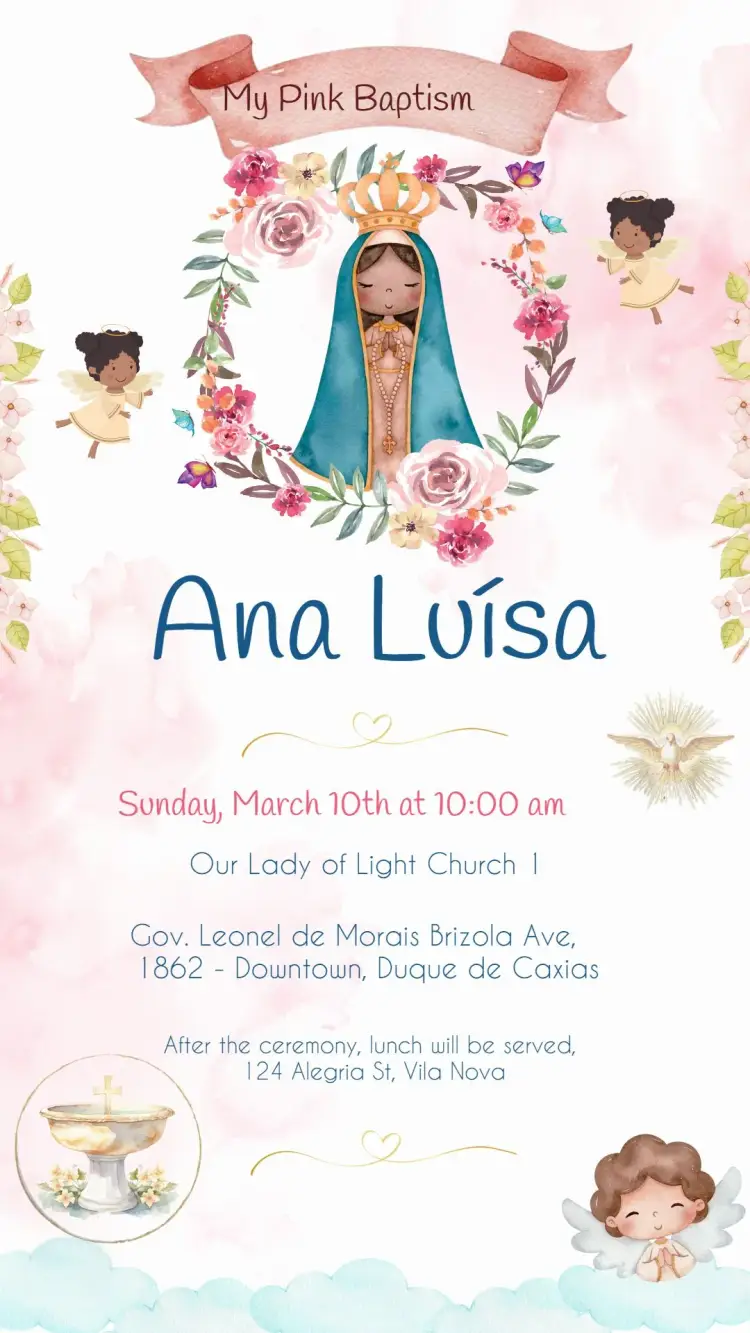
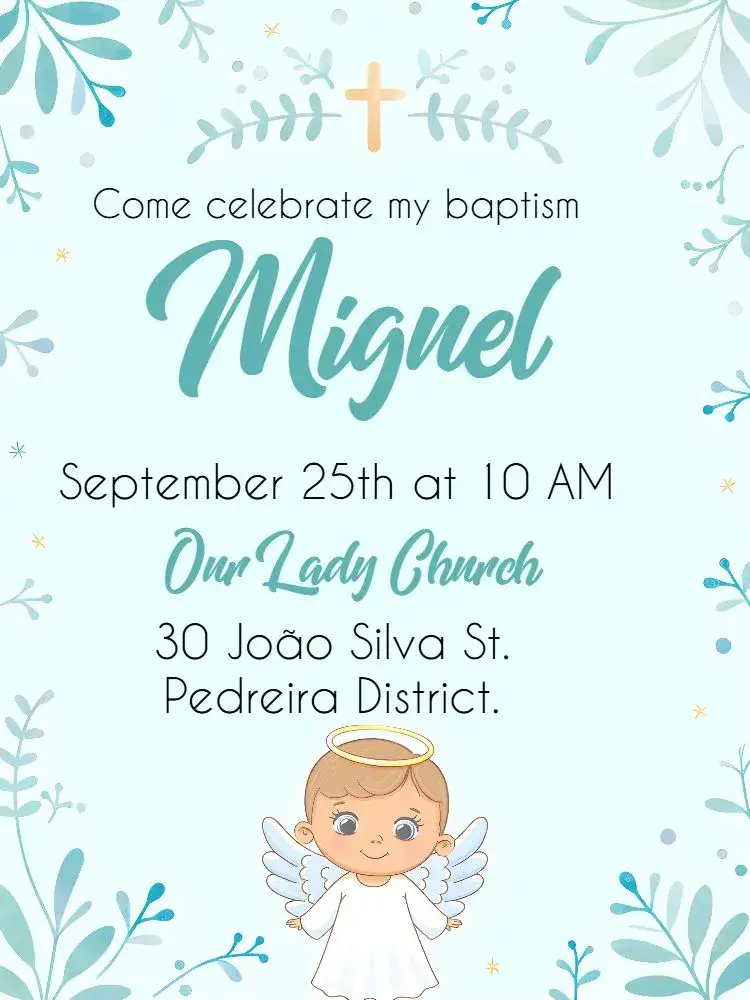
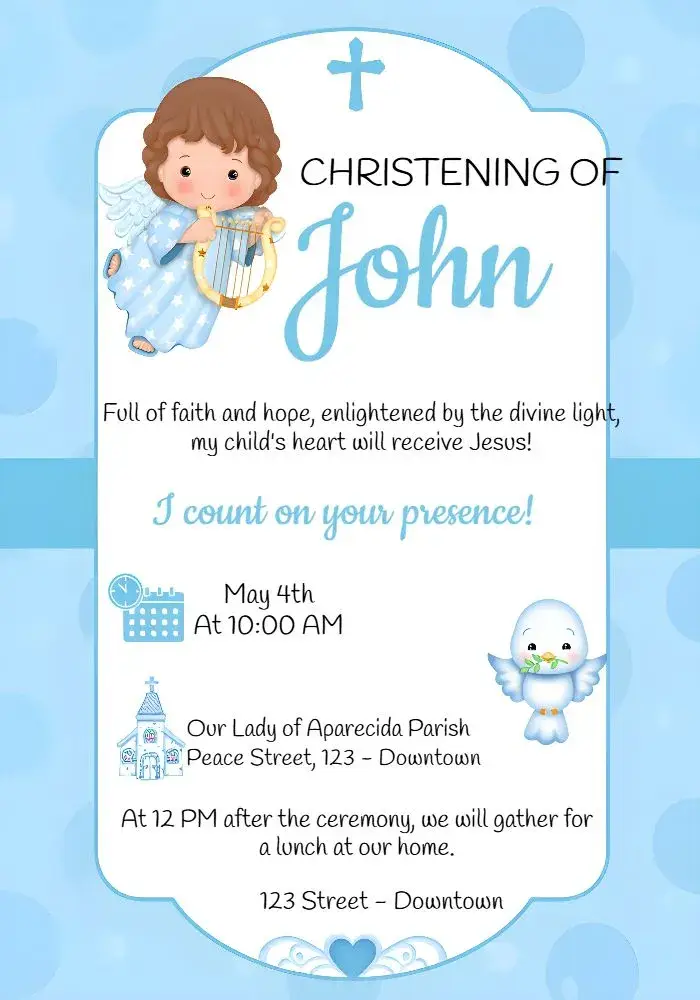
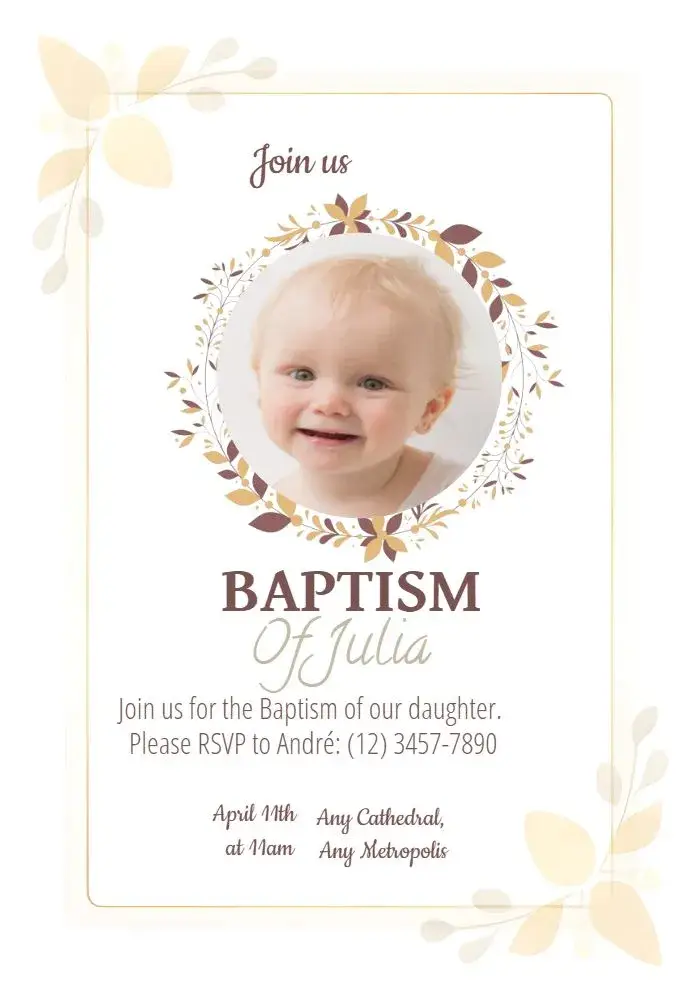
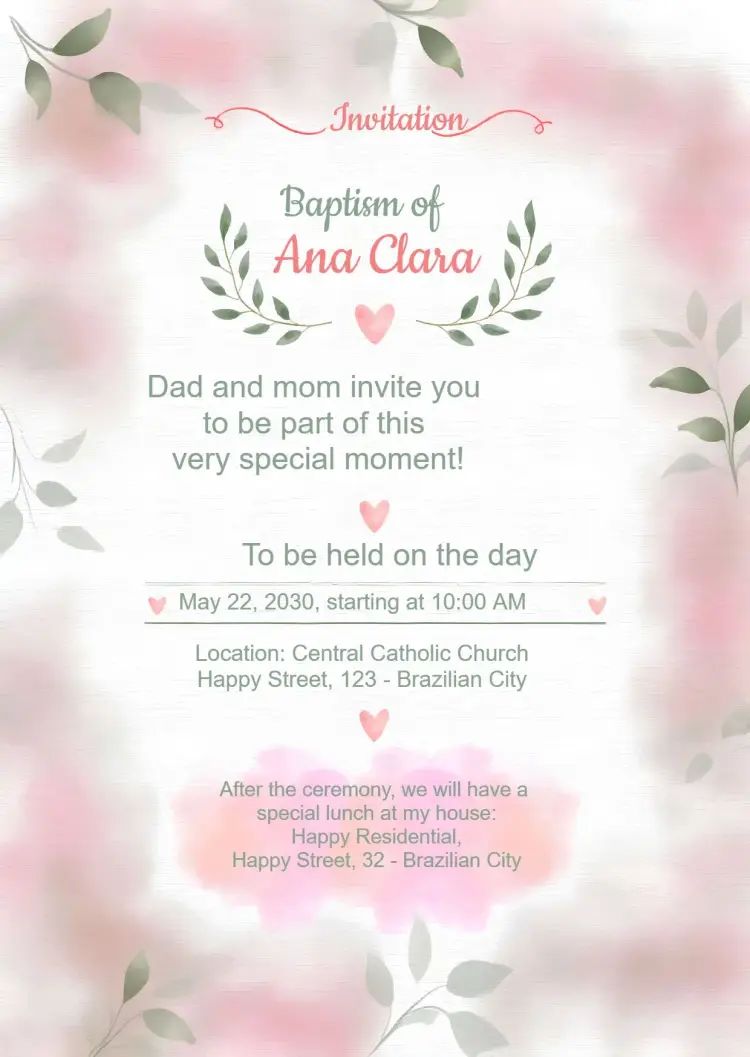
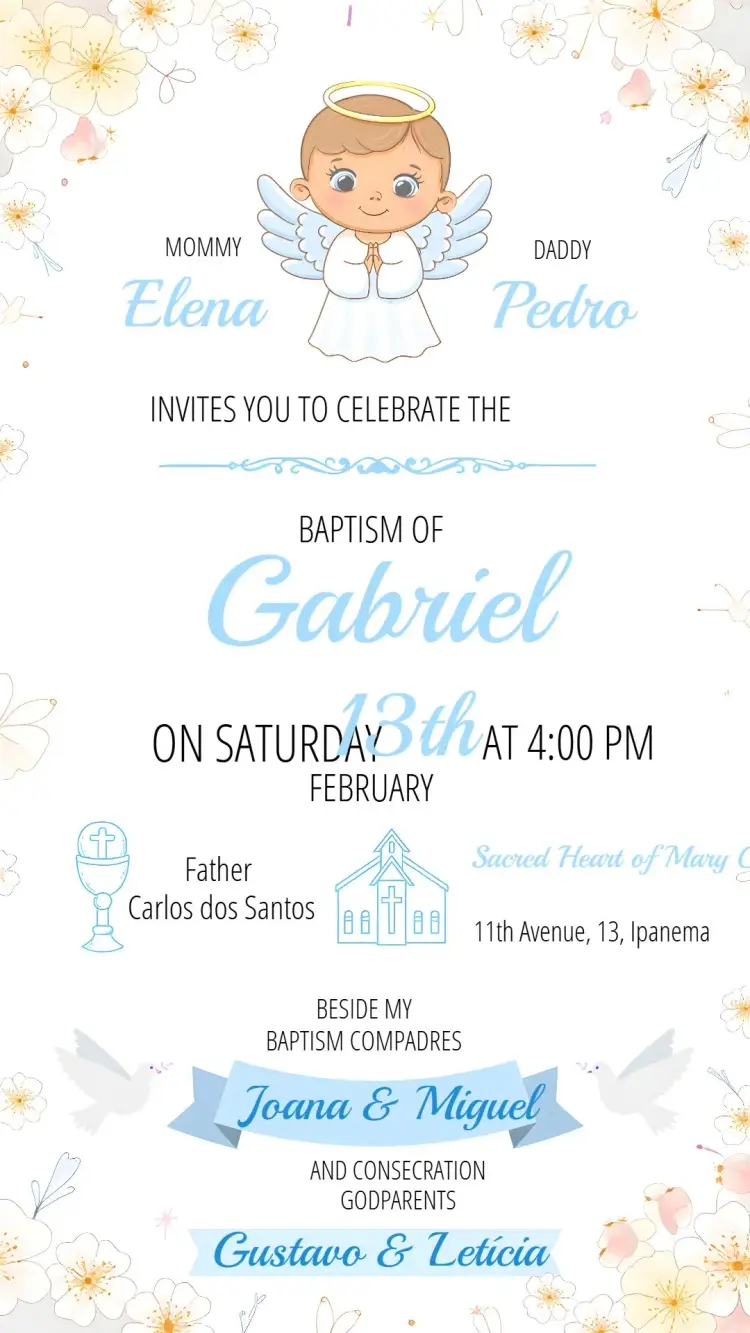
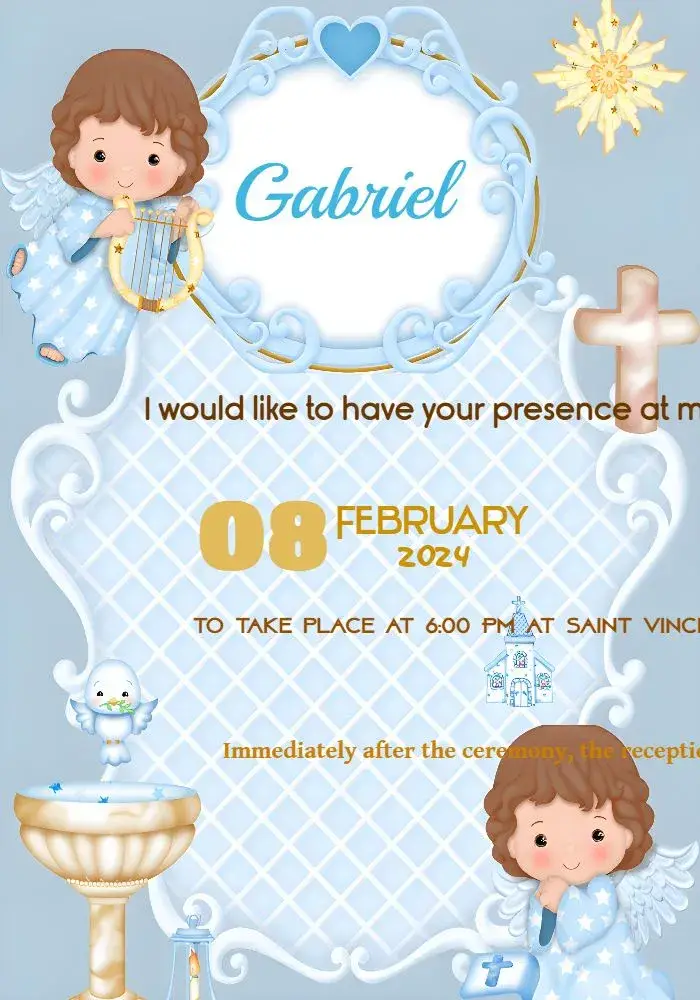
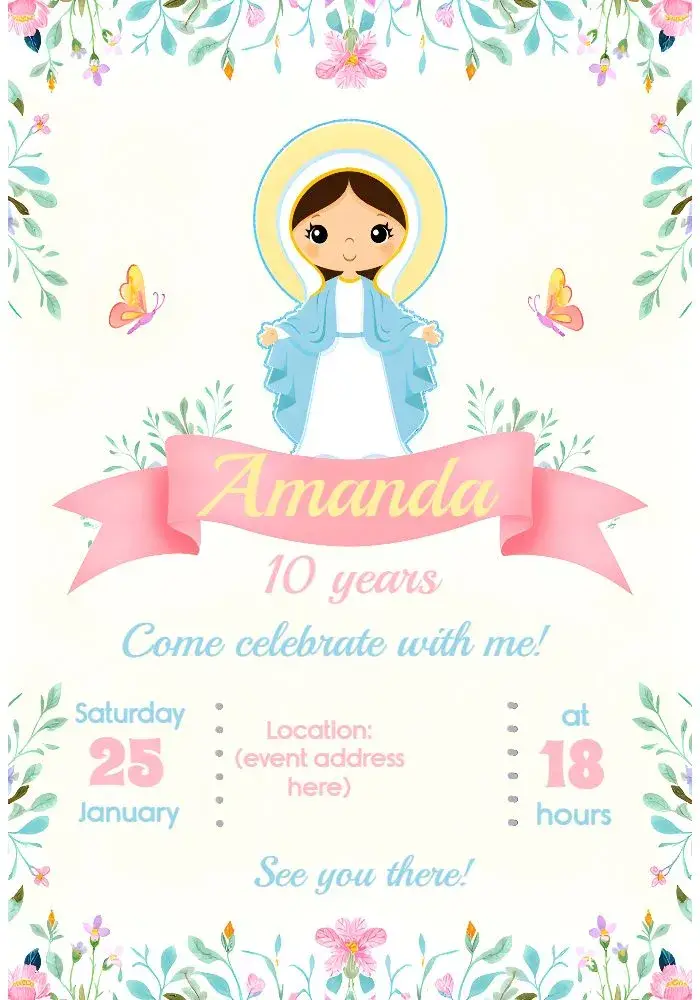
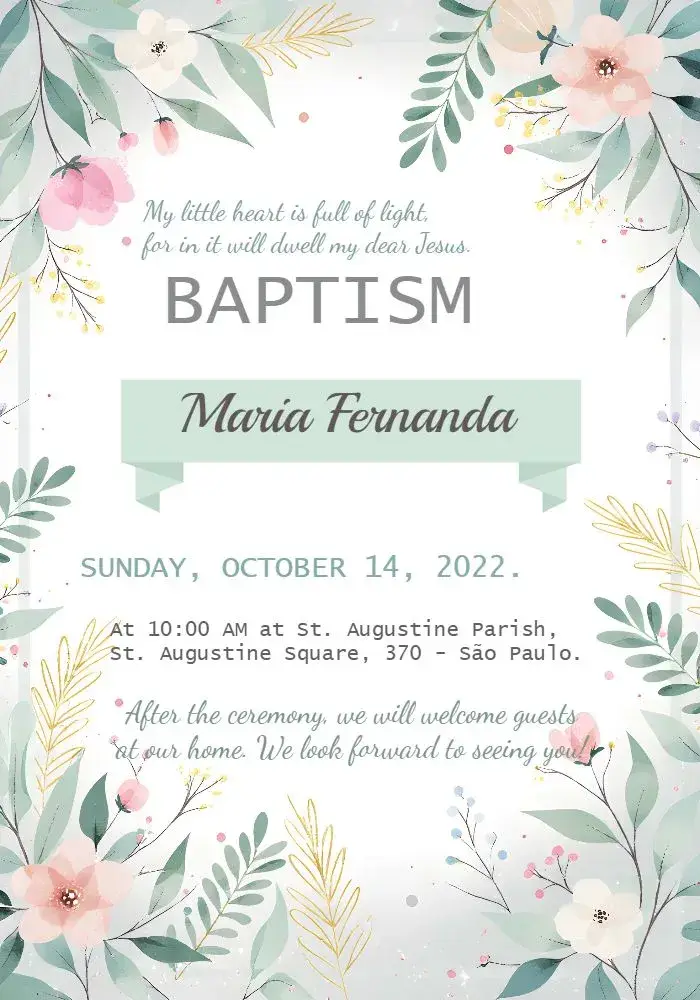
Baptism
View All →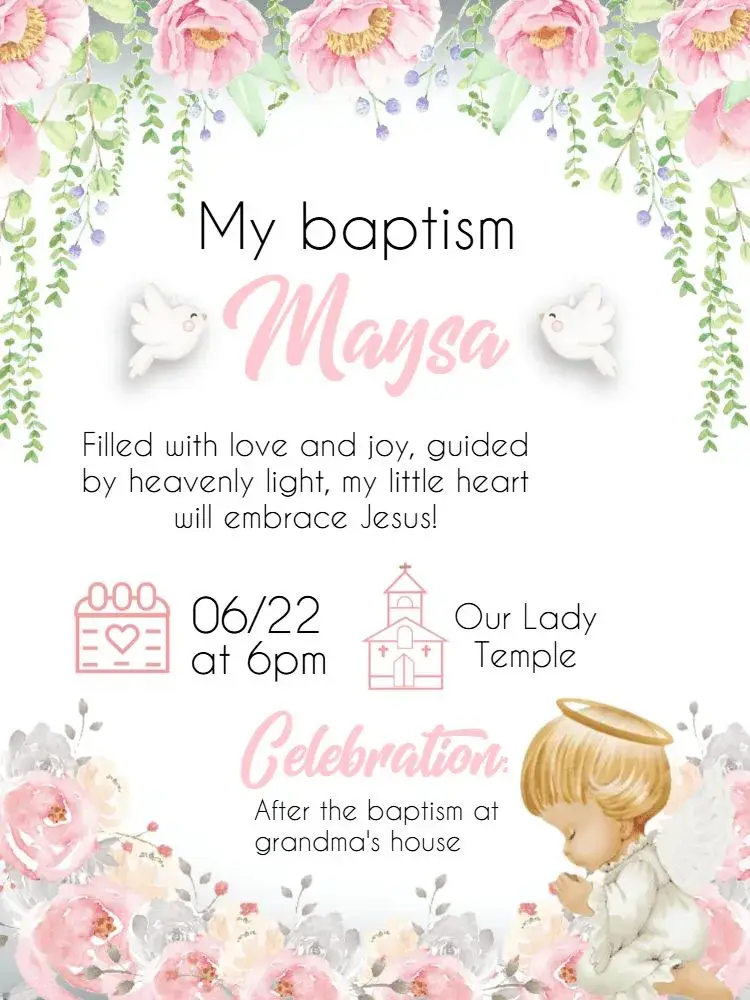
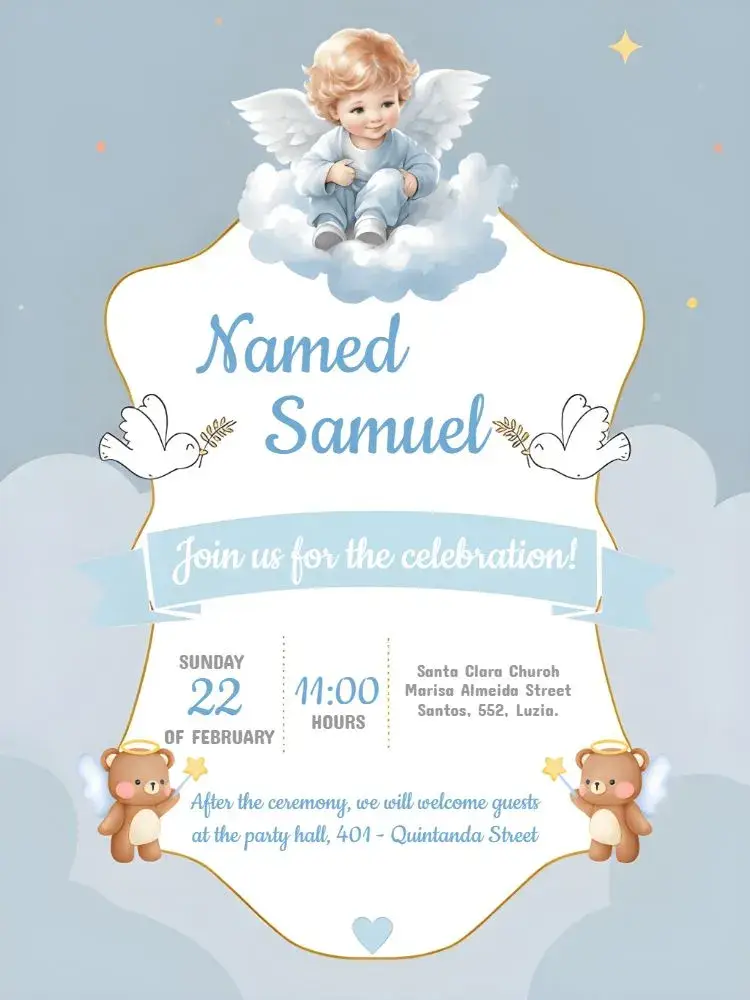
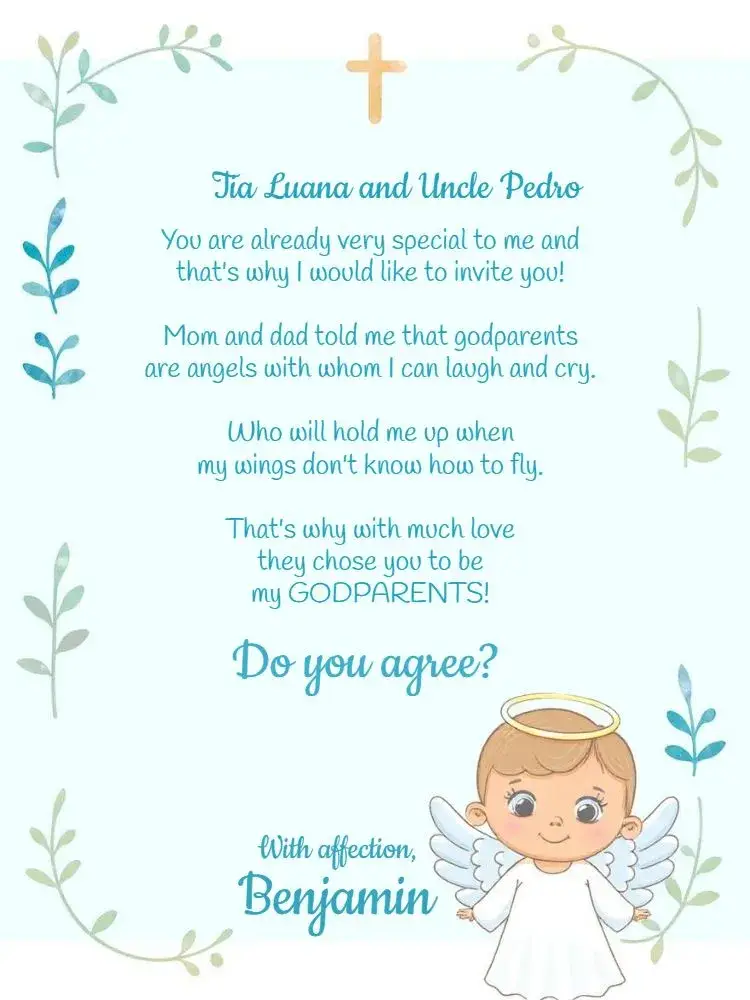
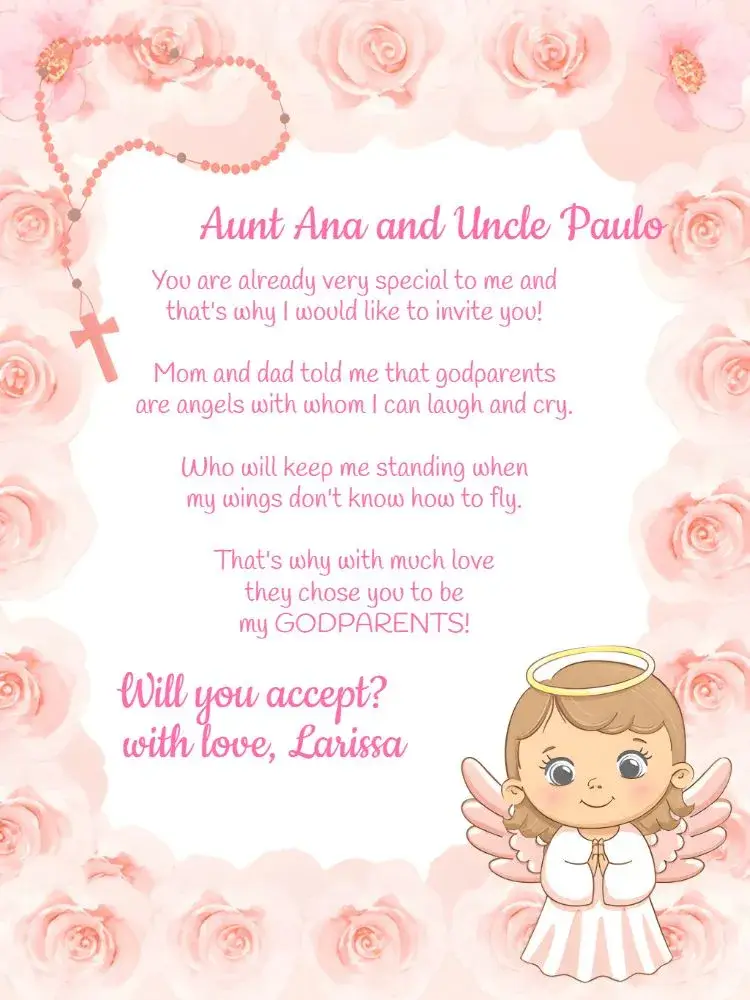





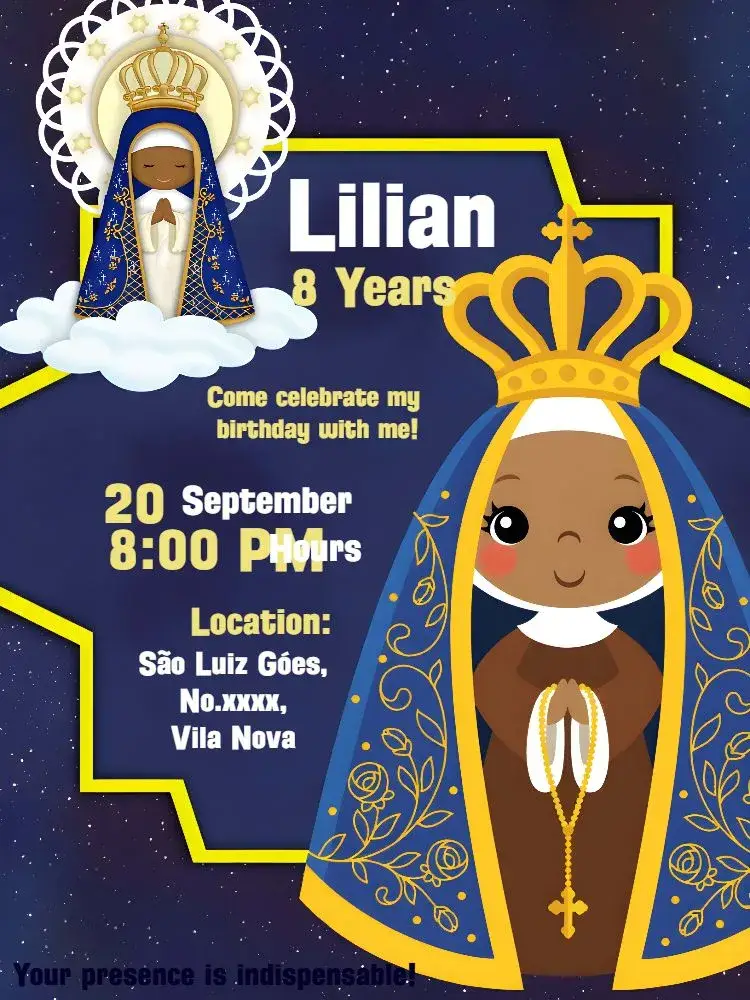

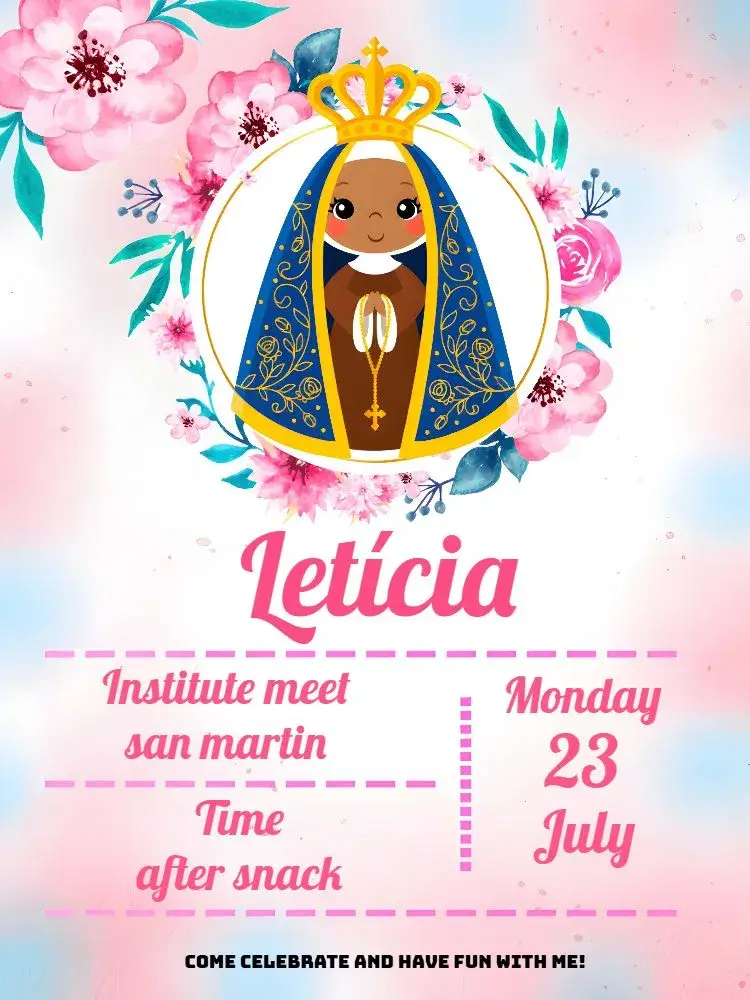
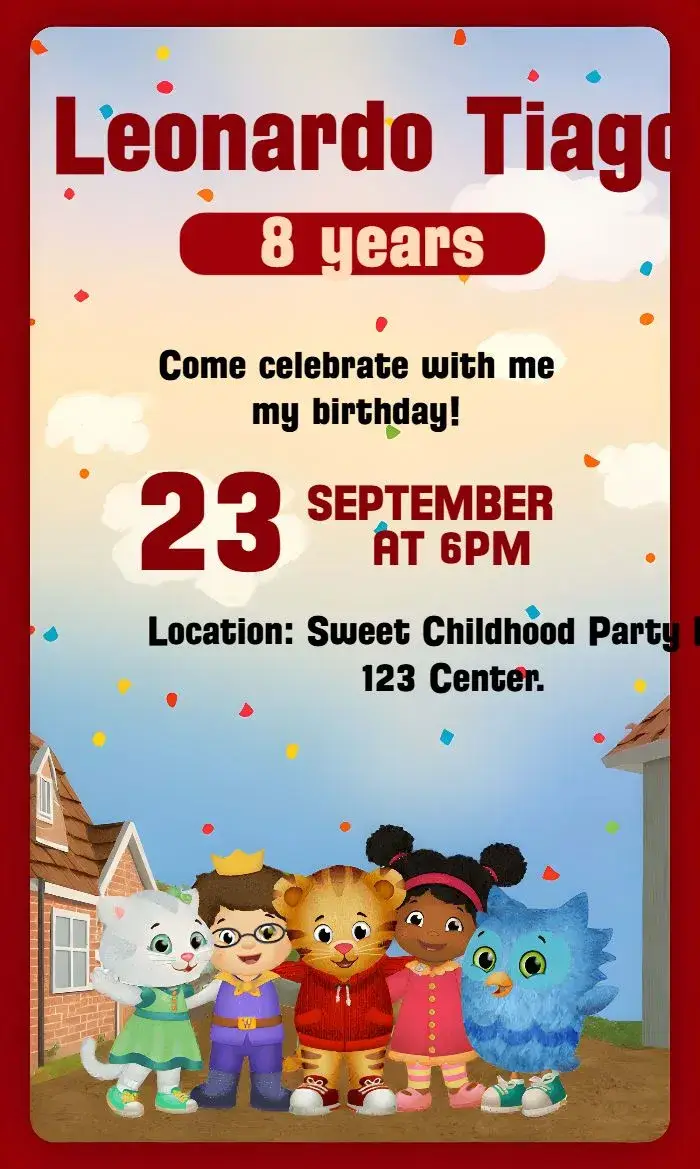
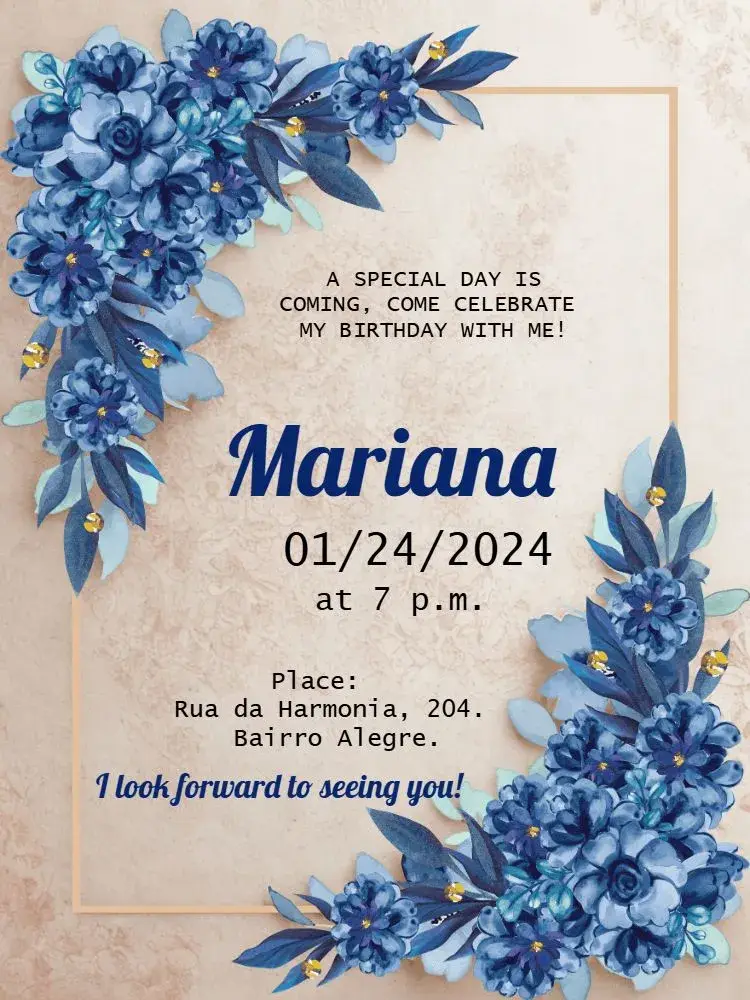
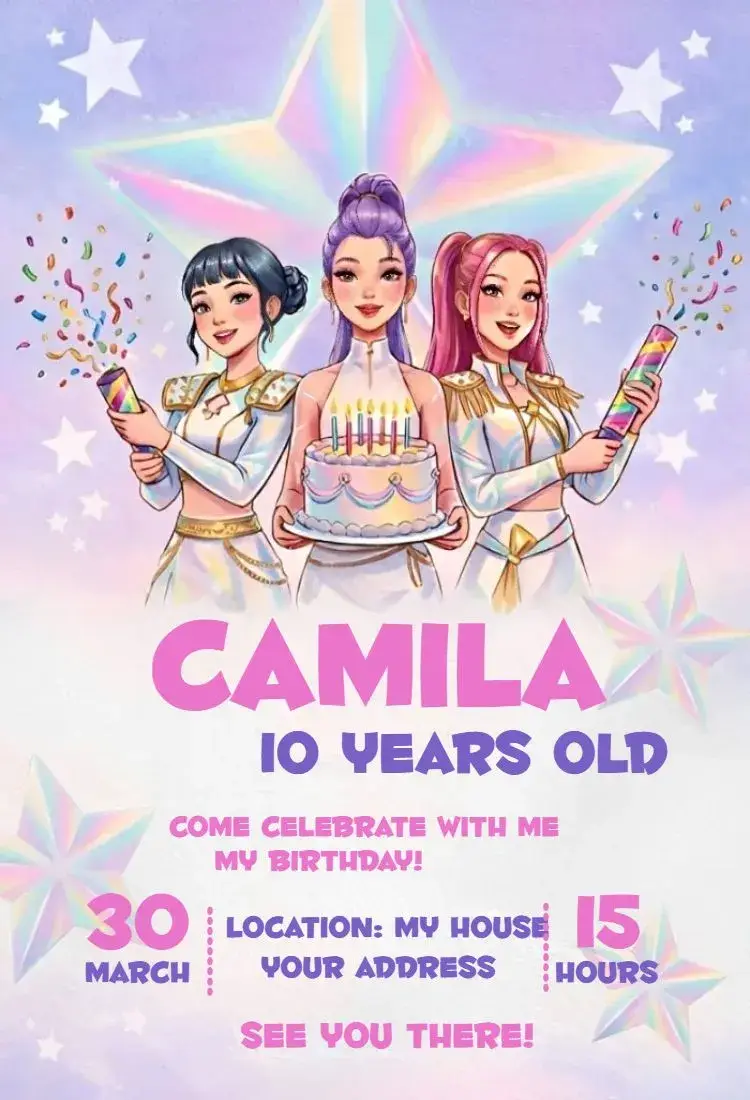
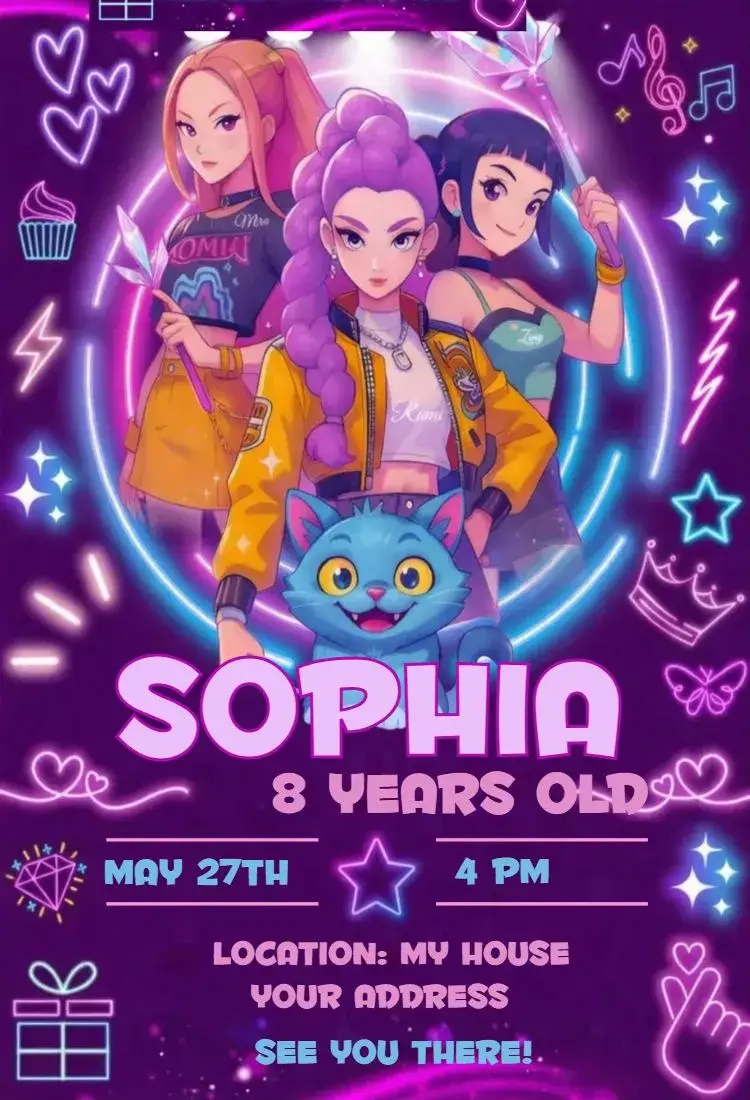
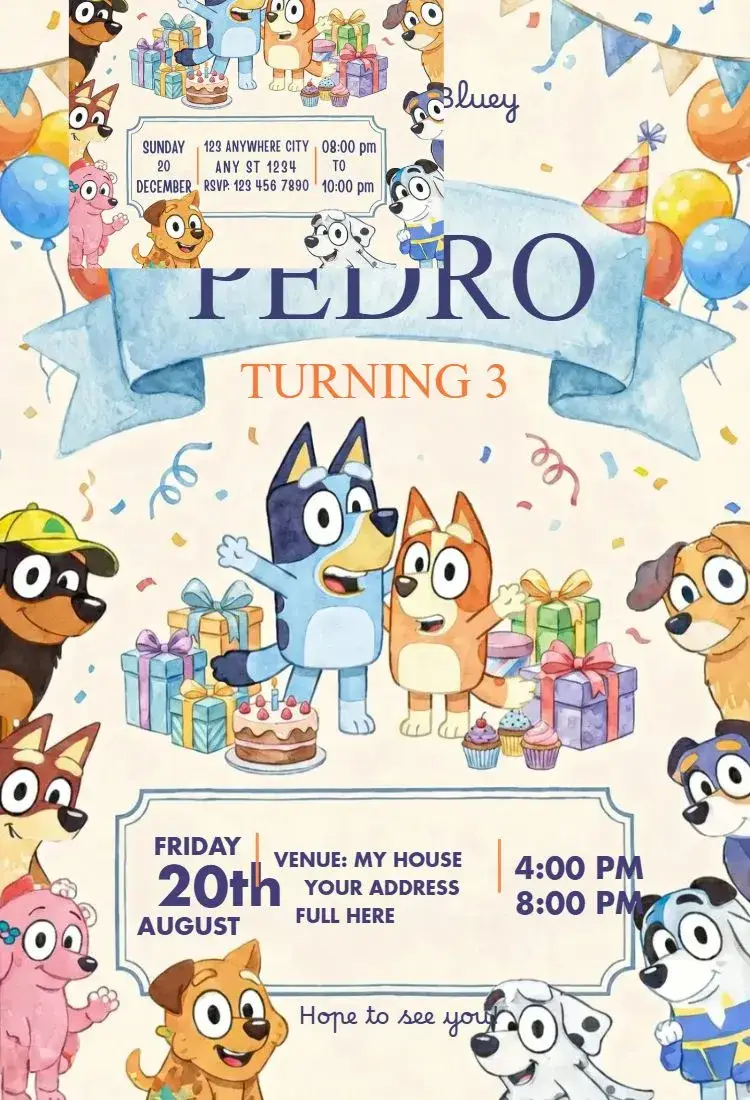
Birthday
View All →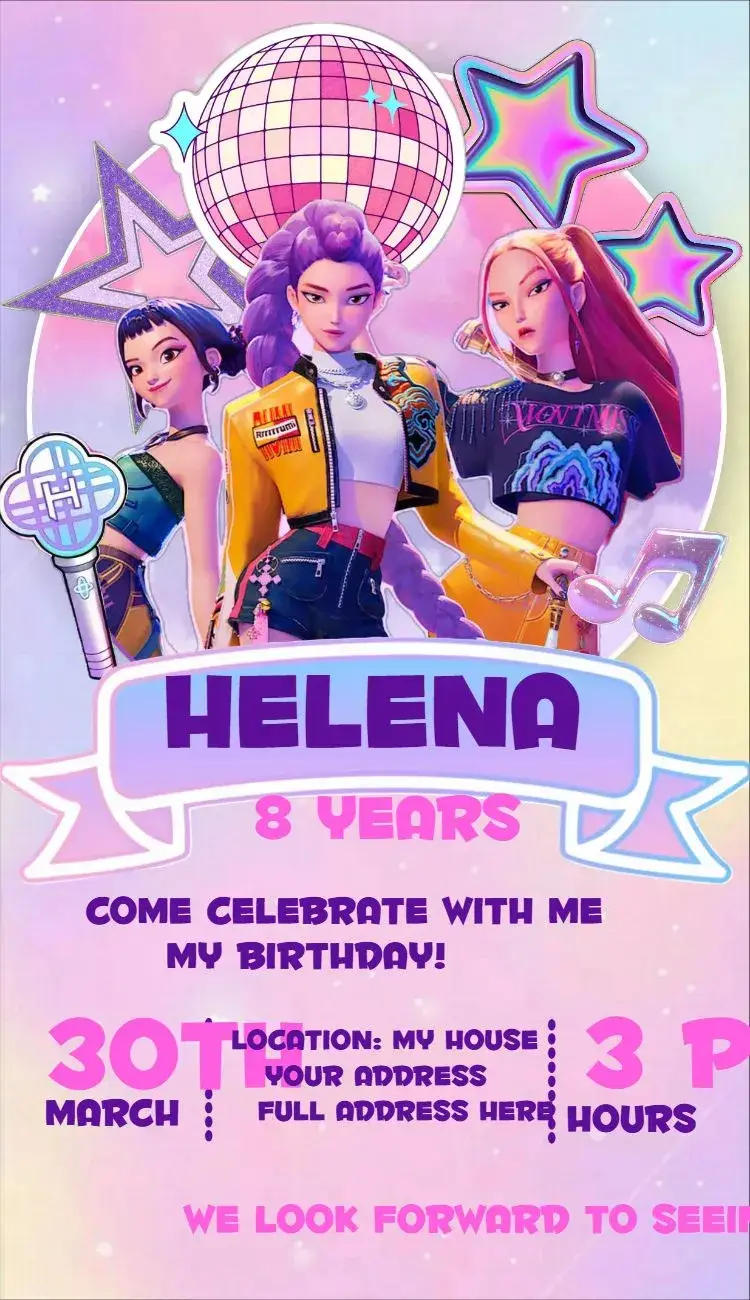

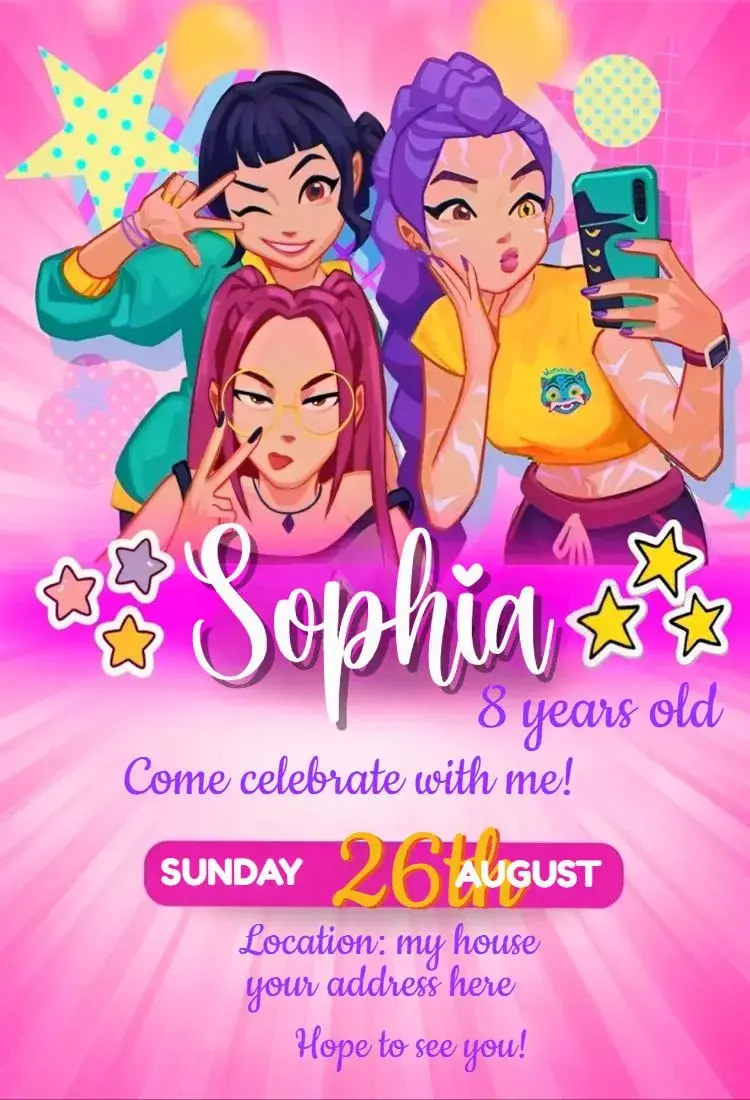


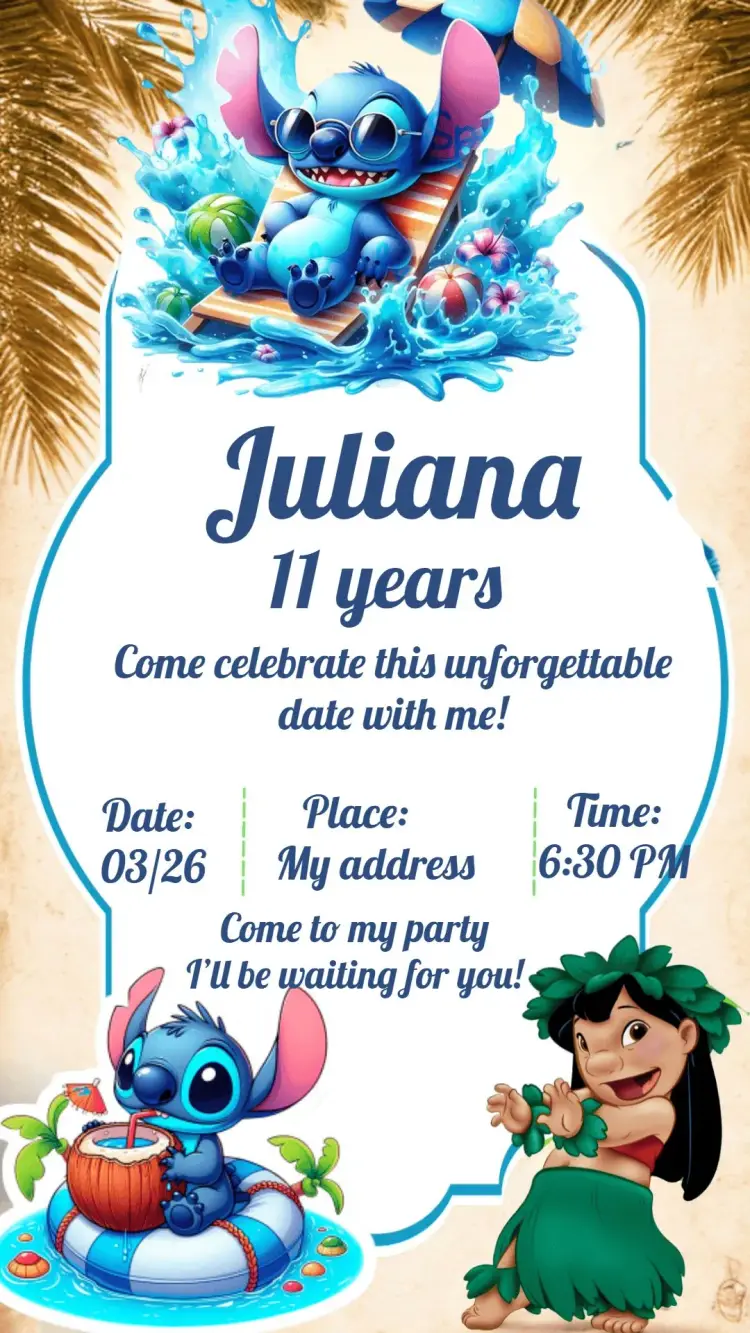
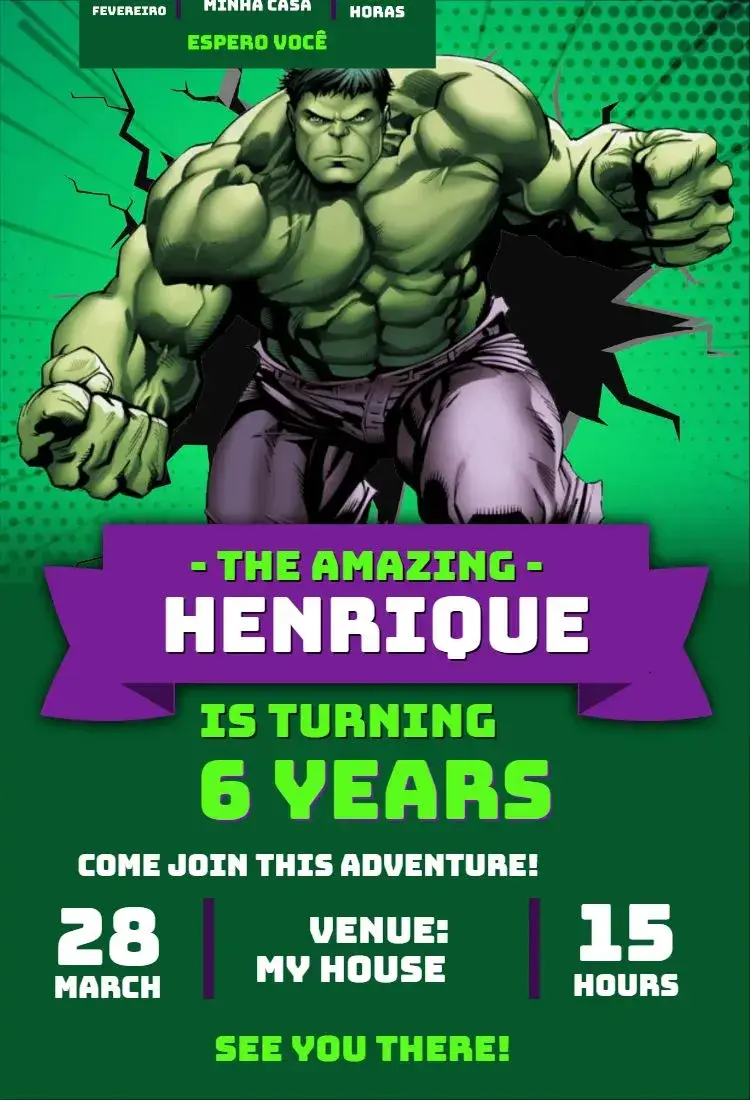

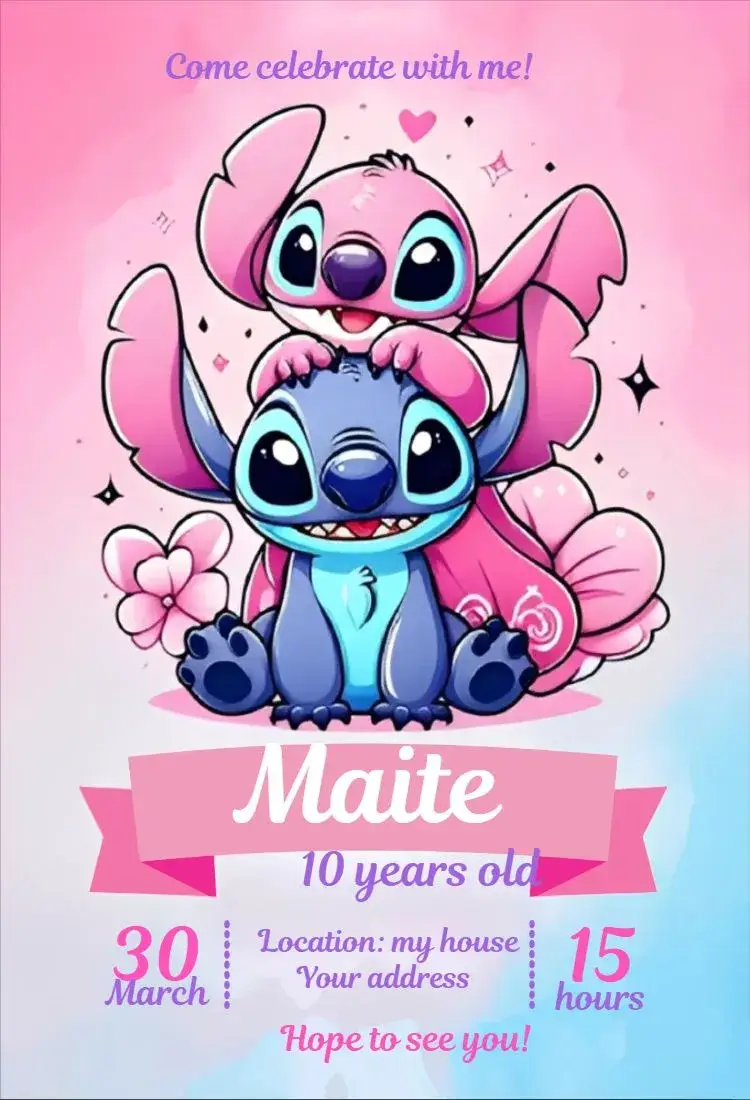












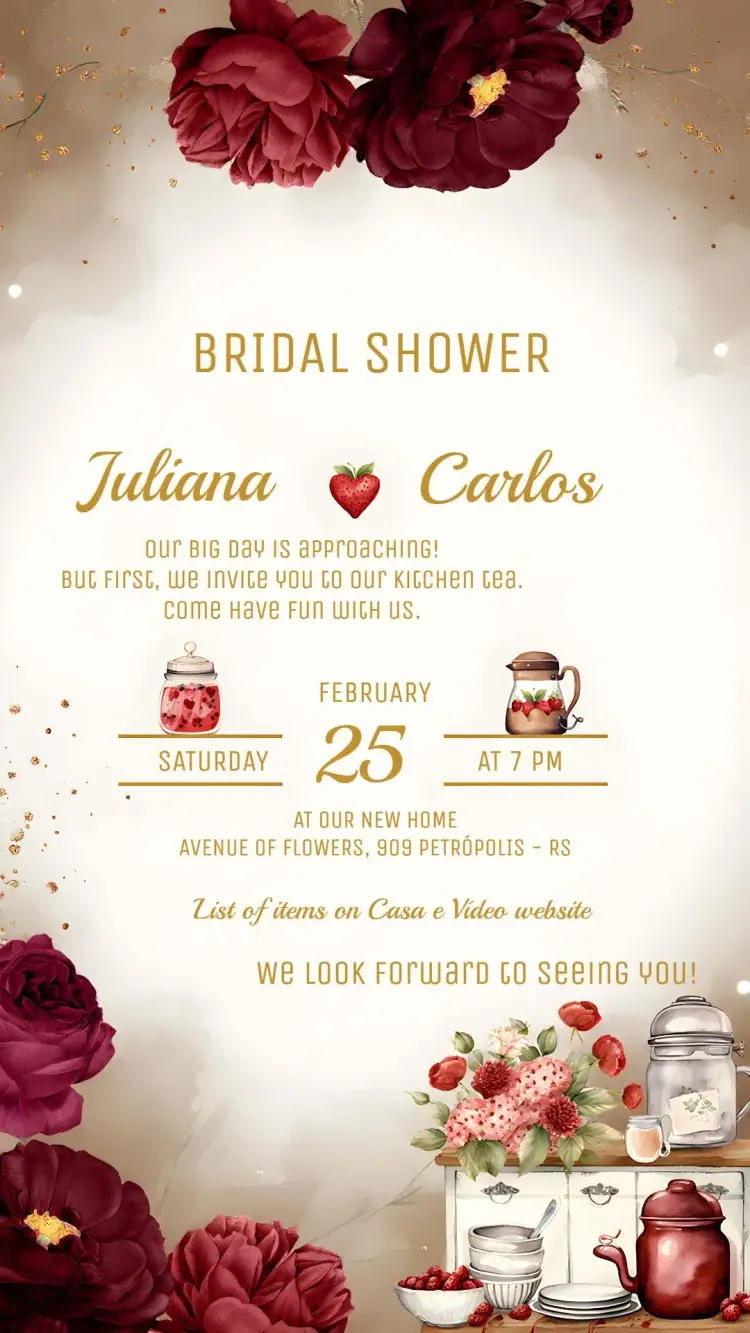
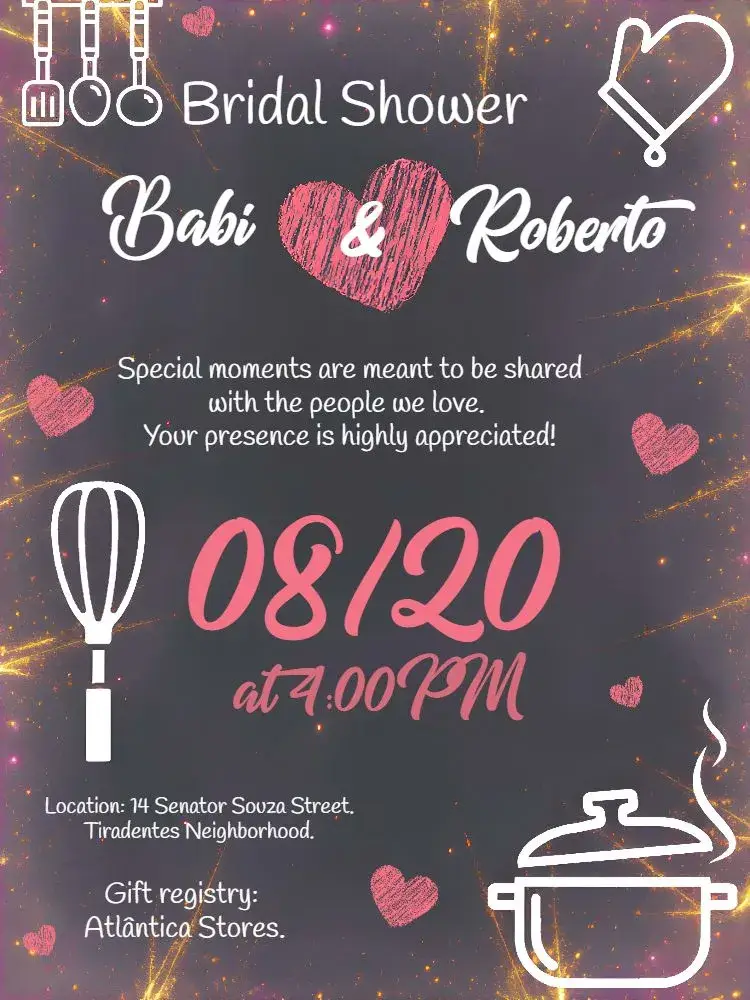
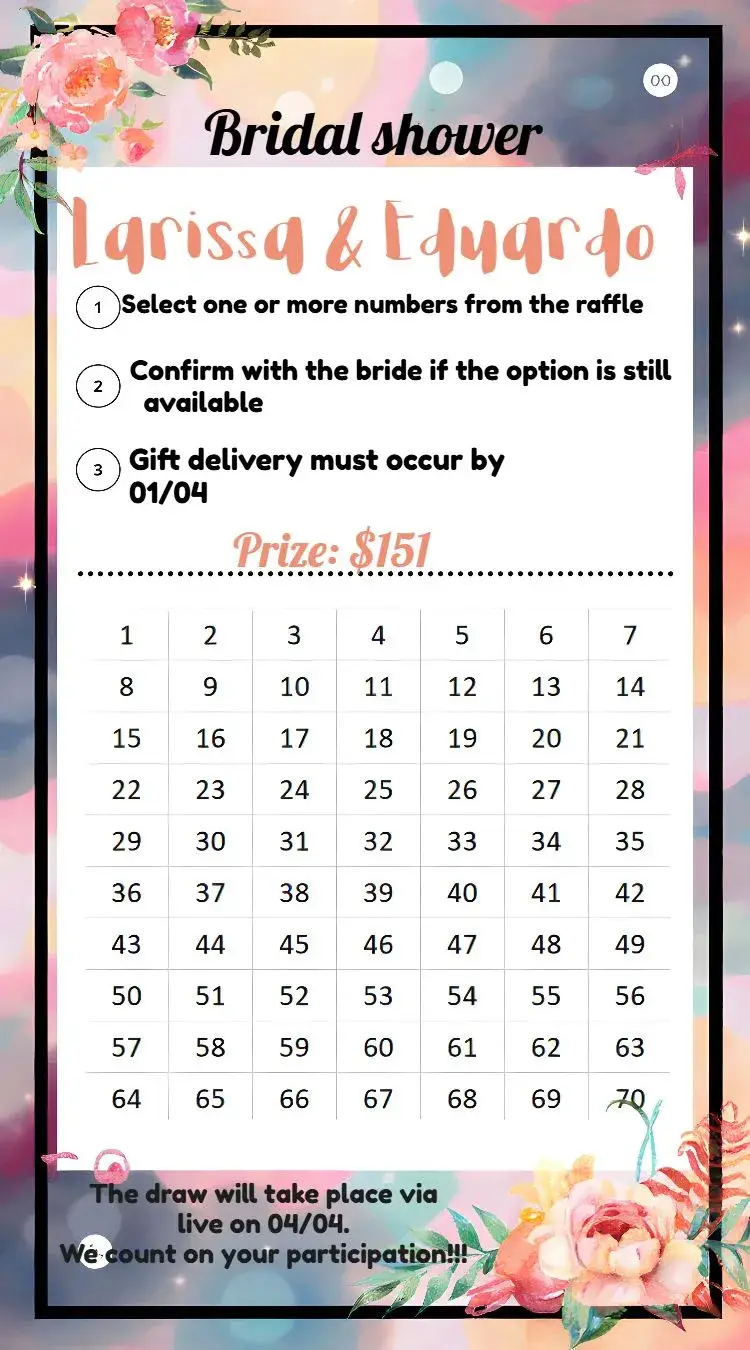
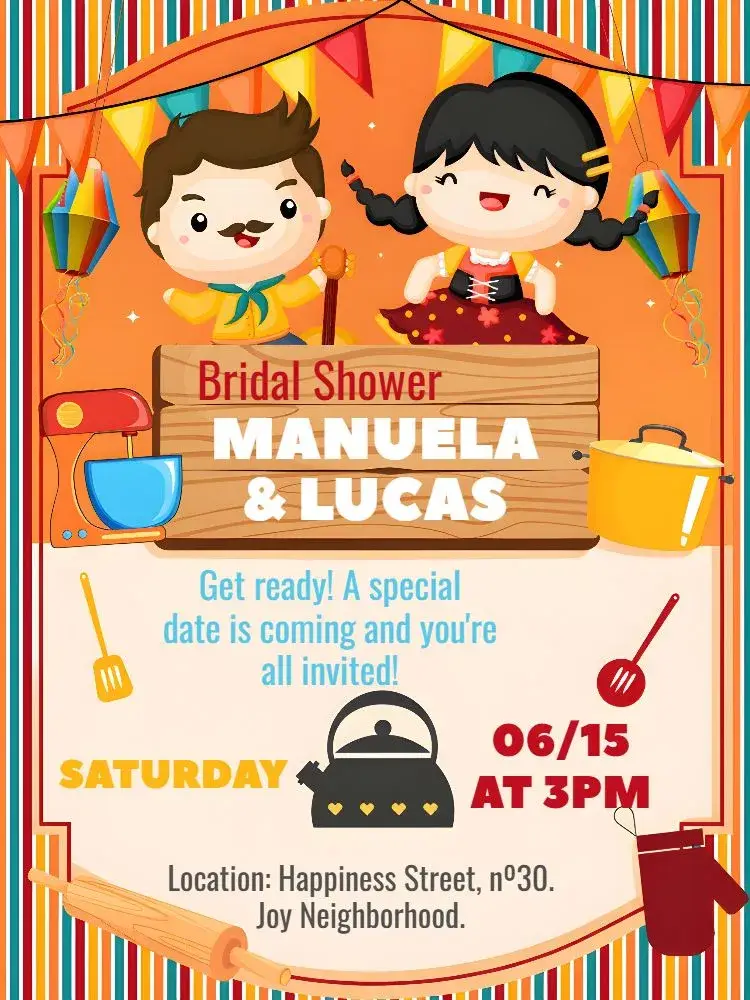
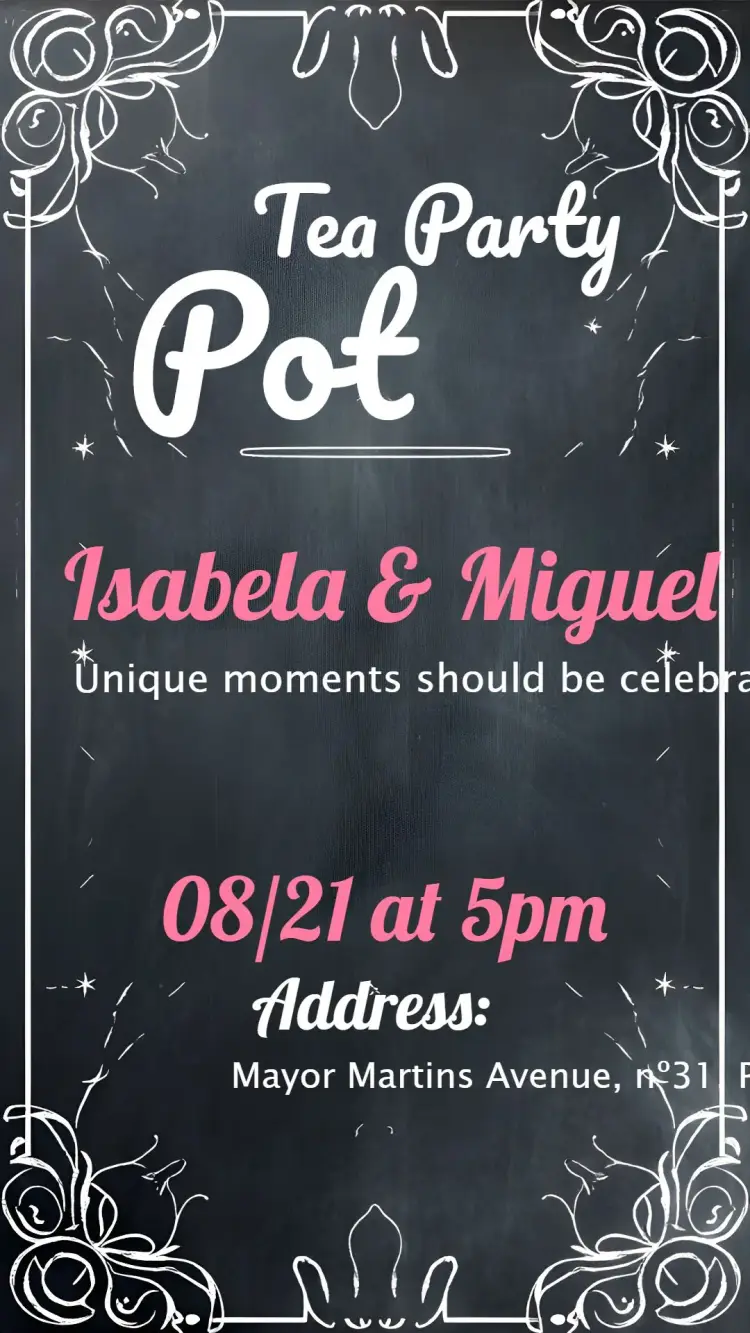
Bridal Shower
View All →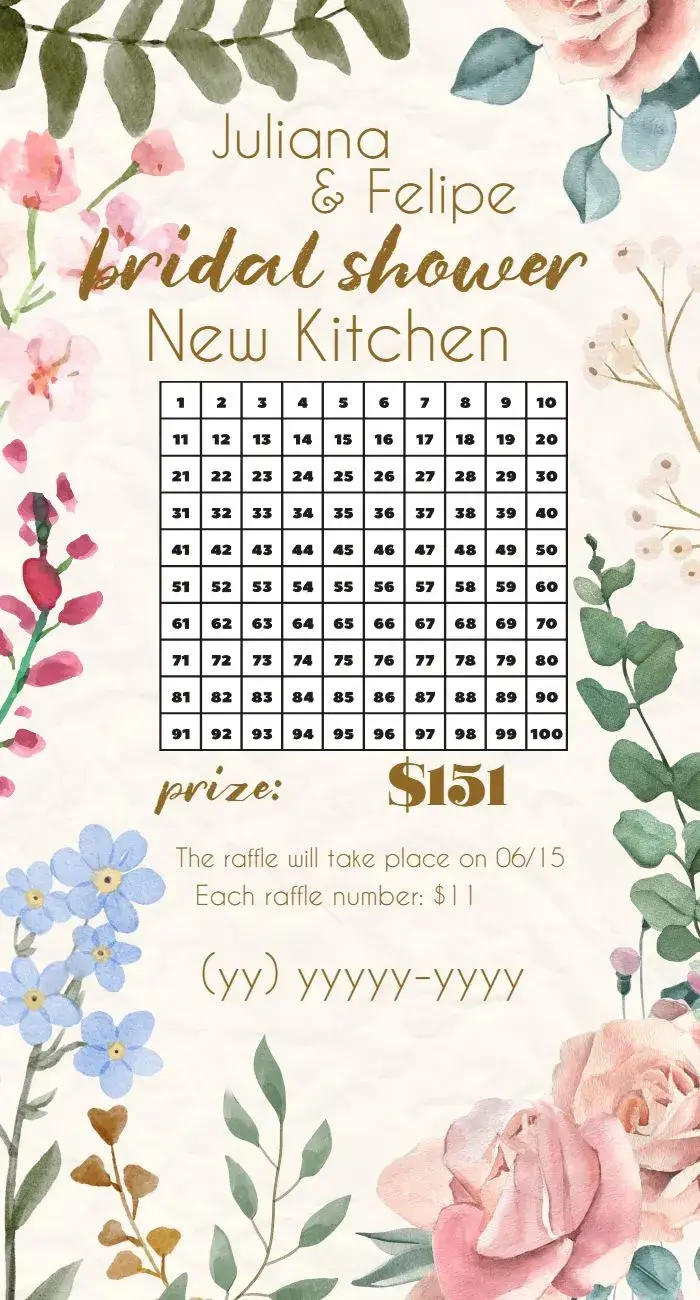




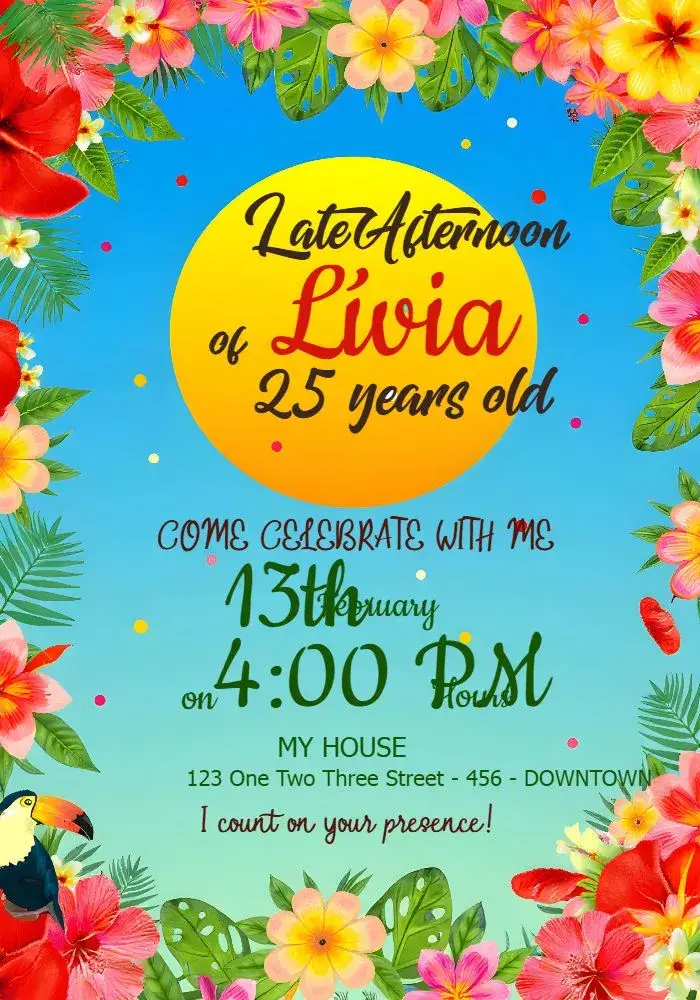



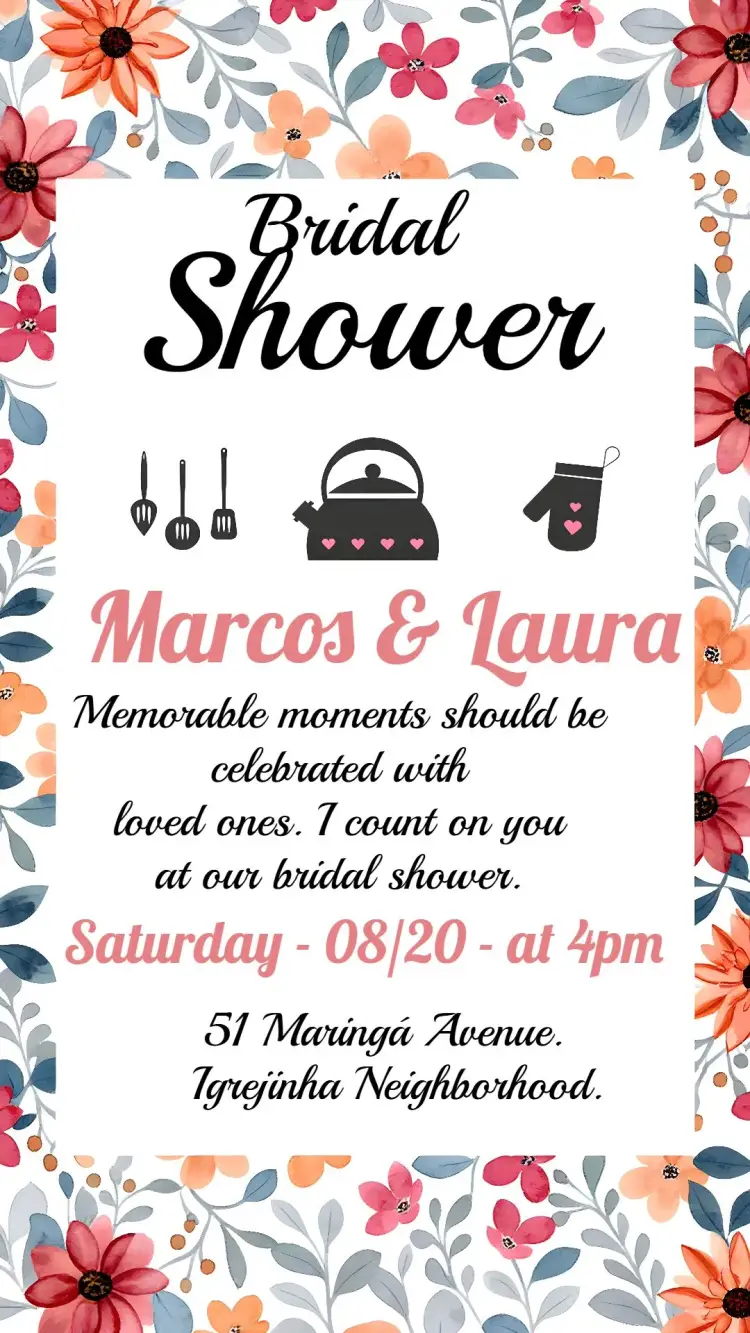
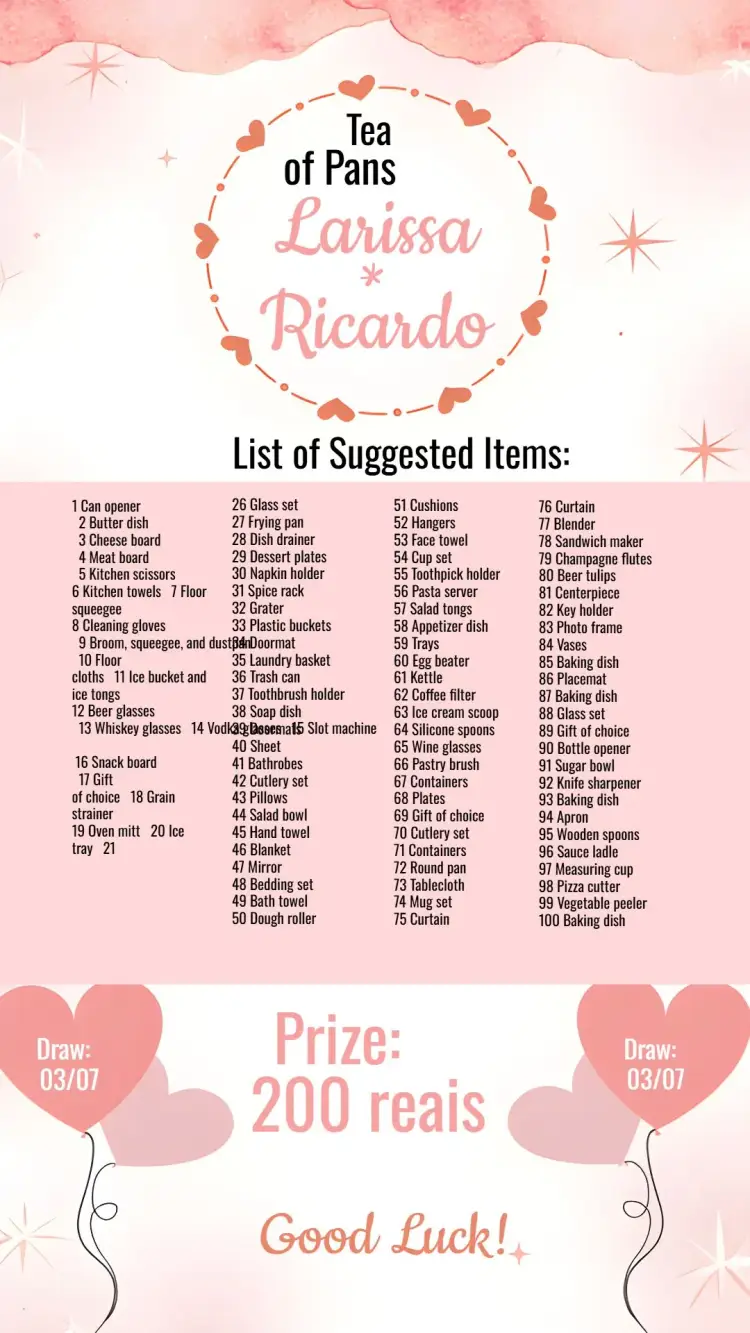
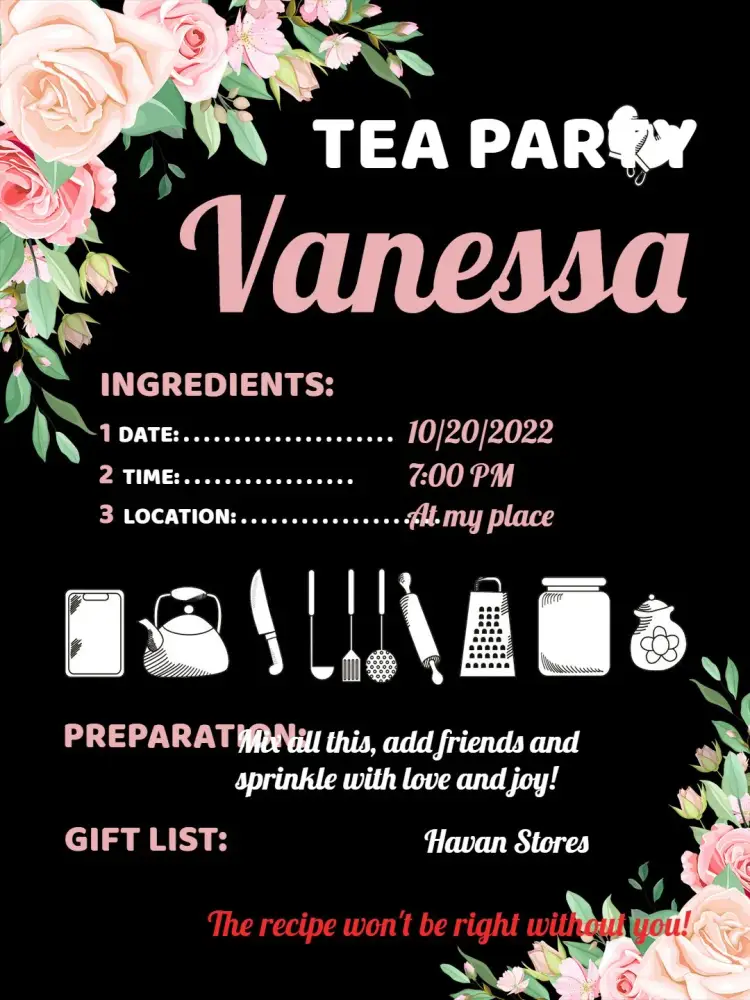
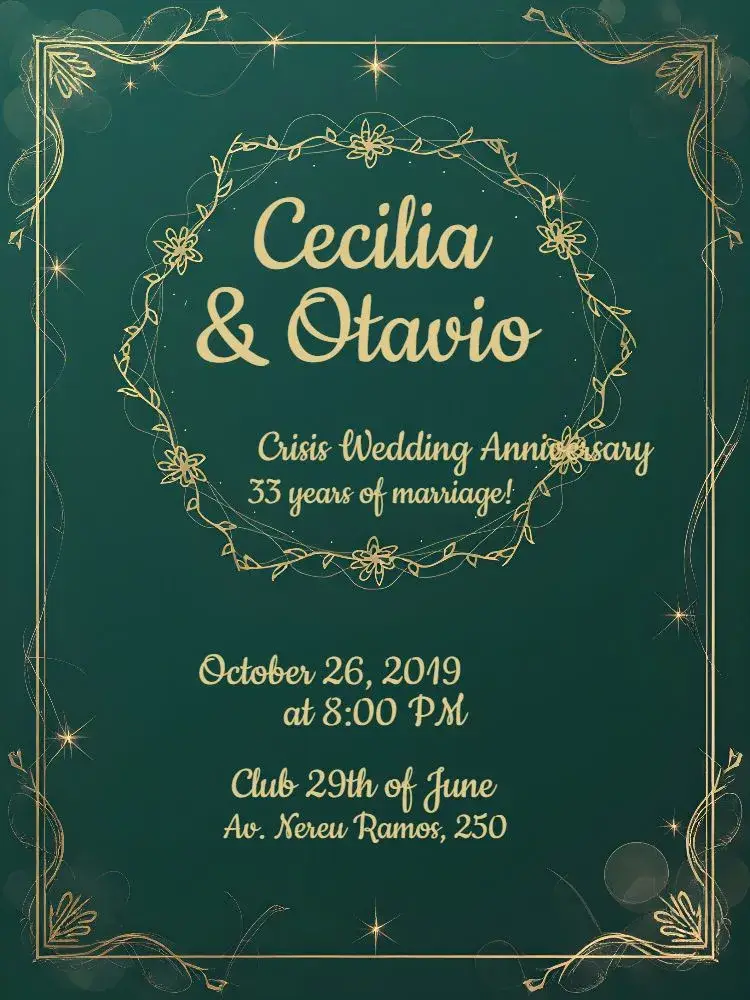




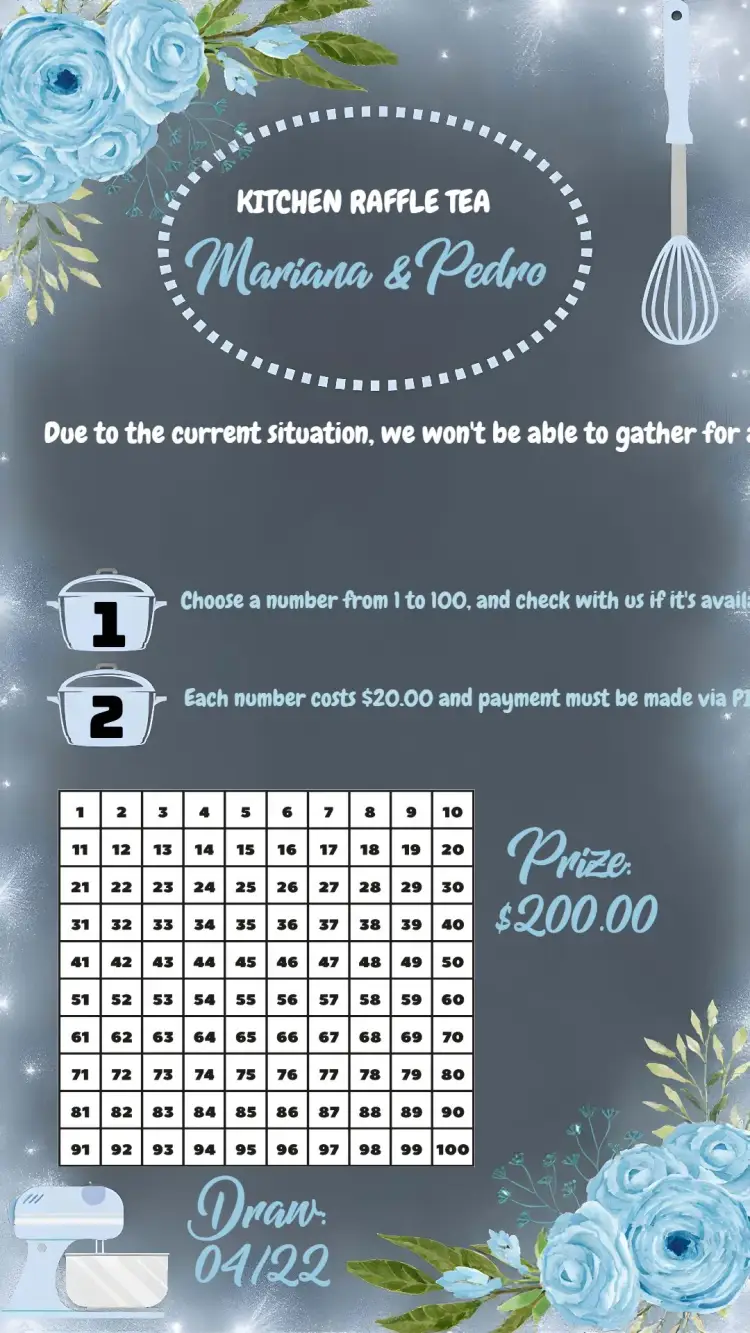
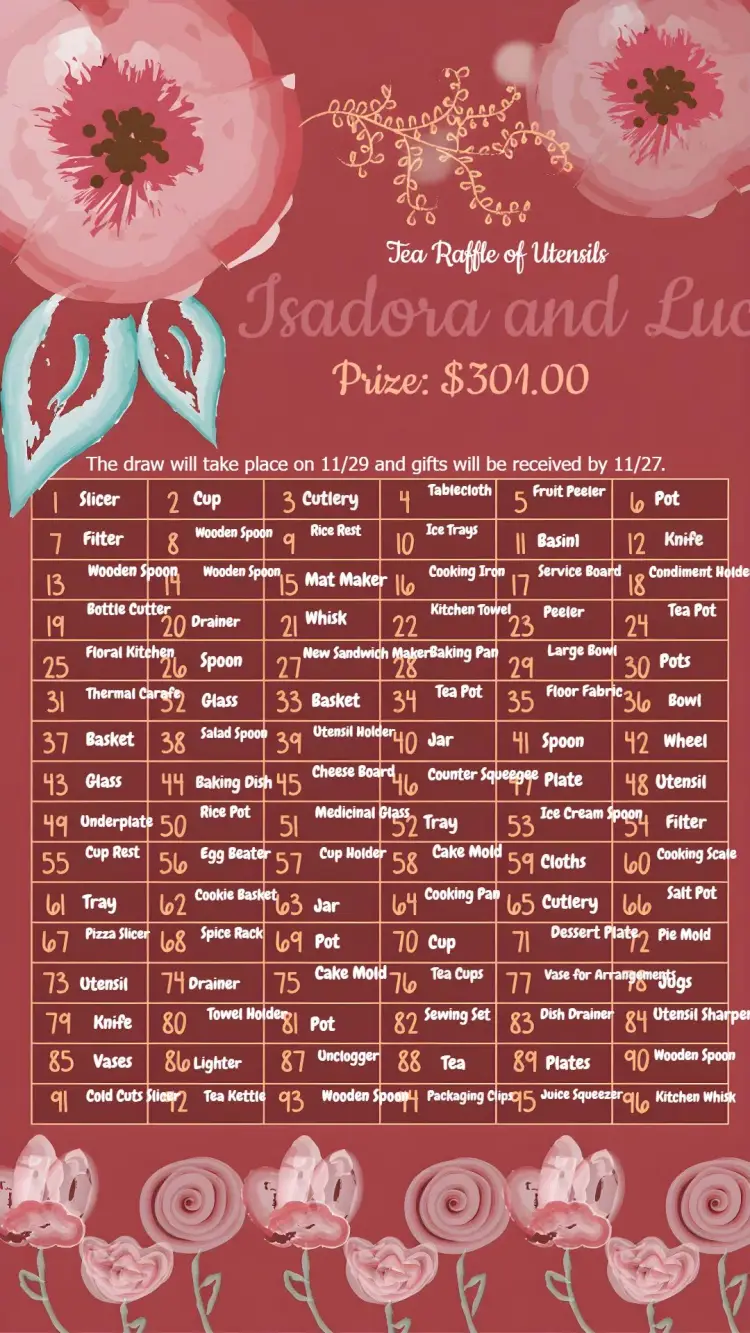
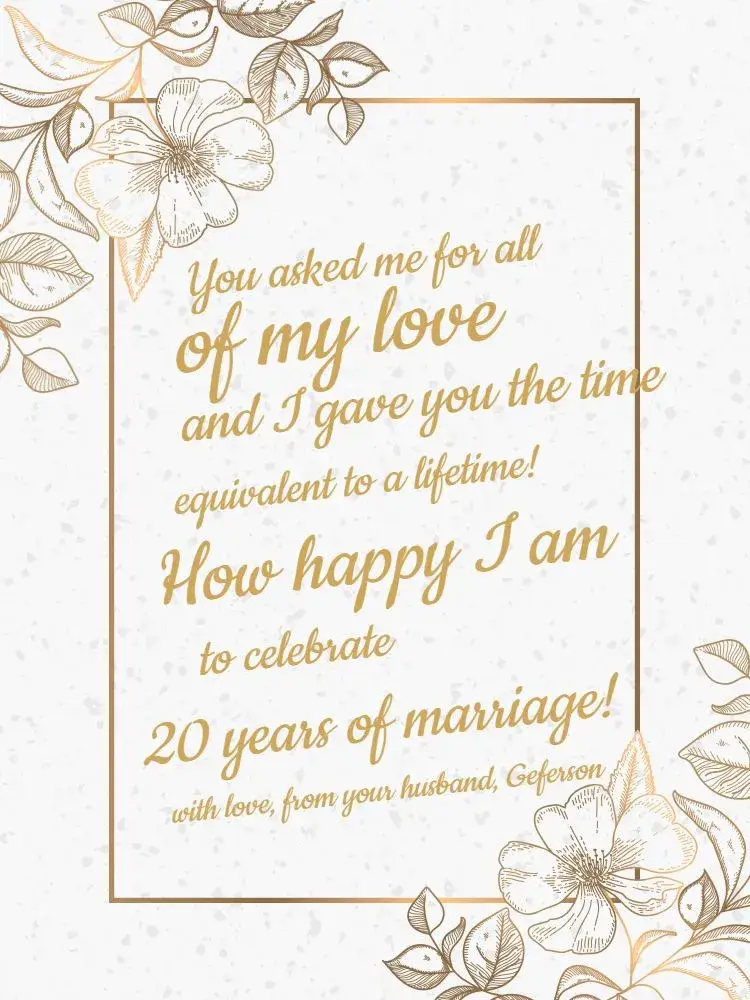
Commemorative Dates
View All →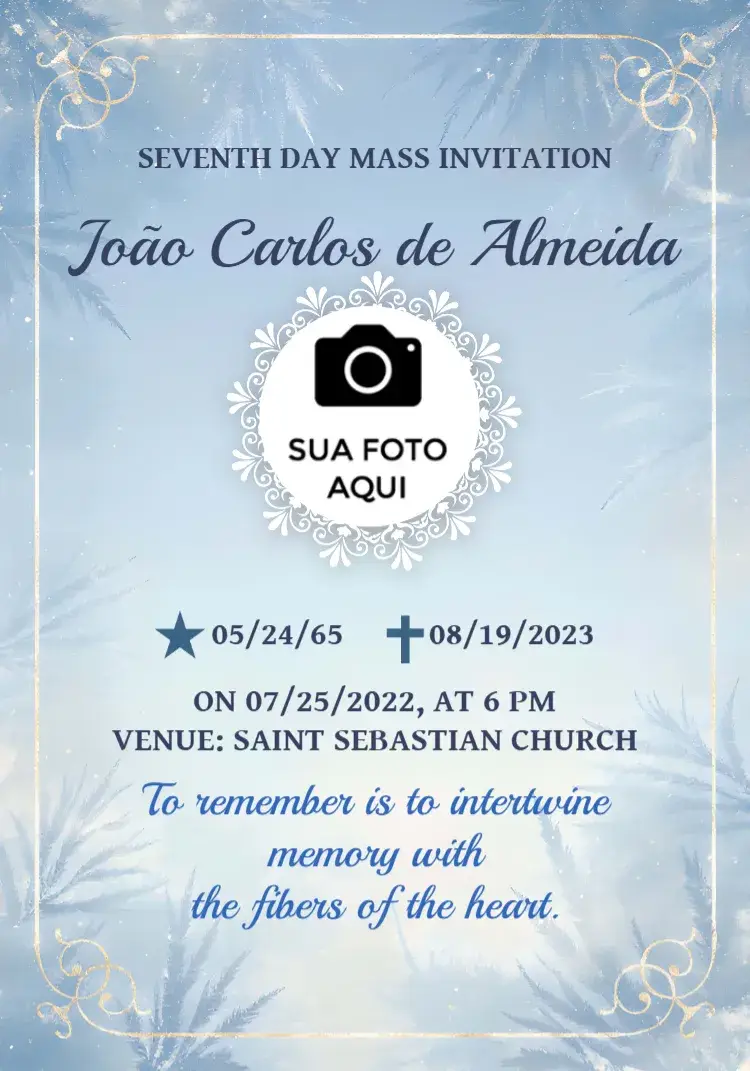

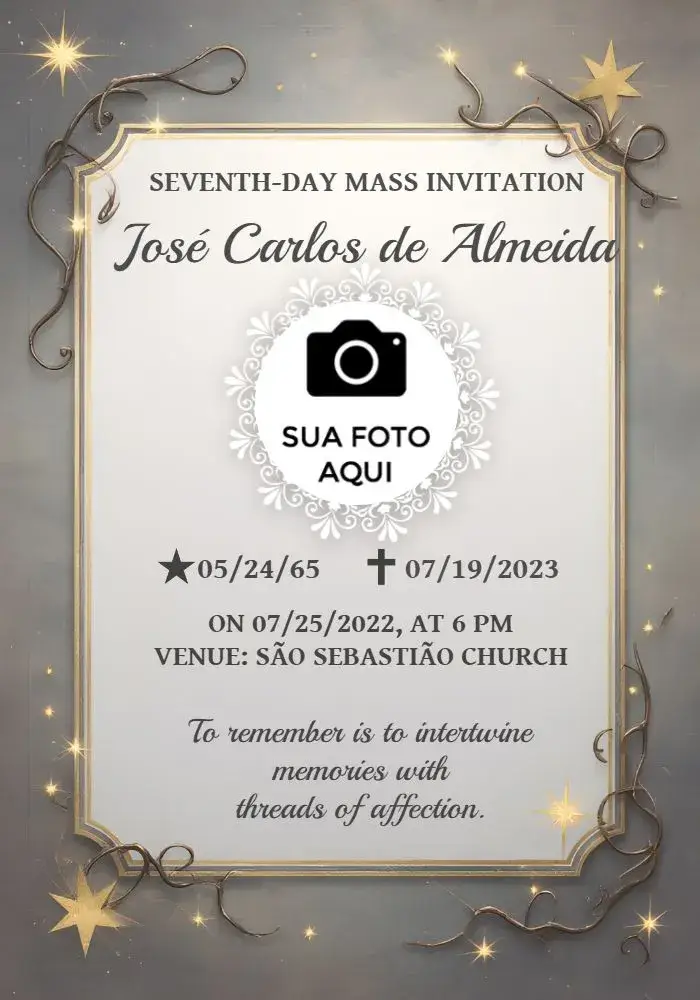






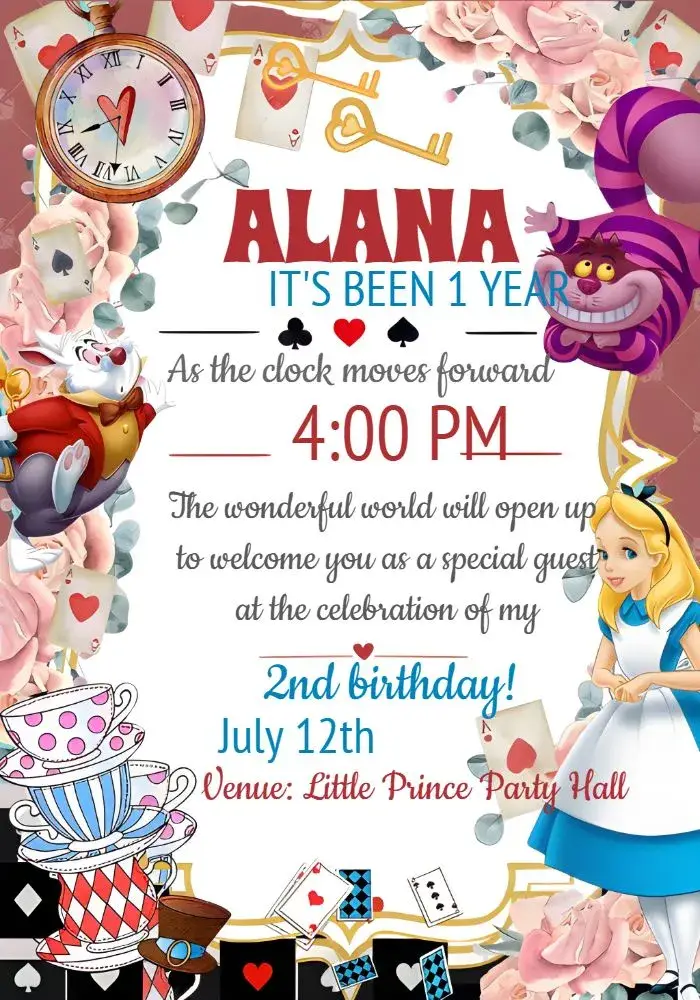
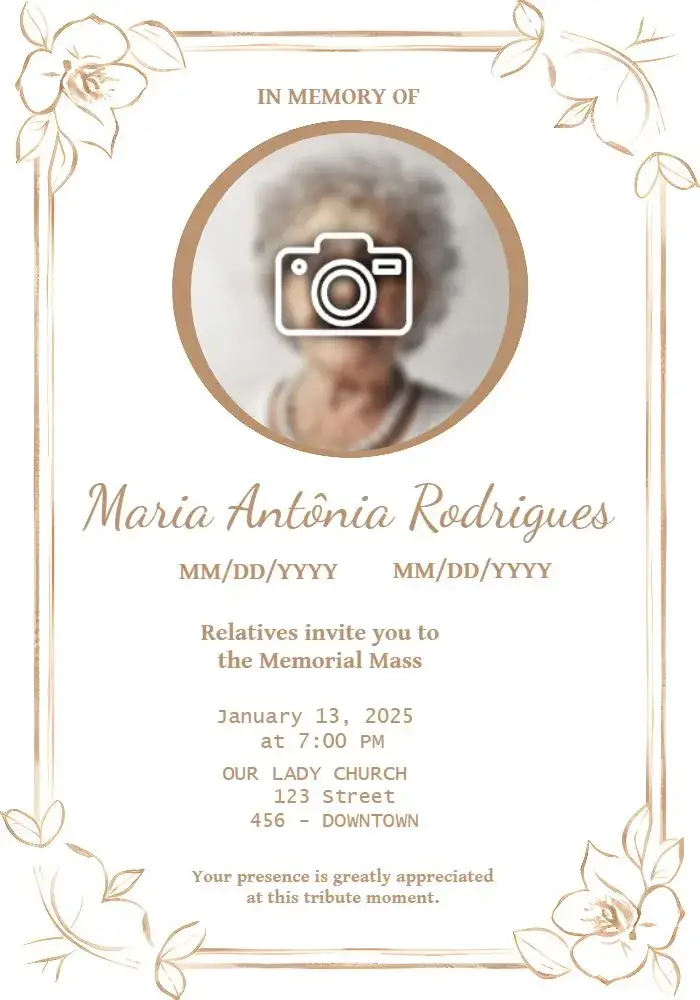







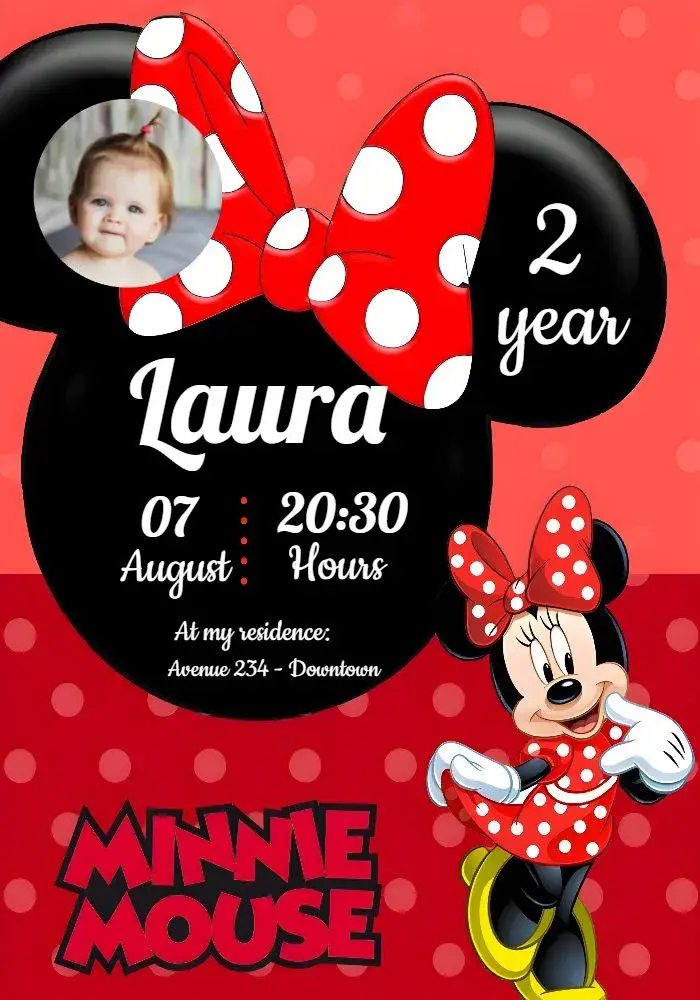
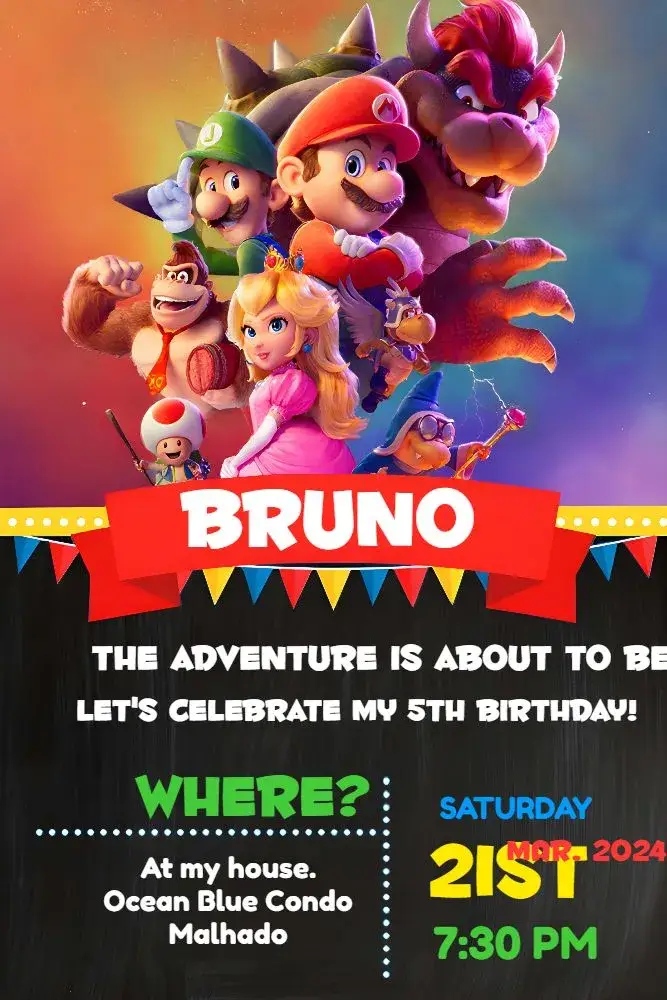
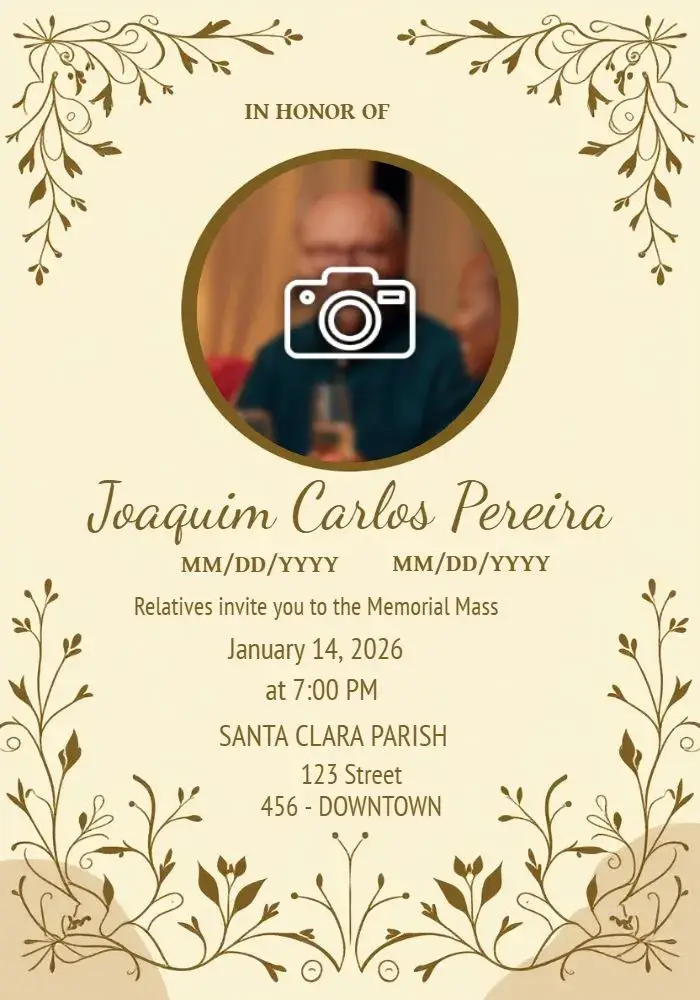
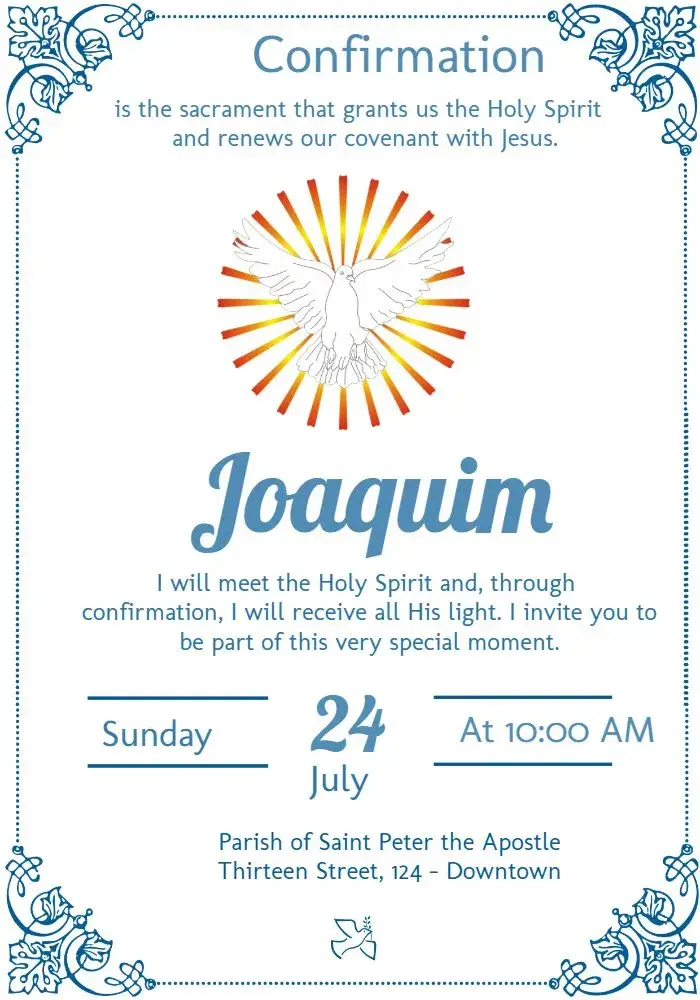
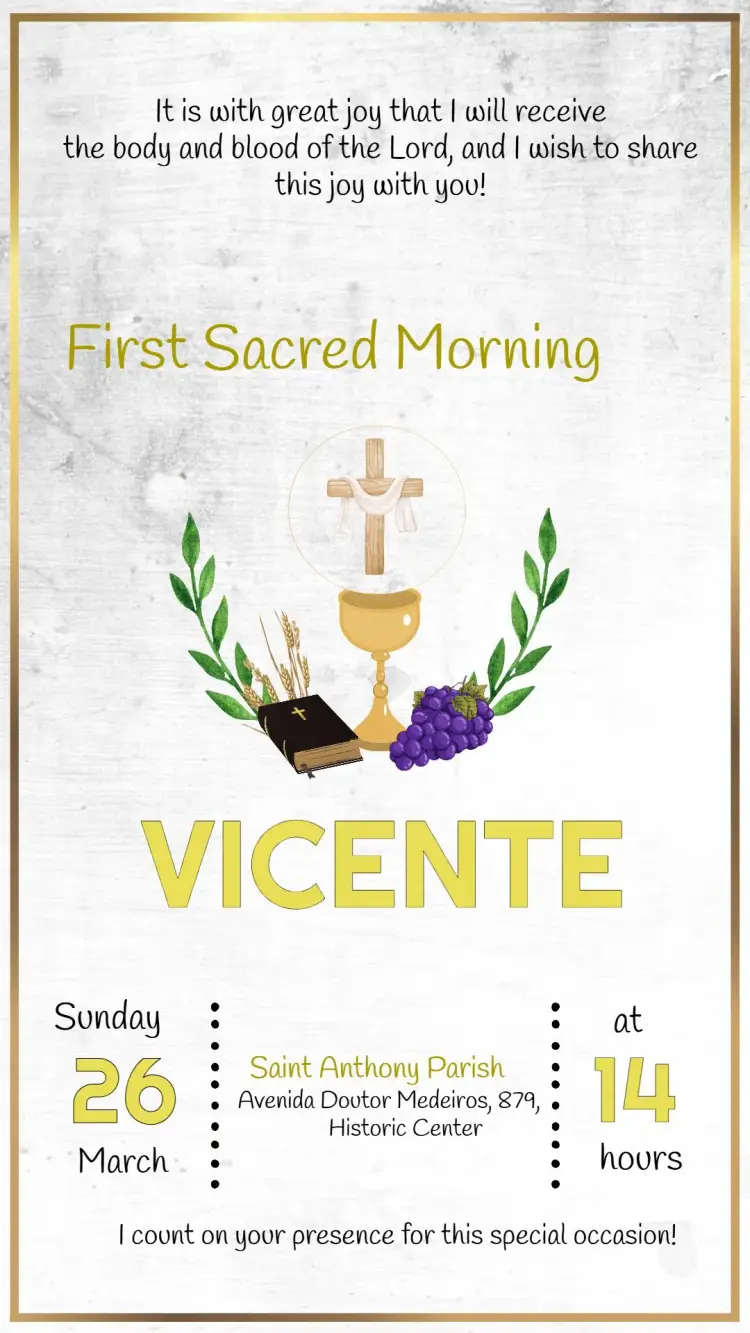
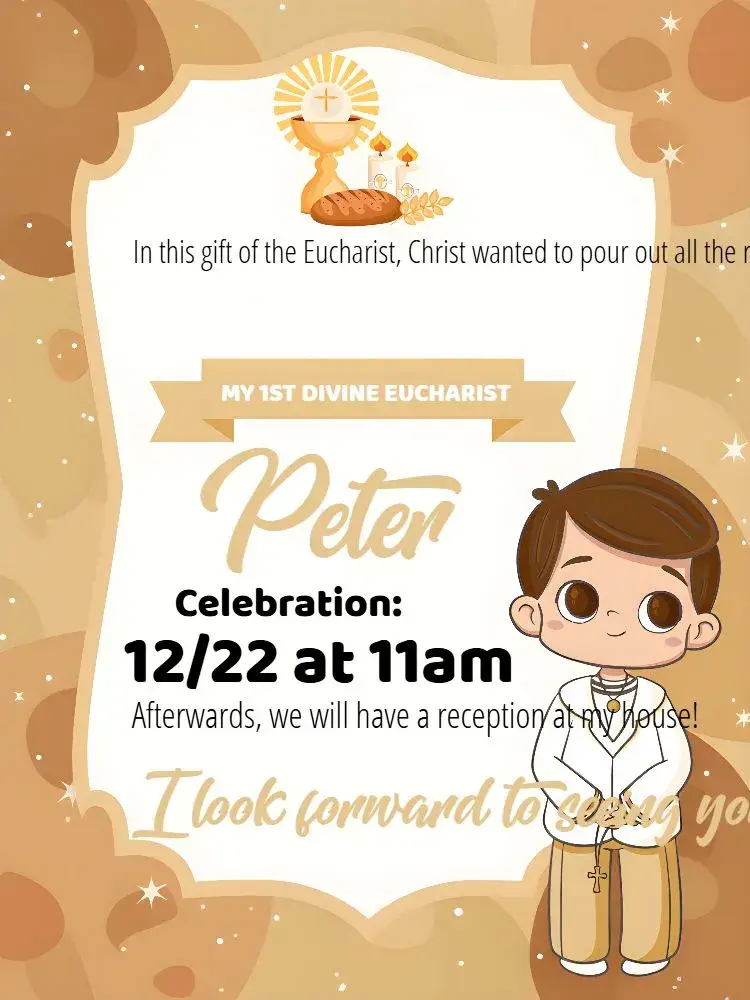
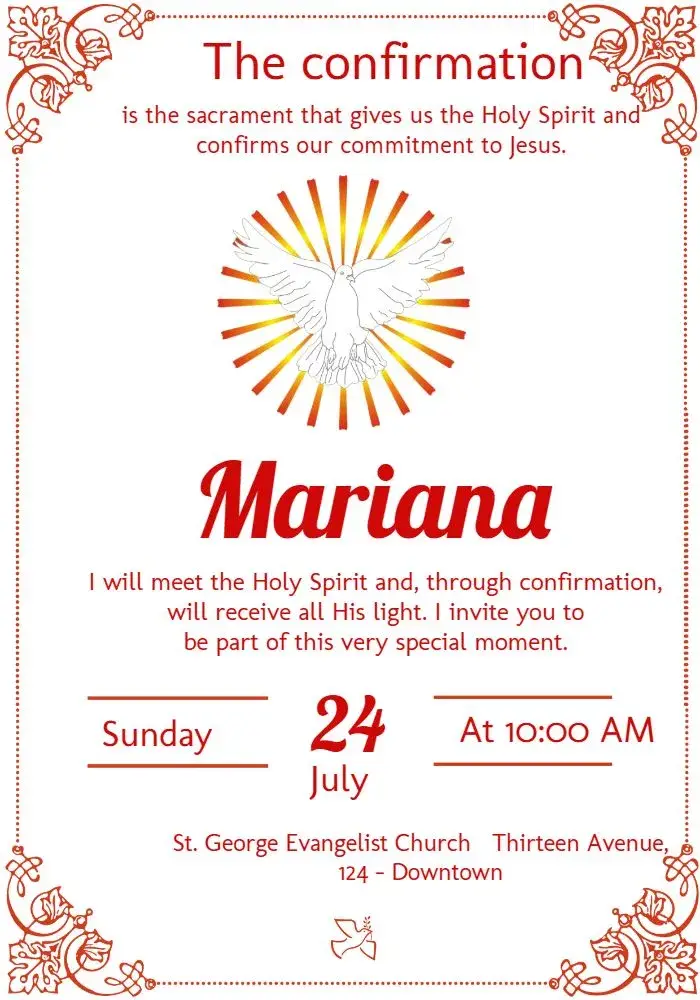
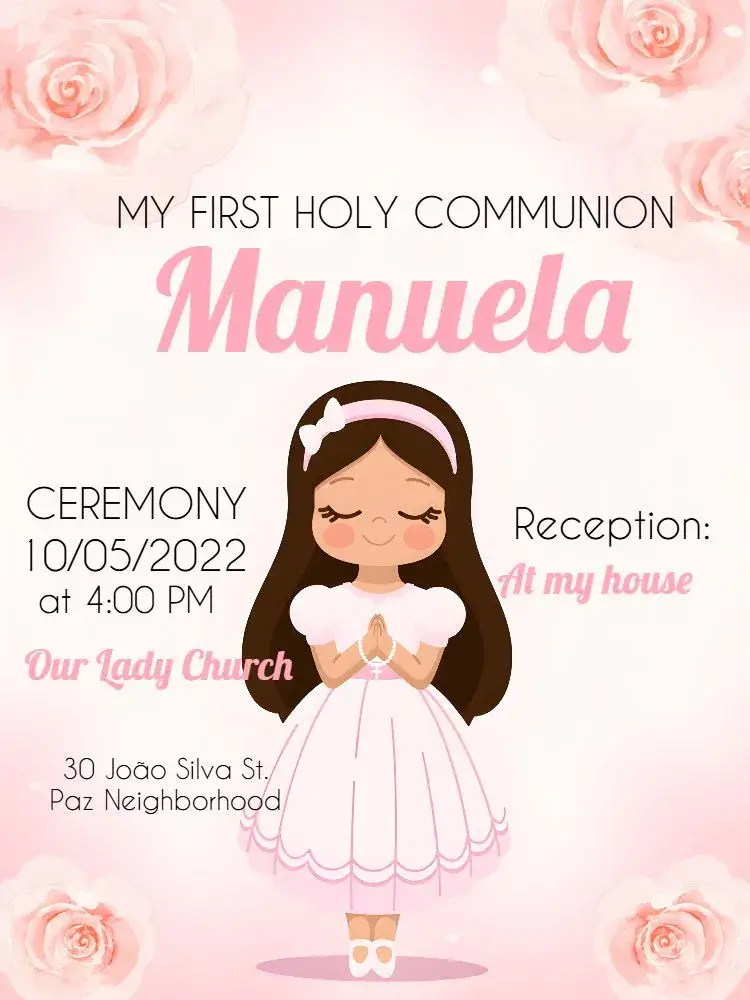
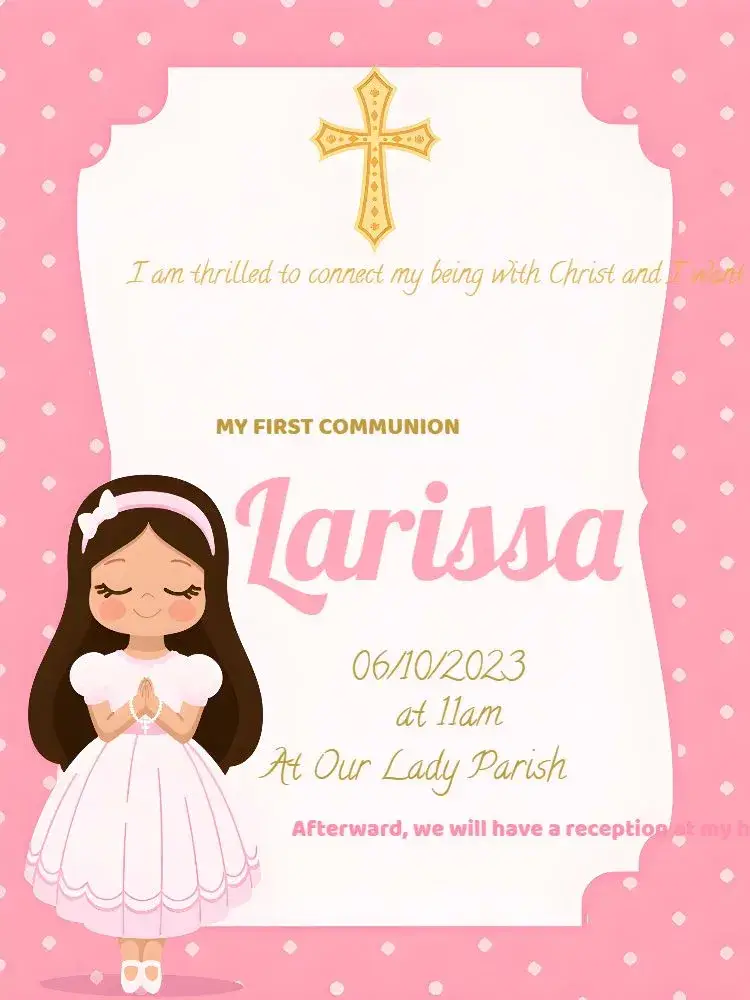
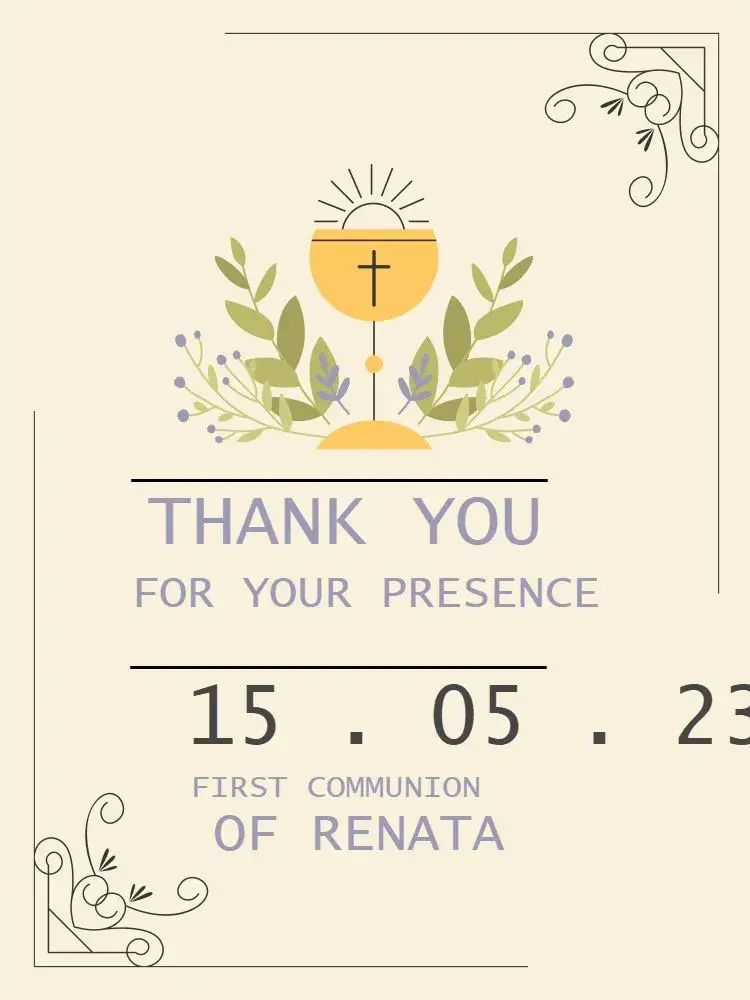
First Communion
View All →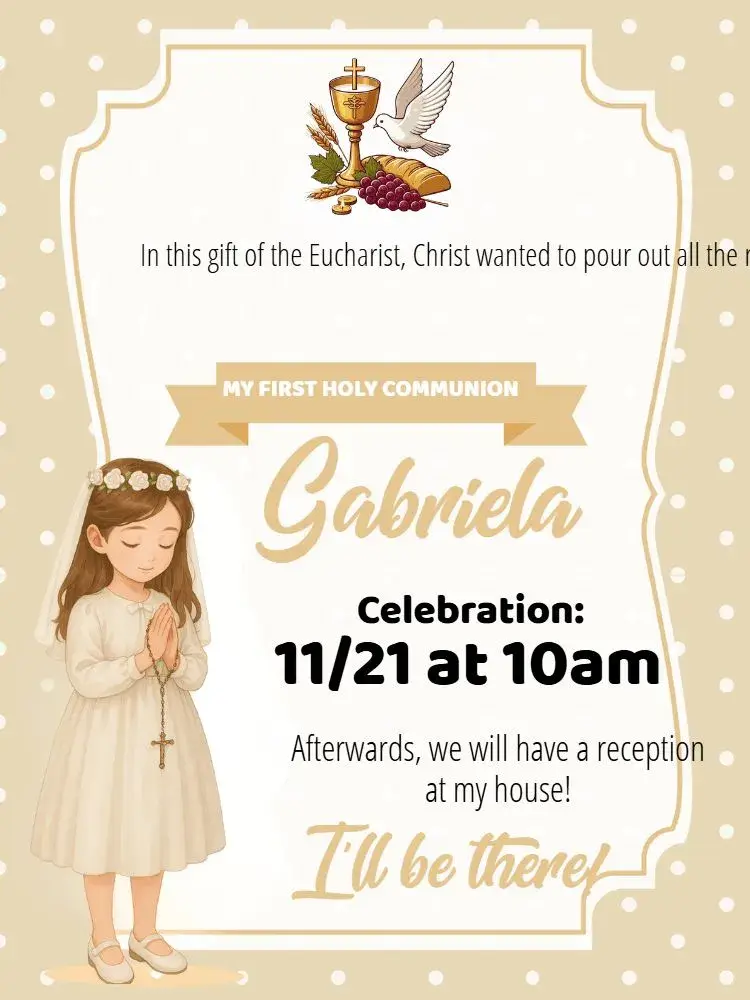
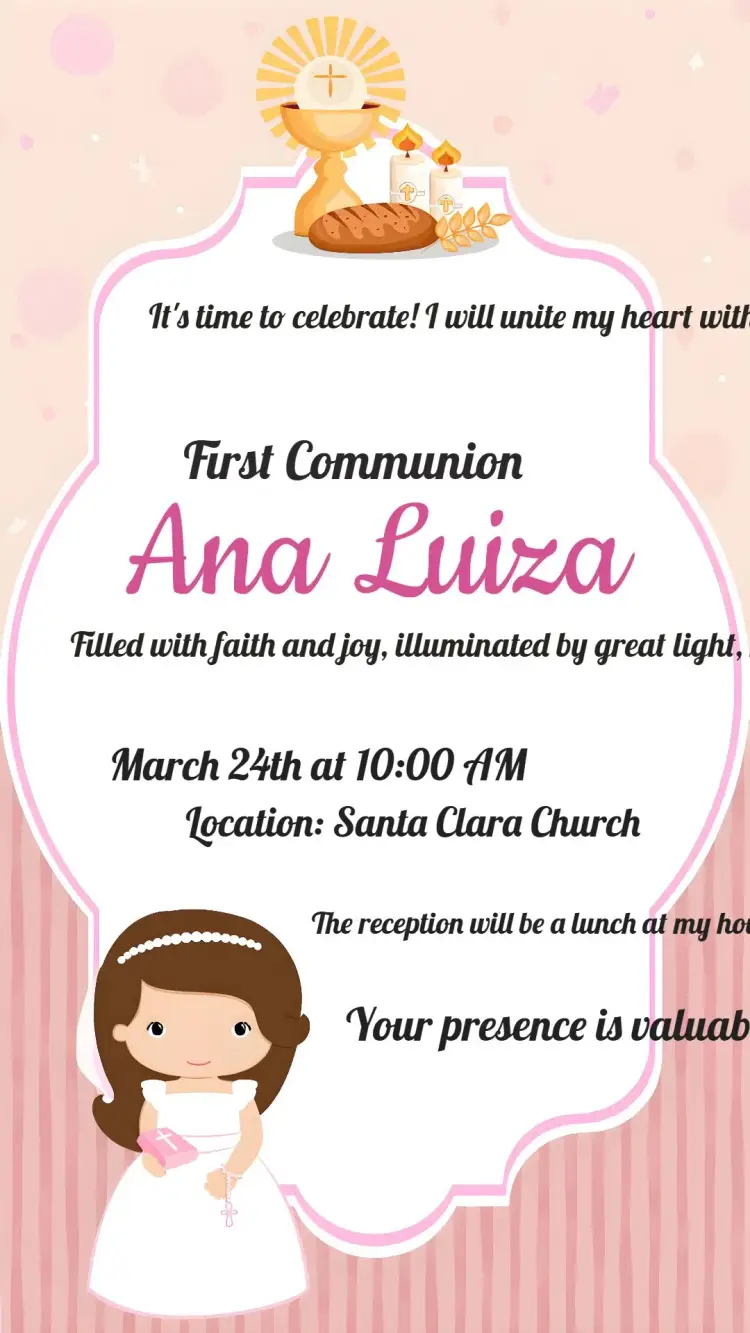

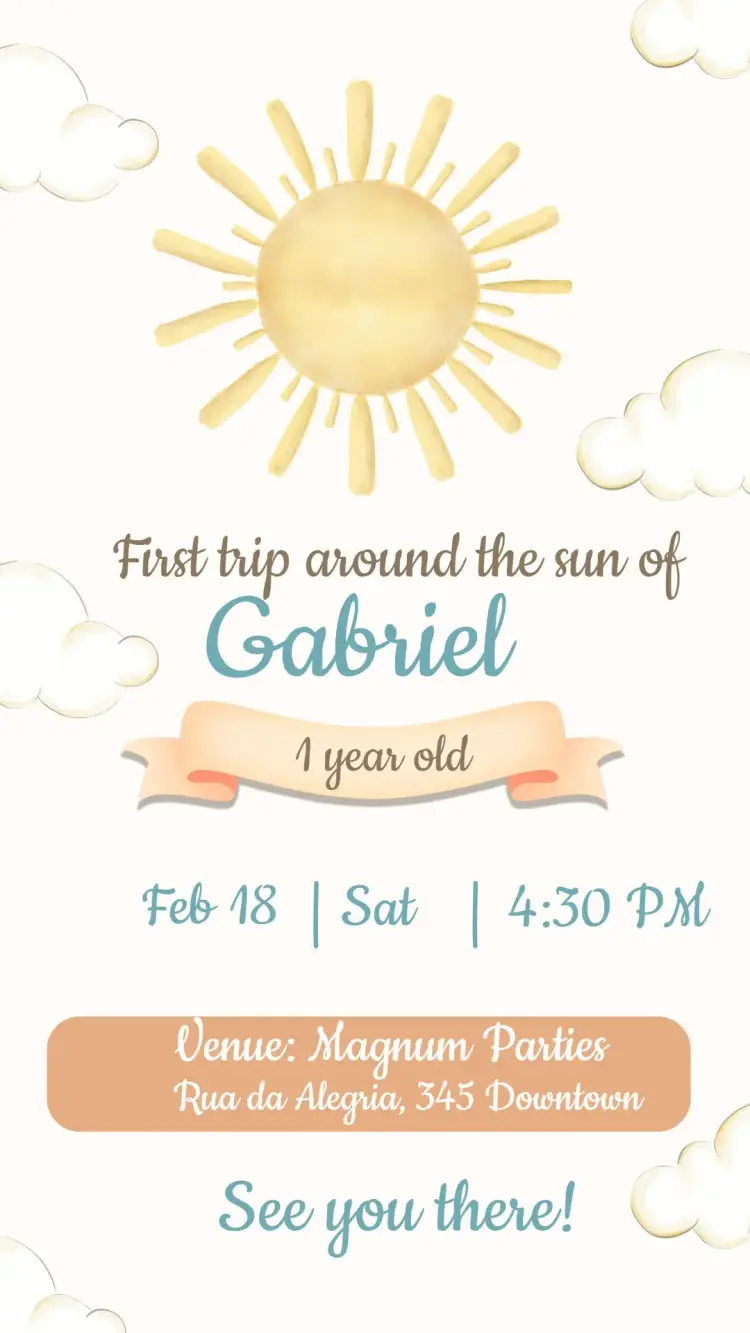
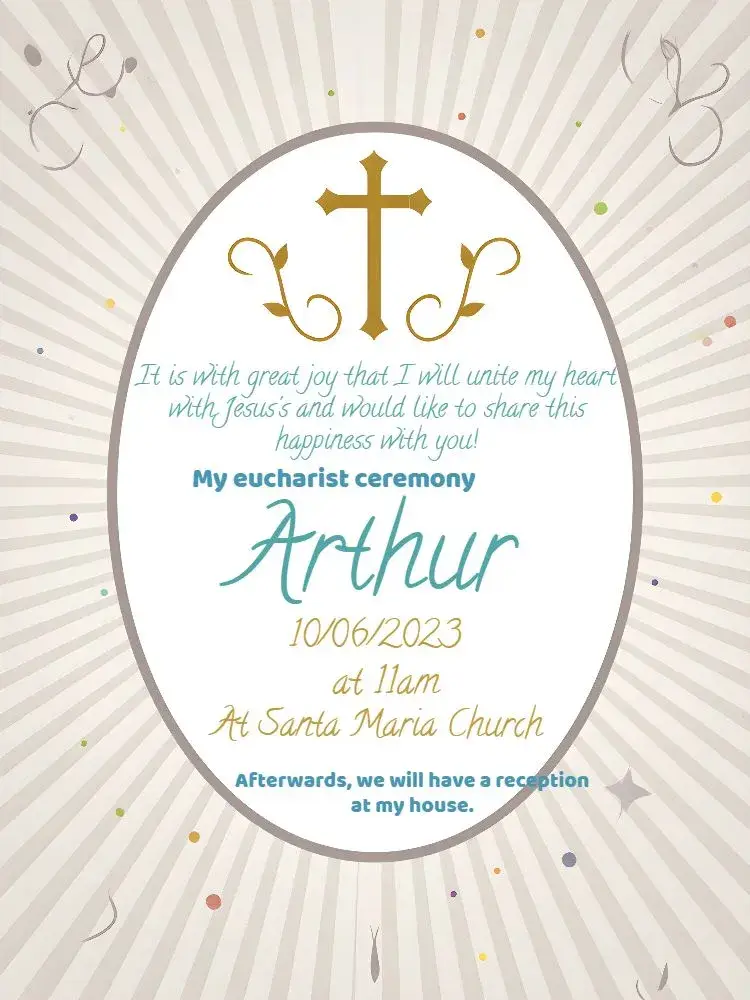
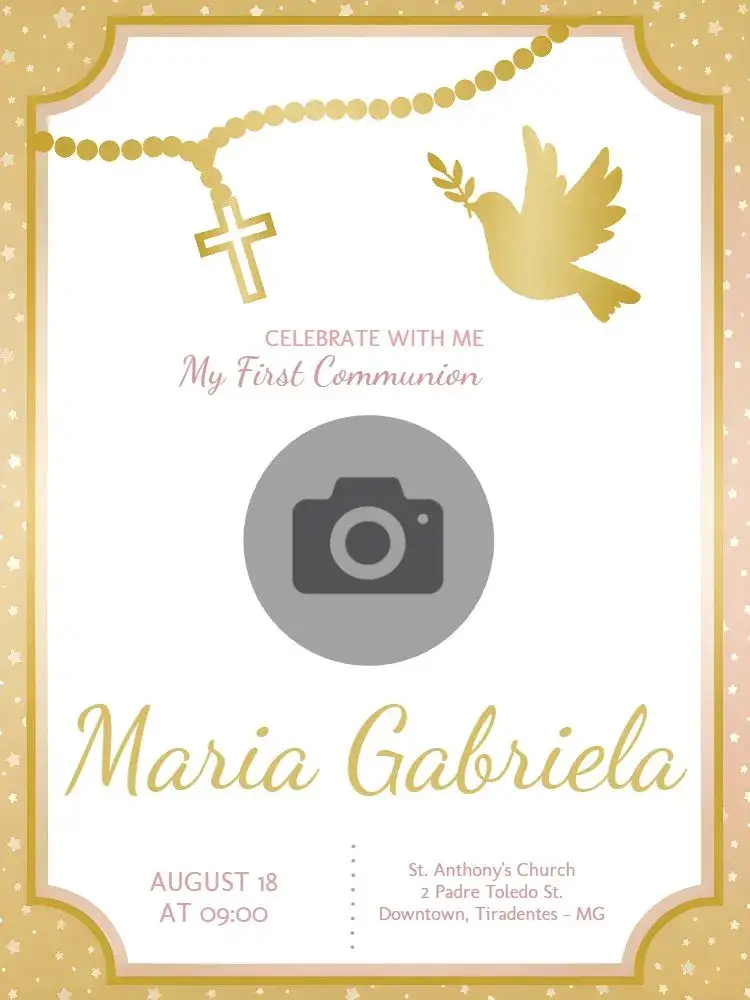
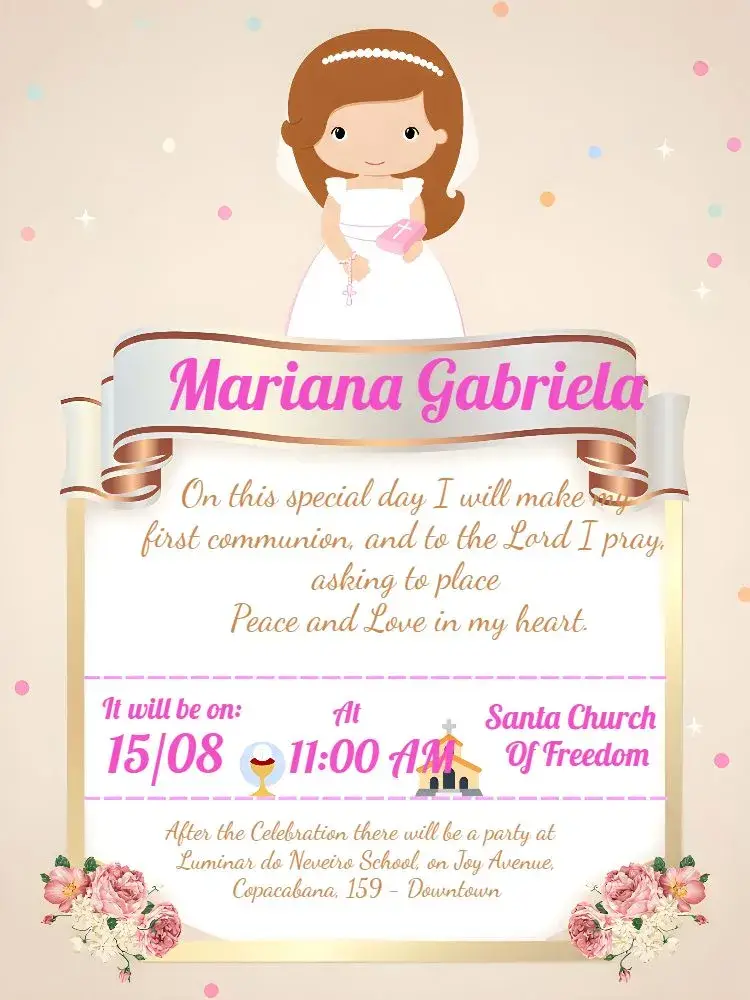

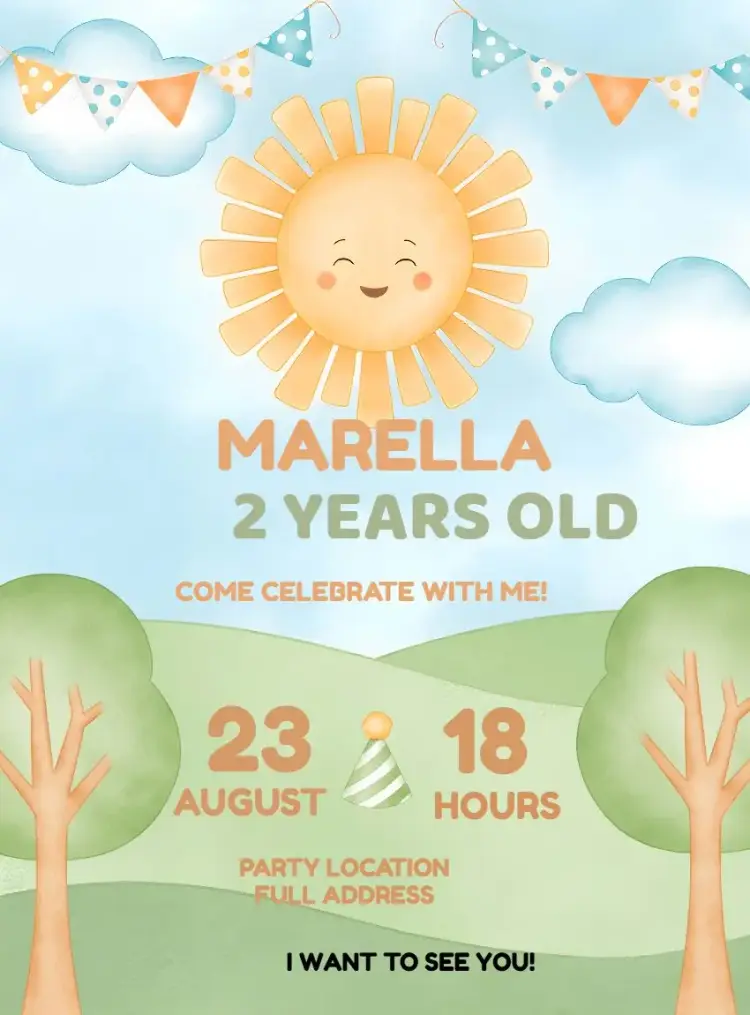
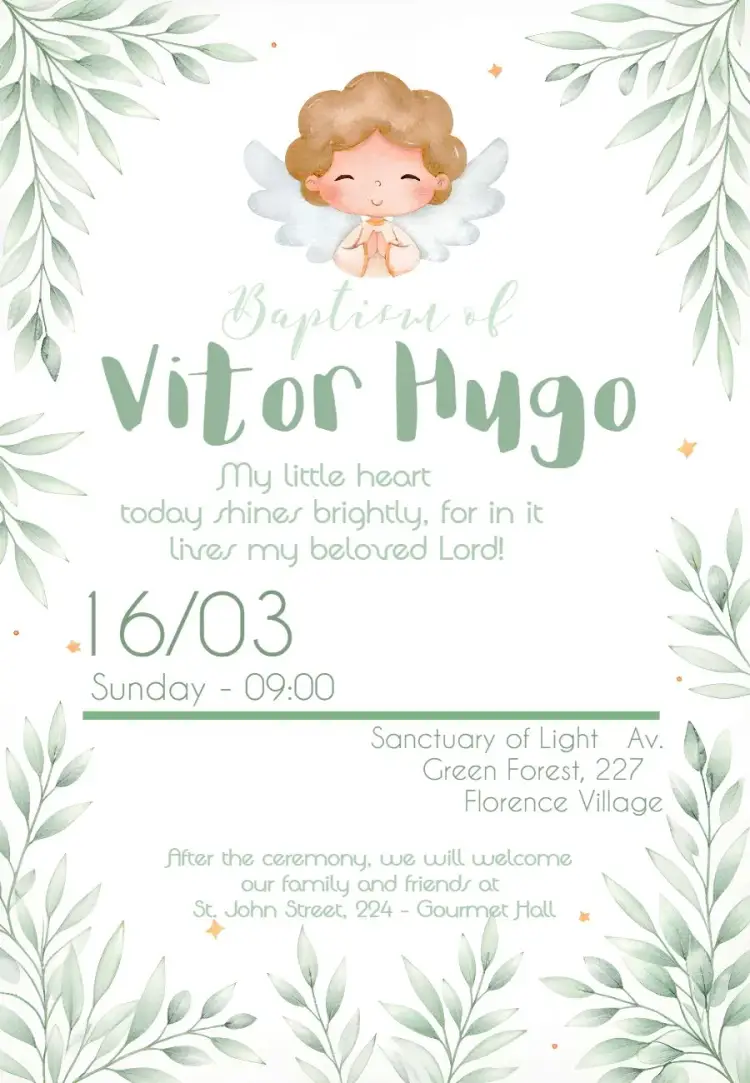
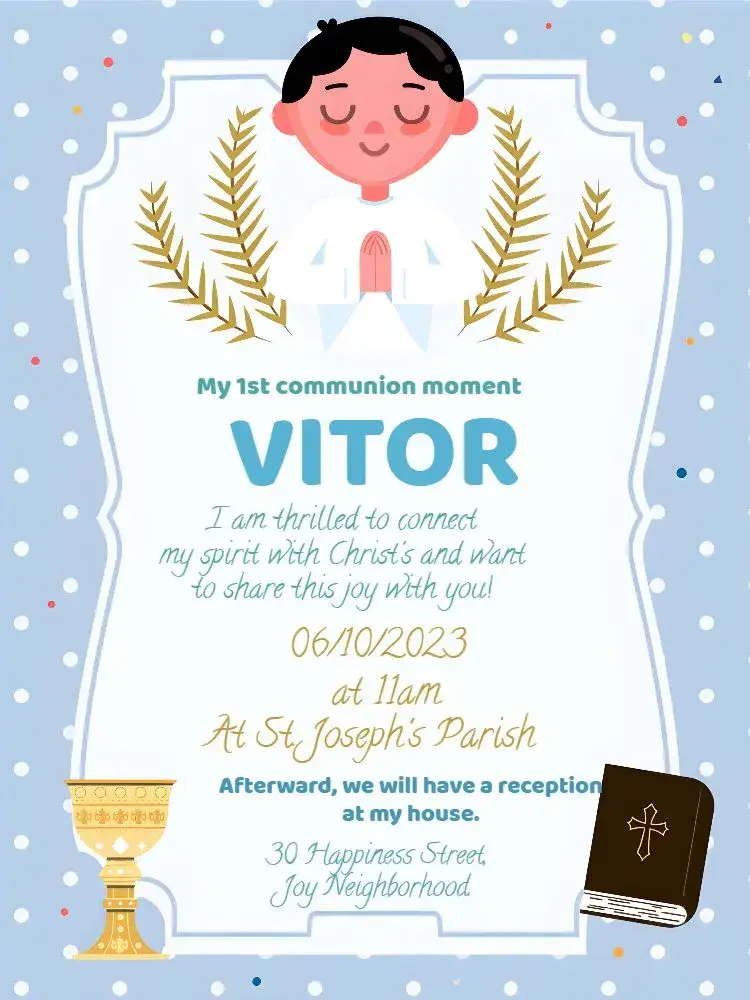
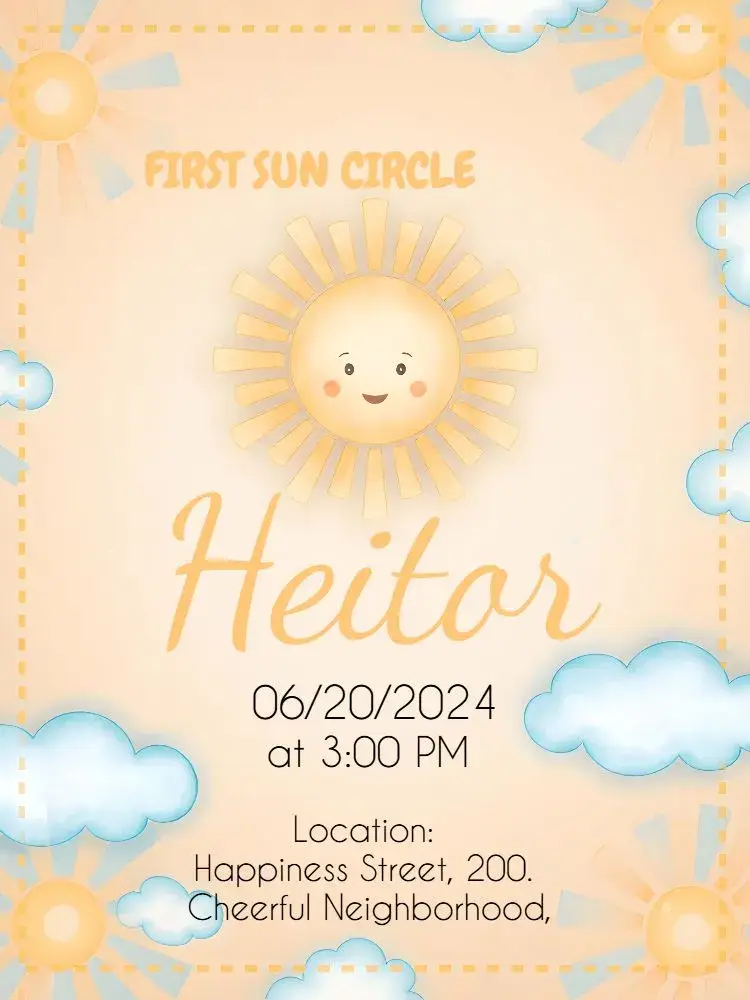
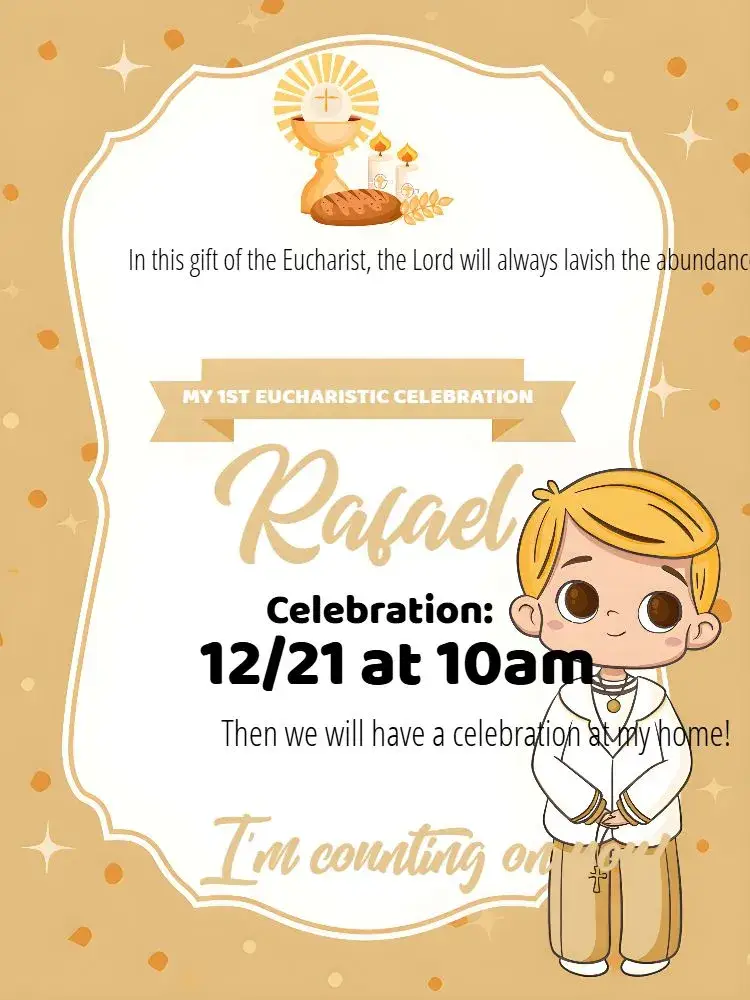
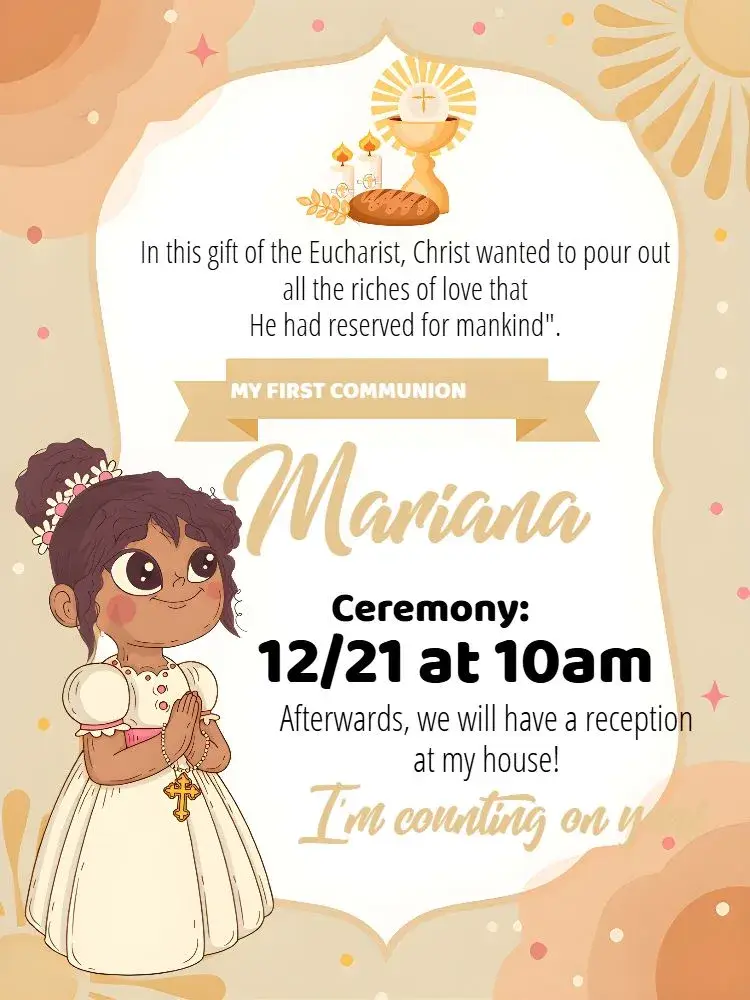
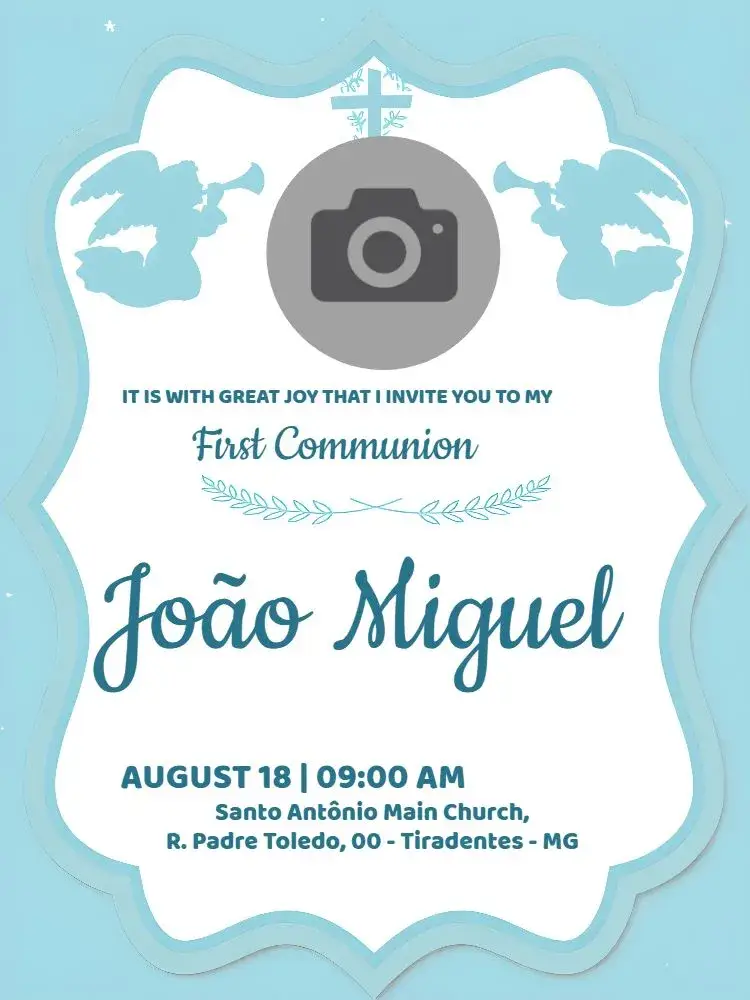

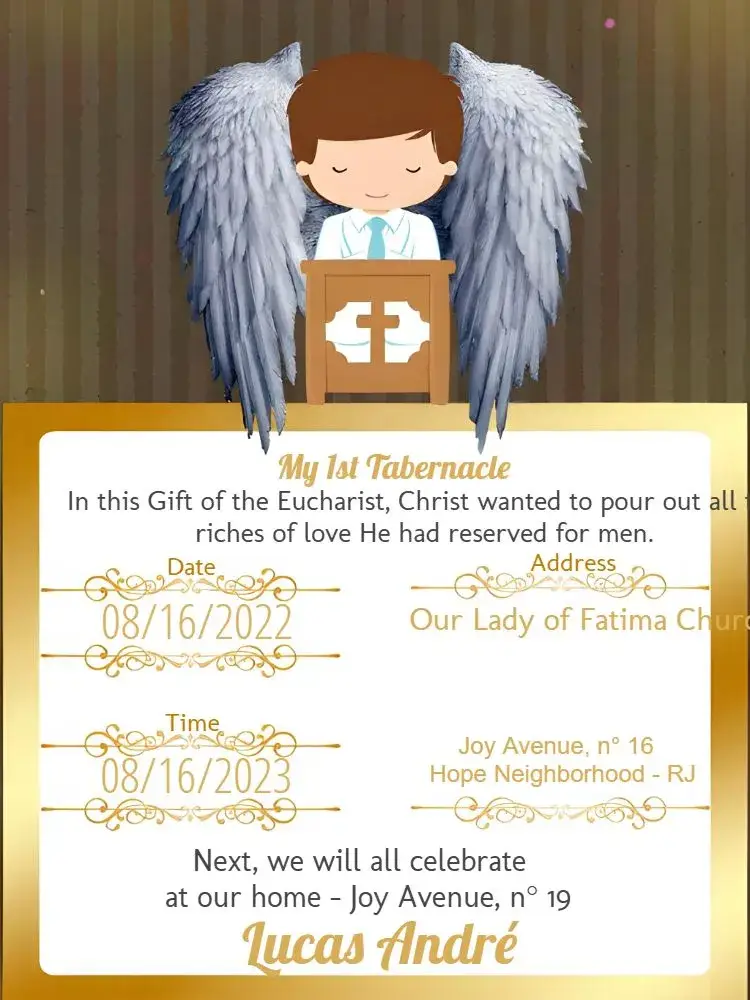
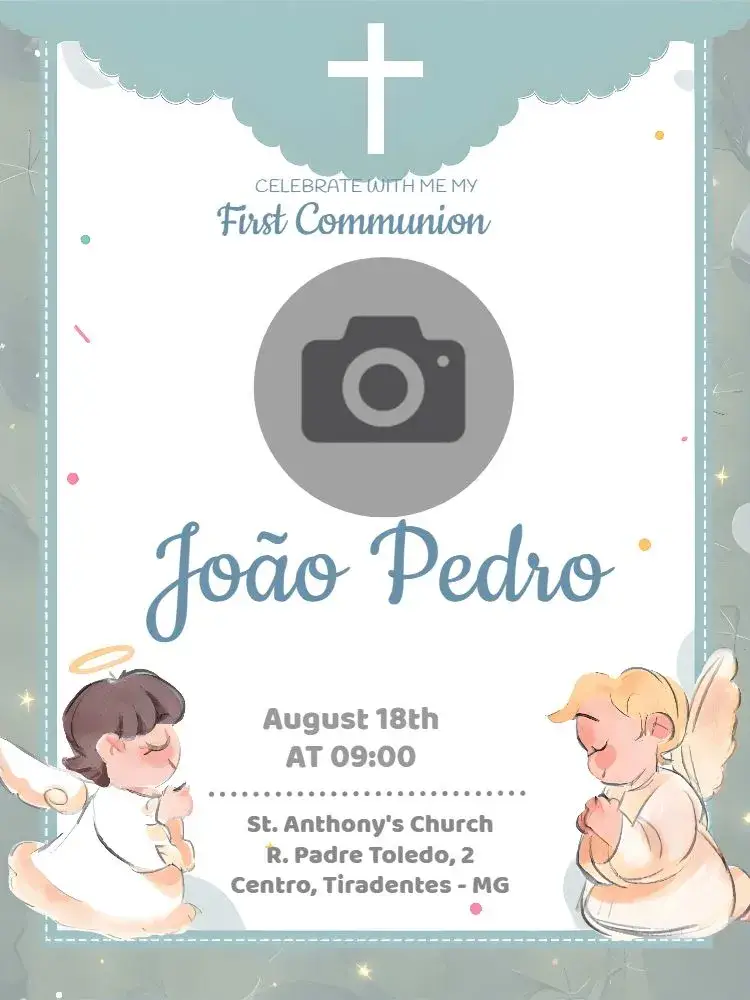
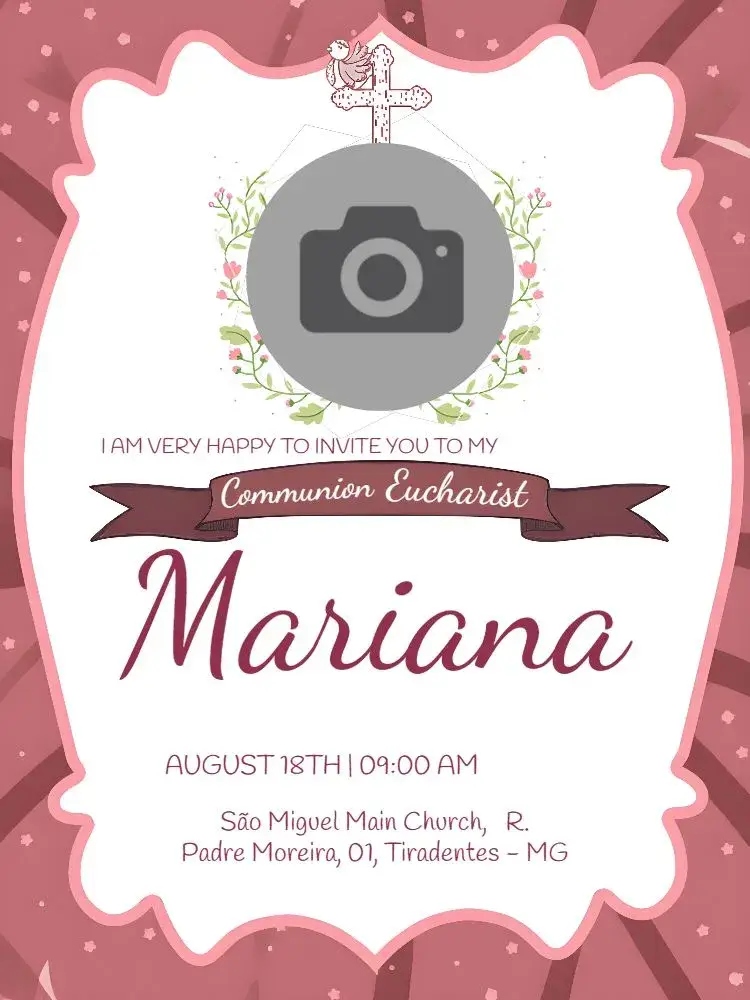
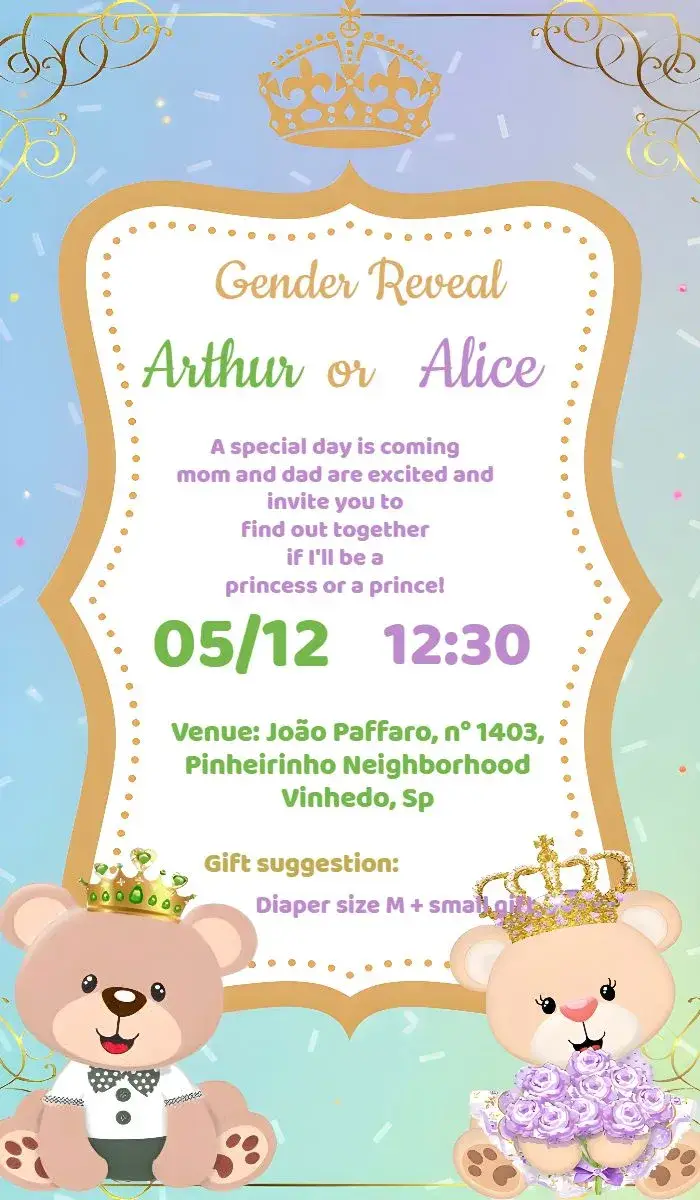
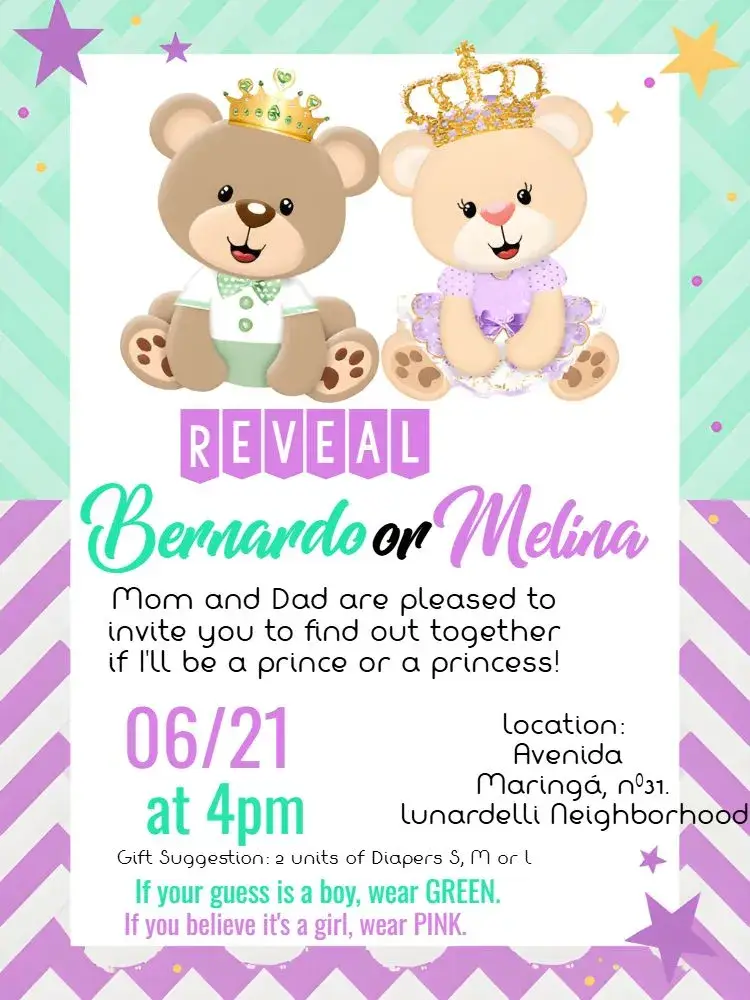
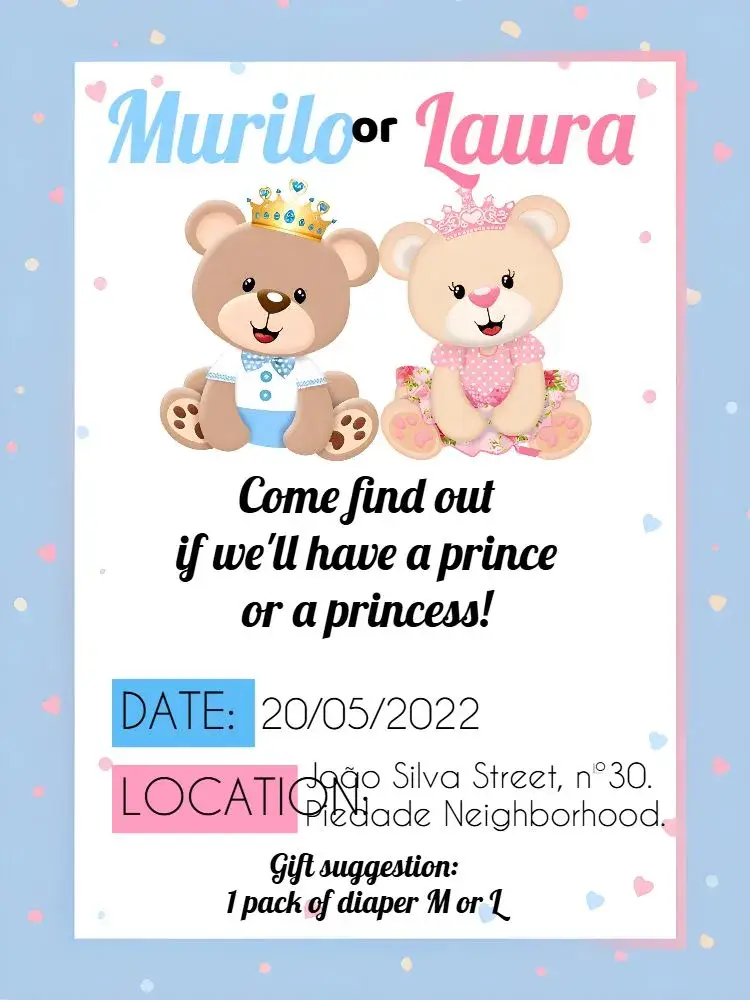
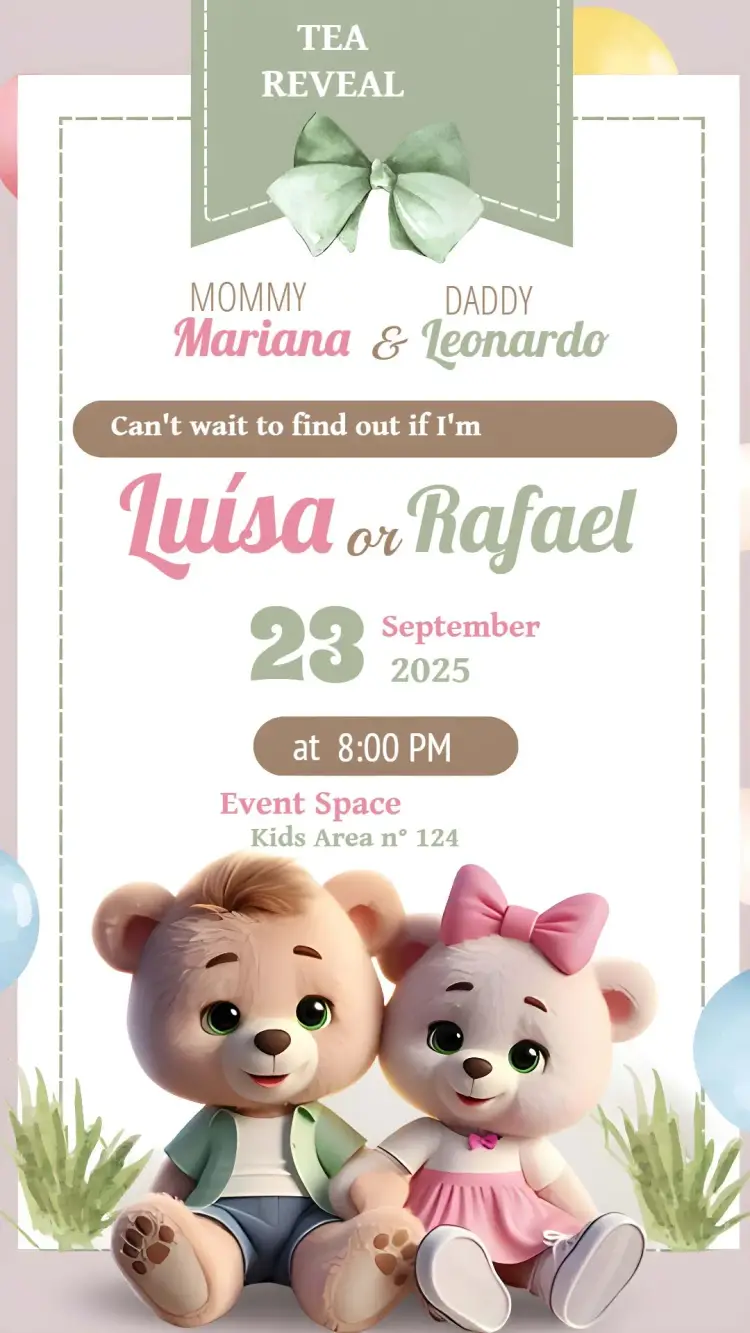
Gender Reveal
View All →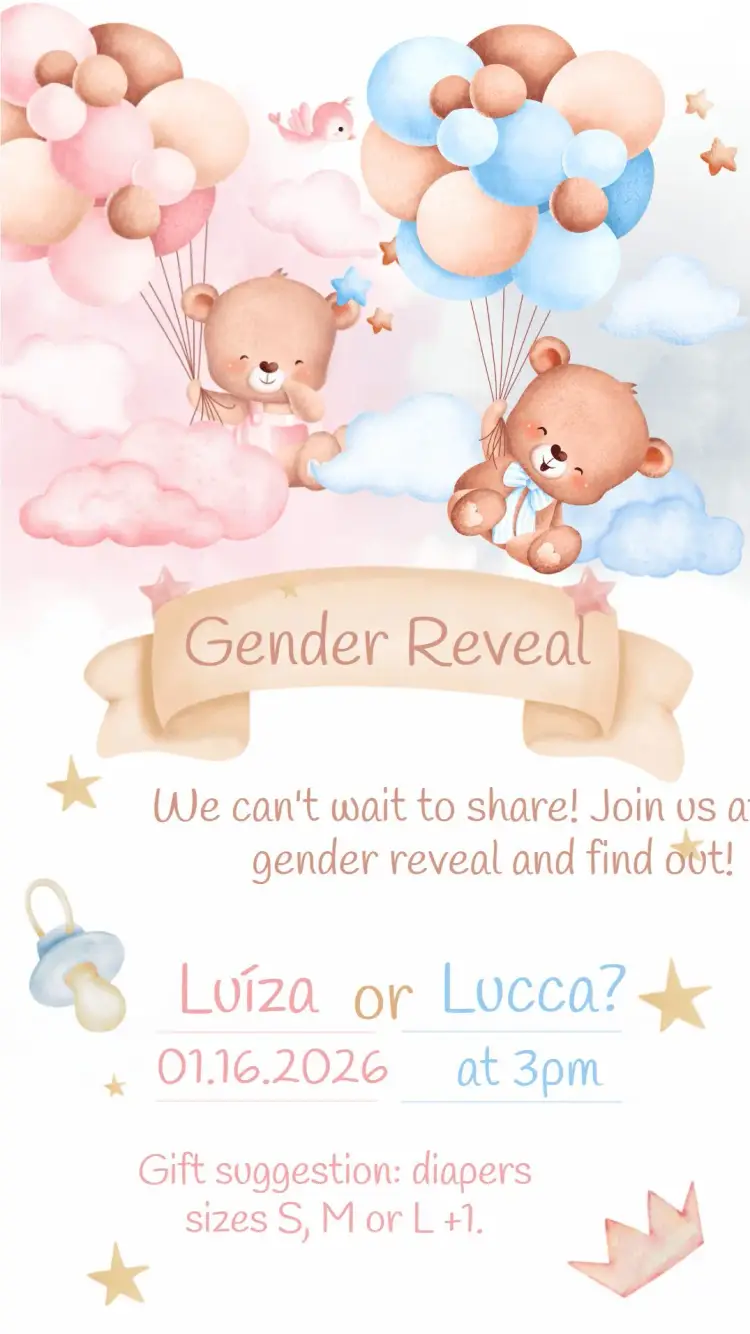
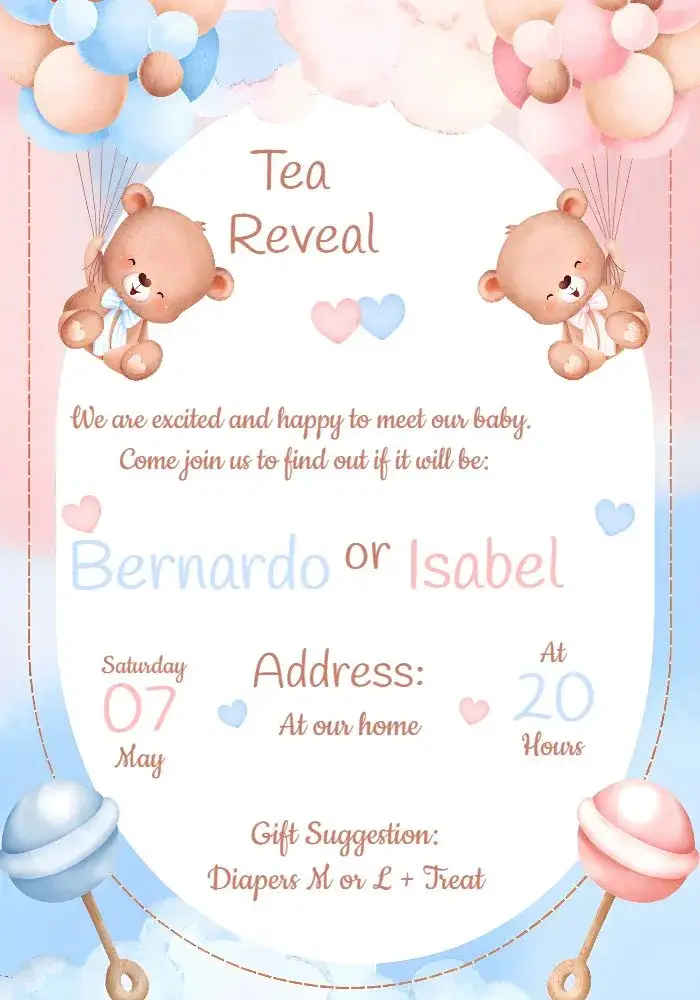

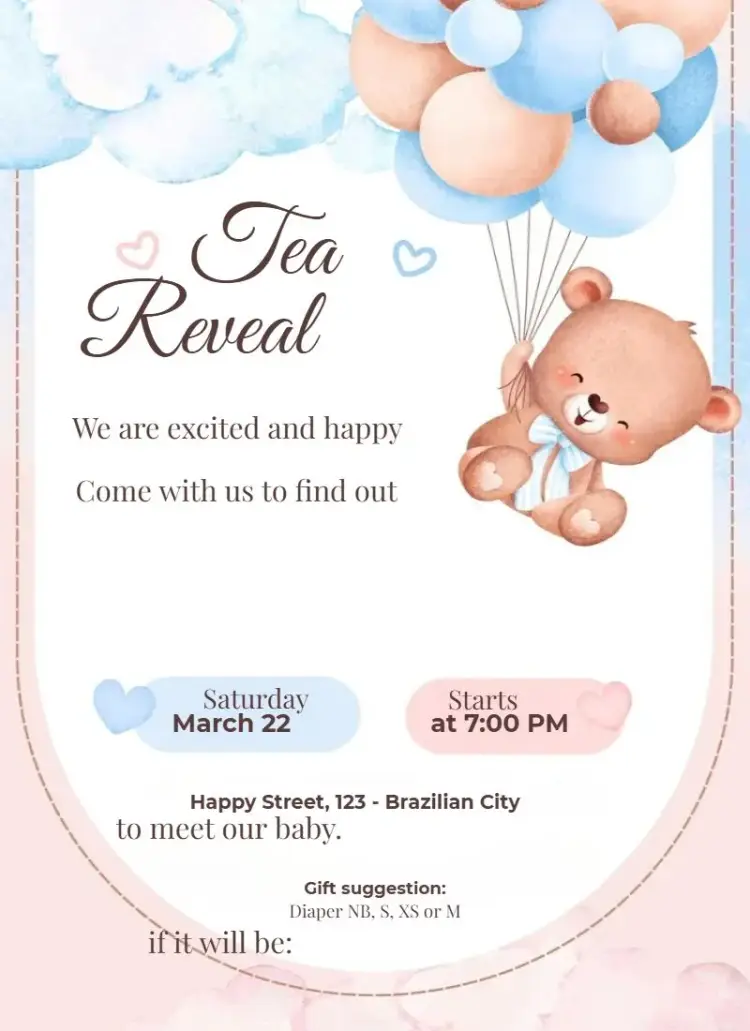



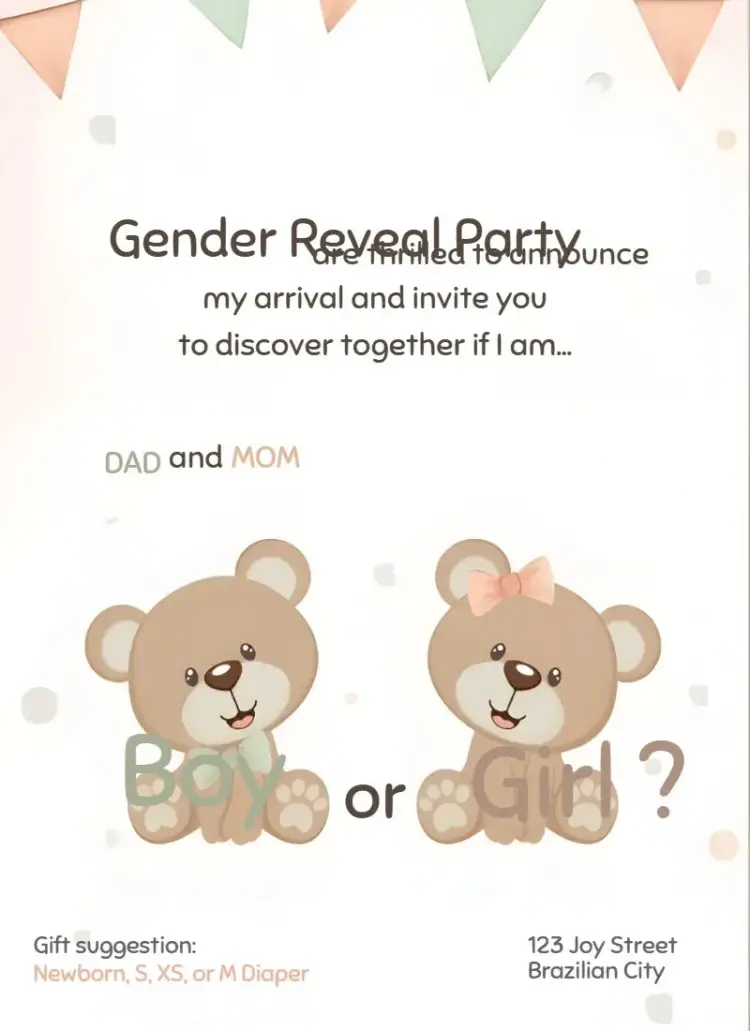
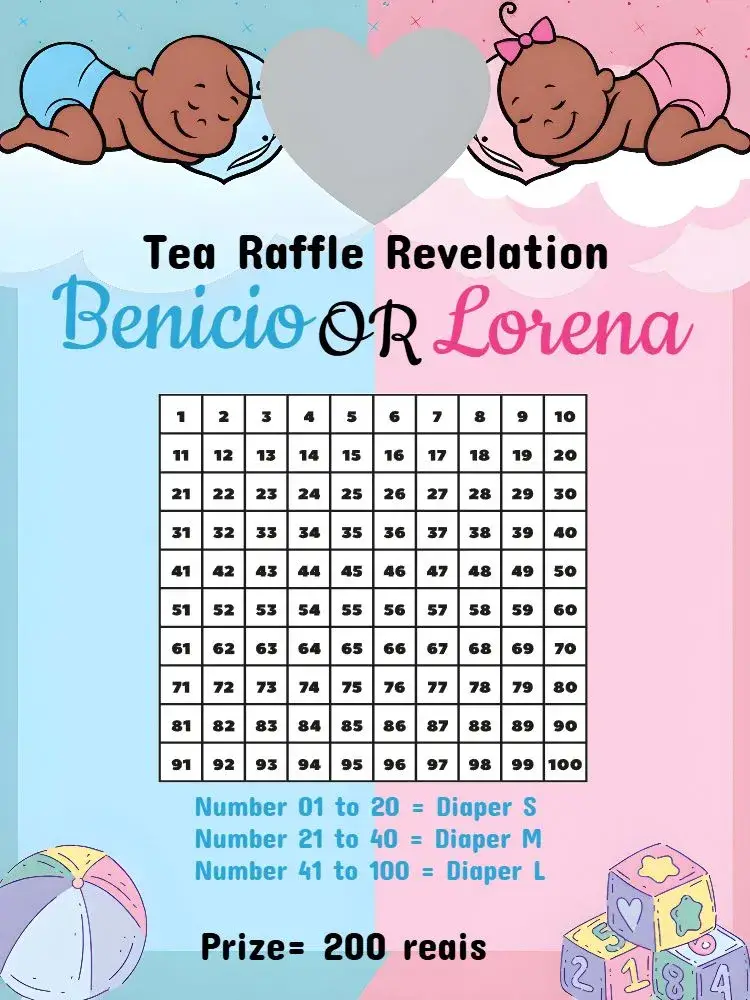


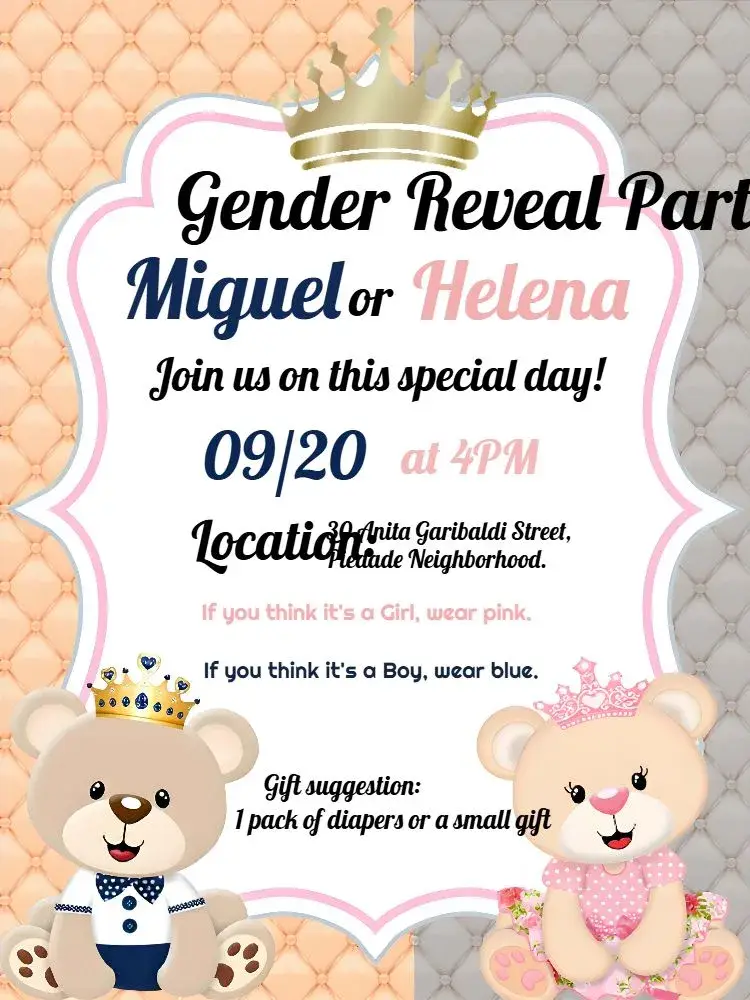
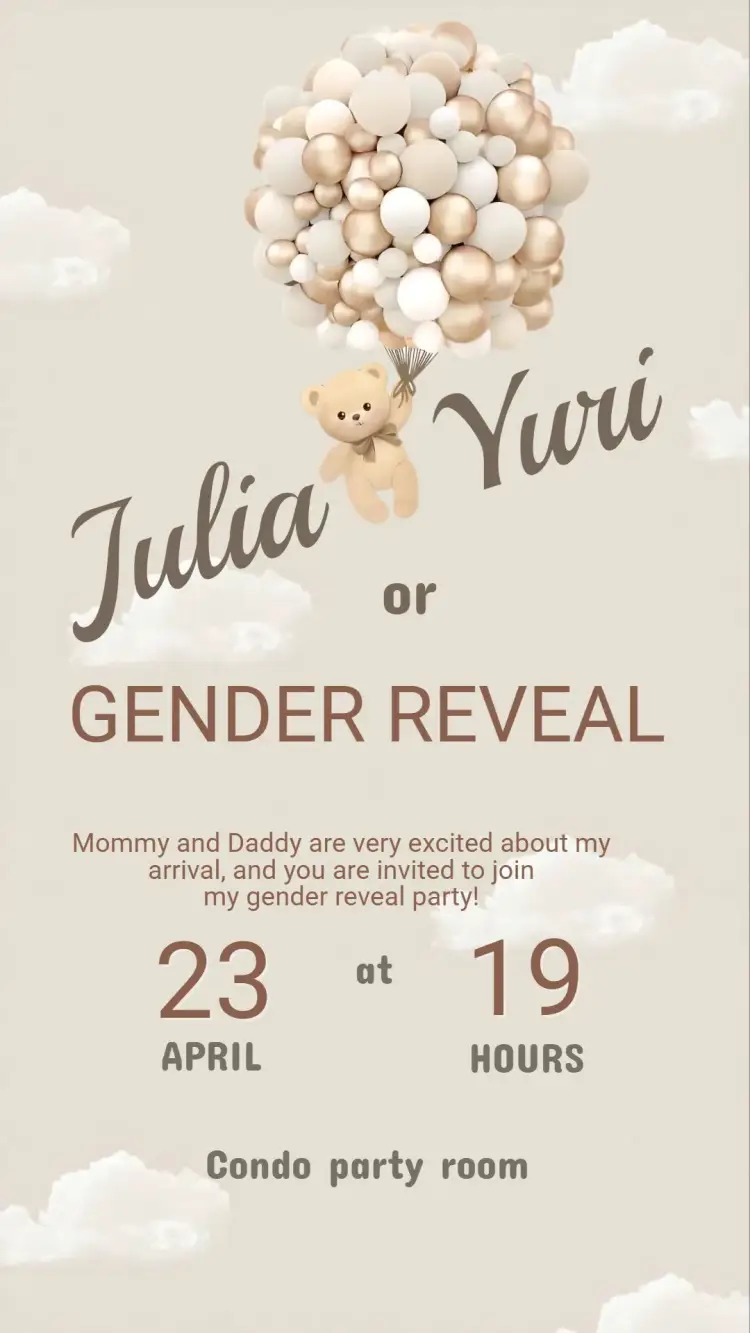

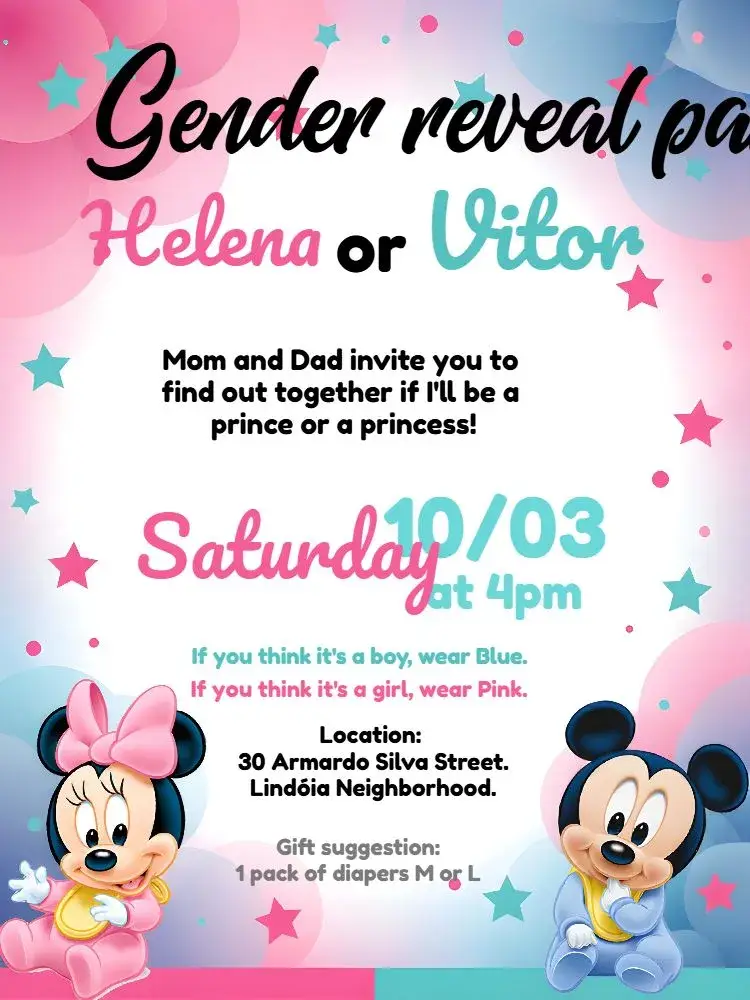
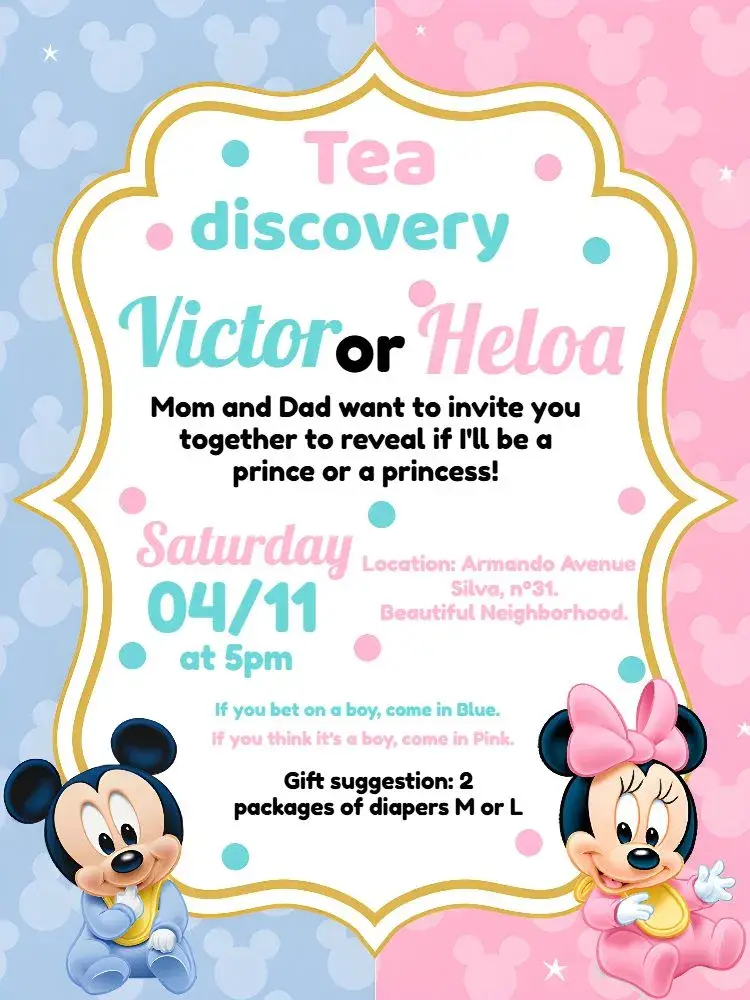
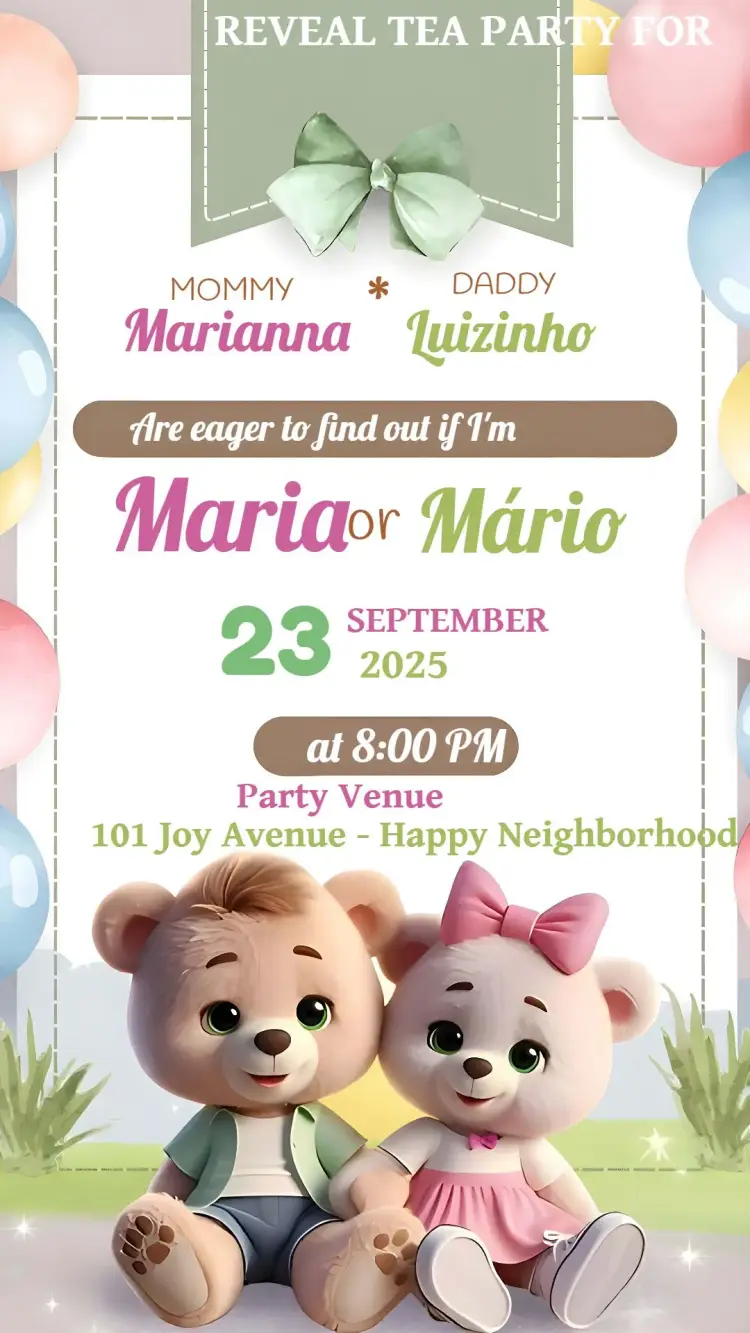
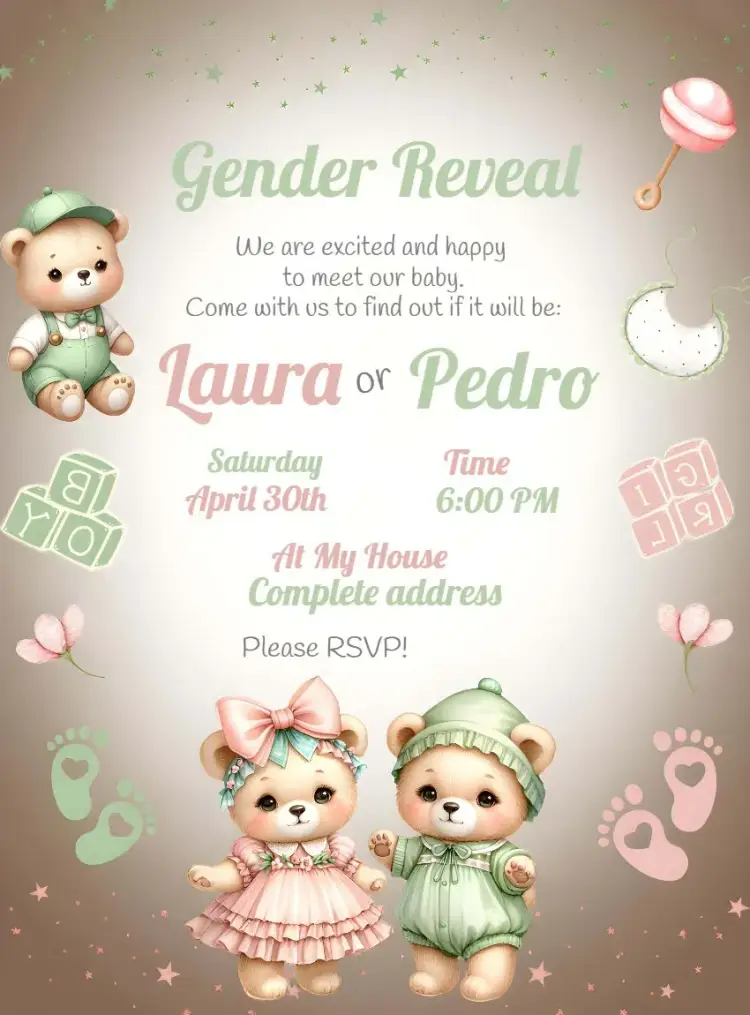
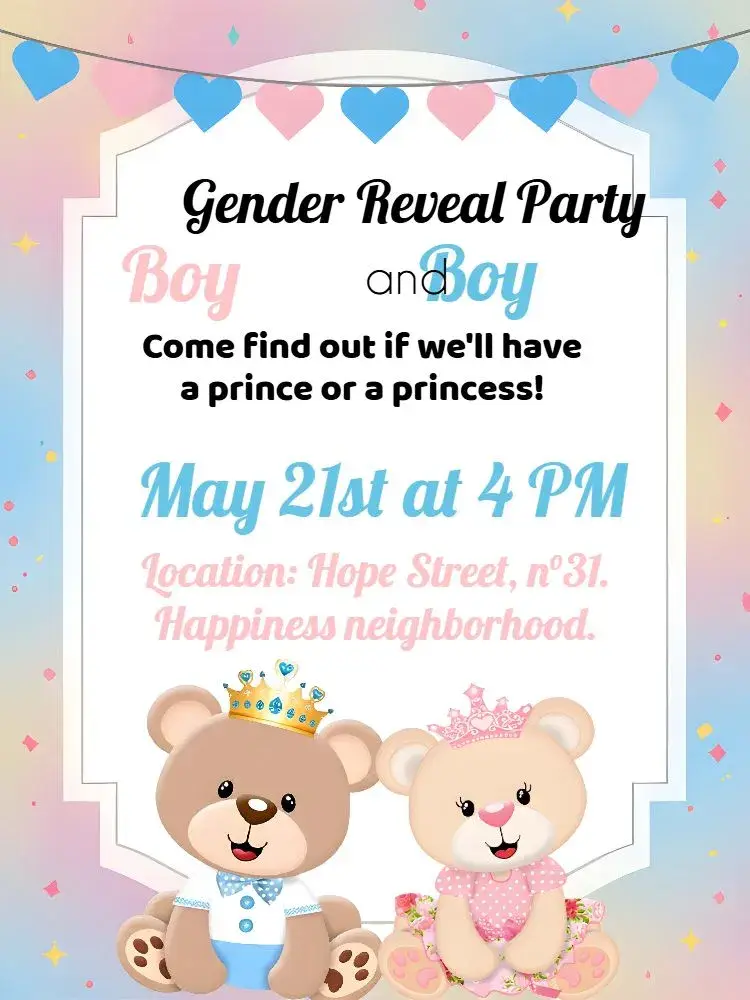

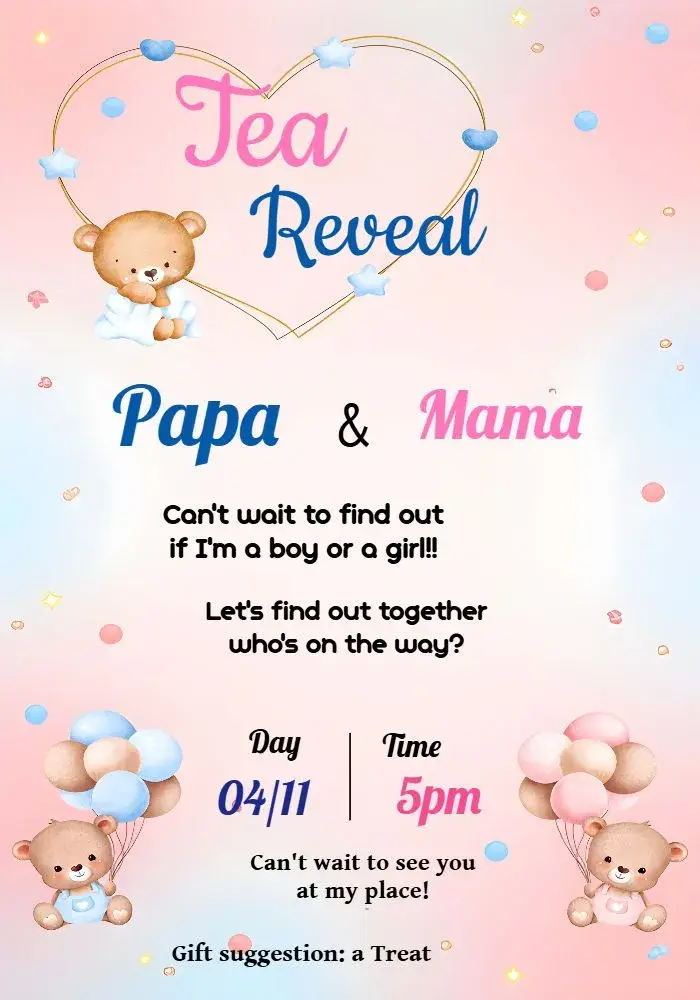
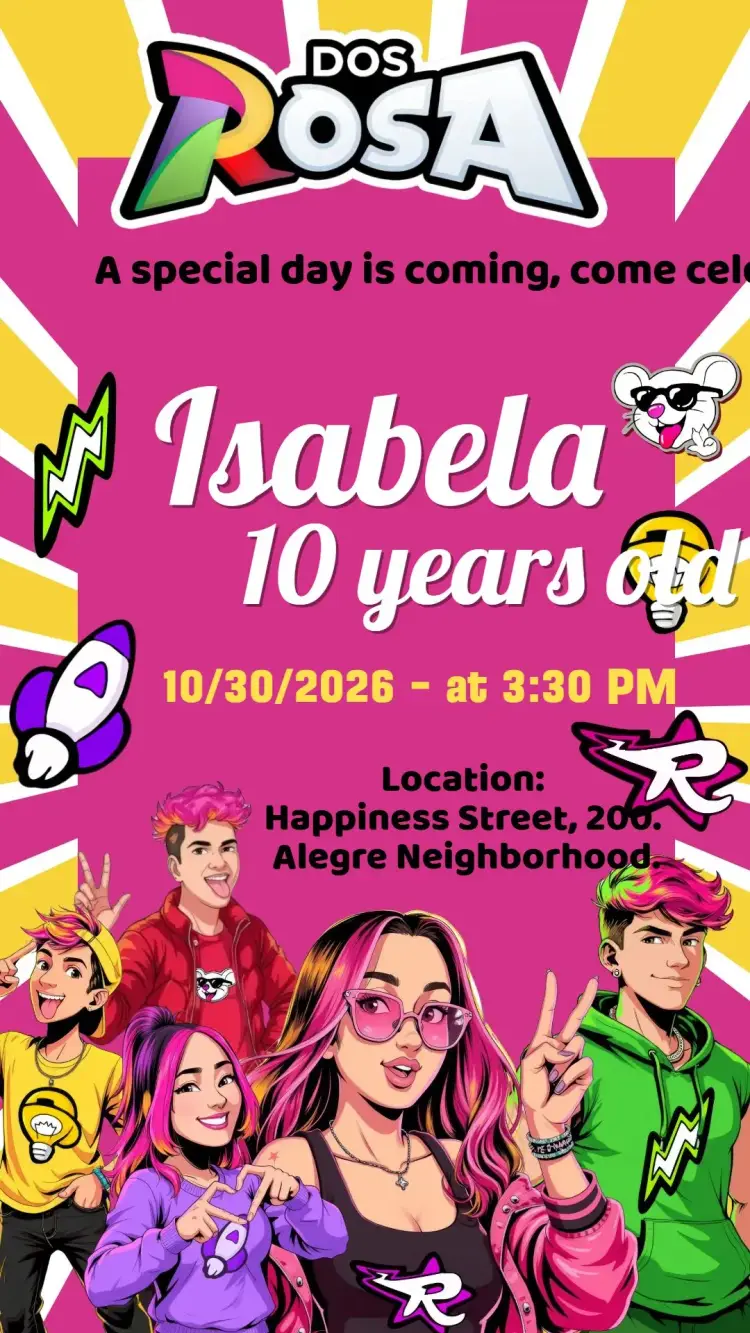
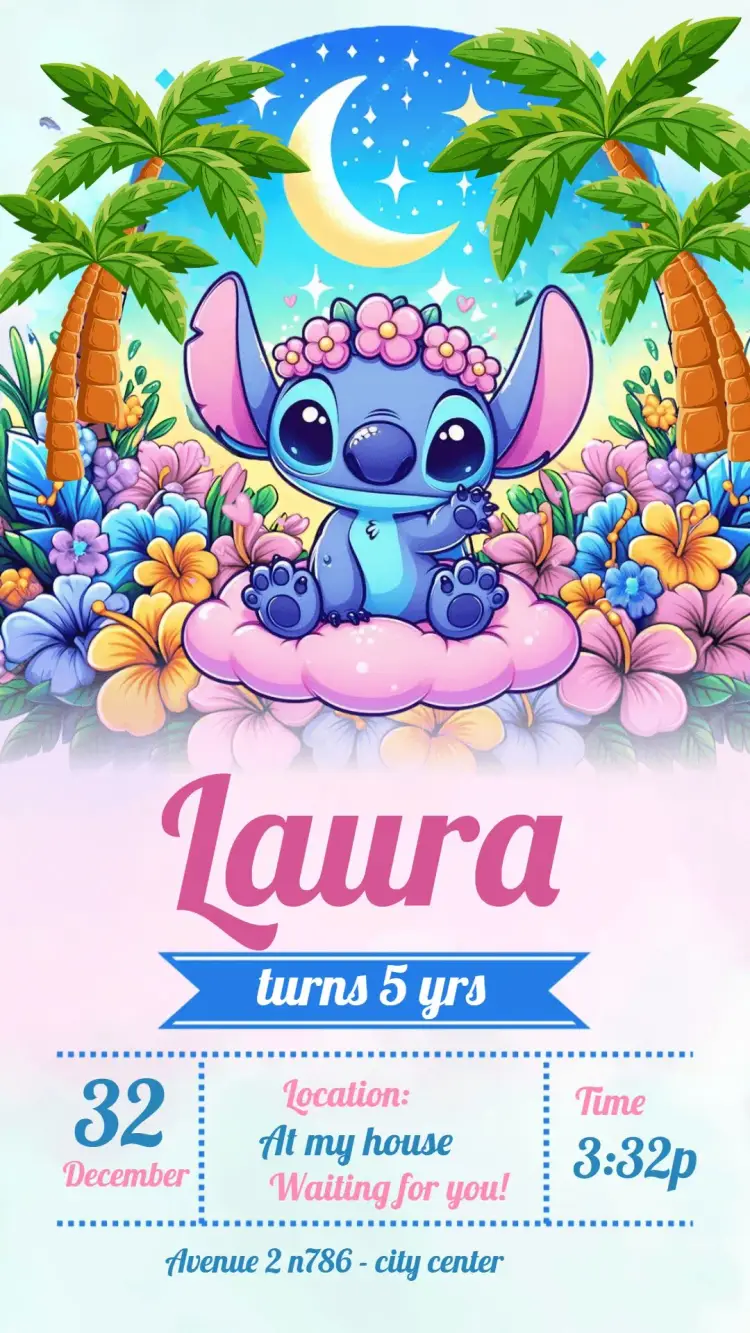
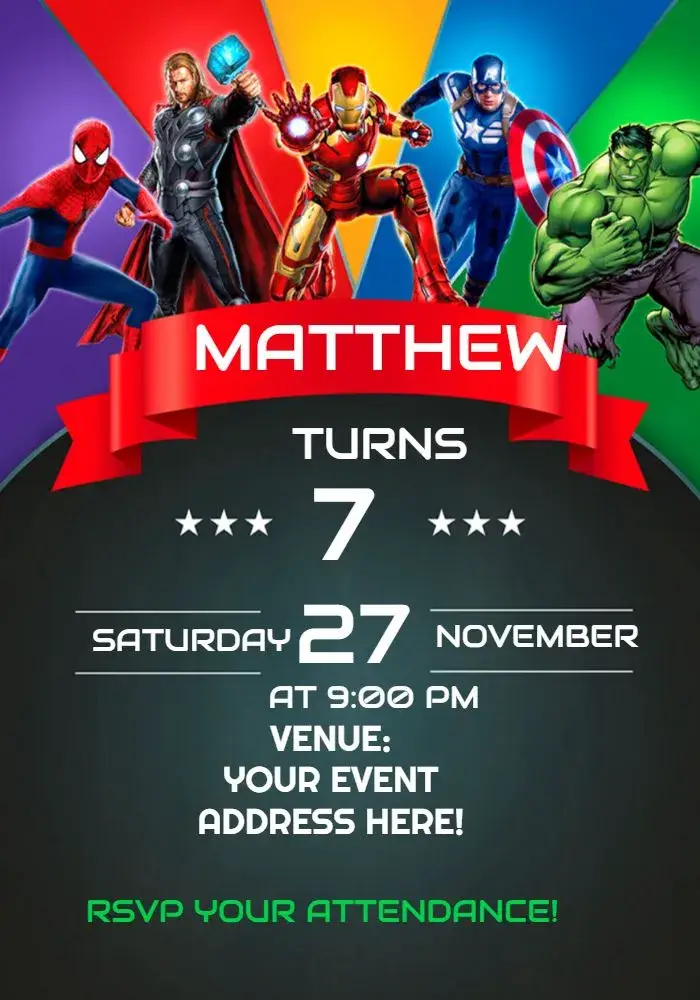
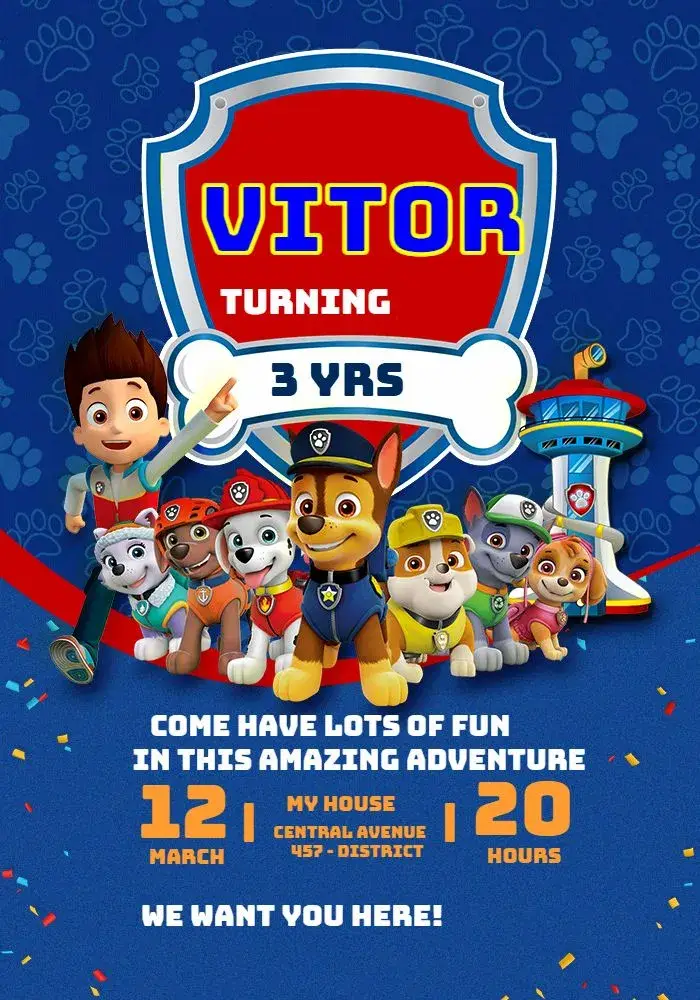
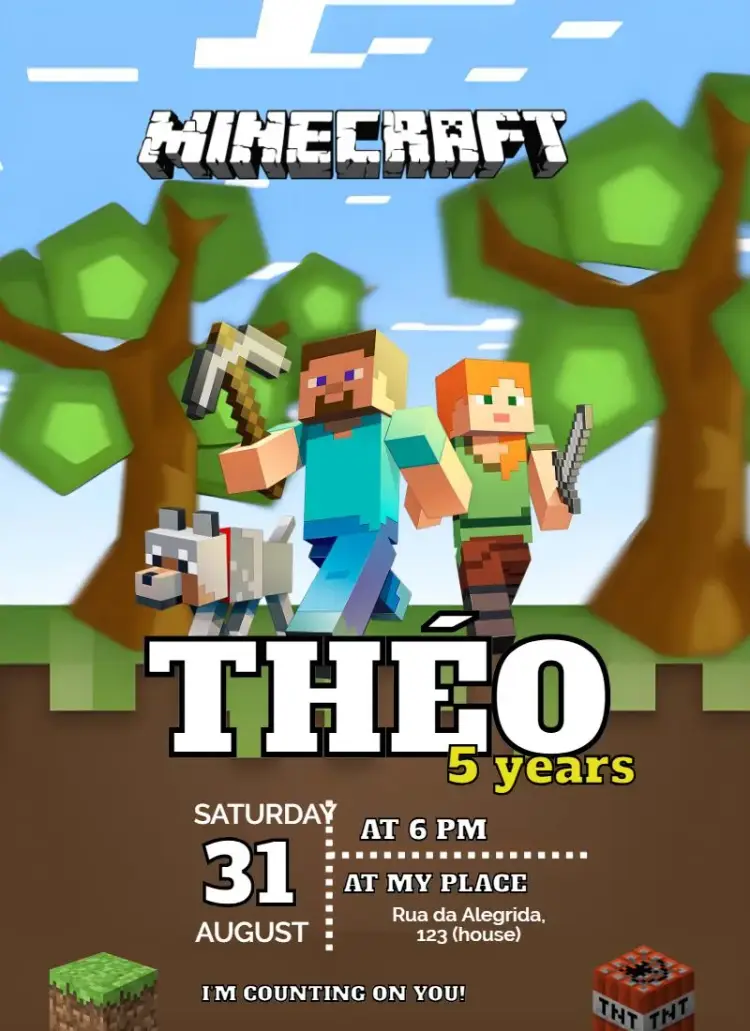
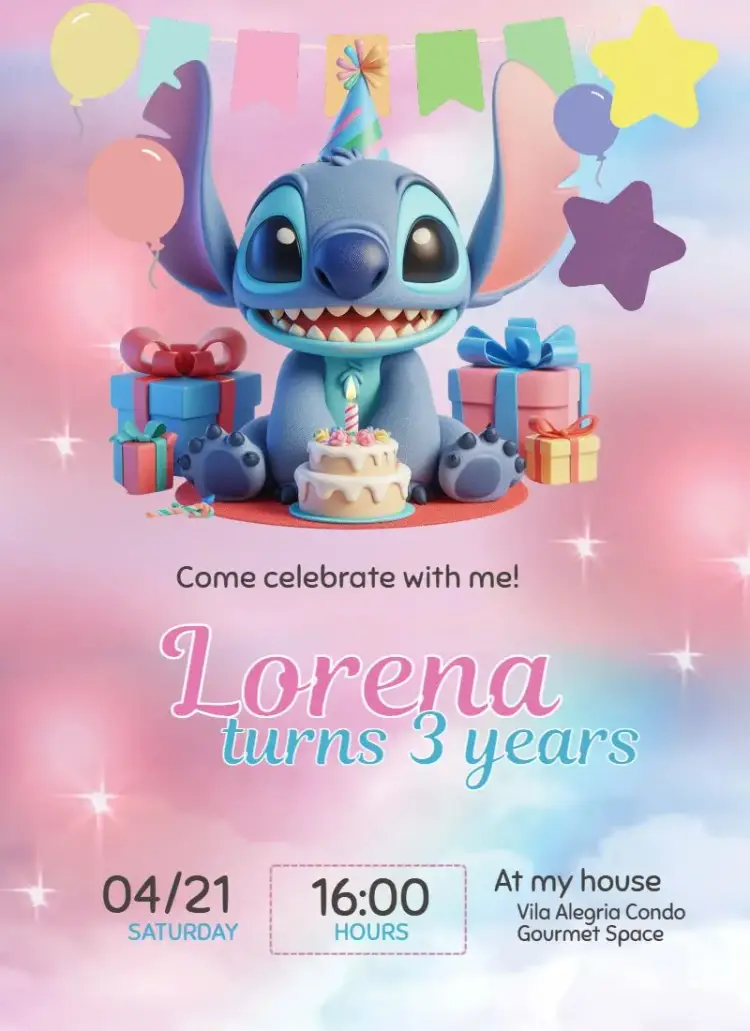
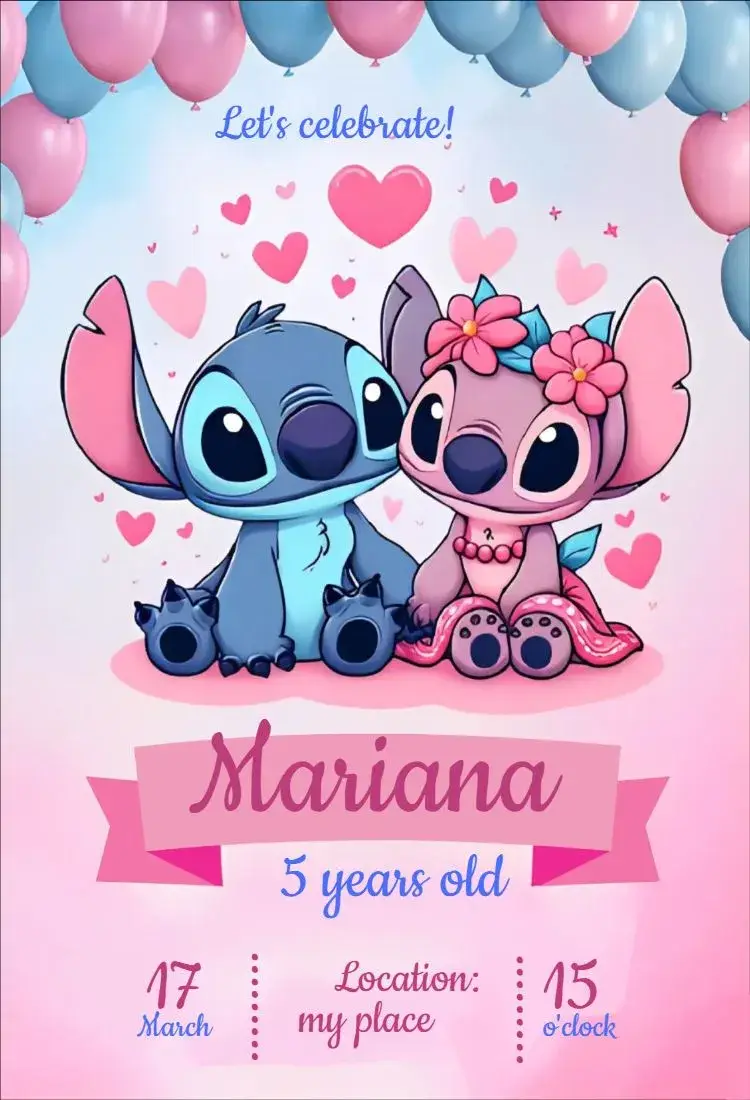
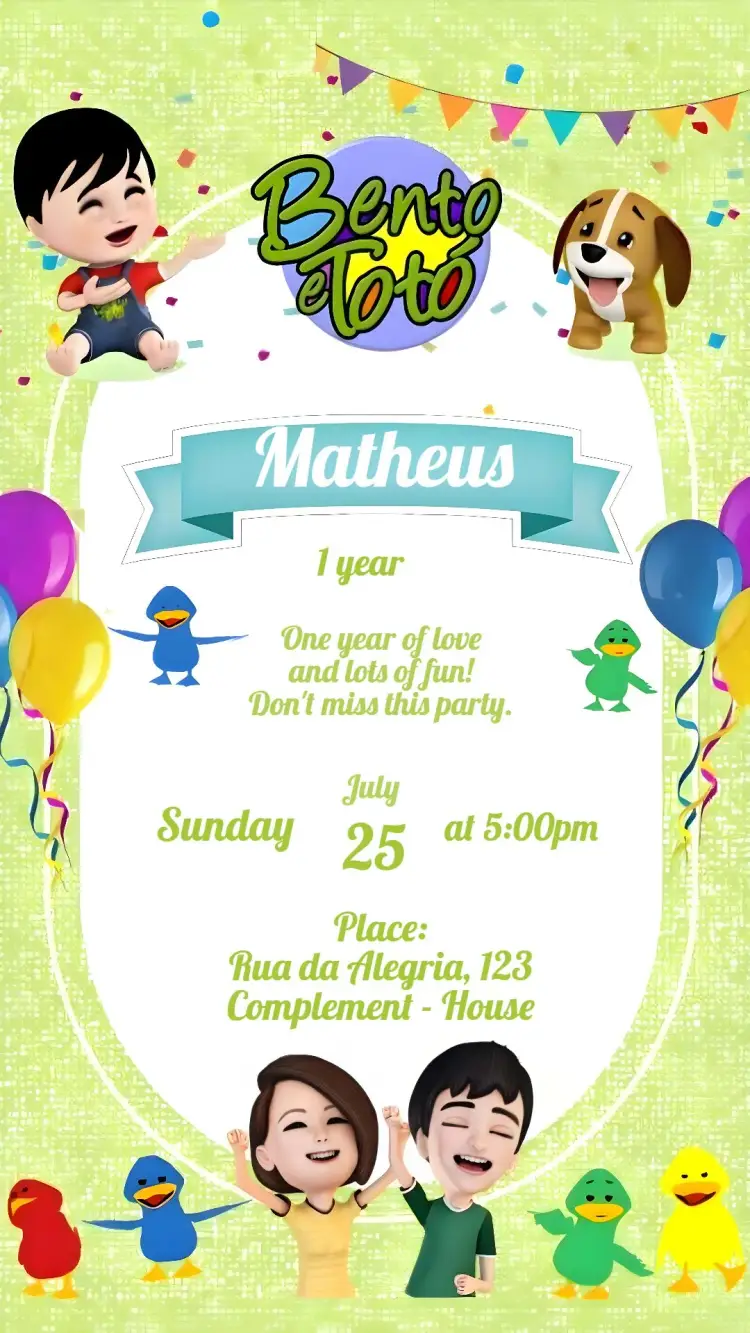
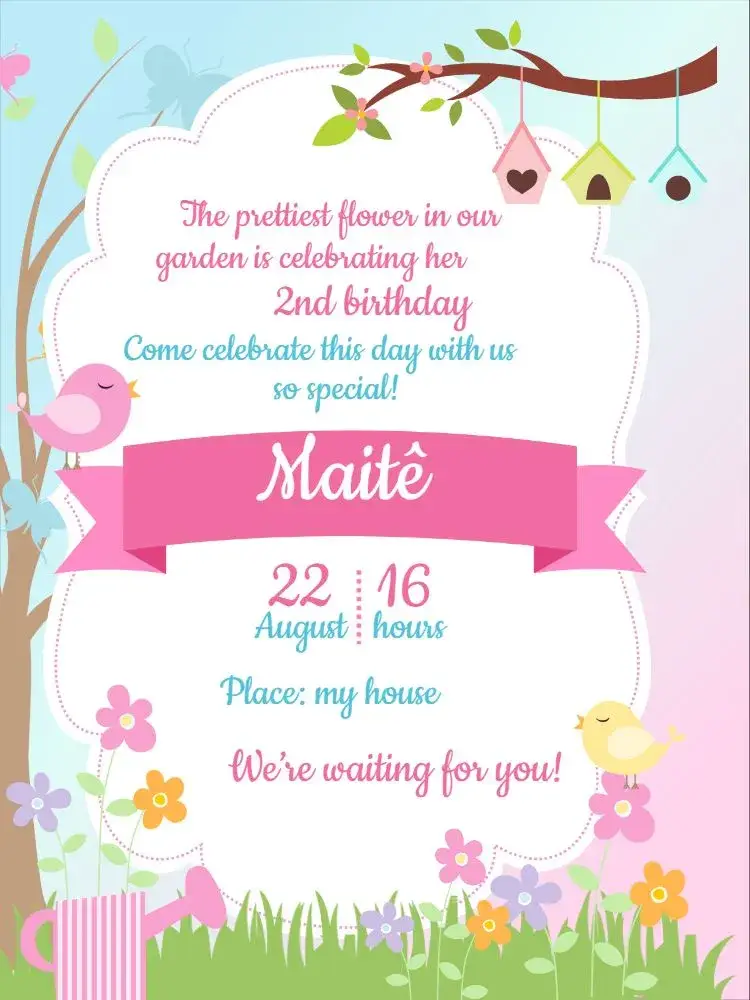
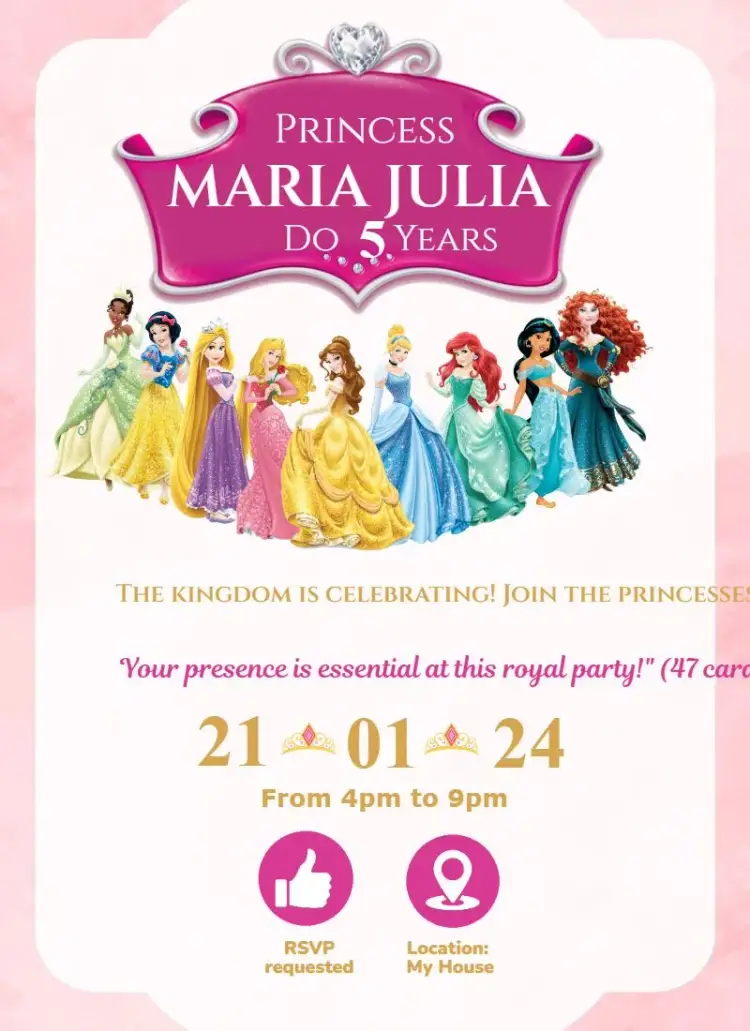
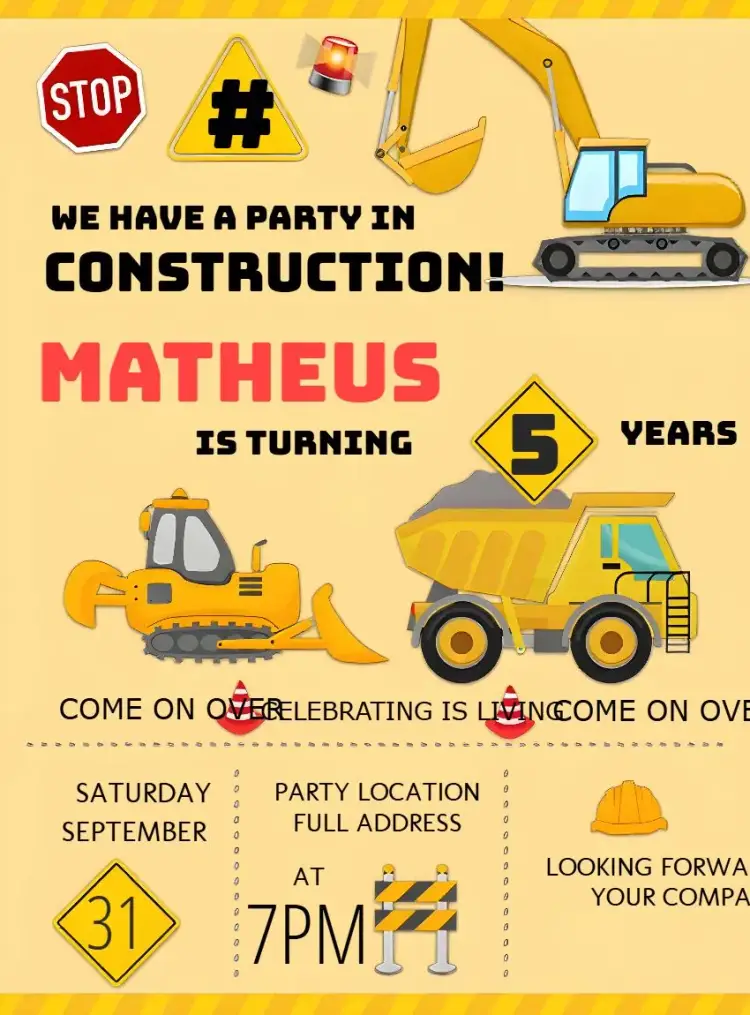
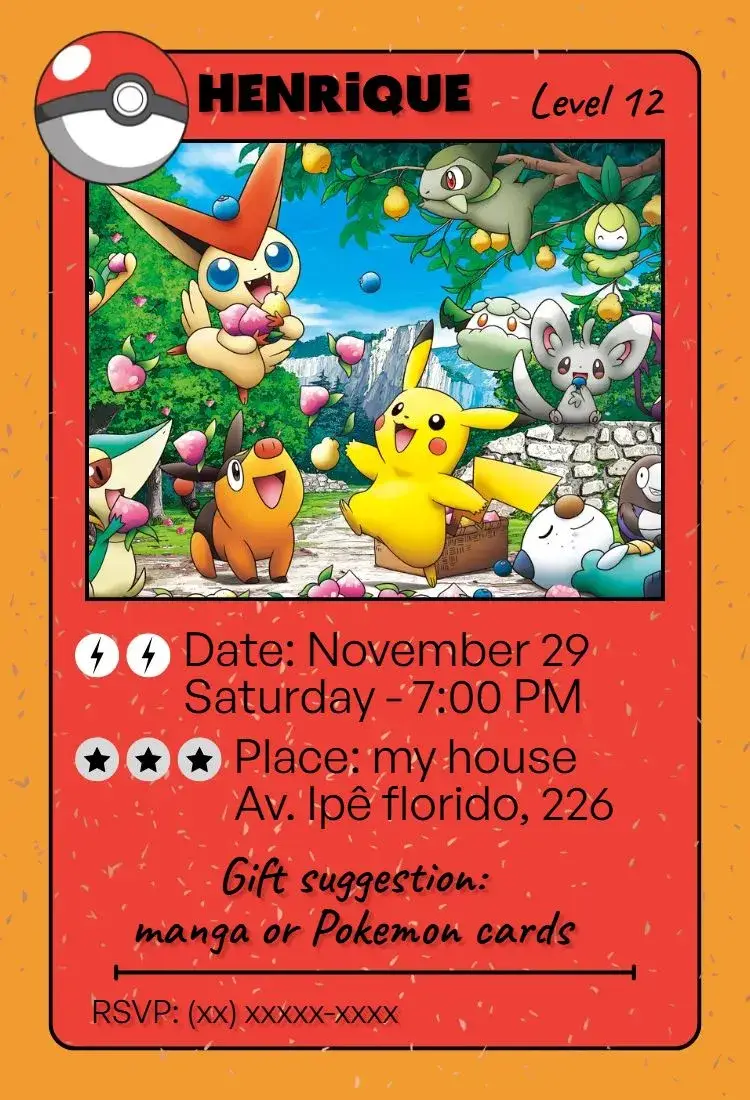
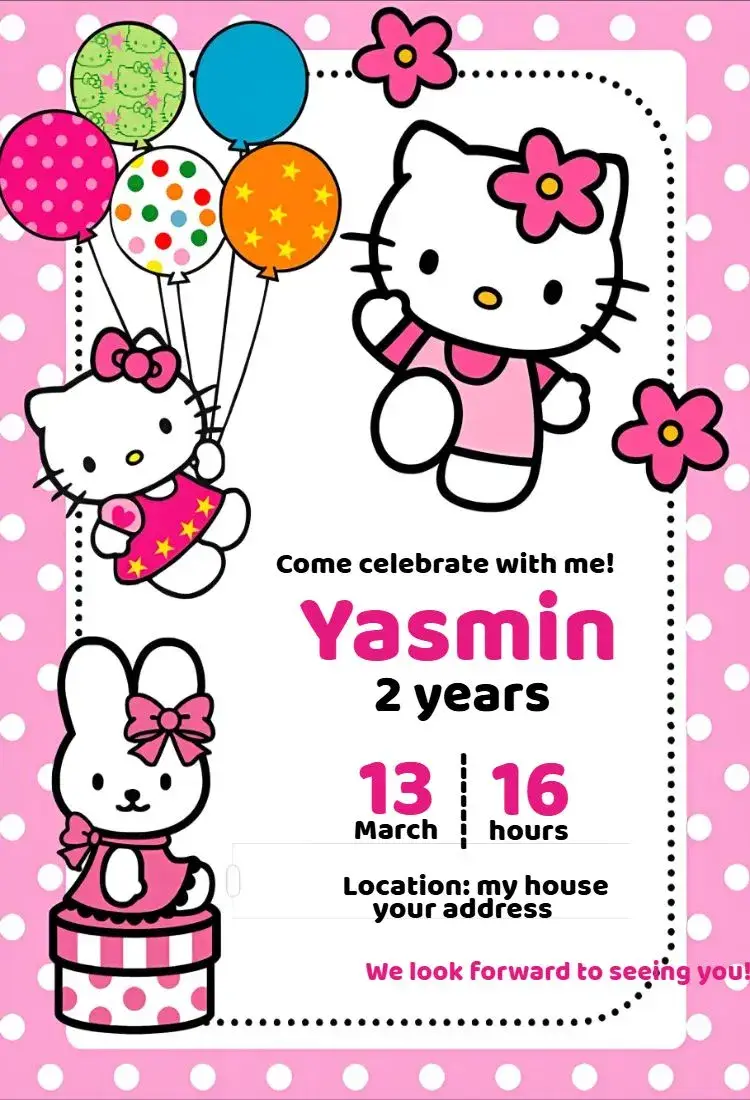
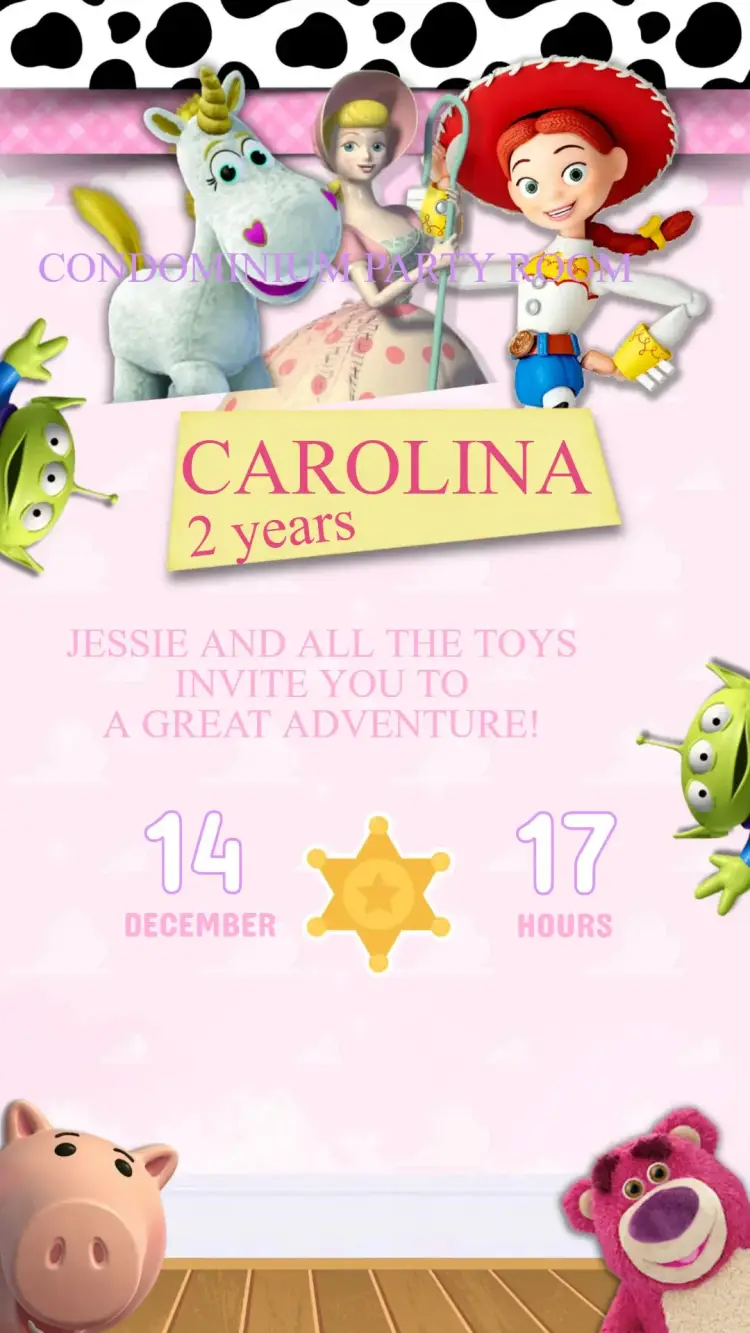
Kids' Birthday Party
View All →










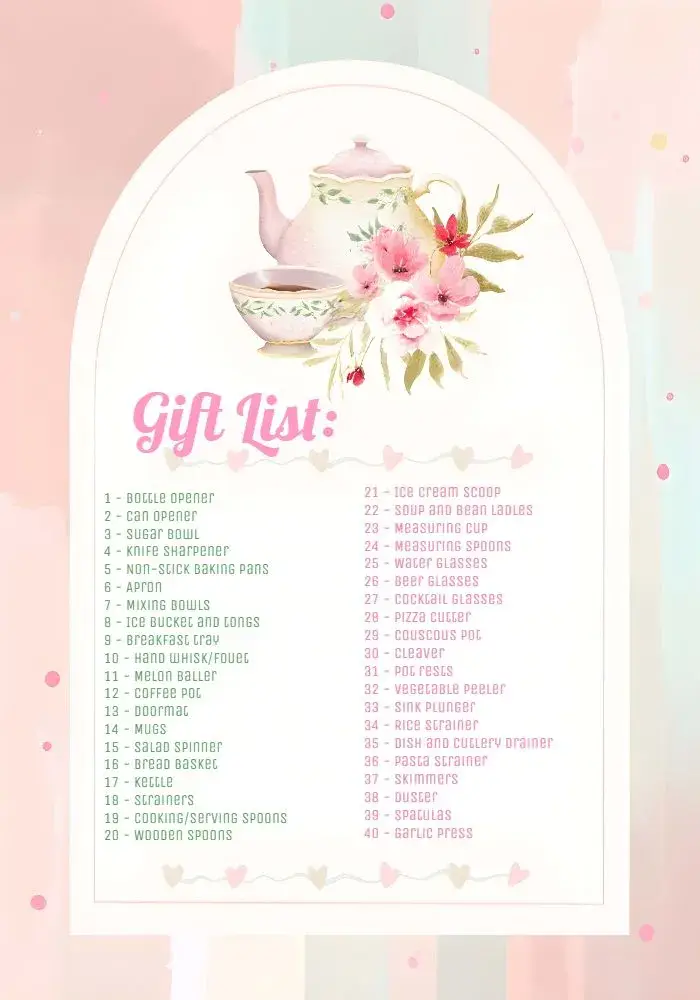
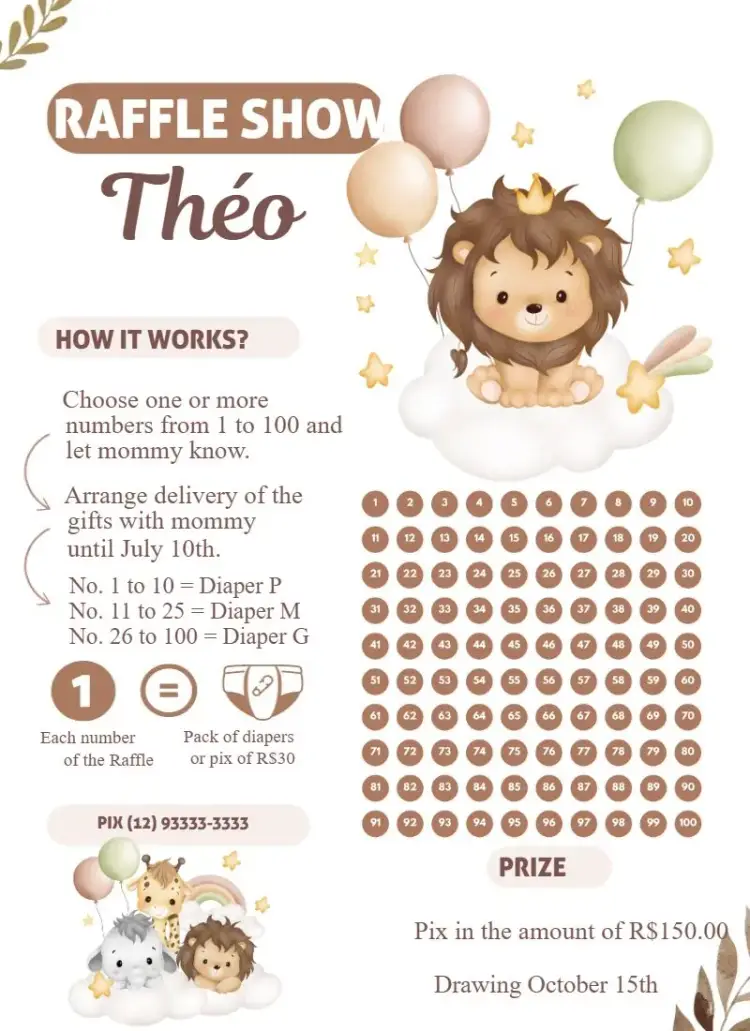
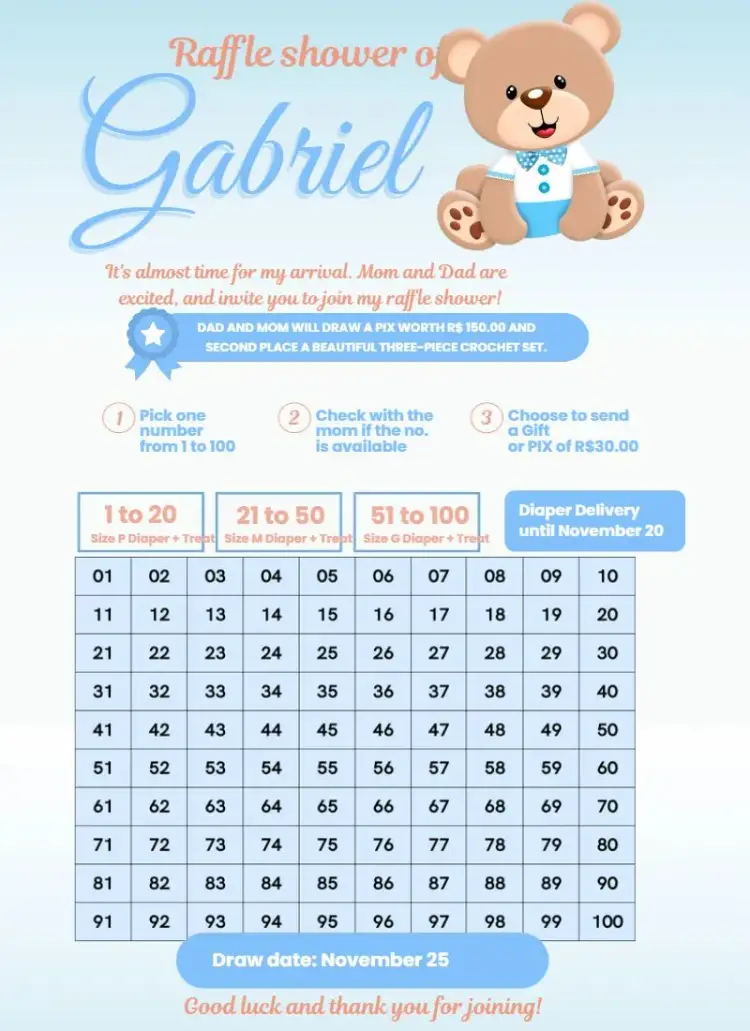
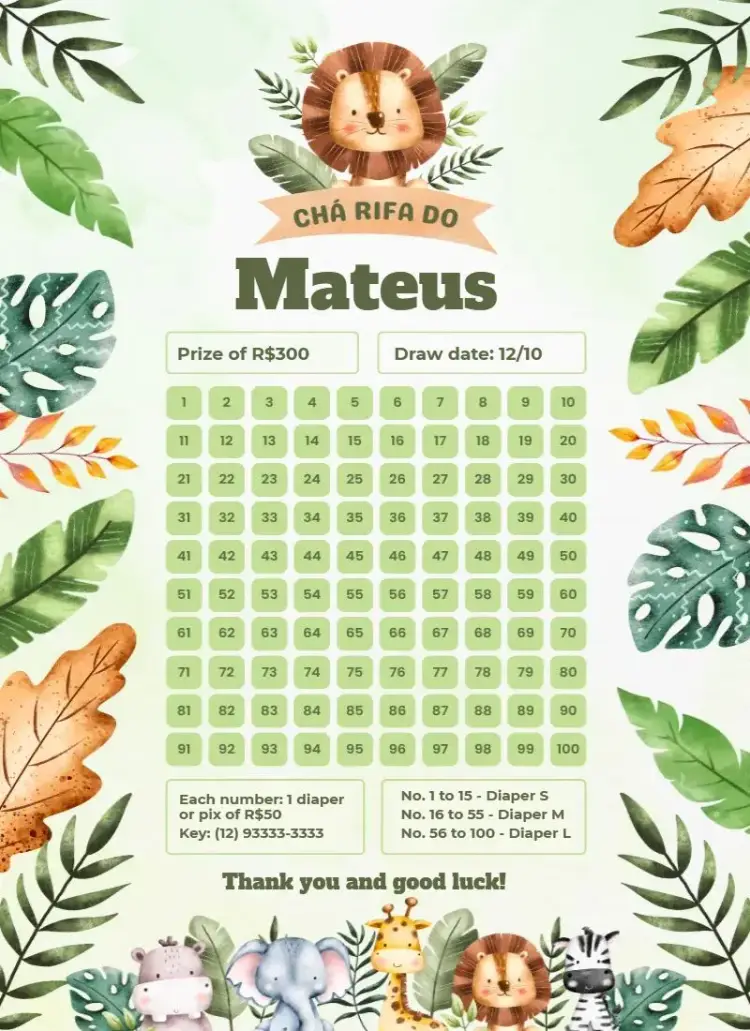
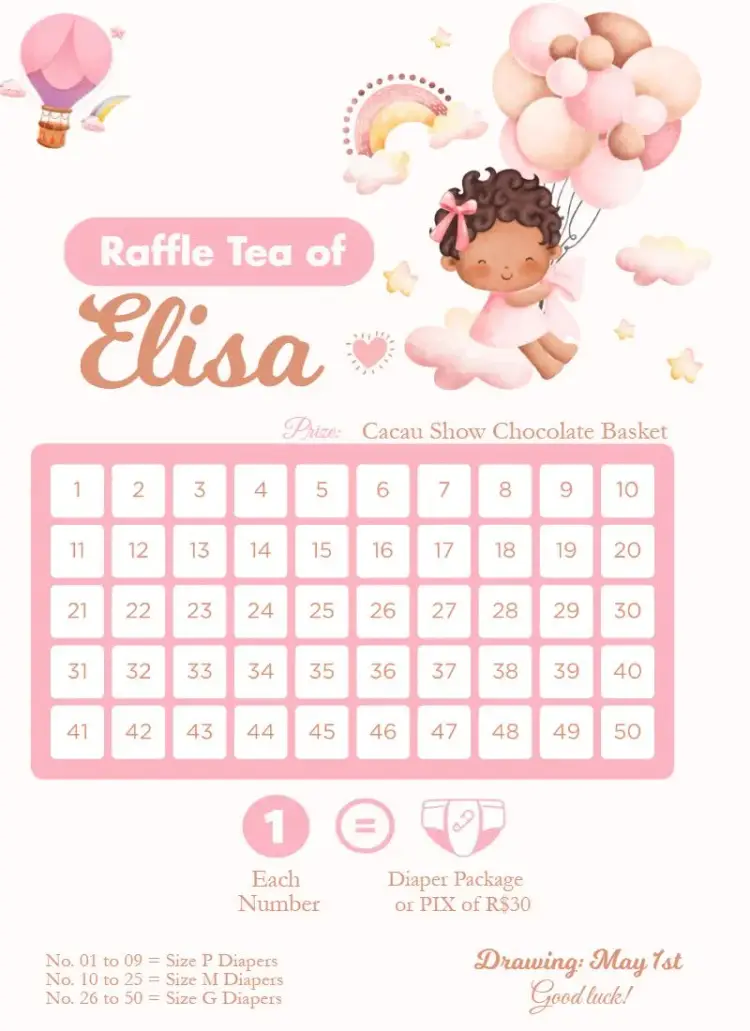
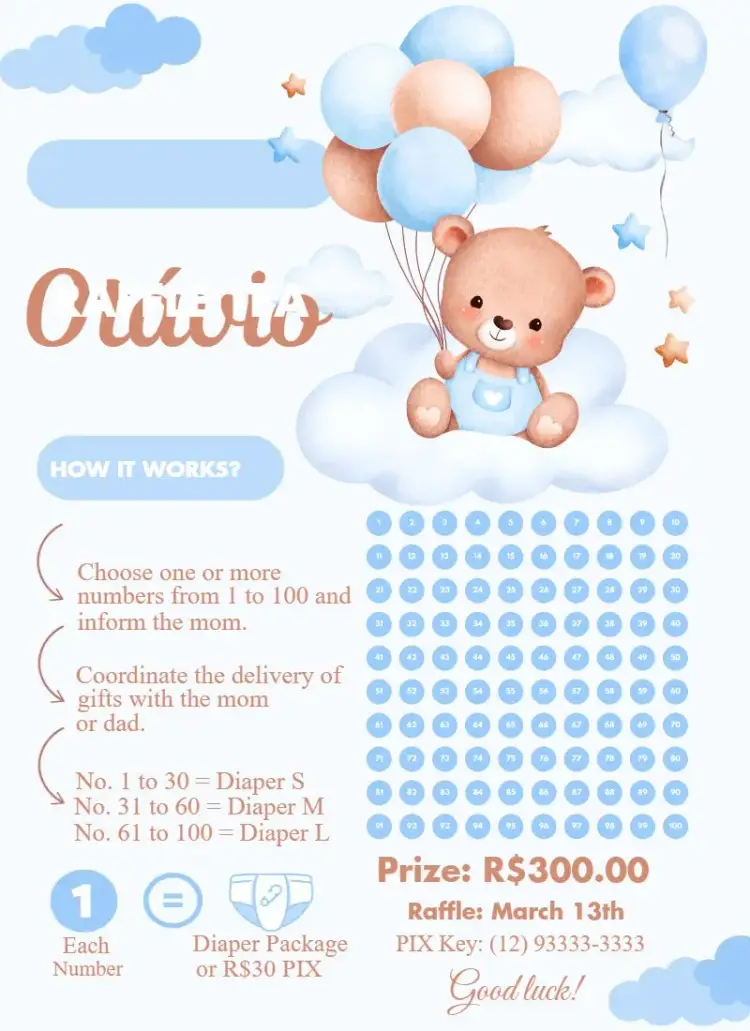
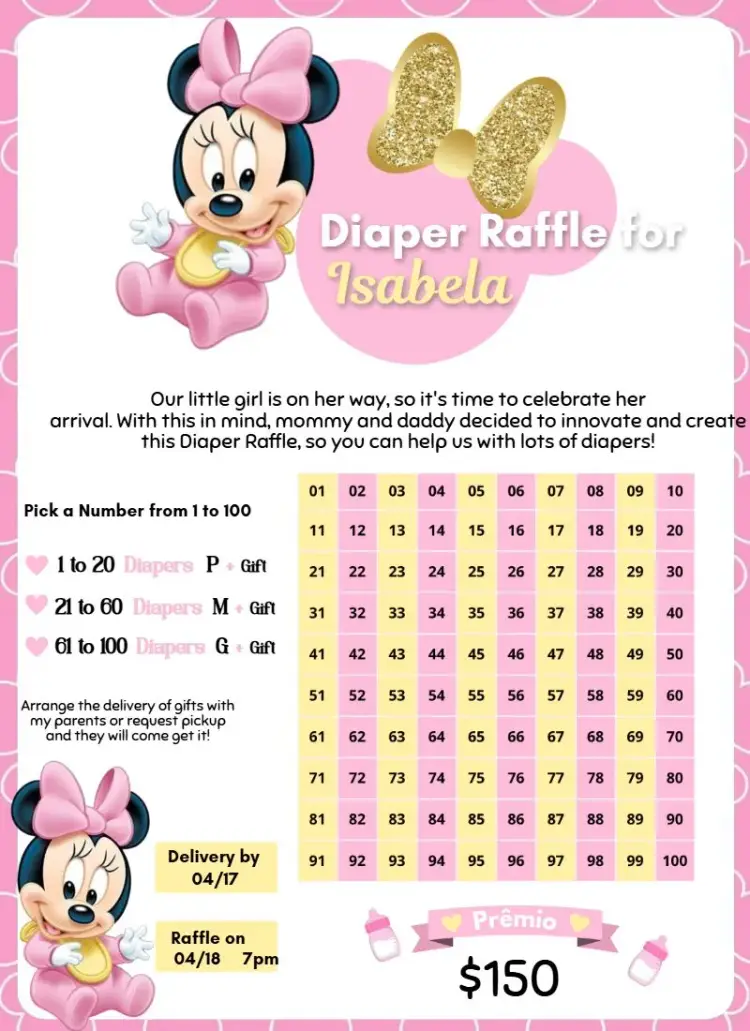
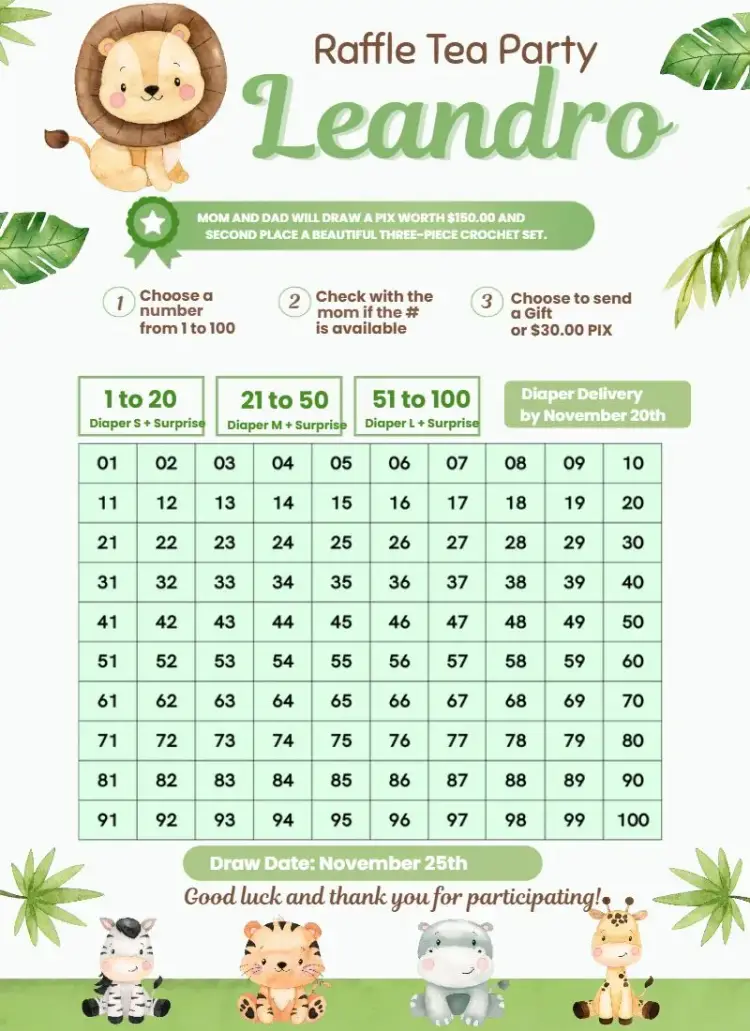
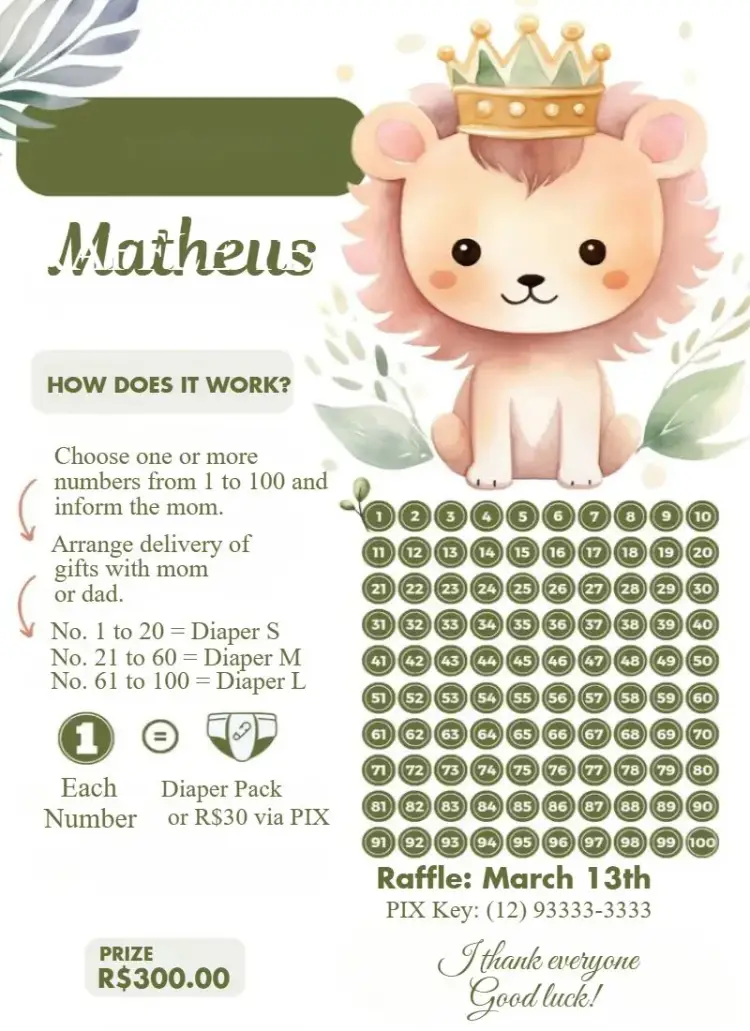
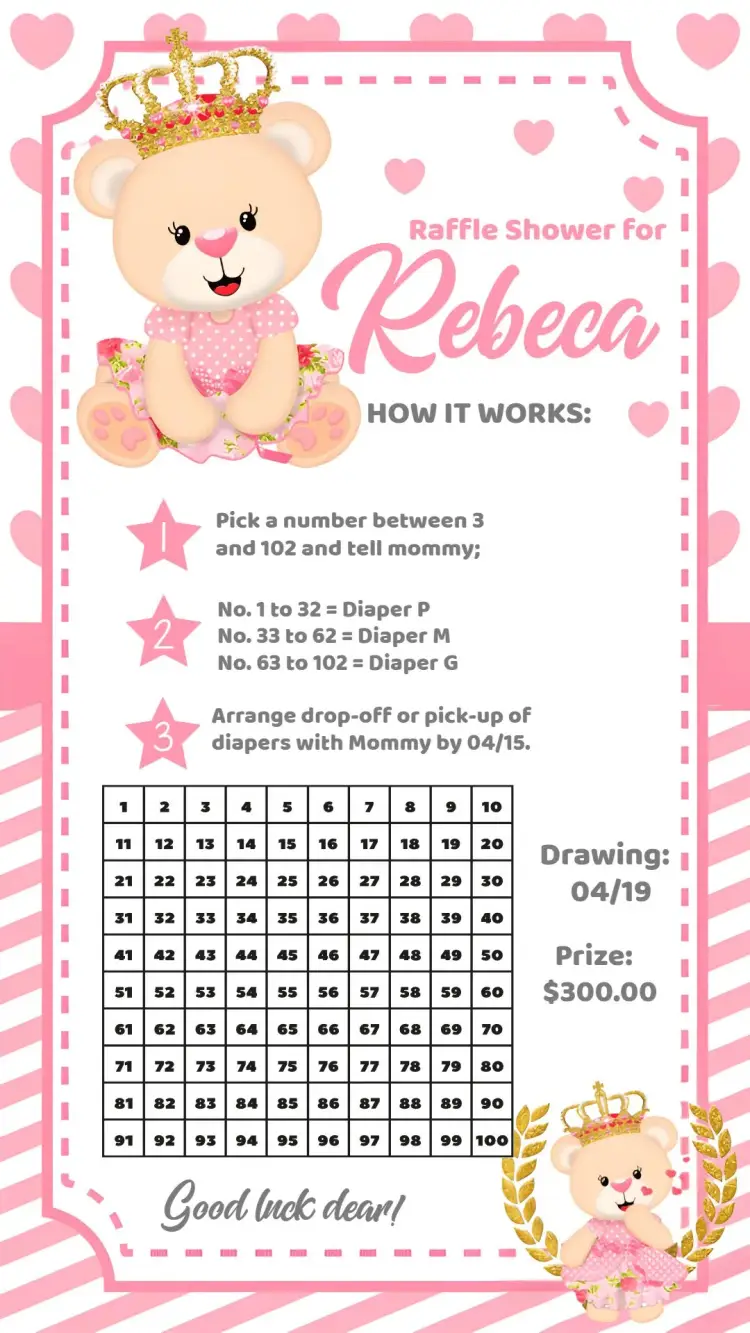
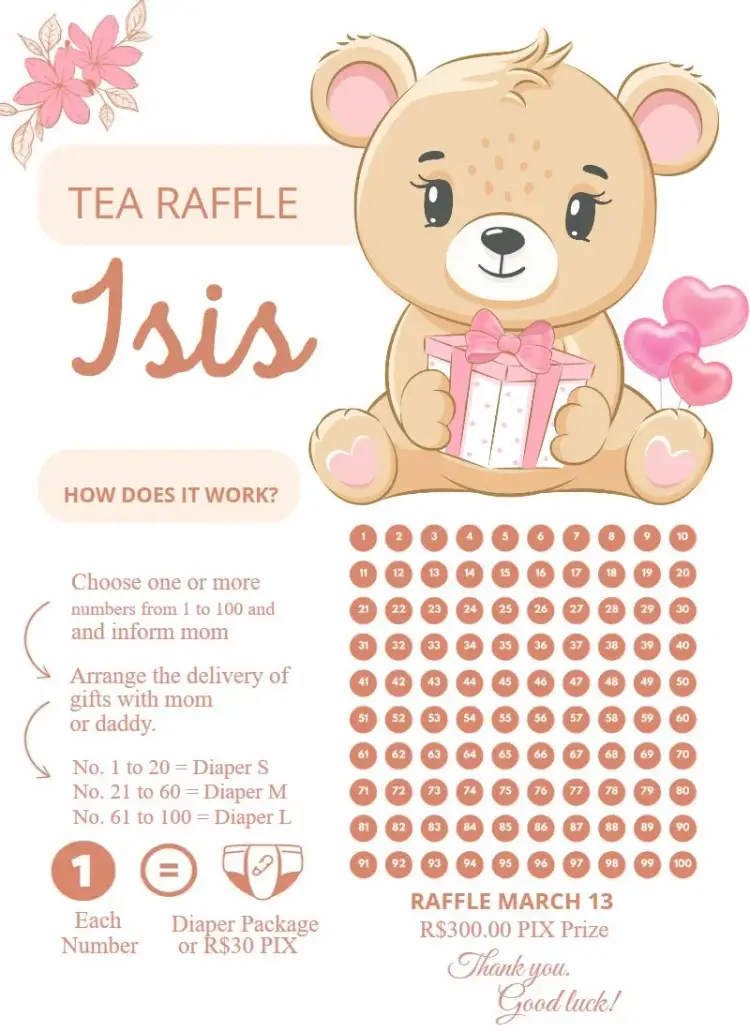
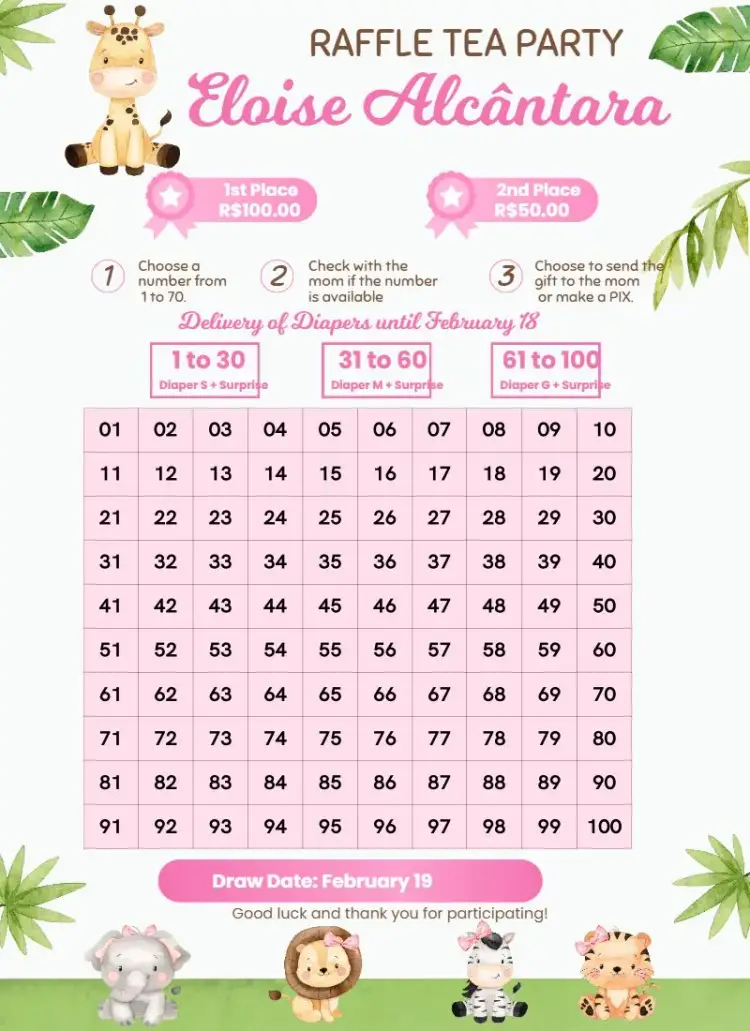
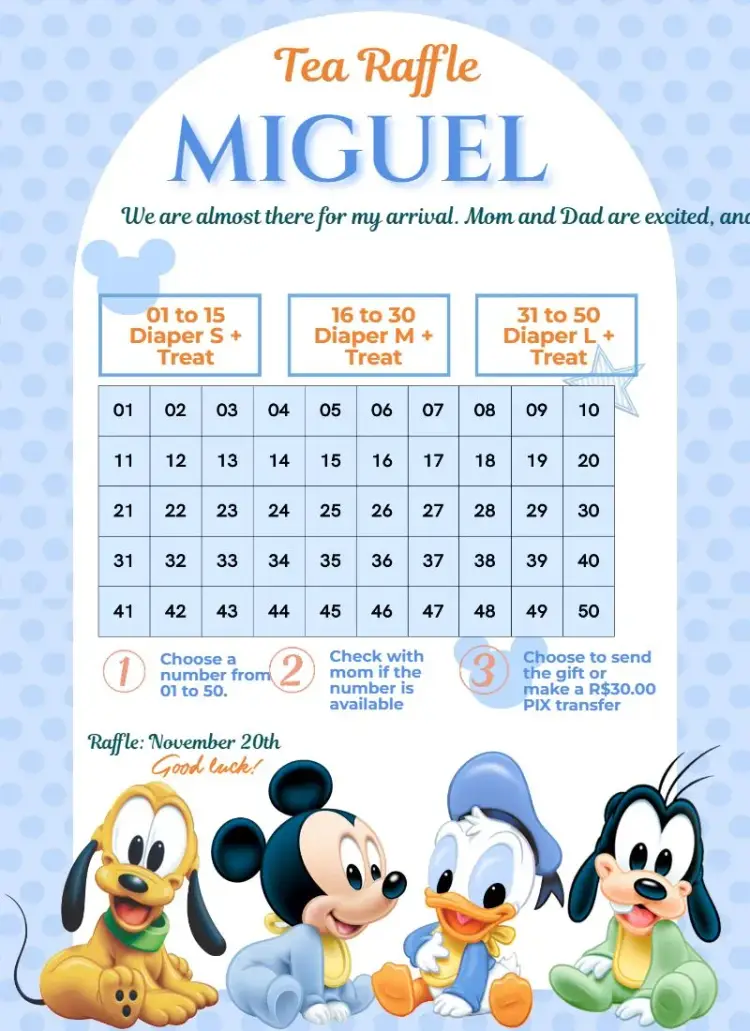
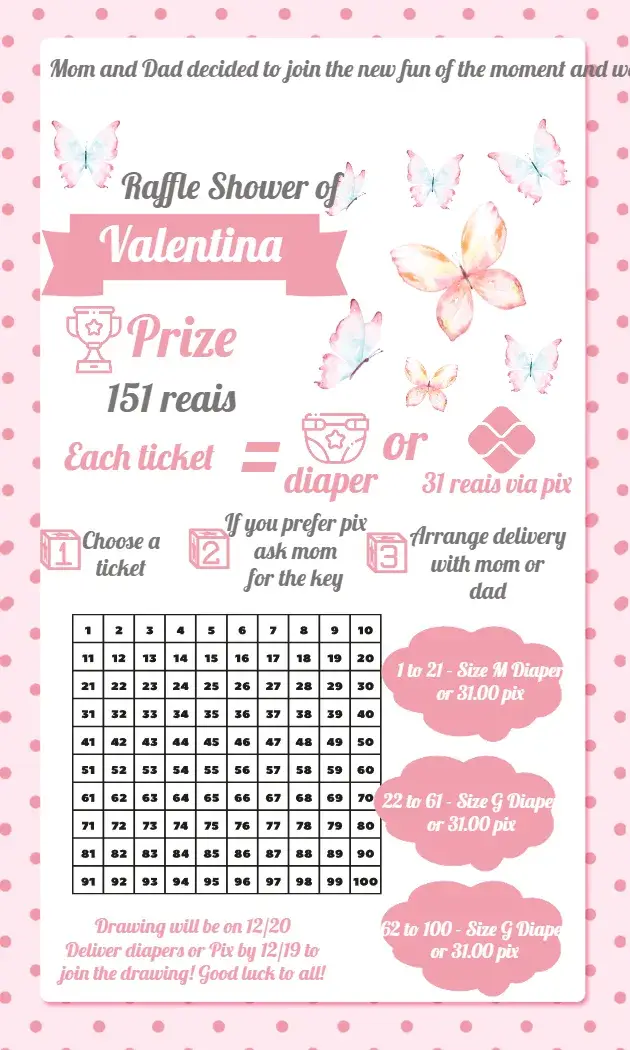
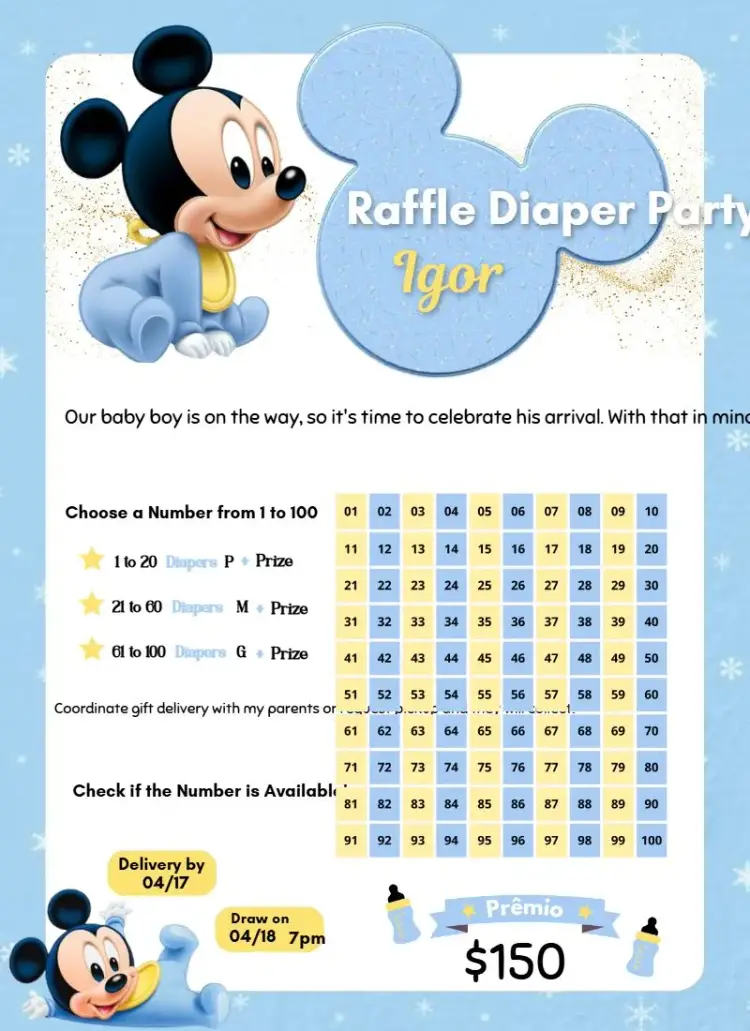
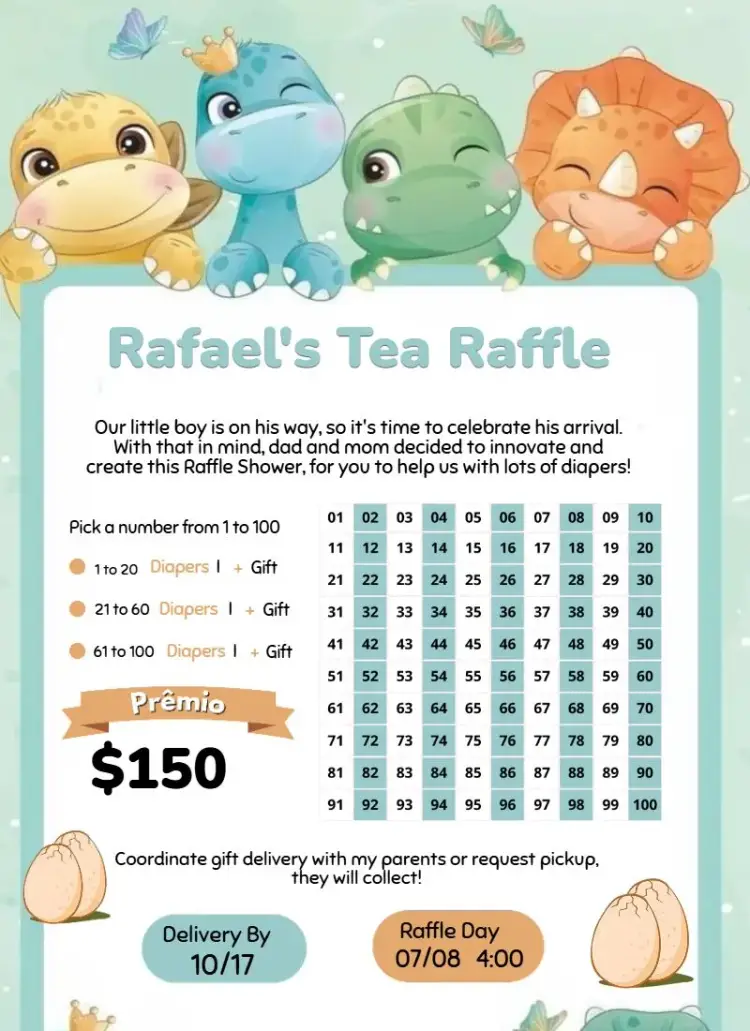
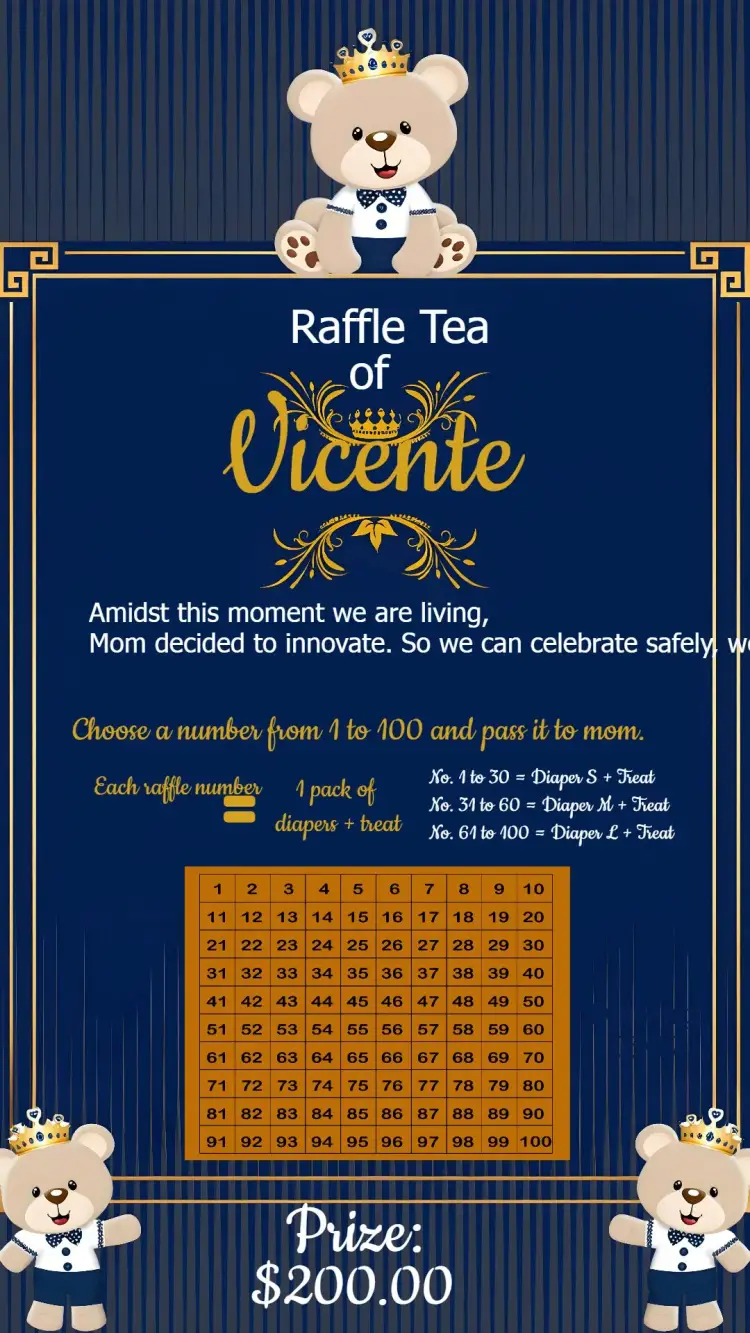
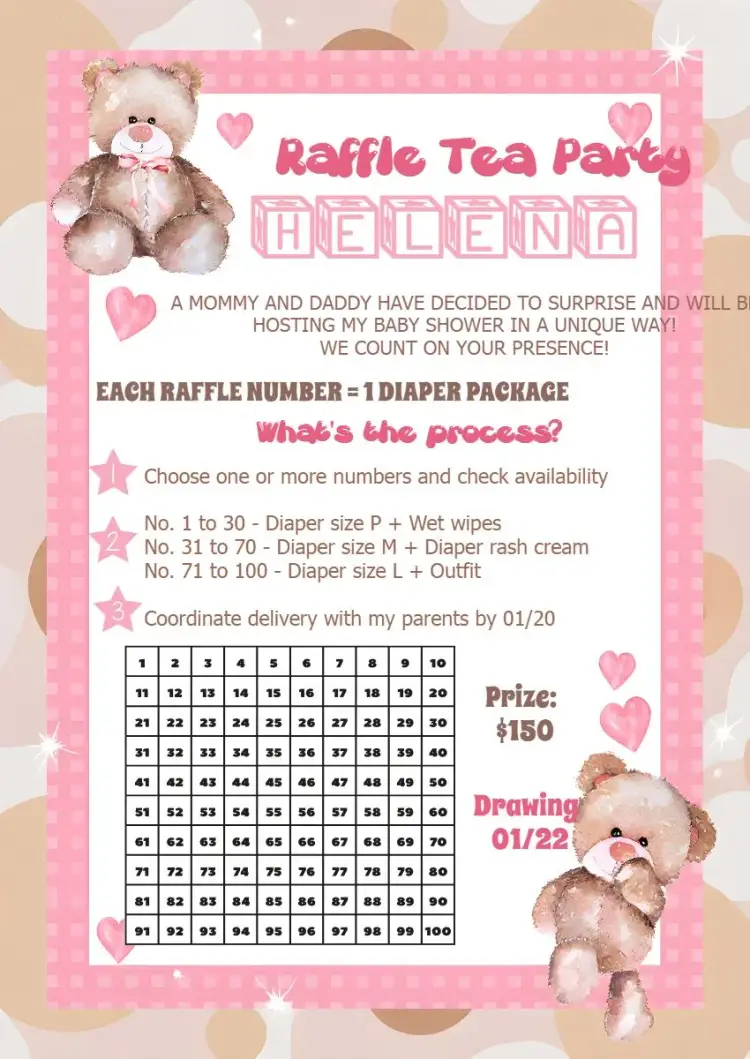
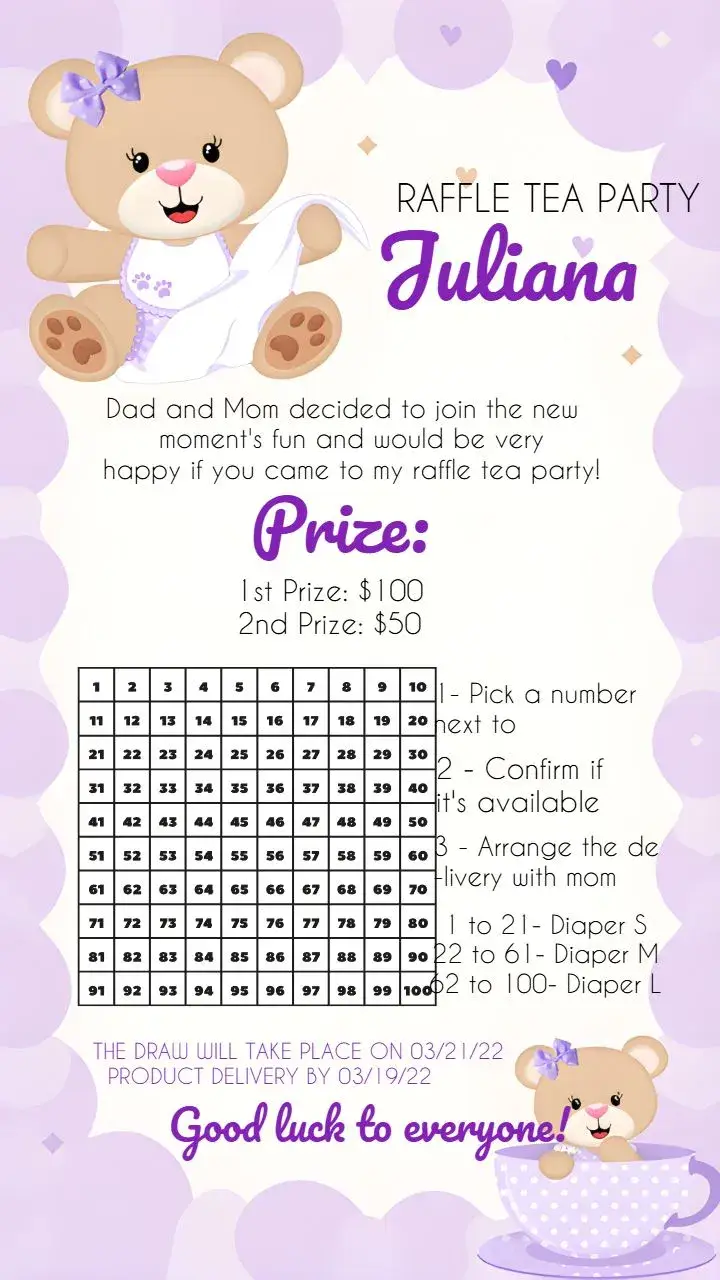
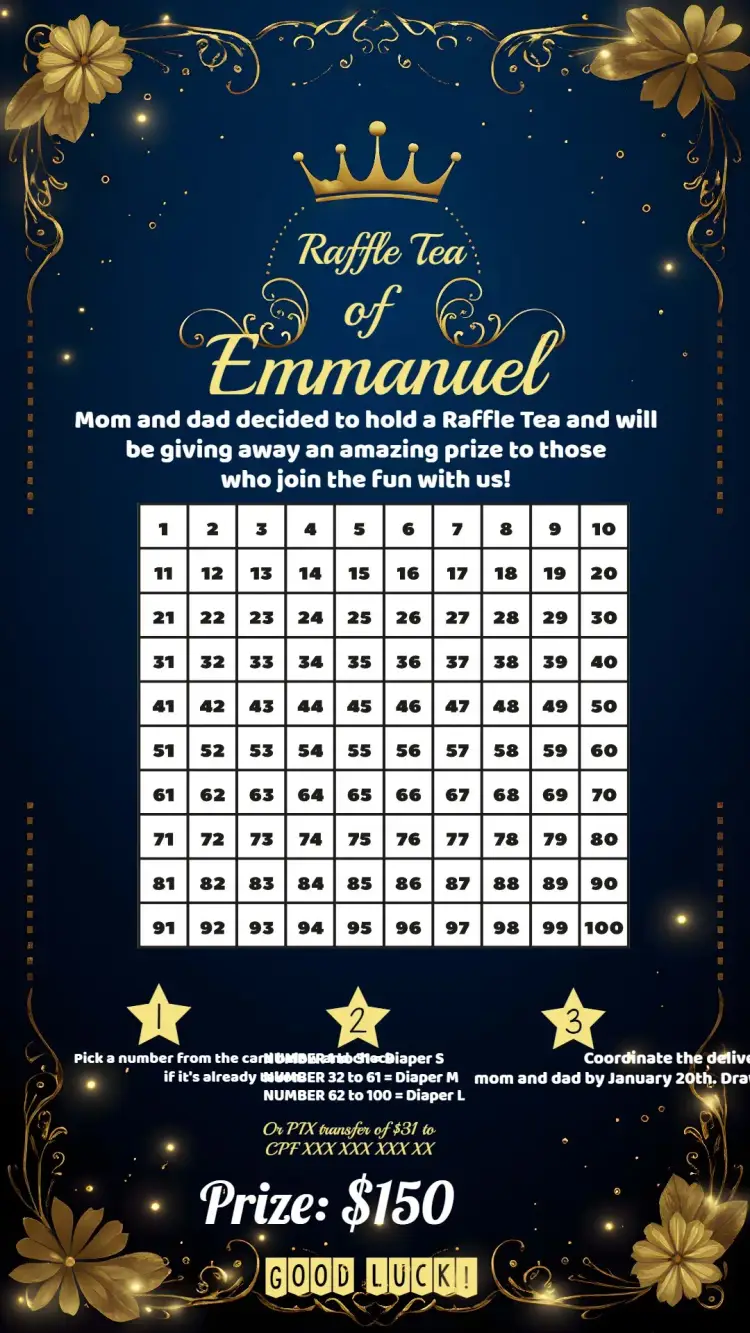
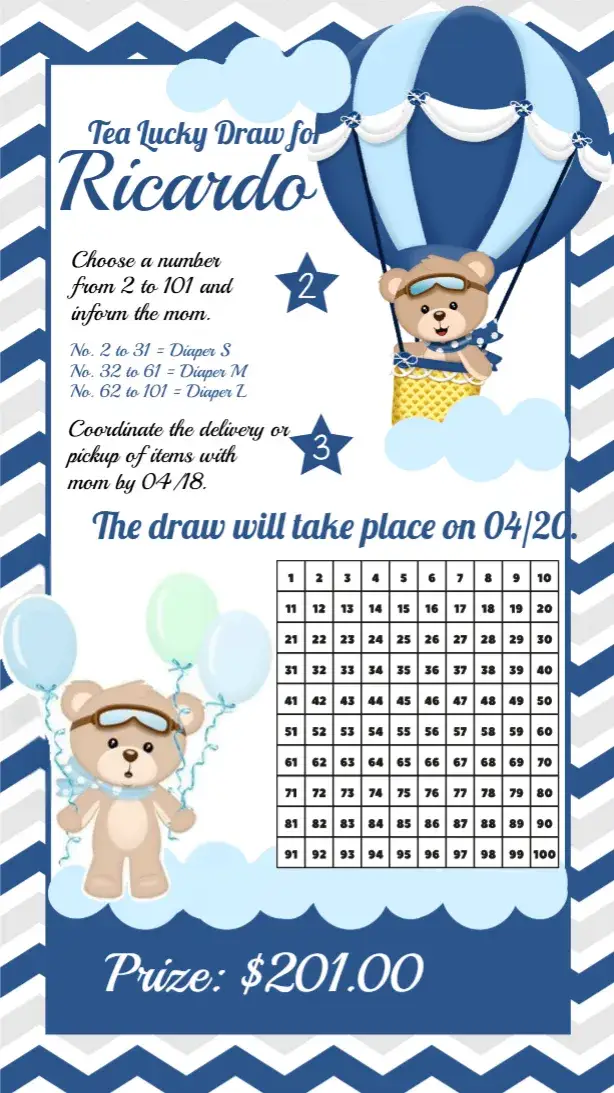
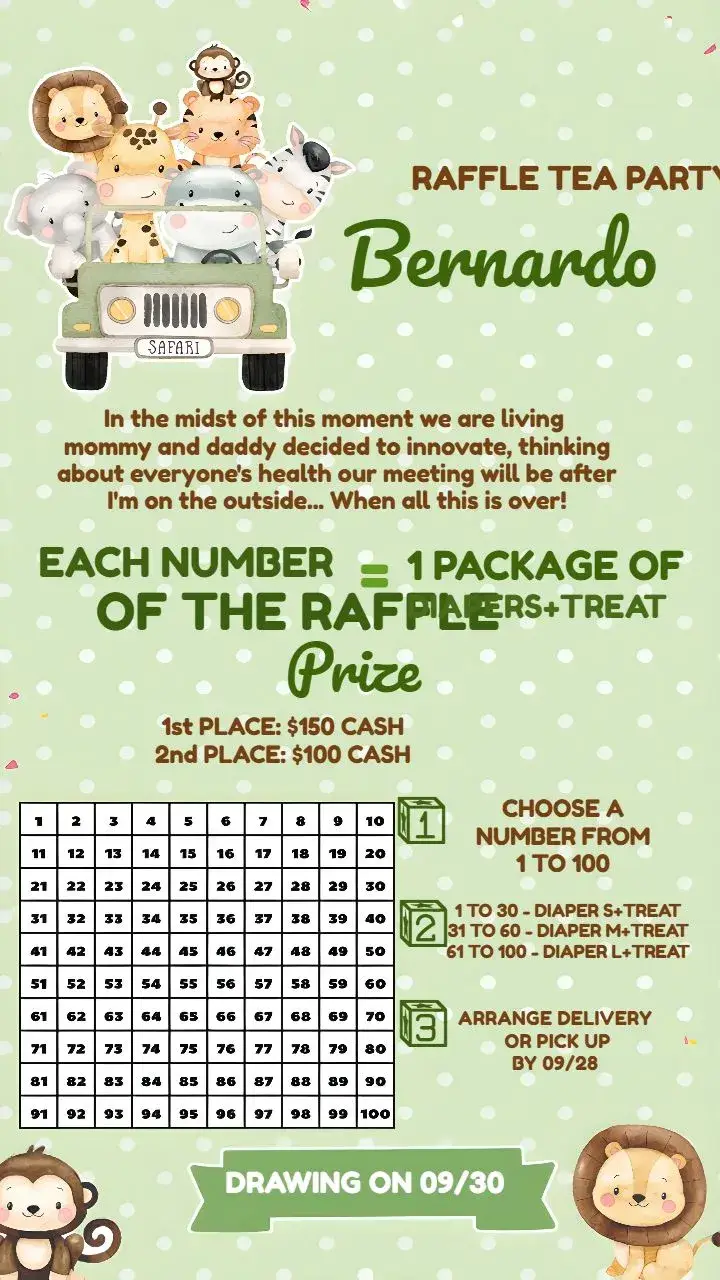
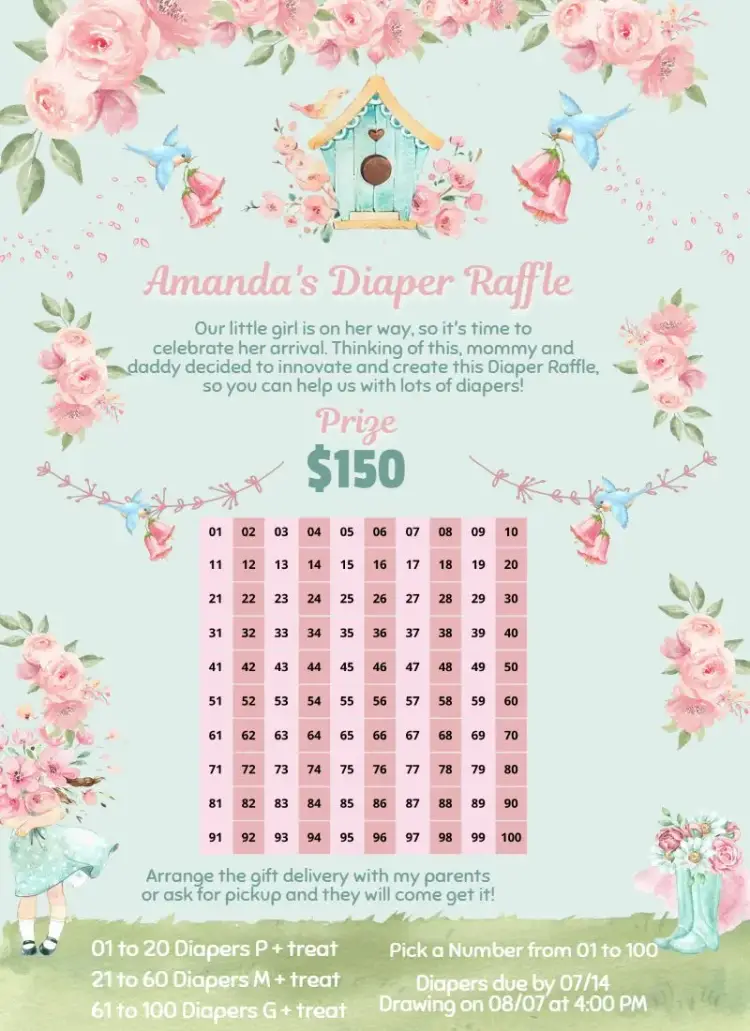
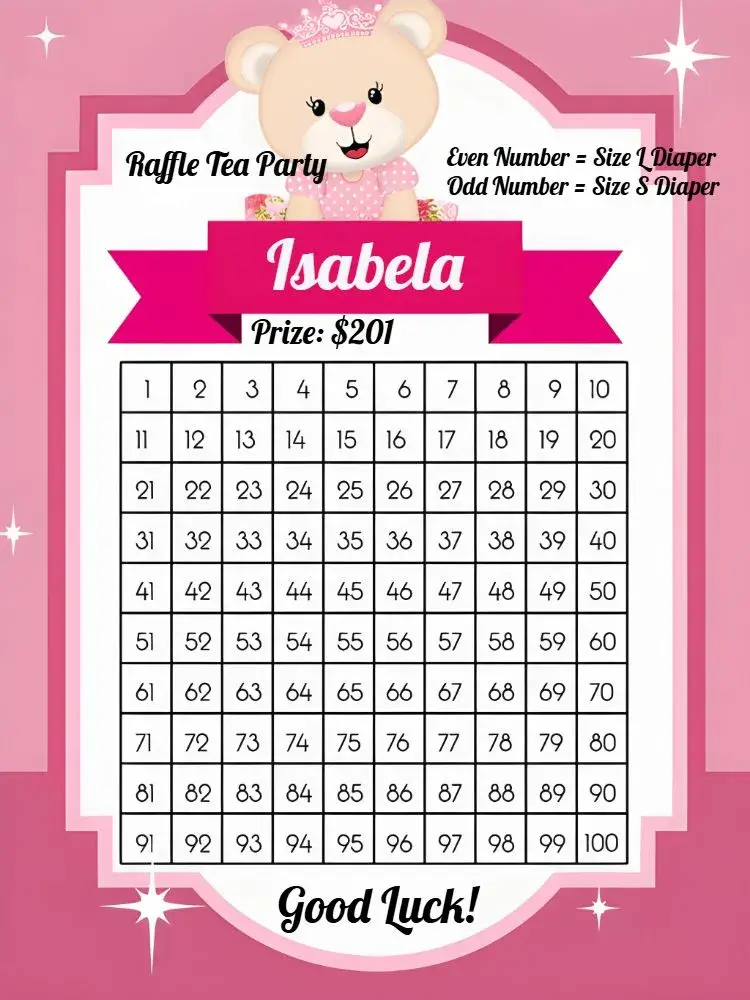
Raffle Tea
View All →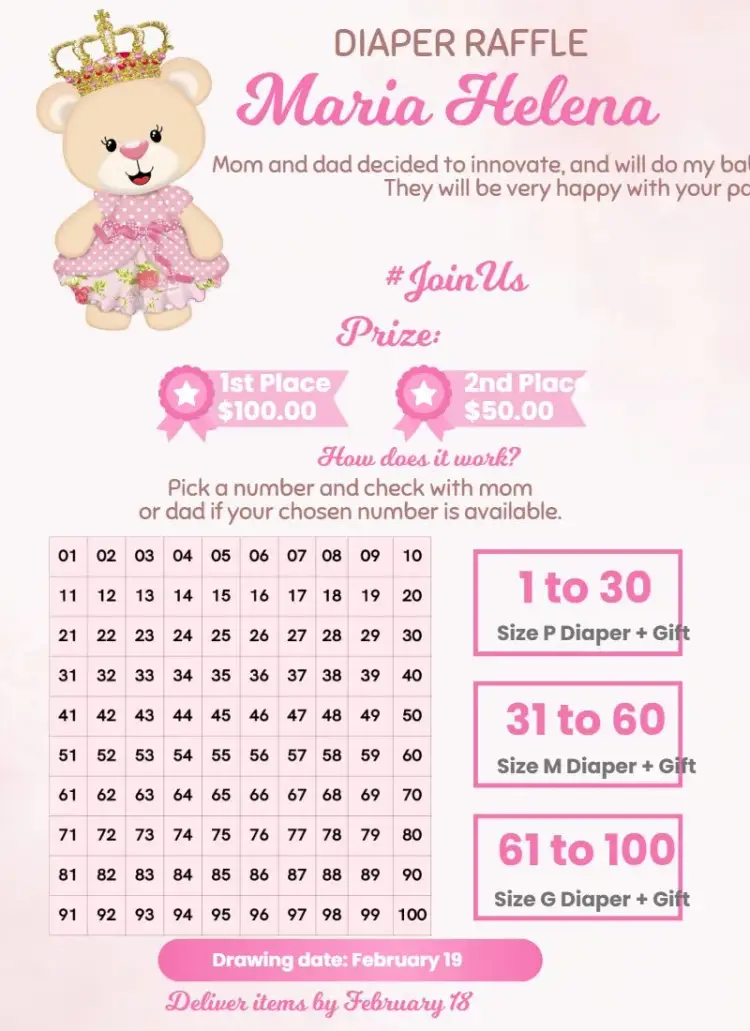

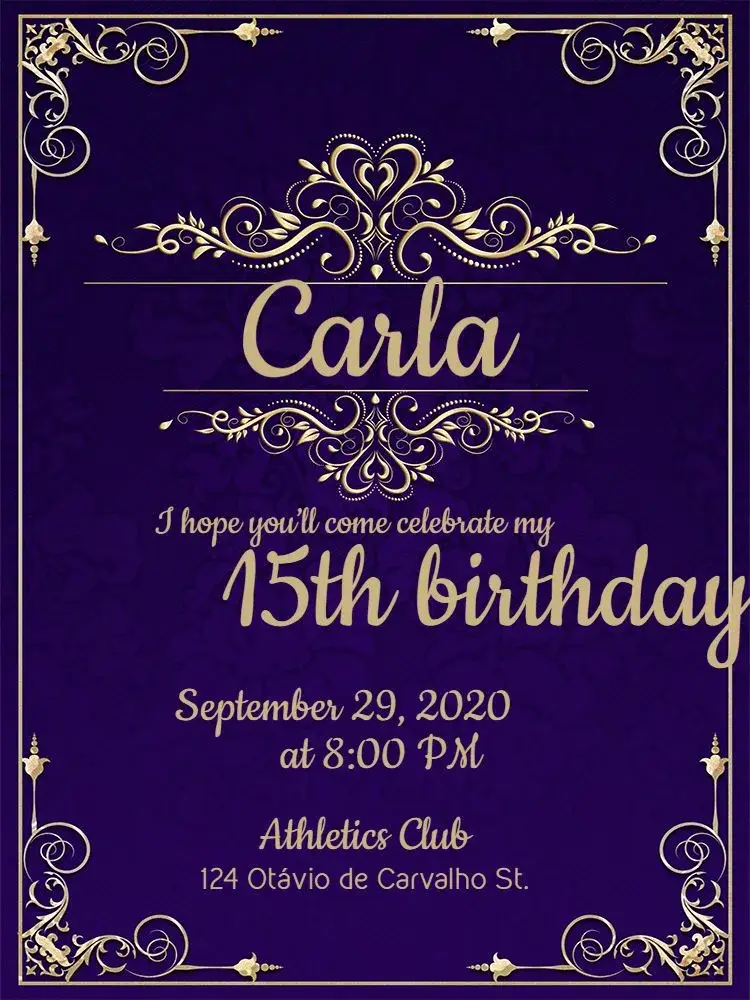
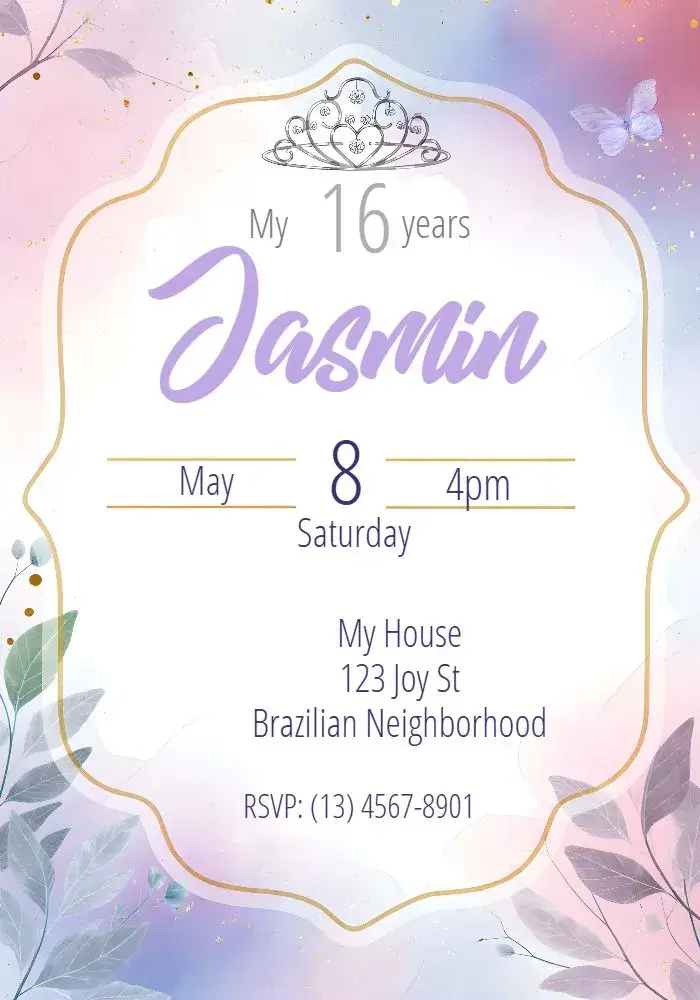
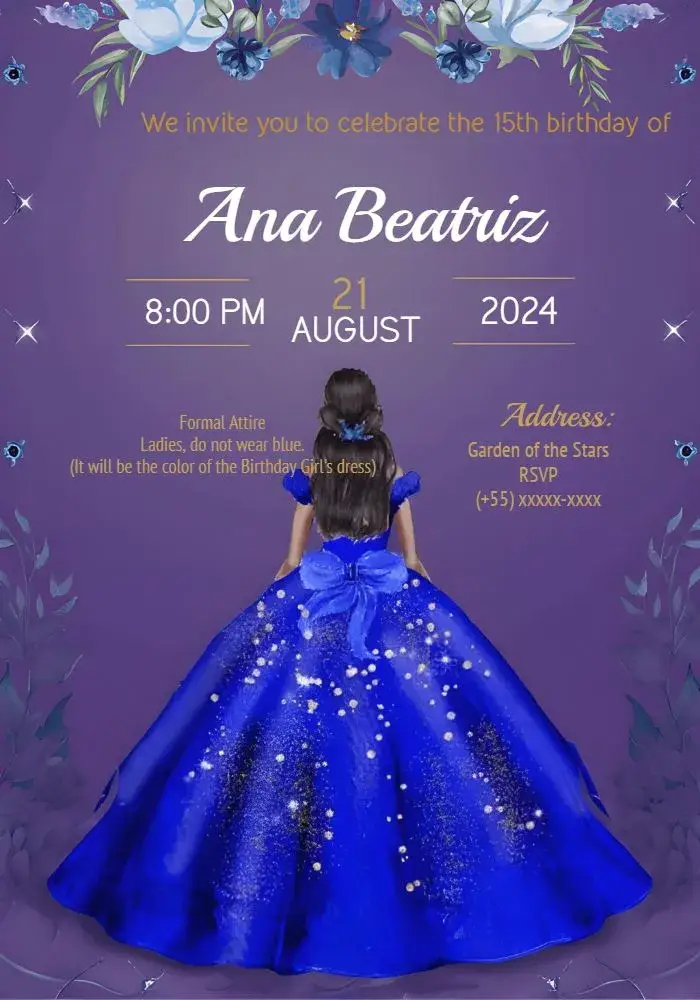
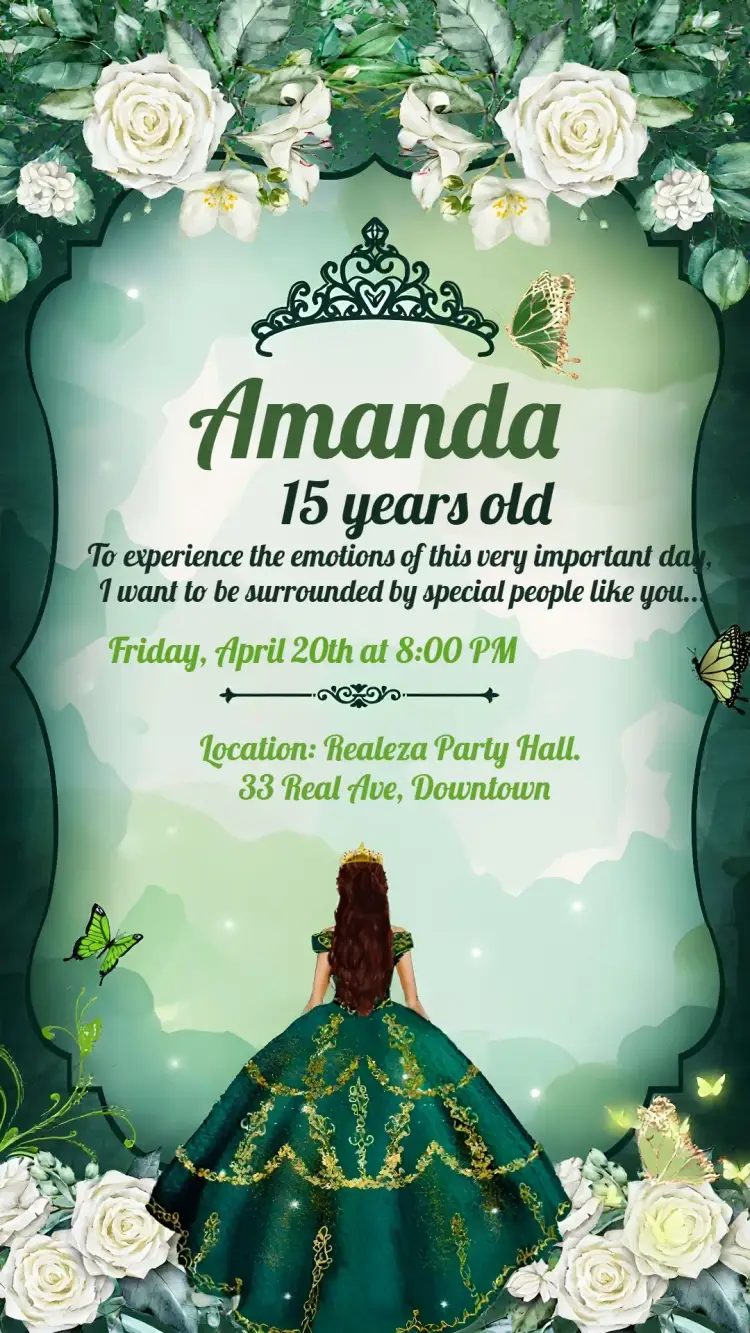
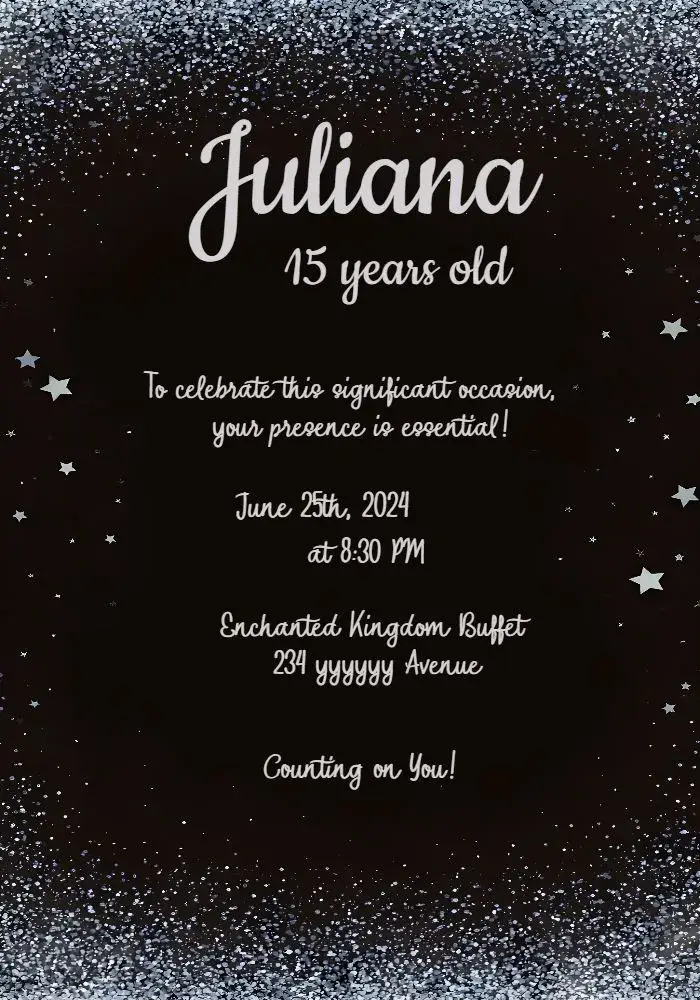
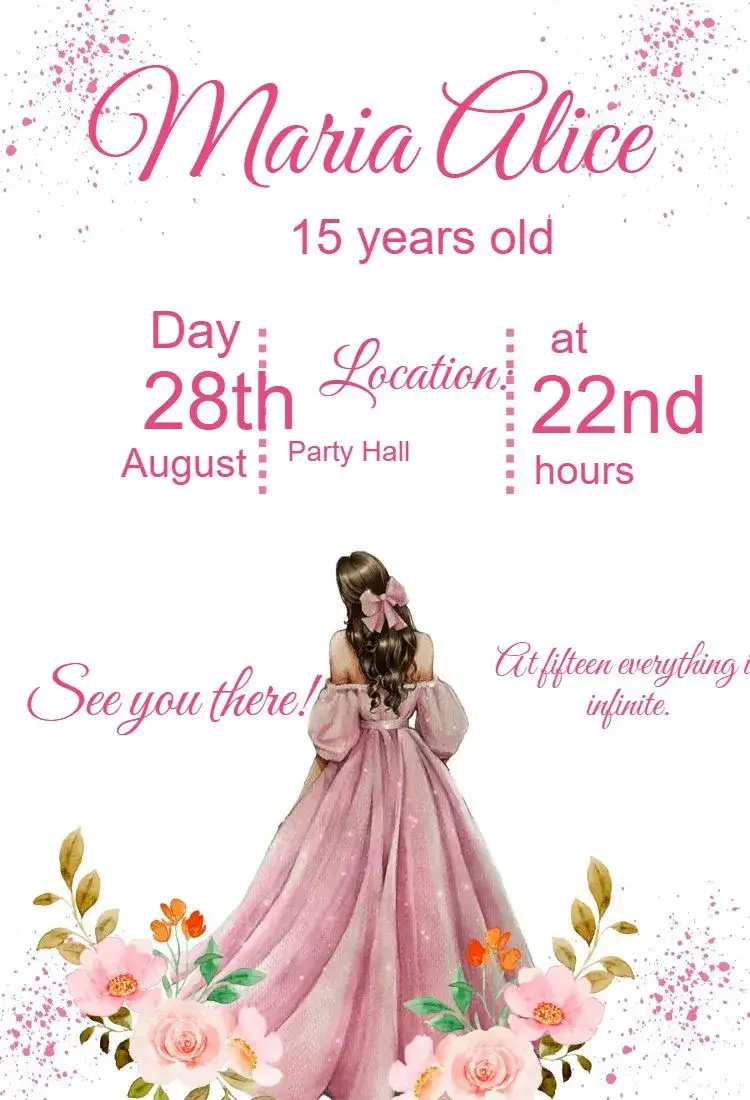
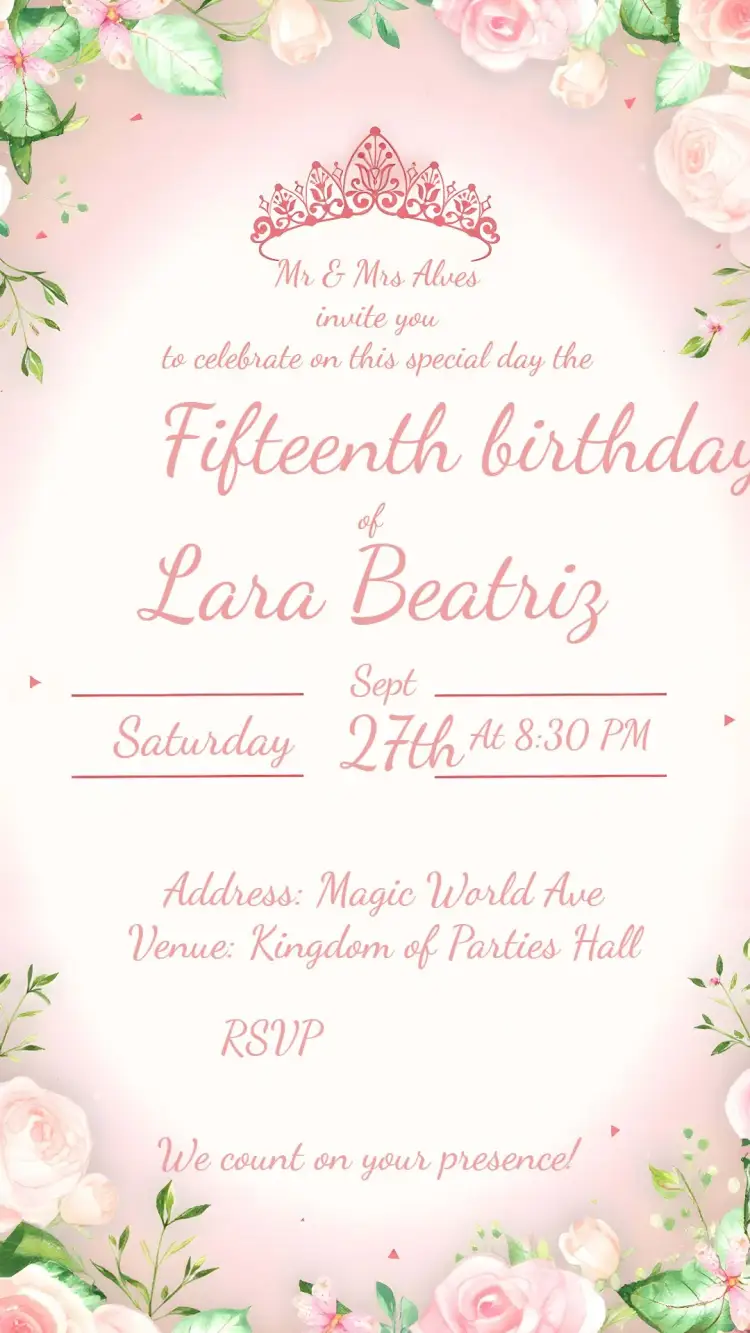
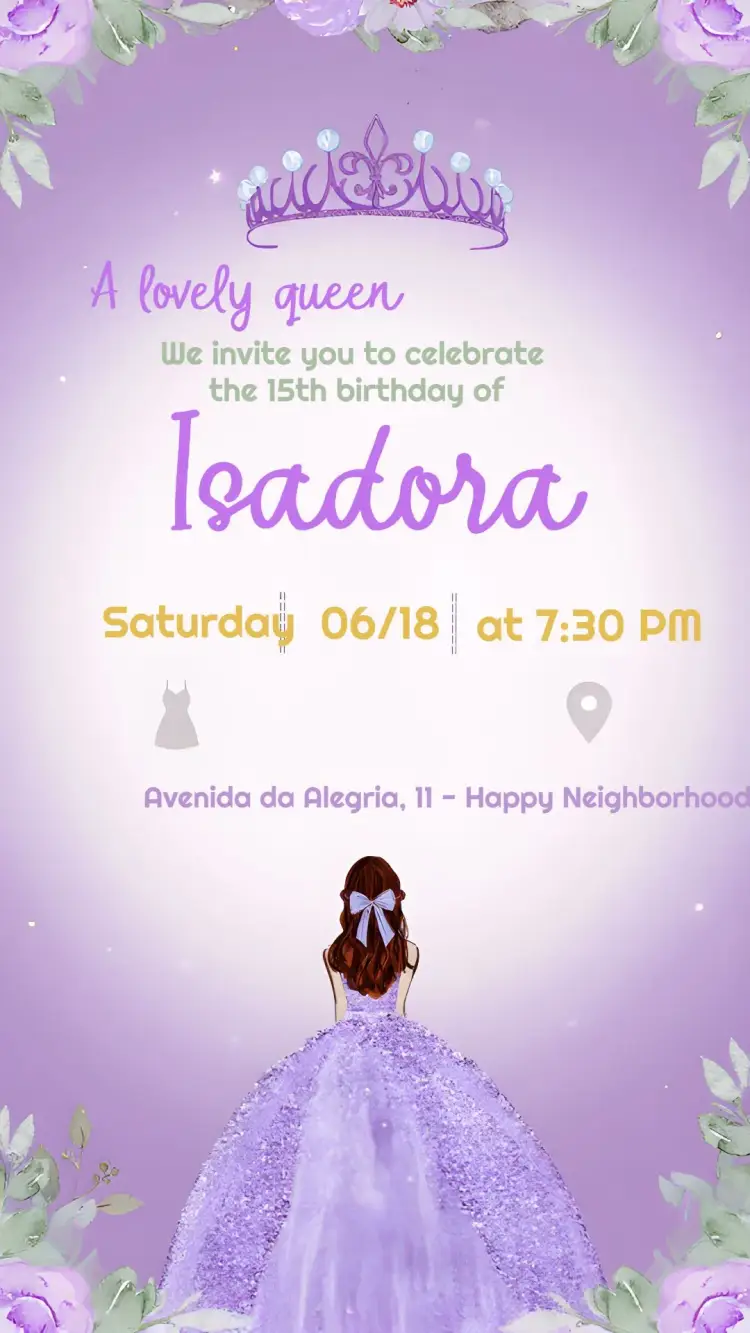
Sweet 15
View All →
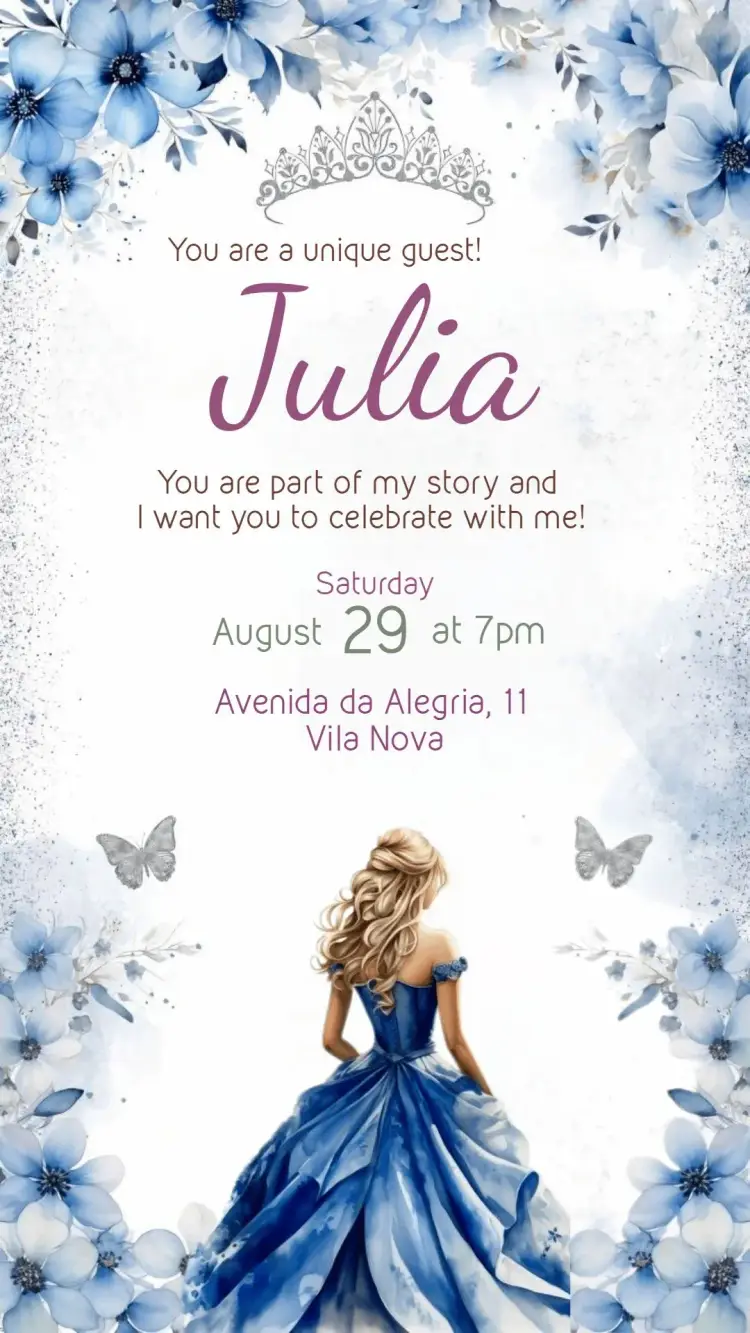












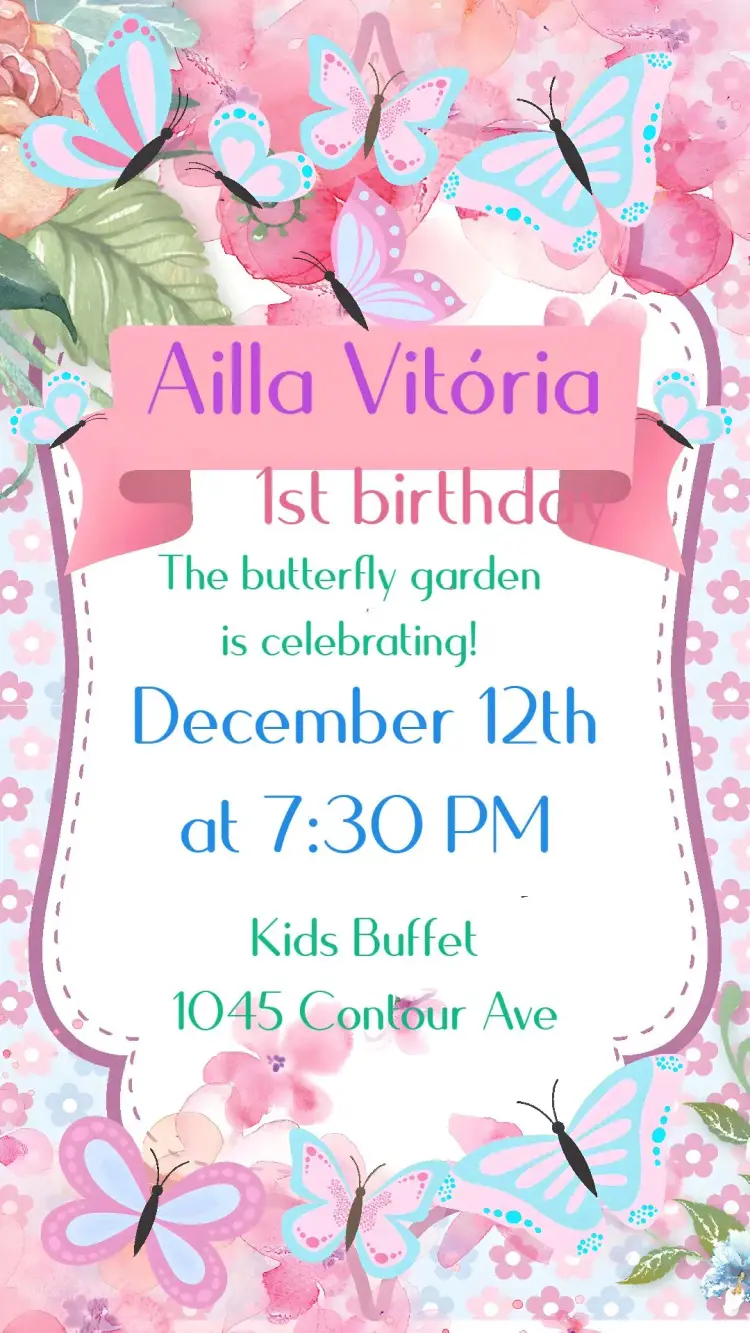

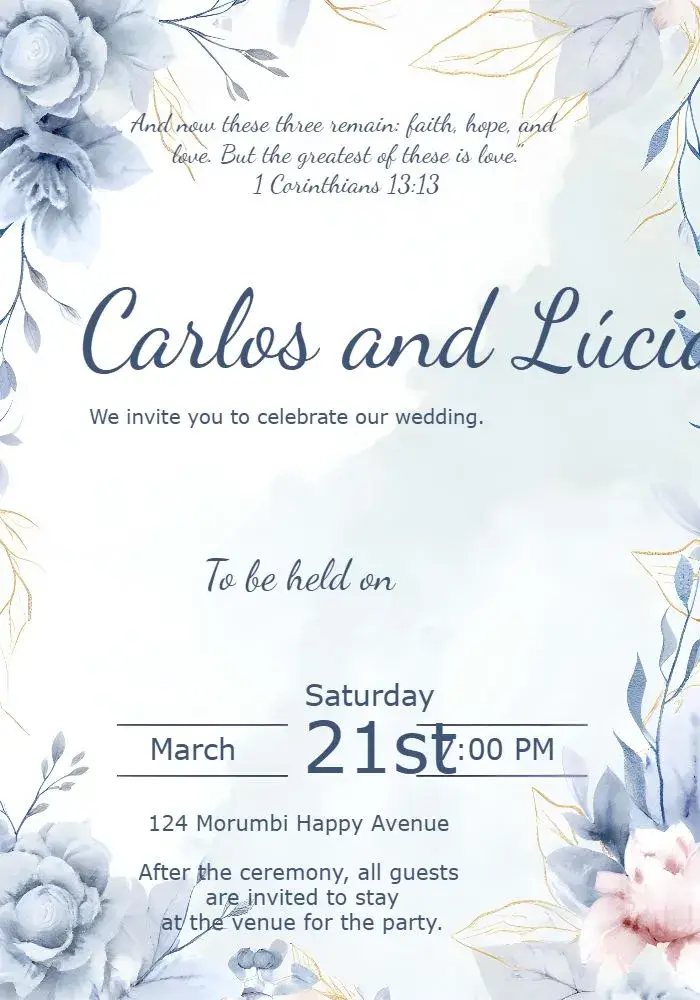
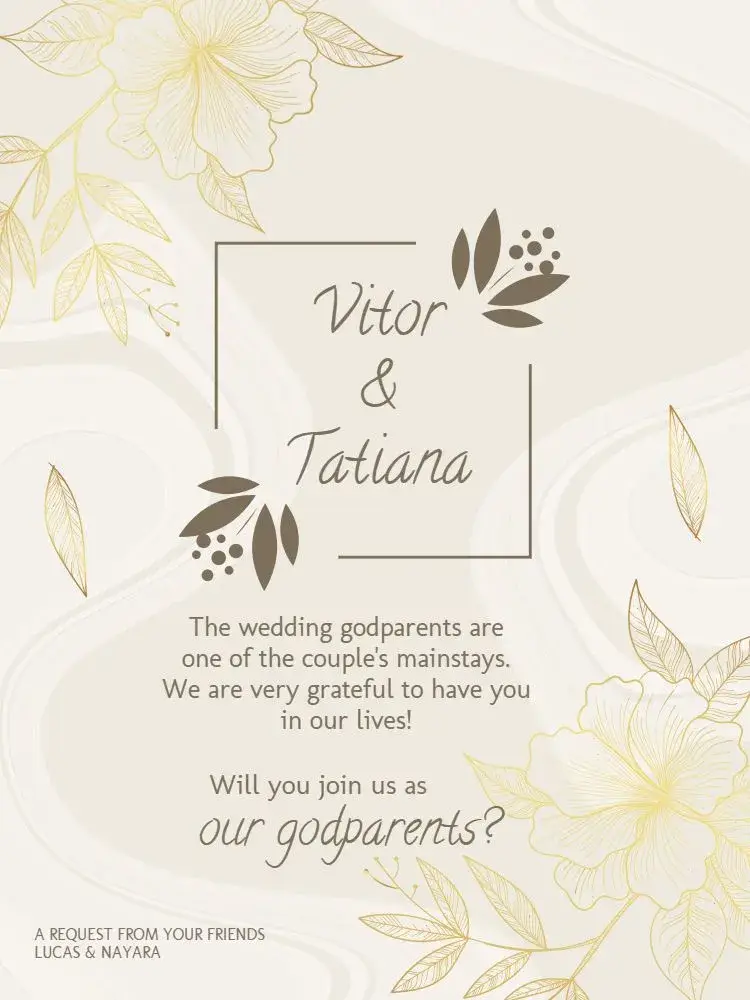
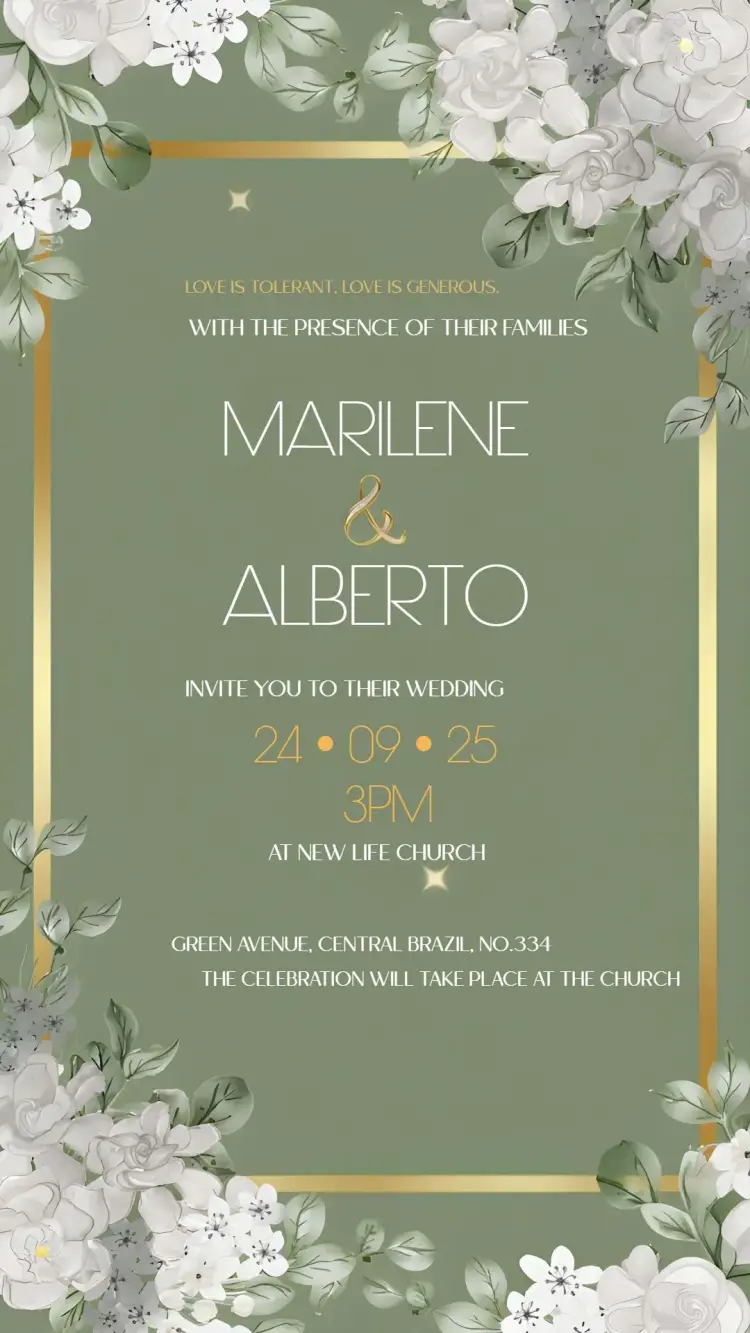
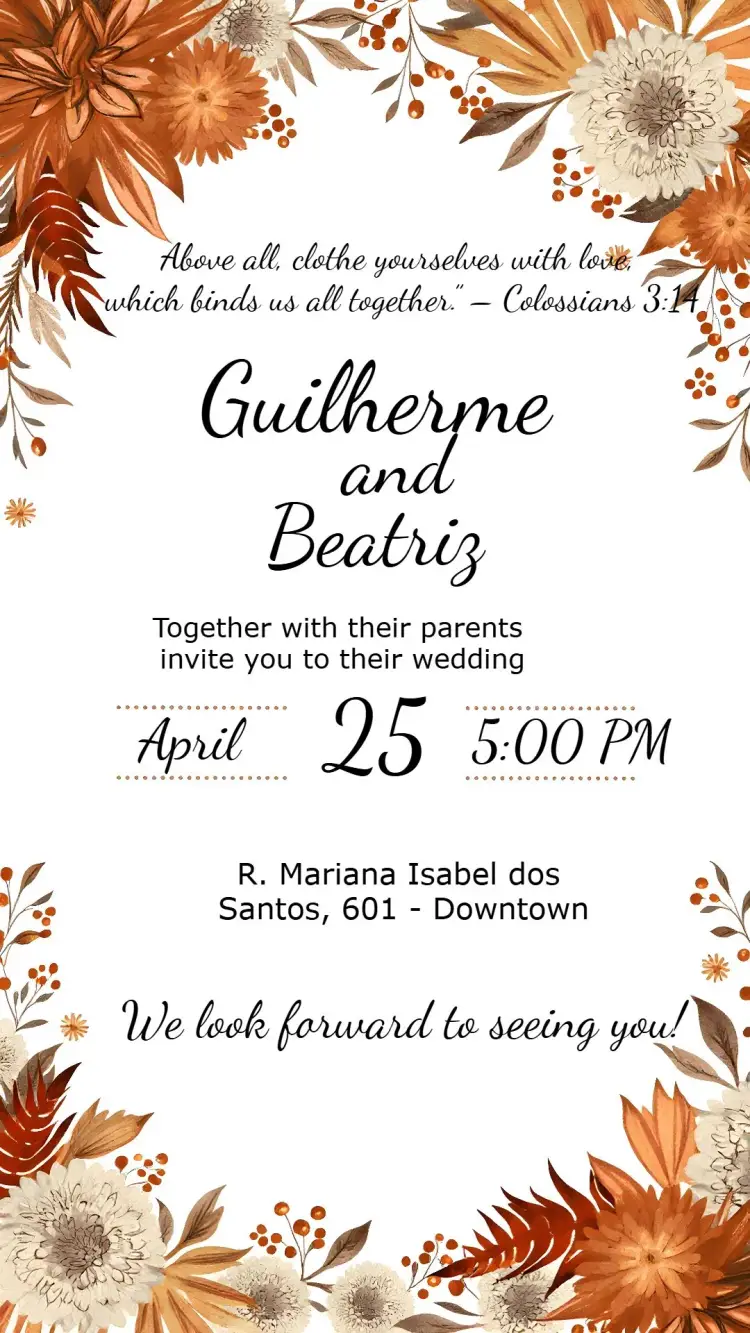
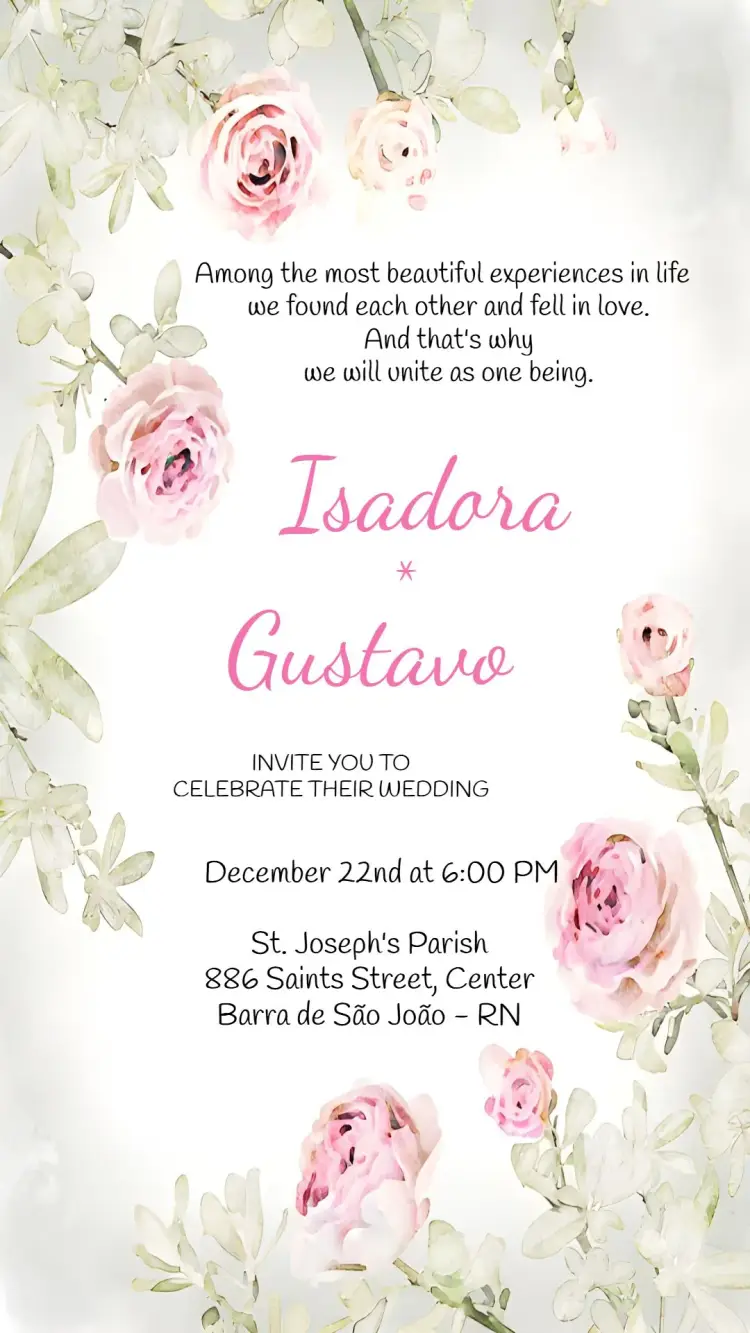
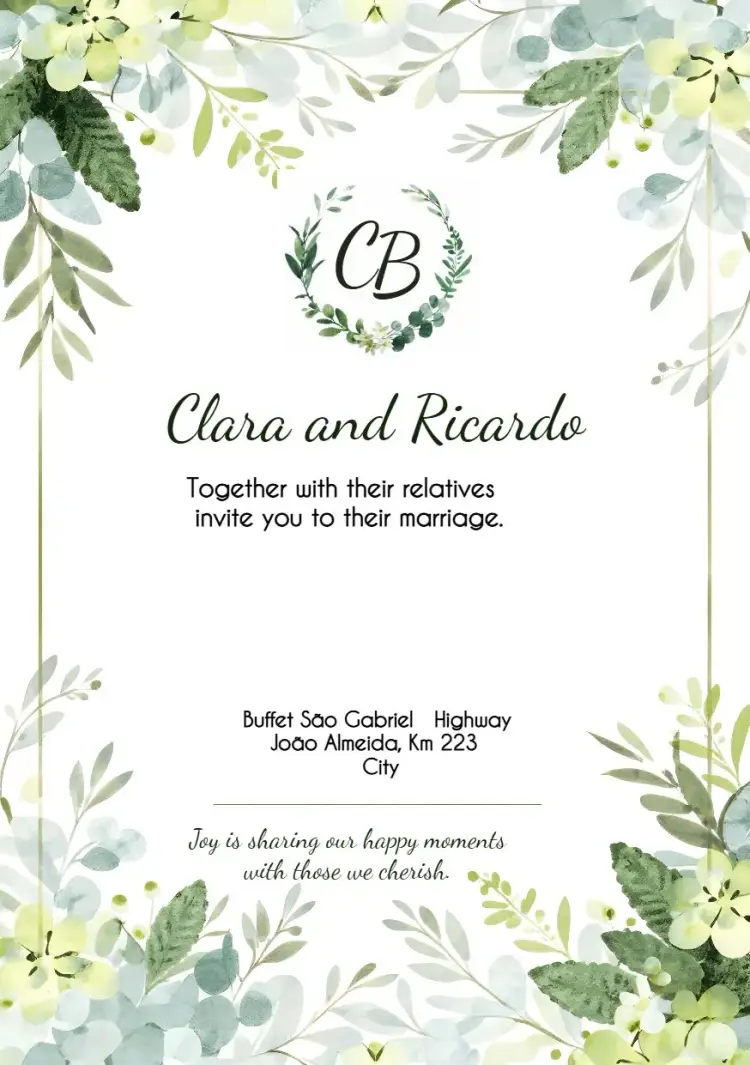
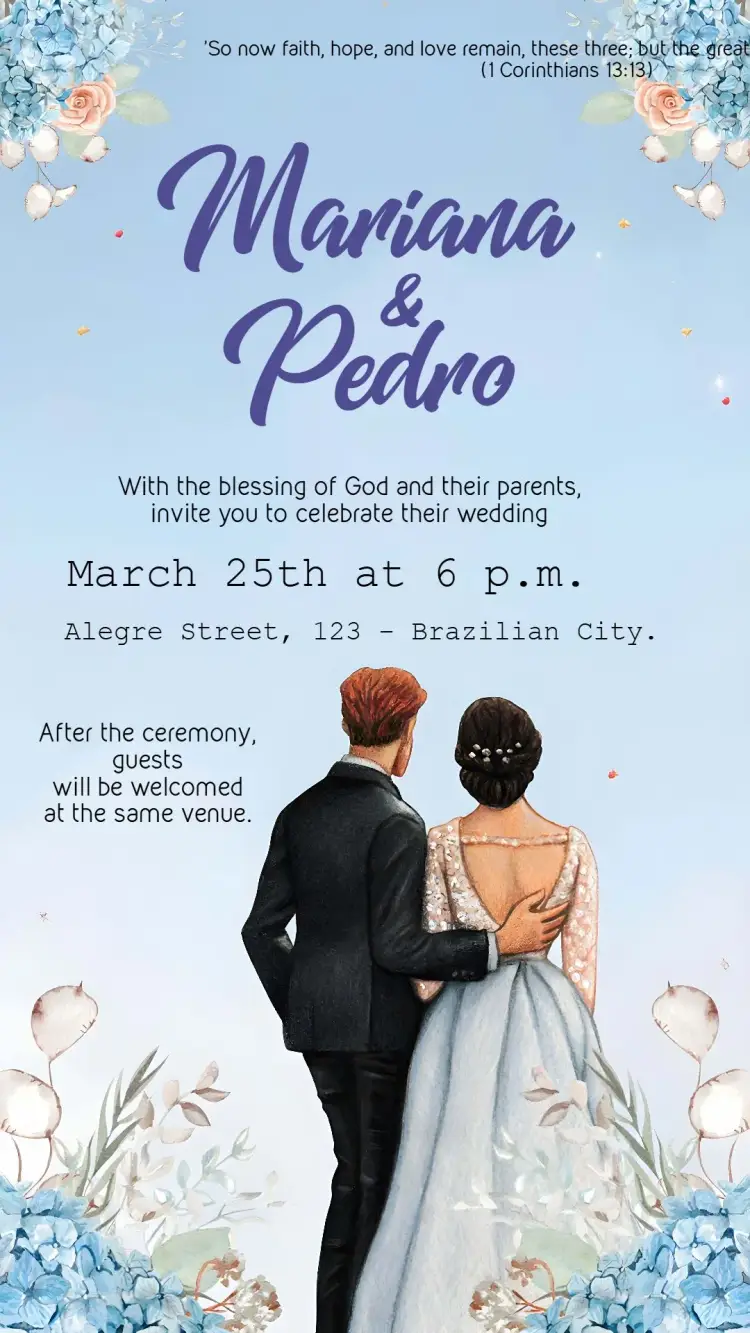
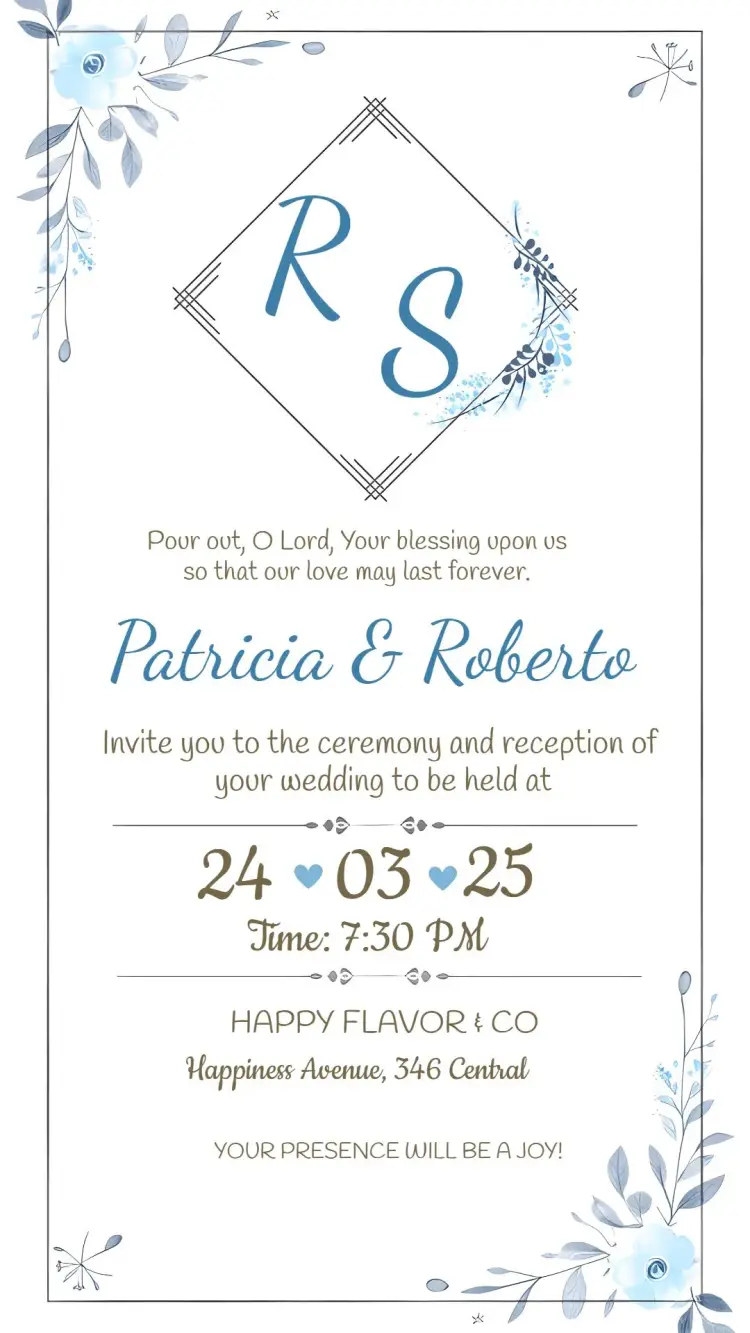
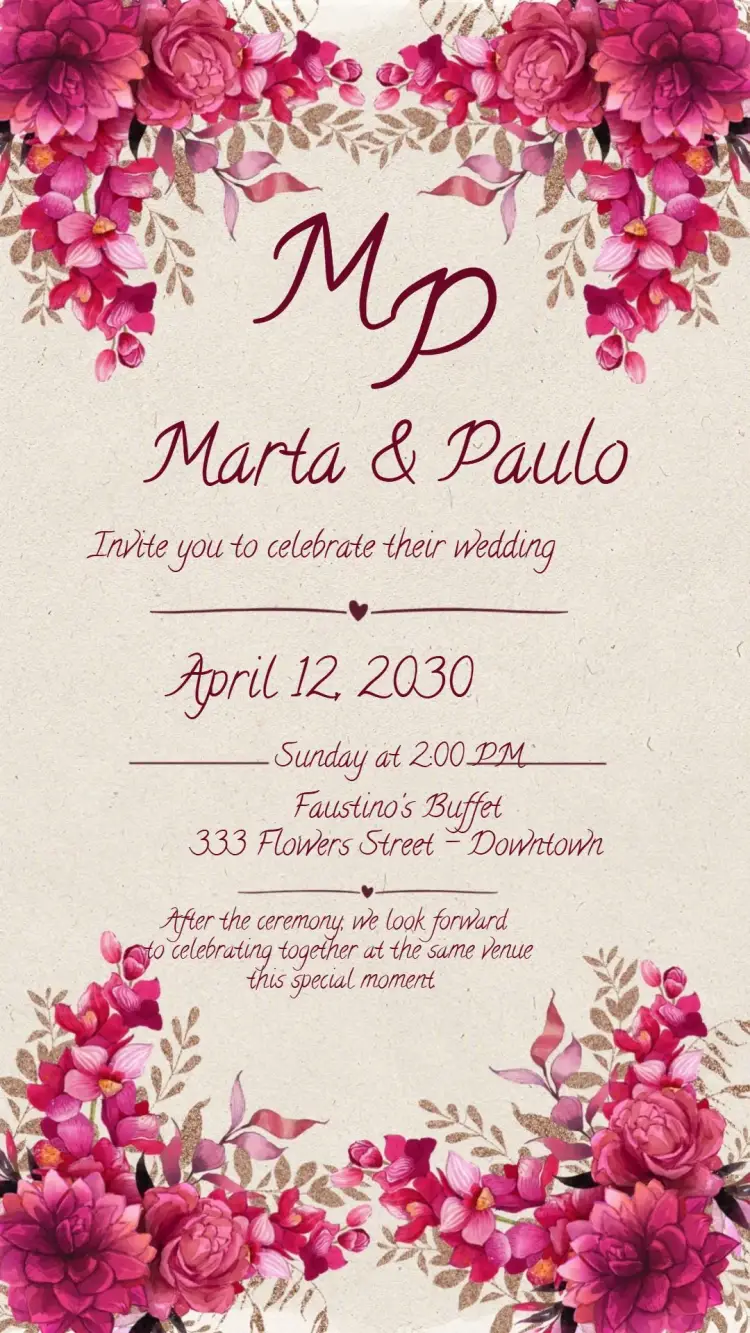
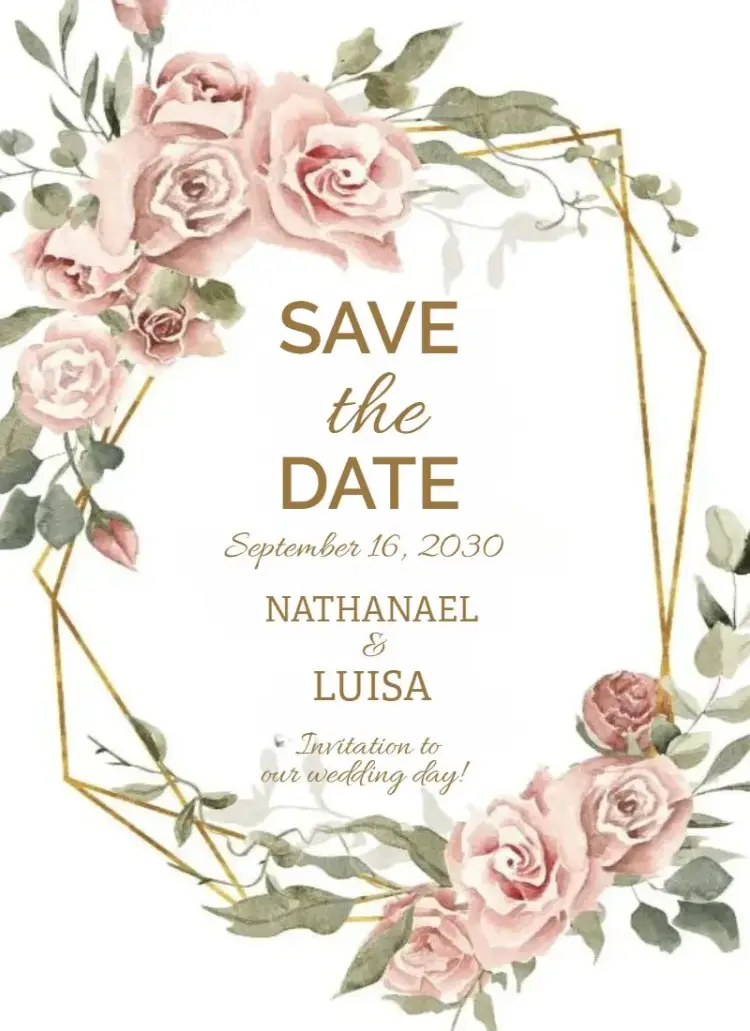
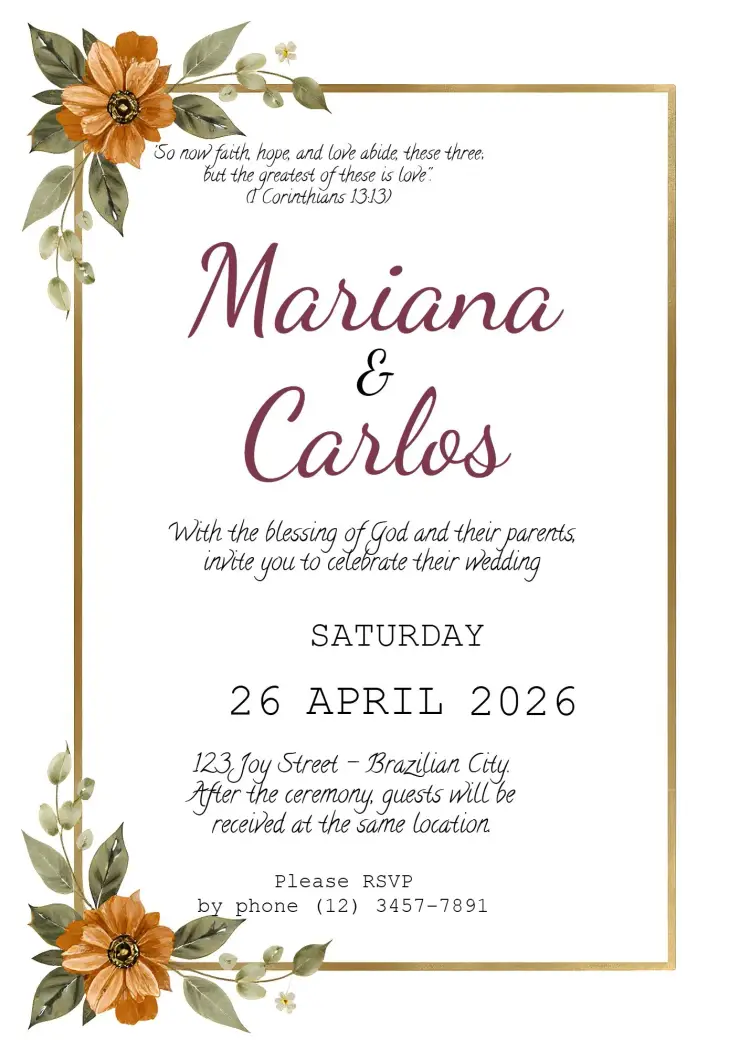
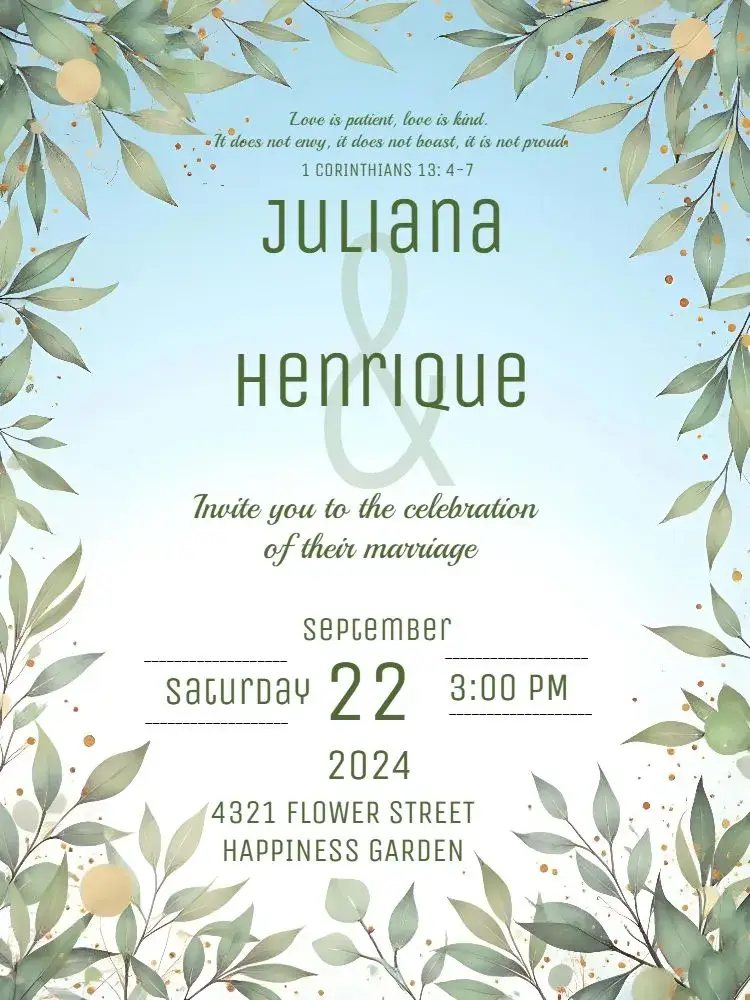
Wedding
View All →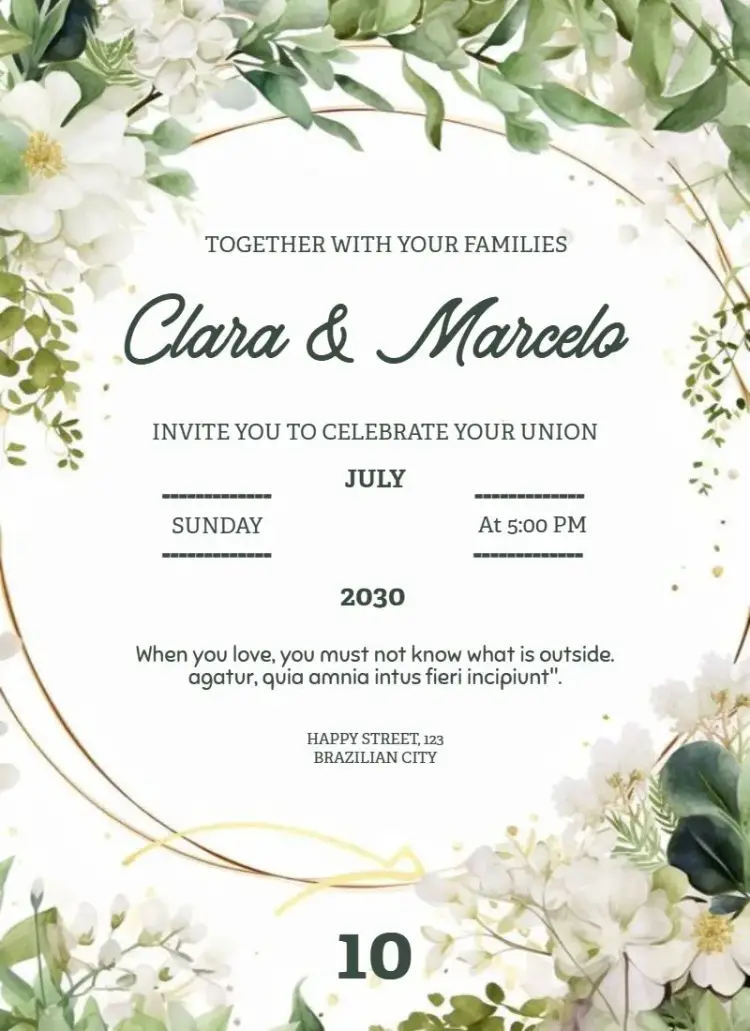




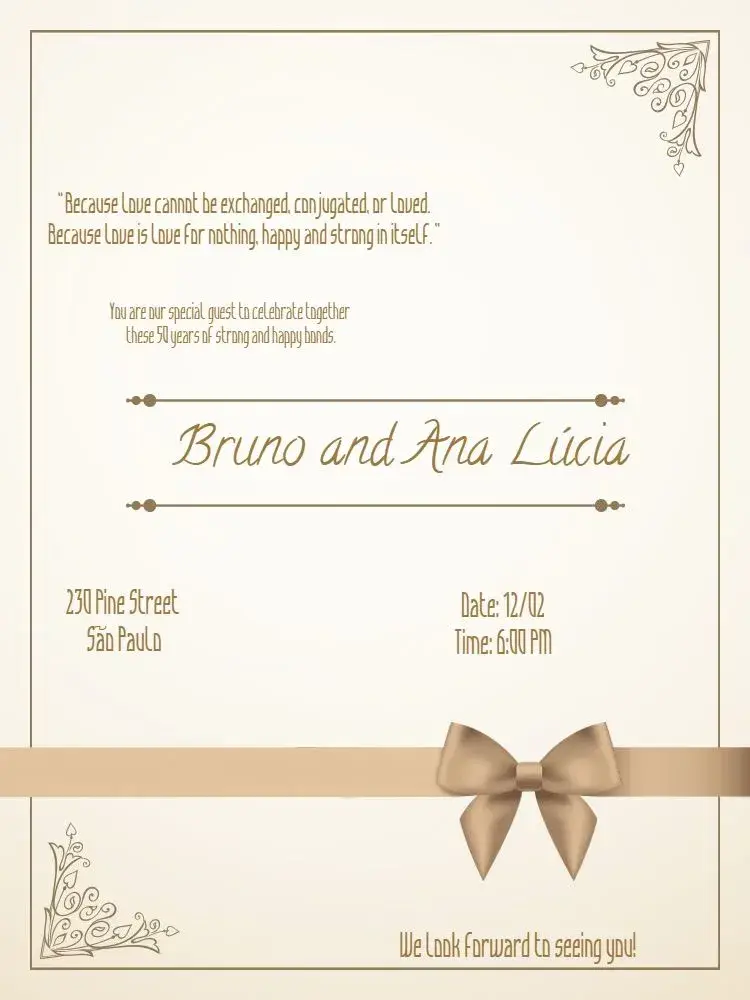
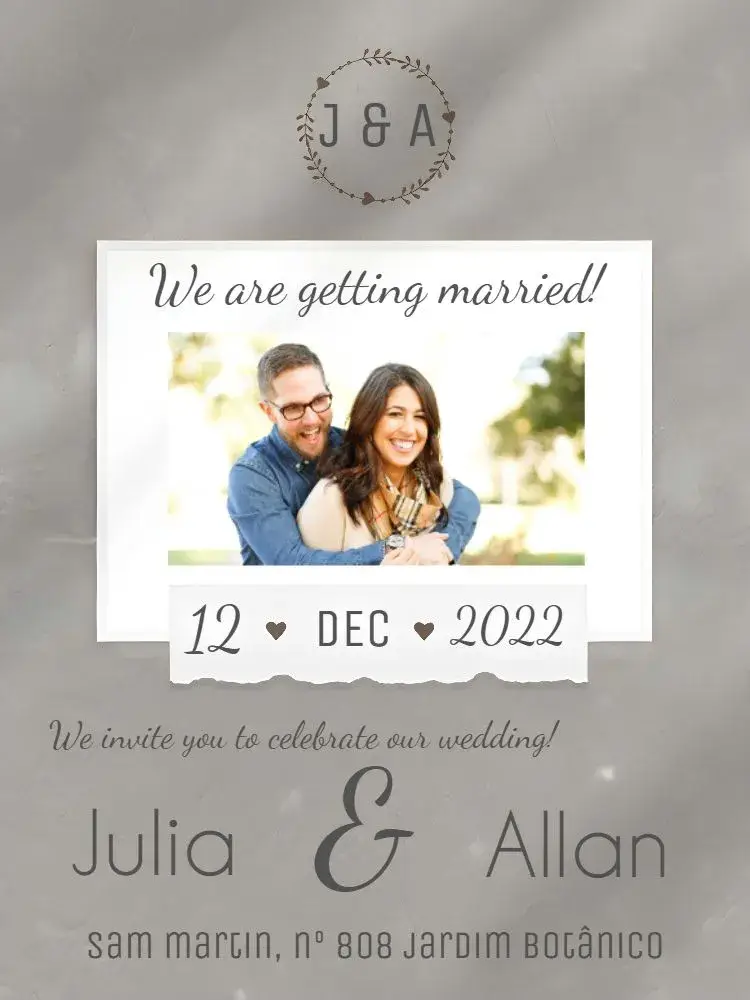
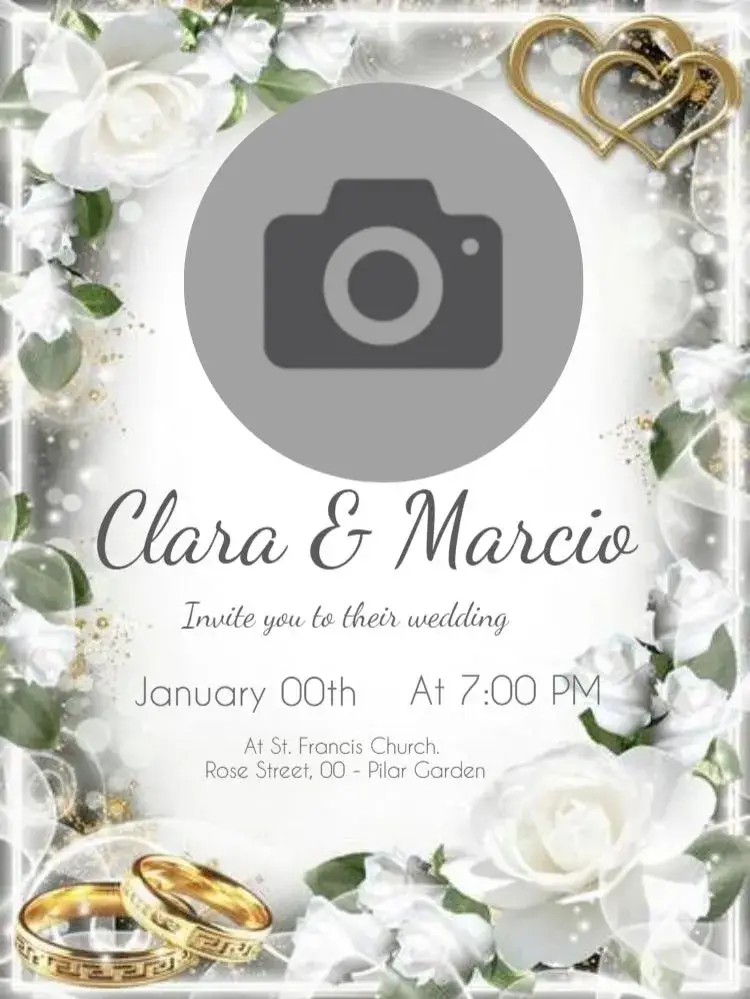
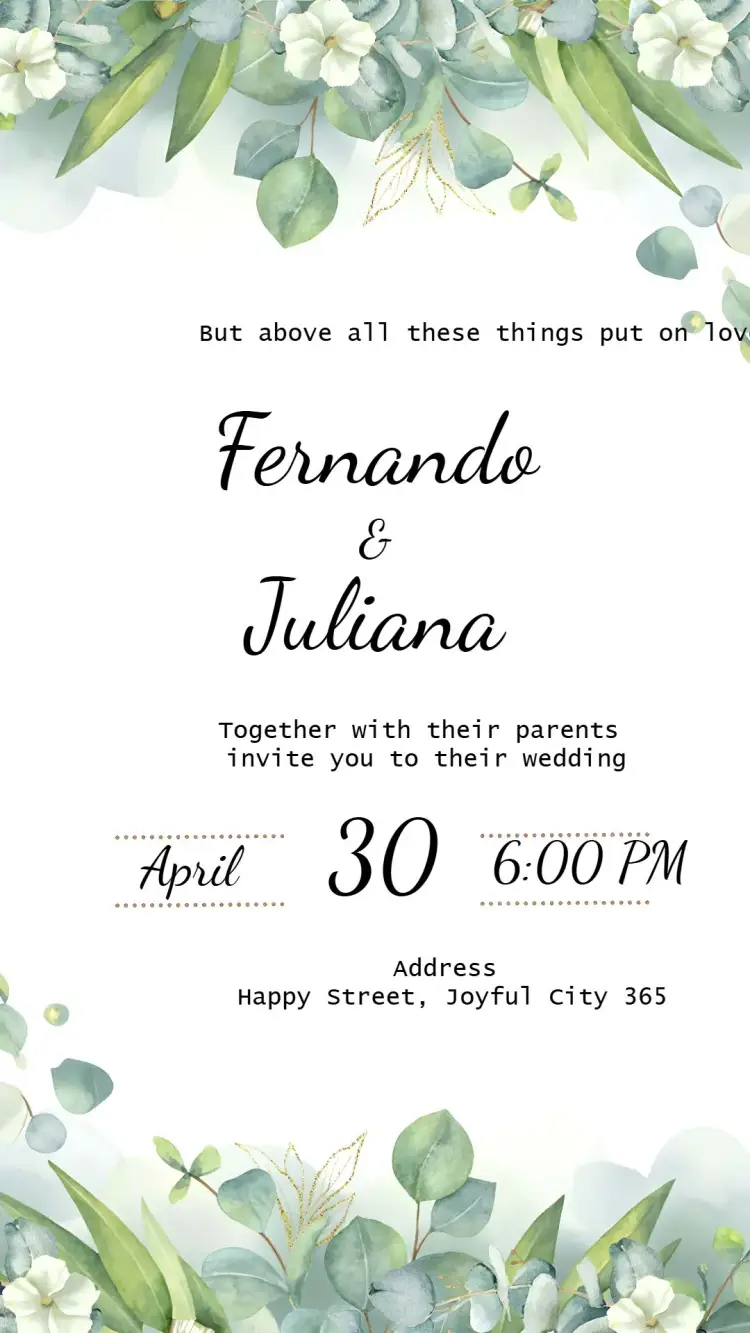
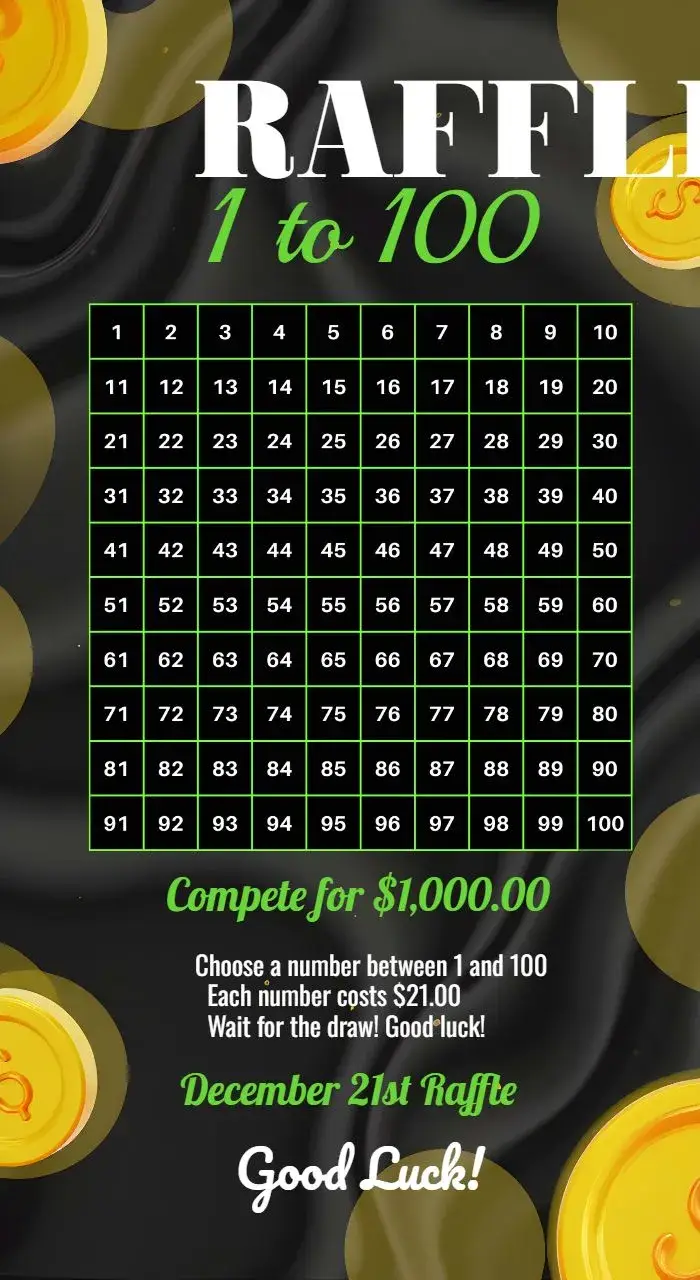
Tickets
View All →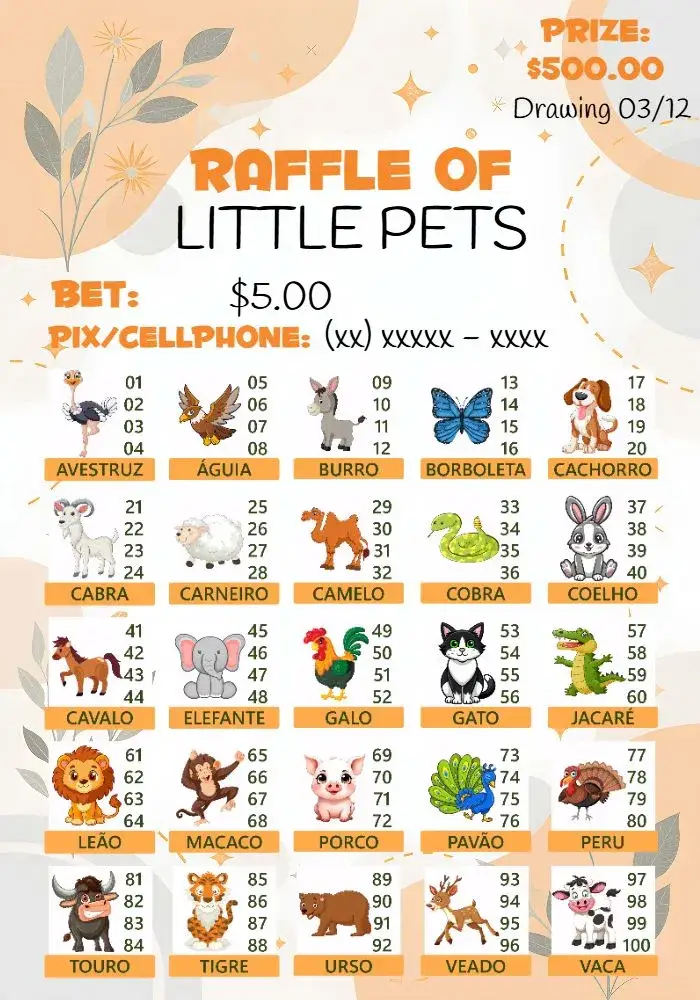

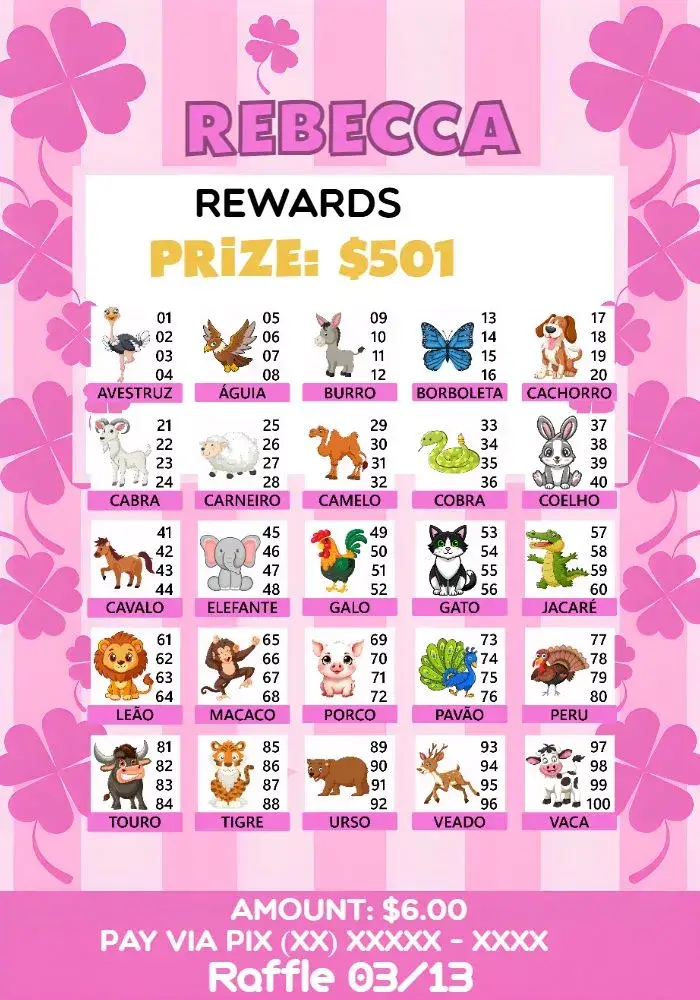
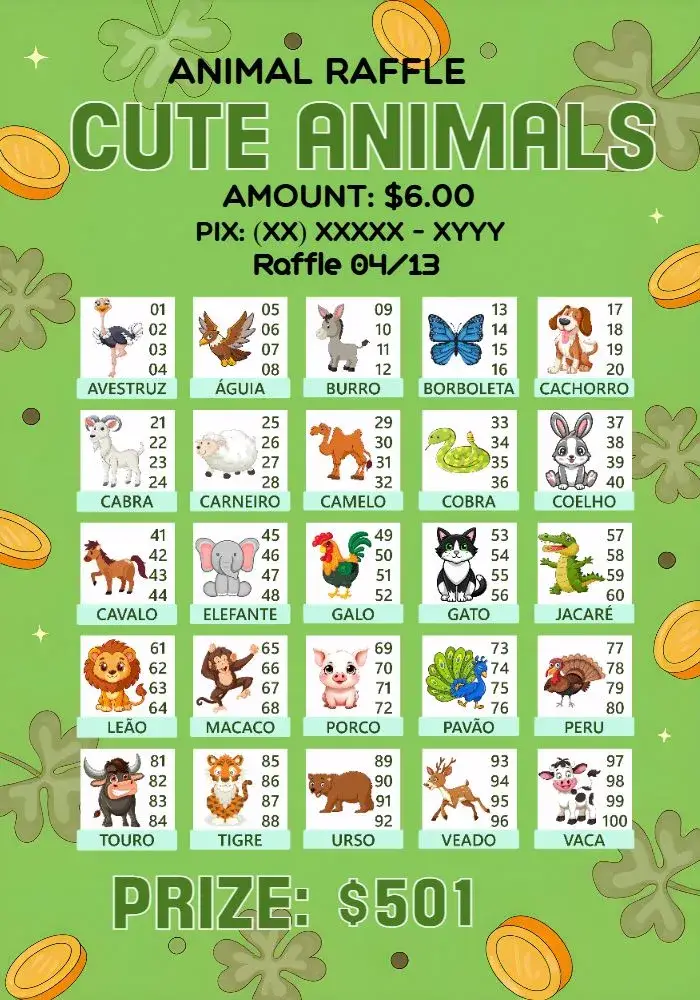
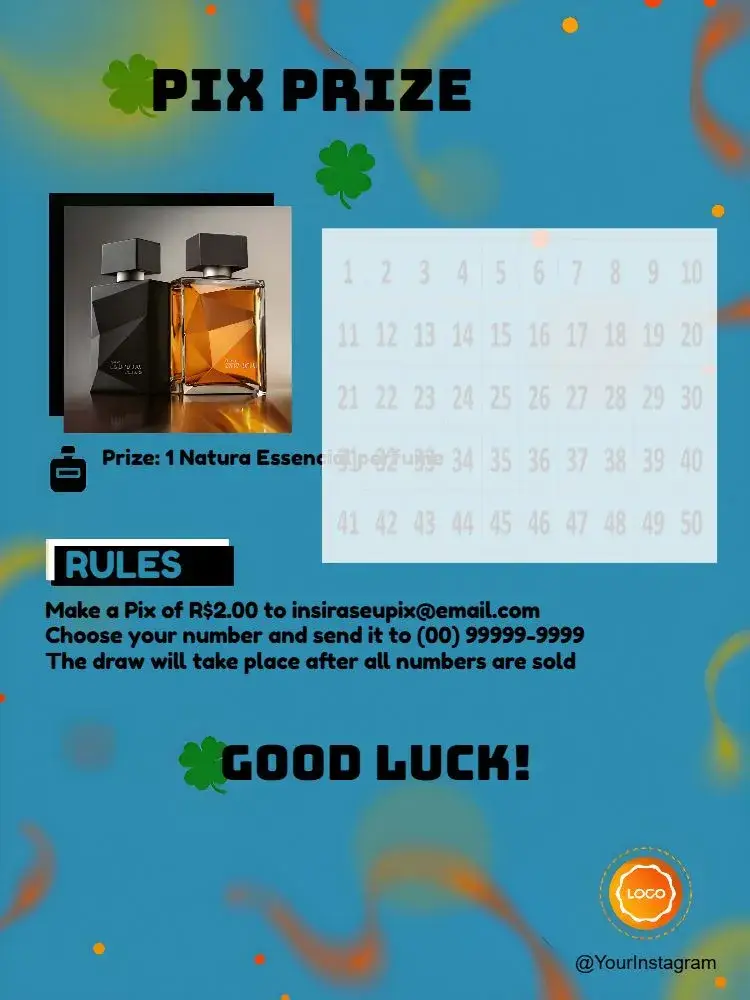
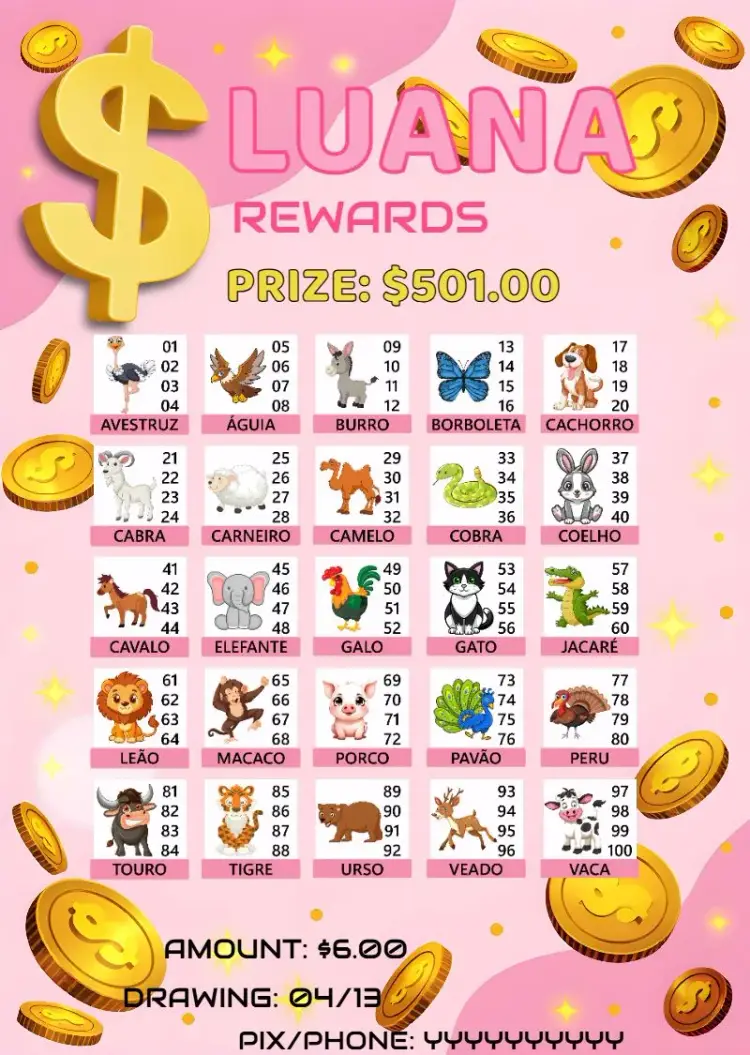
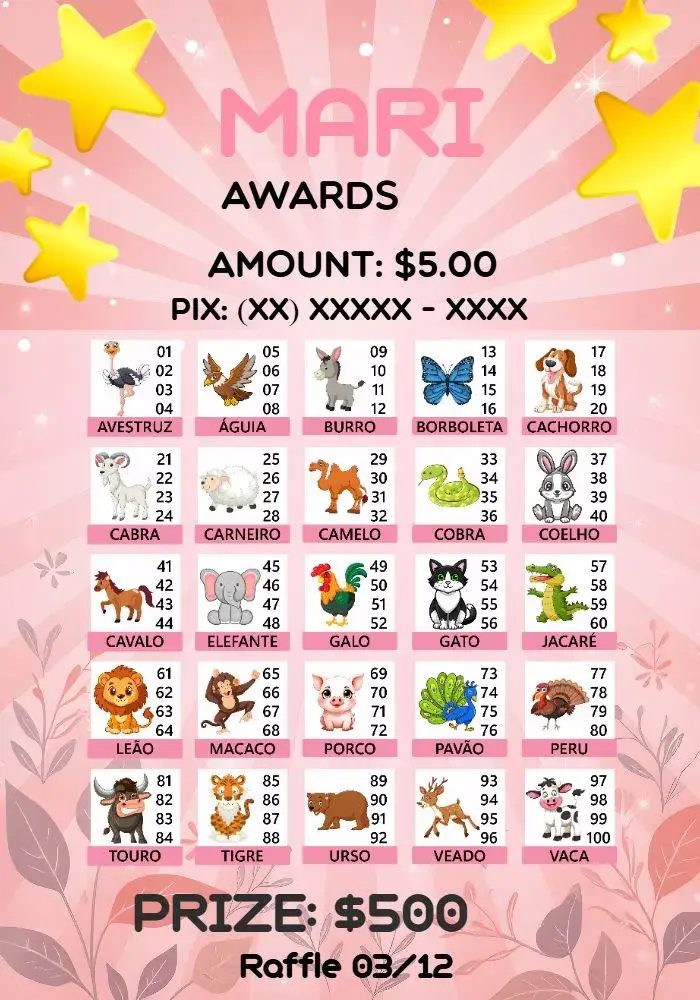

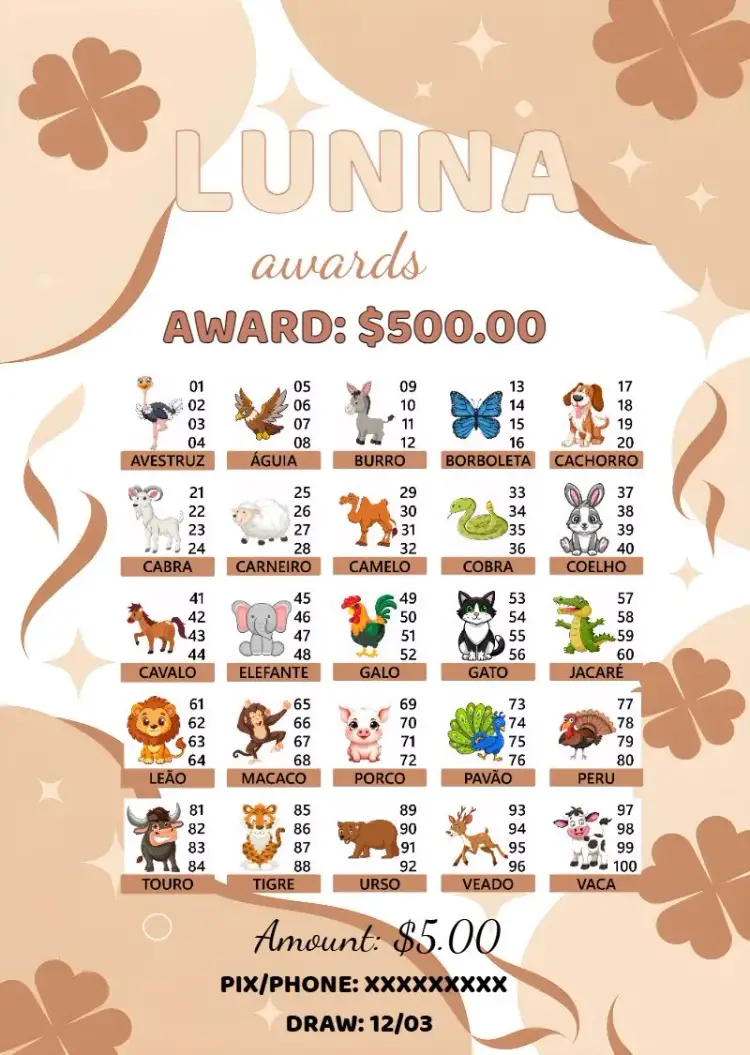
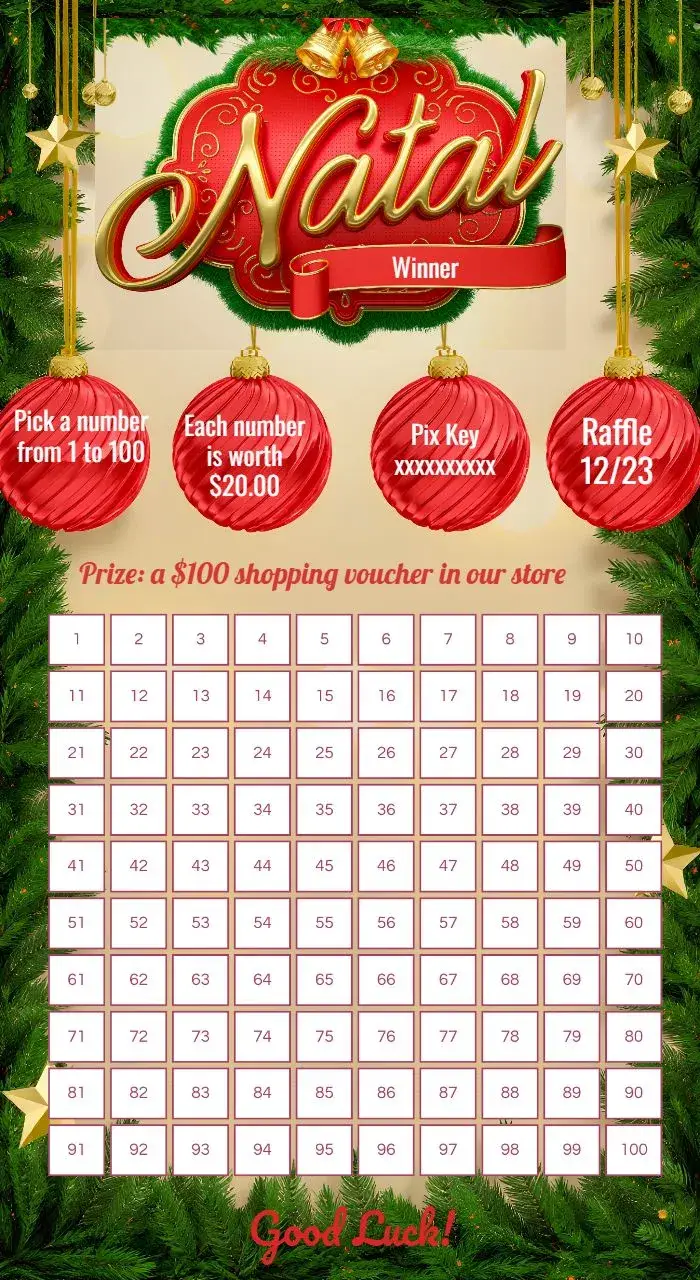
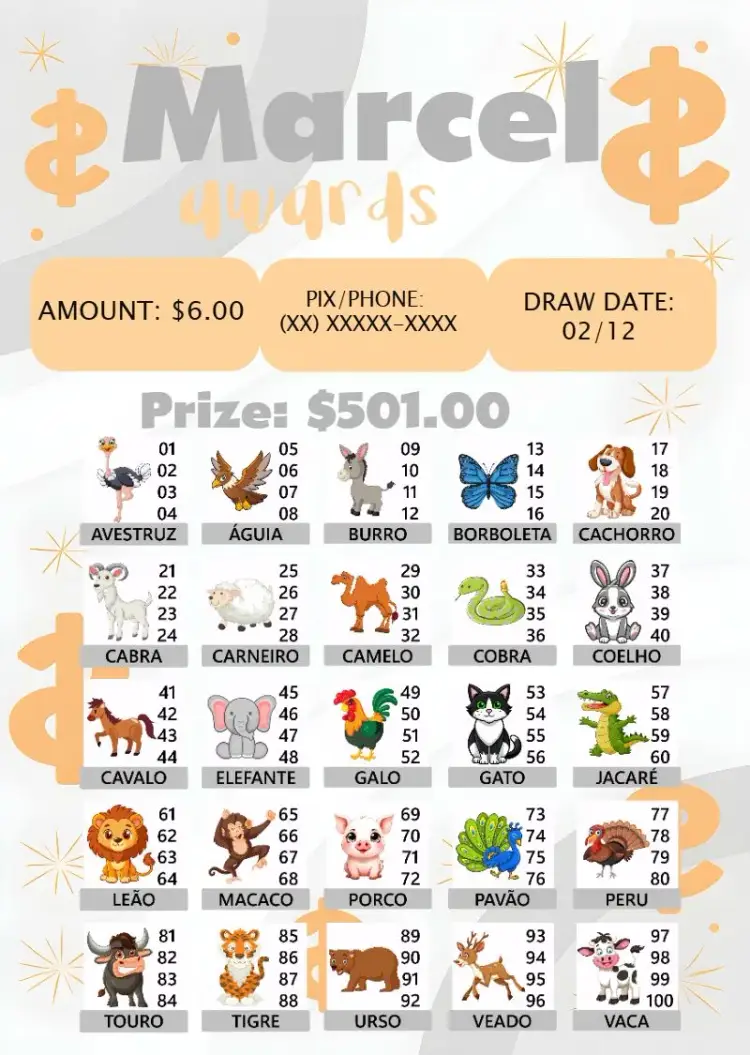
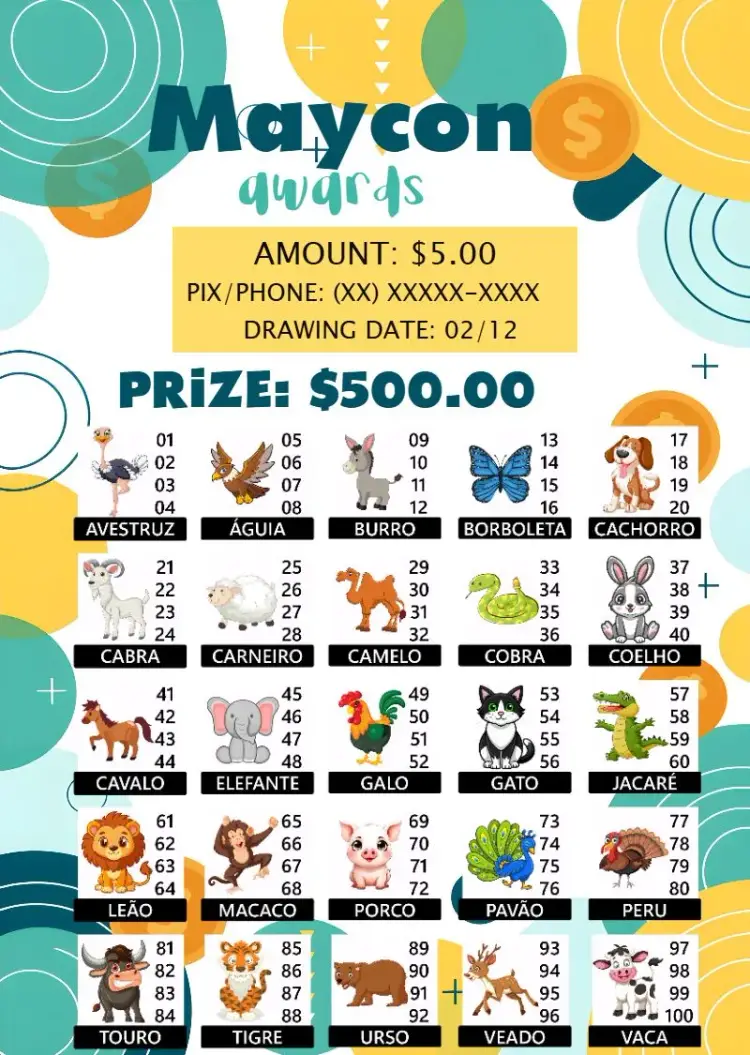
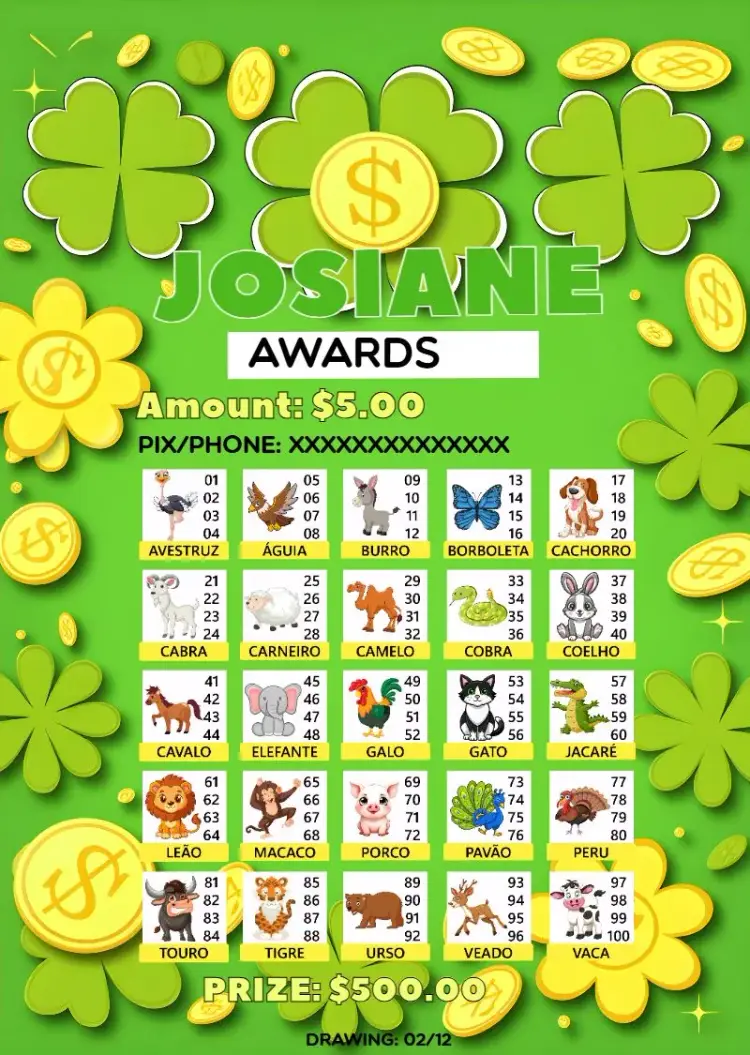
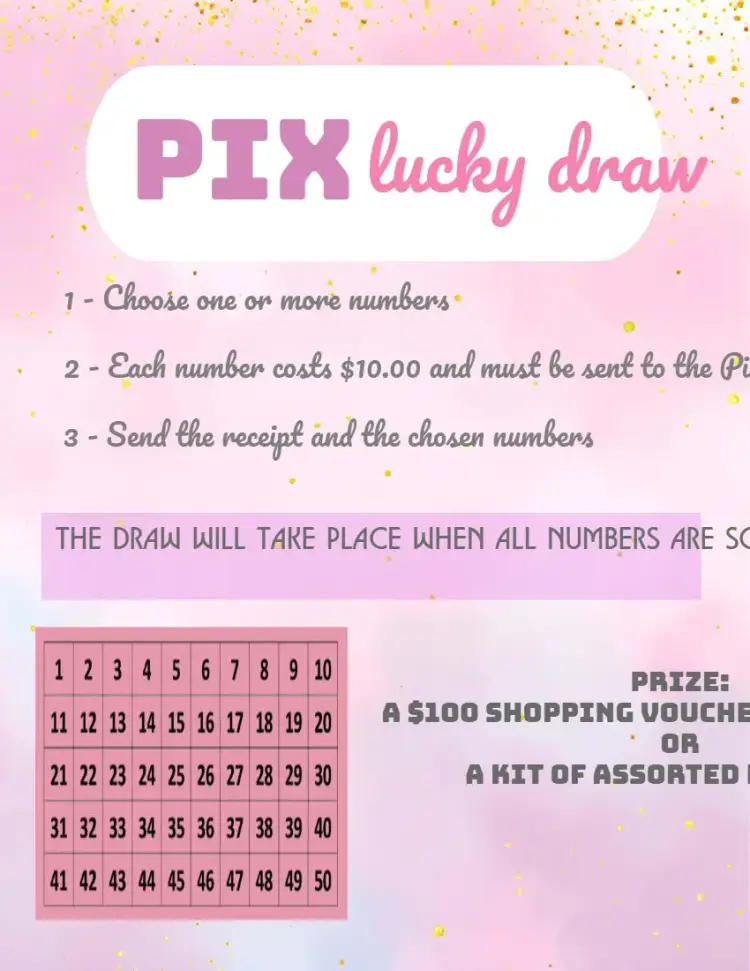
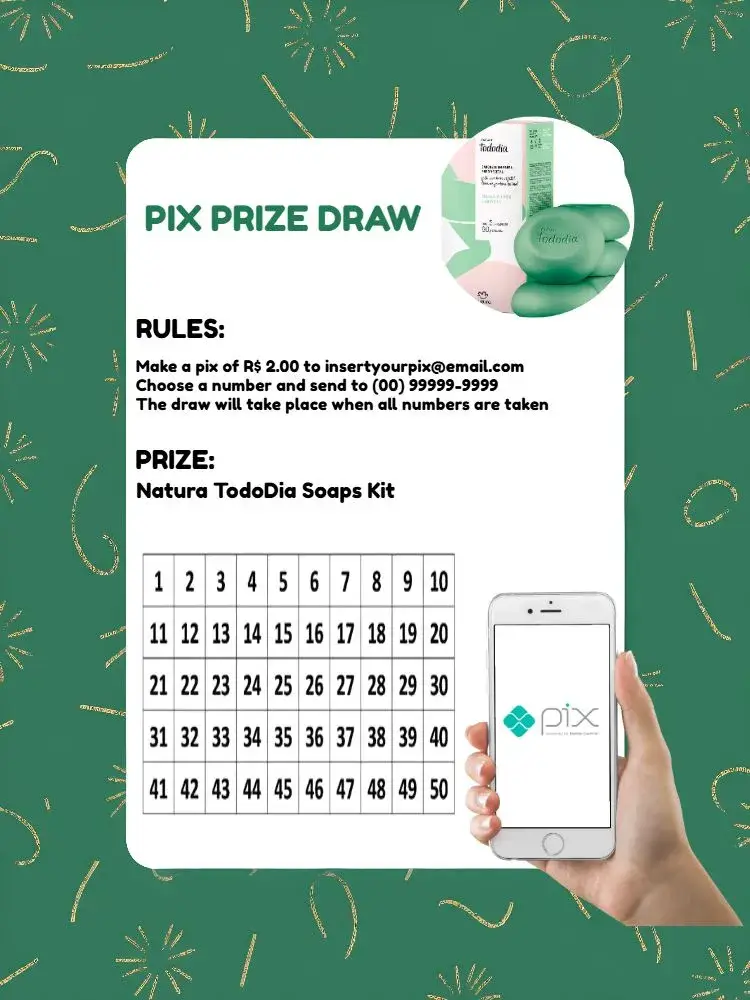
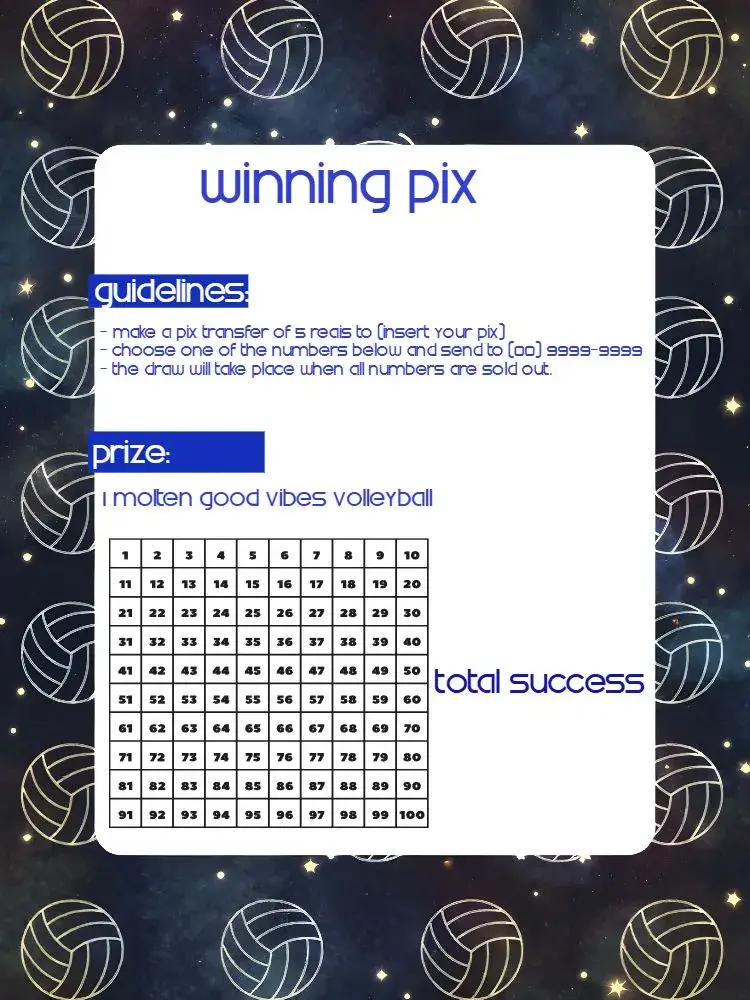
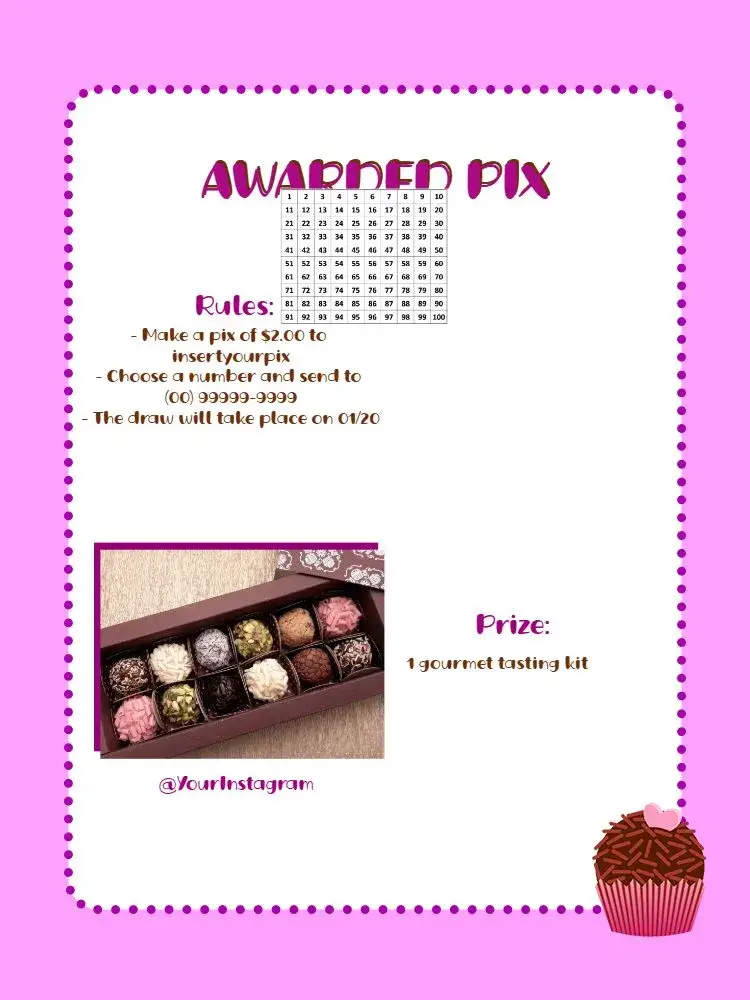
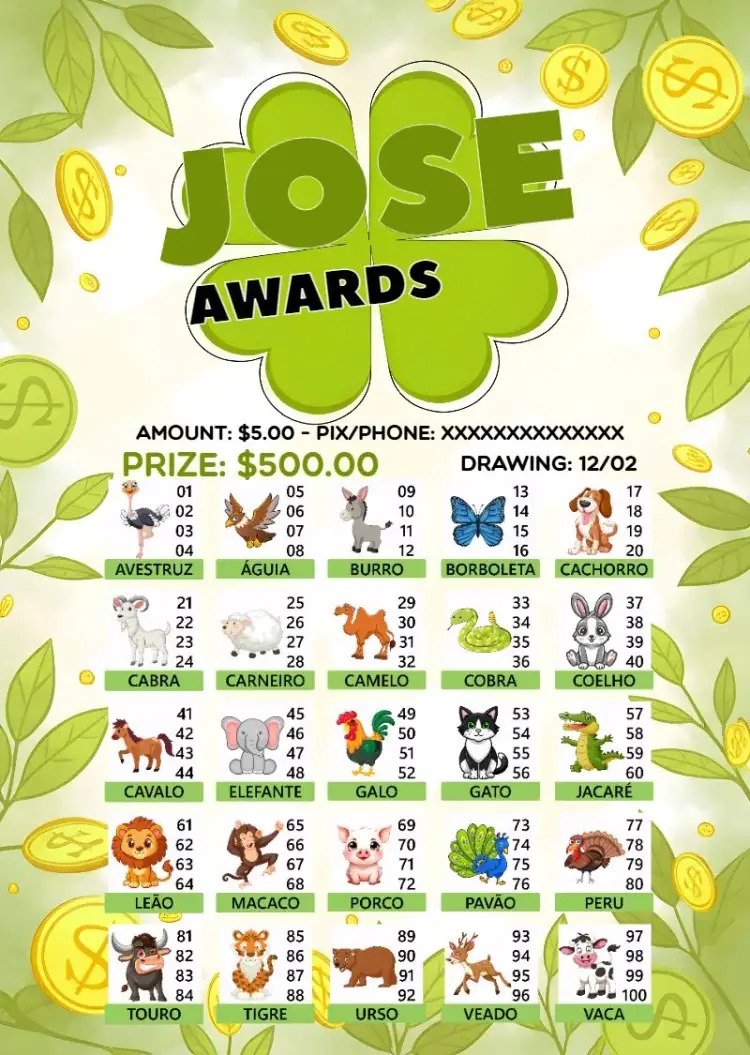

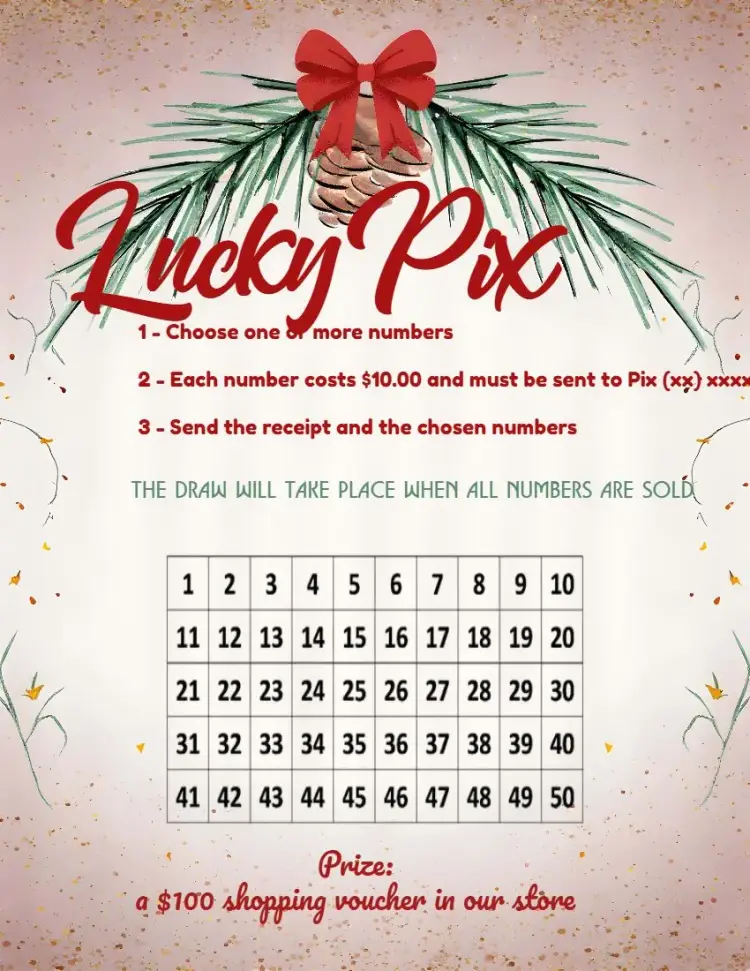

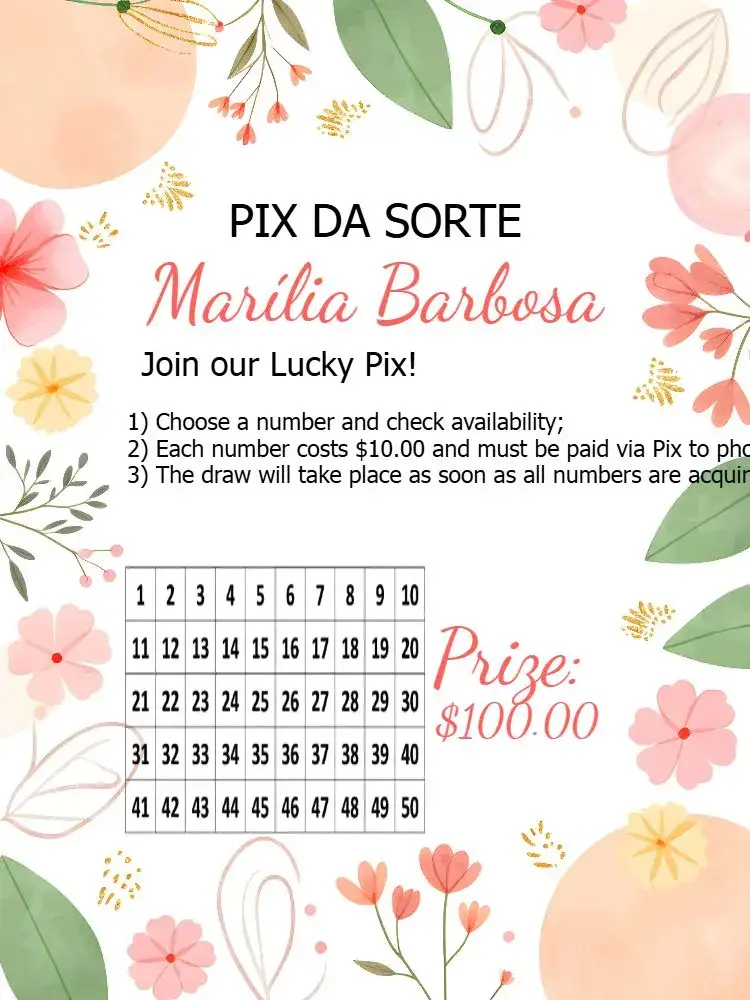
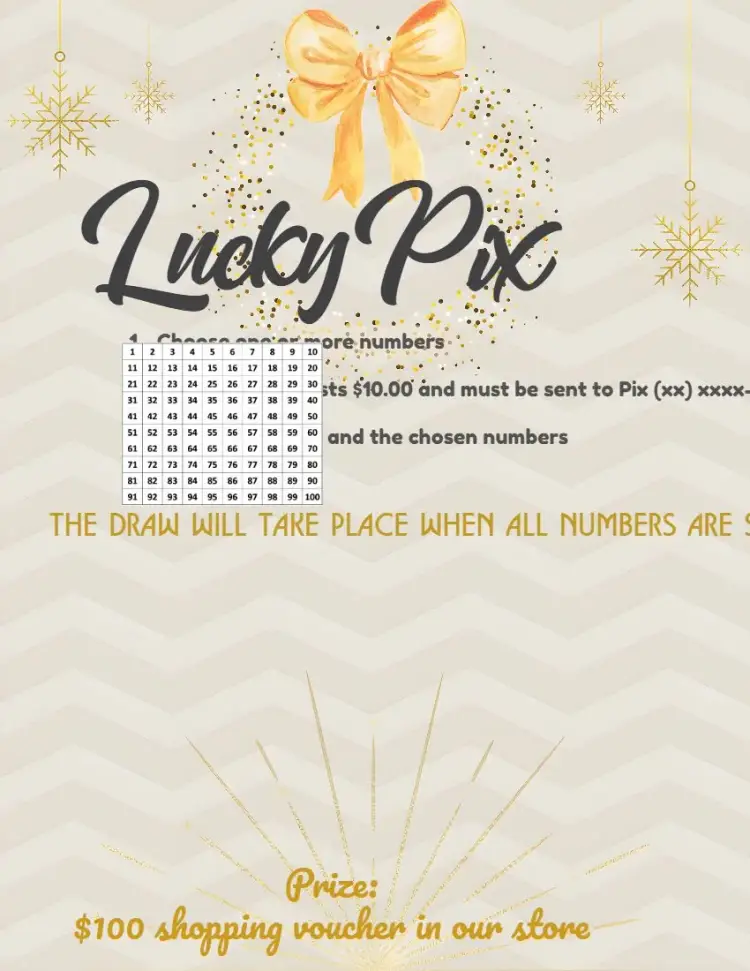
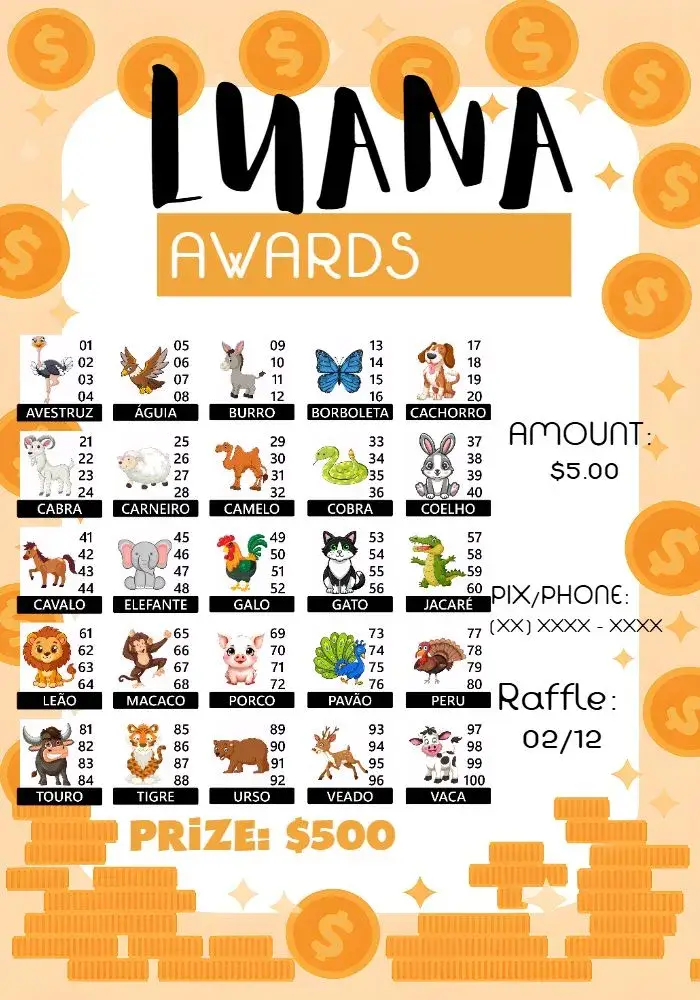
Most searched for
View All →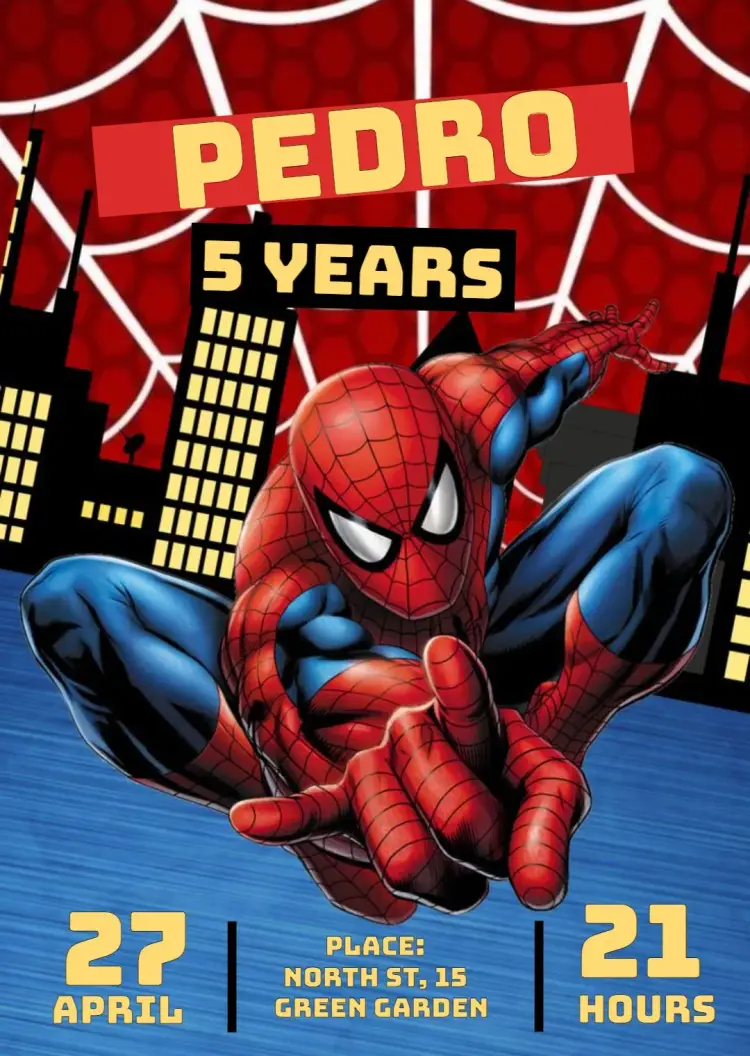













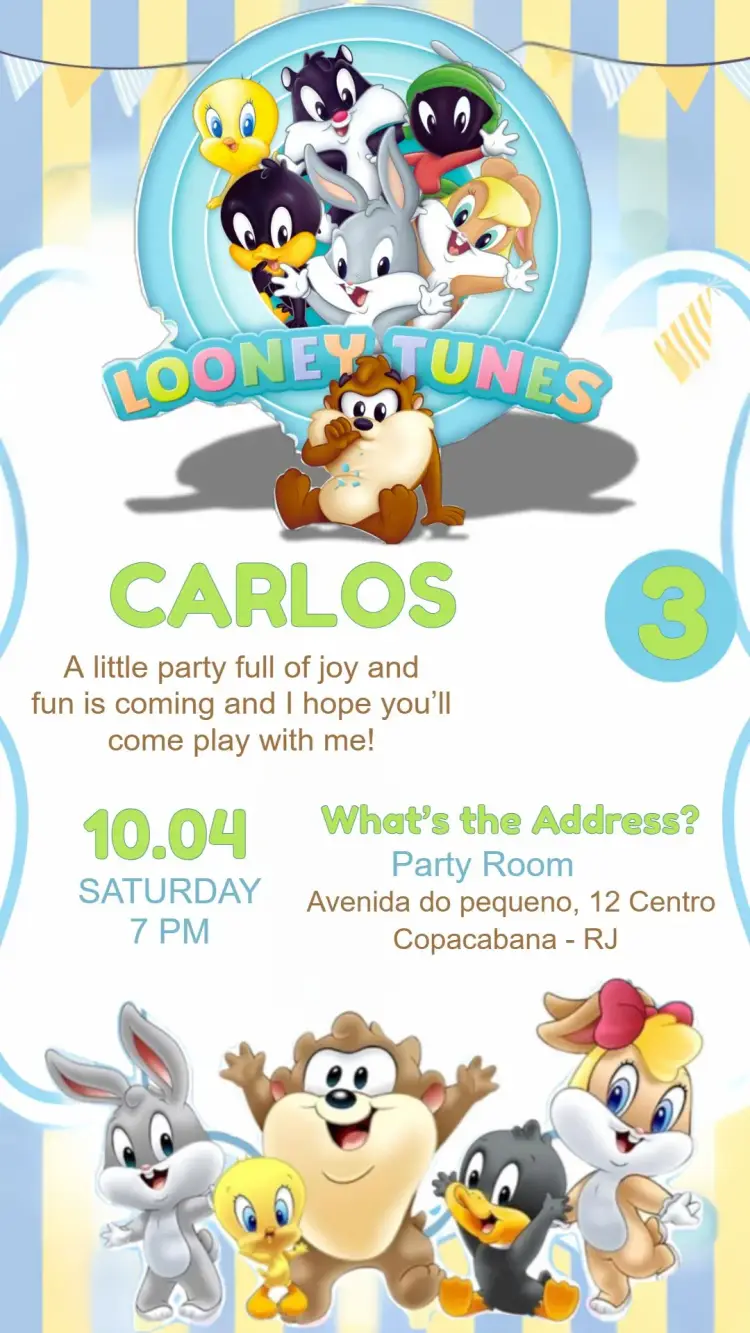
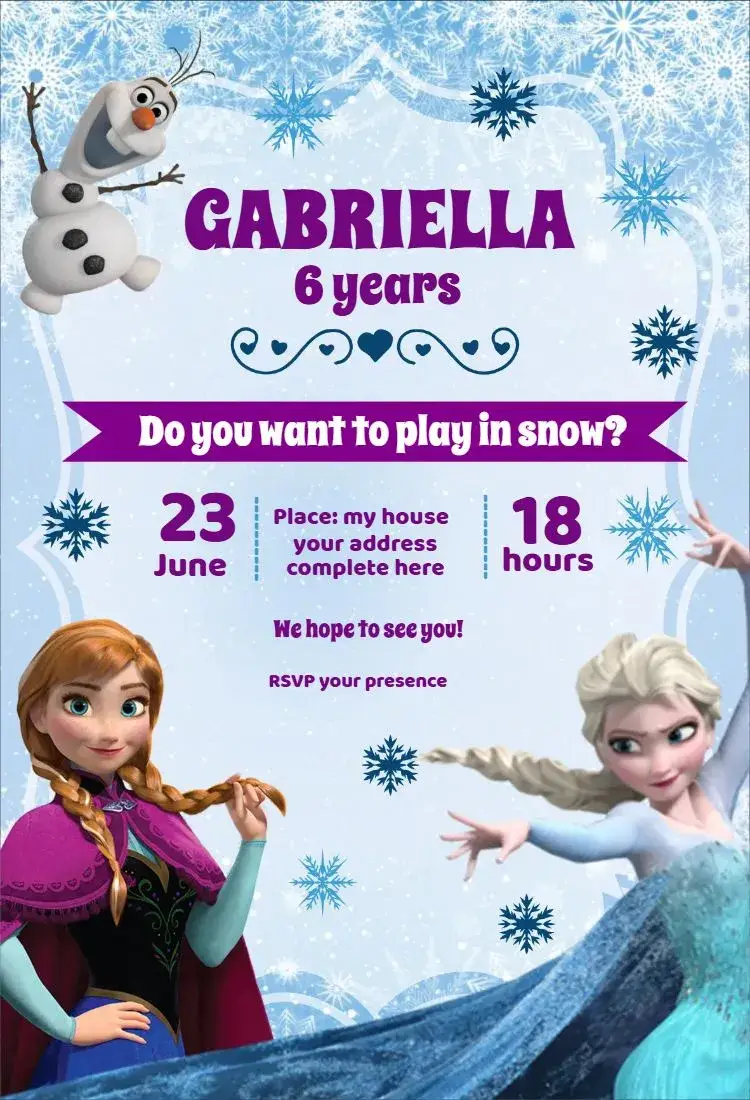
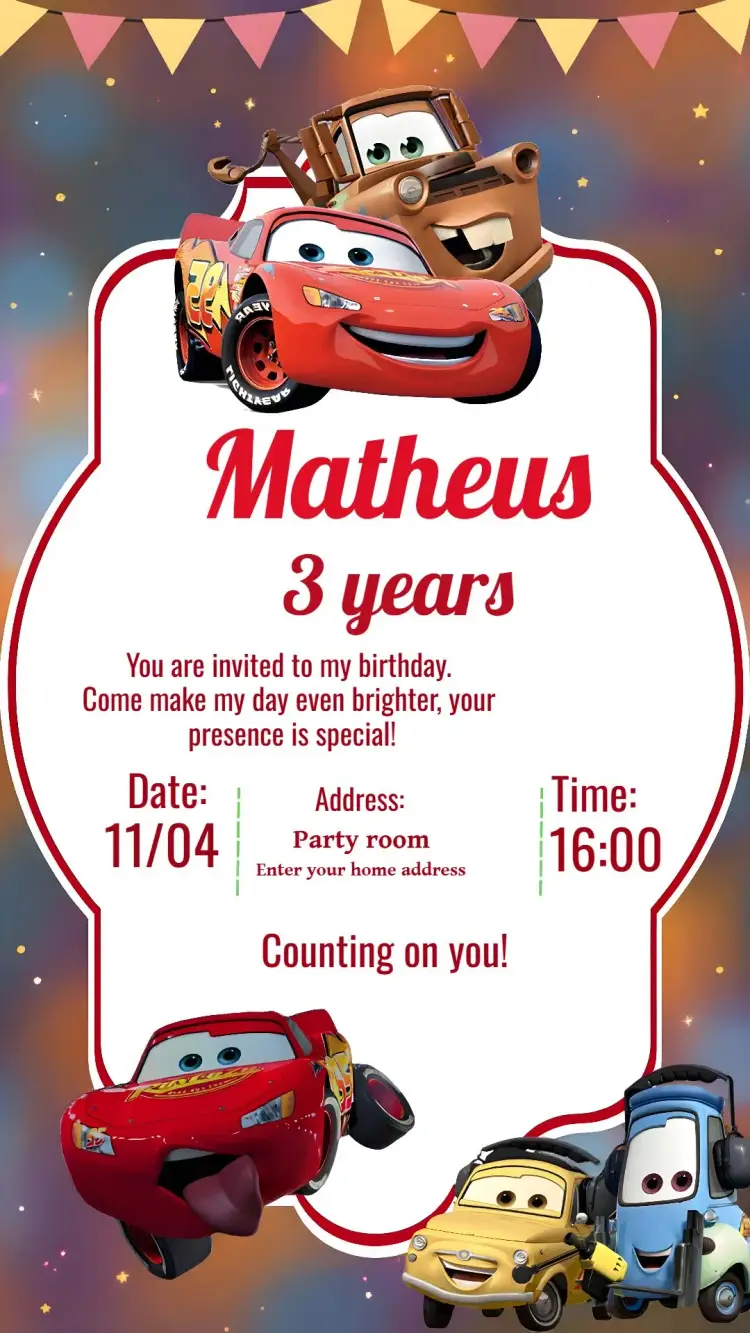
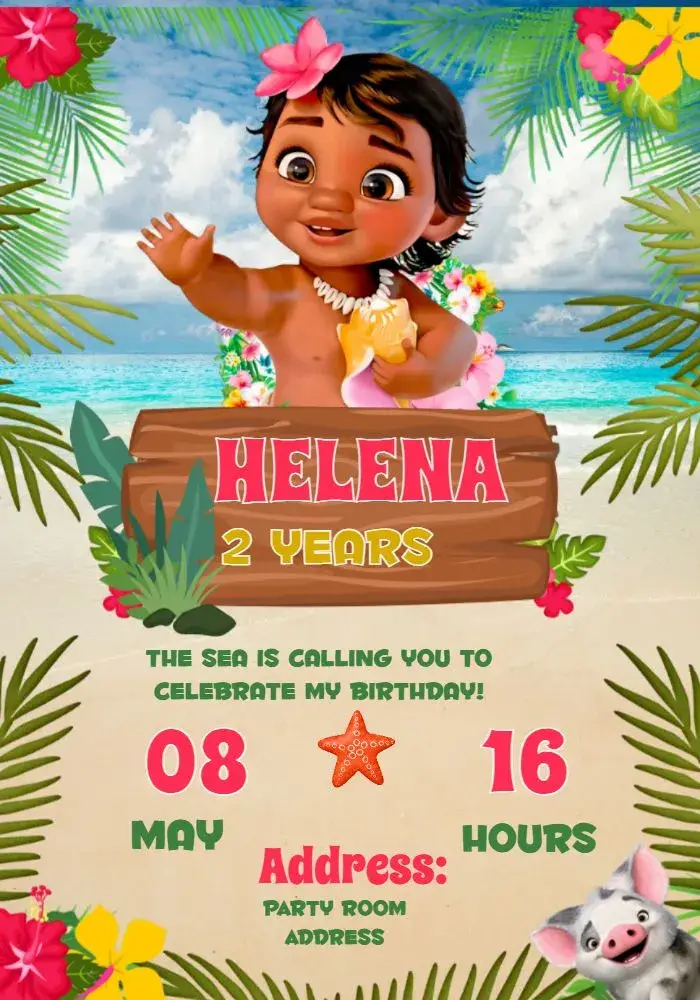
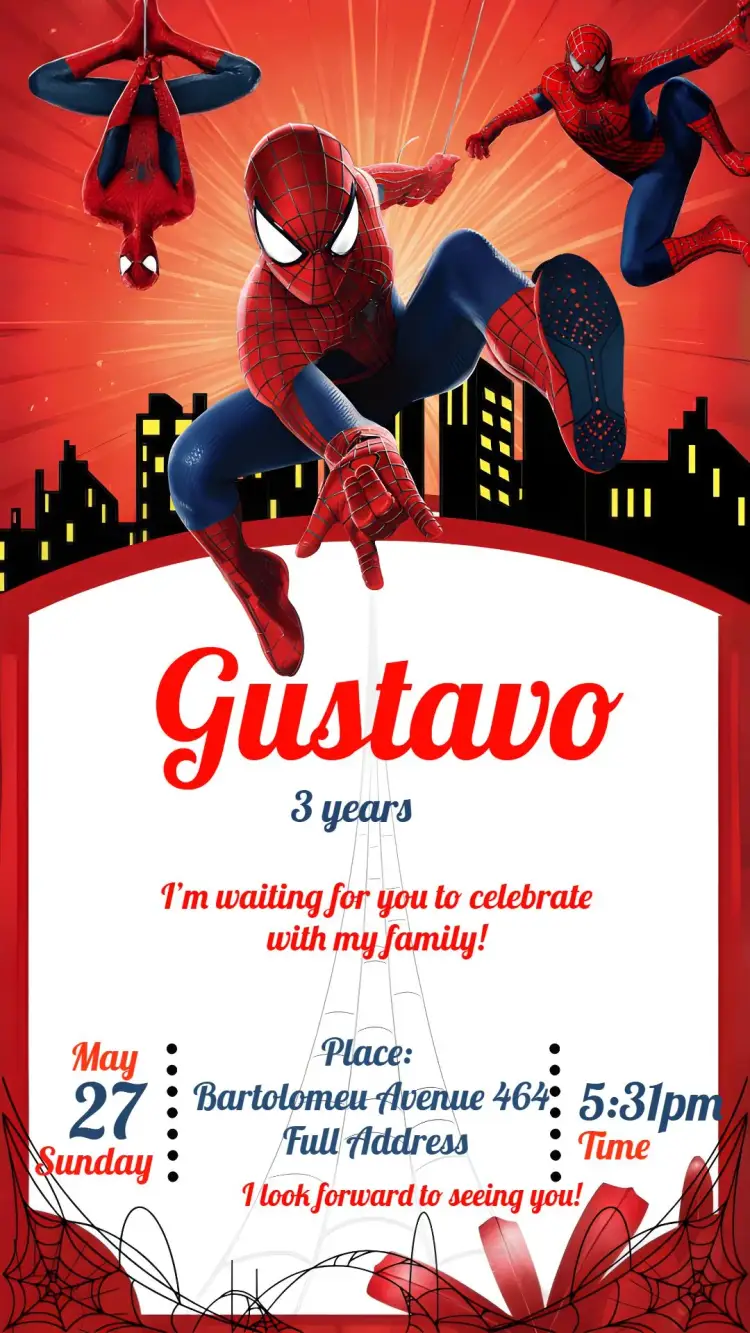
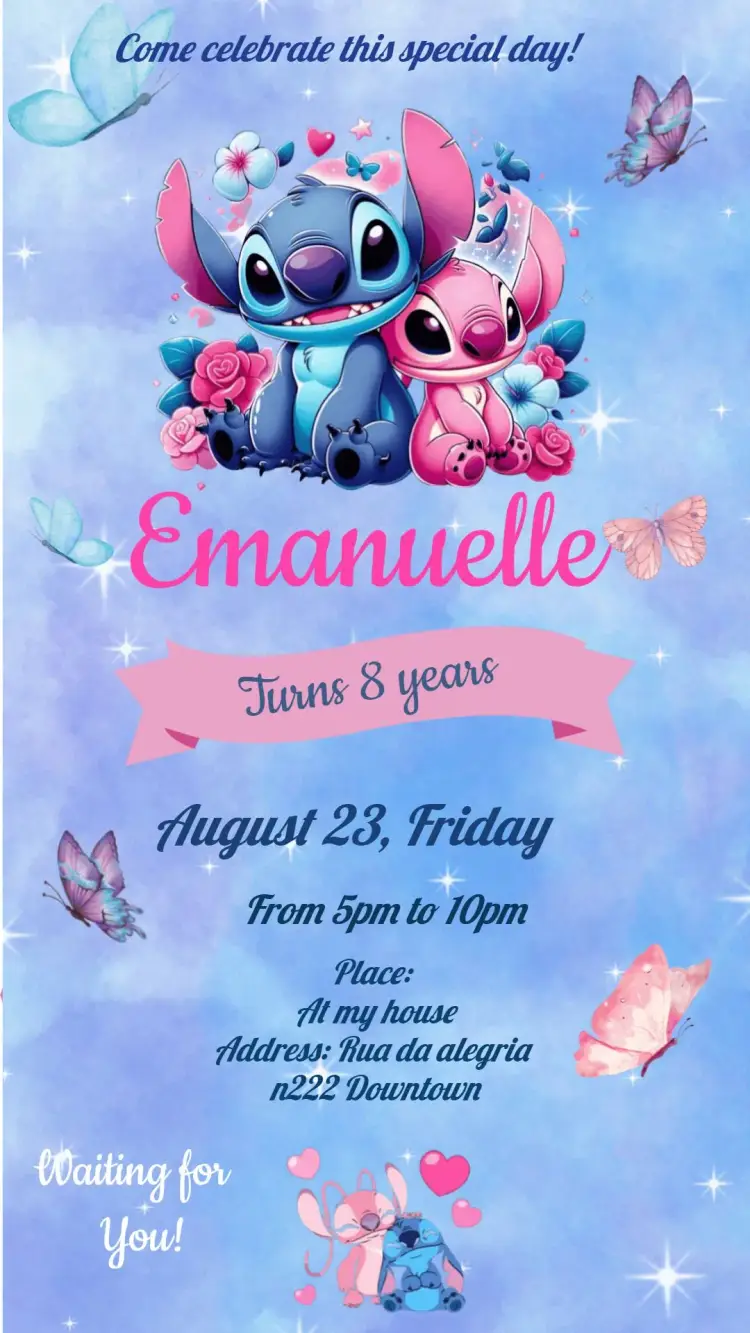

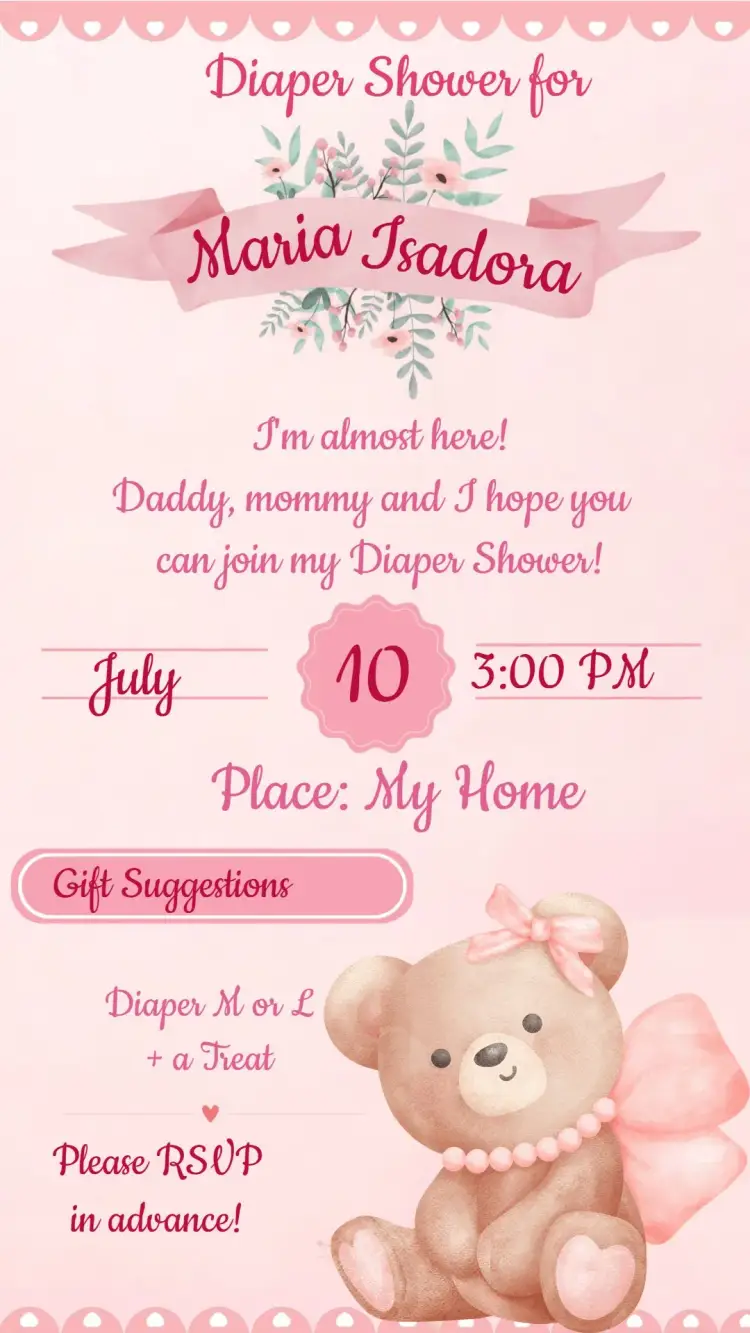
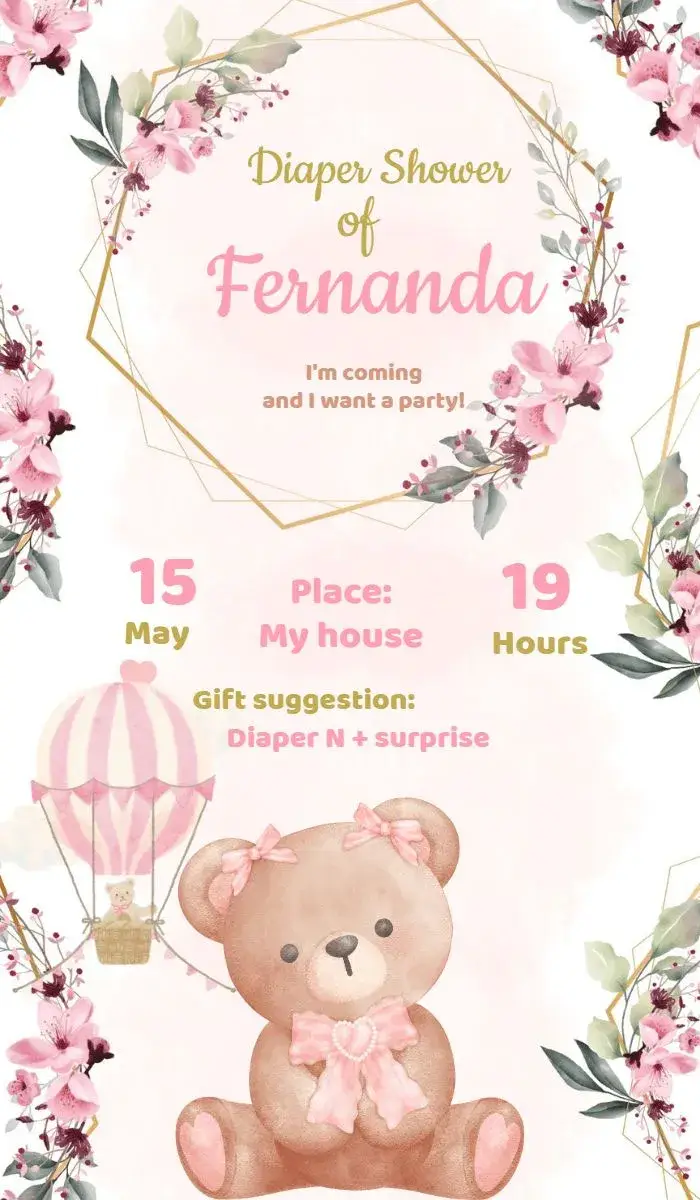
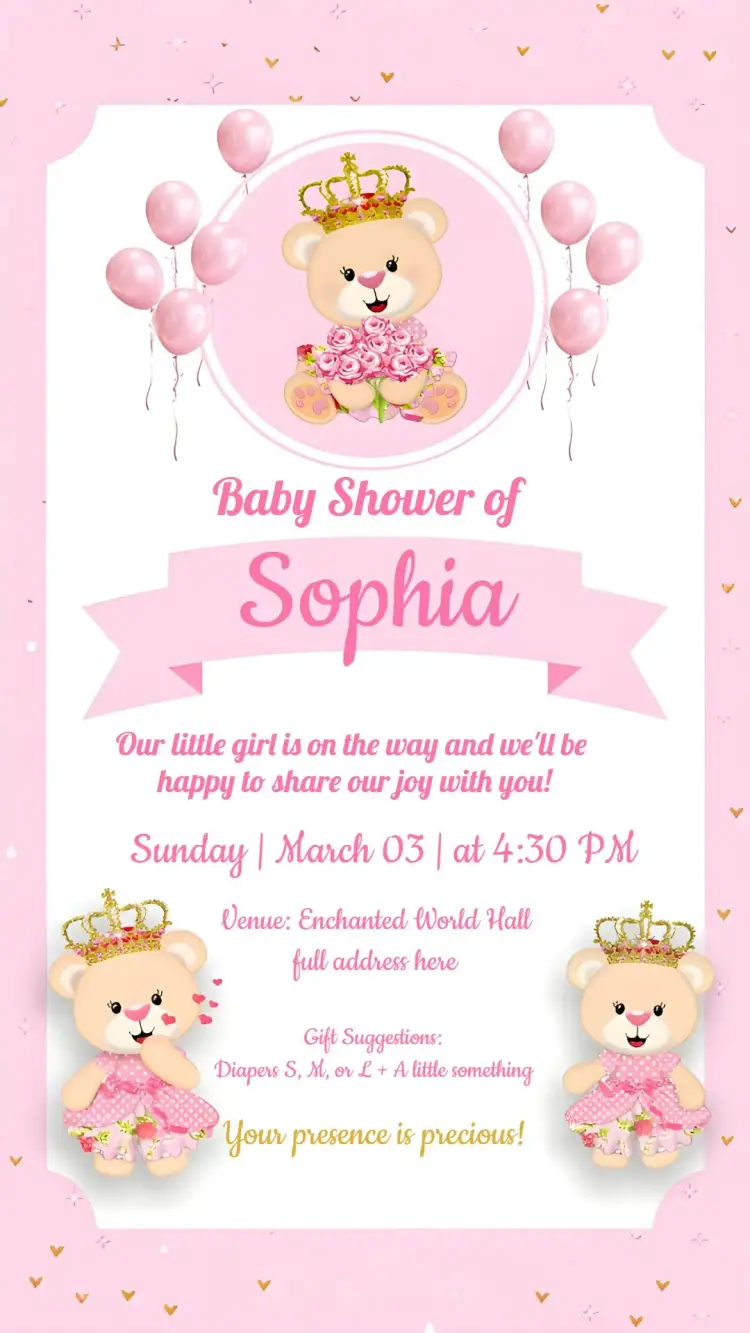
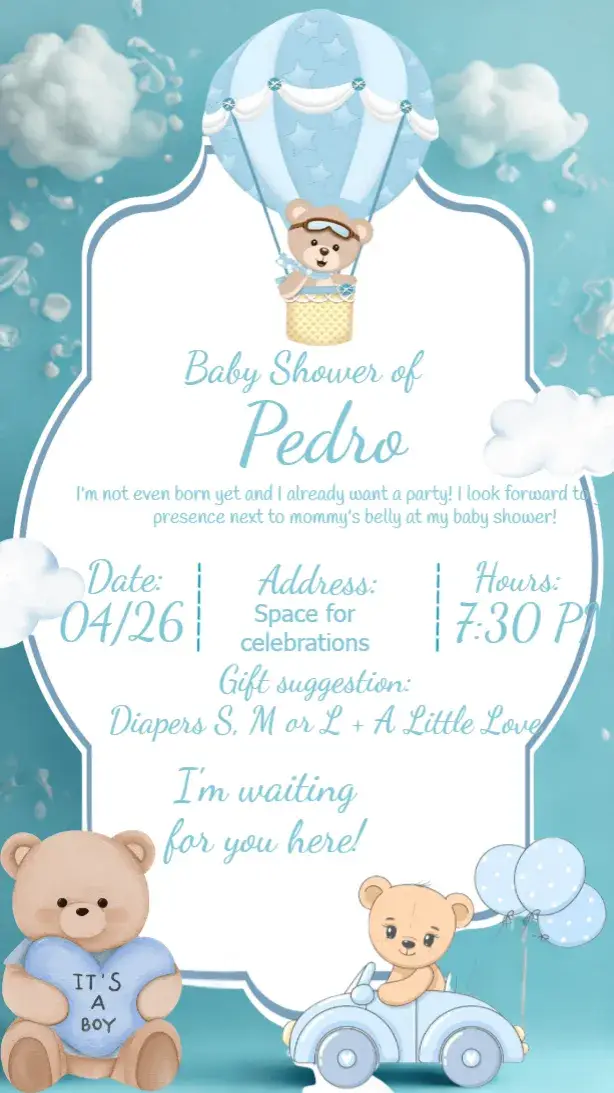
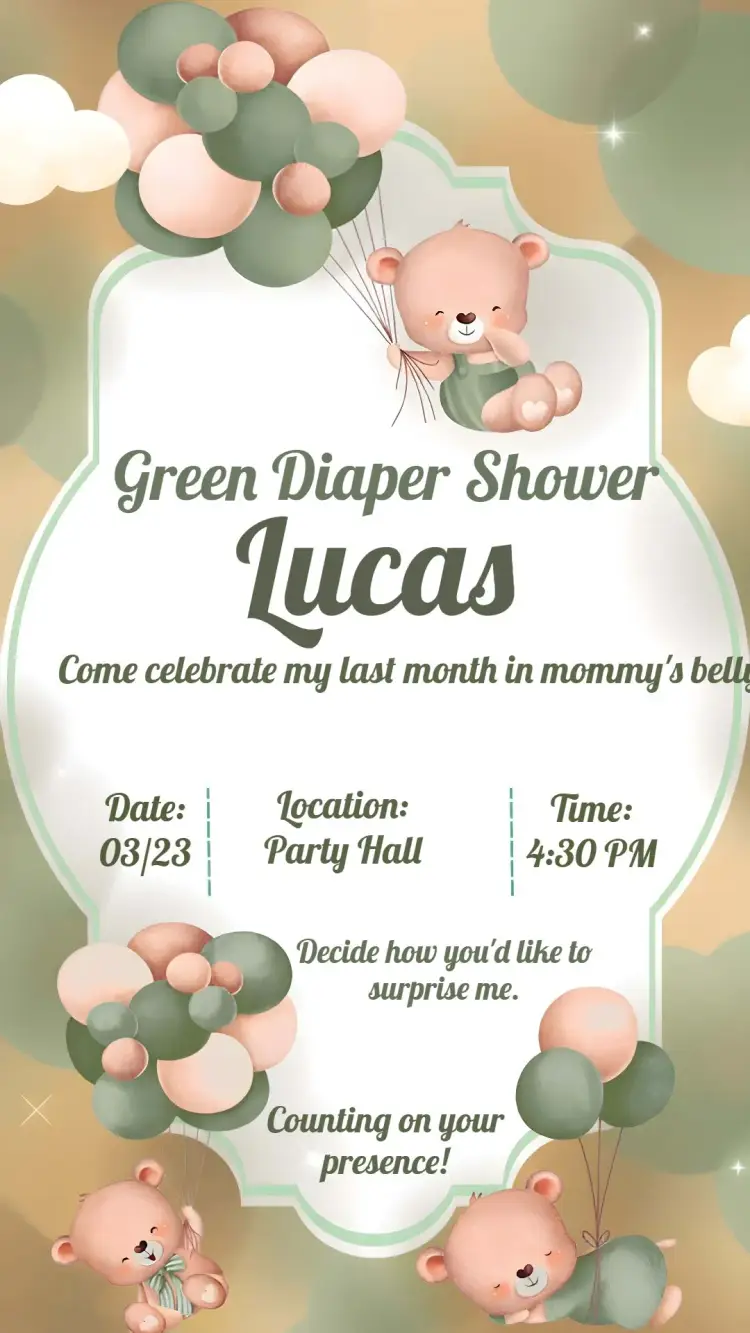
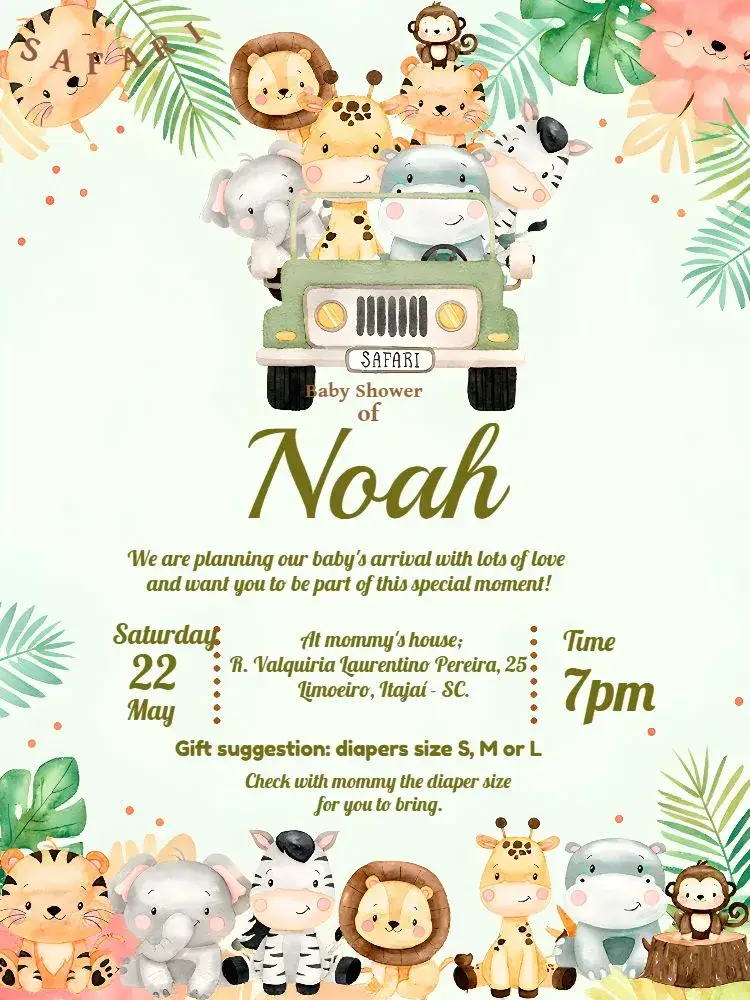
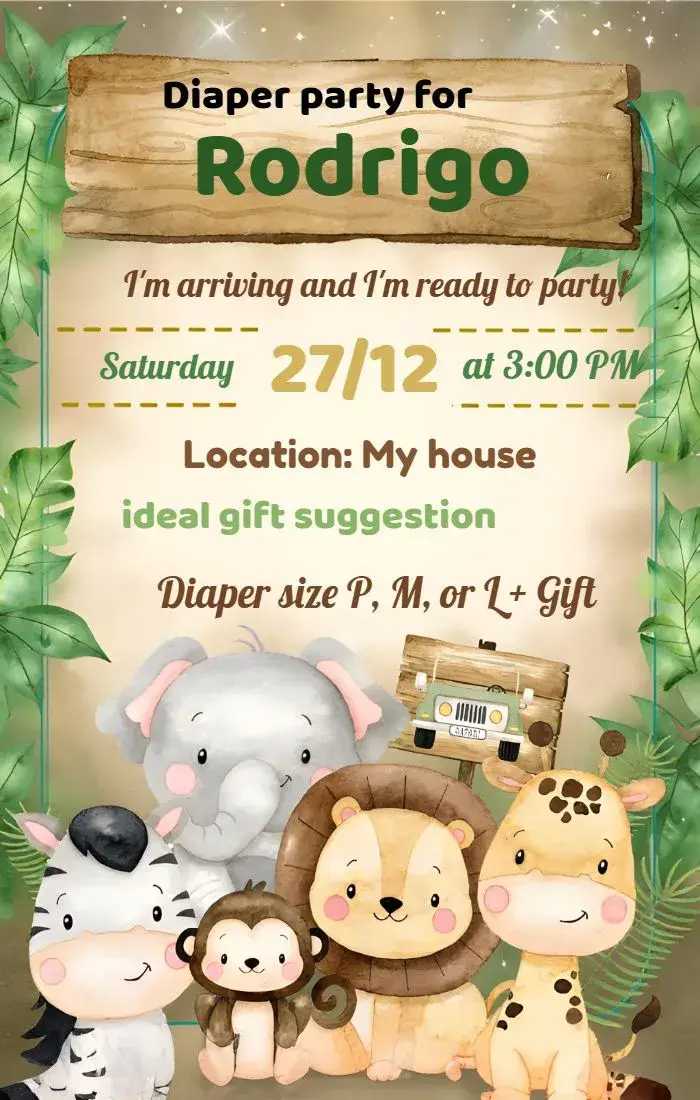
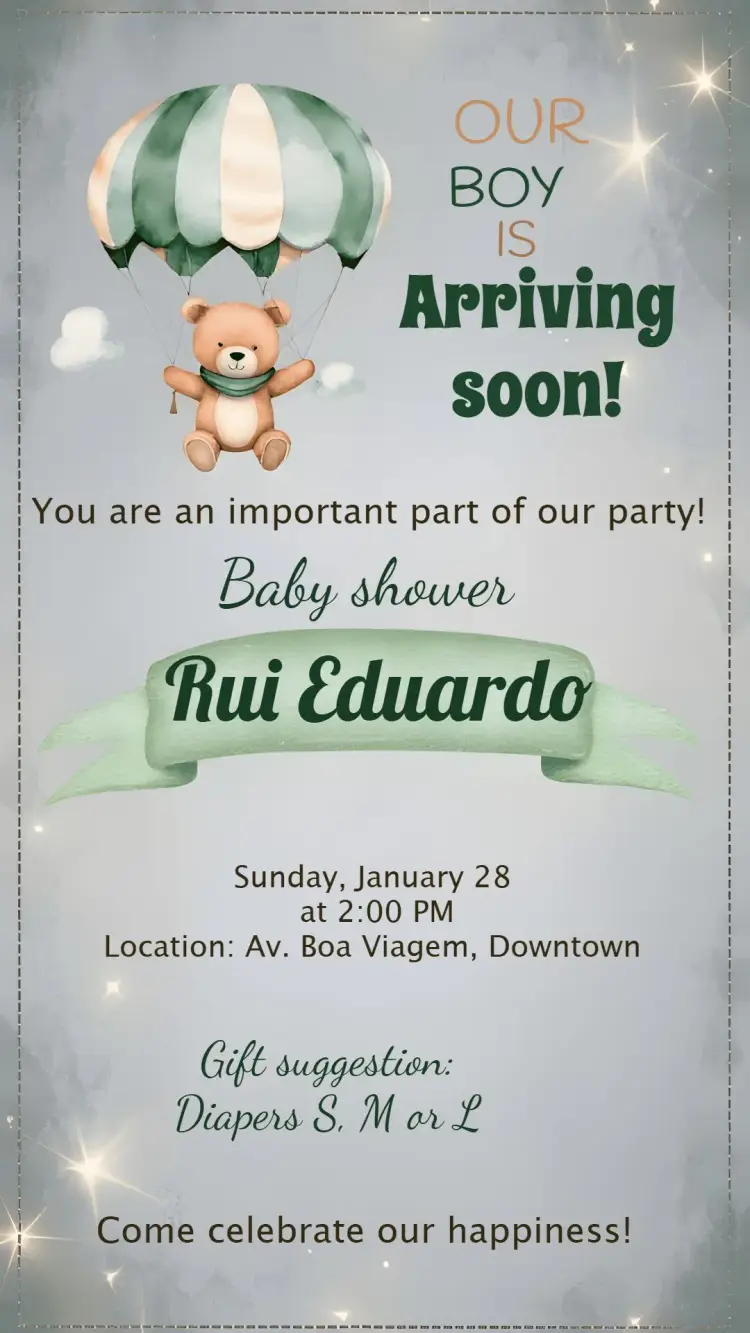
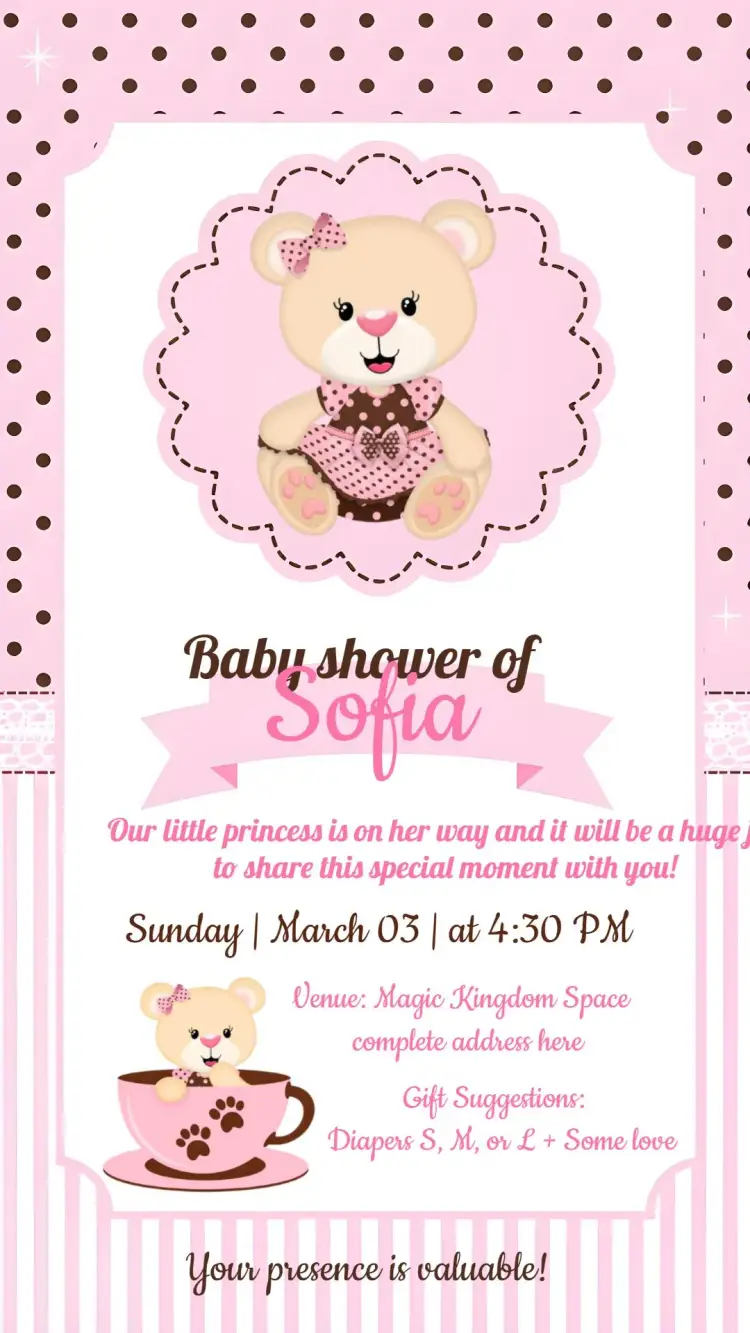
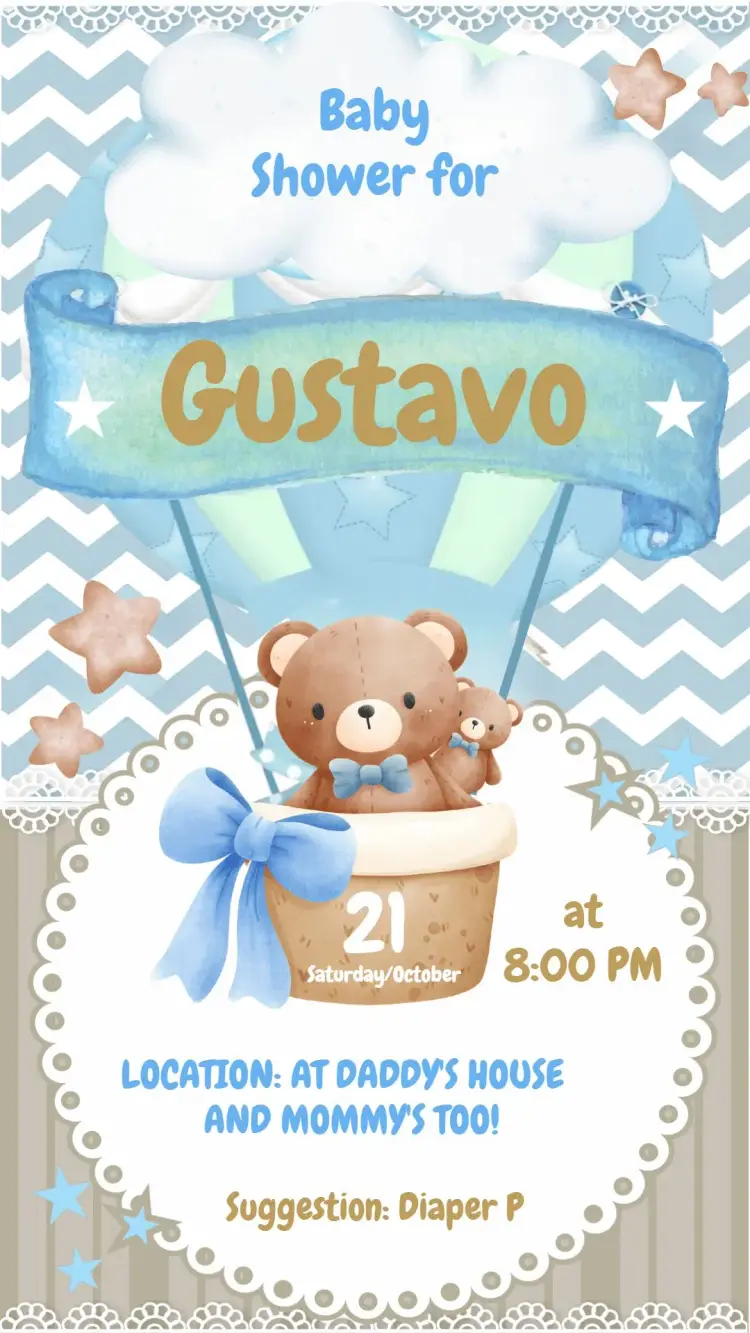
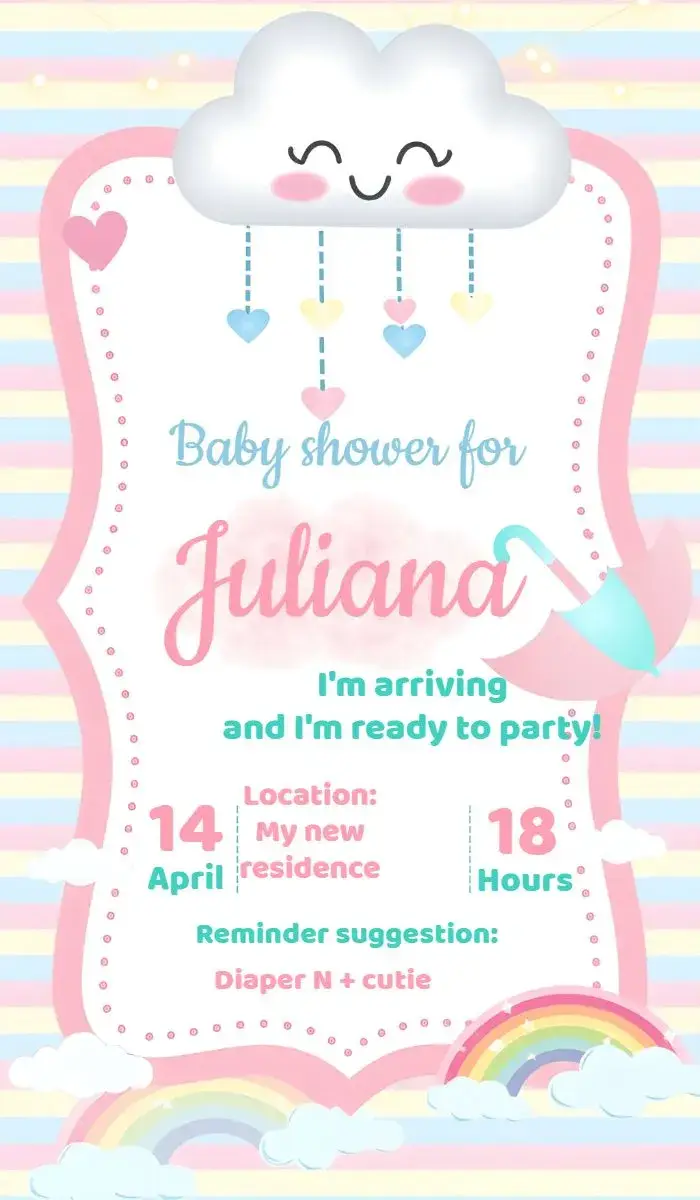
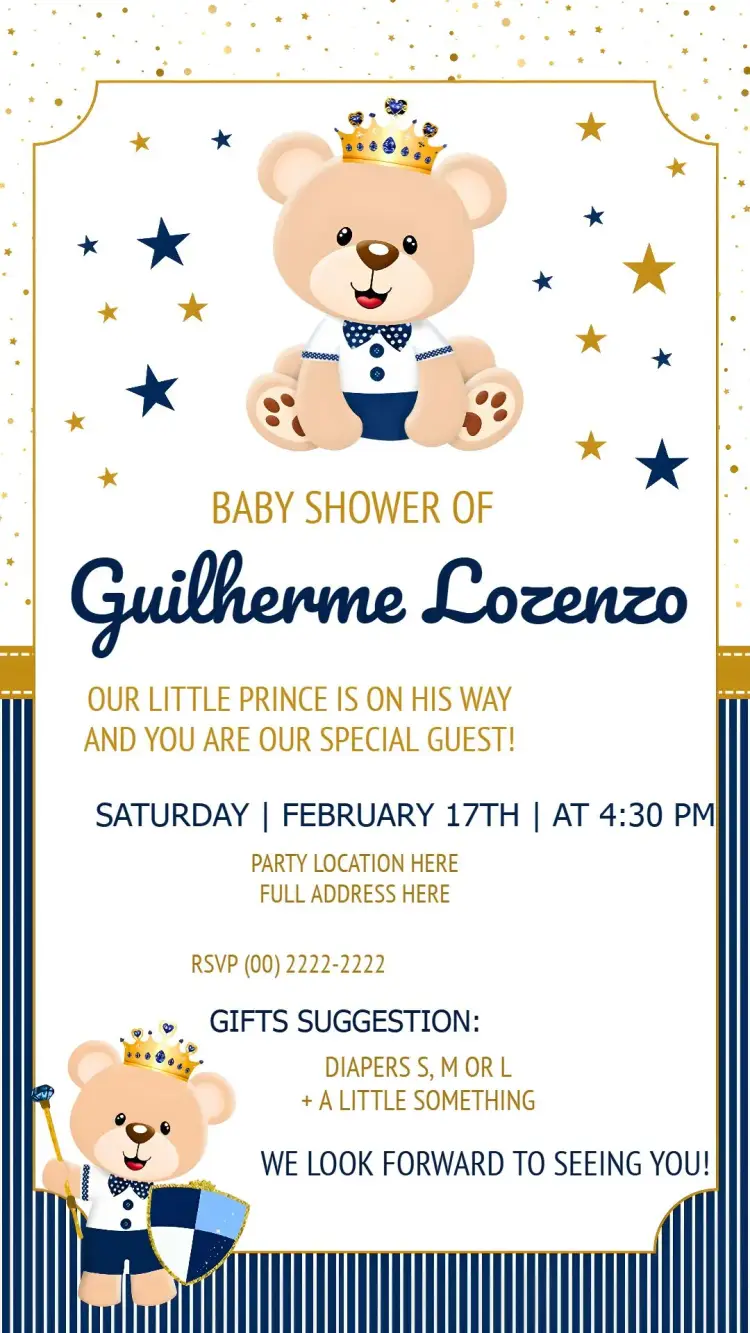
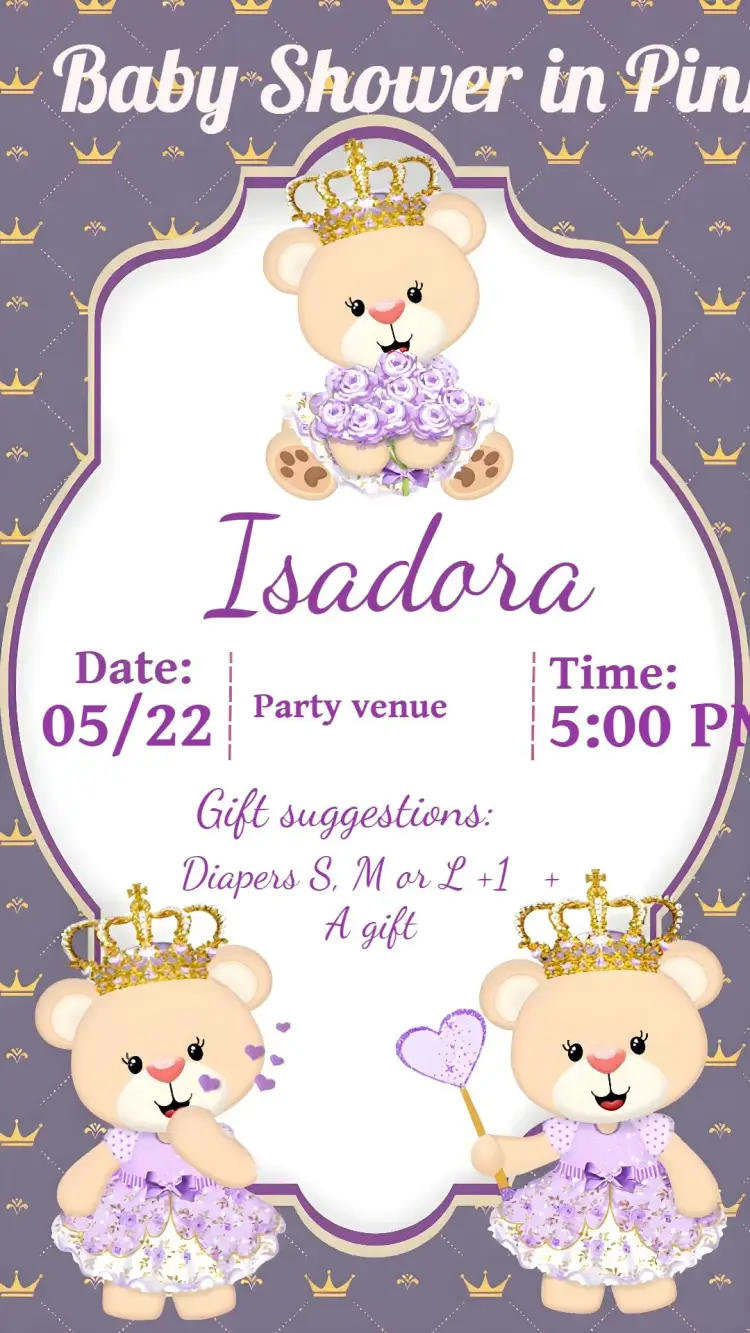
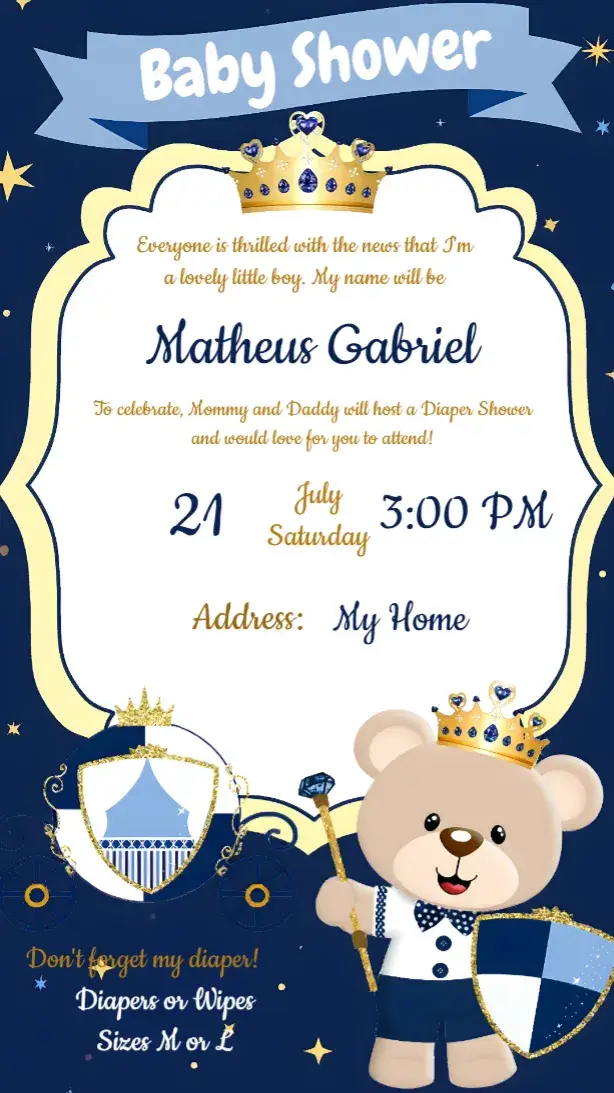
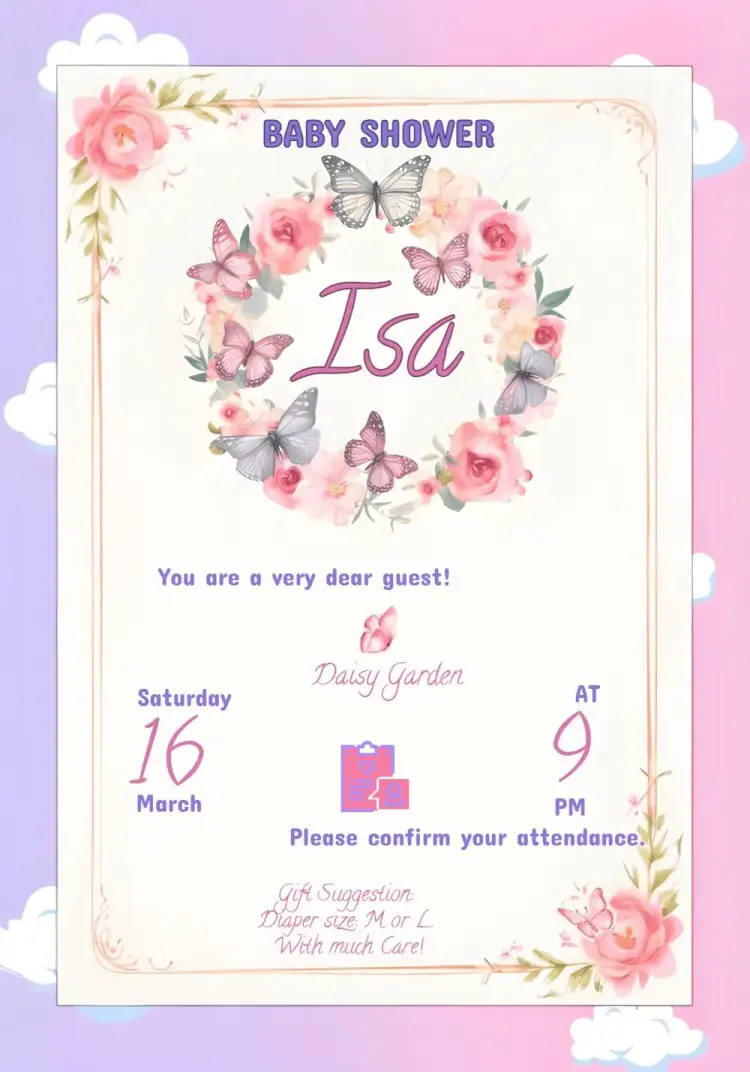
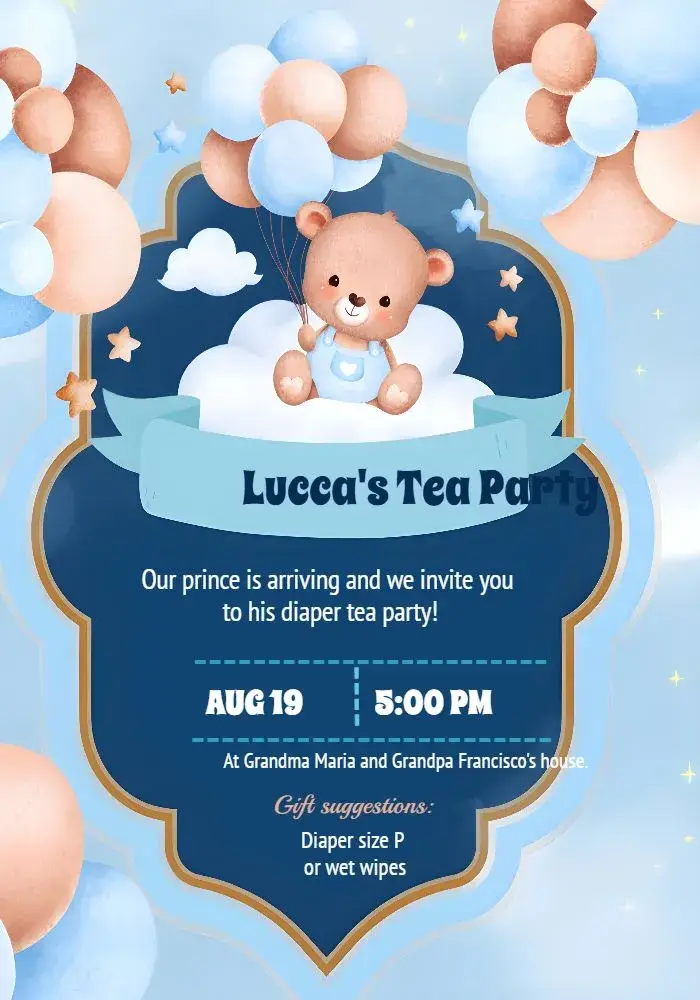
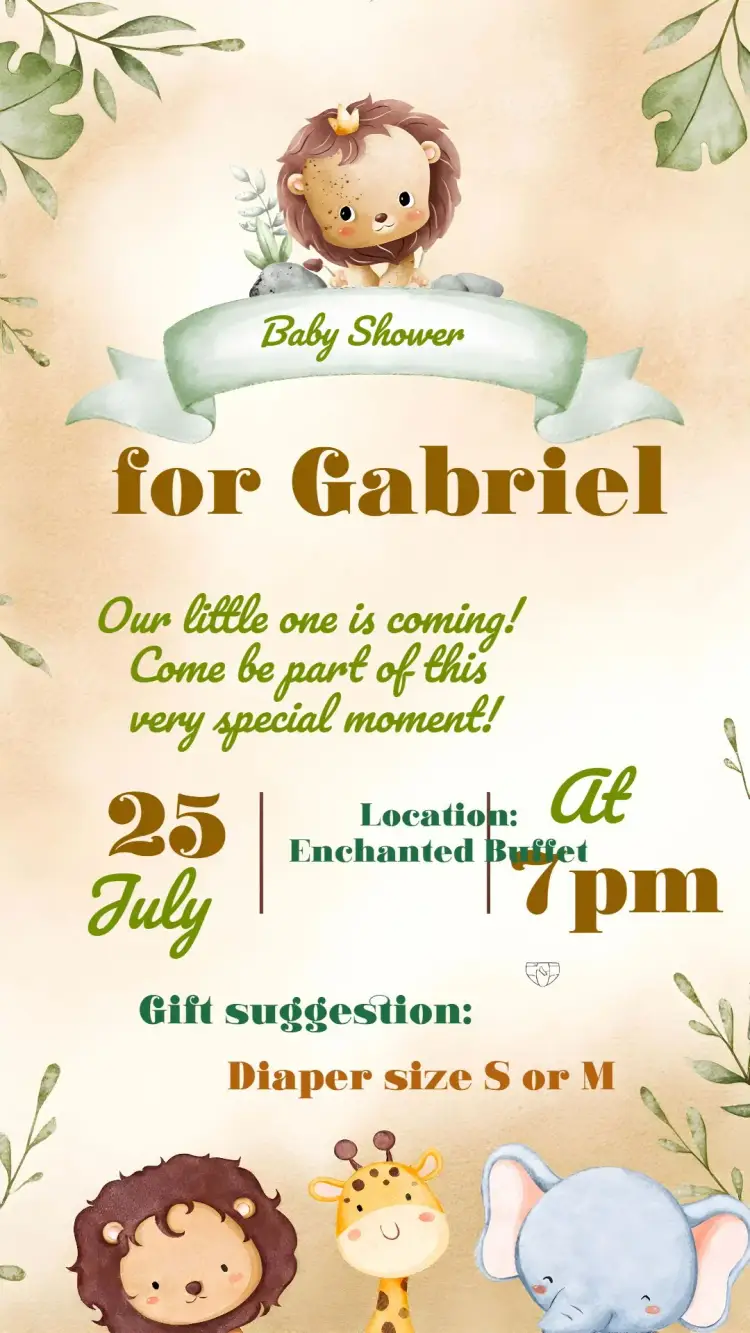
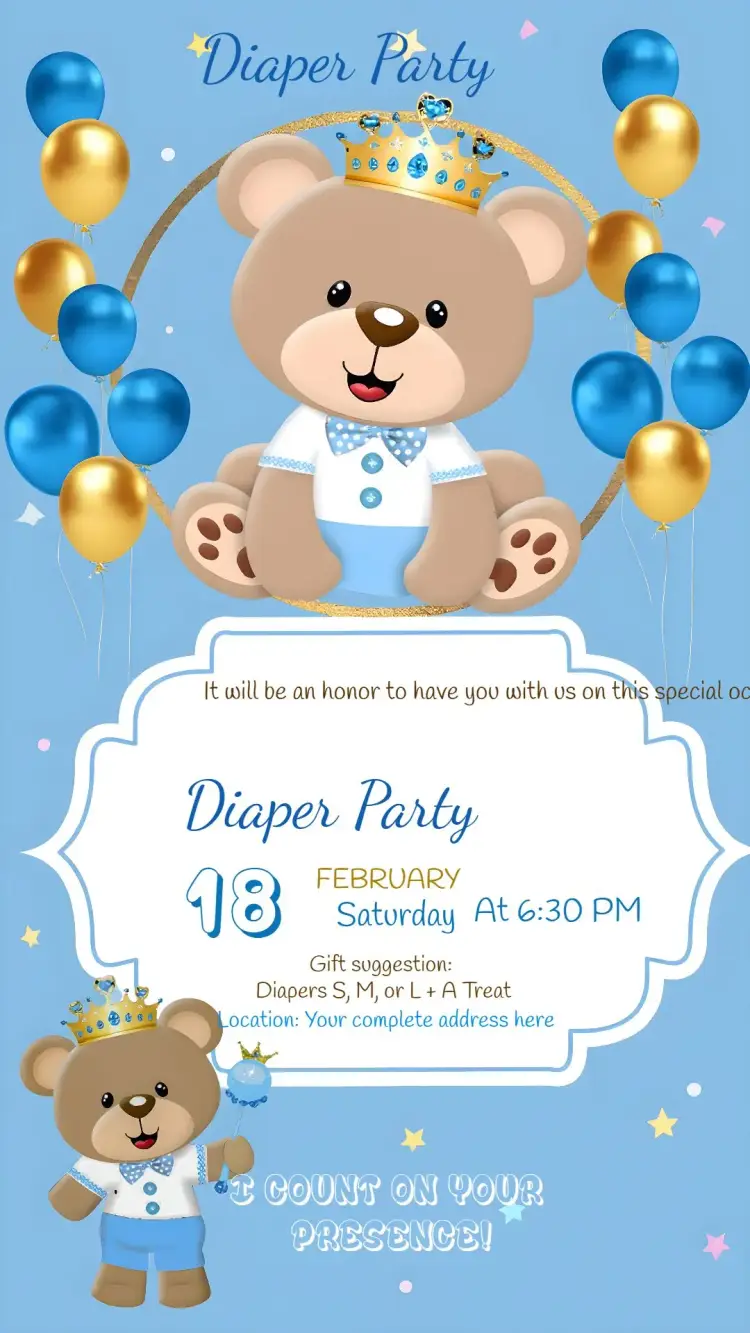
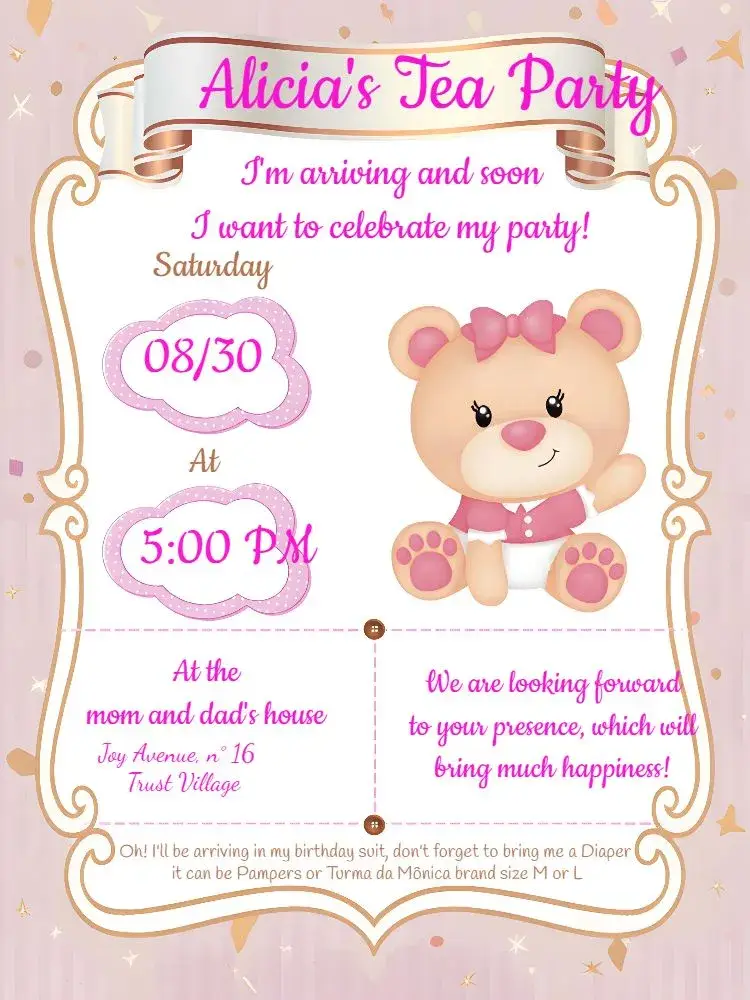
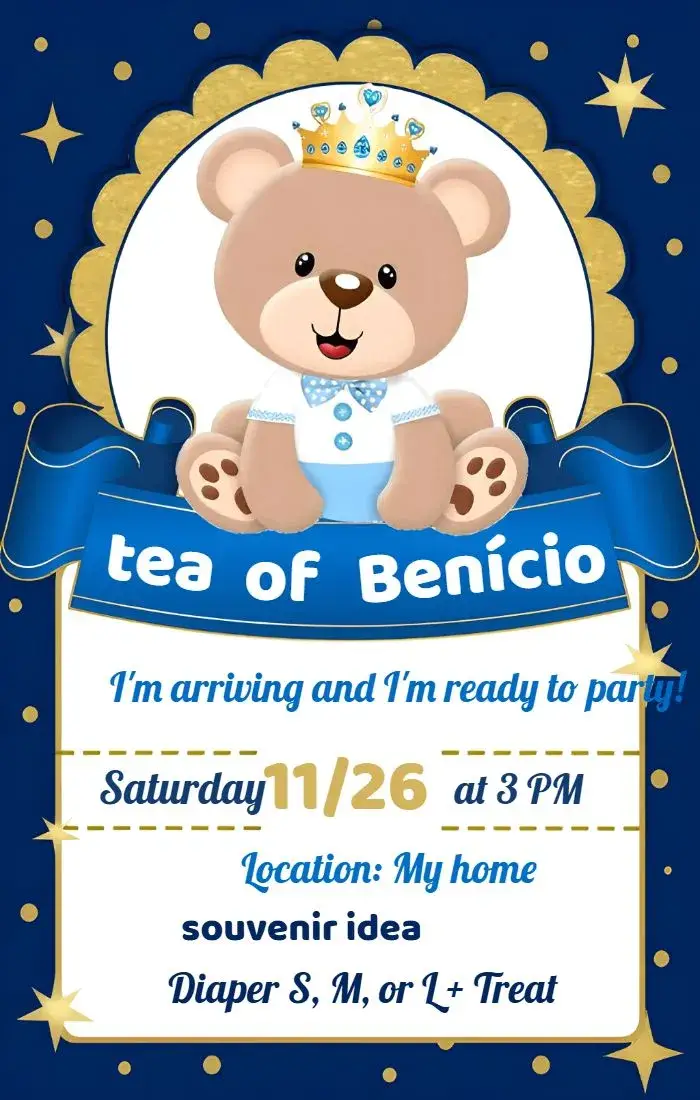
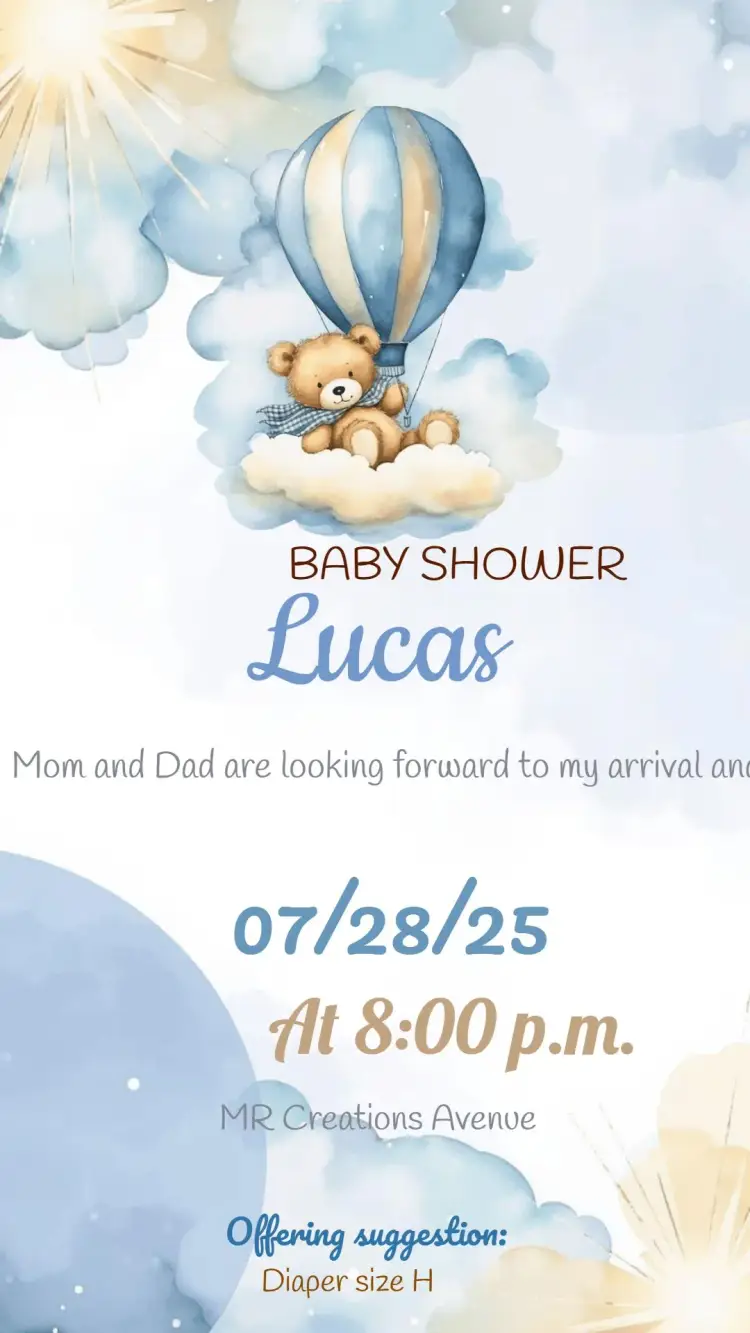
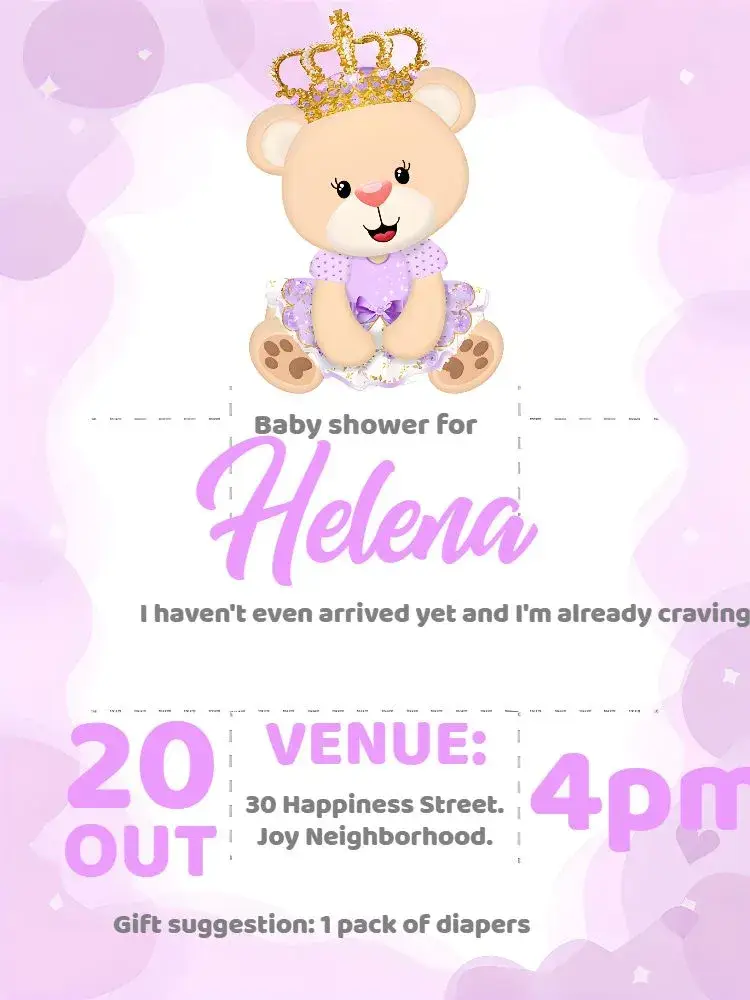
Diaper Shower
View All →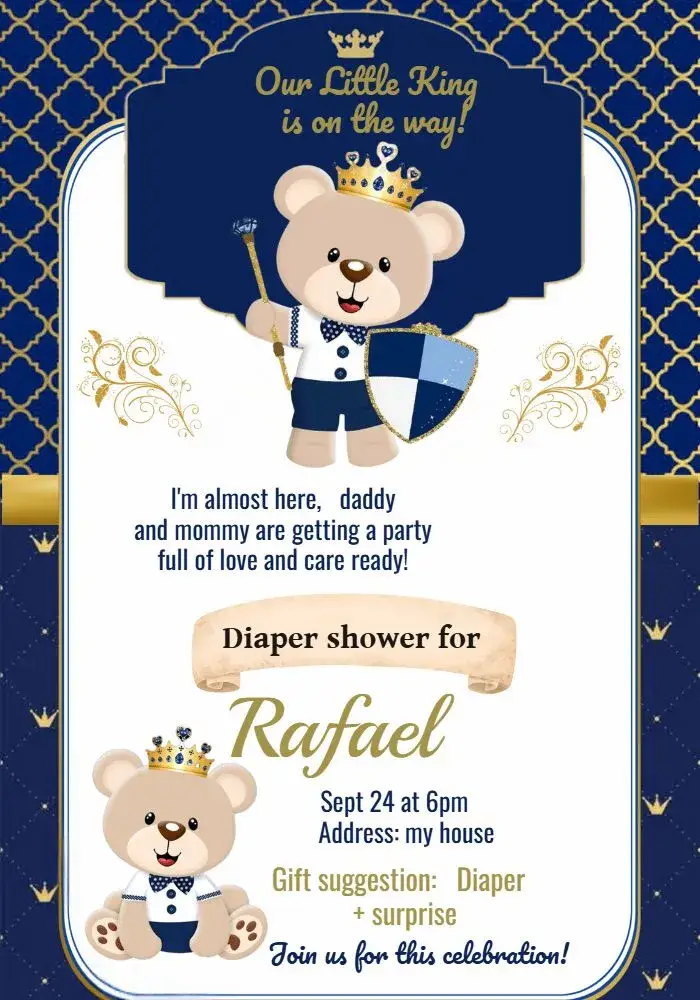

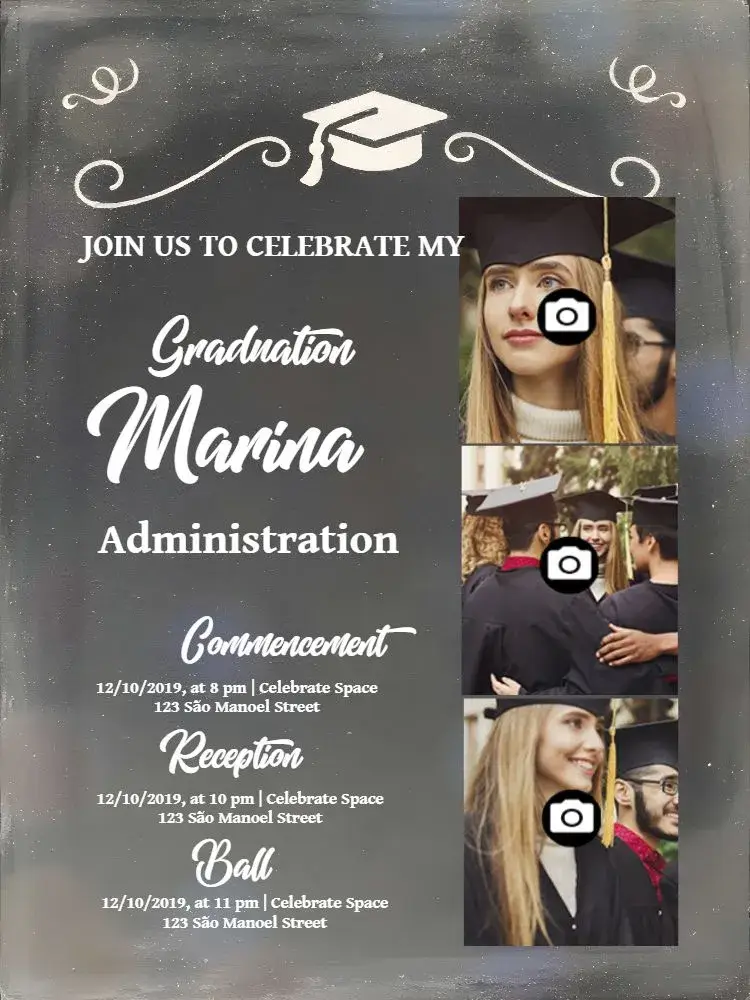
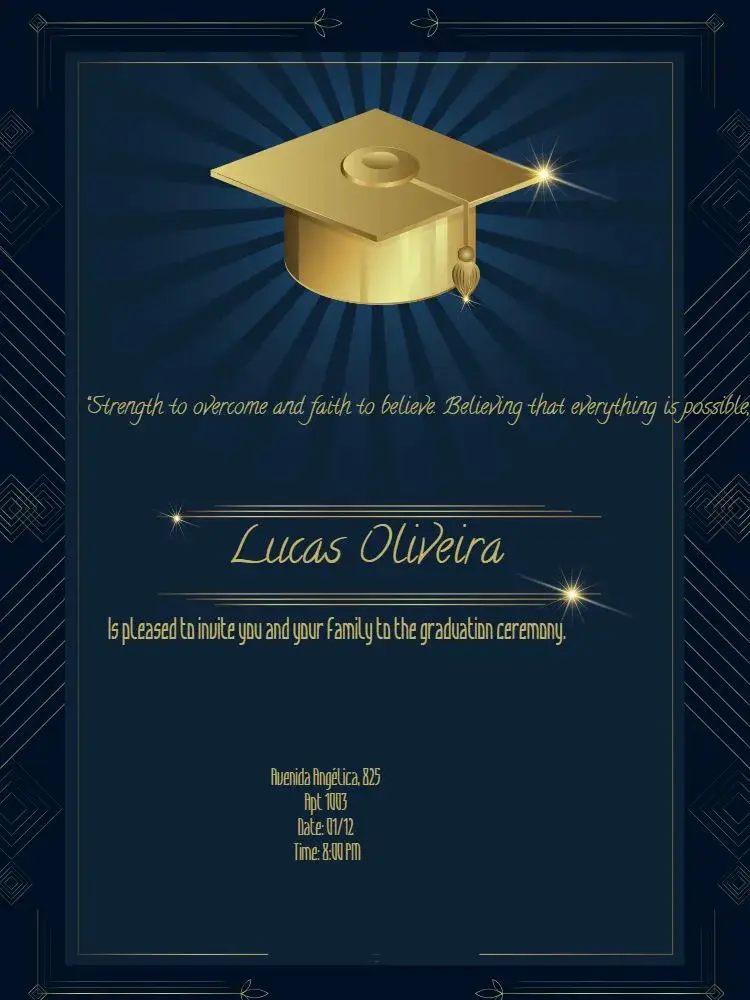
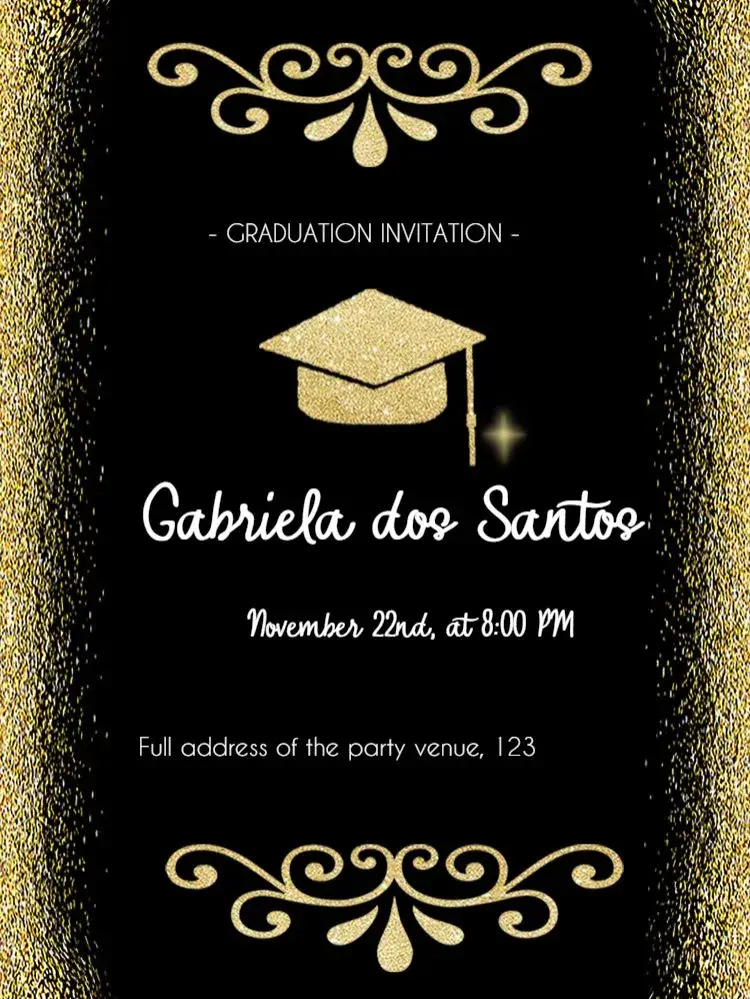
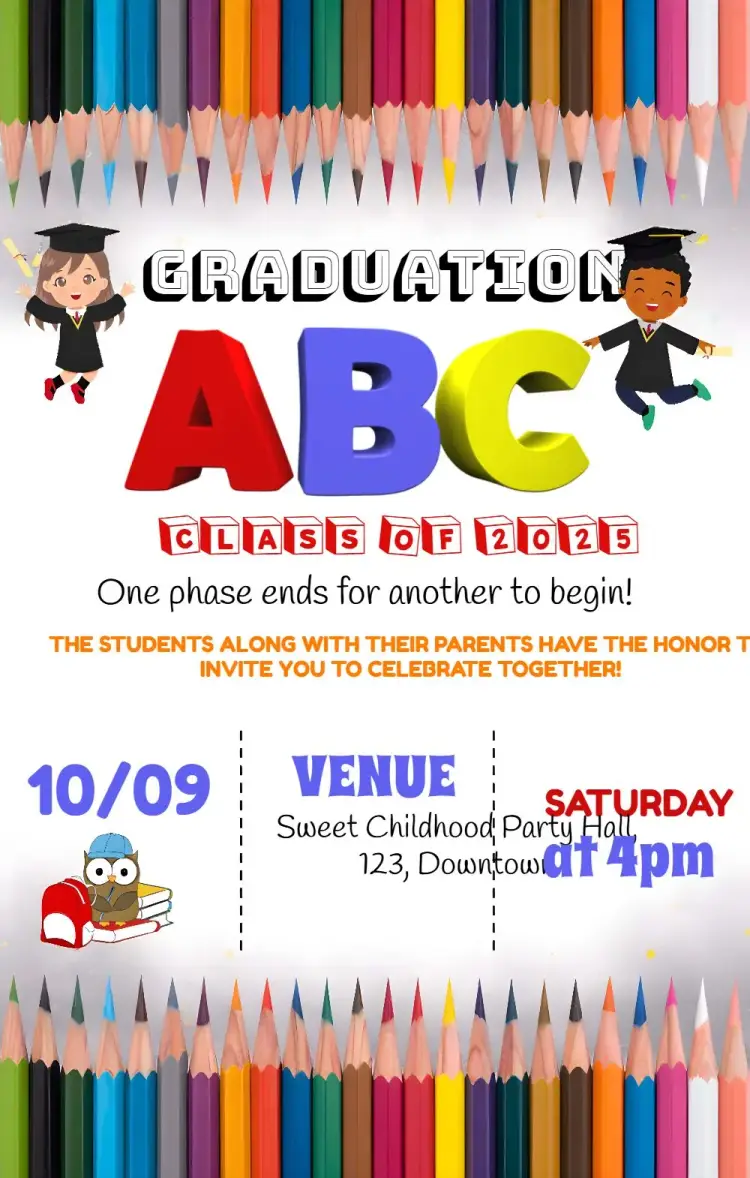
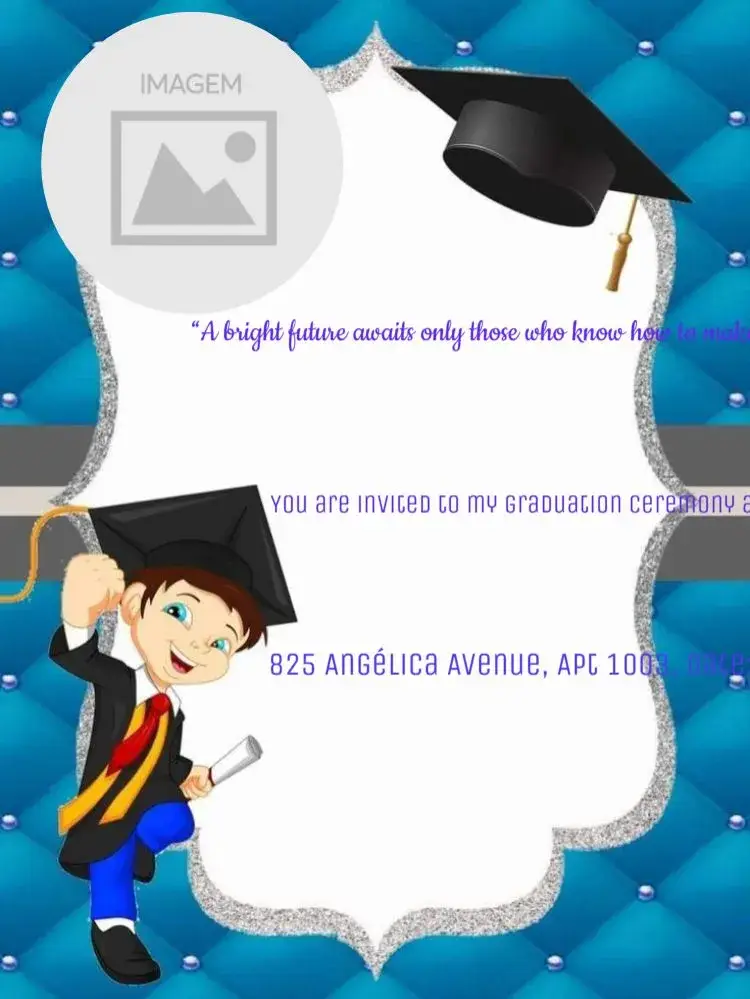
Graduation
View All →

















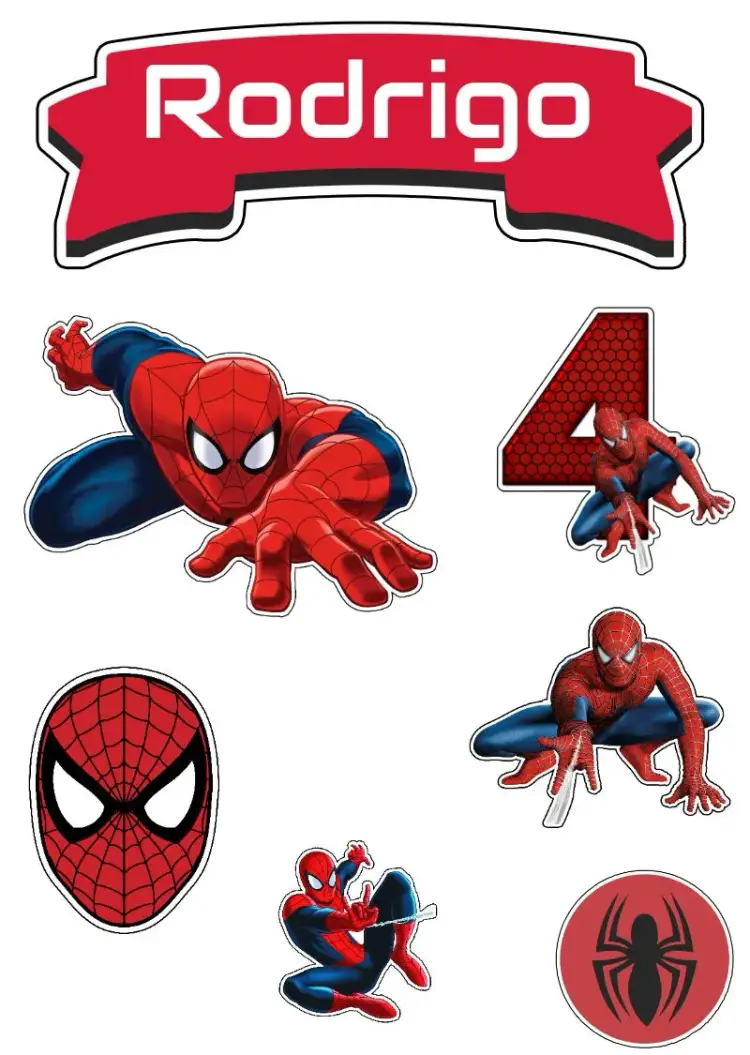
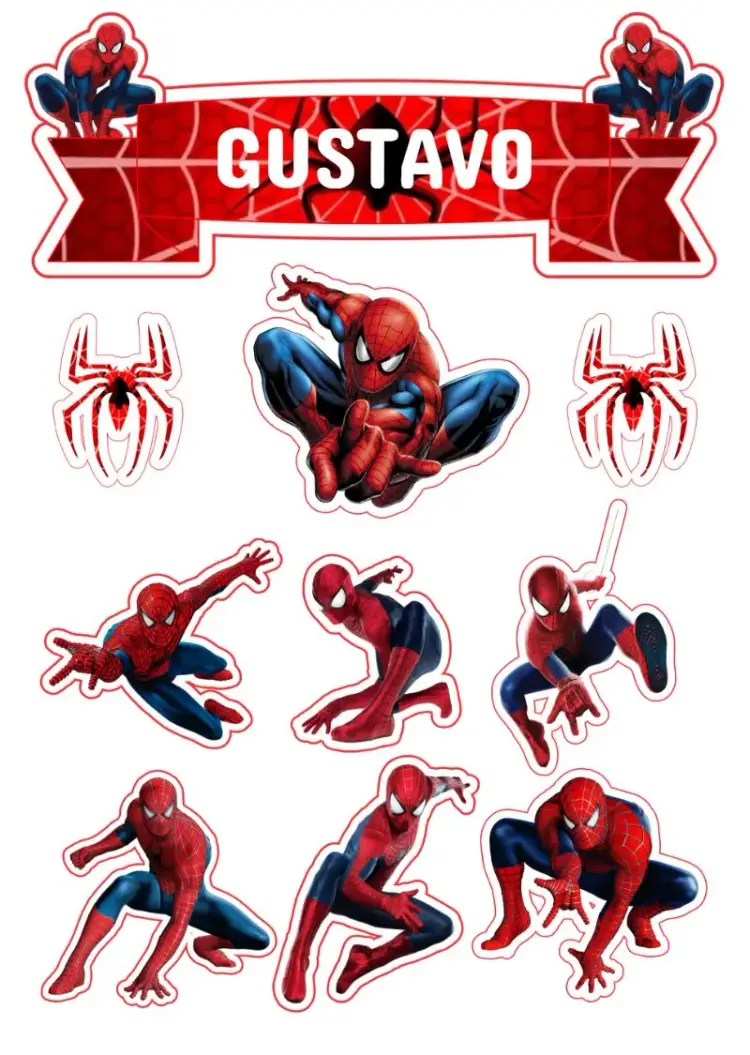
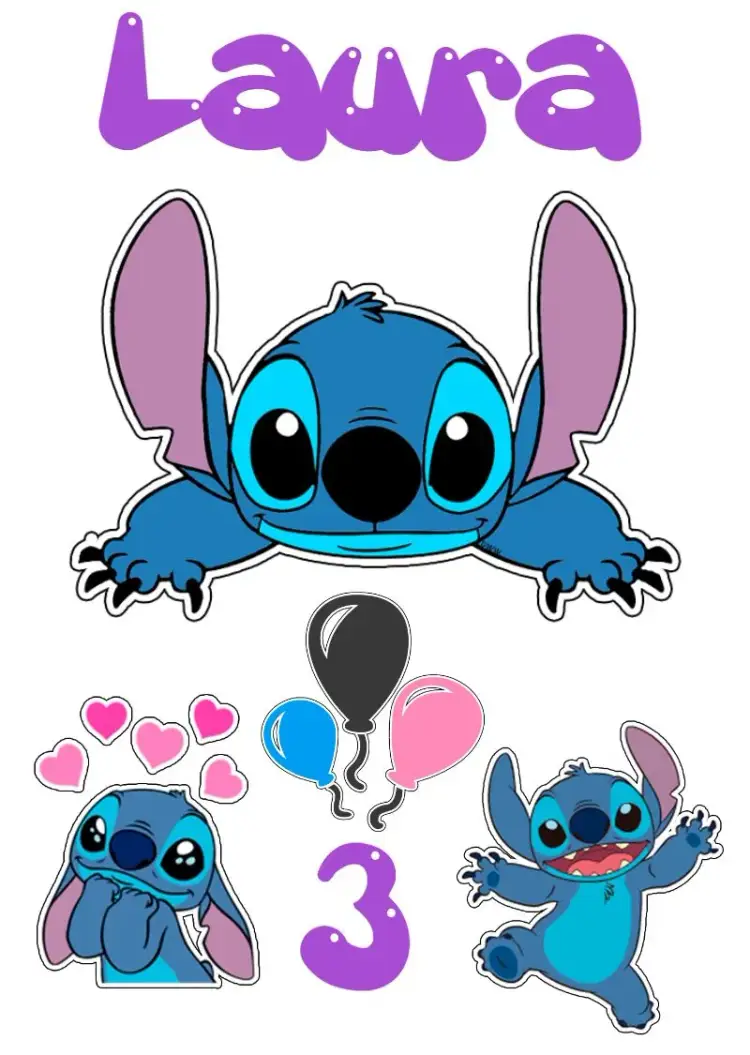
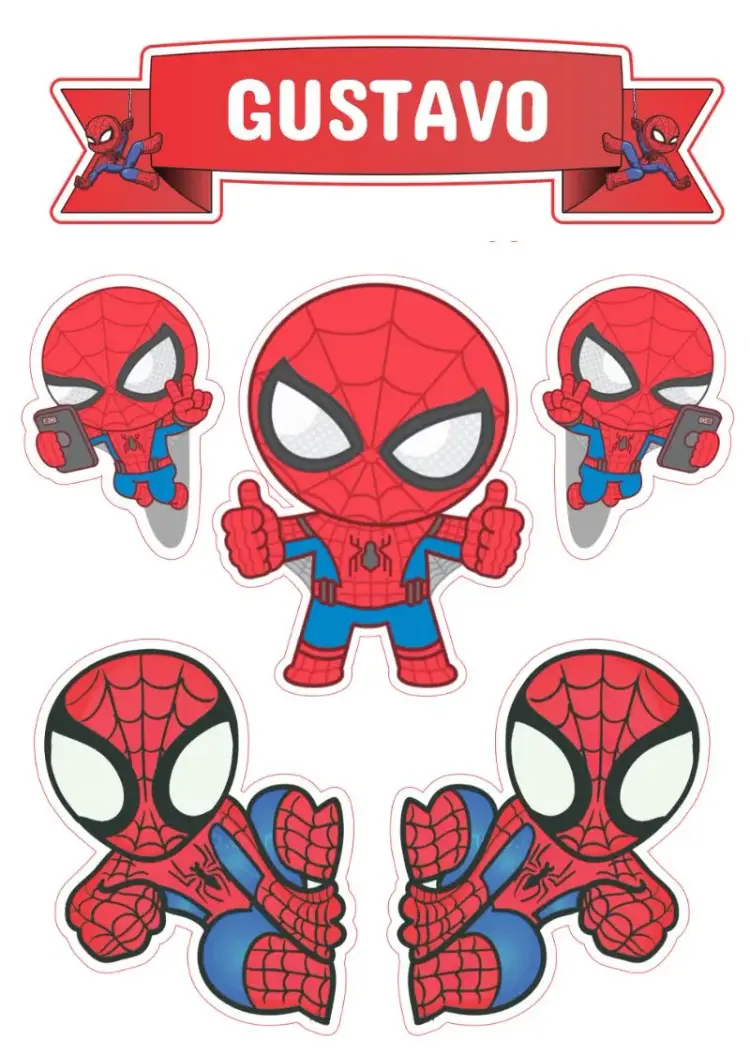
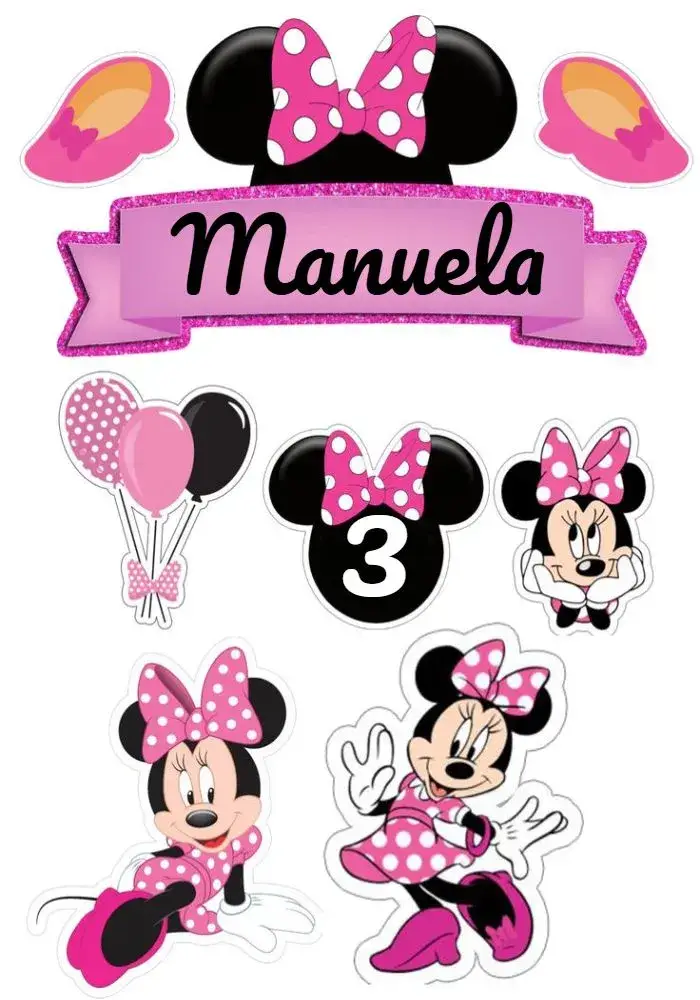
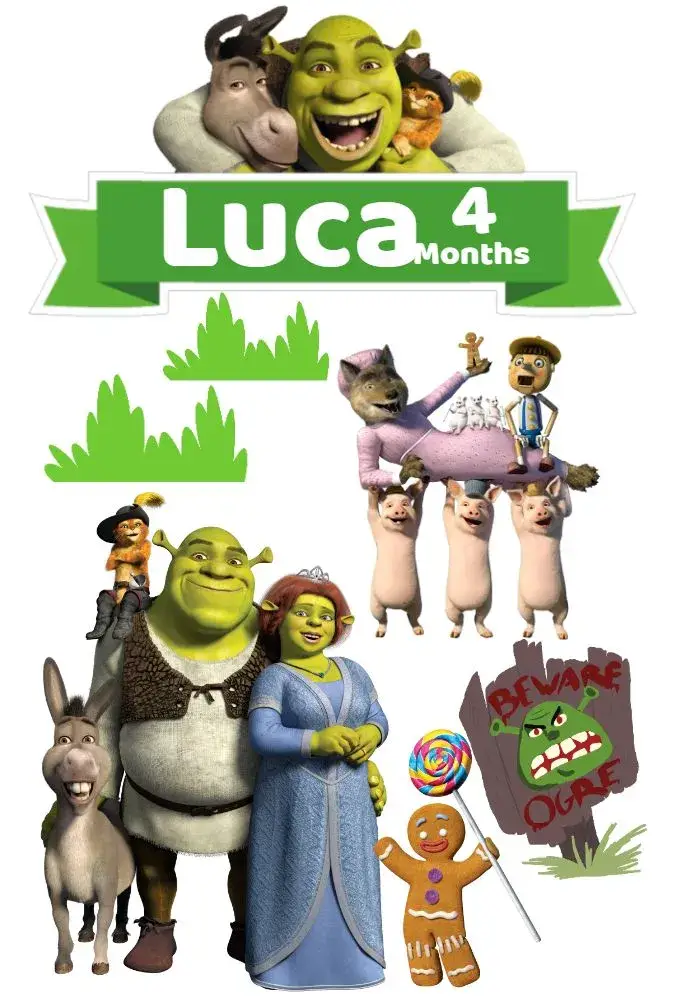
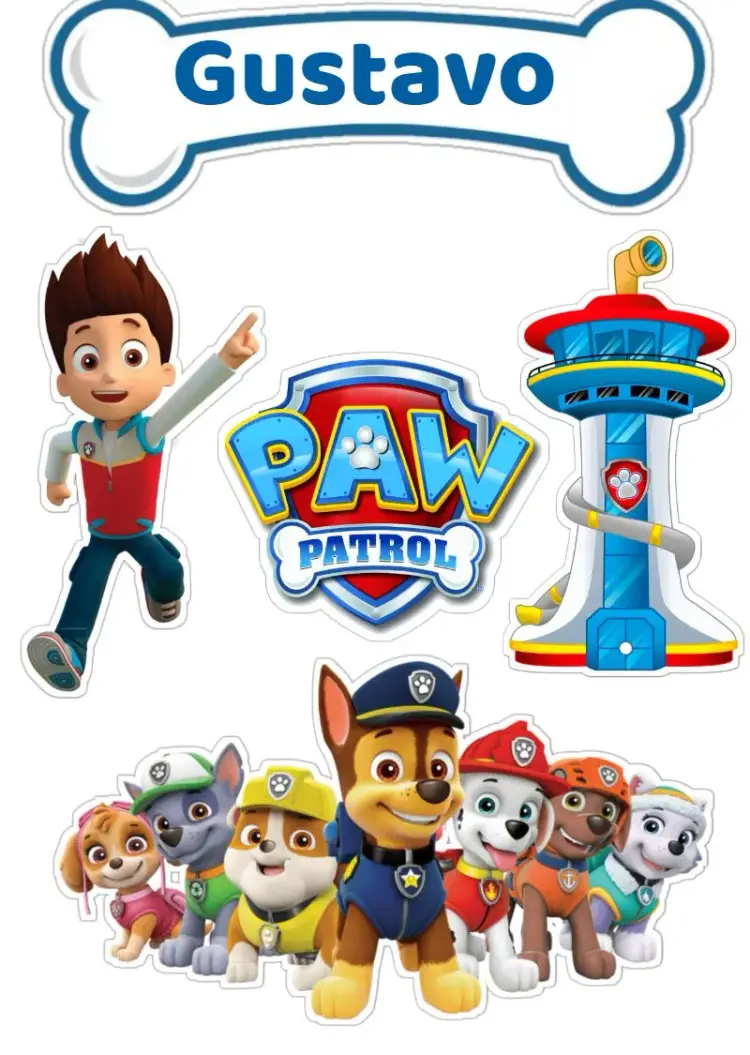
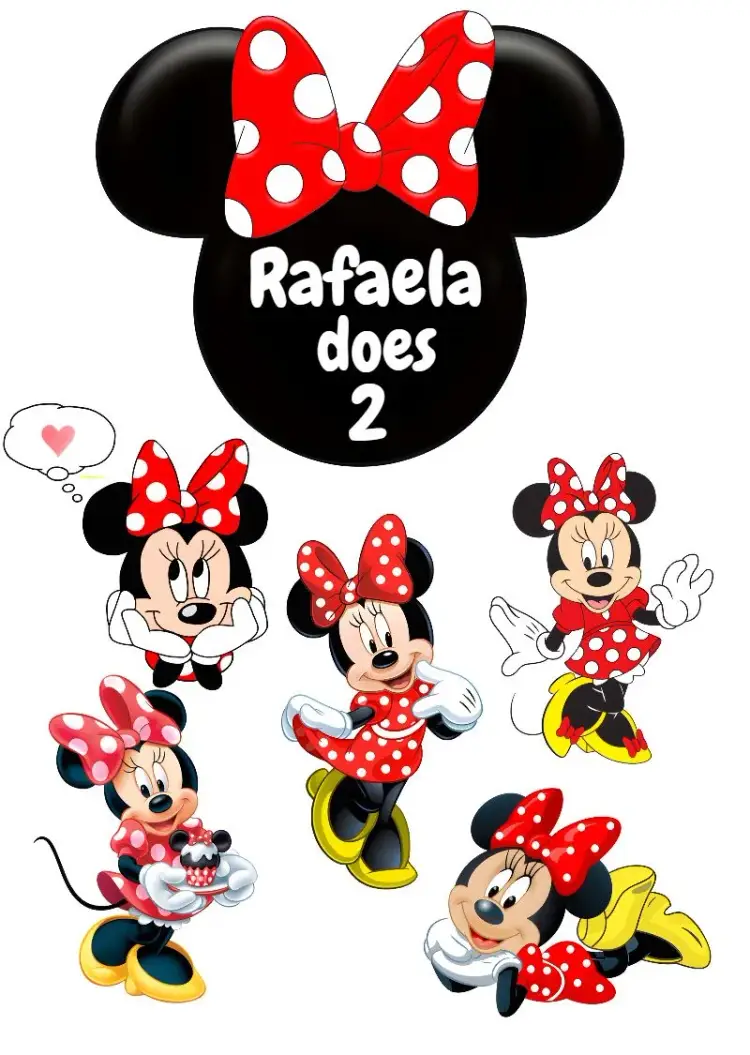
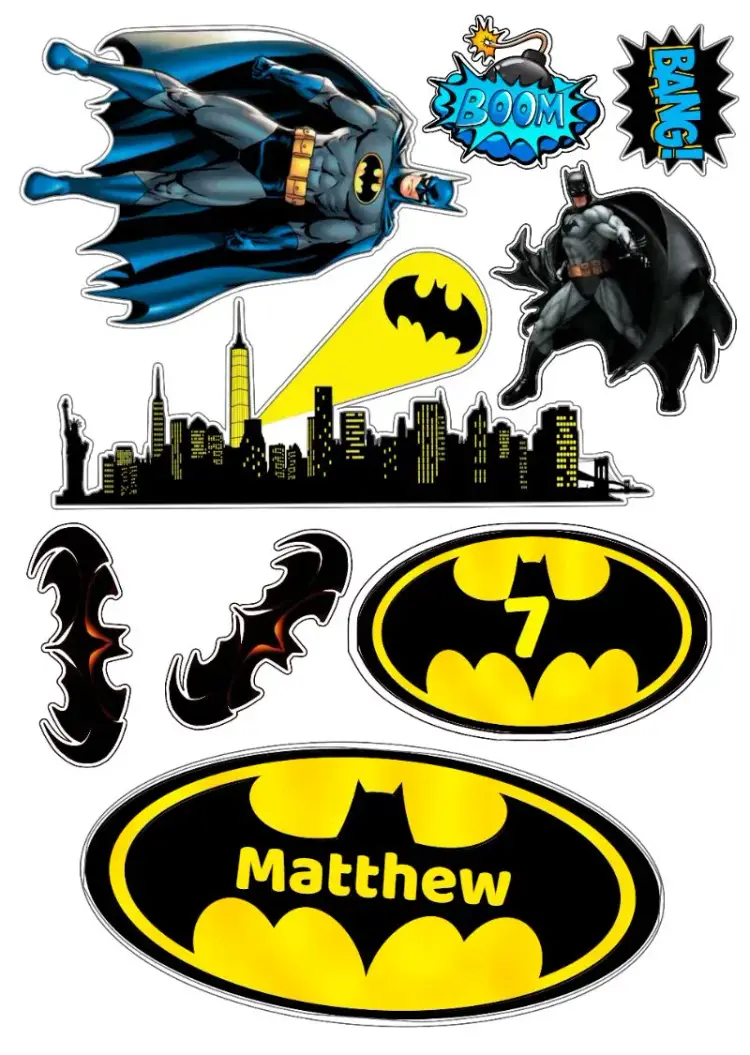
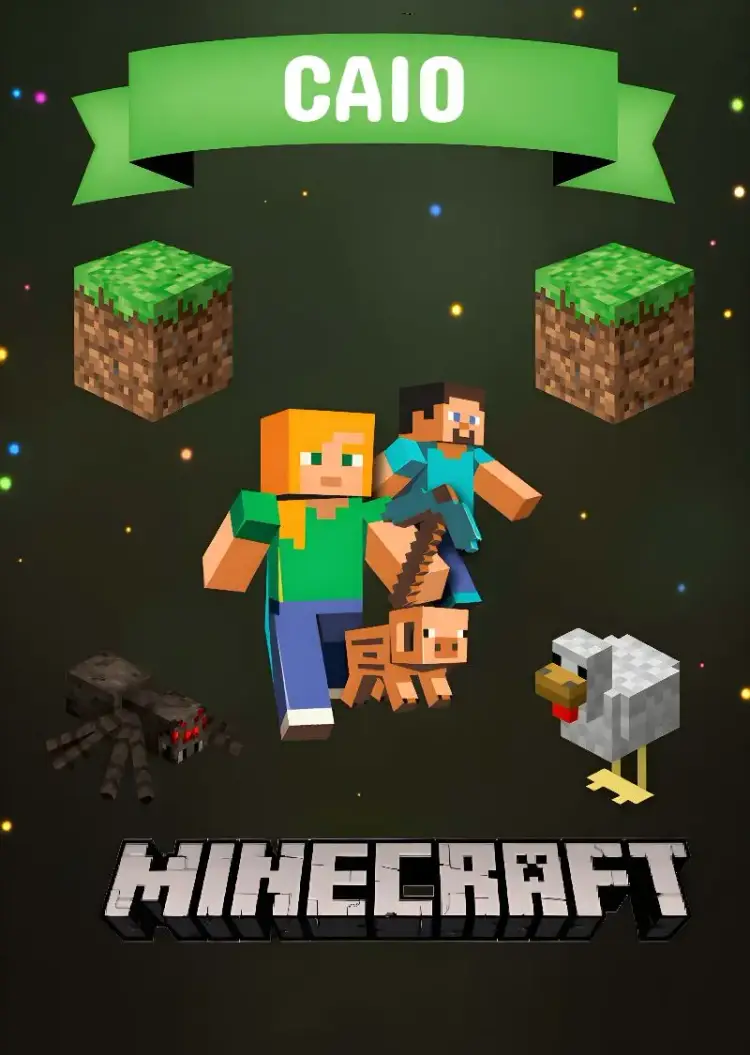
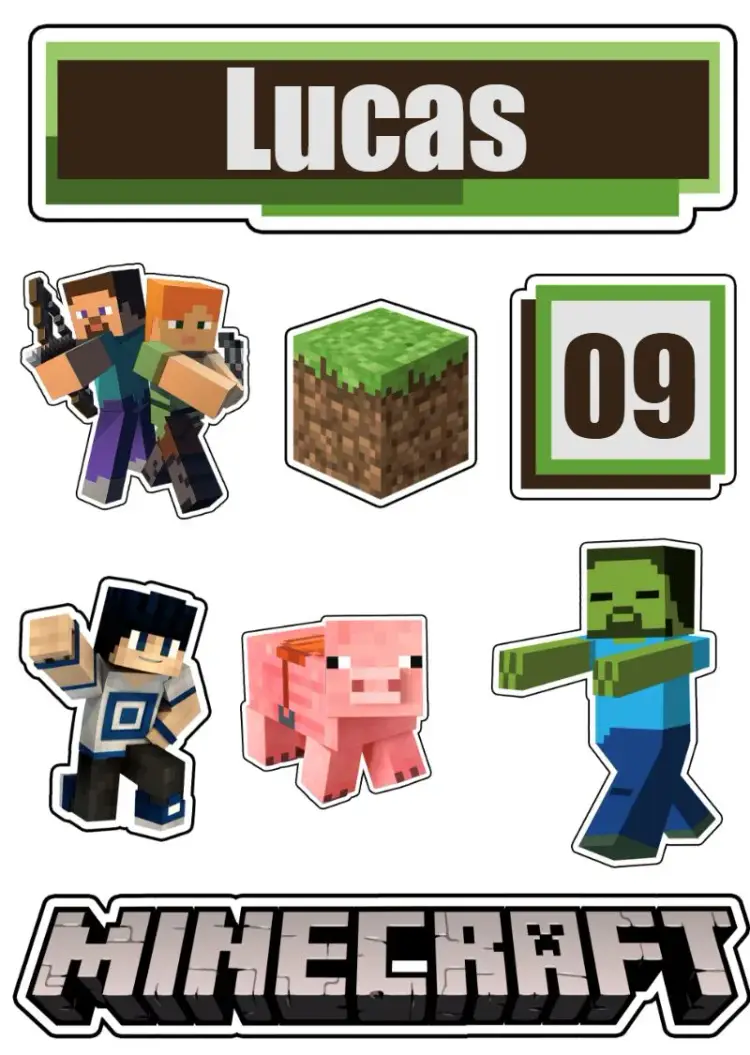
Cake topper
View All →




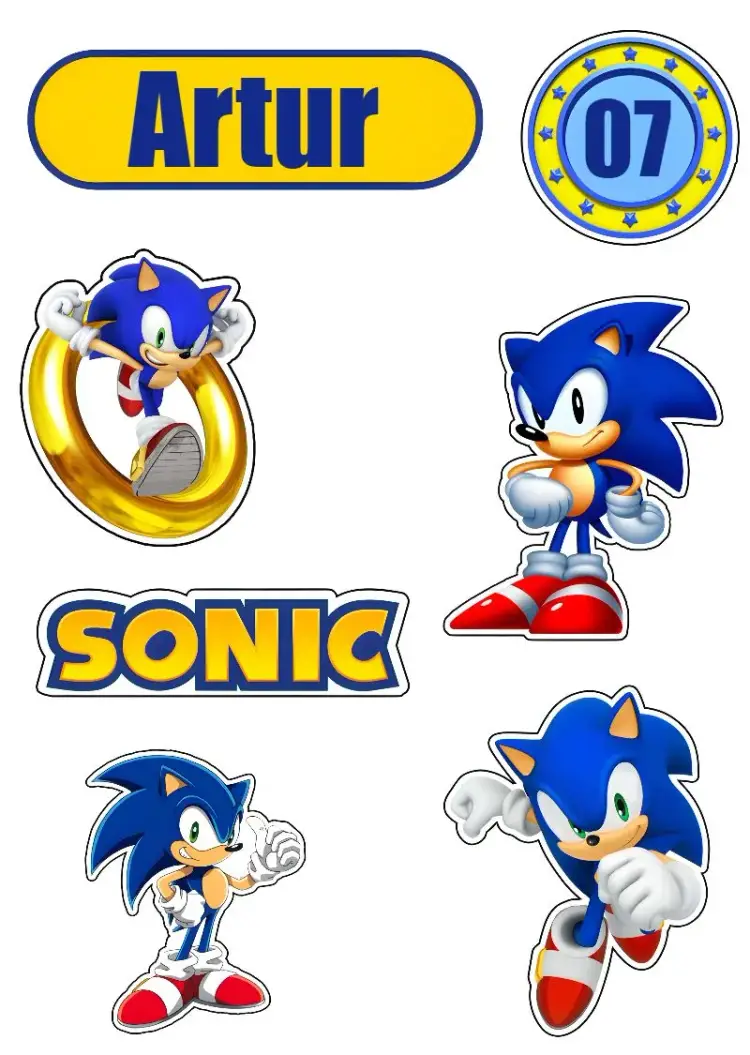

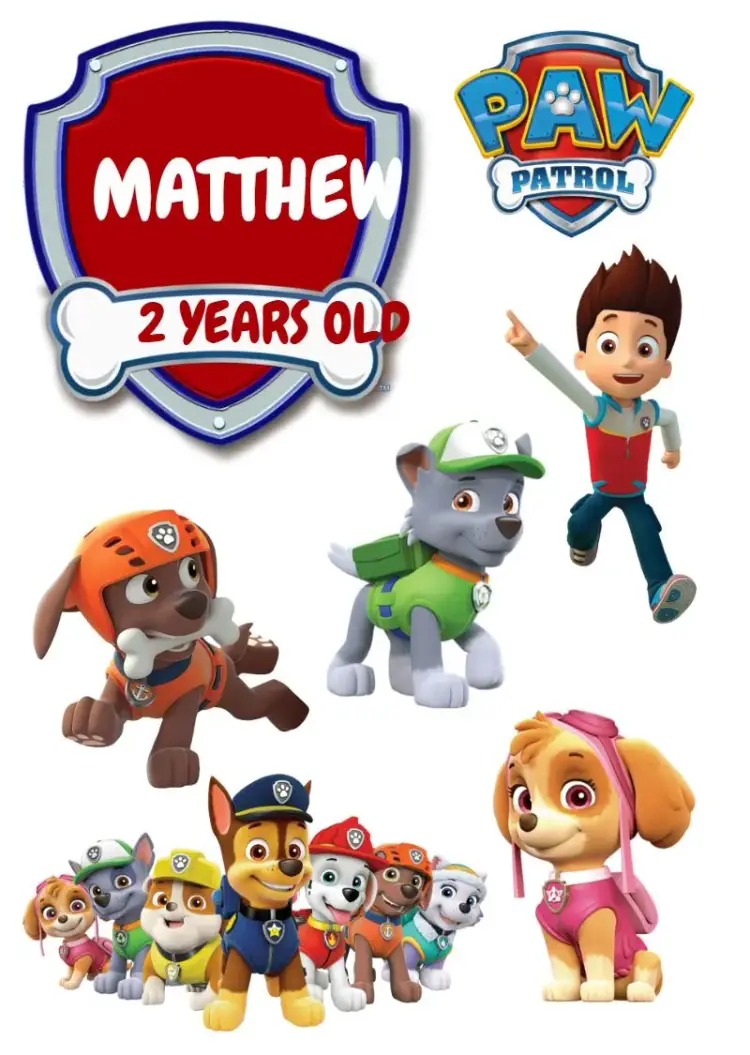
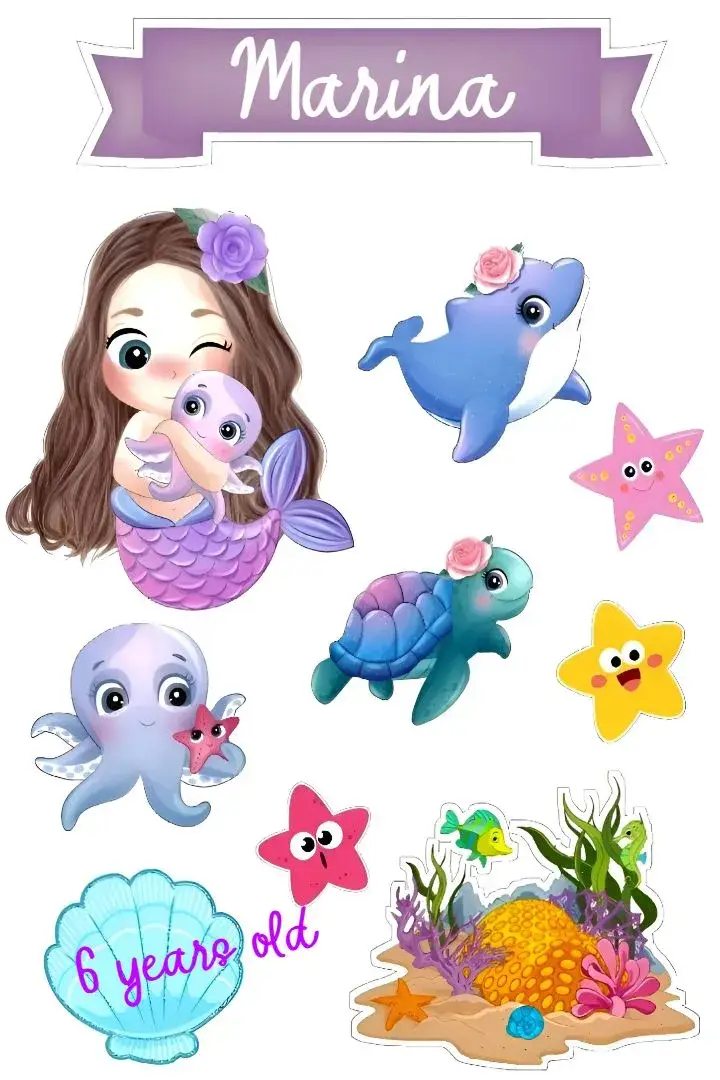

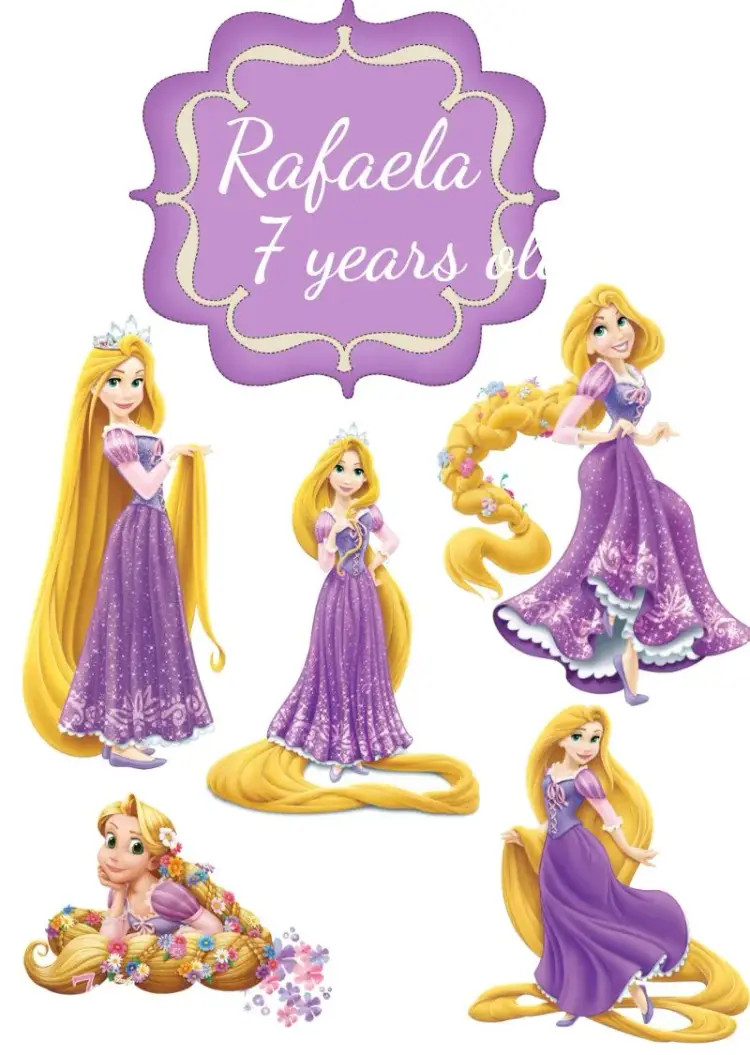



Card
View All →














Our Invitation Advantages
Browser-based editor
Open a design and personalize its available text and elements without installing design software.
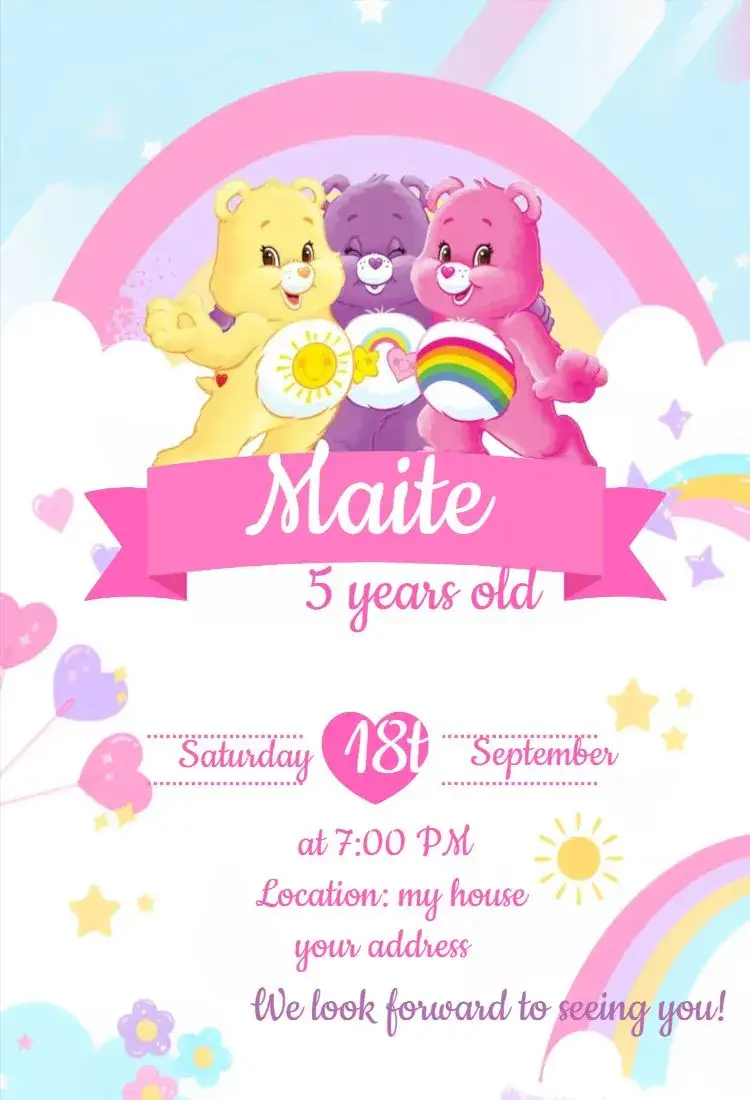
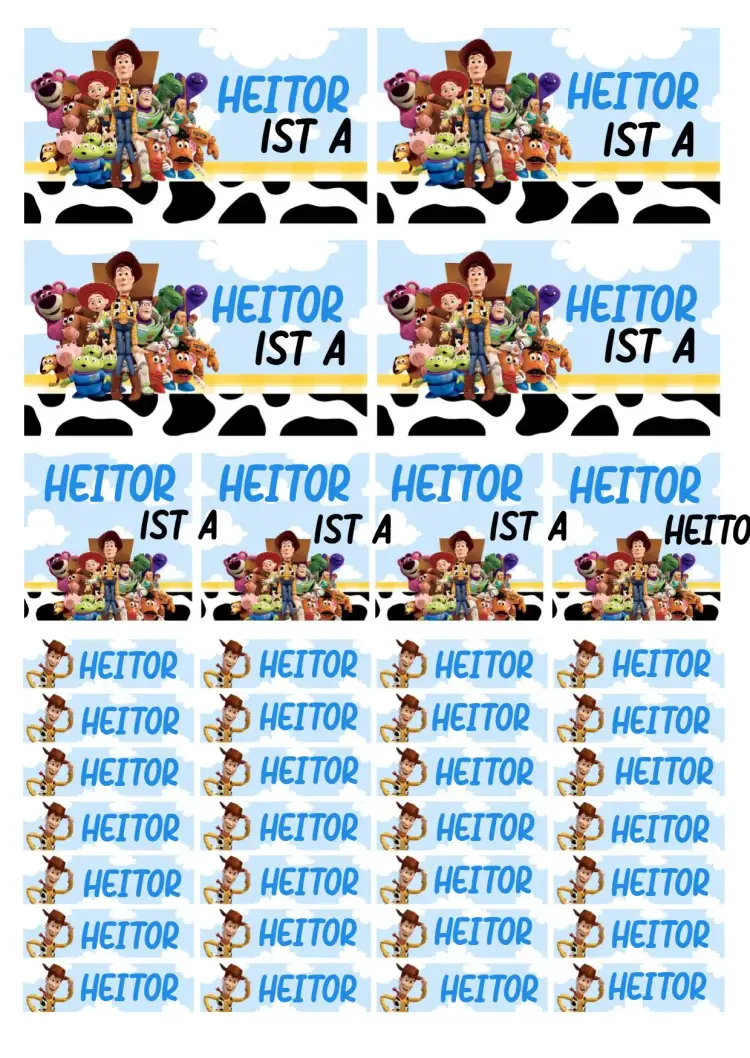
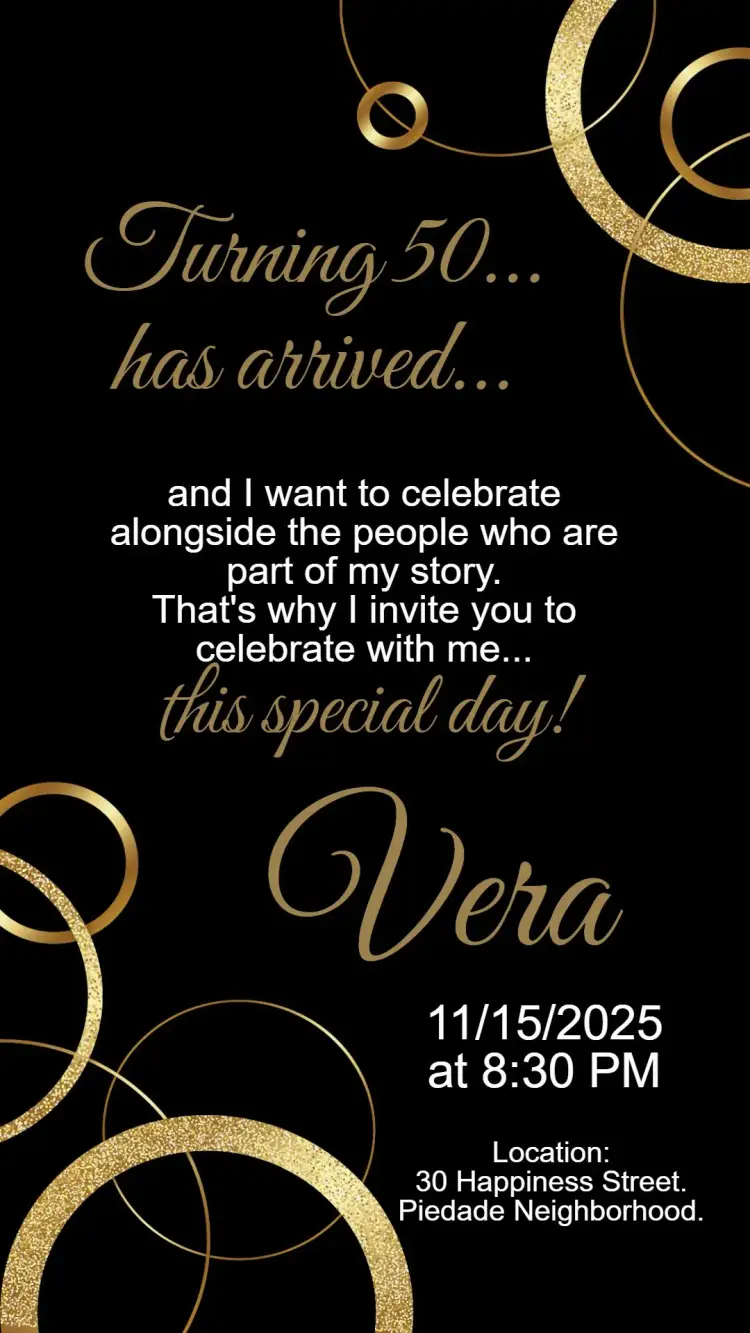
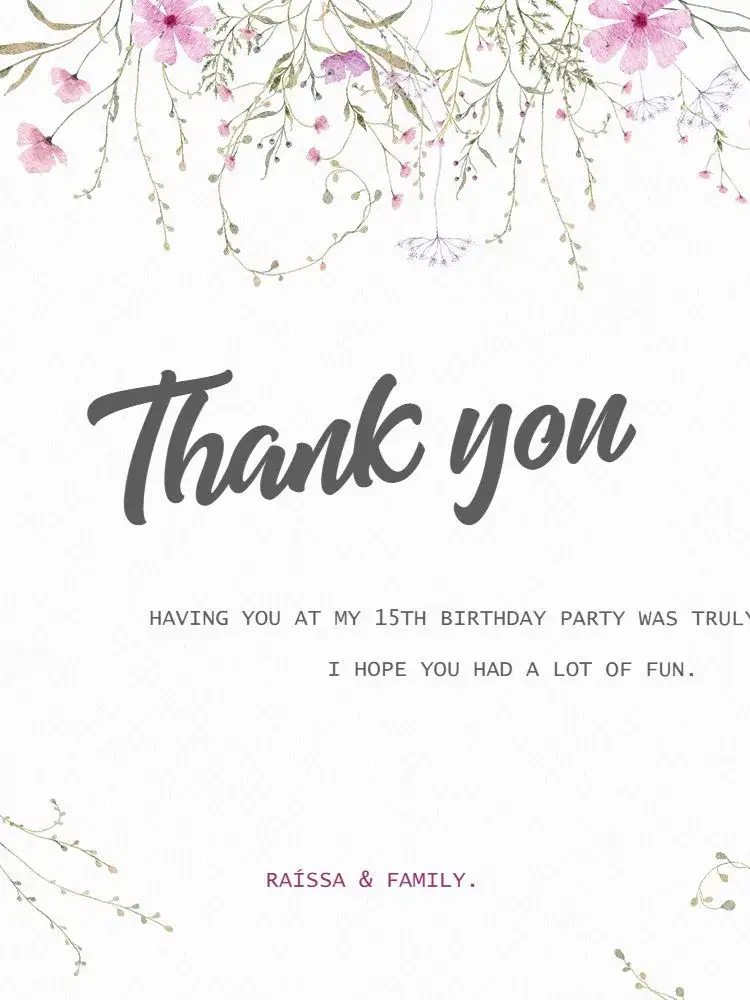
Compare the artwork
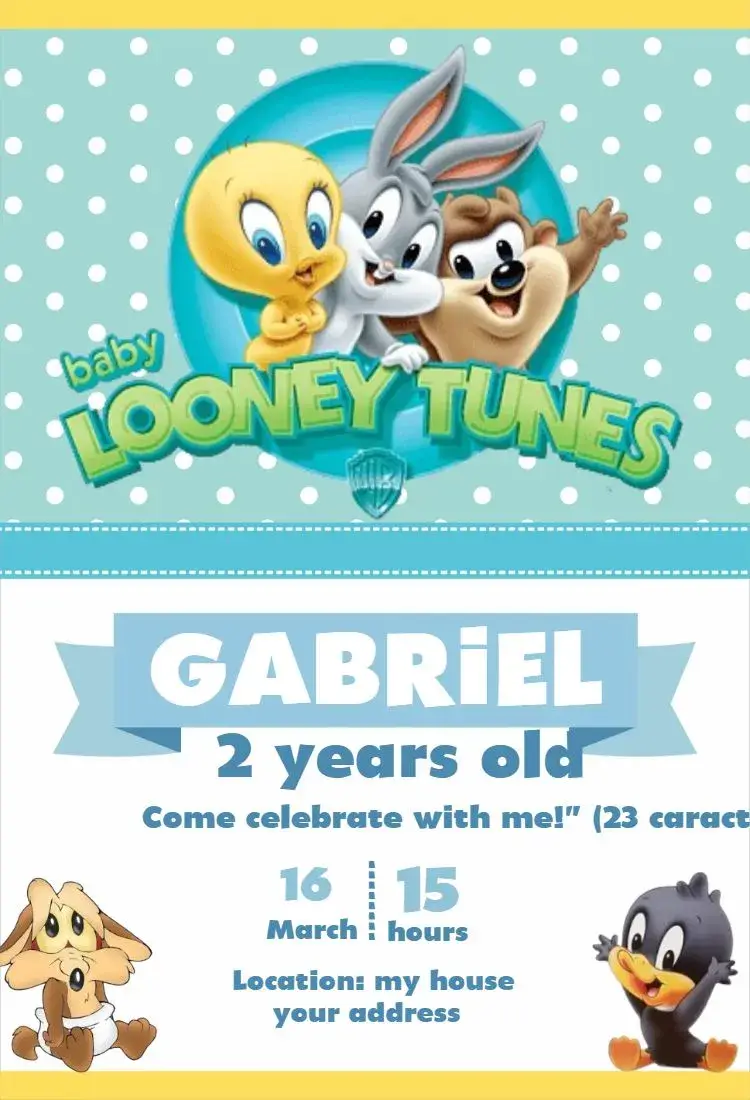
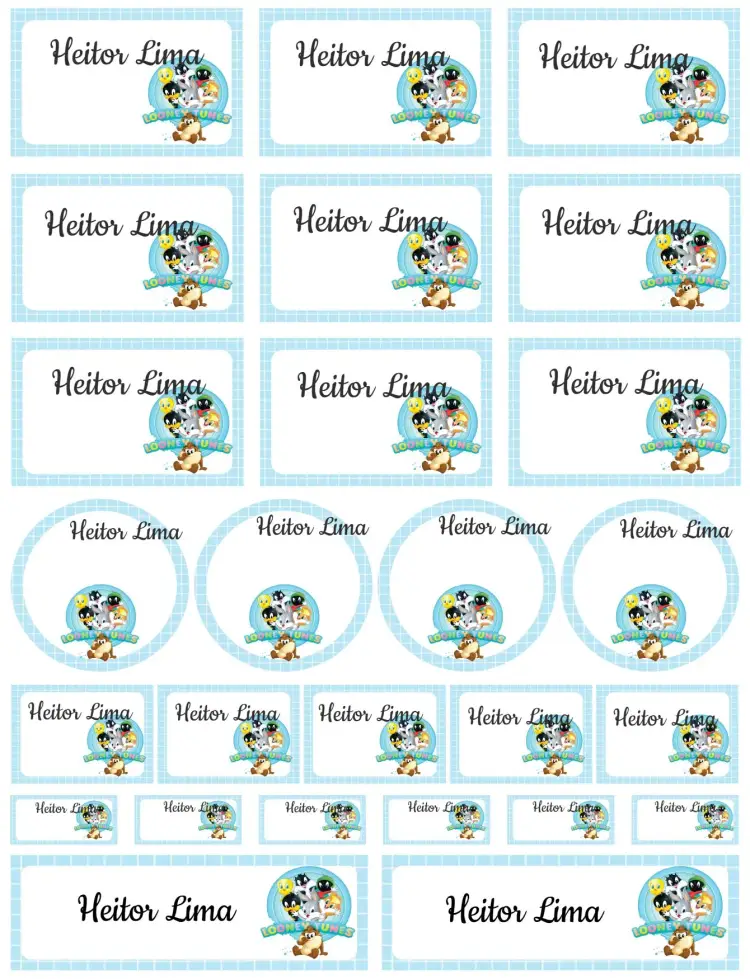
Look at the layout, room for event details and colors in each preview instead of choosing by the design name alone.
Prepare to share
After reviewing and unlocking the invitation, choose the available image, PDF or sharing option that fits your needs.
Edit on your phone
Open the editor in a phone or computer browser. Zoom in to check small text, then review the whole preview.
Help channels
If you need help, use Convitede’s contact channels. Include the design and a description of the issue to help with your request.
How to Create Your Invitation
Search for a theme or open a category. Compare the previews and select a layout for your event. Replace the sample information and check the room for your text and photos. Check the preview and unlock options. Test the image or PDF before sharing or printing.
Choose a design
Search for a theme or open a category. Compare the previews and select a layout for your event.
Add your event details
Replace the sample information and check the room for your text and photos.
Review and prepare the file
Check the preview and unlock options. Test the image or PDF before sharing or printing.
Ready to Create Your Invitation?
Open a category for your event and choose a design to personalize.