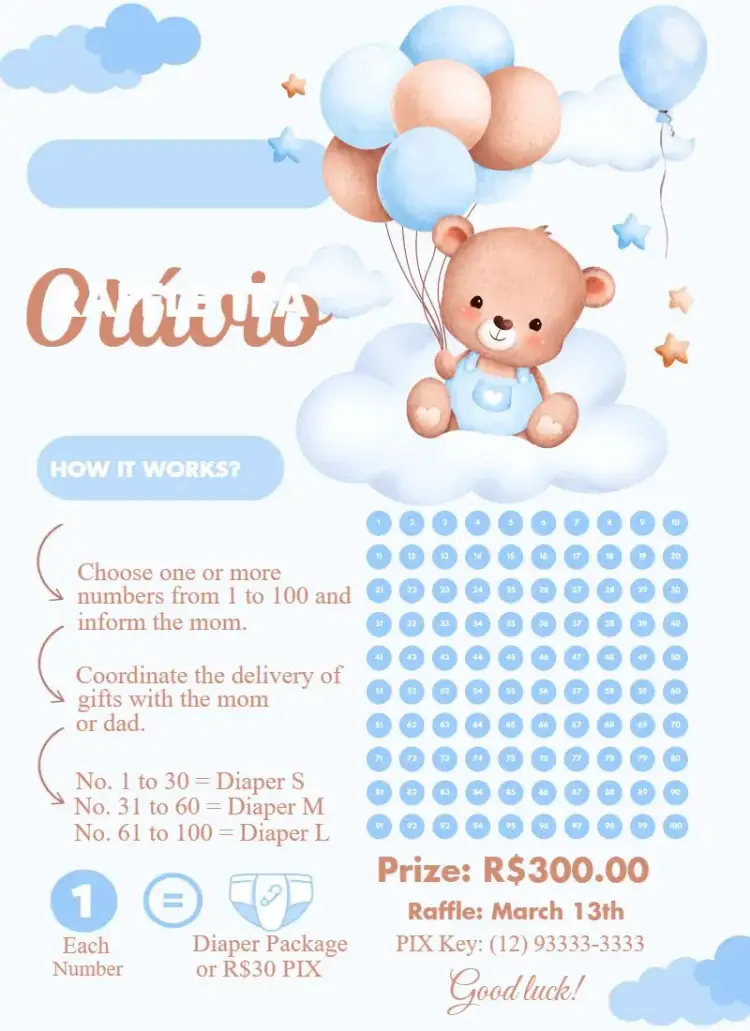
Digital Bear in the Clouds Invitation - Enchanting Raffle Tea
128 edits saved1,678 views
Personalize your Raffle Tea invitation with the Bear in the Clouds theme. Edit online for free to make your event unforgettable! Download it and send it to your guests.
- Editing is free
- Instant preview
- Card
You can adjust name, date and time before downloading.
MA
Created by Miguel Adorno- High-Quality PNG & PDF
- Share on WhatsApp
- Perfect for Raffle Tea
- Modern and Professional Design
People who viewed this also liked...
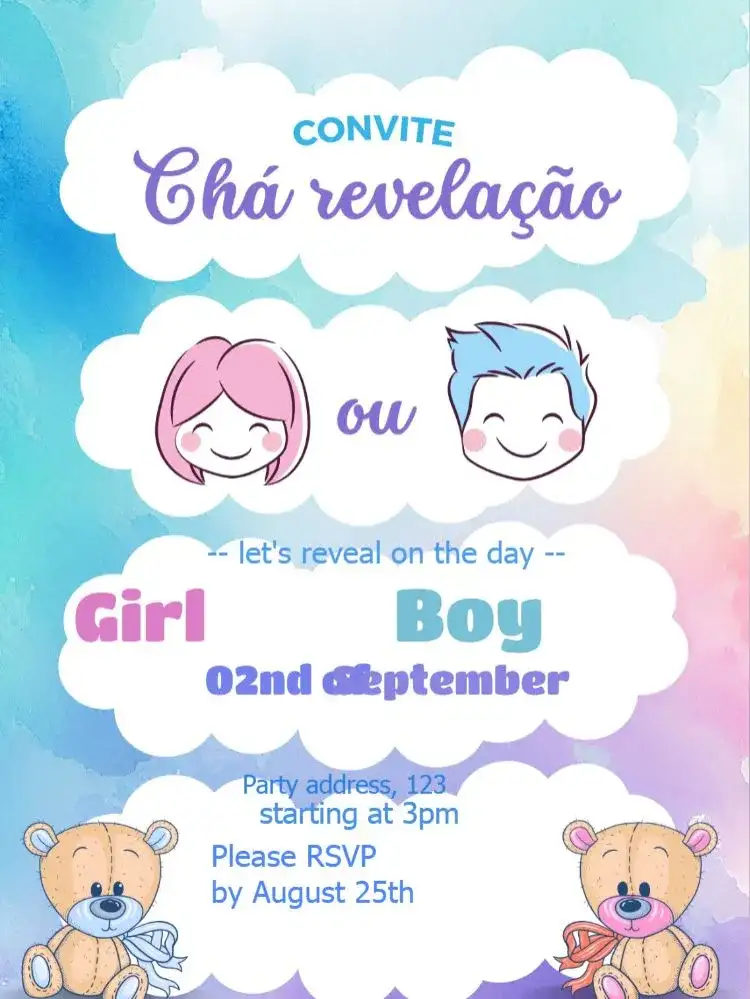
Baby Shower Bears and Clouds Cake Reveal
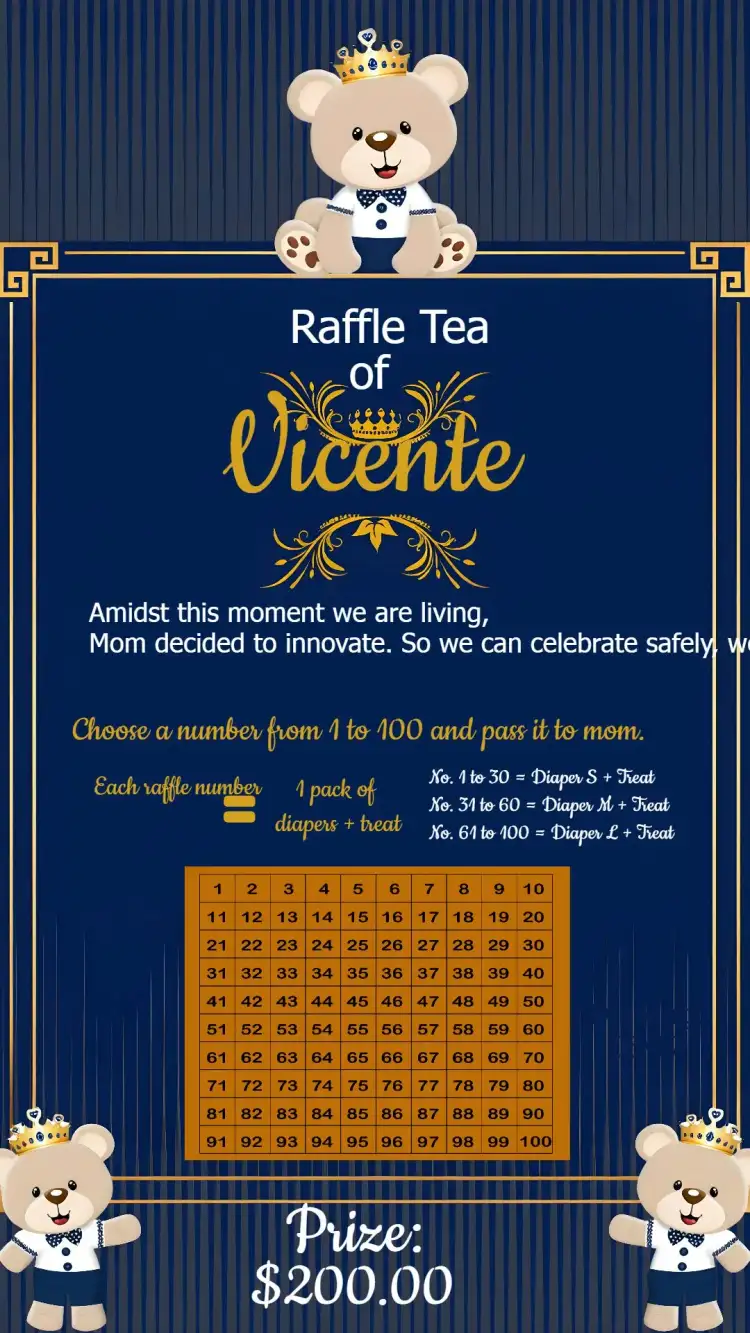
Blue Prince Teddy Bear Raffle Tea
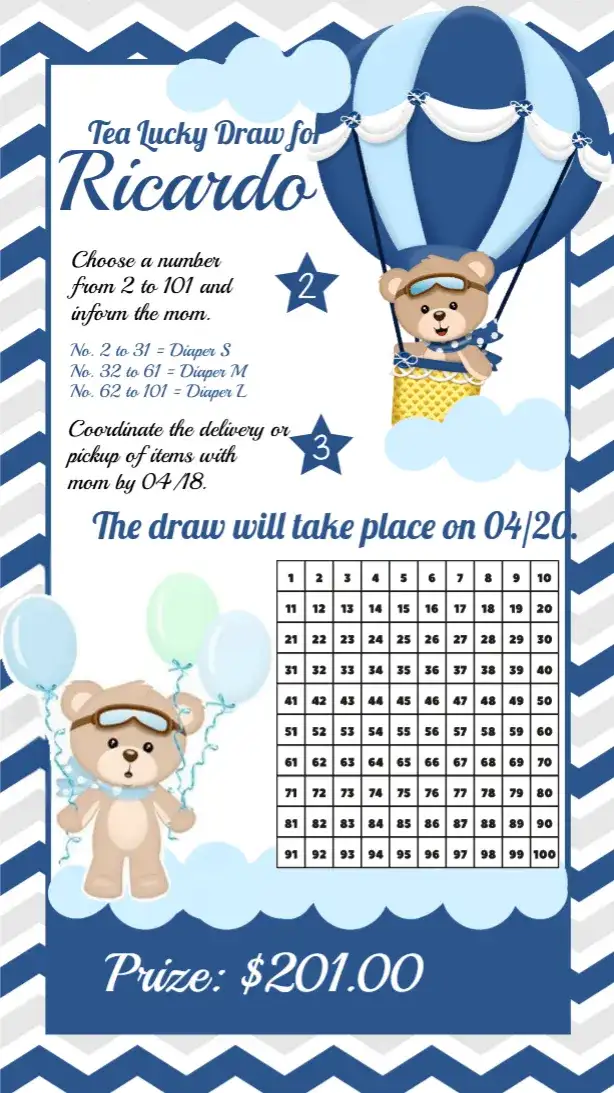
Tea Raffle Teddy Bear Balloonist Bear
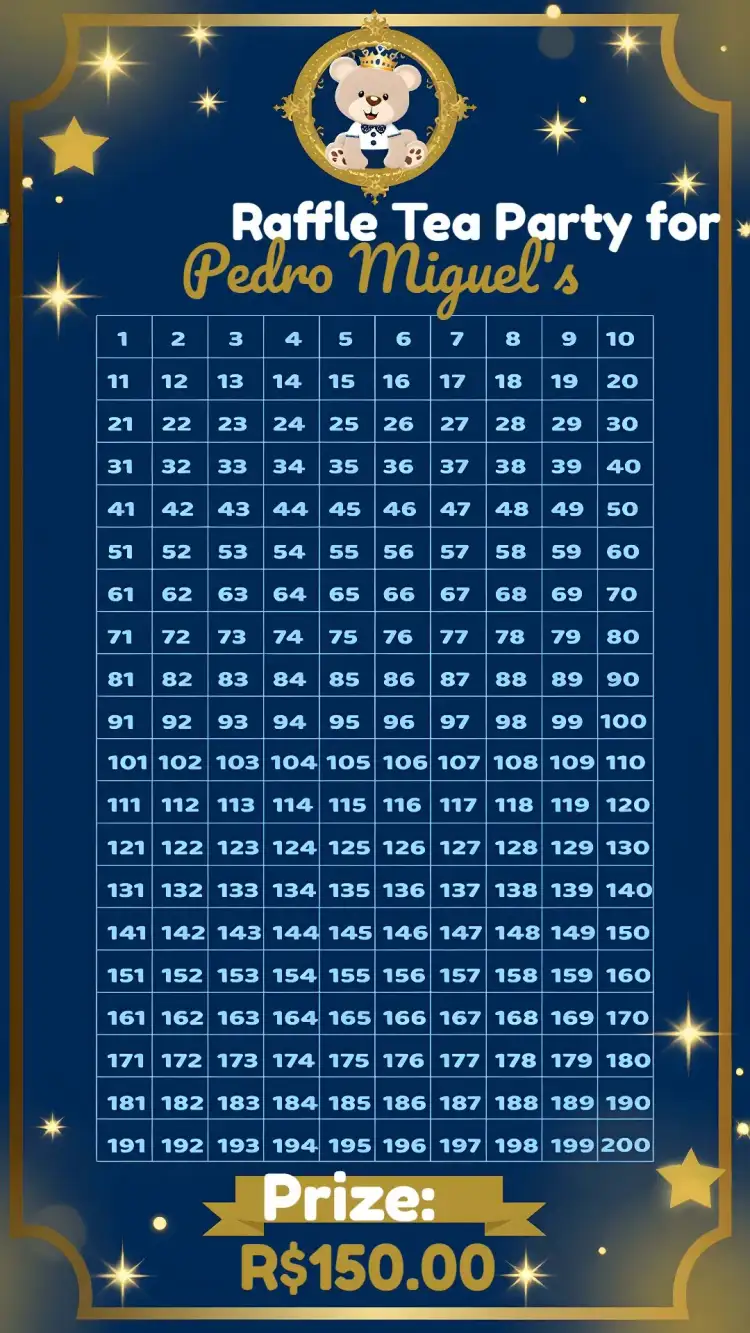
Prince Teddy Bear Raffle Tea Card
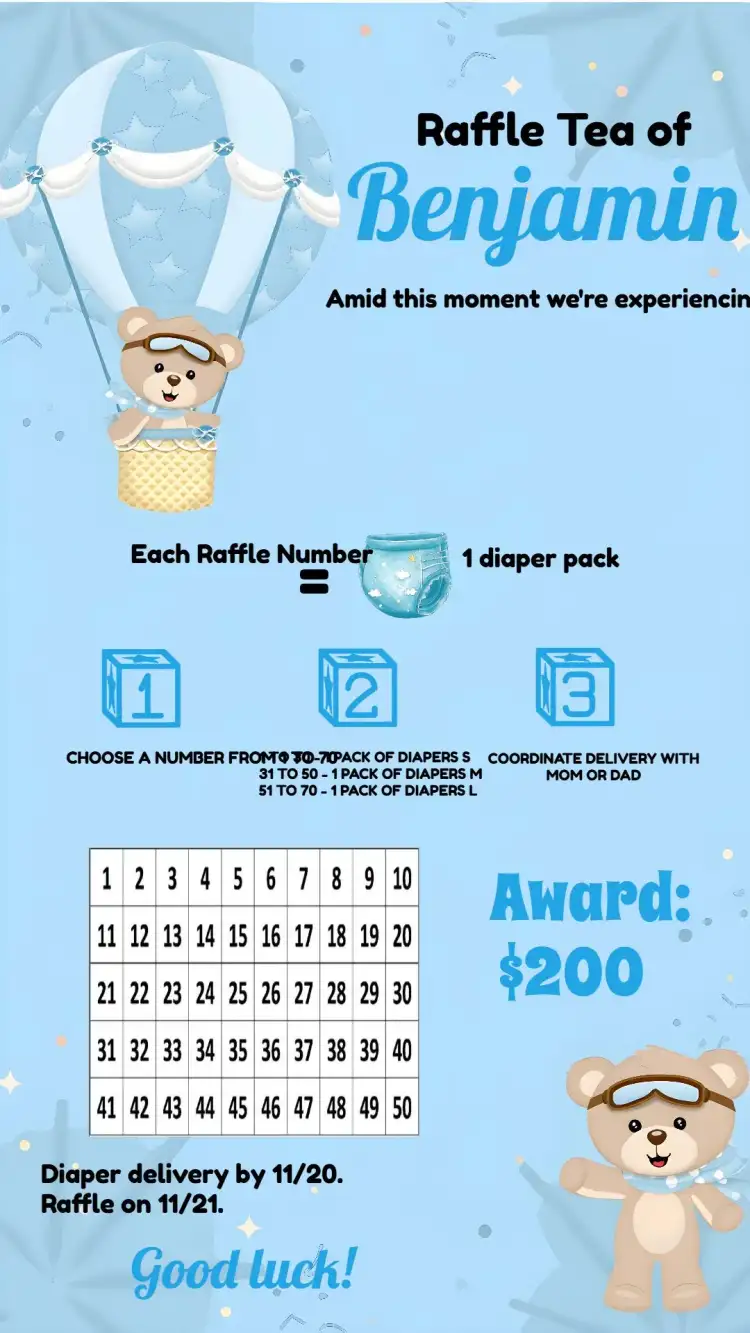
Tea Raffle Teddy Bear Balloonist Tea

Tea Raffle Balloon Bear Baby
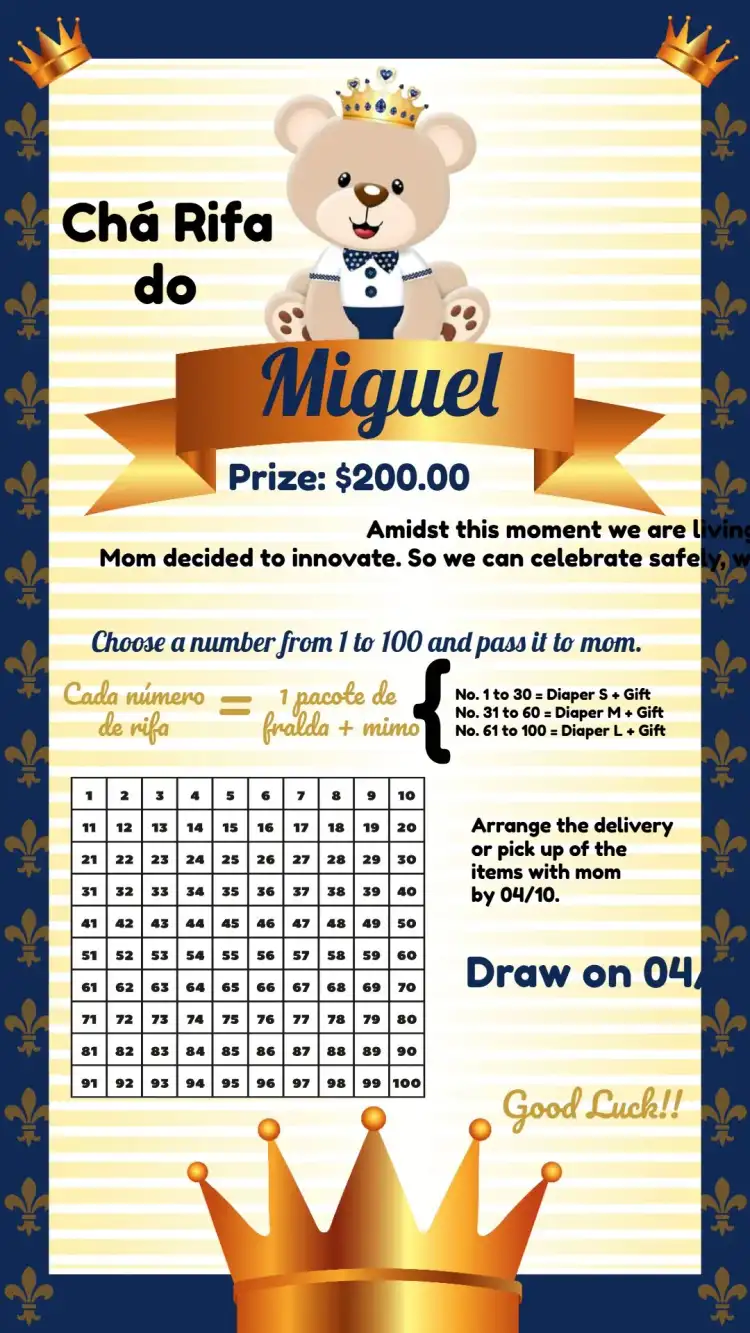
Tea Raffle Little Prince Teddy Bear
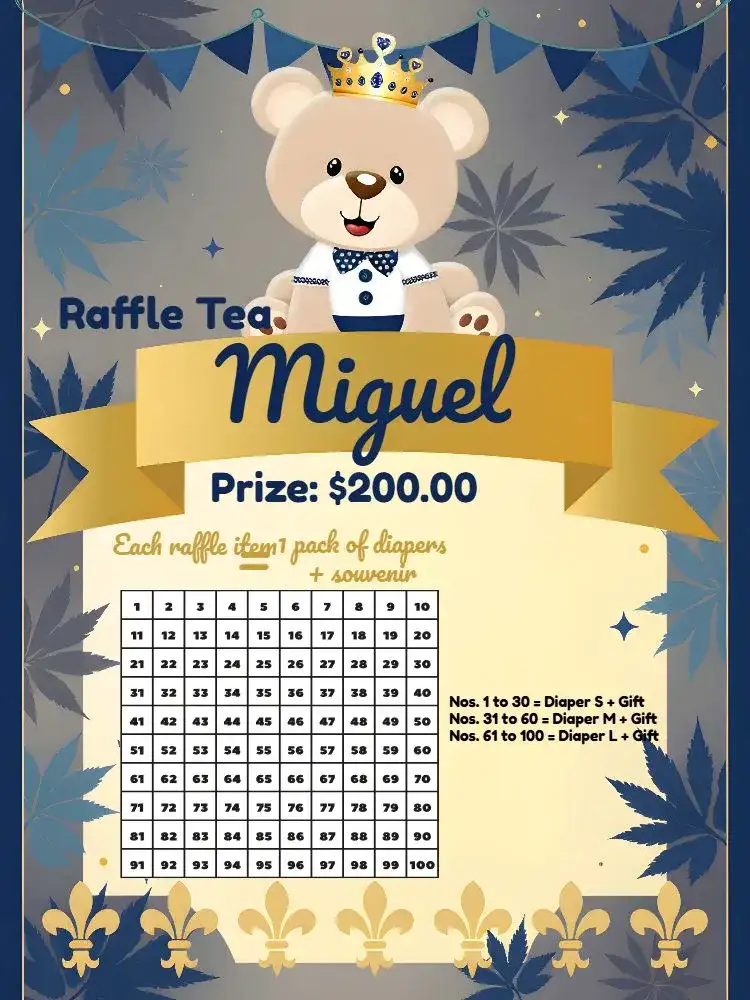
Golden Prince Teddy Bear Raffle Tea
View more invitationsSwipe for more
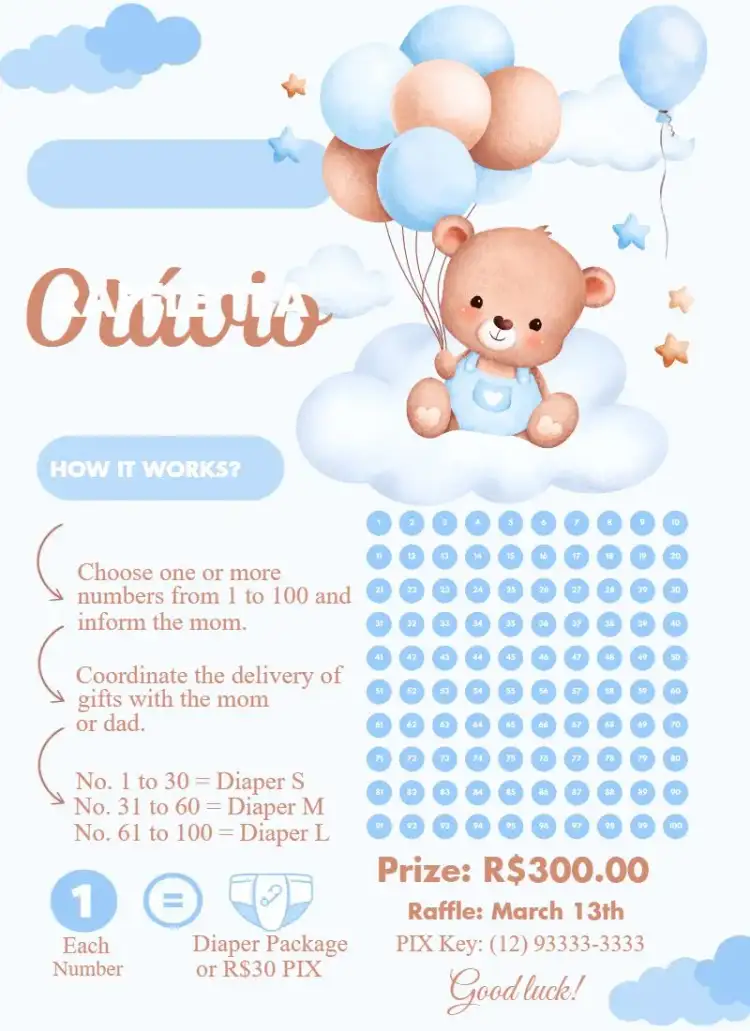
About the Bear in the clouds Invitation
The 'Bear in the Clouds' digital invitation is the perfect choice for those looking to celebrate a Raffle Tea in a unique and enchanting way. With a soft and delicate design, this invitation features a lovely illustration of bears floating among clouds, surrounded by elements of nature that bring a sense of joy and lightness.
The pastel color palette, such as blue and yellow, is ideal for creating a warm and inviting atmosphere. This invitation stands out for its versatility, suitable for various occasions like baby showers, gender reveals, or even children's parties.
Customization is easy and quick: you can edit all details online, including the baby's name, date, time, and location of the event. Available in PNG and PDF formats, the 'Bear in the Clouds' invitation can be shared digitally or printed, according to your preference.
By choosing this invitation, you not only get a beautiful design but also the convenience of a digital product that simplifies the organization of your event. The advantages of opting for a digital invitation include saving time and resources, as well as the possibility of instant customization.
Amaze your guests with an invitation that reflects the joy and anticipation of this special moment. Personalize now and make your Raffle Tea an unforgettable celebration!
FAQ
Frequently Asked Questions about Bear in the clouds
Can I edit the invitation after saving it?
Yes! You can edit the invitation as many times as you need before finalizing.
In which formats is the invitation available?
The invitation can be downloaded in PNG and PDF, according to your needs.
How can I share the invitation?
After downloading, you can send it via email or share it on social media.
Is it possible to add a photo to the invitation?
Yes! You can customize it by adding a baby photo.
Can the invitation be used for other occasions?
Certainly! This invitation is perfect for baby showers and gender reveals.
How much does it cost to download the invitation without a watermark?
Editing online is free and shows a watermarked preview. To download it as PNG or PDF without a watermark, buy this template individually or use a credit or the Premium subscription; the price is shown before you pay.
Explore other invitation categories
commemorative dates, card, cake topper, diaper shower, most searched for, tickets
Invitation wording: customize and copy your message
Build invitation wording for birthdays, weddings, baby showers and graduations. Customize a sample and copy it into your invitation’s editable text fields.
Build your invitation messageHow to print invitations: size, aspect ratio and PDF
Estimate print dimensions and image resolution from pixels. Understand the editor’s one, two or four invitations per A4 PDF sheet options.
Estimate print size and image resolutionInvitations with RSVP: share an event confirmation link
Learn how to create an event from an edited invitation, review RSVP settings and send a published event link for guests to respond.
Prepare the message for your RSVP link