Celebrate every chapter
Adult birthday invitations for every kind of party
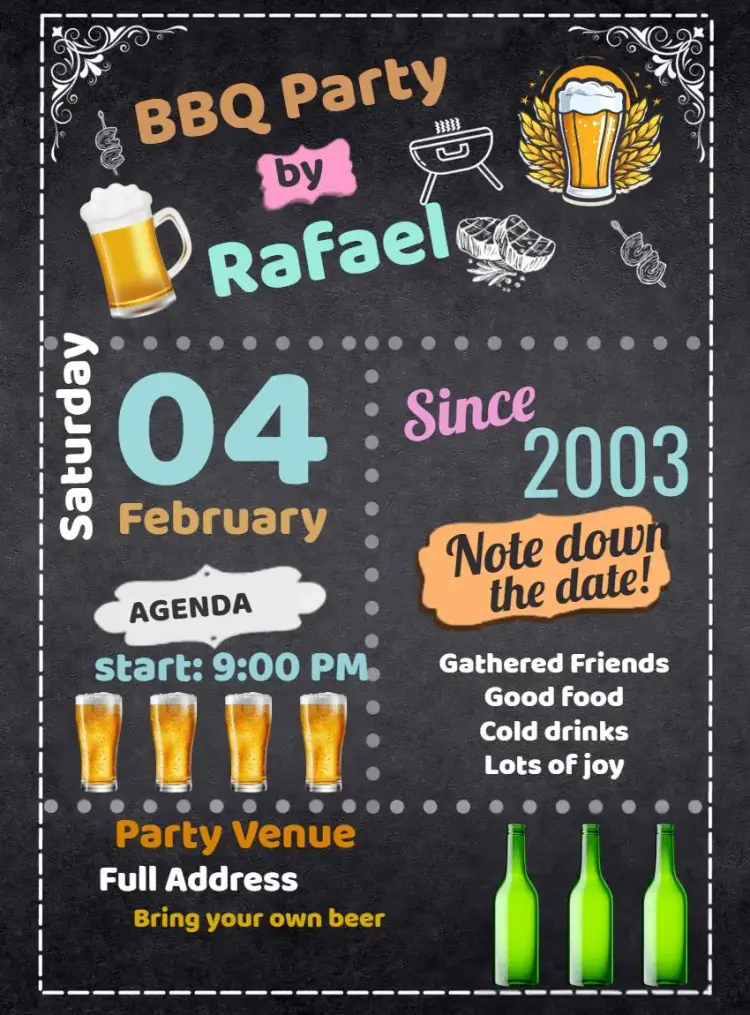
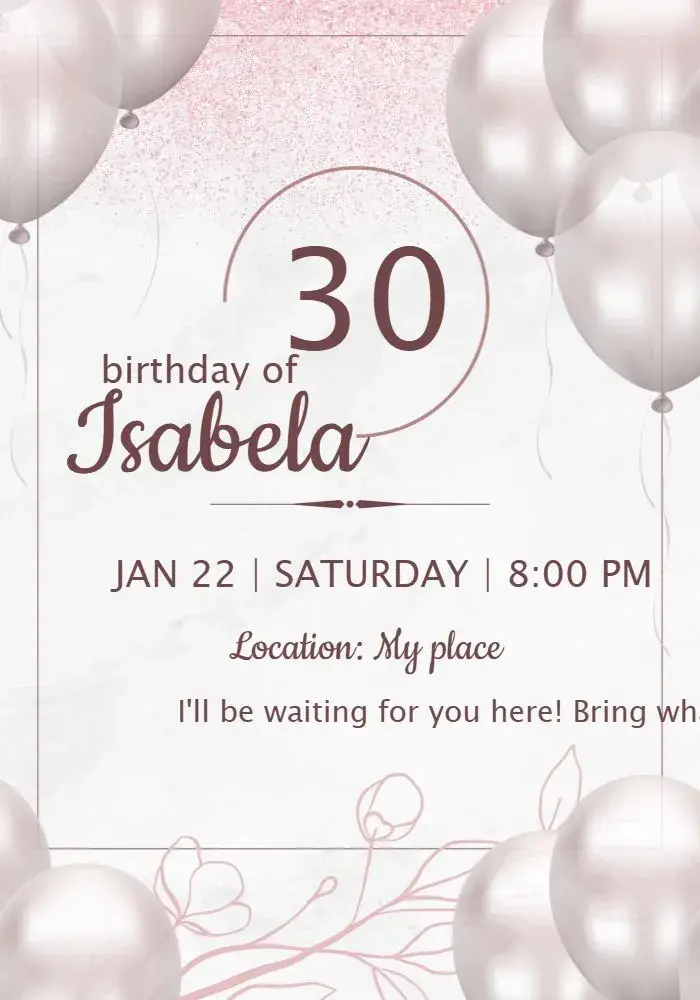
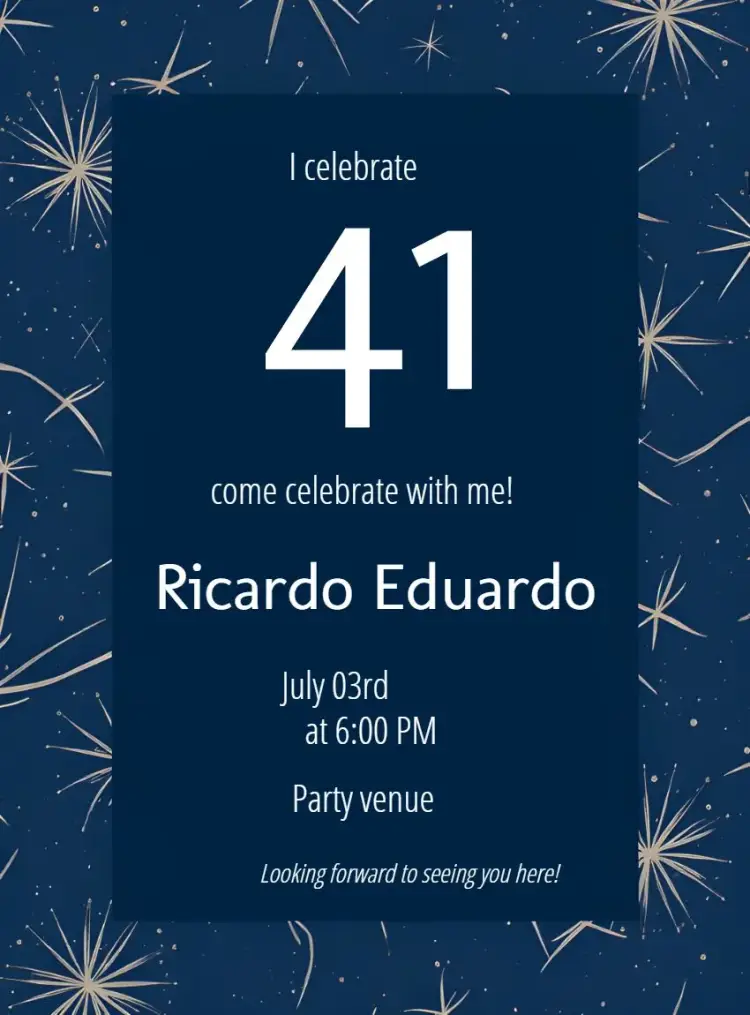
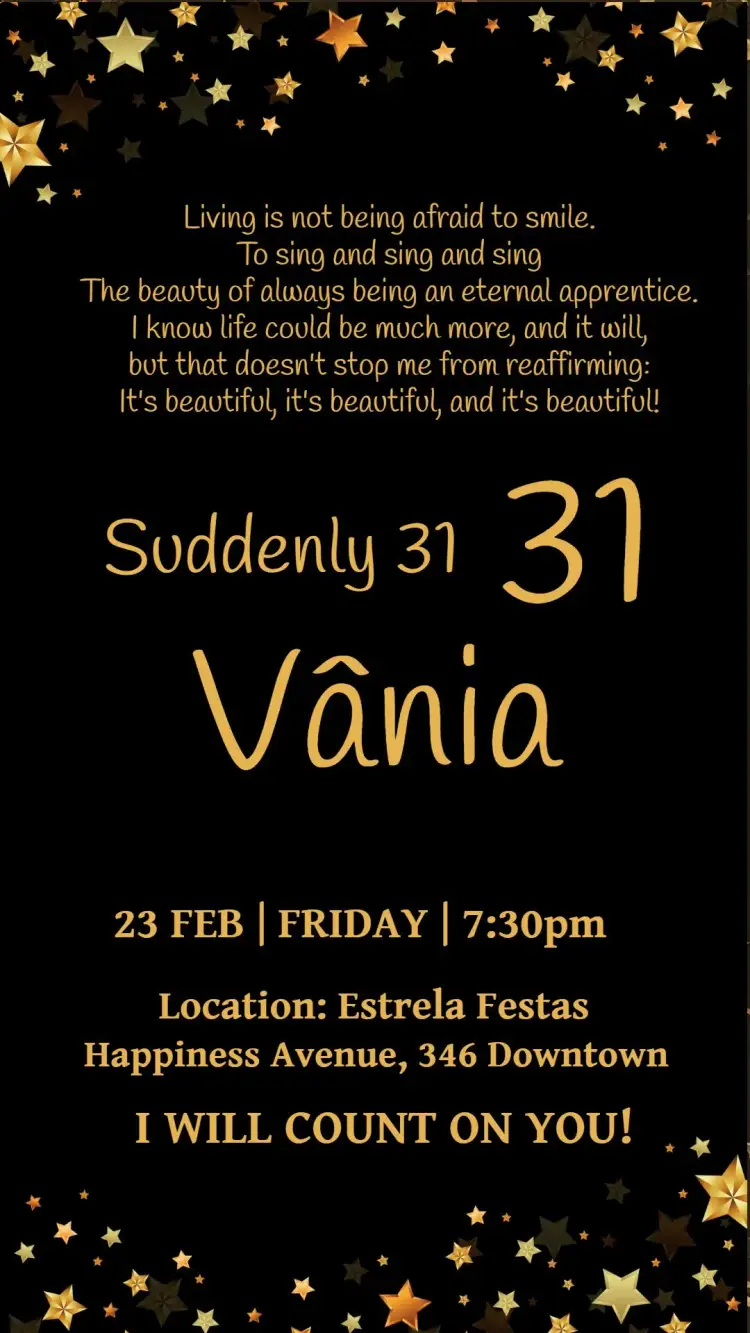
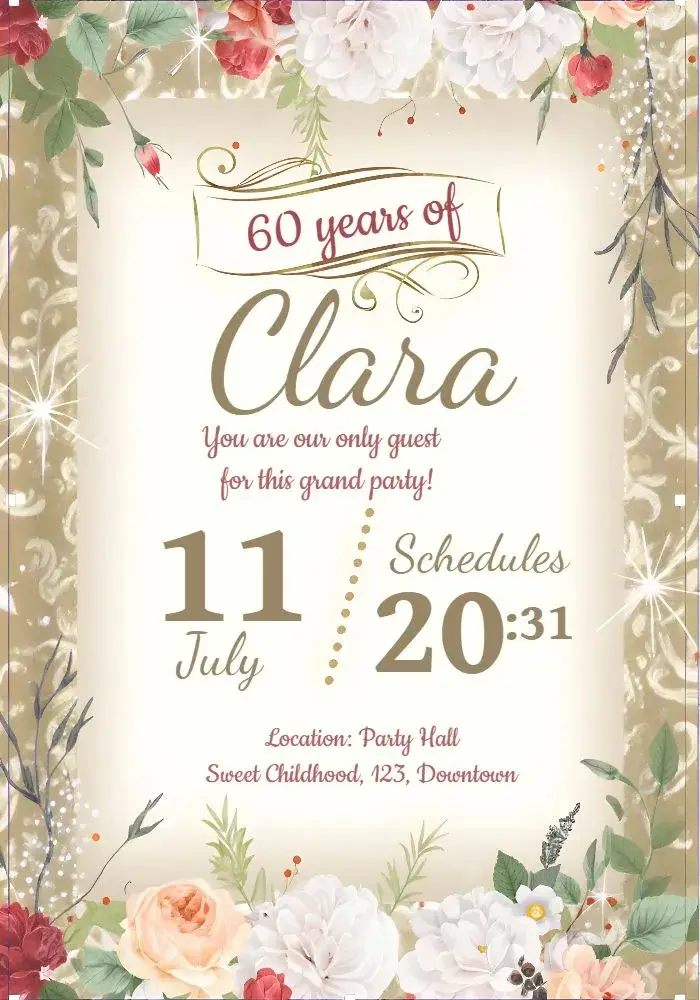
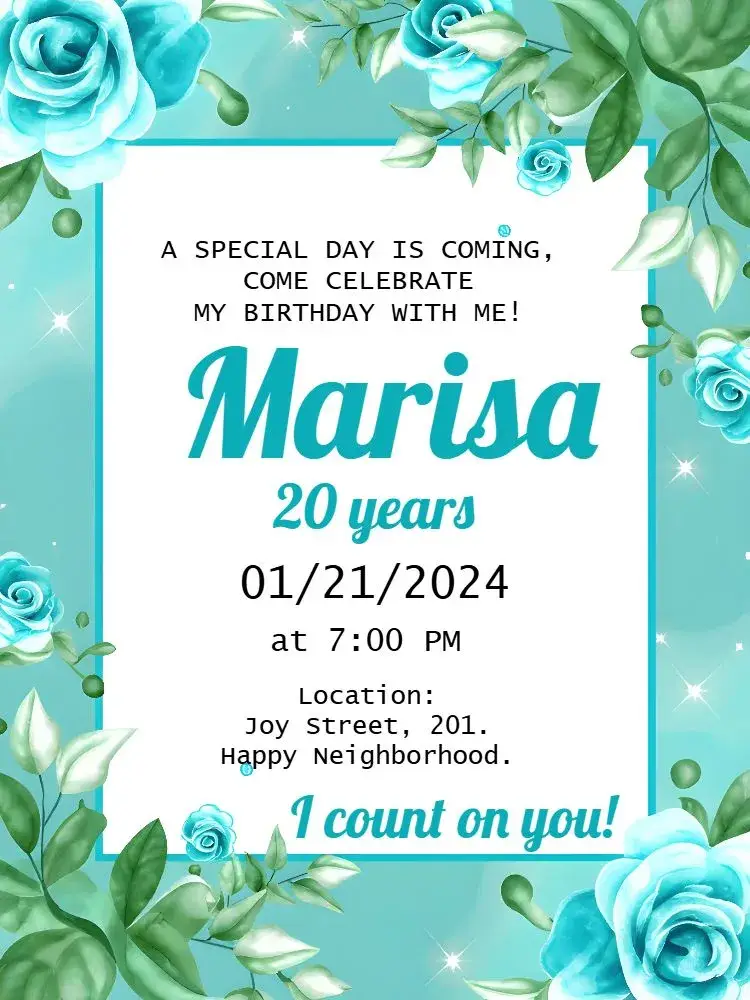
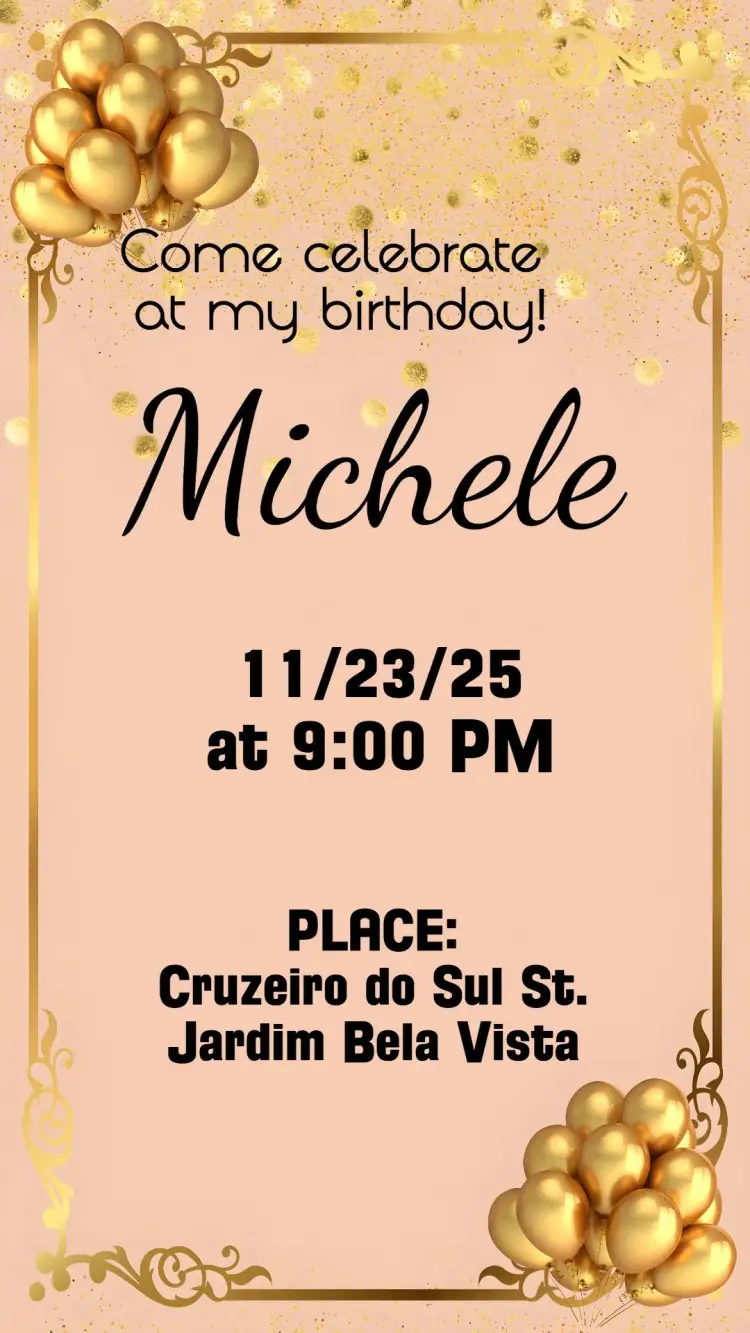
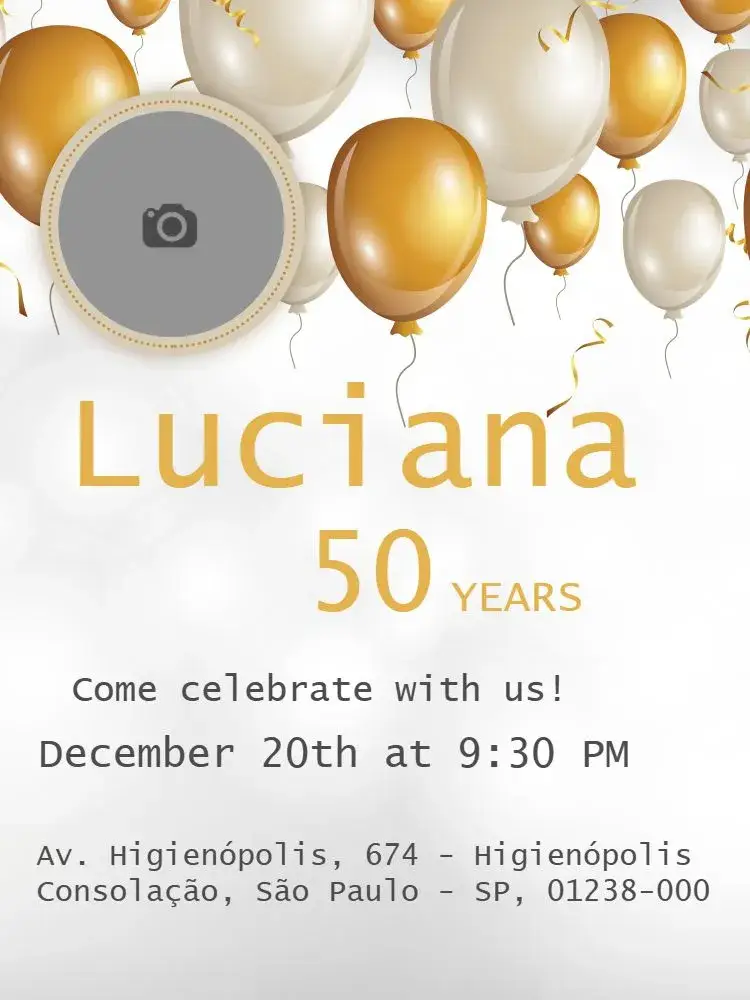
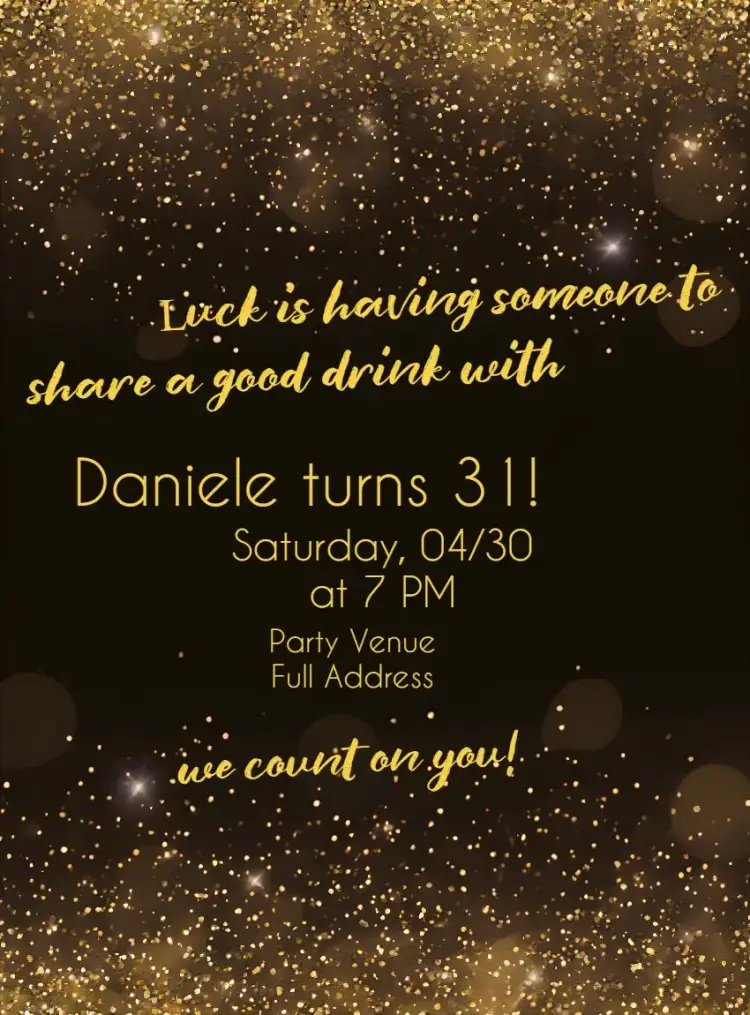
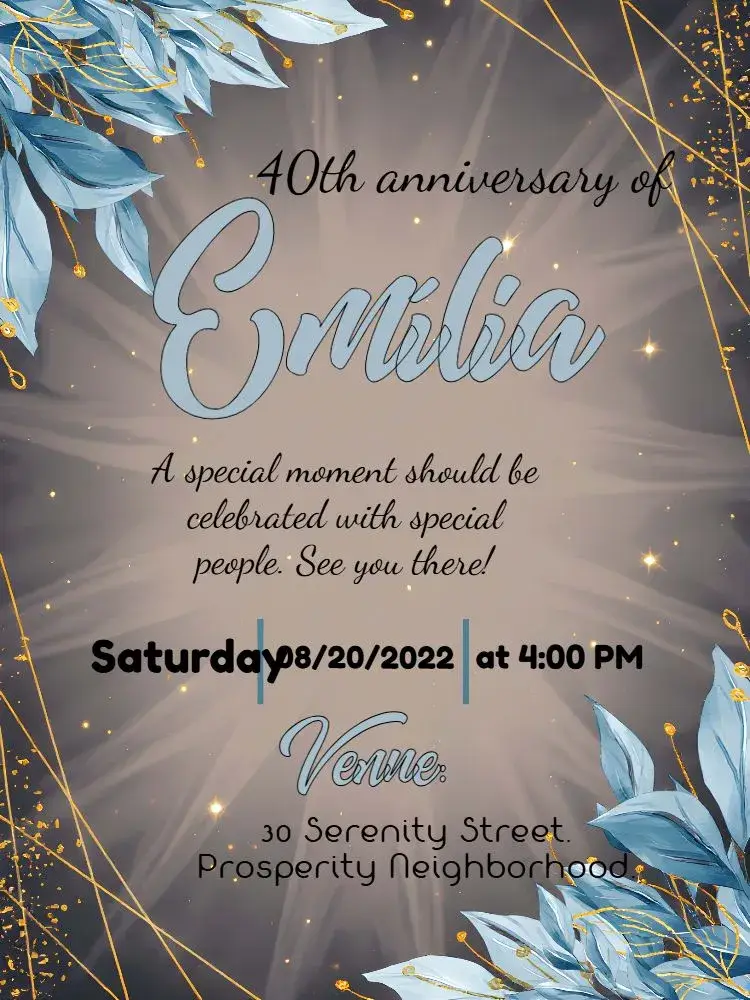
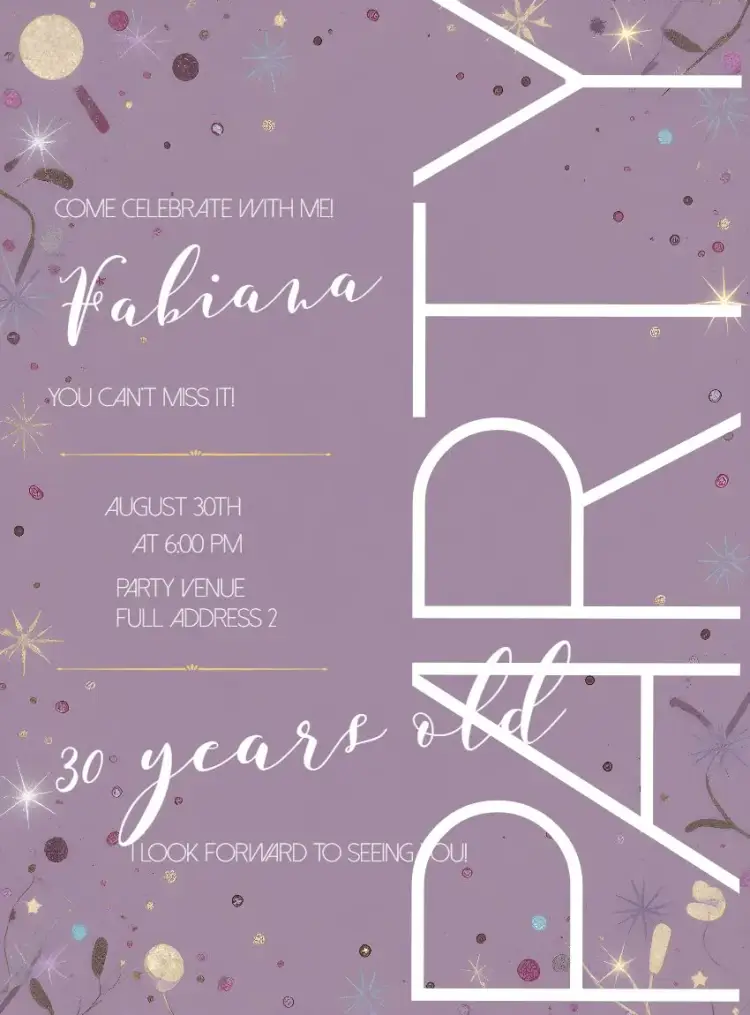
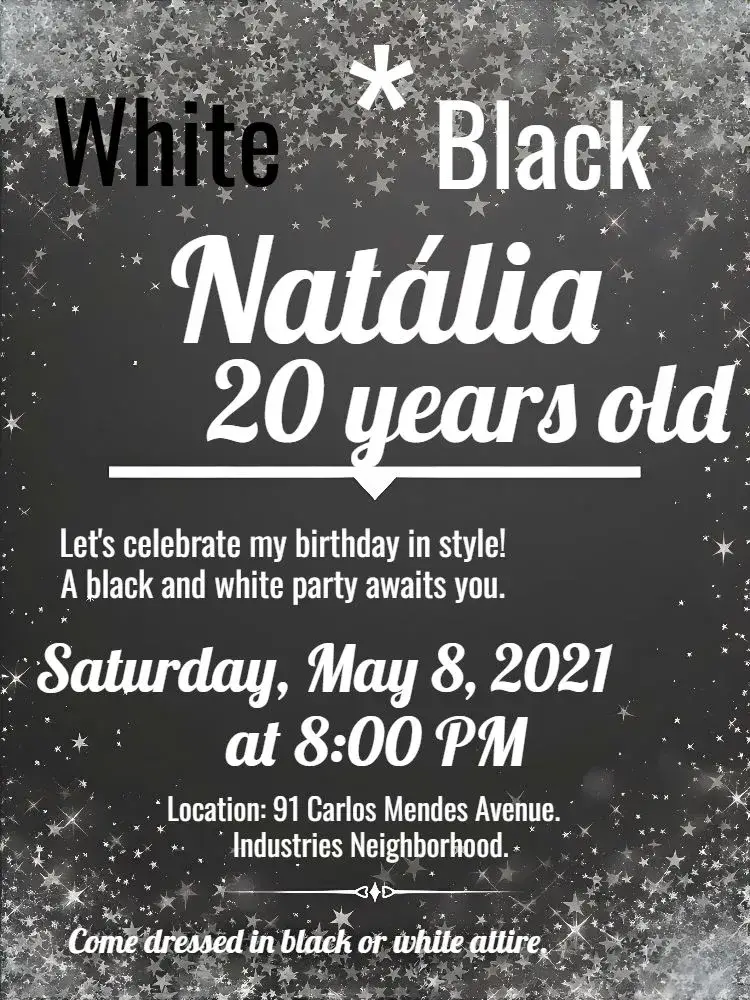
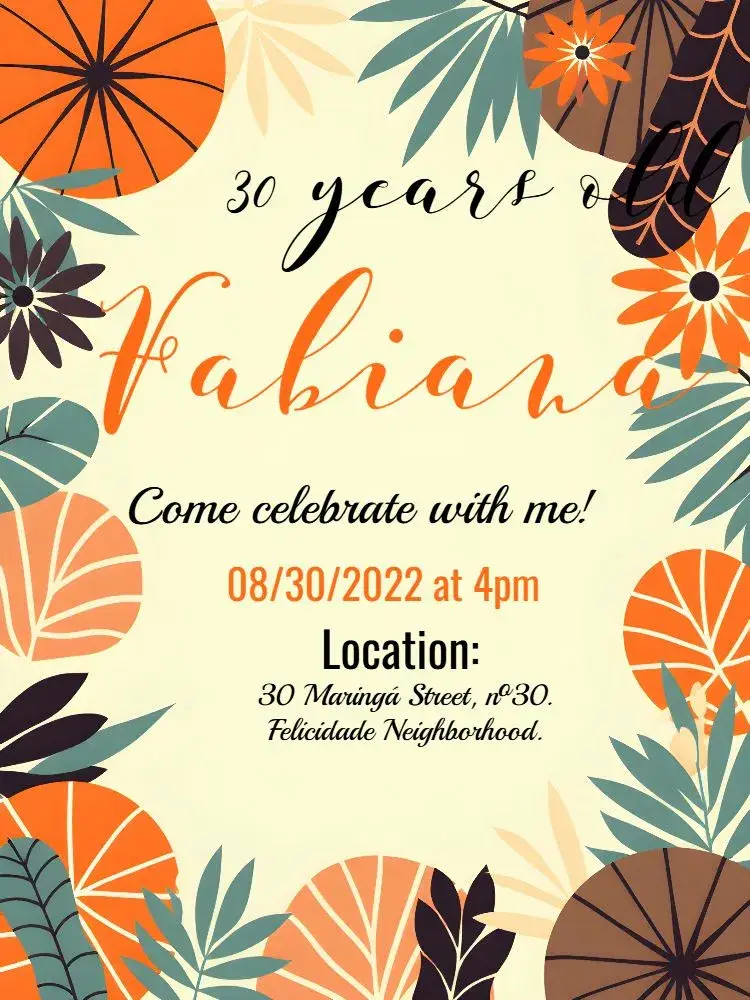
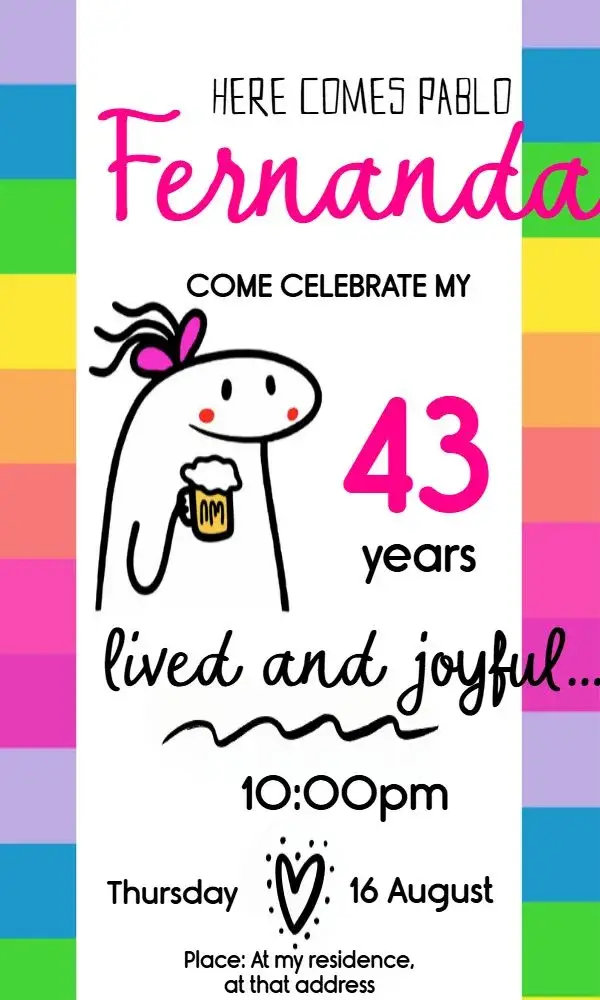
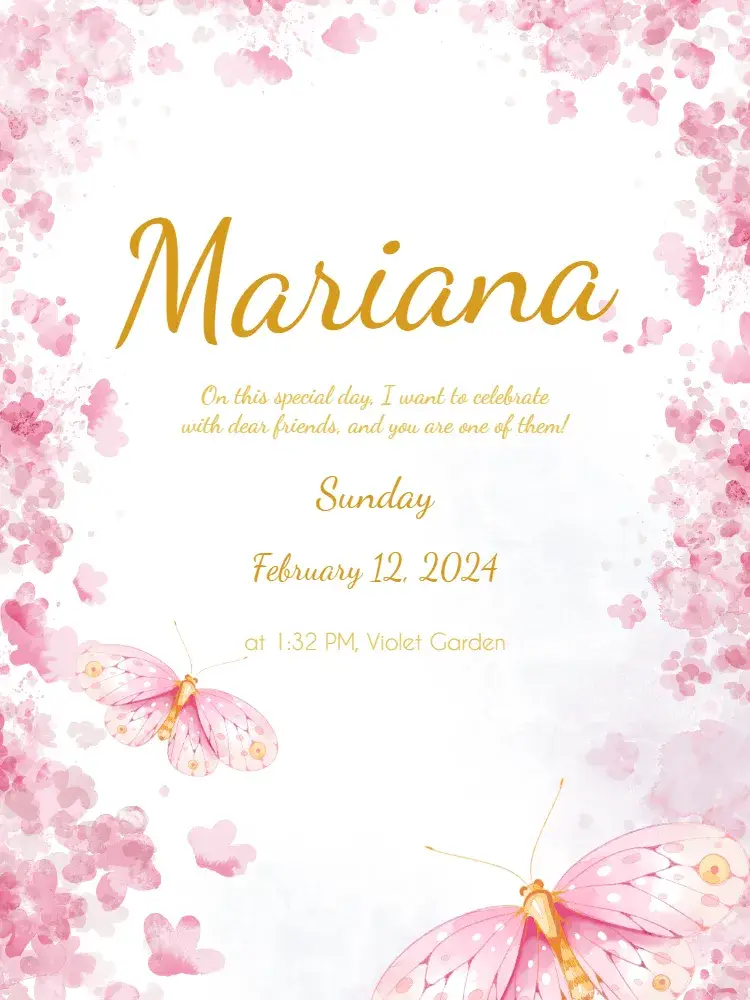
Compare the artwork in this selection and inspect a template before opening the editor. A restaurant dinner, backyard party and milestone celebration need different instructions.
24 curated templatesCurated templates
Selection
Curated templates
Choose a design, personalize the event details, and get your invitation ready to share.

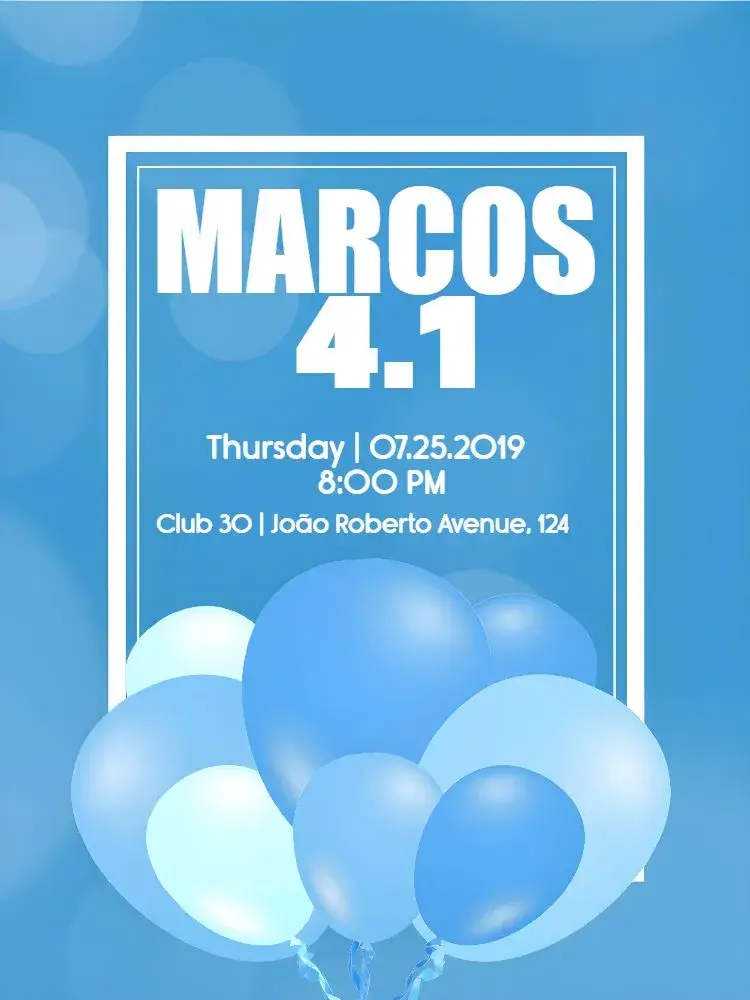
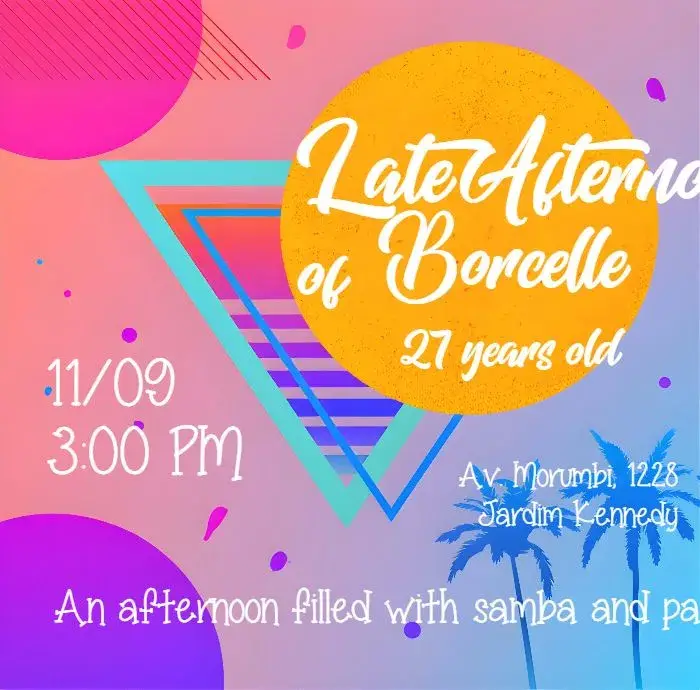
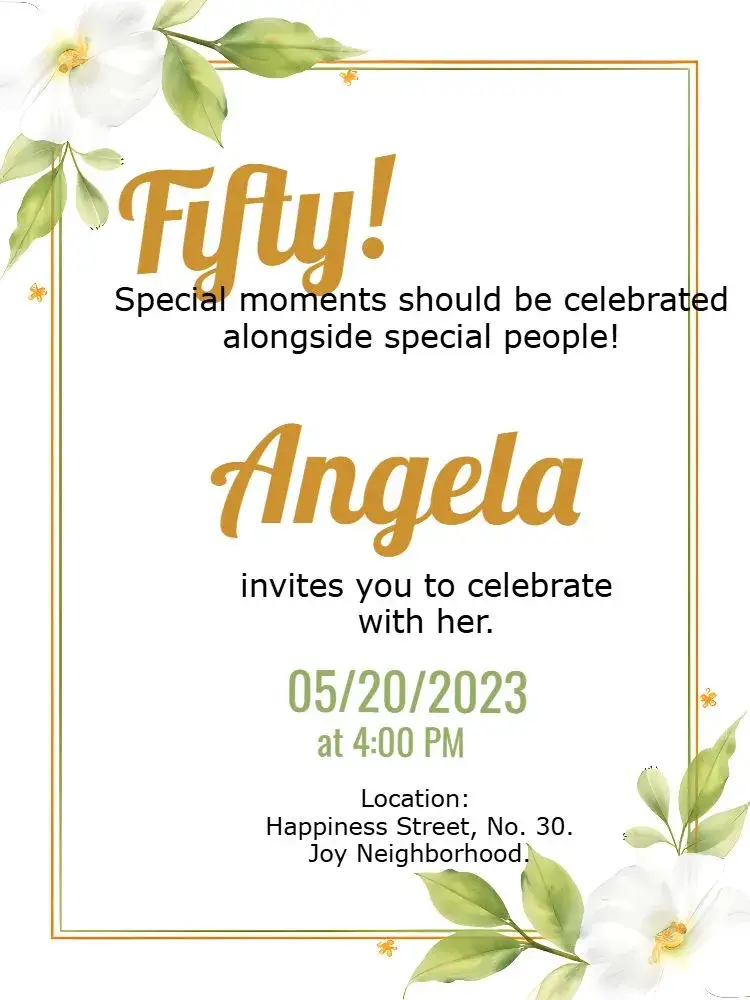
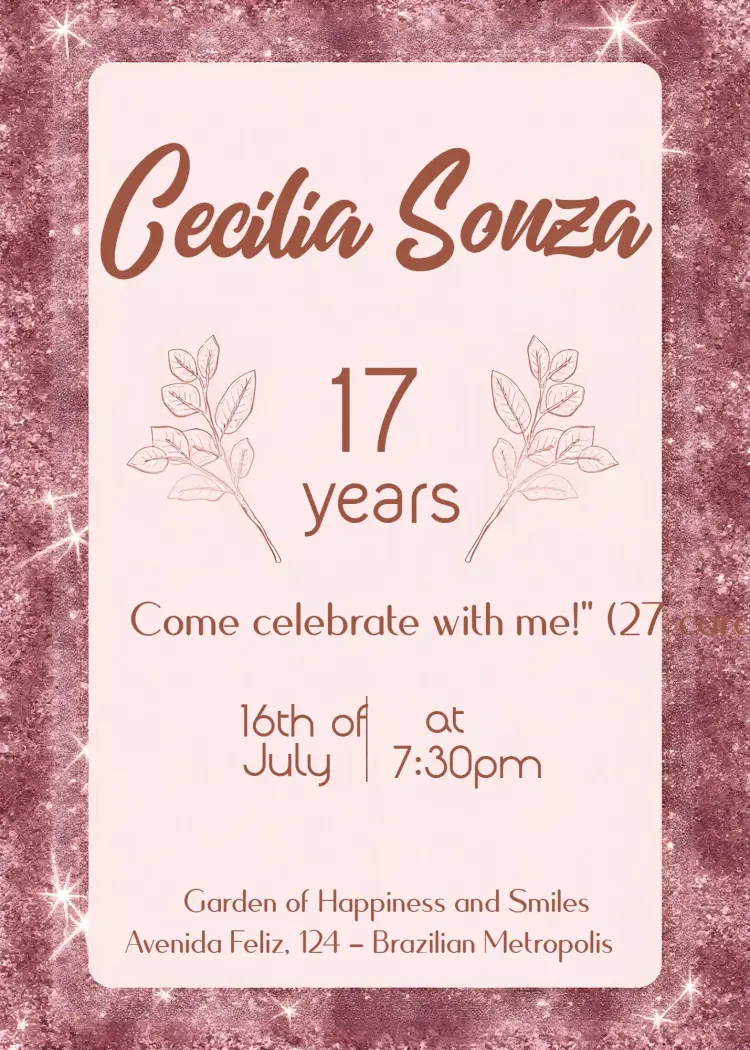


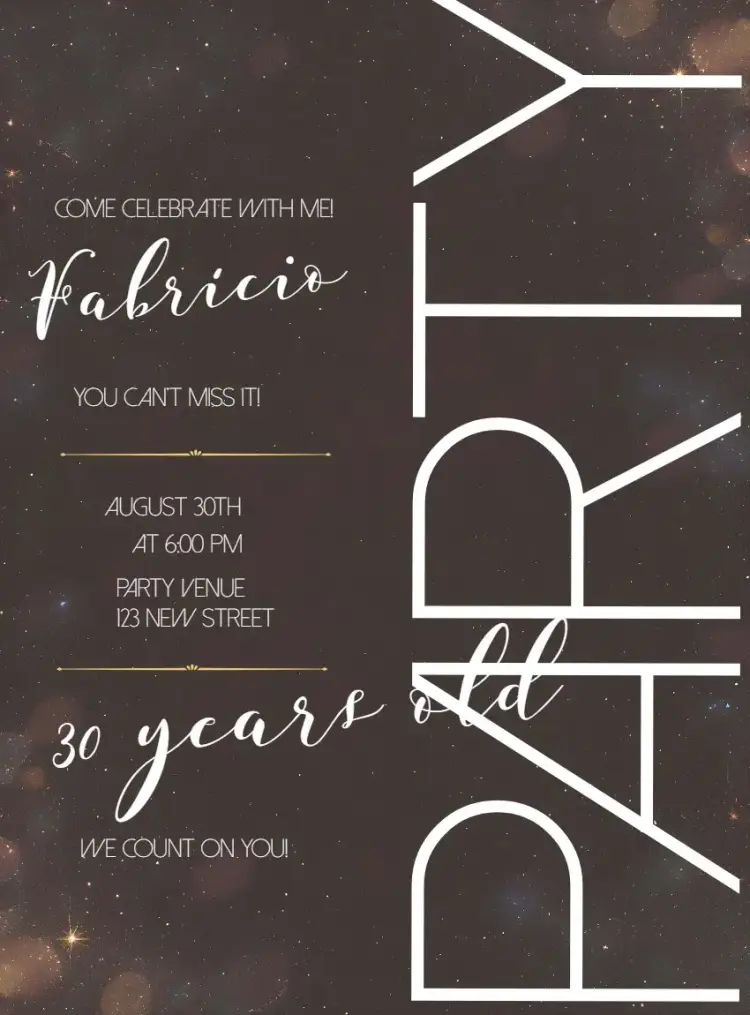
How to choose
About this collection
From the right design to the editor, step by step.
Match the invitation to the gathering
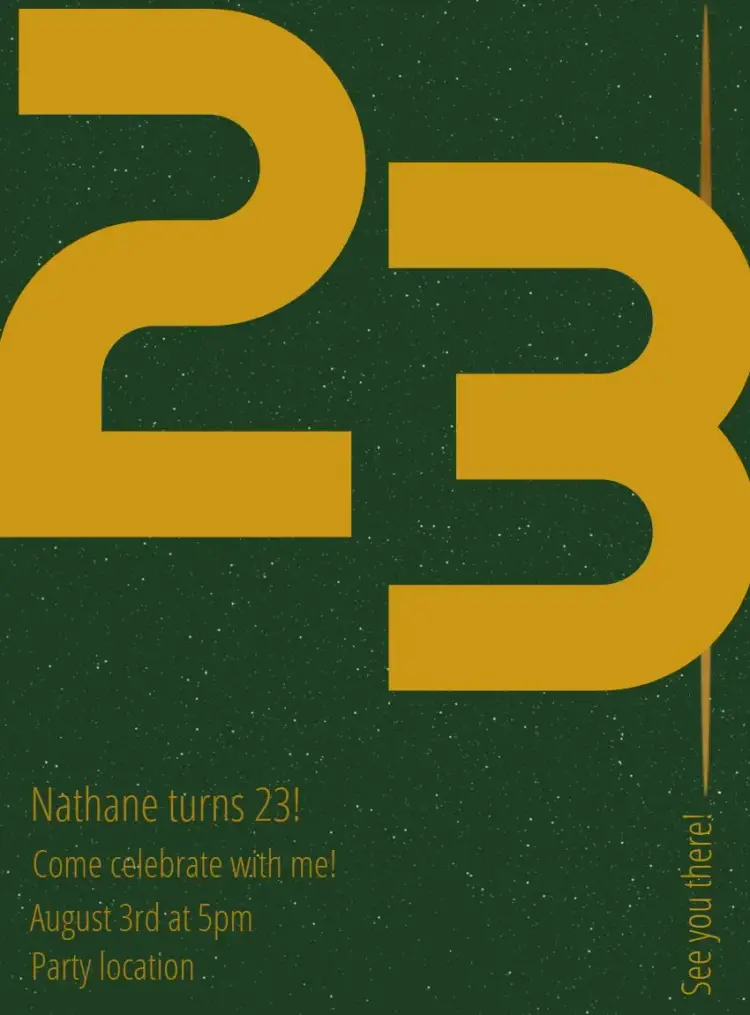
Adult birthday celebrations can range from a backyard get-together to a formal dinner or destination weekend. Let the setting and the guest of honor guide the design. Strong typography and bold color work for an energetic party, while understated layouts, photography, or refined details can suit an intimate meal. A milestone age can be prominent, but it does not have to define the whole invitation.
Set clear expectations for guests
Along with the name, date, time, and venue, mention whether the event is a surprise and identify the correct RSVP contact. Add attire, arrival time, reservations, age restrictions, or contribution details only when they are genuinely needed. If plans extend across multiple locations, separate each part so guests can understand the schedule without reading a dense paragraph.
Personalize without losing clarity
Choose colors and wording that sound like the person being celebrated. Humor can work well when it is appropriate for the audience, while a straightforward message often feels more polished for a mixed guest list. Review the address and all times, then check the design at phone size. A clear invitation helps everyone focus on the occasion instead of asking for missing information.
Details to confirm before editing
A restaurant dinner, backyard party and milestone celebration need different instructions. Specify reservations, parking, arrival time or attire only when they matter. For a surprise, direct replies to an organizer rather than the honoree; an age can be included or omitted according to their wishes.
Spell out the month in the date — [Month] [day], [year] — and check the time. Include a.m. or p.m., or use a clearly labeled 24-hour time. For guests in another region, add the city and the time zone when needed rather than relying on an ambiguous numeric date.
Example wording to adapt
The following wording is a suggestion: replace the fields in brackets and remove anything that does not apply to your event.
Join us to celebrate [Name] on [date] at [time], at [venue]. Please RSVP to [host] by [deadline]. We look forward to celebrating together.
From the selected template to the editor
Open the selected invitation page, inspect its preview and use the personalization button to enter the editor. Replace the sample details with your event information and check which elements that template allows you to change. To include a photo, choose a design with space for one or check the editor options. Review the result on a phone and check the download options and conditions shown for that template before completing it. Sharing an image does not automatically make the text inside it clickable: send necessary maps and links in the accompanying message too.
Questions
Frequently asked questions
What to check before opening the editor.
What goes on an adult birthday invitation?
Include the honoree, date, time, location, and RSVP instructions. Add surprise, dress, reservation, or age guidance when it affects guests.
How do I word a milestone birthday invitation?
You can feature the age and a short celebratory line, then keep the event details direct. Choose a tone that feels natural for the guest of honor.
Can an adult birthday invitation be casual?
Absolutely. Match the wording and design to the actual event, whether it is a backyard gathering, dinner, cocktail party, or weekend celebration.
How should I handle a surprise party?
State clearly that it is a surprise, give an arrival time that protects the plan, and direct RSVPs to someone other than the honoree.
How do I open a selected template in the editor?
Open the invitation page, inspect the design and use the personalization button. Replace the example event details. Photo, color and design changes depend on the selected template and the options available in the editor.
Collections
Explore related collections
24 templates
Birthday invitations you can customize online
Compare birthday invitation designs, organize the name, date and venue, then open a template to personalize the details of your celebration.
Curated templates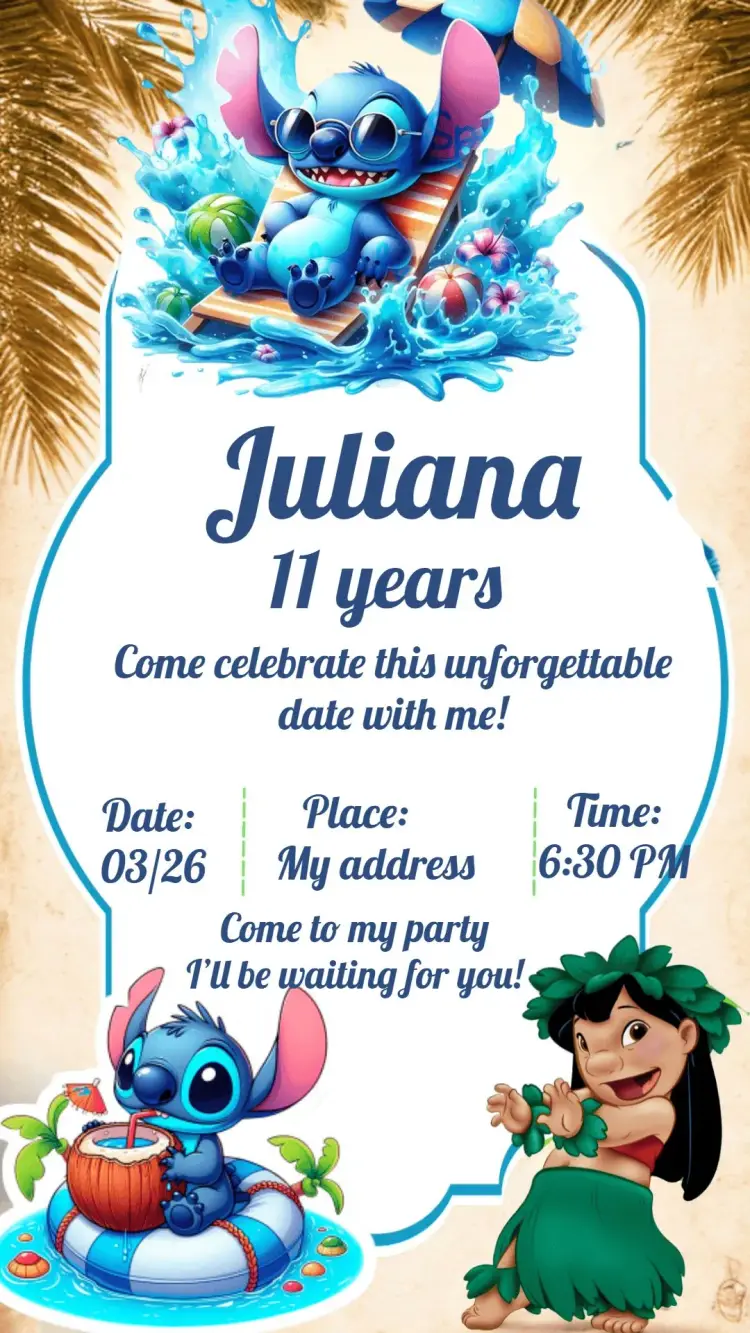
22 templates
Graduation invitations to customize online
Compare graduation invitation designs, organize school, program and ceremony or party details, then open a template to personalize the message.
Curated templates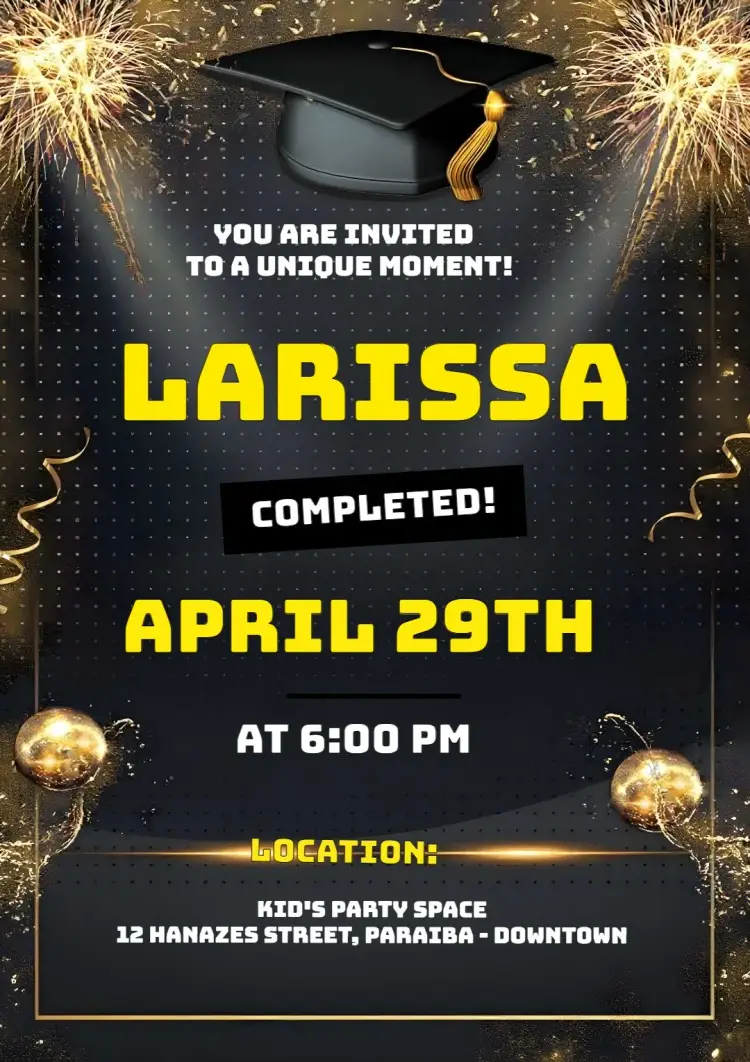
24 templates
Wedding invitations to customize online
Compare wedding invitation designs, organize ceremony, reception and RSVP details, then open a template to personalize the names and schedule.
Curated templates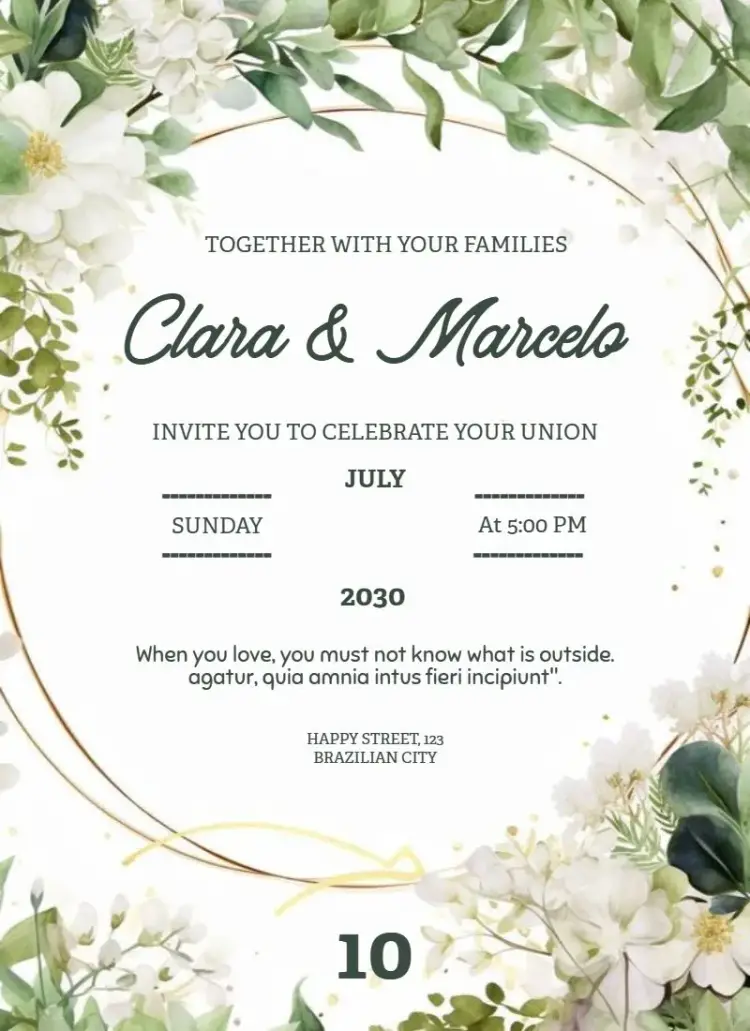
Invitation wording: customize and copy your message
Build invitation wording for birthdays, weddings, baby showers and graduations. Customize a sample and copy it into your invitation’s editable text fields.
Build your invitation messageHow to print invitations: size, aspect ratio and PDF
Estimate print dimensions and image resolution from pixels. Understand the editor’s one, two or four invitations per A4 PDF sheet options.
Estimate print size and image resolutionInvitations with RSVP: share an event confirmation link
Learn how to create an event from an edited invitation, review RSVP settings and send a published event link for guests to respond.
Prepare the message for your RSVP linkCreate an invitation that feels like yours
Choose a template and edit the wording, colors, and event details directly in your browser.