Gaming birthday invitations with different artwork
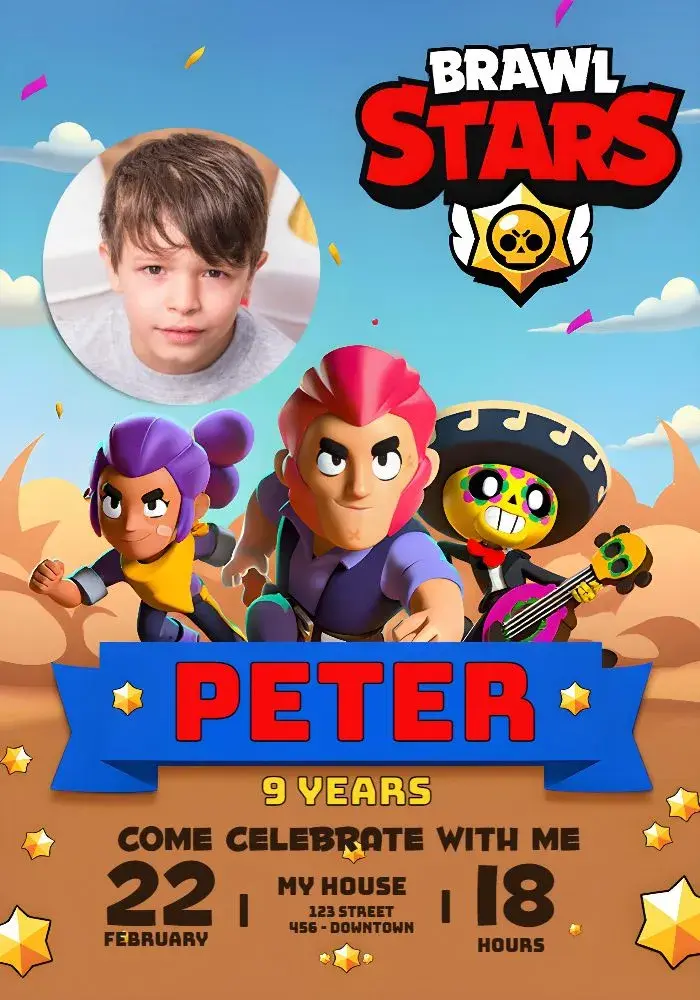
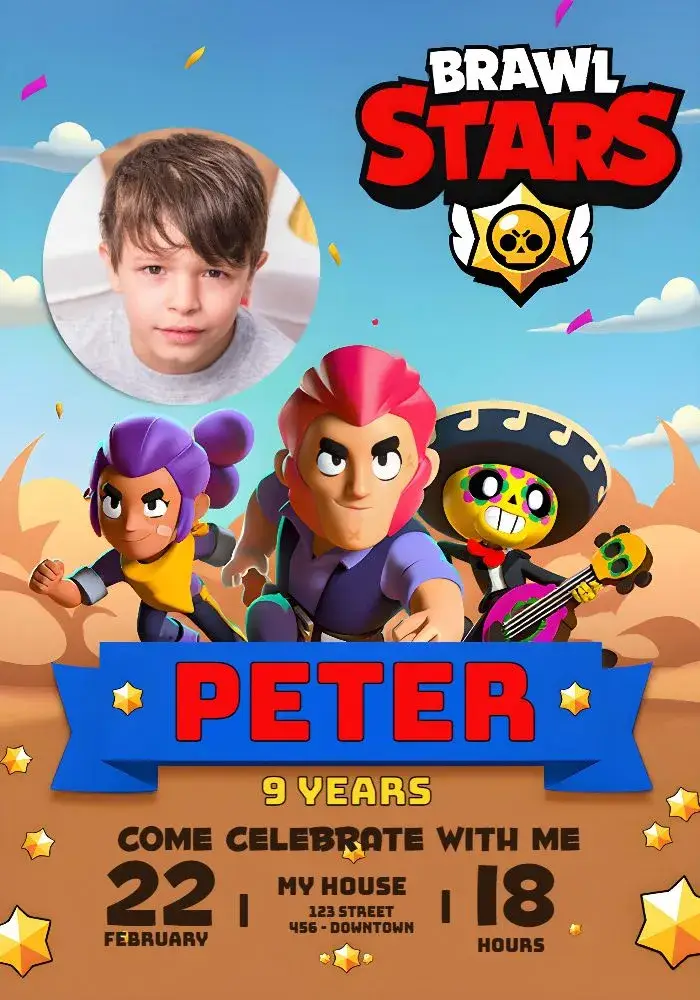
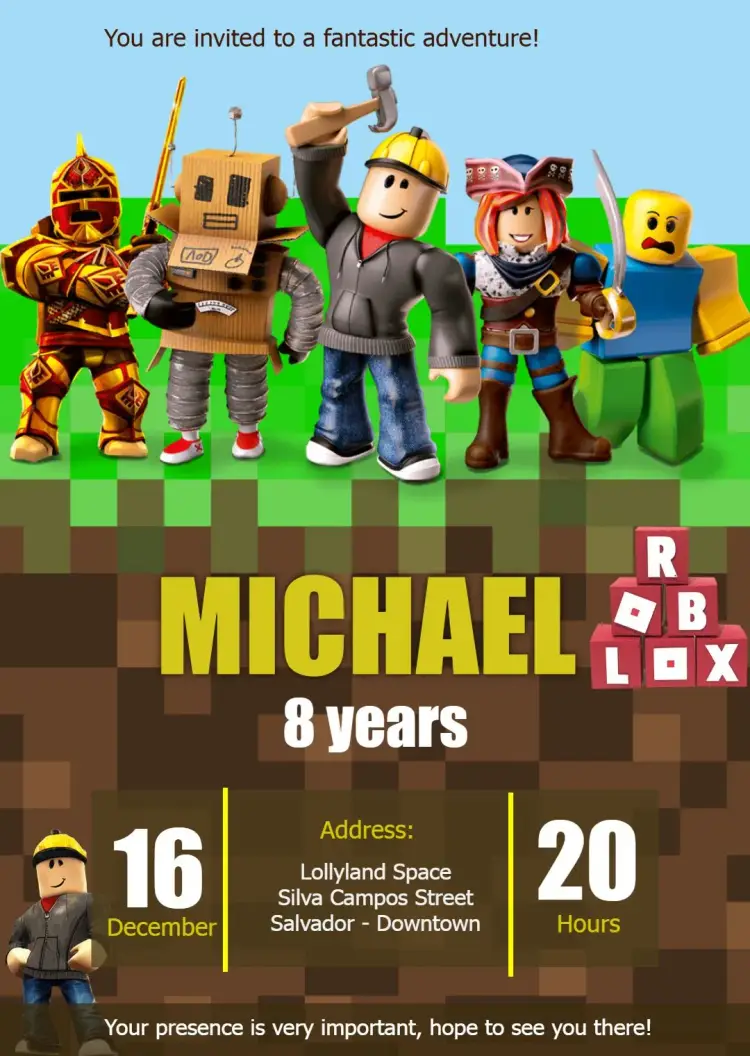
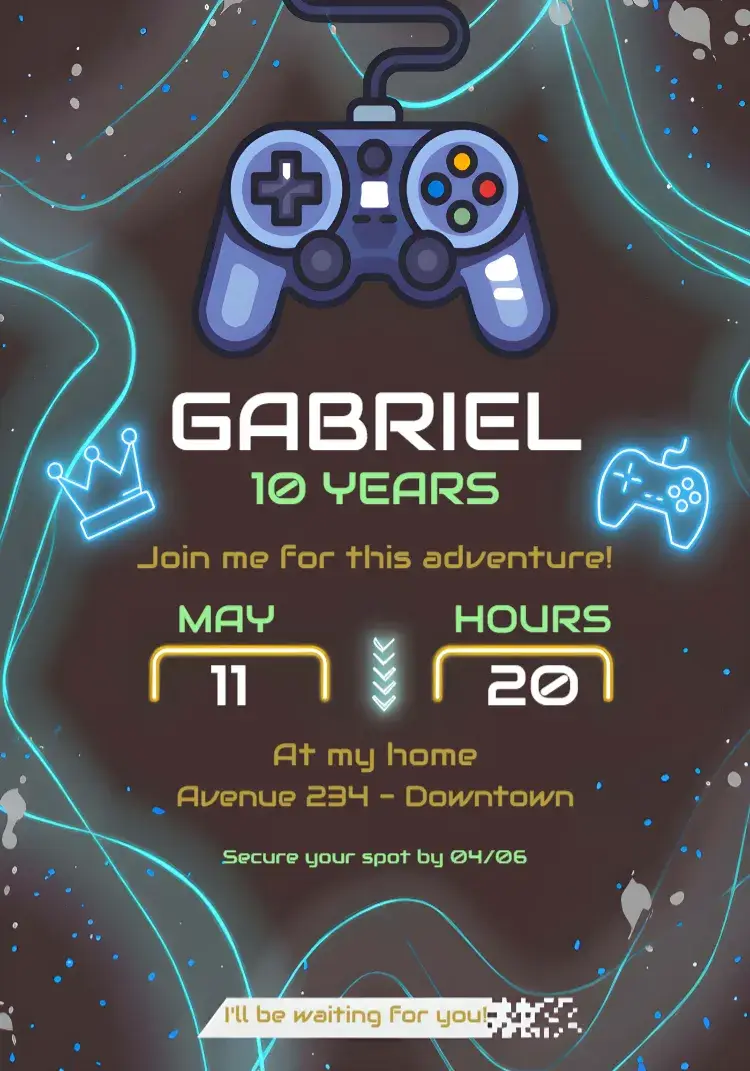
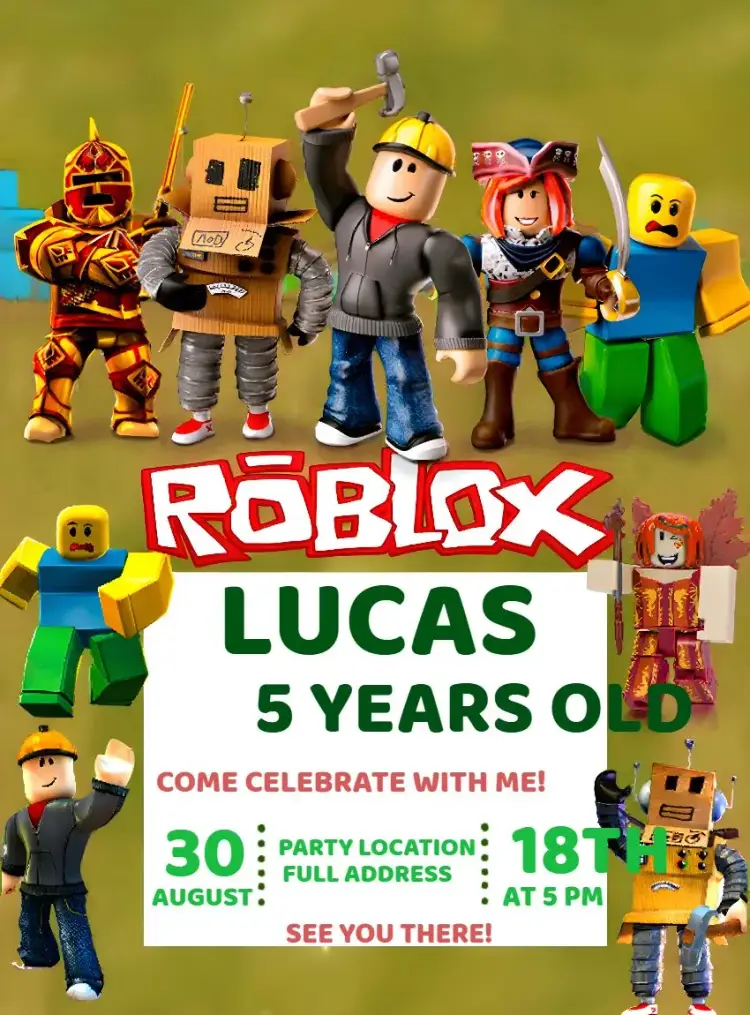
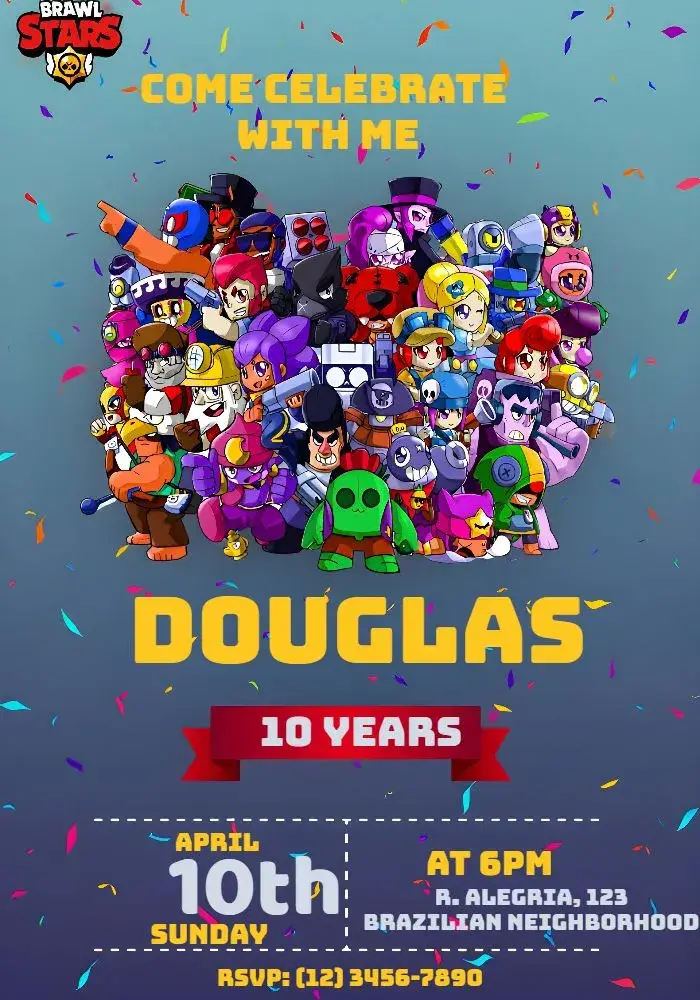
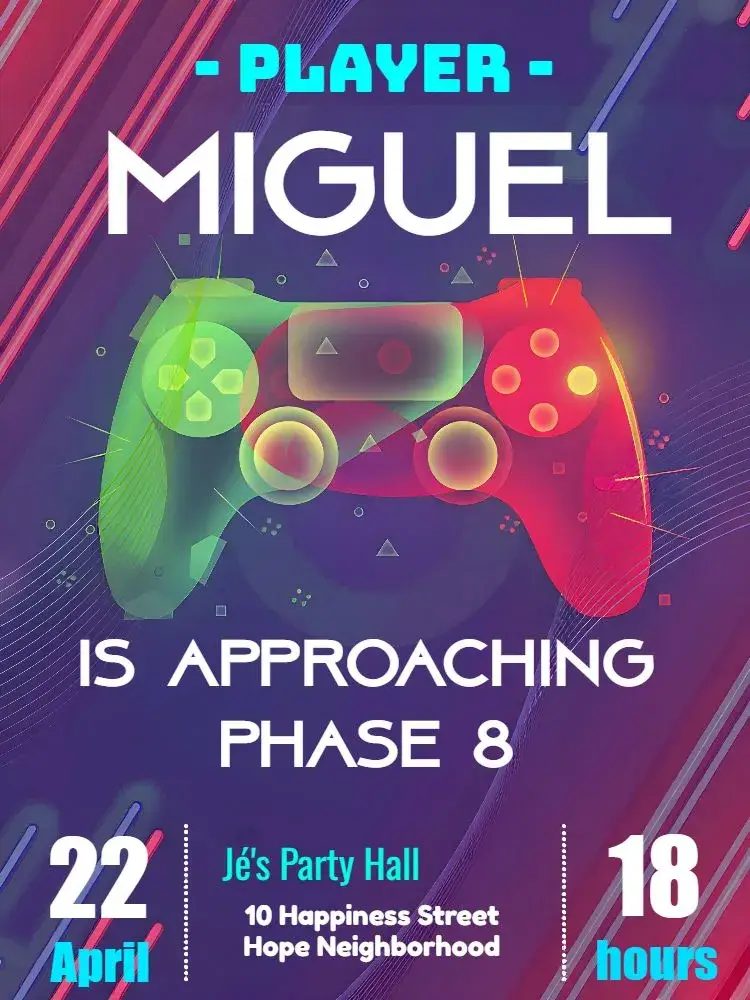
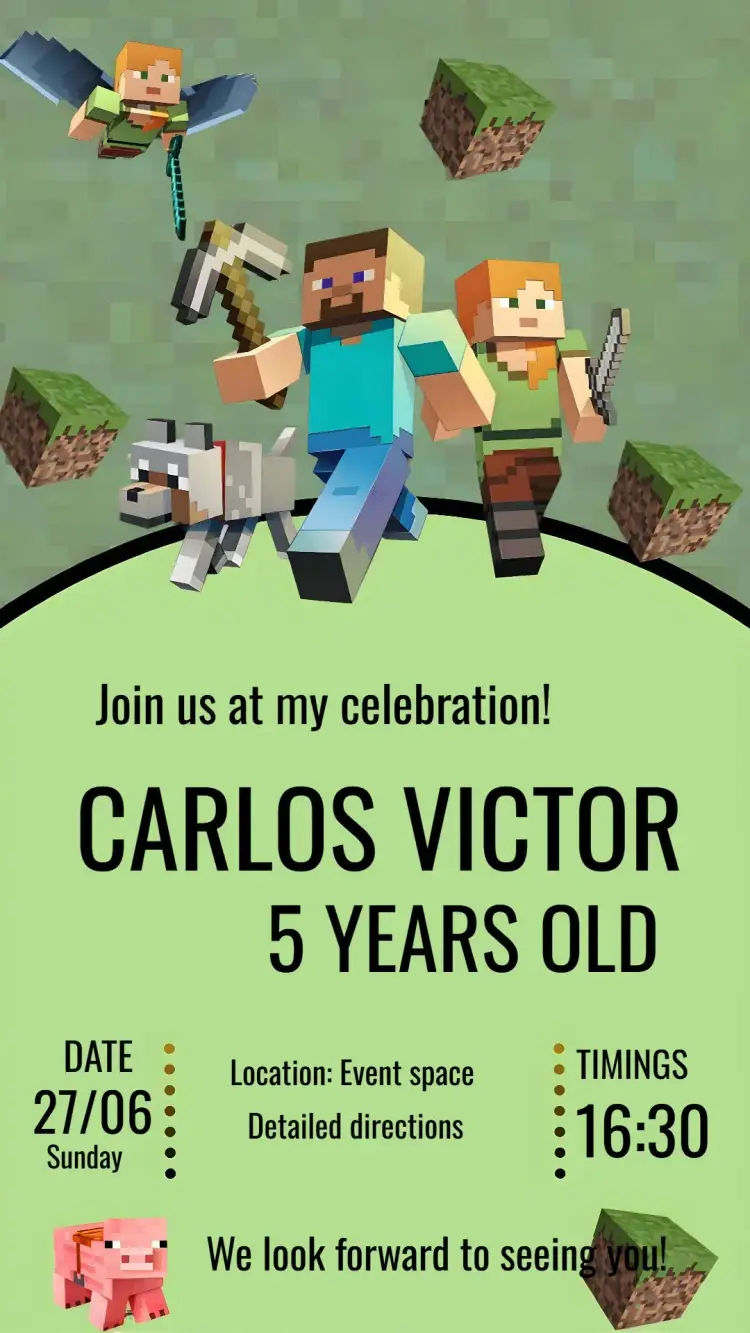
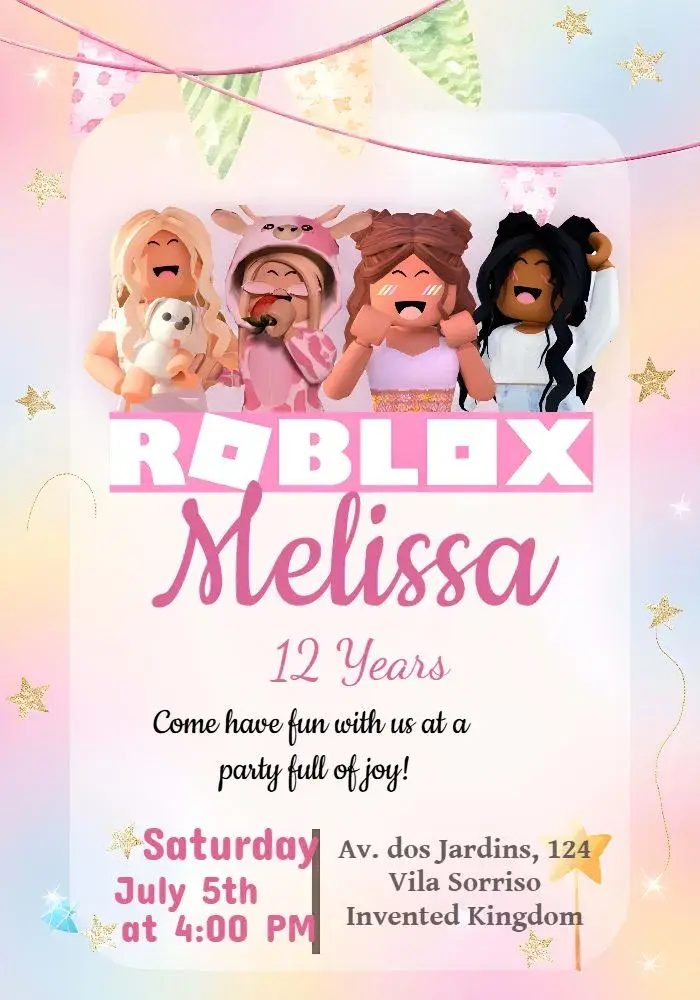
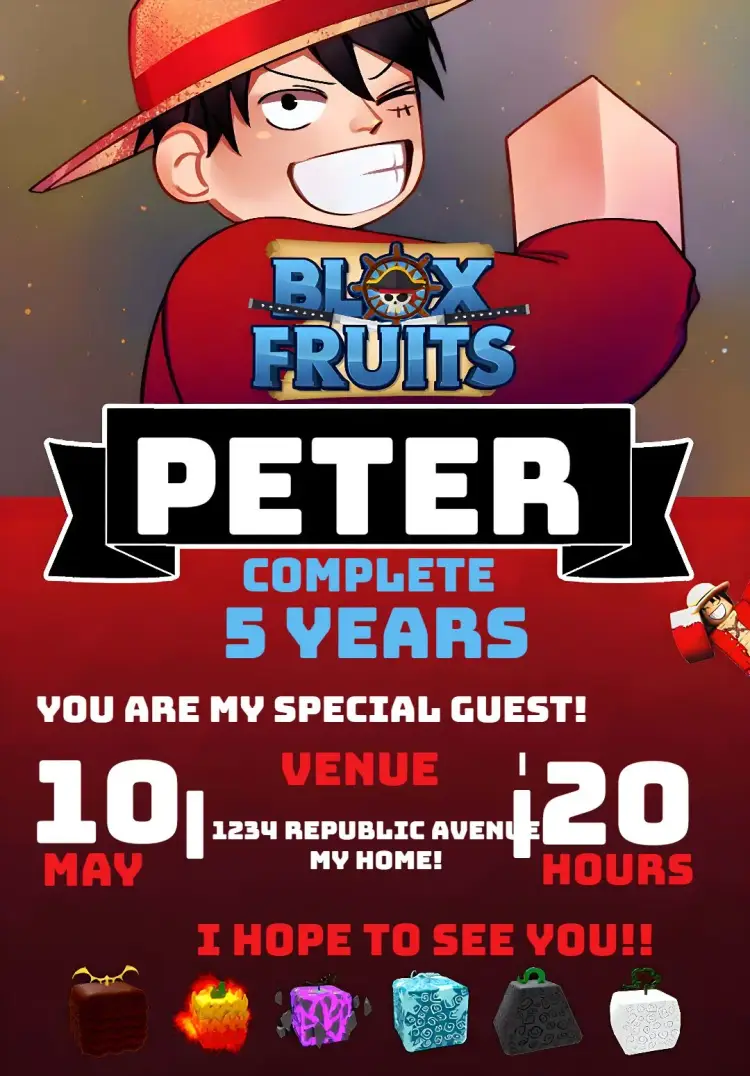
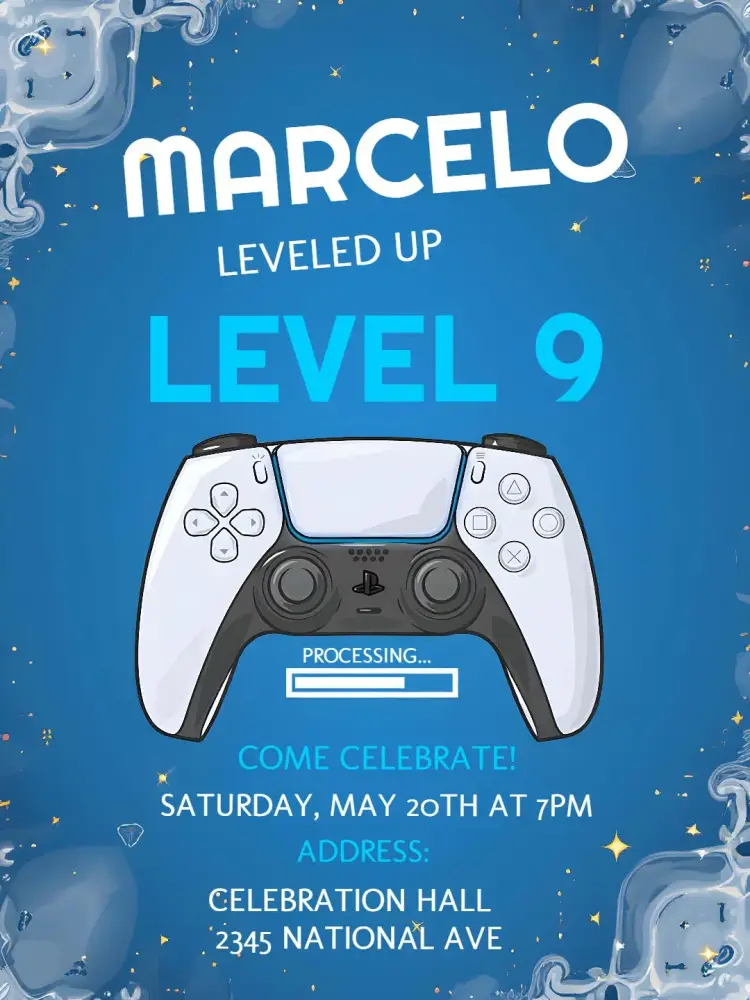
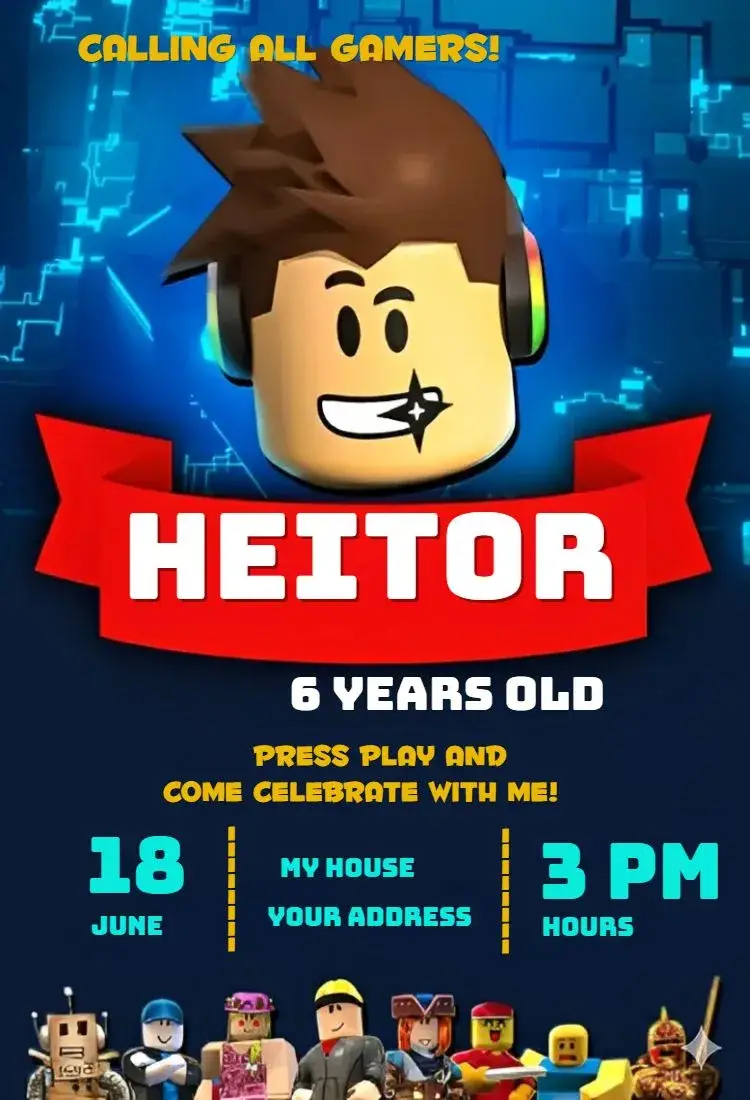
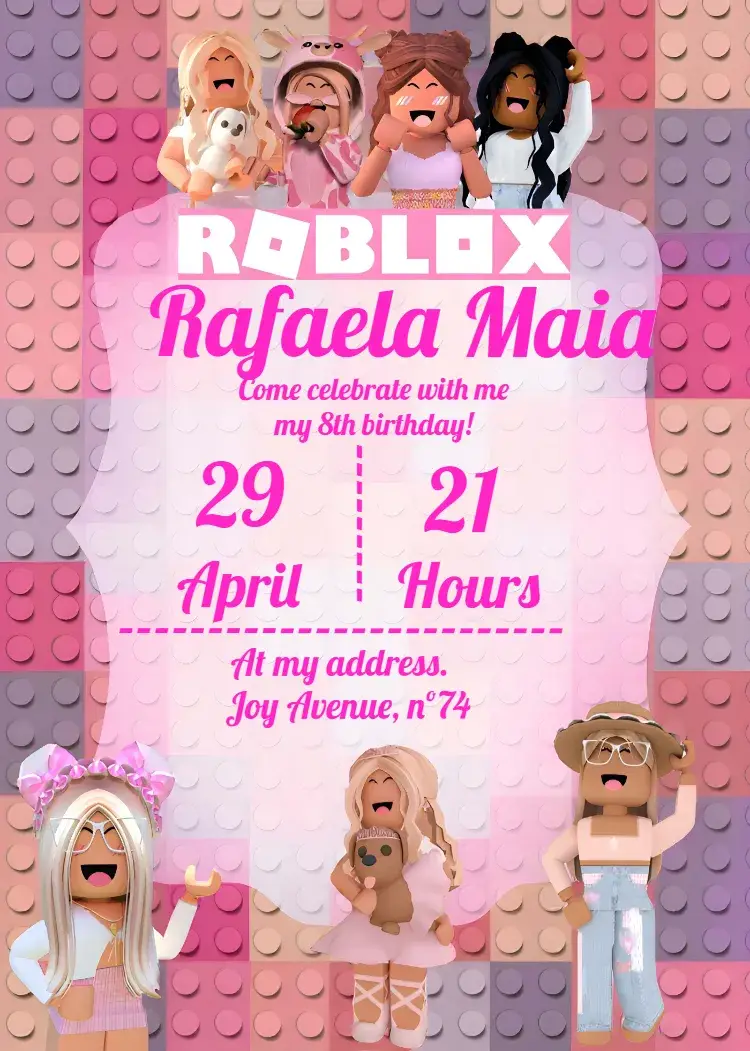
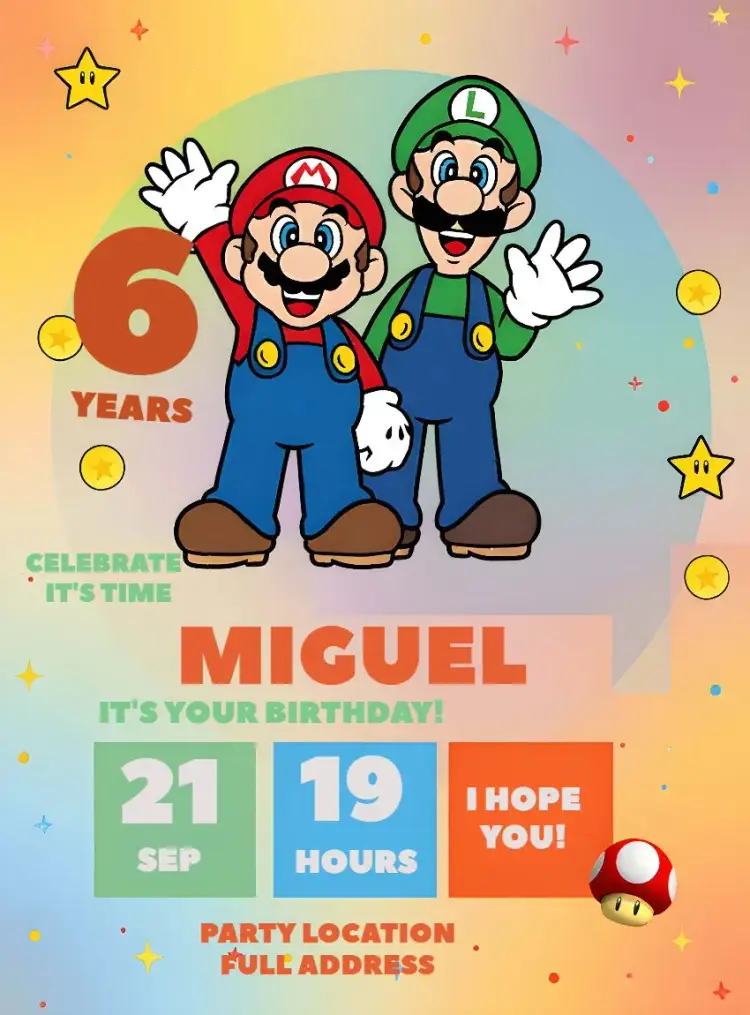
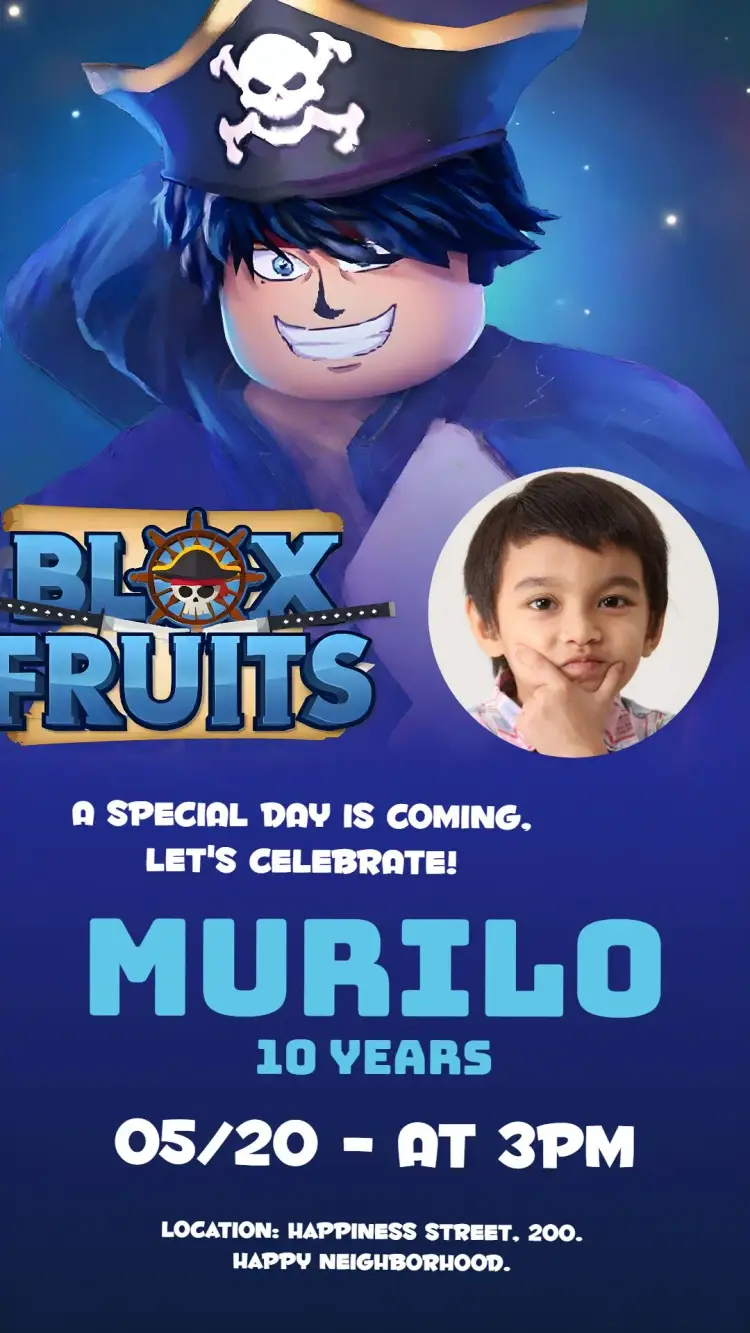
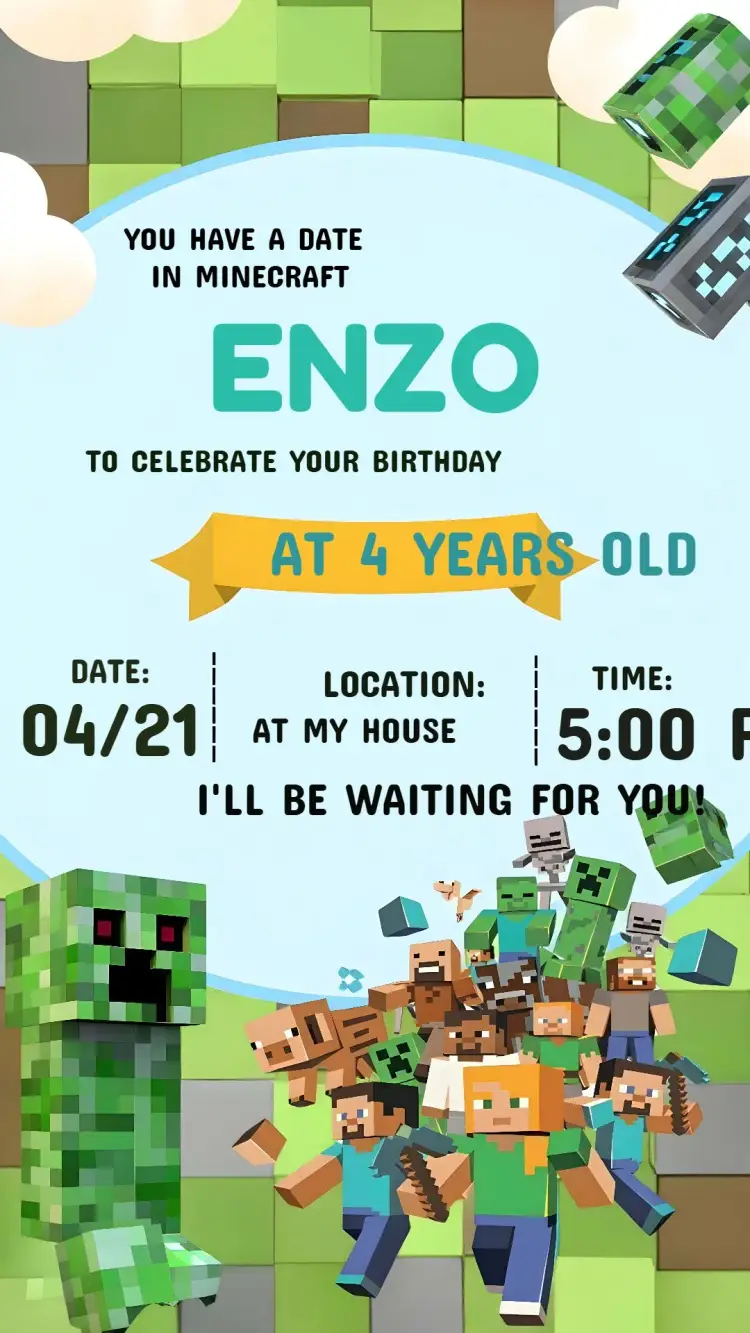
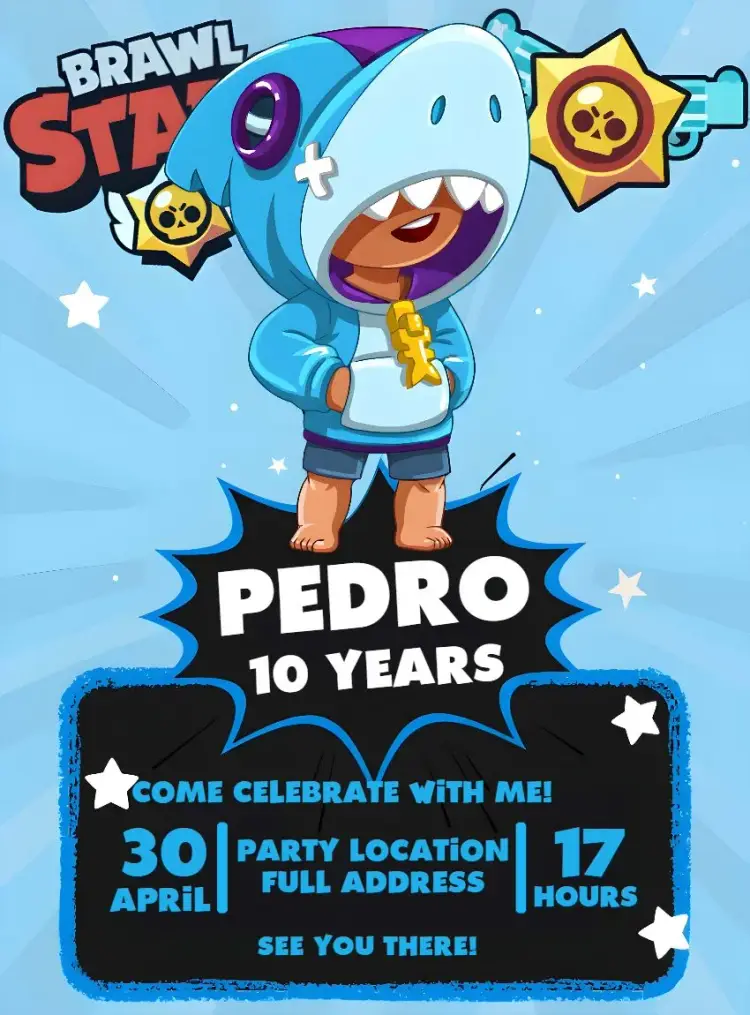
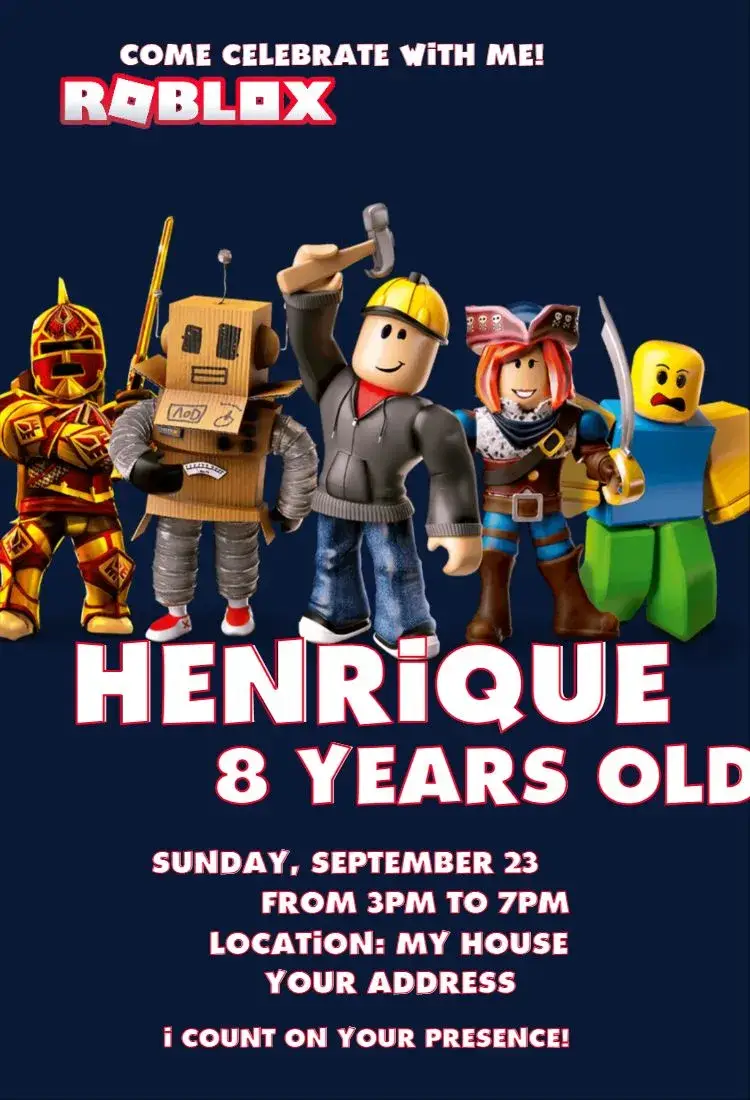
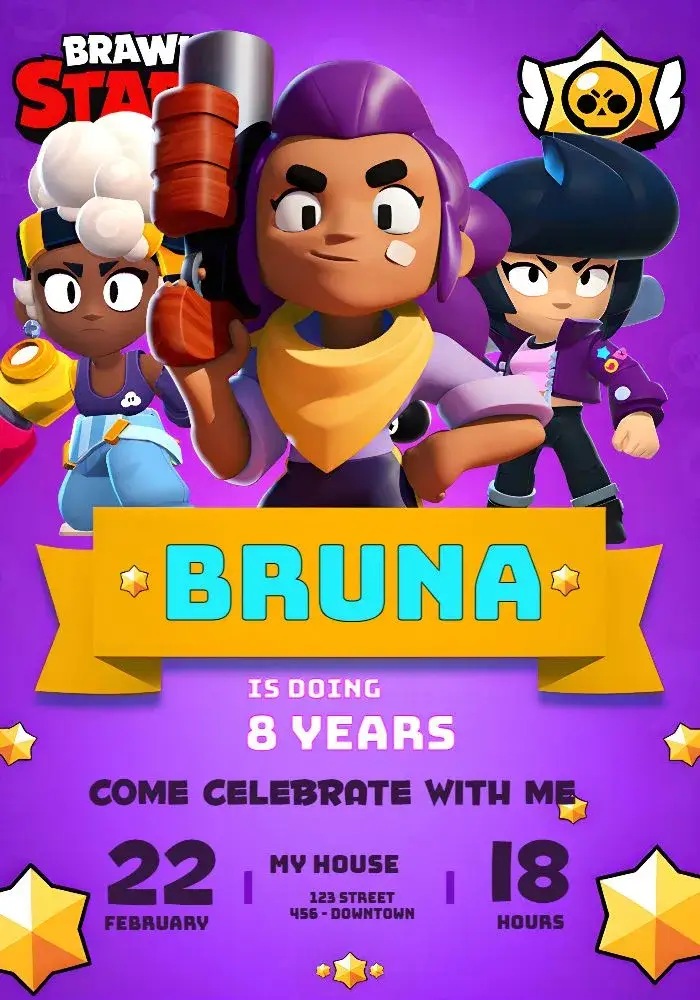
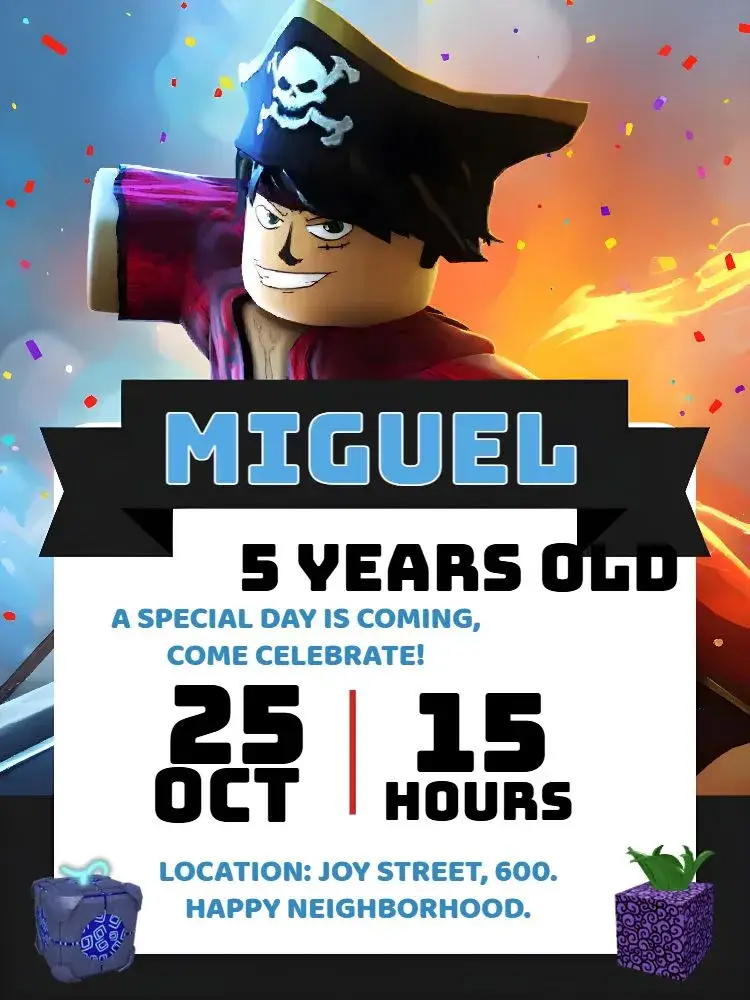
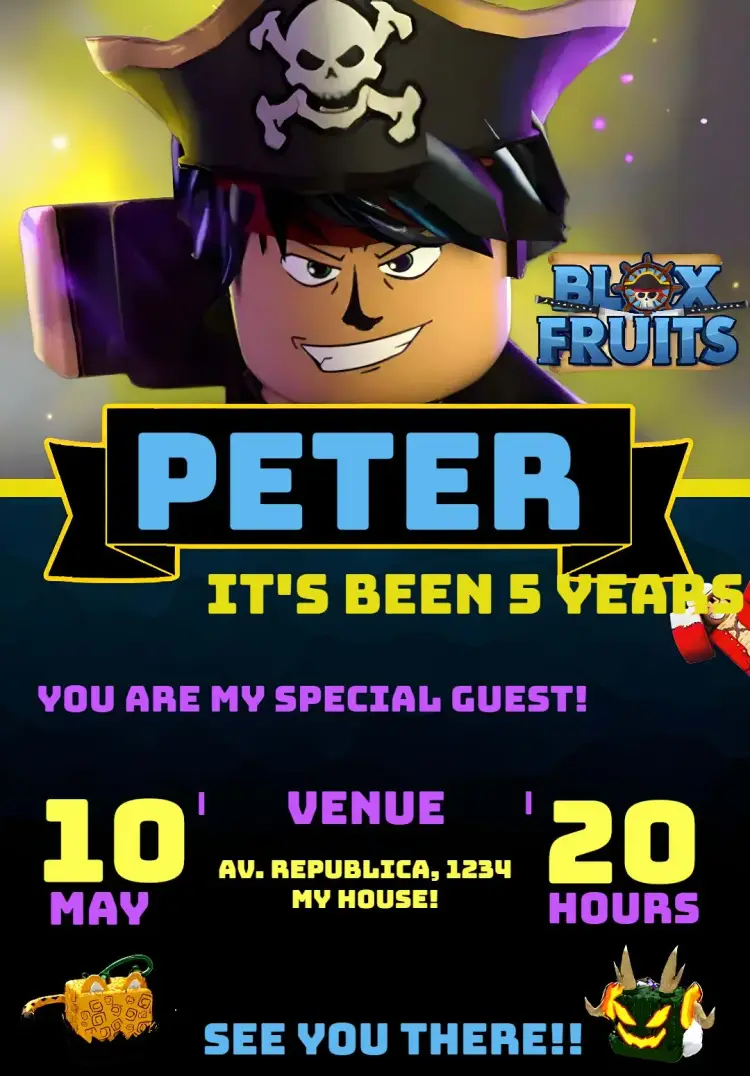
Compare game-inspired artwork and controller designs for the actual birthday party. A keyword in an old tag list does not qualify an unrelated template.
Curated templates
Choose a design, personalize the event details, and get your invitation ready to share.
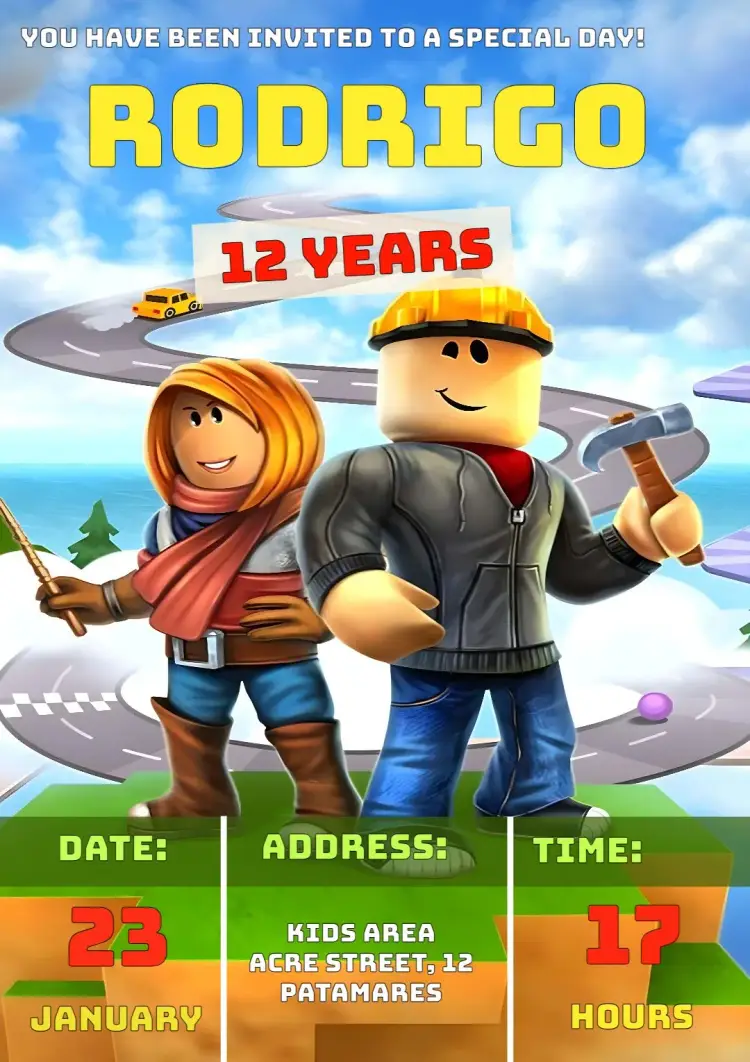
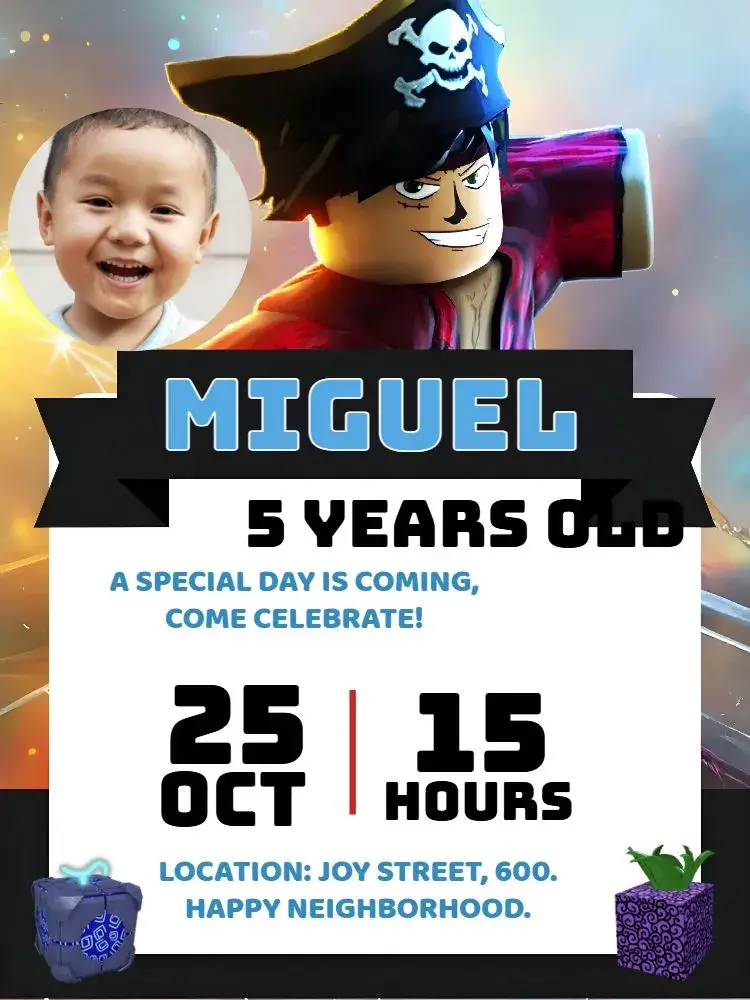
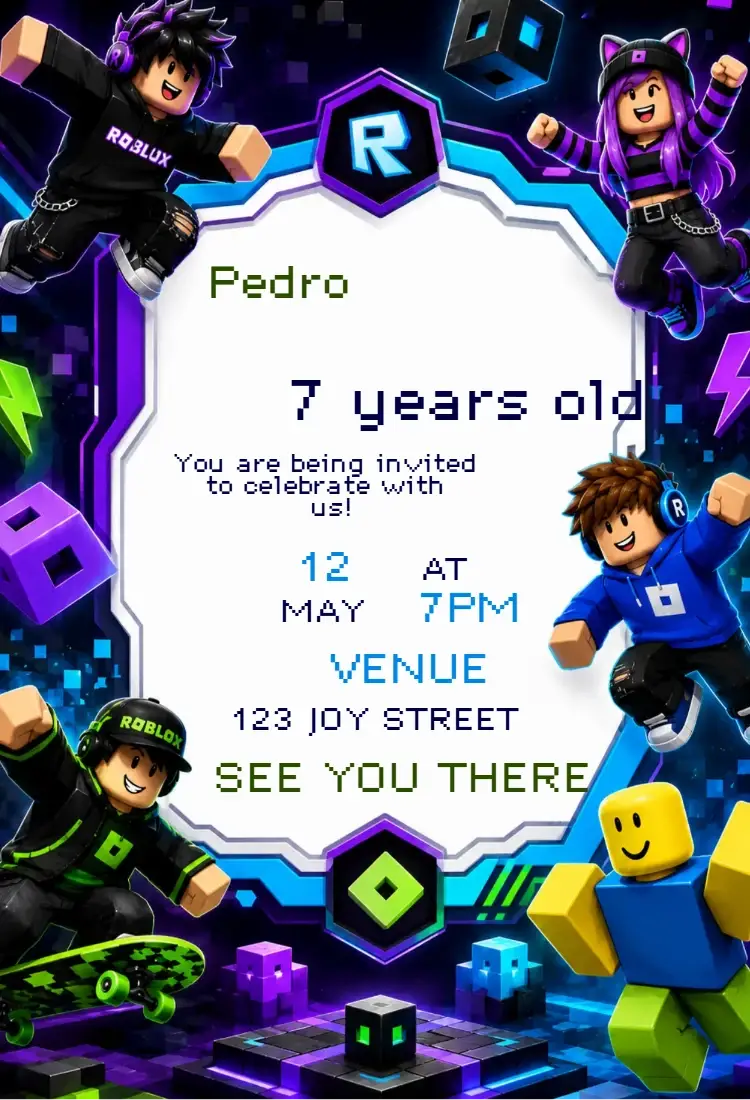
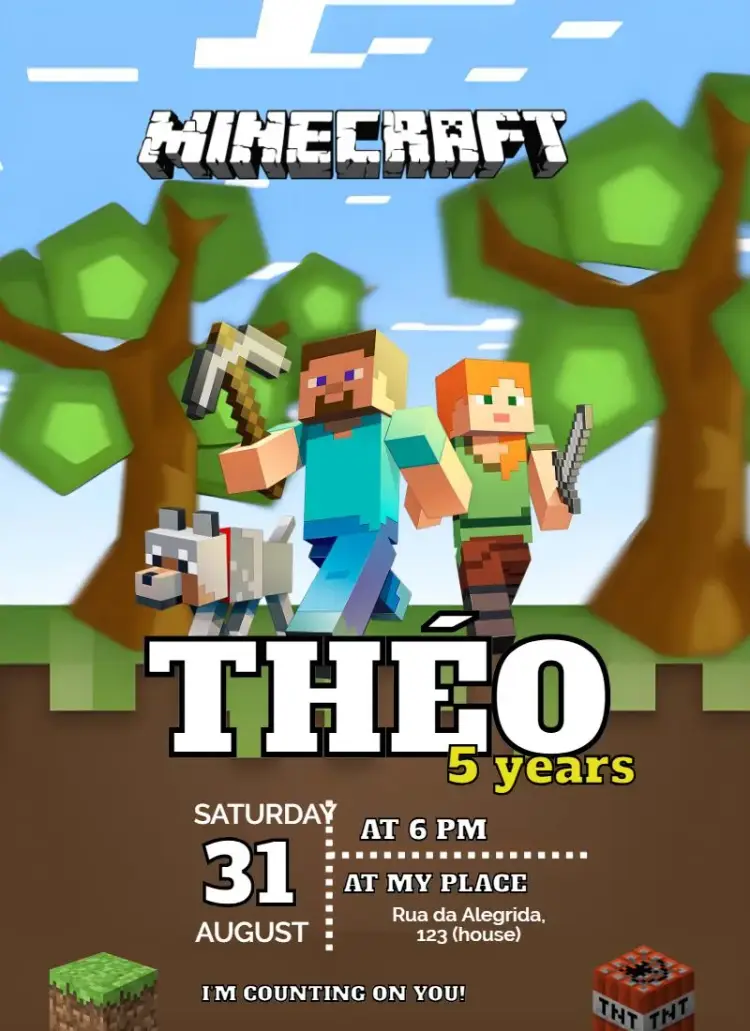
About this collection
Match the artwork to the actual party
Look at the characters, controllers, colors and layout in the preview. Different gaming themes are not interchangeable, and a generic console illustration may suit a different event from a specific game scene. Choose the design based on the honoree’s interests and the setup guests will find.
Explain whether guests will play together
A gaming theme does not imply an online event. State the venue and time, and mention equipment or a private joining link only if the organizer has arranged it. If the party is online, add a time zone and send access details separately instead of promising interactive features in an image.
Example wording to adapt
Level up with [Name]! Celebrate [age] on [date] at [time], at [venue]. Please RSVP to [contact] by [deadline].
From the selected template to the editor
Open the chosen invitation page and inspect the preview before personalizing it. Replace sample details with [Name], [Month] [day], [year], [time] and [venue]. Photo, color and artwork changes depend on the template. Check the download options and conditions, then review the final version on a phone before sharing. Send maps and links in the accompanying message too: text inside an image is not automatically clickable.
Frequently asked questions
Does a gaming design include an online game session?
No. The artwork introduces a theme. The organizer must arrange any game session, equipment and access details separately.
How do I choose between different gaming themes?
Compare the actual characters, controllers and backgrounds in the preview. Choose artwork related to the honoree’s interests rather than relying on the title alone.
What information belongs on an online party invitation?
State the date, time and time zone, then explain how invited guests will receive access details. Do not print private credentials on an invitation meant for wider sharing.
How do I open a chosen template in the editor?
Open the chosen invitation page and inspect the preview before personalizing it. Replace sample details with [Name], [Month] [day], [year], [time] and [venue]. Photo, color and artwork changes depend on the template. Check the download options and conditions, then review the final version on a phone before sharing. Send maps and links in the accompanying message too: text inside an image is not automatically clickable.
Explore related collections
Birthday invitations you can customize online
Compare birthday invitation designs, organize the name, date and venue, then open a template to personalize the details of your celebration.
Kids' birthday invitations to customize online
Compare kids' birthday invitation designs, organize the name, age and caregiver instructions, then open a template that suits the actual party.
Invitation wording: customize and copy your message
Build invitation wording for birthdays, weddings, baby showers and graduations. Customize a sample and copy it into your invitation’s editable text fields.
How to print invitations: size, aspect ratio and PDF
Estimate print dimensions and image resolution from pixels. Understand the editor’s one, two or four invitations per A4 PDF sheet options.
Invitations with RSVP: share an event confirmation link
Learn how to create an event from an edited invitation, review RSVP settings and send a published event link for guests to respond.
Create an invitation that feels like yours
Choose a template and edit the wording, colors, and event details directly in your browser.