
Celebrate the season together
Christmas party invitations to customize online
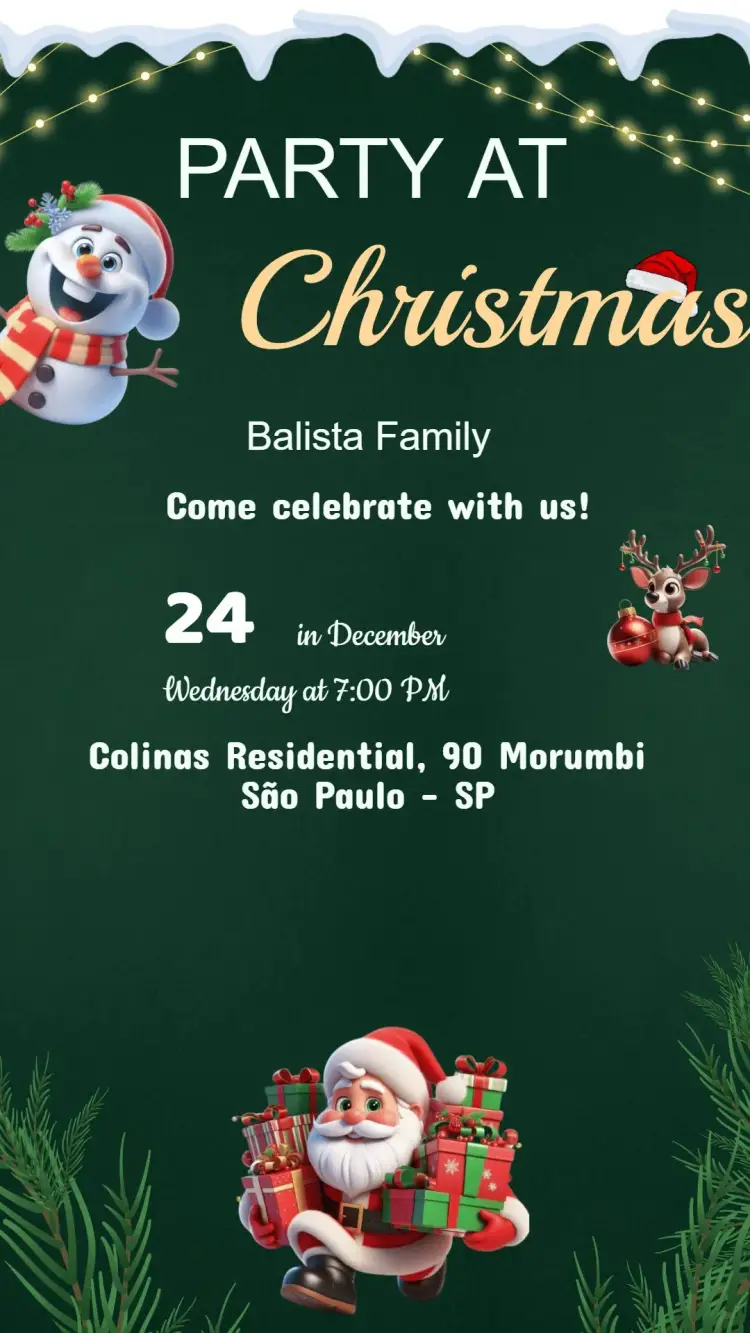
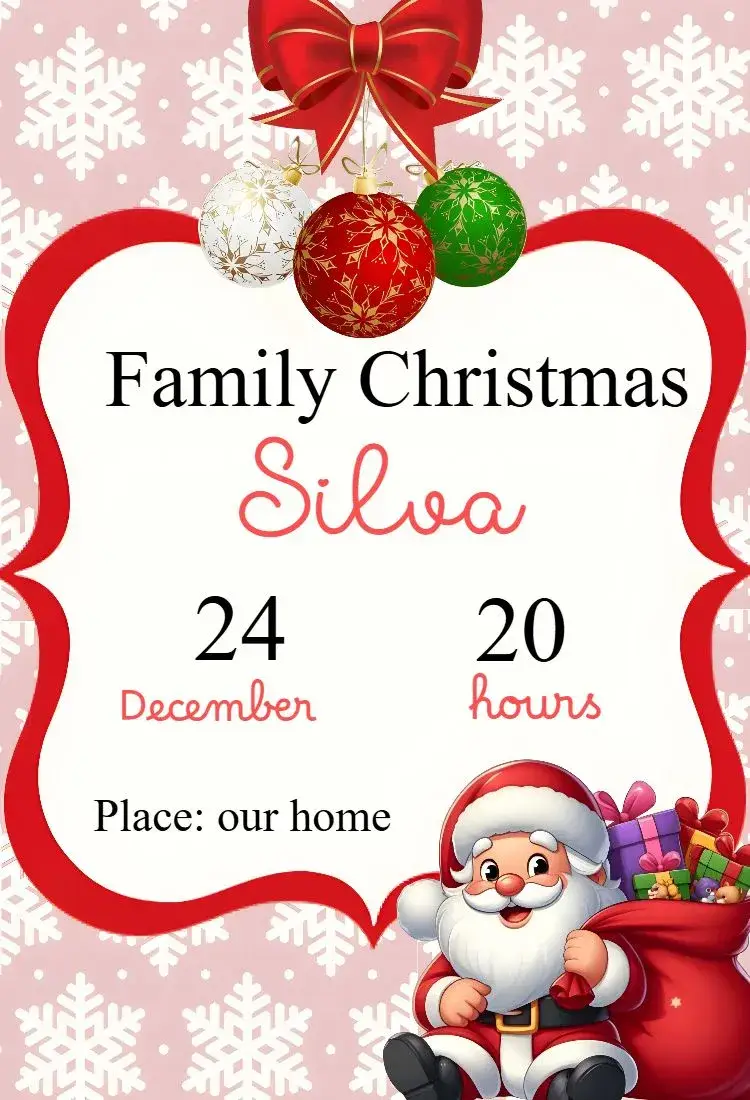
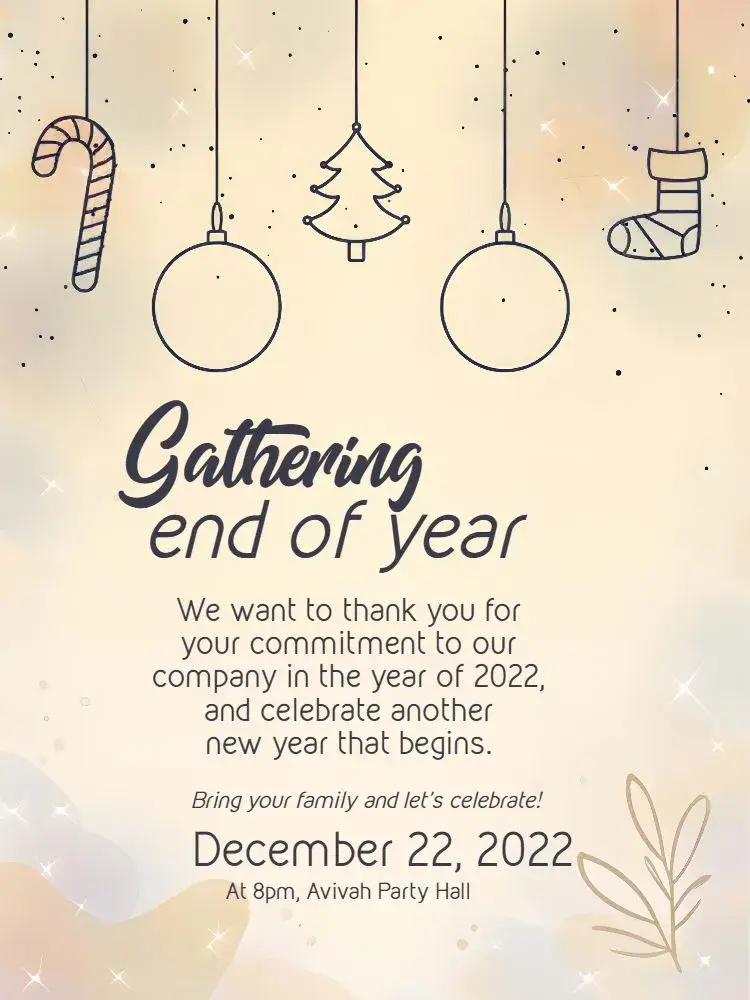
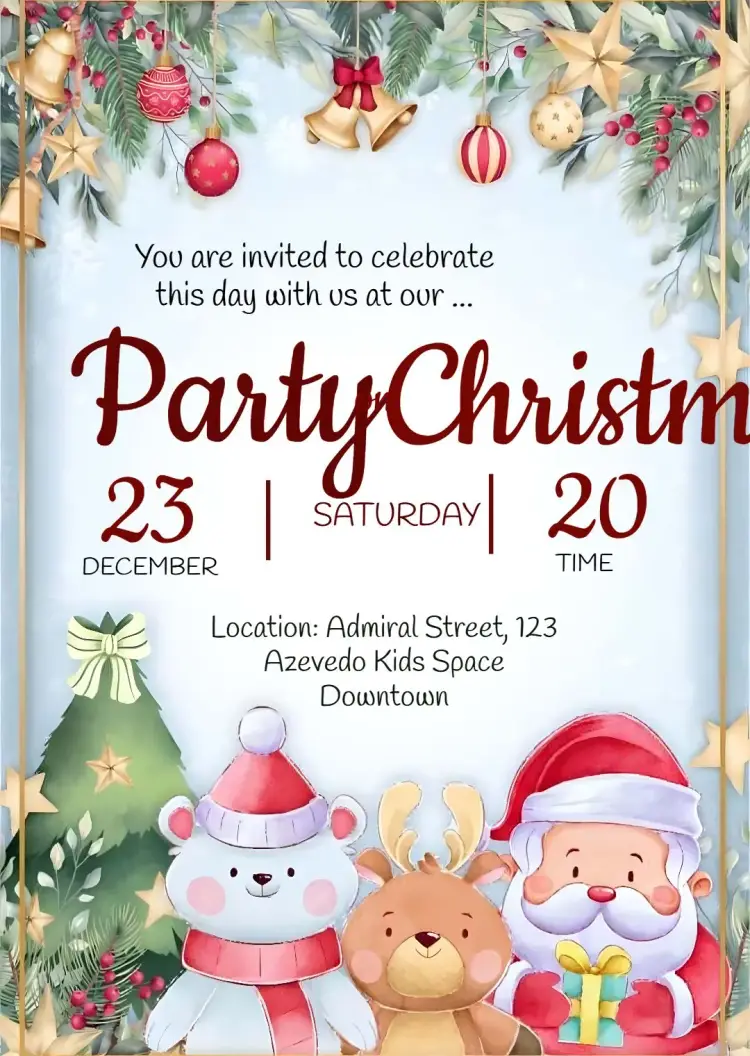
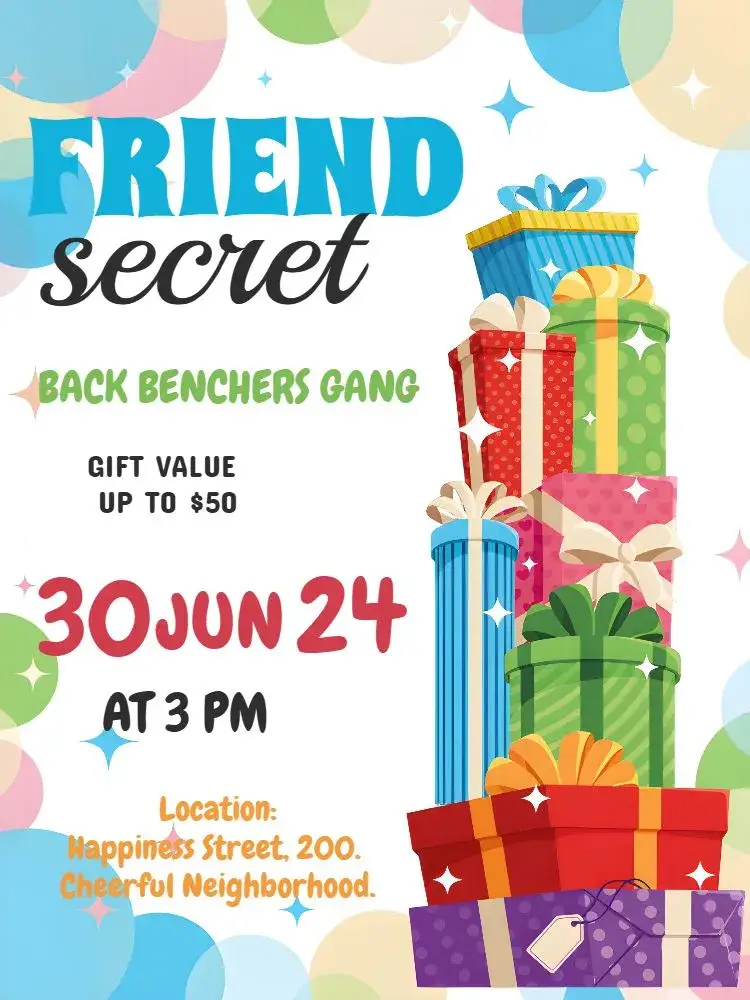
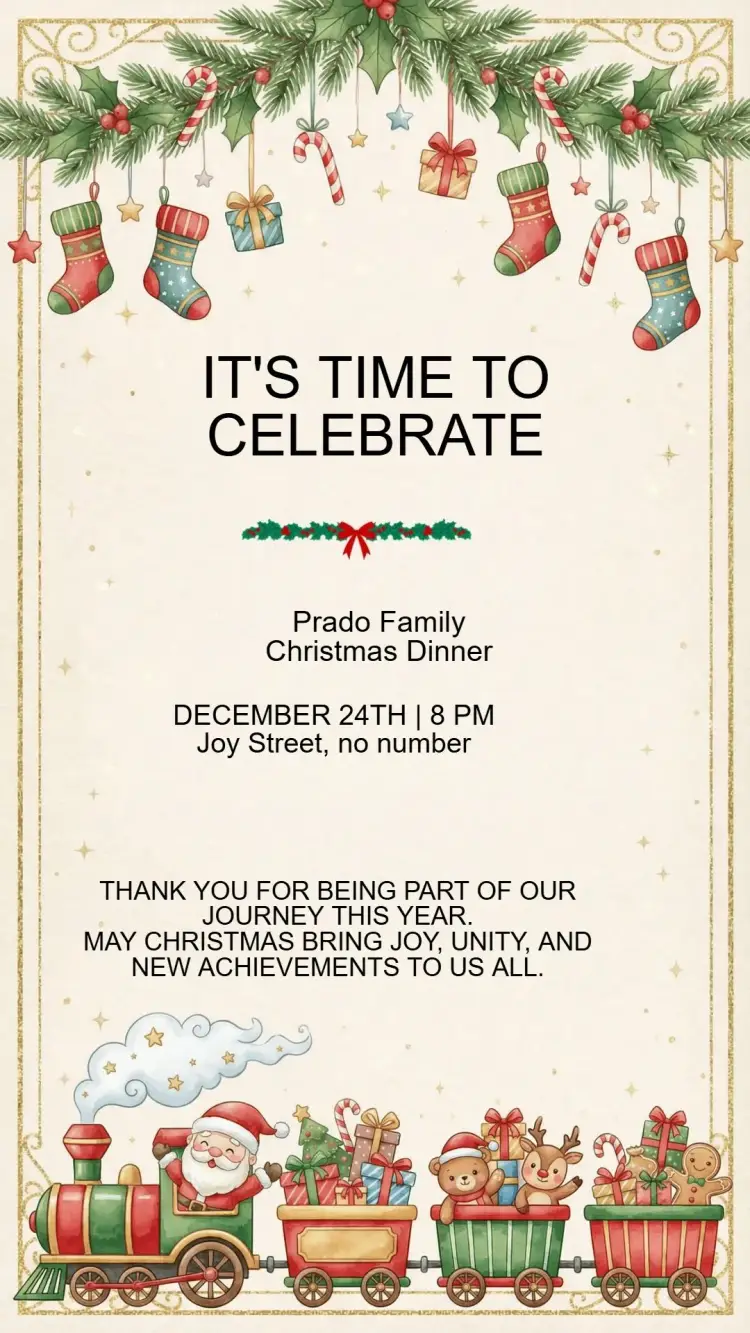
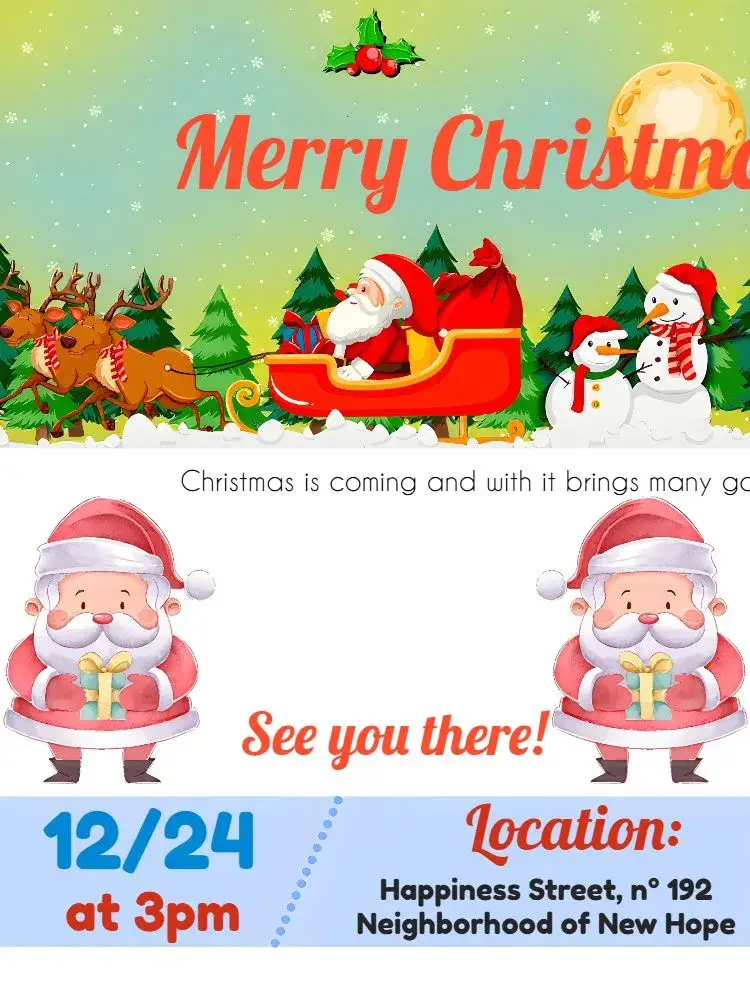
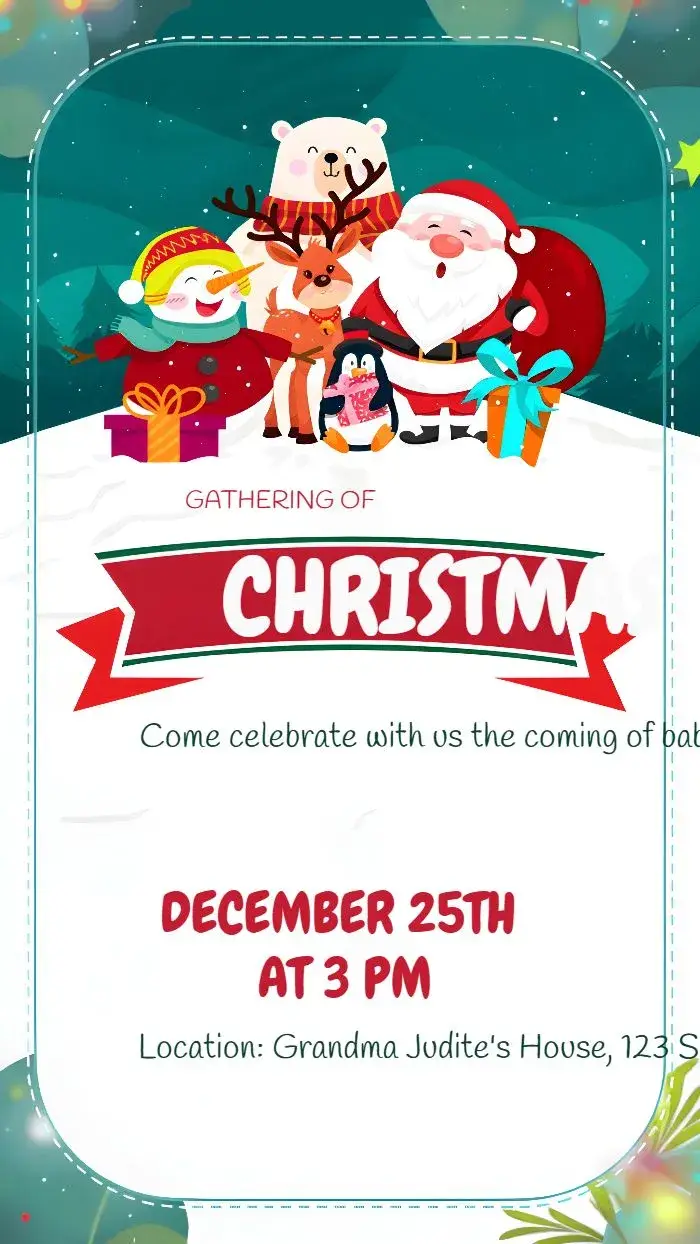
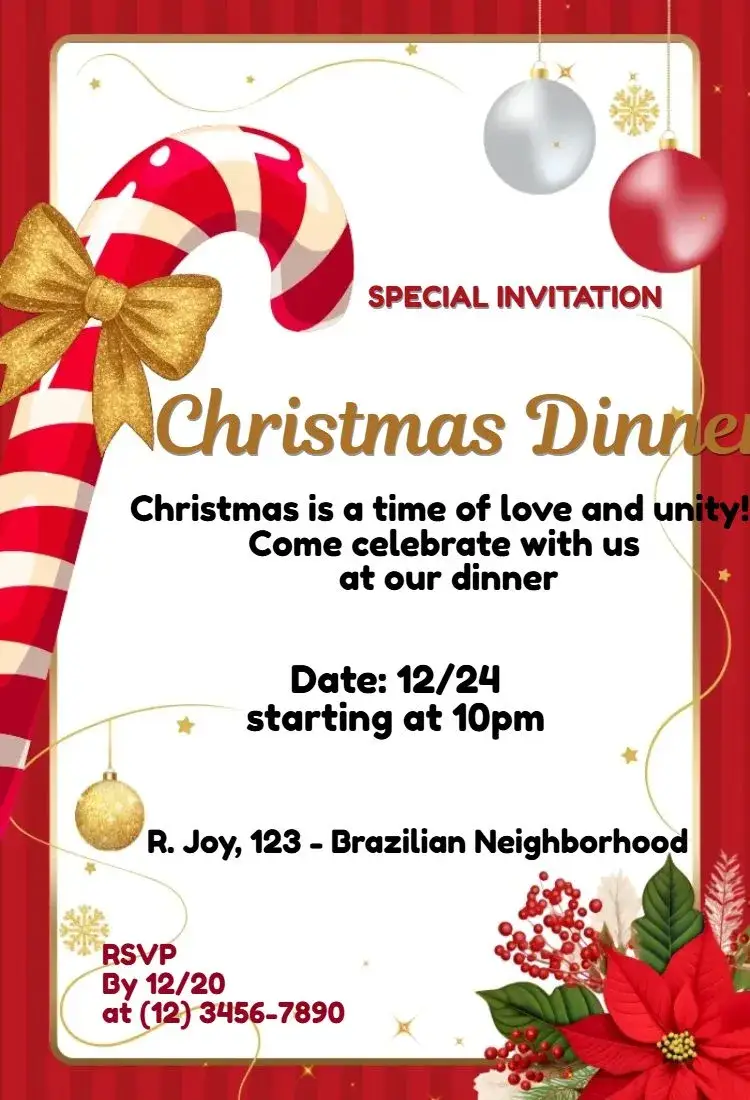
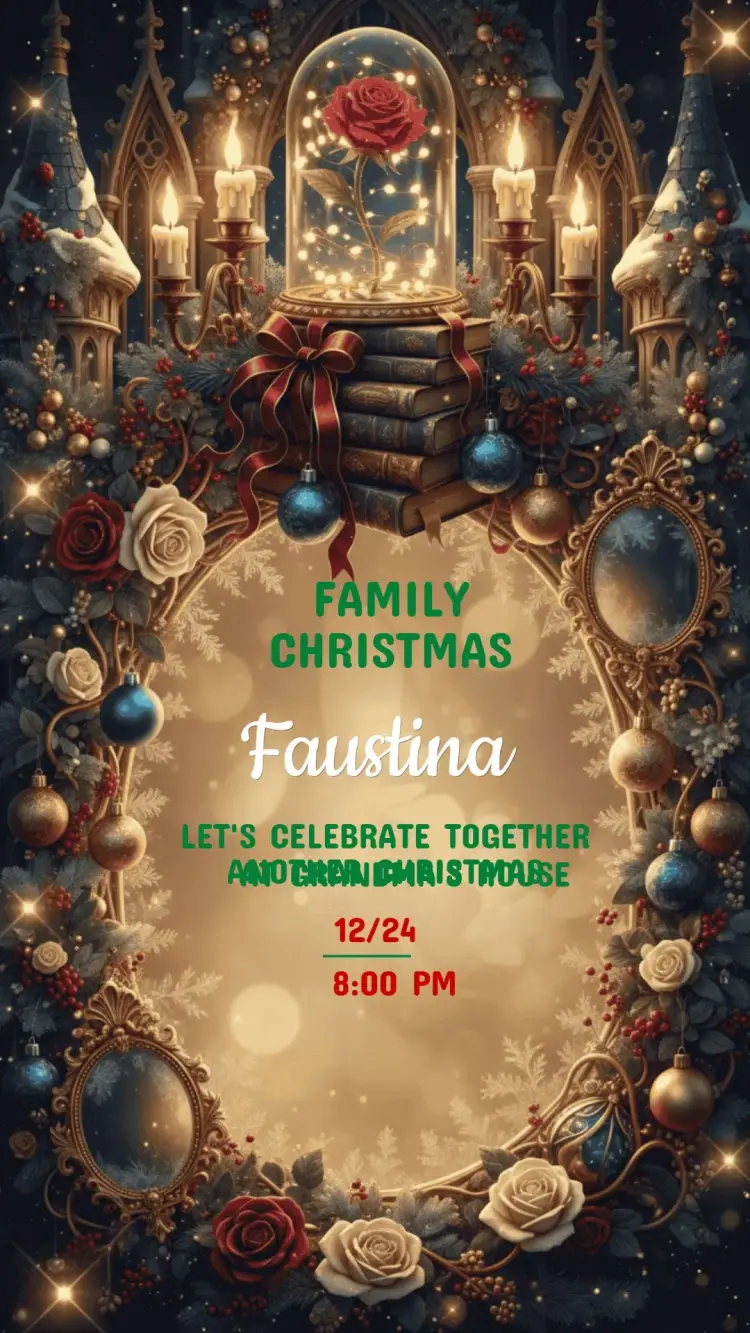
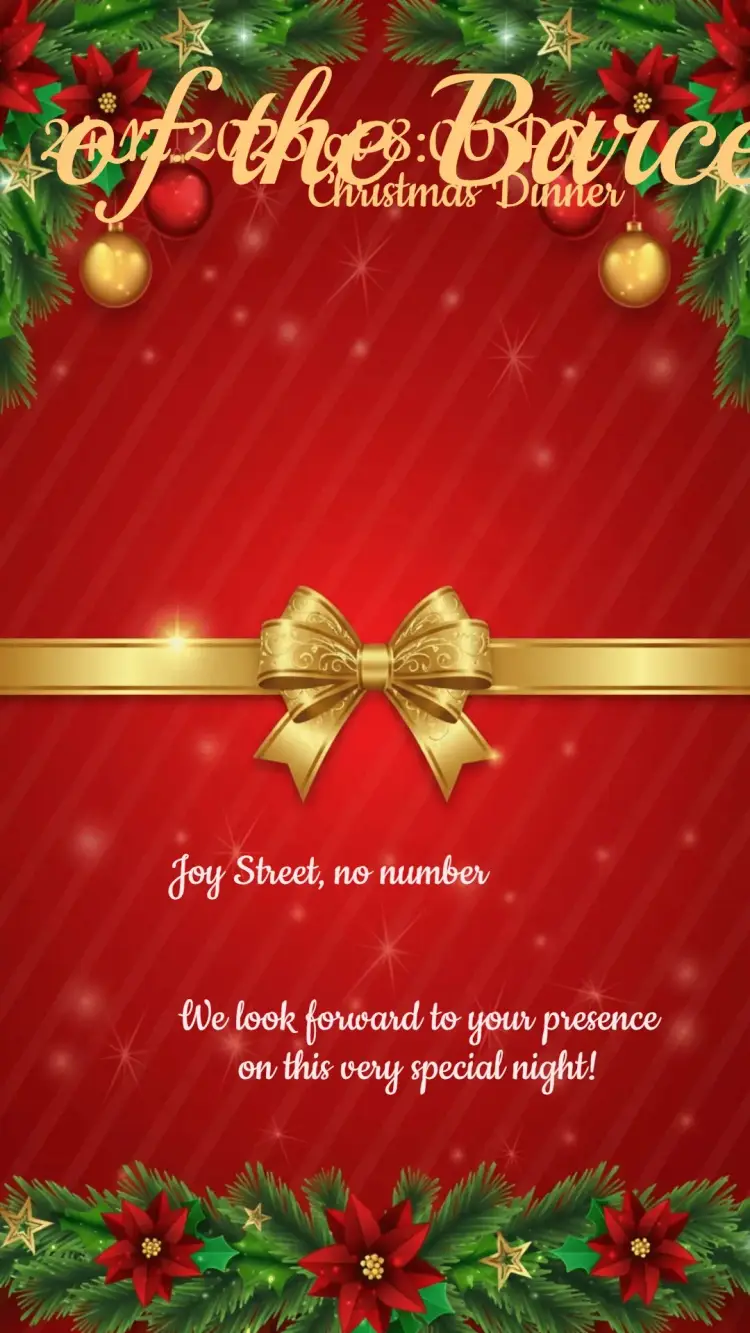
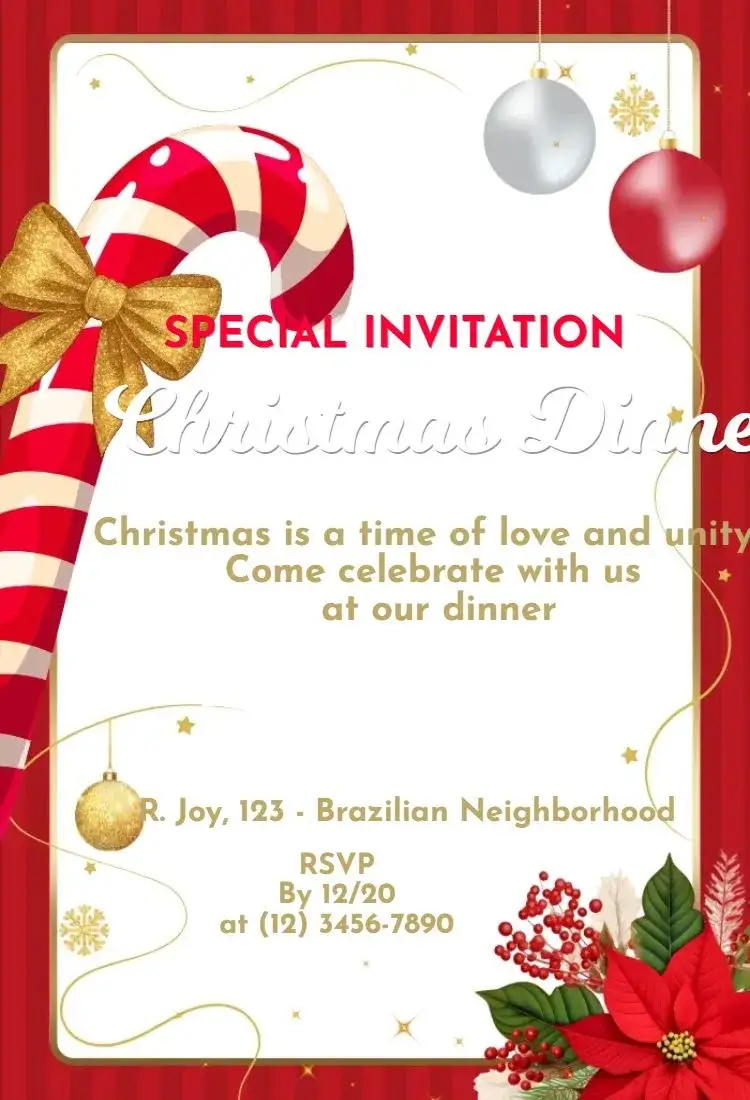
Compare the artwork in this selection and inspect a template before opening the editor. December calendars fill quickly, so send the invitation early and say whether guests should bring a dish or a gift.
24 curated templatesCurated templates

Selection
Curated templates
Choose a design, personalize the event details, and get your invitation ready to share.









How to choose
About this collection
From the right design to the editor, step by step.
Match the design to the gathering
A Christmas party can be a family lunch, an evening with friends, a neighborhood get-together or a team celebration. Each format calls for a different tone. Trees, wreaths, stars and string lights suit classic gatherings; red, green and gold palettes signal the season without crowding the layout; light, minimal designs work for more formal events. Choose the artwork that leaves room for the details you actually need to share.
What guests need to know
Beyond the date, time and address, state who is hosting and what kind of party it is. If there is a gift exchange with a spending limit, a potluck or a dress code, give it its own short line. For apartment buildings, clubhouses or restaurants, confirm access rules and reservations before writing them down. When the party has two parts, such as dinner followed by games, list both times.
Plan around a busy season
December is full of school events, travel and work deadlines. Sending invitations two to three weeks ahead helps guests hold the date and lets you plan food, seating and favors based on replies. Set an RSVP deadline and name one contact for questions.
Details to confirm before editing
December calendars fill quickly, so send the invitation early and say whether guests should bring a dish or a gift. Agree on a gift exchange budget before announcing it, and add parking or entry instructions when the party is at a private home.
Spell out the month in the date — [Month] [day], [year] — and check the time. Include a.m. or p.m., or use a clearly labeled 24-hour time. For guests in another region, add the city and the time zone when needed rather than relying on an ambiguous numeric date.
Example wording to adapt
The following wording is a suggestion: replace the fields in brackets and remove anything that does not apply to your event.
Join us for a Christmas celebration! [Host] invites you on [date] at [time], at [venue]. Please bring [dish or gift] if you can, and RSVP to [contact] by [deadline].
From the selected template to the editor
Open the selected invitation page, inspect its preview and use the personalization button to enter the editor. Replace the sample details with your event information and check which elements that template allows you to change. To include a photo, choose a design with space for one or check the editor options. Review the result on a phone and check the download options and conditions shown for that template before completing it. Sharing an image does not automatically make the text inside it clickable: send necessary maps and links in the accompanying message too.
Questions
Frequently asked questions
What to check before opening the editor.
What should a Christmas party invitation include?
Include the host, date, time, venue and an RSVP contact. Add a dress code, potluck or gift exchange details only when they are part of the plan.
How far ahead should I send Christmas party invitations?
Two to three weeks usually works for December gatherings. Send them earlier for parties close to December 24 and 25 or when guests need to travel.
How do I mention a gift exchange?
Use one short line with the agreed spending limit and the exchange date. Detailed rules and participant lists can go in the message that accompanies the invitation.
Can one design work for a family party and an office party?
Yes, if the wording changes with the audience. For coworkers, keep the tone neutral and confirm the time, venue and any workplace guidelines with the organizer.
How do I open a selected template in the editor?
Open the invitation page, inspect the design and use the personalization button. Replace the example event details. Photo, color and design changes depend on the selected template and the options available in the editor.
Collections
Explore related collections
24 templates
Christmas dinner invitations to customize online
Choose a Christmas dinner invitation, confirm the arrival time, address and what guests can bring, then open the template to personalize it.
Curated templates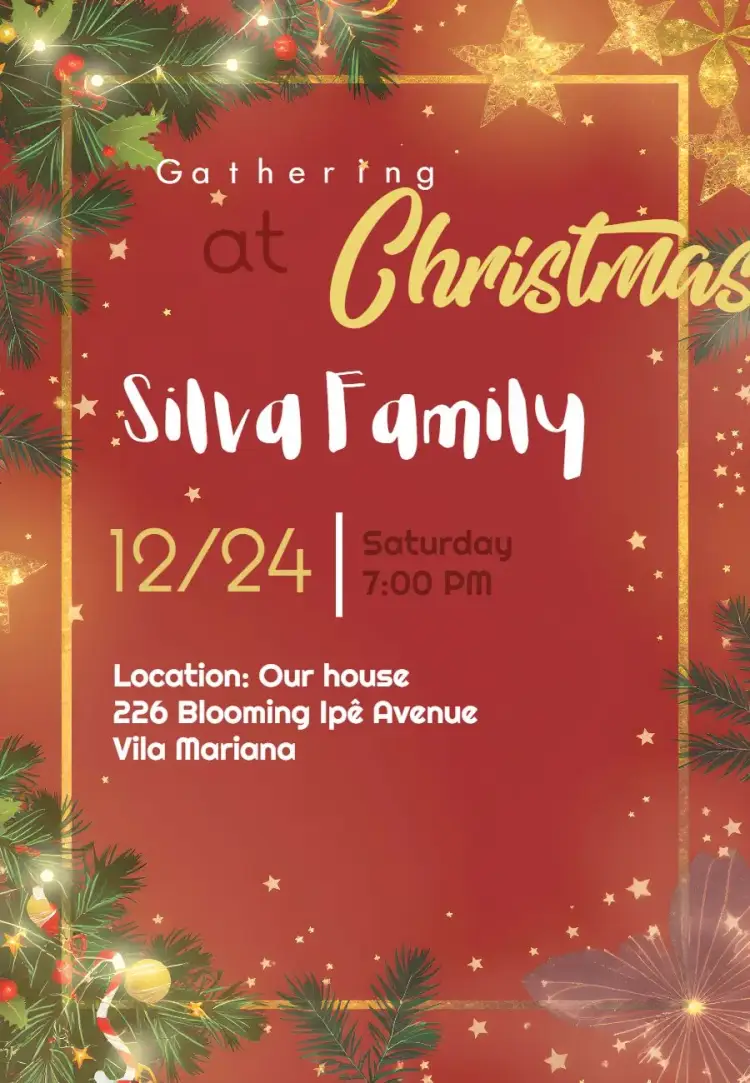
24 templates
Birthday invitations you can customize online
Compare birthday invitation designs, organize the name, date and venue, then open a template to personalize the details of your celebration.
Curated templates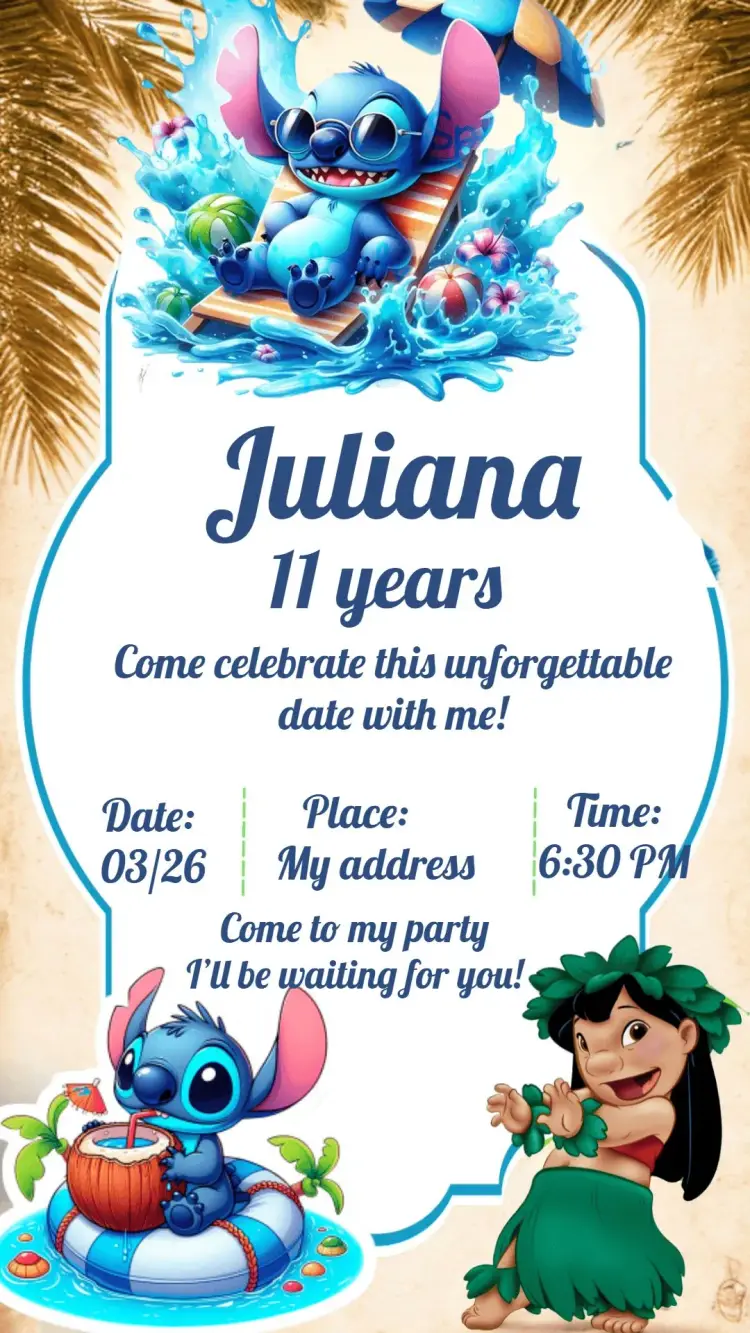
Invitation wording: customize and copy your message
Build invitation wording for birthdays, weddings, baby showers and graduations. Customize a sample and copy it into your invitation’s editable text fields.
Build your invitation messageHow to print invitations: size, aspect ratio and PDF
Estimate print dimensions and image resolution from pixels. Understand the editor’s one, two or four invitations per A4 PDF sheet options.
Estimate print size and image resolutionInvitations with RSVP: share an event confirmation link
Learn how to create an event from an edited invitation, review RSVP settings and send a published event link for guests to respond.
Prepare the message for your RSVP linkCreate an invitation that feels like yours
Choose a template and edit the wording, colors, and event details directly in your browser.