Sun, water and pool floats
Editable pool party invitations
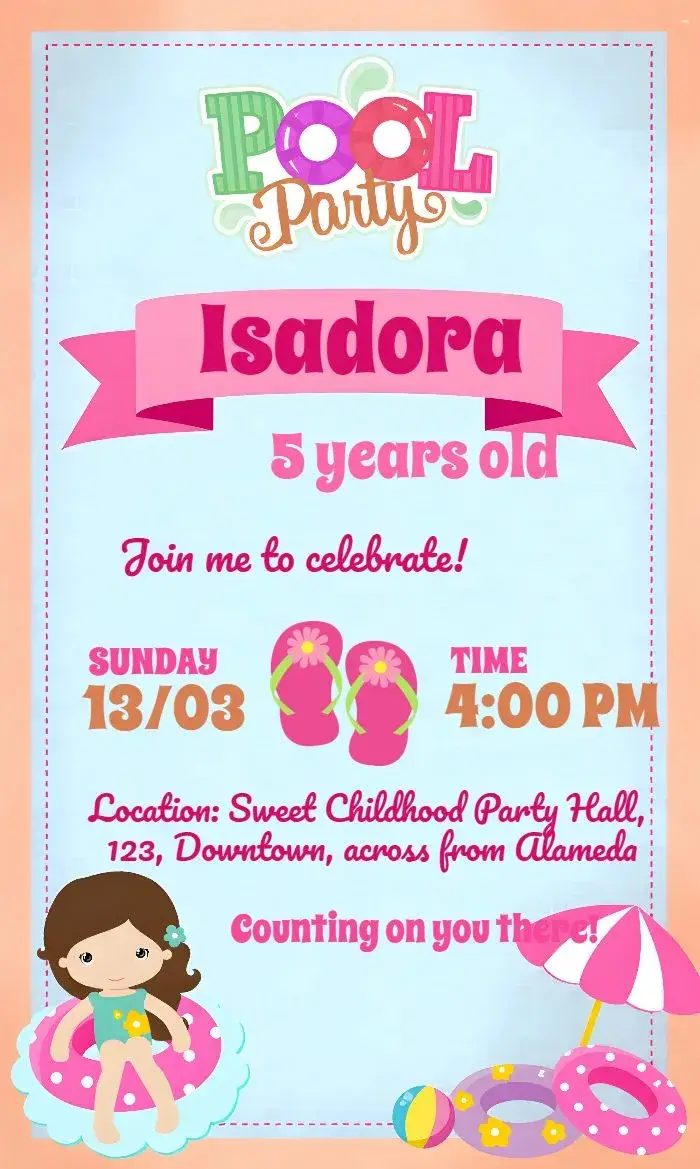
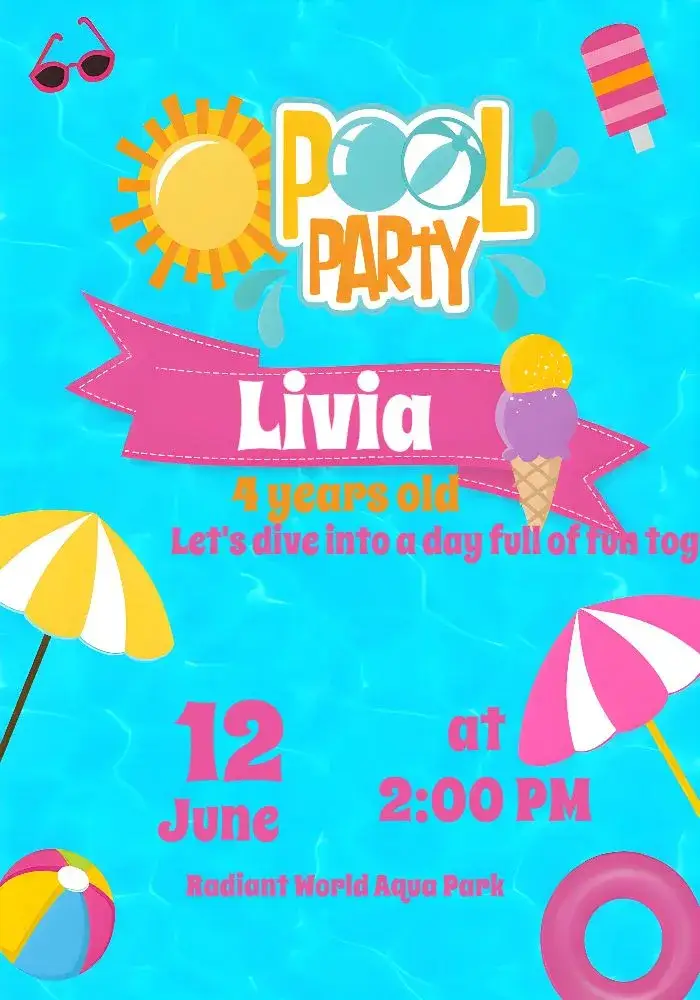
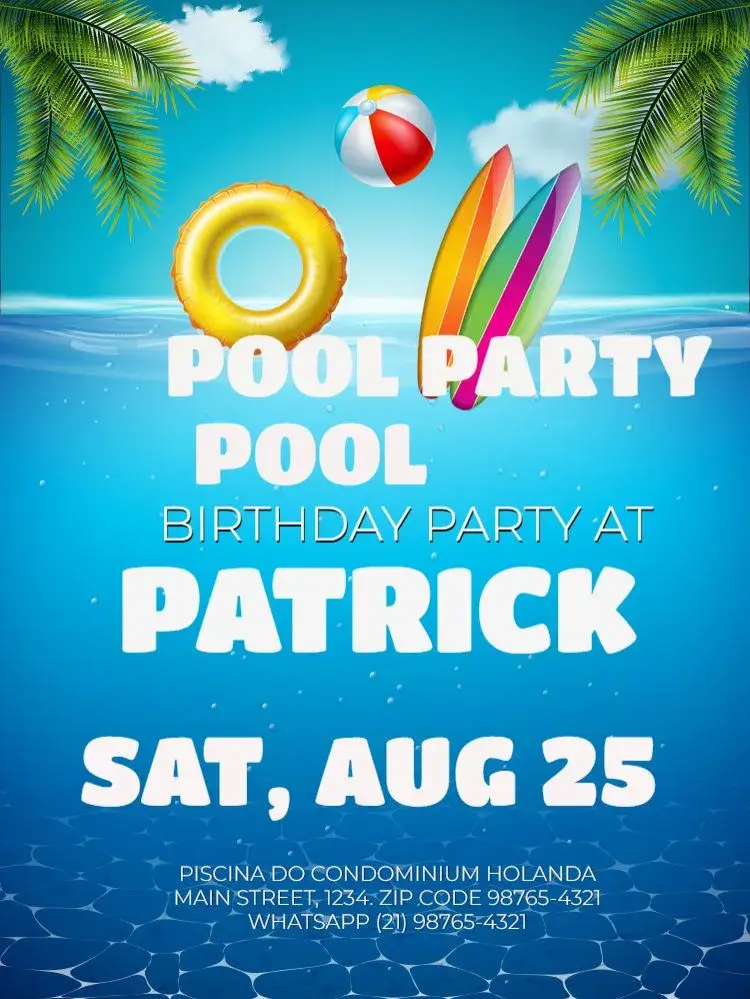
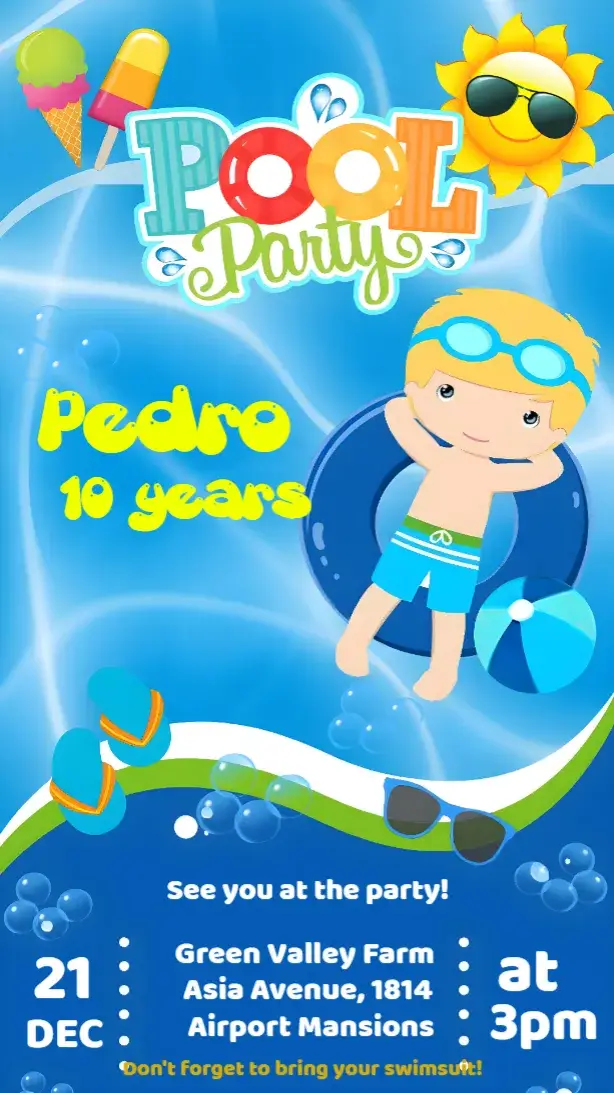
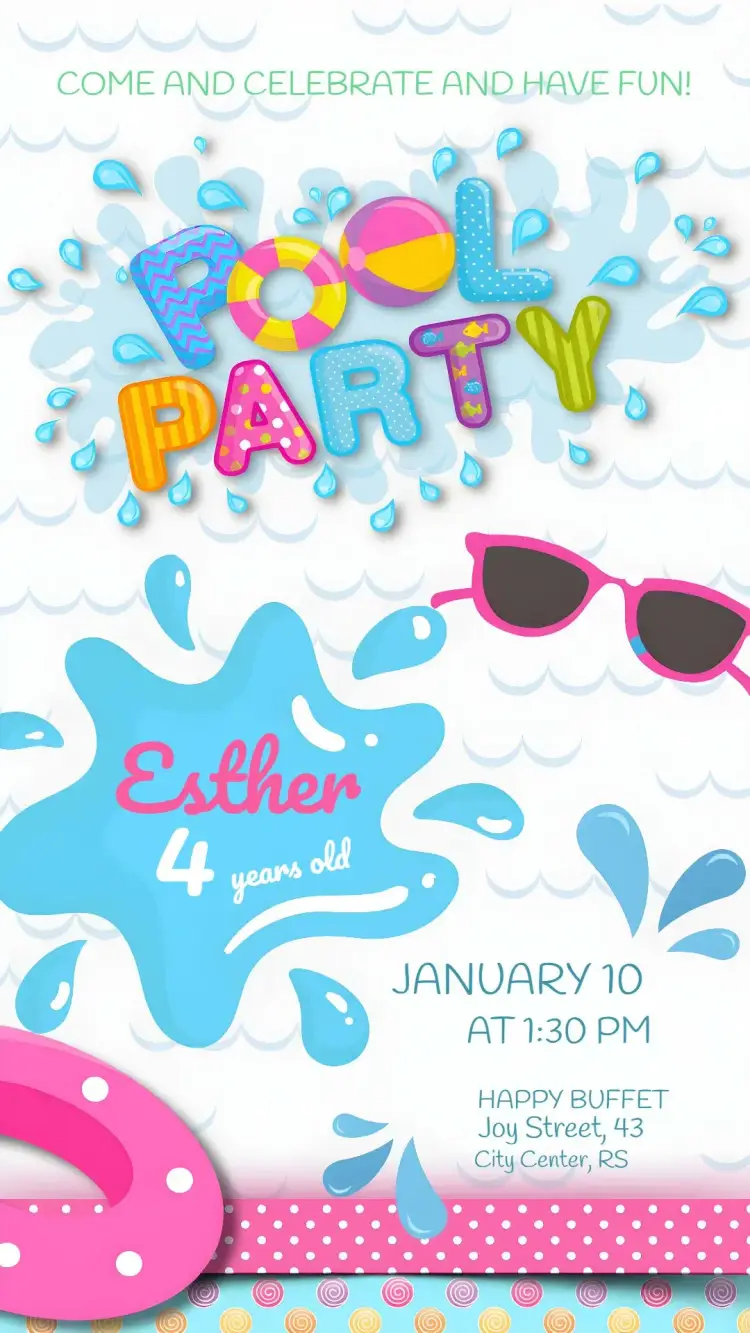
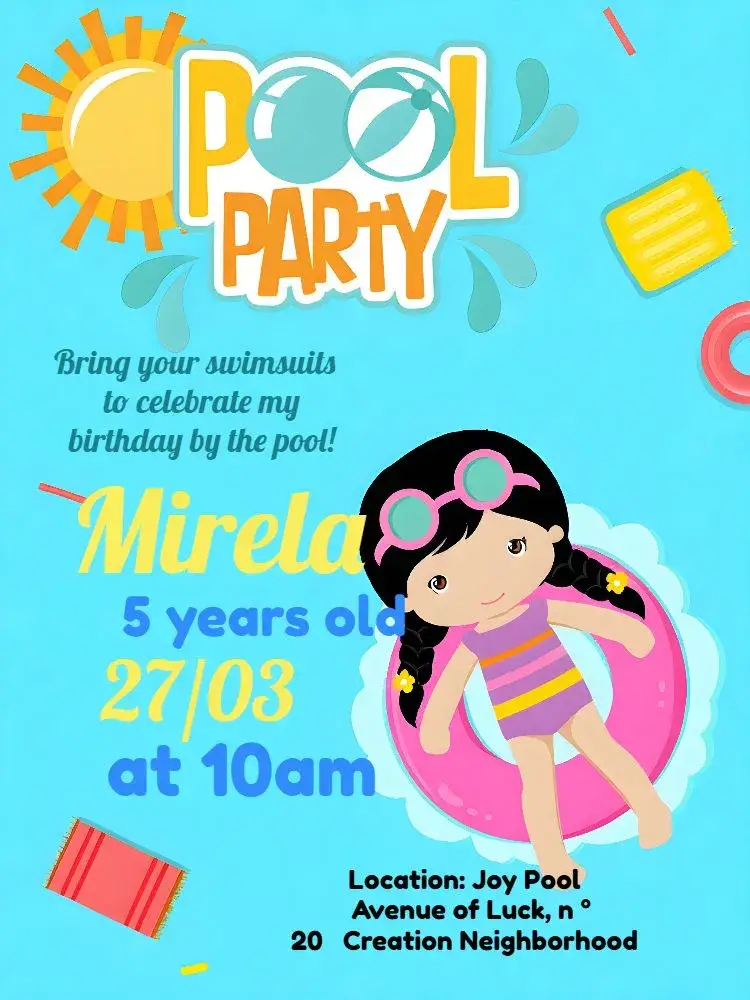
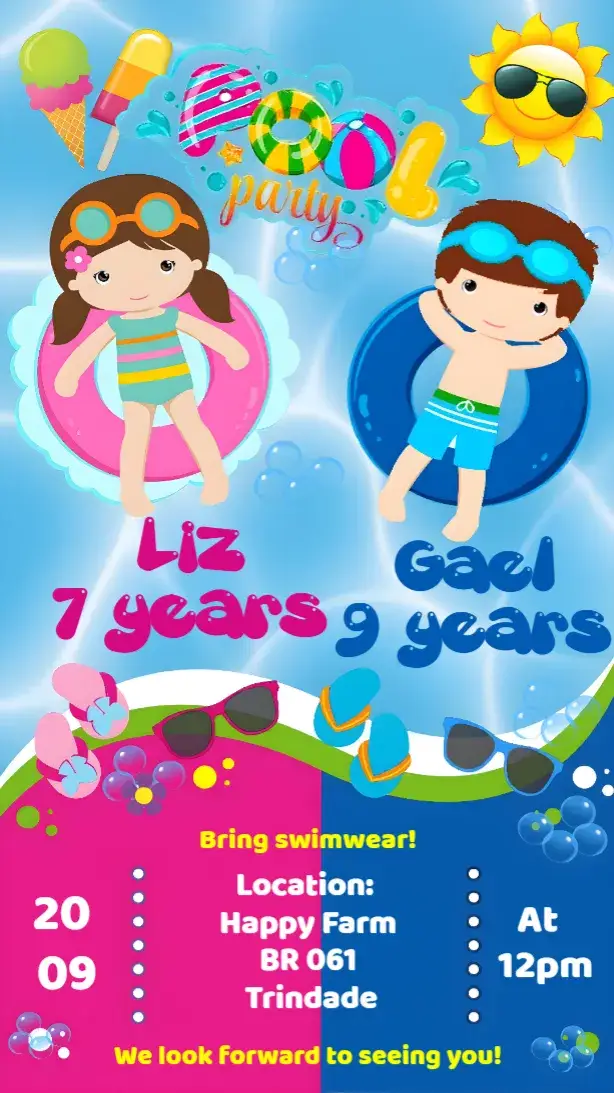
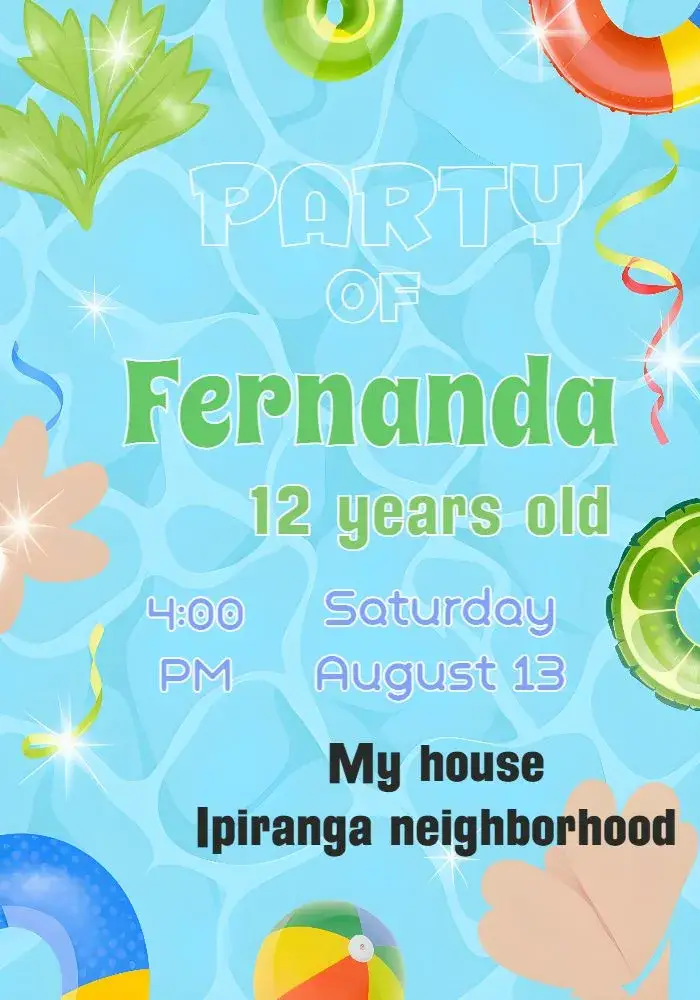
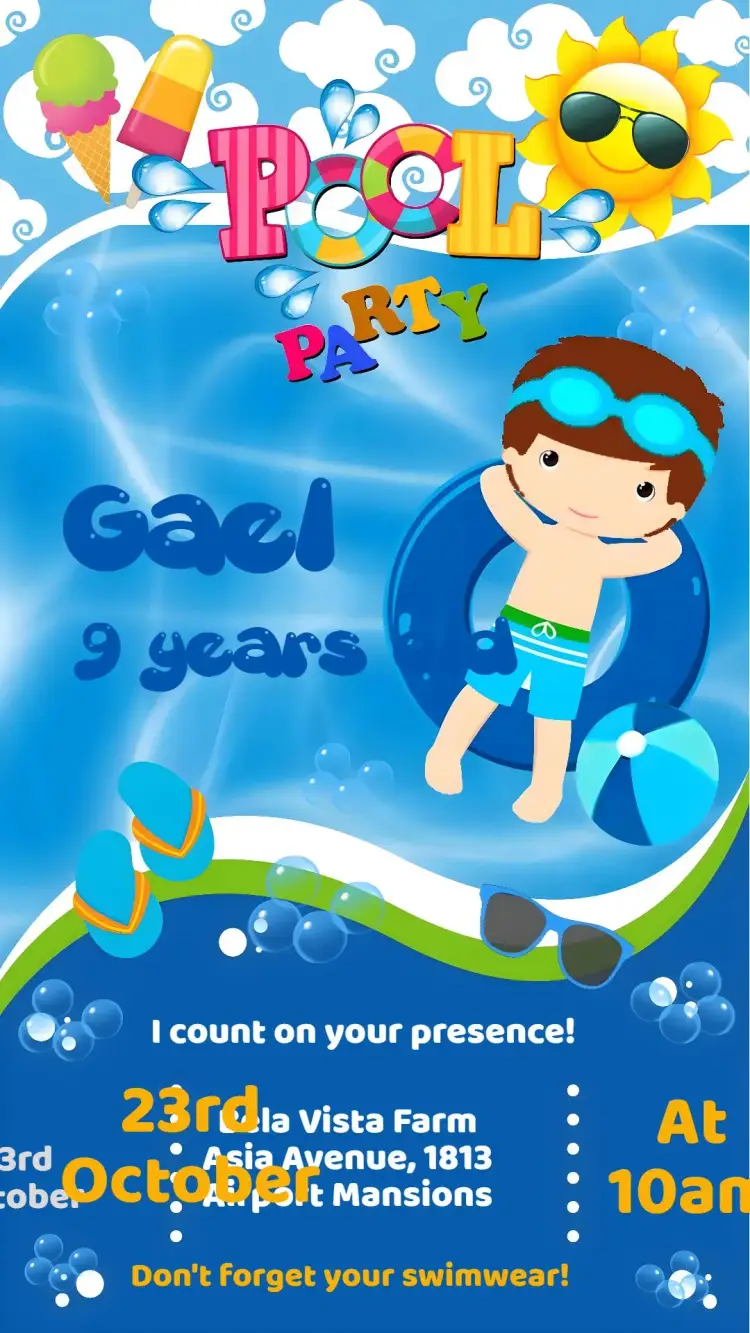
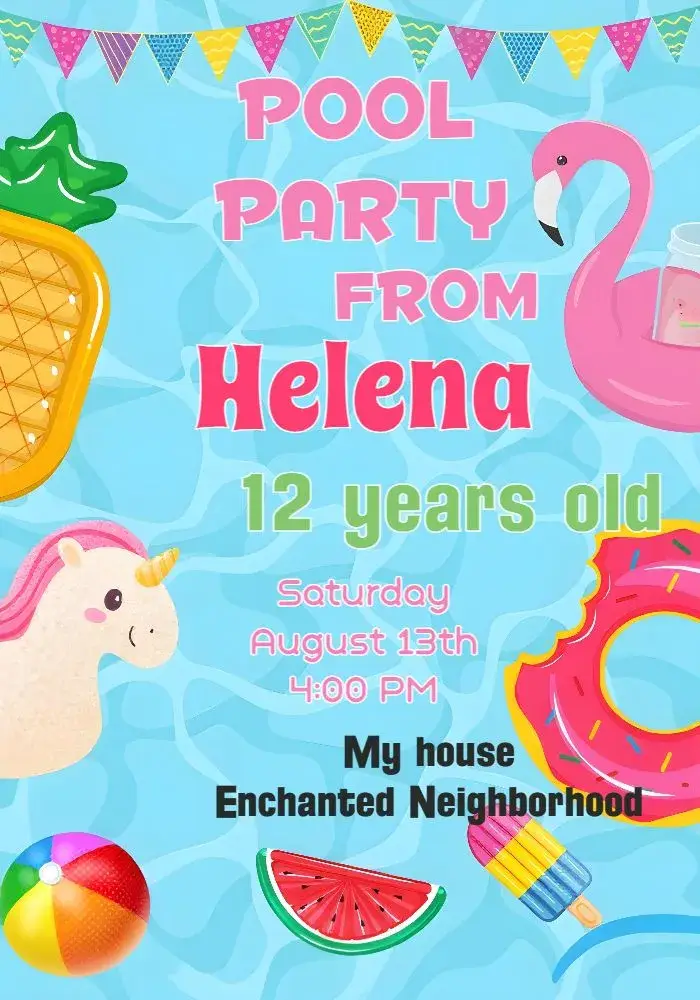
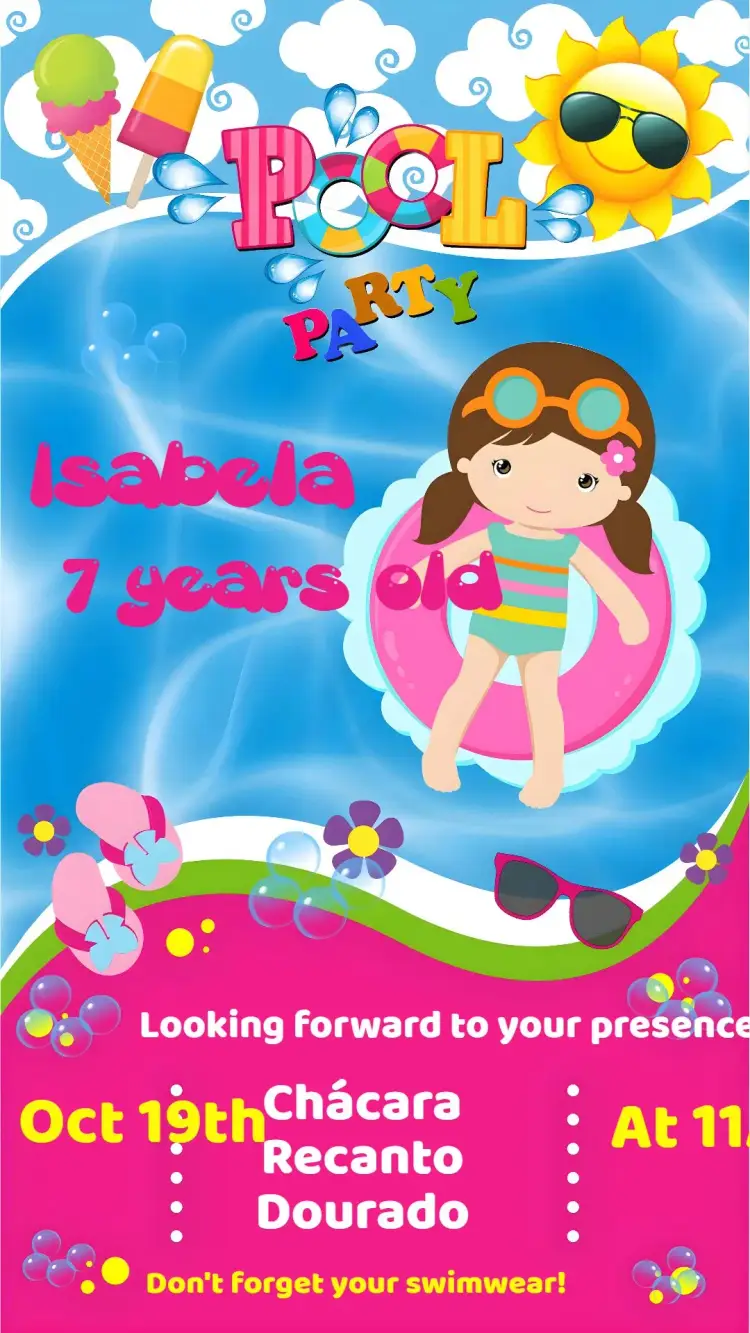
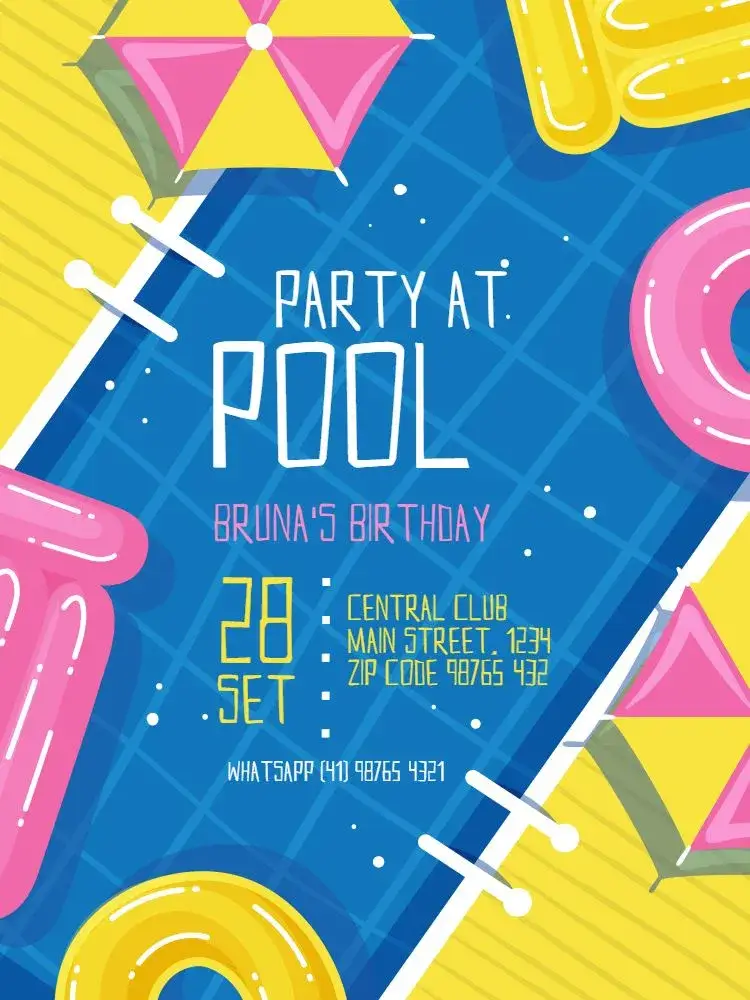
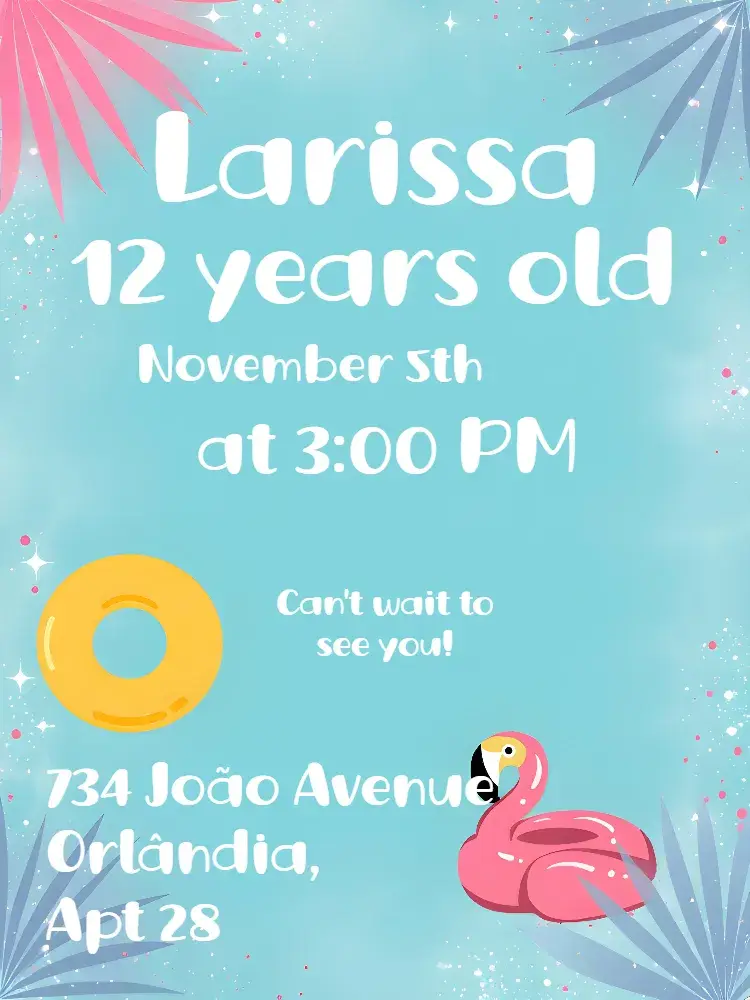
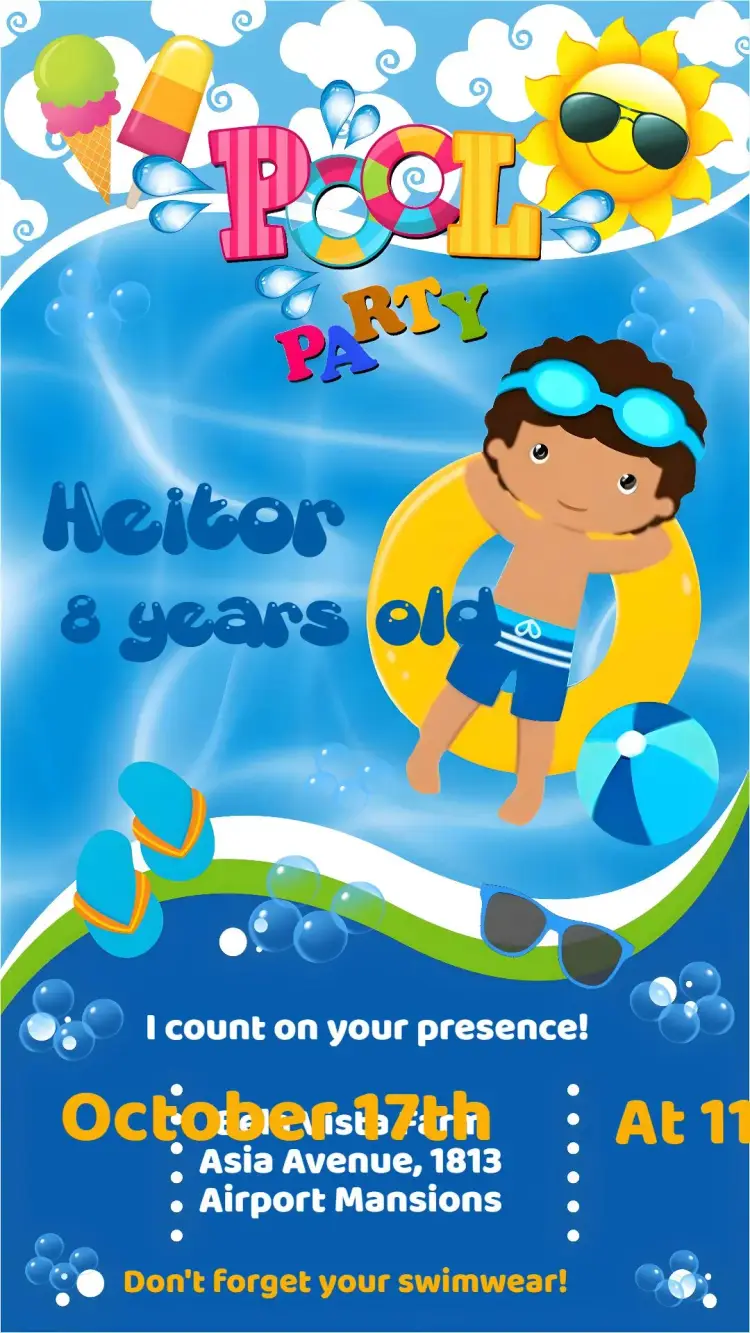
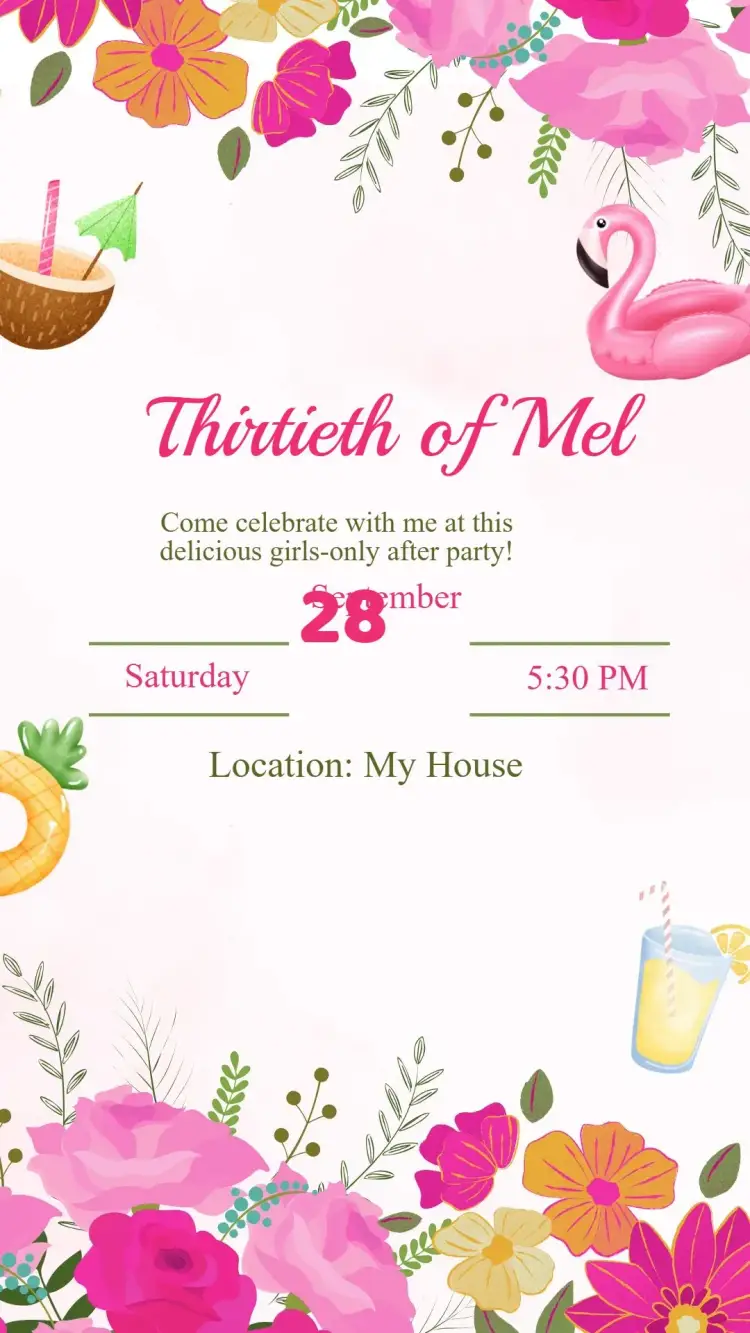
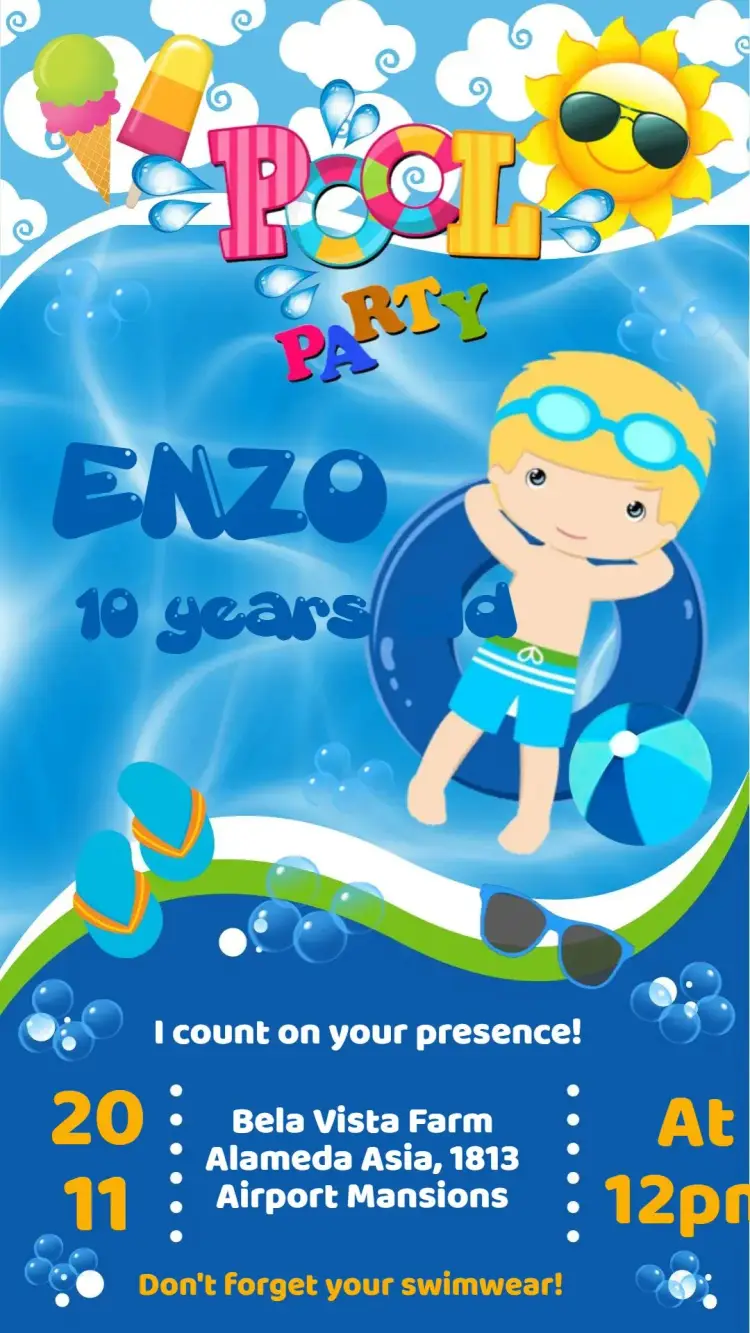
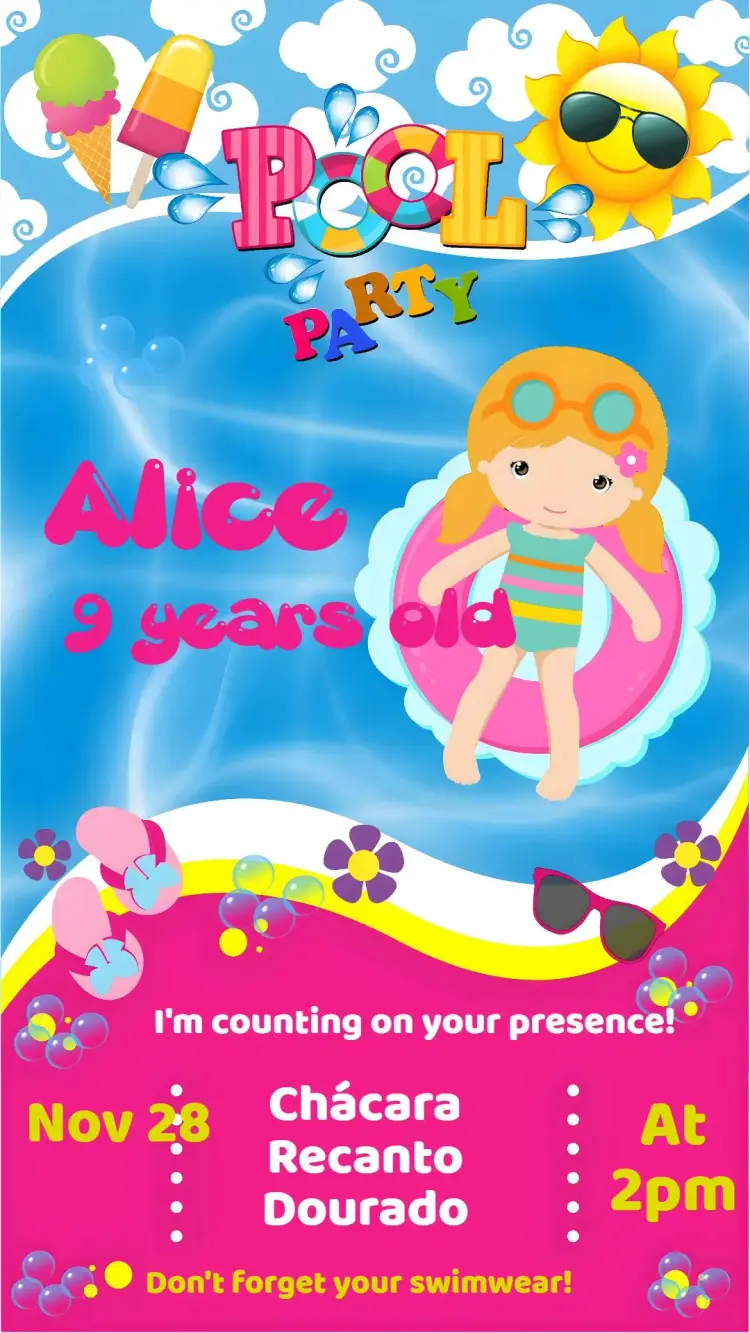
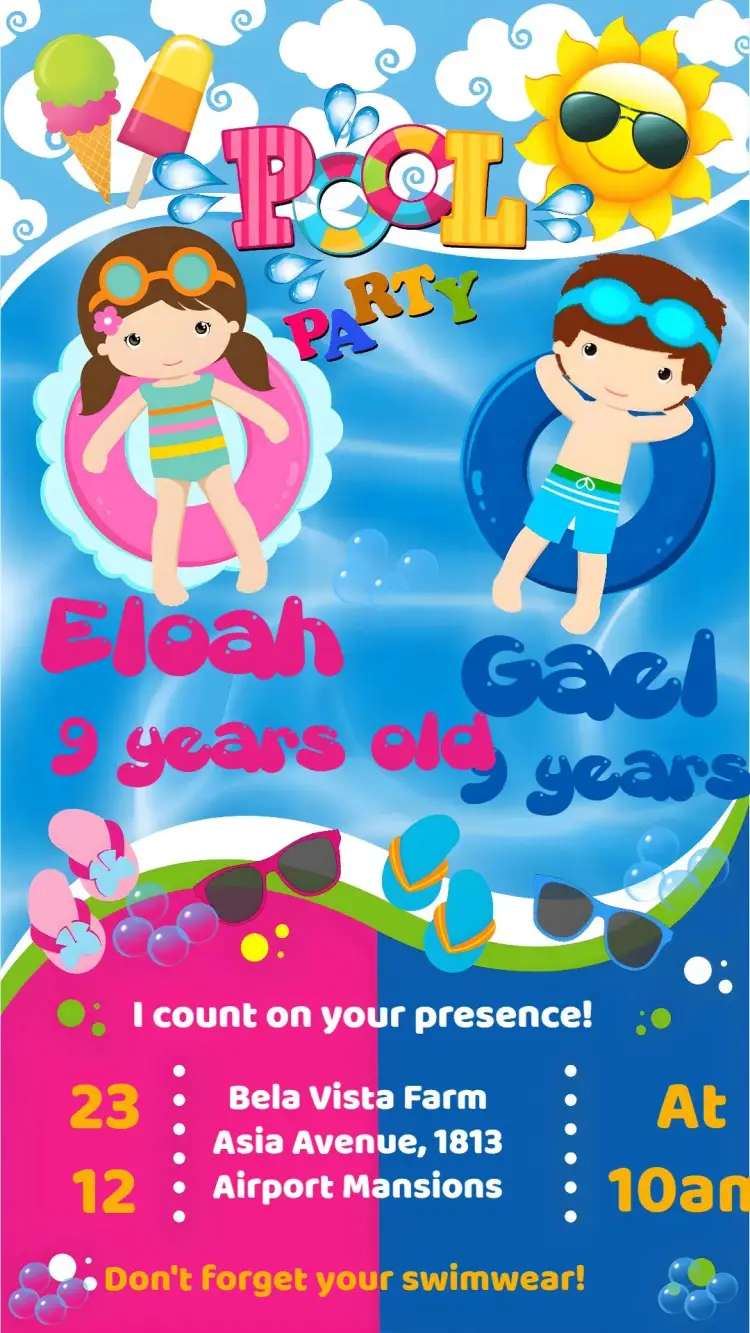
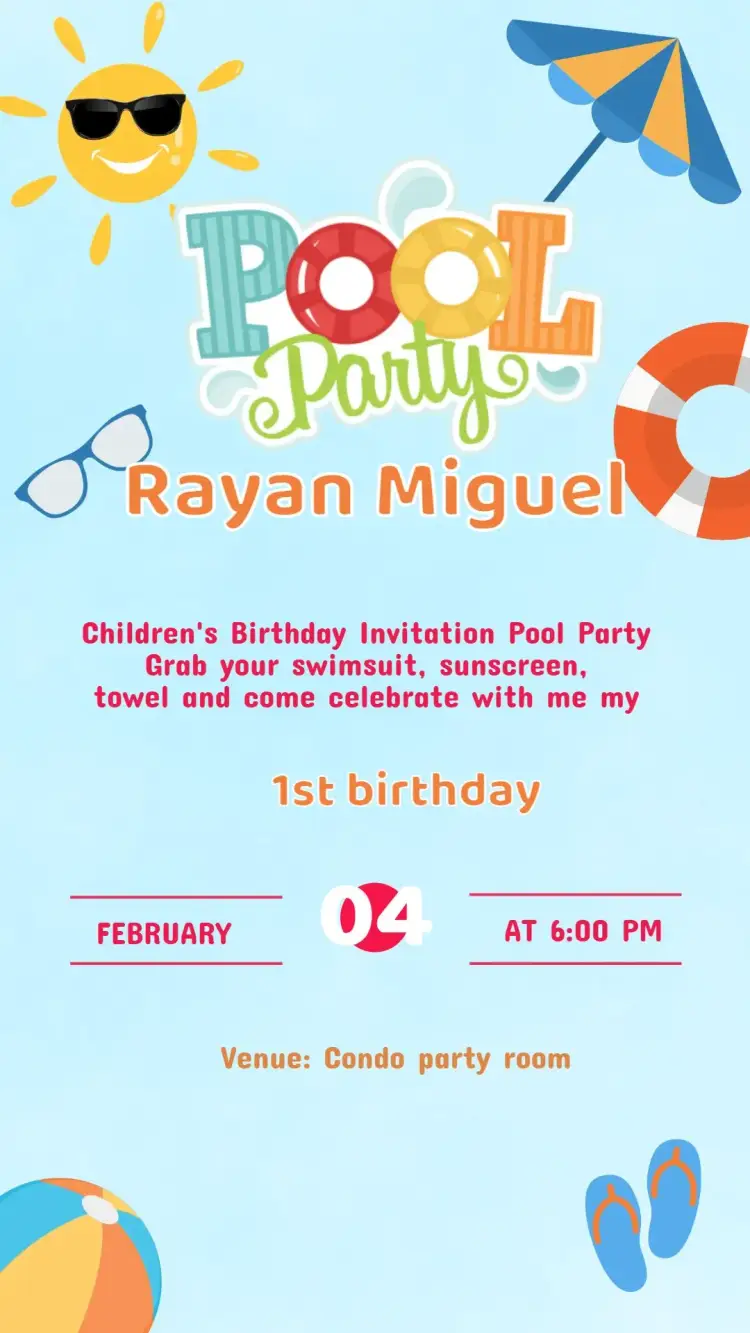
Compare the artwork in this selection and inspect a template before opening the editor. Tell guests what to bring: swimsuit, towel, sunscreen and a change of clothes.
24 curated templatesCurated templates
Selection
Curated templates
Choose a design, personalize the event details, and get your invitation ready to share.
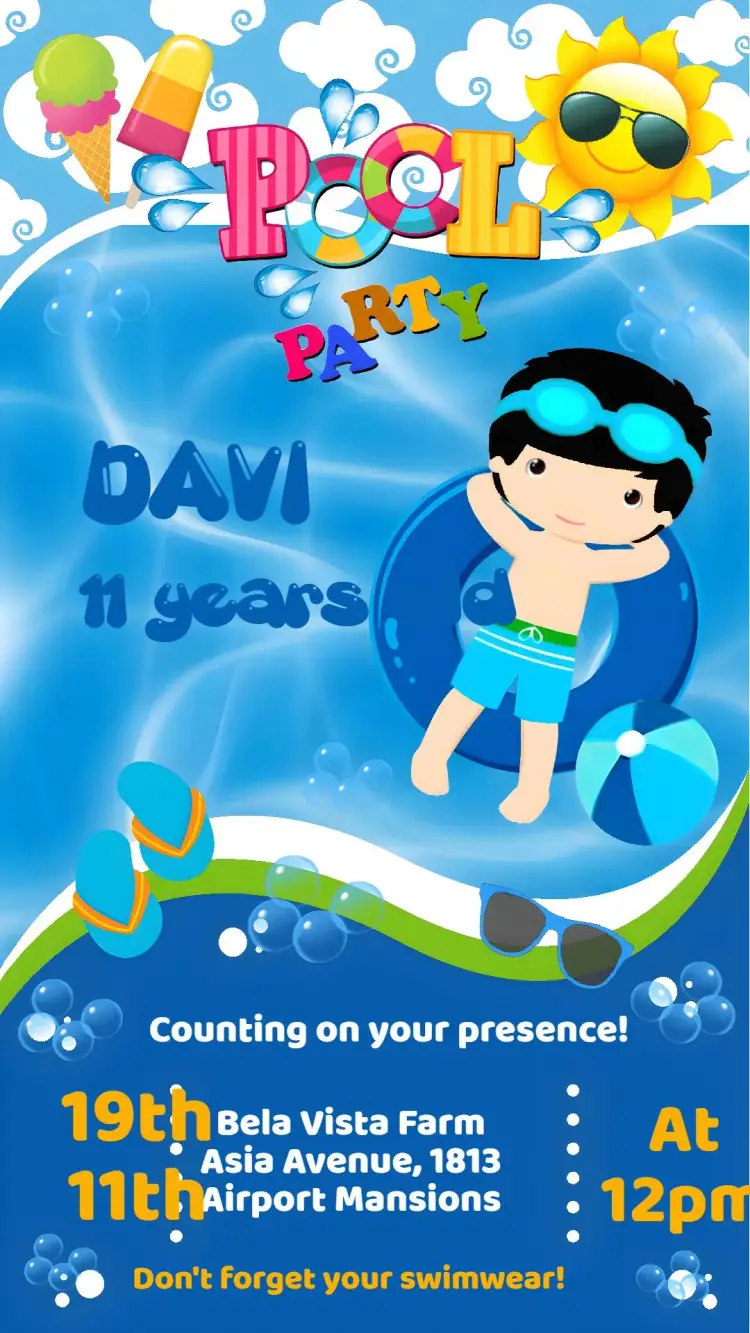
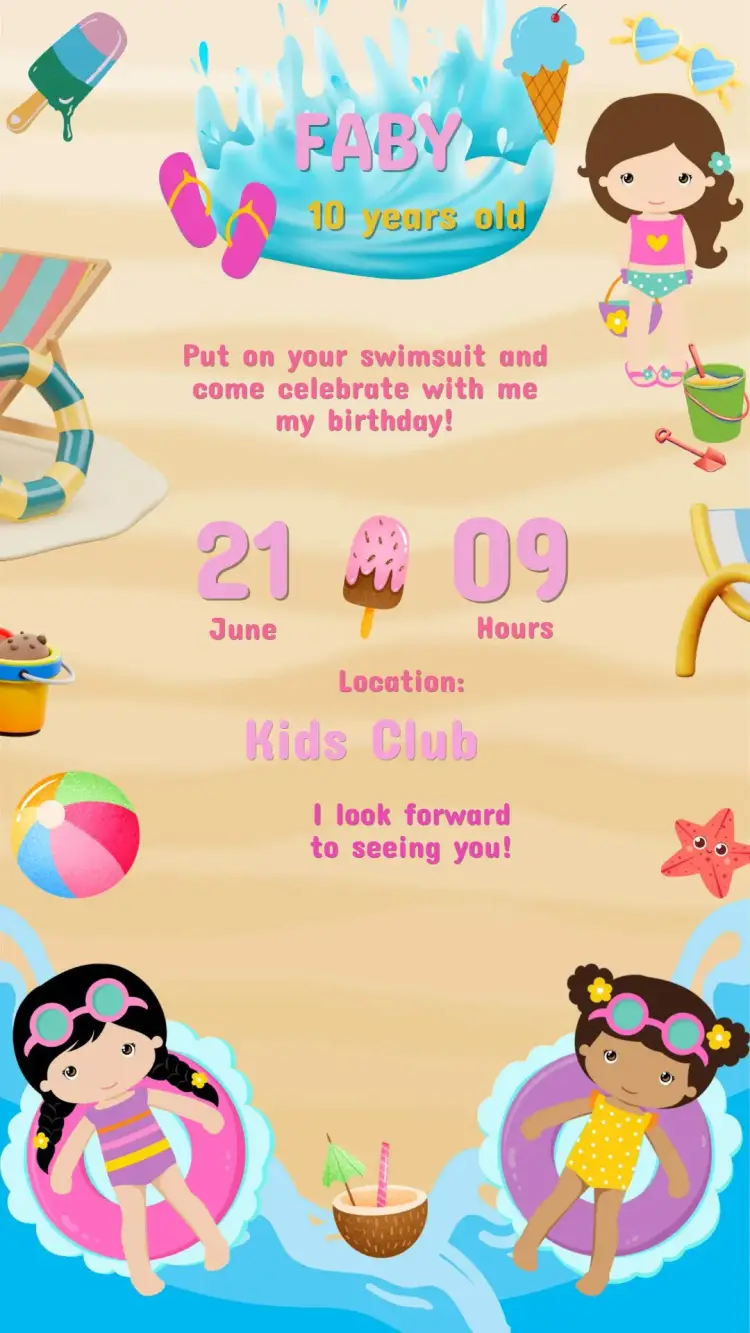
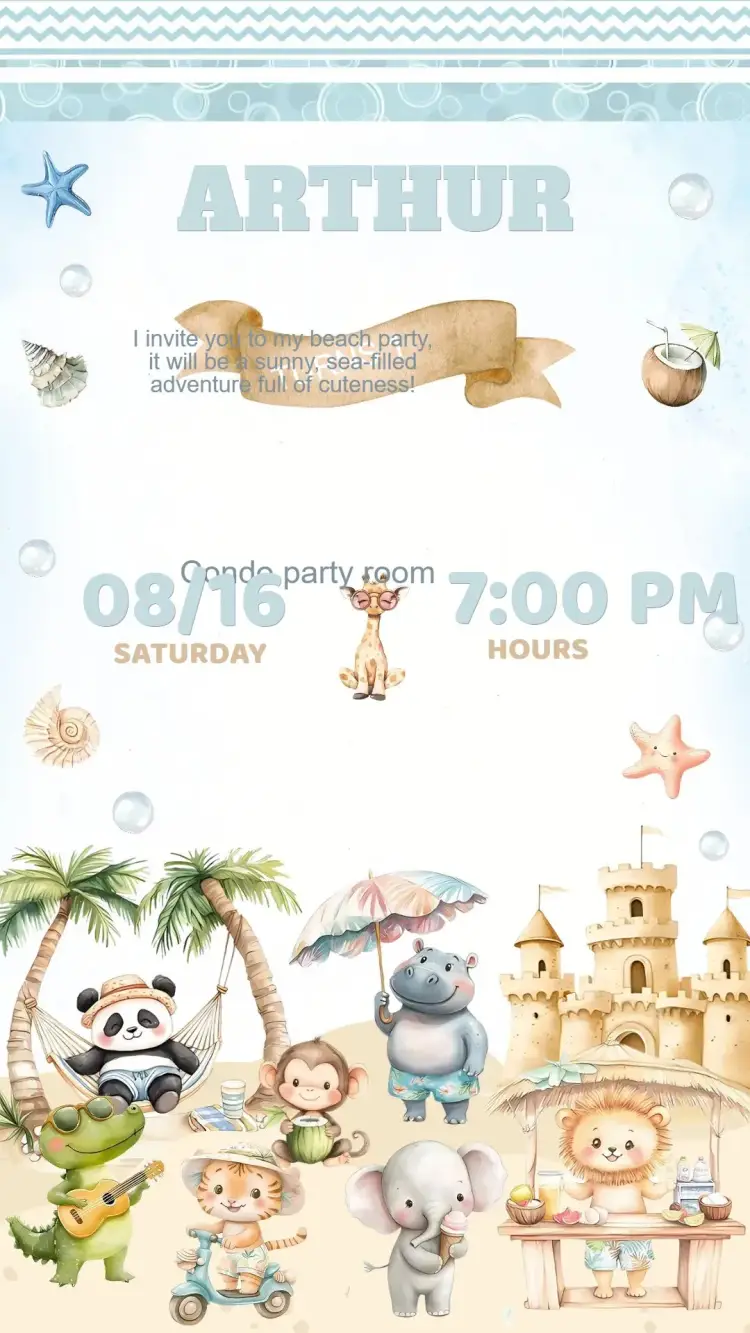
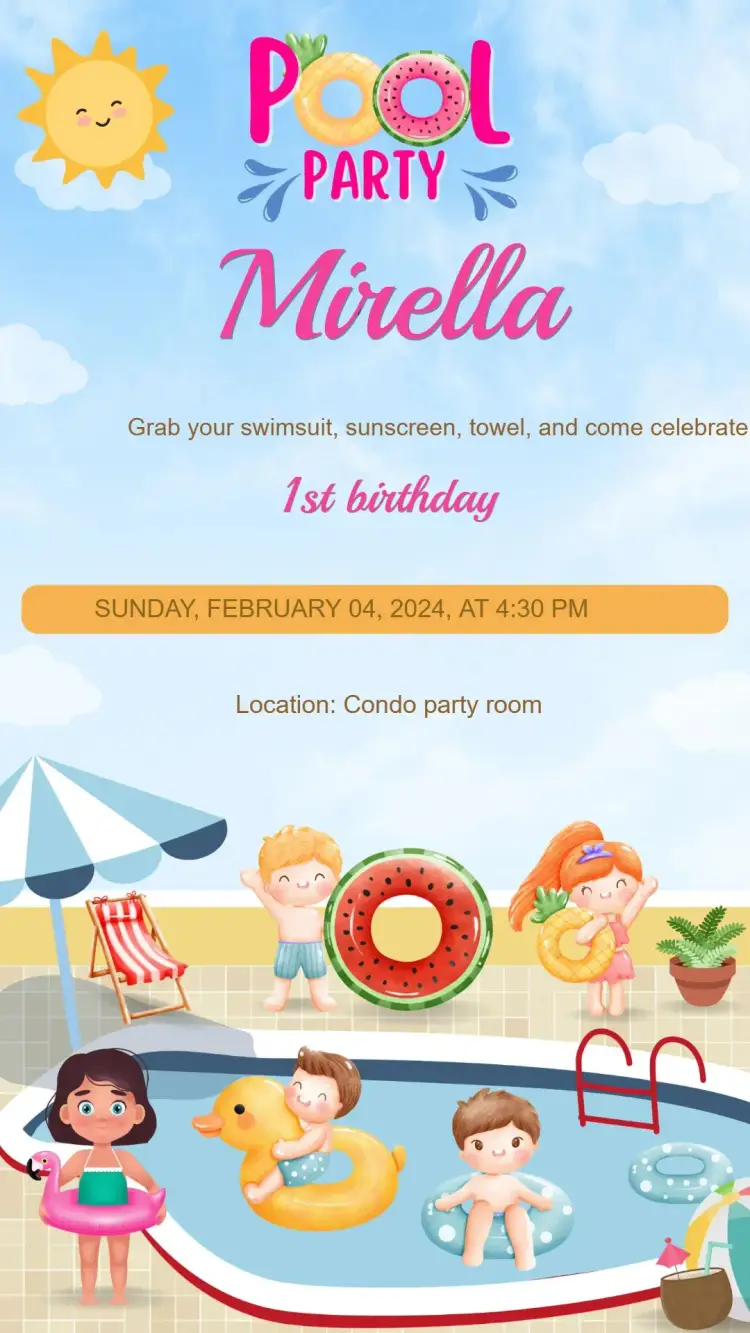
How to choose
About this collection
From the right design to the editor, step by step.
Floats, palms or beach
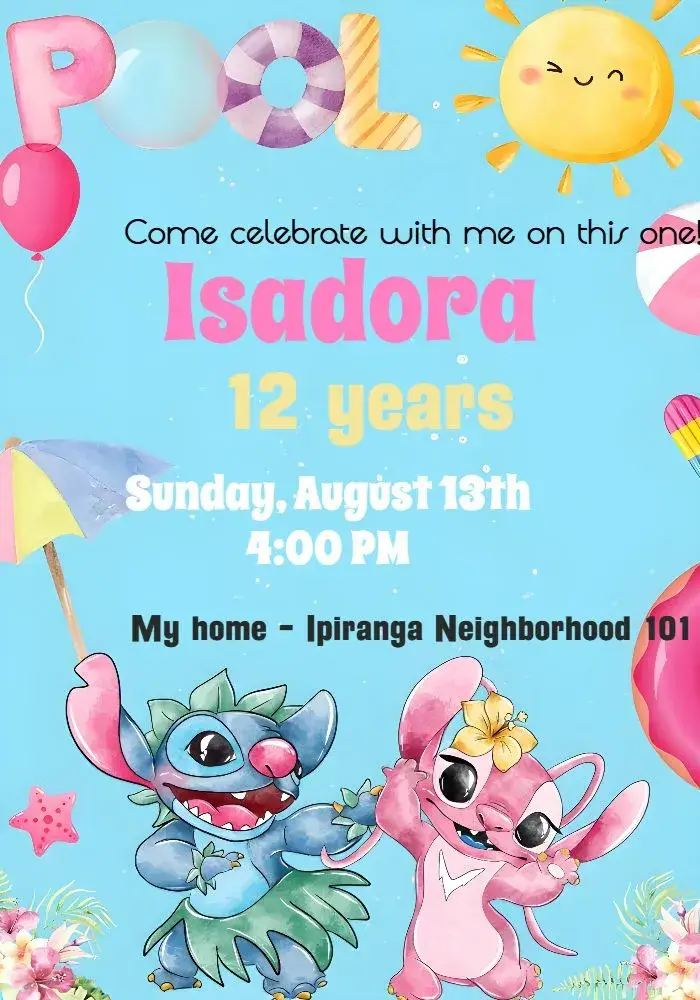
Designs show pool floats, beach balls, palm trees, waves and beach scenes, in bright colors or sunset tones. There are options for kids, teens and adults; pick by the guests’ age and check that the text stands out against the blue.
Practical details for a party with water
Say whether the pool is heated, who will supervise swimmers and until what time swimming is allowed. For kids, ask parents to stay or to confirm swimming ability, and share a rain plan in your message.
Details to confirm before editing
Tell guests what to bring: swimsuit, towel, sunscreen and a change of clothes. Confirm the exact address and any pool rules or hours at the venue.
Spell out the month in the date — [Month] [day], [year] — and check the time. Include a.m. or p.m., or use a clearly labeled 24-hour time. For guests in another region, add the city and the time zone when needed rather than relying on an ambiguous numeric date.
Example wording to adapt
The following wording is a suggestion: replace the fields in brackets and remove anything that does not apply to your event.
Make a splash! [Name] is celebrating with a pool party on [date] at [time], at [venue]. Bring a swimsuit and towel. Please RSVP to [contact] by [deadline].
From the selected template to the editor
Open the selected invitation page, inspect its preview and use the personalization button to enter the editor. Replace the sample details with your event information and check which elements that template allows you to change. To include a photo, choose a design with space for one or check the editor options. Review the result on a phone and check the download options and conditions shown for that template before completing it. Sharing an image does not automatically make the text inside it clickable: send necessary maps and links in the accompanying message too.
Questions
Frequently asked questions
What to check before opening the editor.
What should a pool party invitation include?
Date, time, place, what to bring and a contact for RSVPs. For kids, add supervision details.
Are there pool party invitations for adults?
Yes. Besides kids’ designs, there are neutral and teen-style options; adjust the wording.
Why are there no characters here?
Character designs live in each character’s collection. This page gathers pool party invitations without licensed characters.
What if it rains on the day of the pool party?
Decide on a backup plan or new date in advance and tell guests through the same channel you used to send the invitation. It does not need to appear in the design.
How do I open a selected template in the editor?
Open the invitation page, inspect the design and use the personalization button. Replace the example event details. Photo, color and design changes depend on the selected template and the options available in the editor.
Collections
Explore related collections
24 templates
Kids' birthday invitations to customize online
Compare kids' birthday invitation designs, organize the name, age and caregiver instructions, then open a template that suits the actual party.
Curated templates
24 templates
Birthday invitations you can customize online
Compare birthday invitation designs, organize the name, date and venue, then open a template to personalize the details of your celebration.
Curated templates
Invitation wording: customize and copy your message
Build invitation wording for birthdays, weddings, baby showers and graduations. Customize a sample and copy it into your invitation’s editable text fields.
Build your invitation messageHow to print invitations: size, aspect ratio and PDF
Estimate print dimensions and image resolution from pixels. Understand the editor’s one, two or four invitations per A4 PDF sheet options.
Estimate print size and image resolutionInvitations with RSVP: share an event confirmation link
Learn how to create an event from an edited invitation, review RSVP settings and send a published event link for guests to respond.
Prepare the message for your RSVP linkCreate an invitation that feels like yours
Choose a template and edit the wording, colors, and event details directly in your browser.