Gather before the wedding day
Bridal shower invitations to customize online
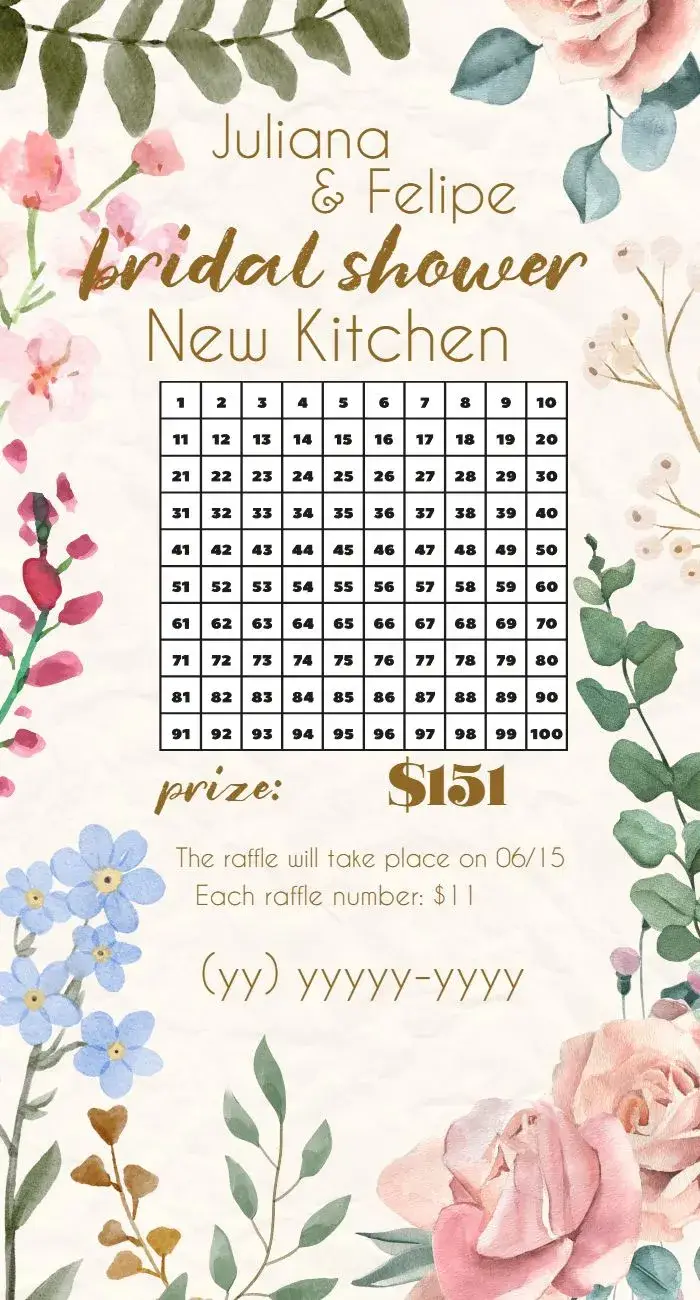
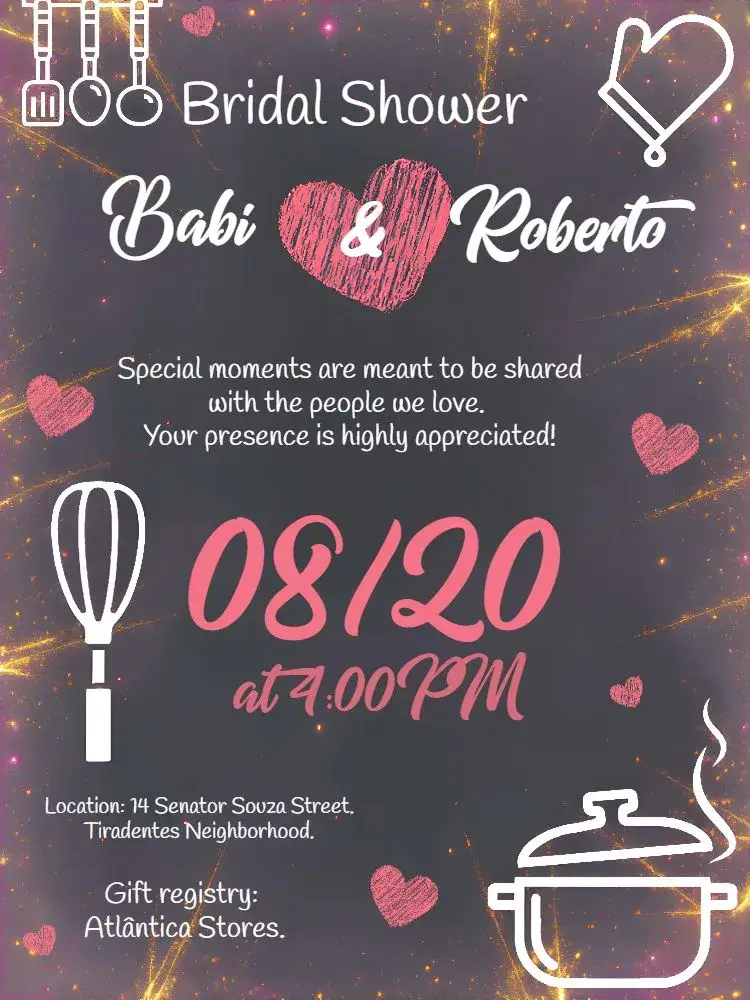
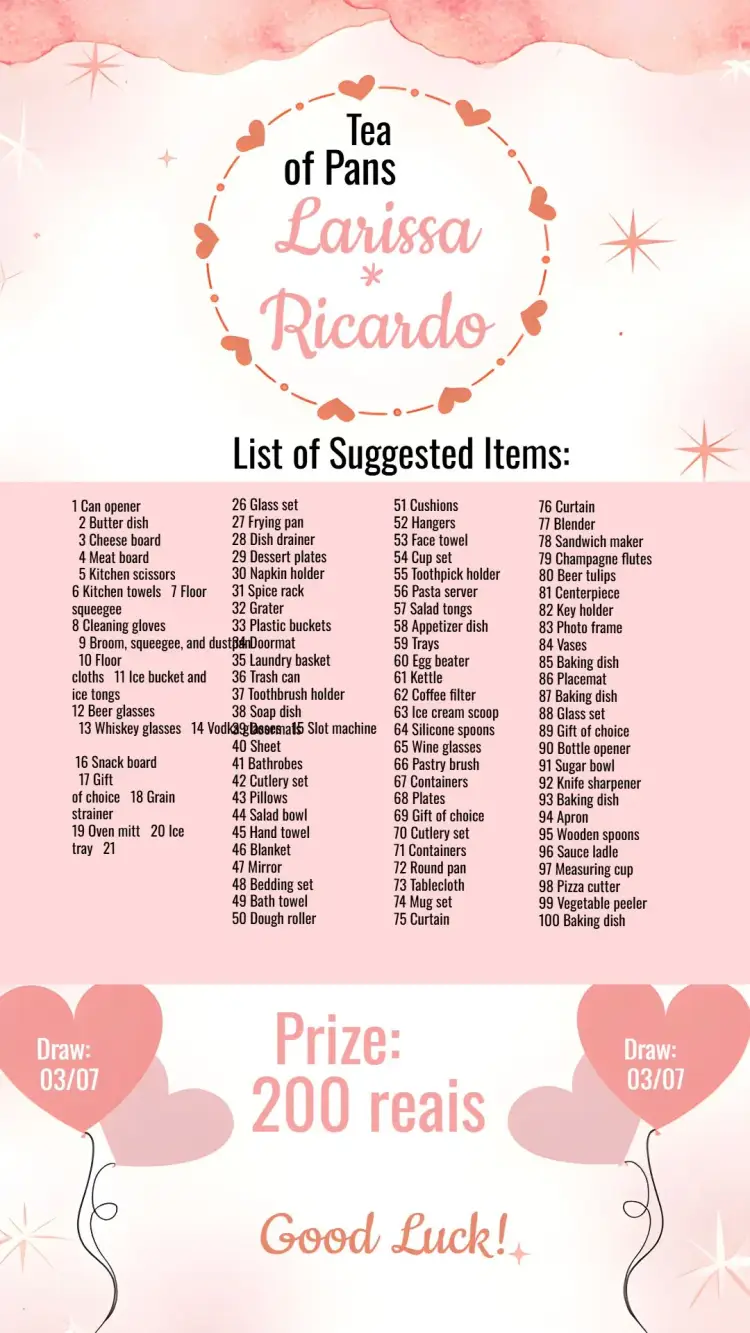
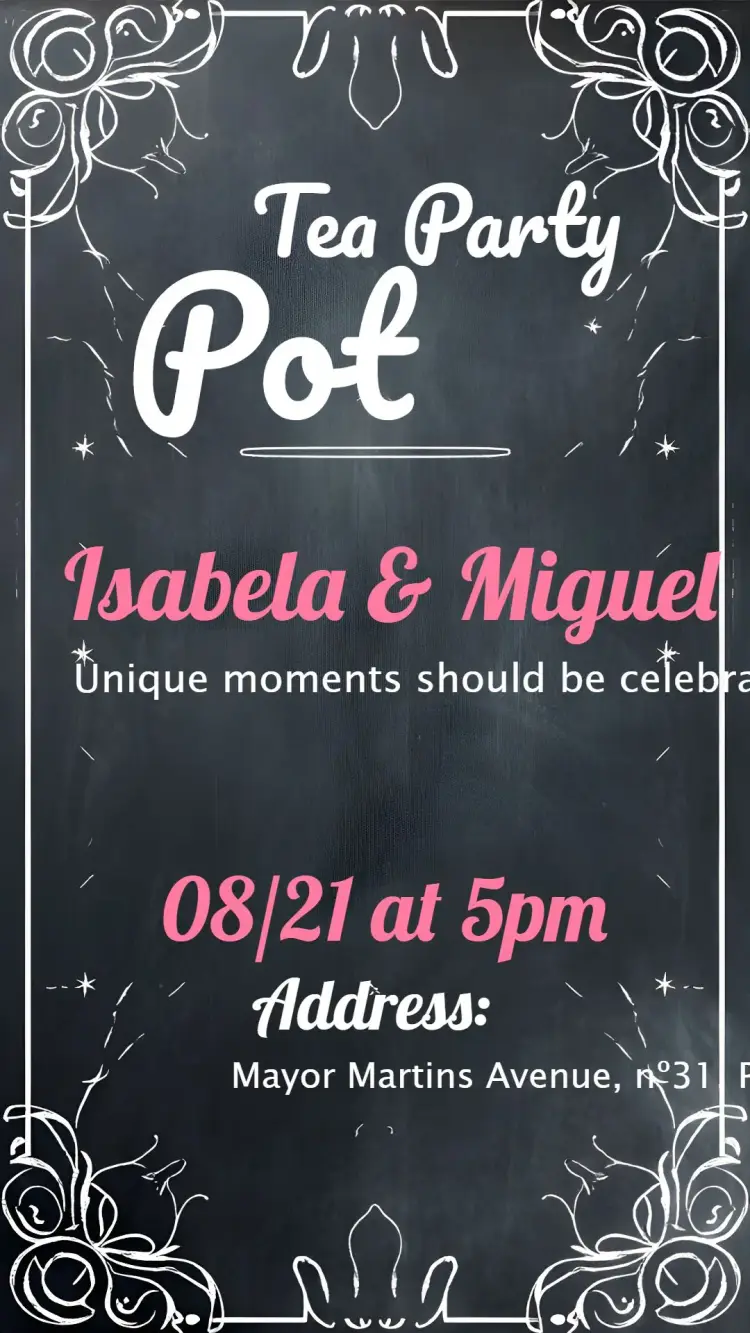
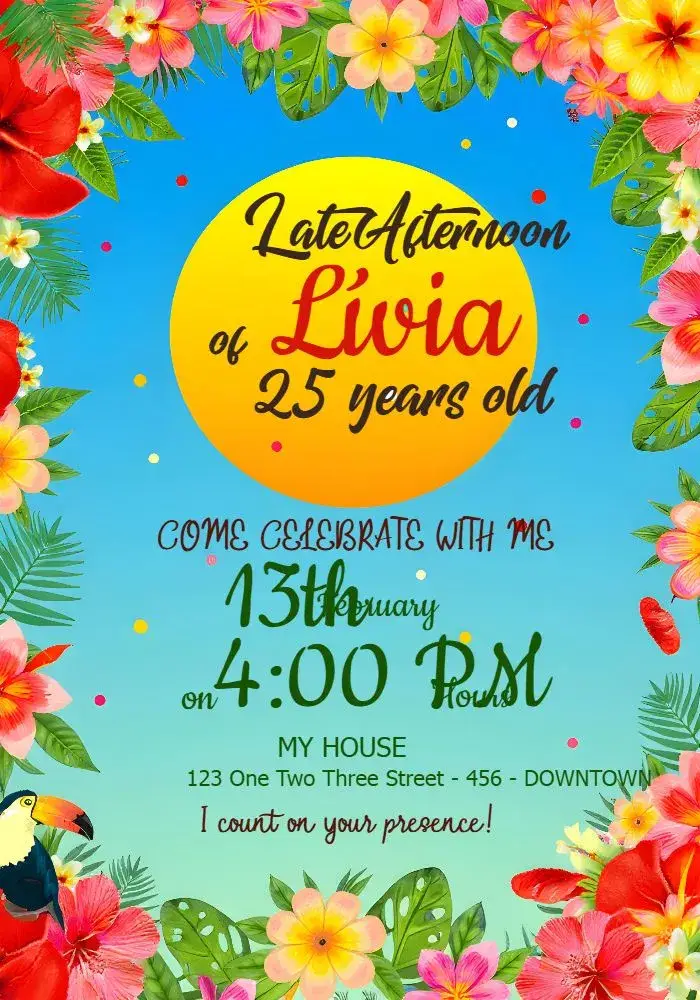
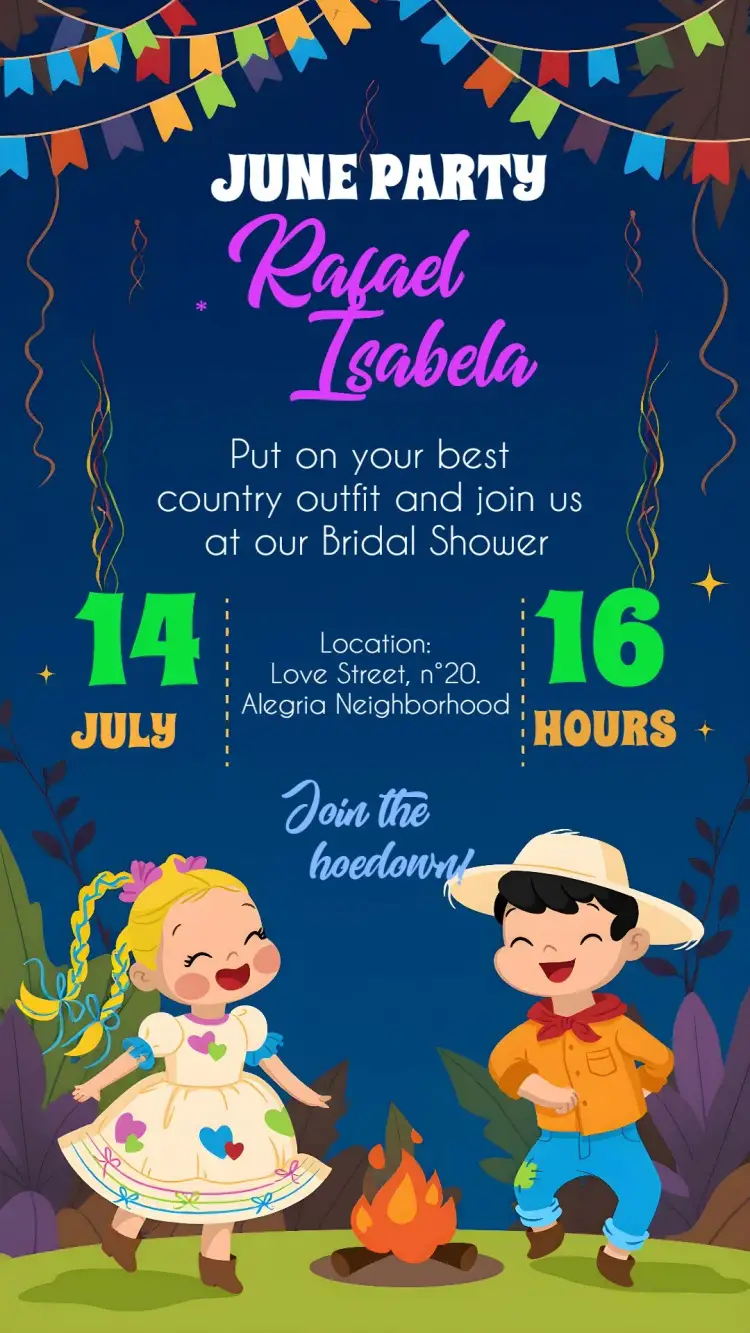
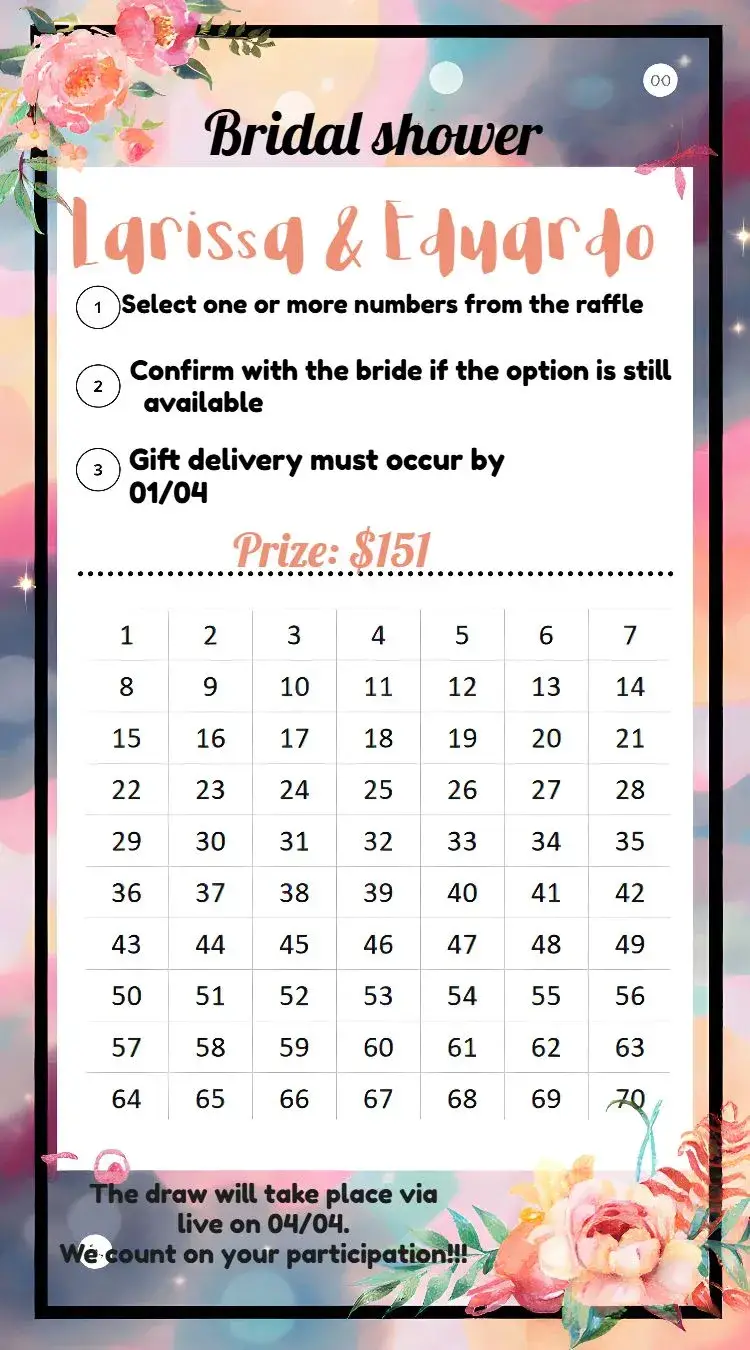
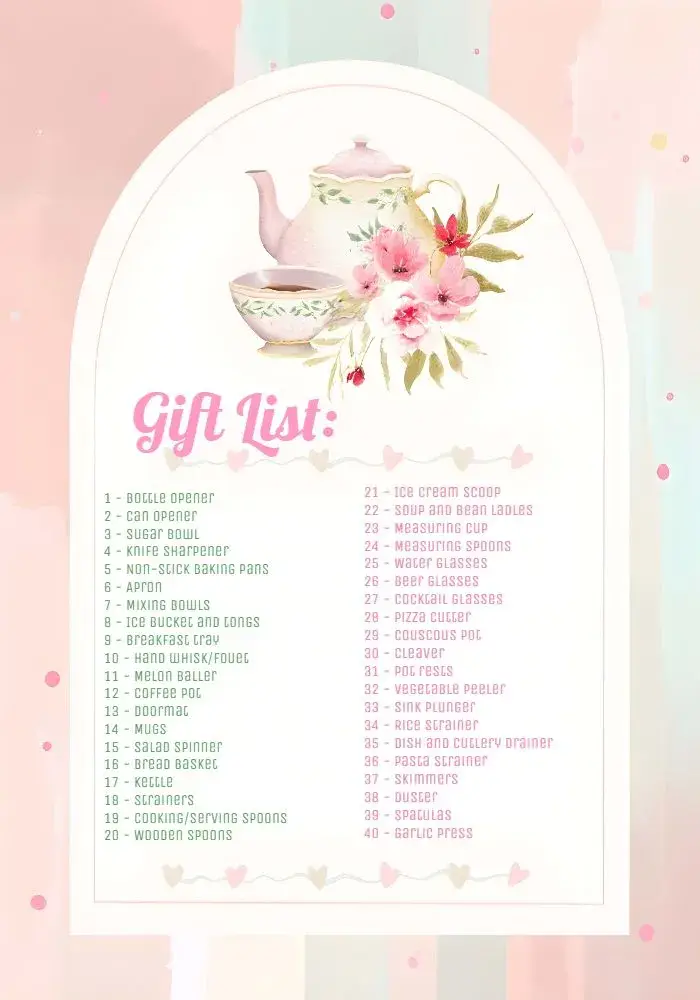
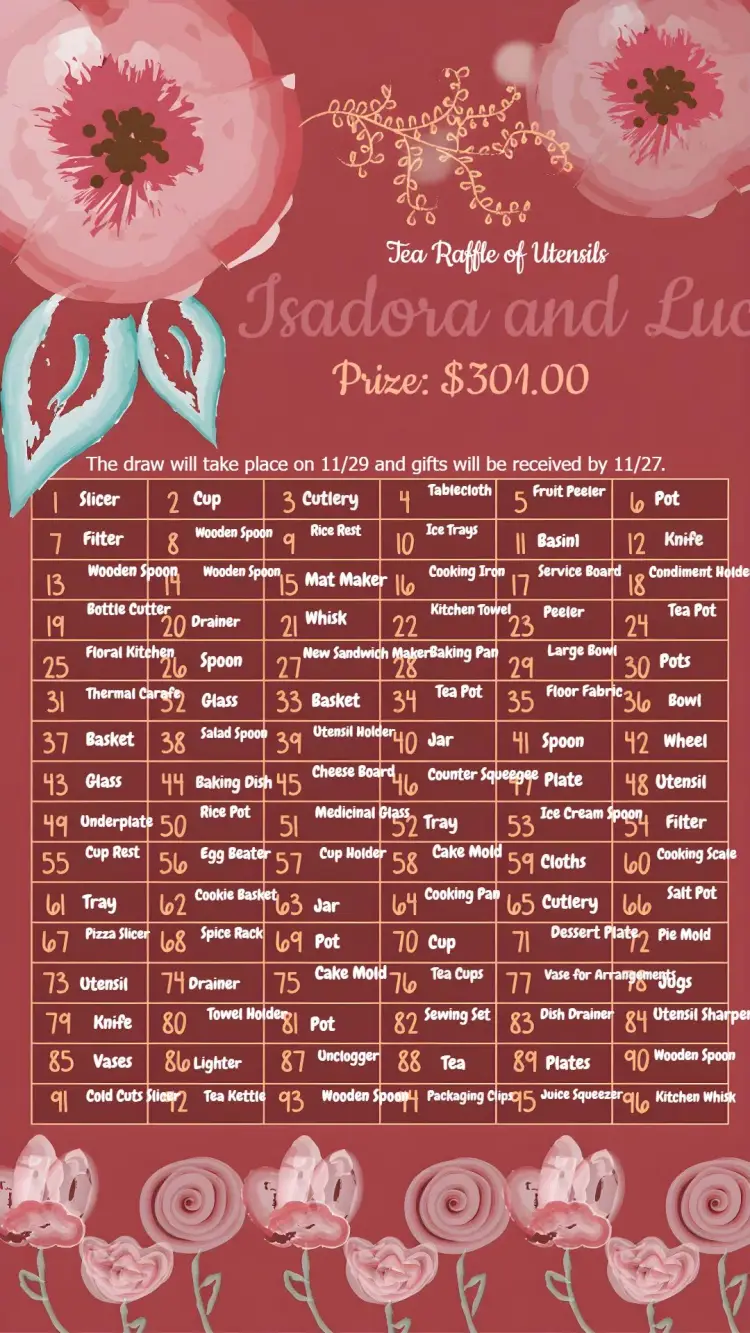
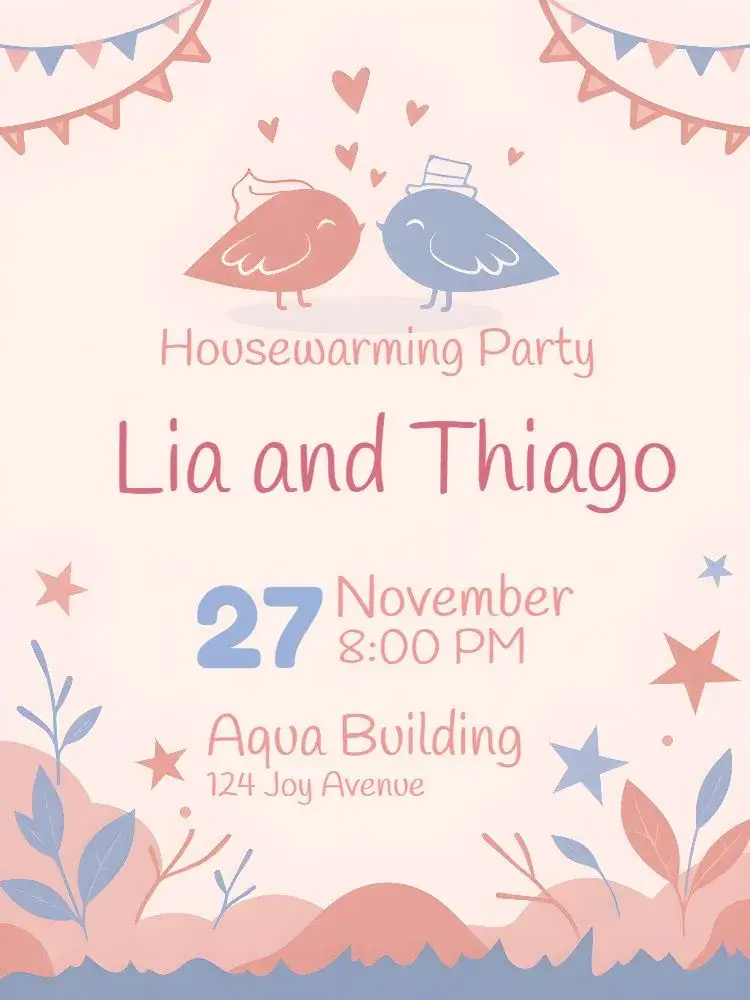
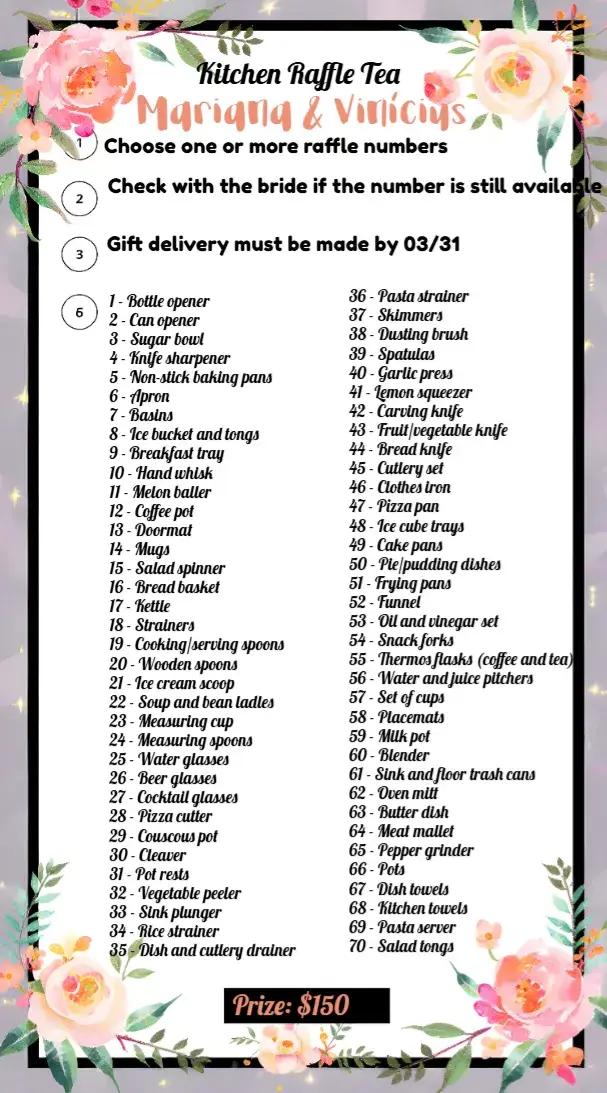
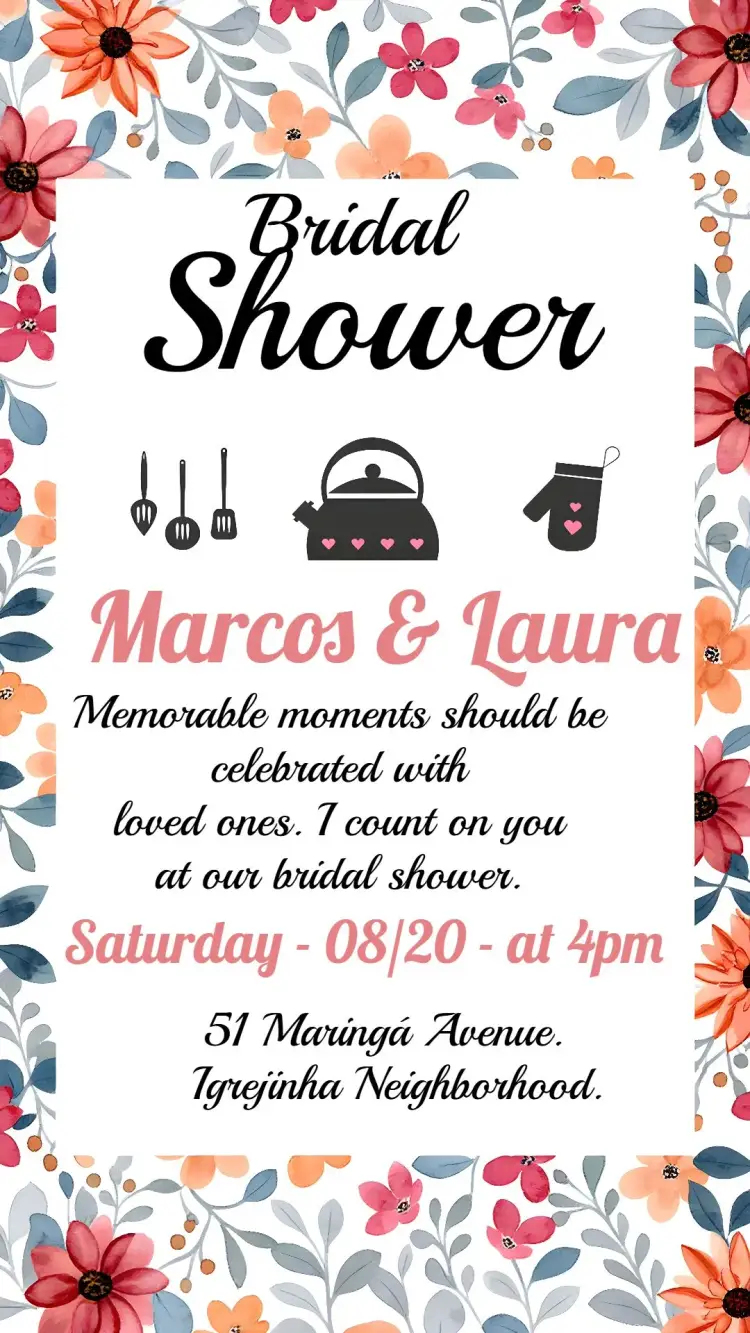
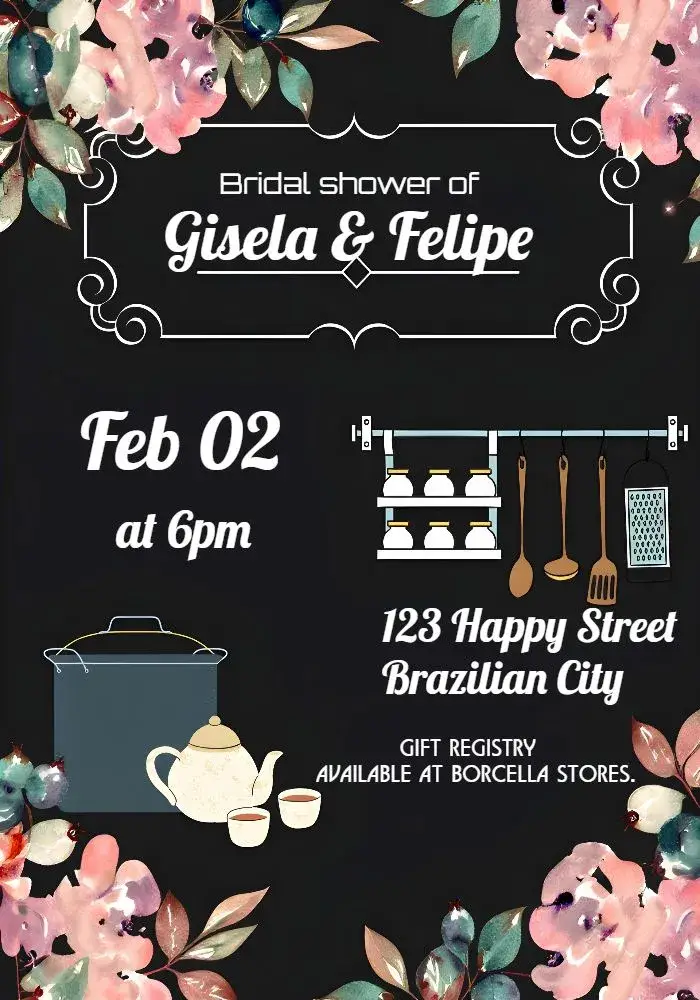
Compare the artwork in this selection and inspect a template before opening the editor. Name the person or couple being celebrated and identify the host who can answer questions.
24 curated templatesCurated templates
Selection
Curated templates
Choose a design, personalize the event details, and get your invitation ready to share.




How to choose
About this collection
From the right design to the editor, step by step.
Match the design to the way you are hosting
A bridal shower may be an intimate brunch, an afternoon tea, a garden event, or a coed gathering for the couple. Let the guest list and setting guide the tone. Florals can feel romantic, bold color can create a modern party mood, and clean type works well for a polished luncheon. The invitation should describe the event you are actually planning instead of assuming one traditional format.
Make host, RSVP, and registry details clear
Include the guest or guests of honor, date, time, location, and host or RSVP contact. Add the response deadline, registry reference, theme, attire, or activity instructions in a secondary block. If the event is a surprise, say so prominently and direct all questions away from the honoree. Clear ownership helps guests know exactly who to contact.
Use wording that fits the guest list
Choose language that feels natural for the bride, couple, family, and friends involved. Avoid long poems when they force practical information into small text. Verify names, links, and the venue address, then preview the final invitation on a phone. One additional proofreader can confirm that the tone is welcoming and that every guest will understand what the gathering is and how to respond.
Details to confirm before editing
Name the person or couple being celebrated and identify the host who can answer questions. A registry, theme, activity or attire note should appear only when it is part of the event. For a surprise shower, give a clear arrival time and keep all replies away from the honoree.
Spell out the month in the date — [Month] [day], [year] — and check the time. Include a.m. or p.m., or use a clearly labeled 24-hour time. For guests in another region, add the city and the time zone when needed rather than relying on an ambiguous numeric date.
Example wording to adapt
The following wording is a suggestion: replace the fields in brackets and remove anything that does not apply to your event.
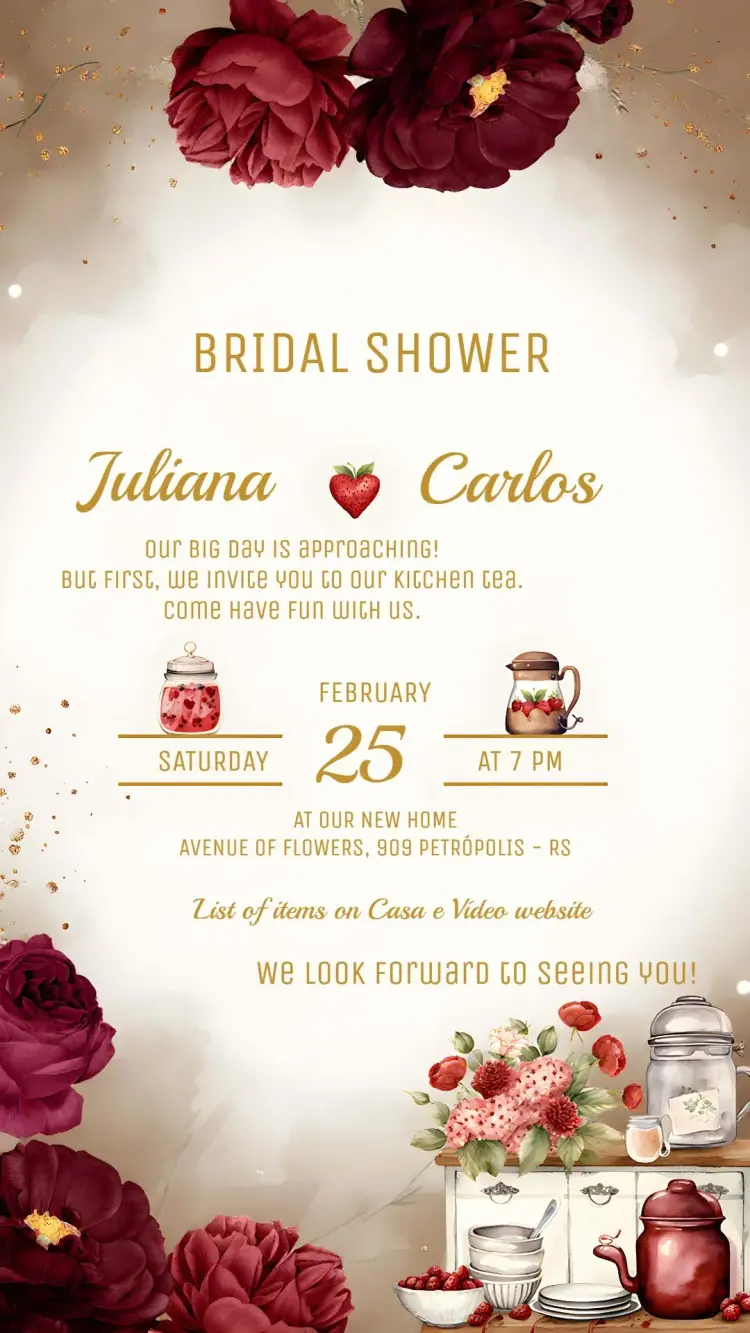
Join us for a bridal shower celebrating [Name or couple] on [date] at [time], at [venue]. Please RSVP to [host] by [deadline].
From the selected template to the editor
Open the selected invitation page, inspect its preview and use the personalization button to enter the editor. Replace the sample details with your event information and check which elements that template allows you to change. To include a photo, choose a design with space for one or check the editor options. Review the result on a phone and check the download options and conditions shown for that template before completing it. Sharing an image does not automatically make the text inside it clickable: send necessary maps and links in the accompanying message too.
Questions
Frequently asked questions
What to check before opening the editor.
What should a bridal shower invitation include?
Include the guest of honor, date, time, location, host or RSVP contact, and concise registry, attire, or activity information when relevant.
Can a bridal shower celebrate the couple?
Yes. The guest list, wording, and design can welcome the couple or any group of honorees based on the event being planned.
How should registry details be shared?
Keep the note brief, identify the registry clearly, and place it after the date, time, location, and RSVP information.
How do I word a surprise bridal shower invitation?
State that it is a surprise, provide an arrival time that protects the plan, and list a host as the contact for every question.
How do I open a selected template in the editor?
Open the invitation page, inspect the design and use the personalization button. Replace the example event details. Photo, color and design changes depend on the selected template and the options available in the editor.
Collections
Explore related collections
24 templates
Wedding invitations to customize online
Compare wedding invitation designs, organize ceremony, reception and RSVP details, then open a template to personalize the names and schedule.
Curated templates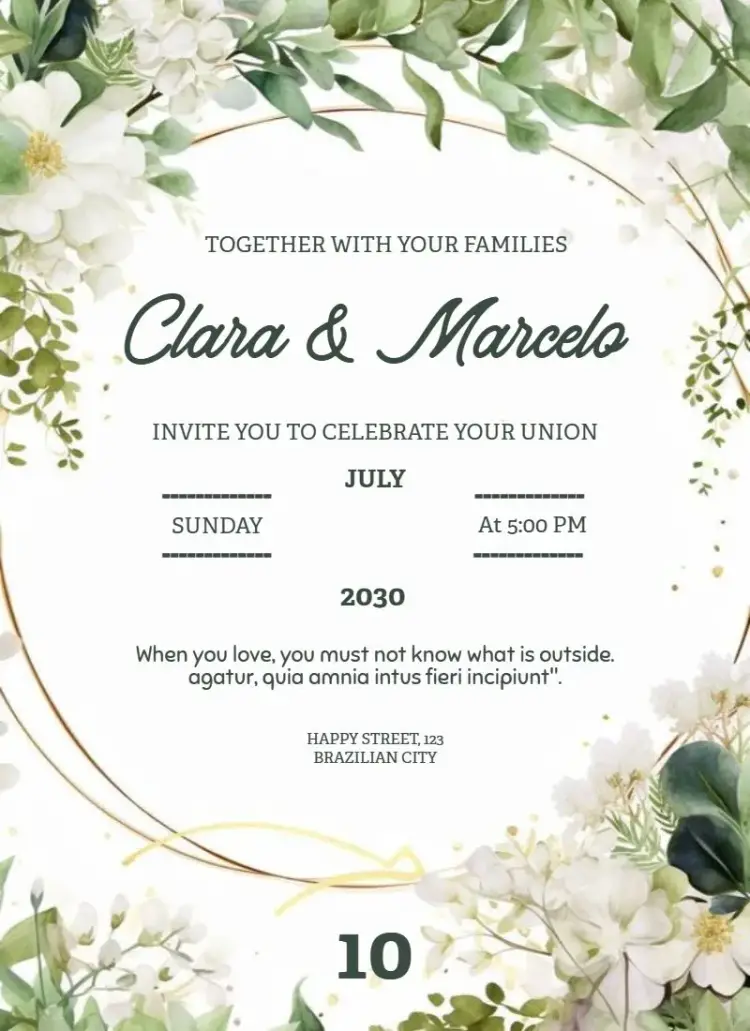
24 templates
Save the date invitations to customize online
Compare save the date designs, confirm your names, wedding date and city, then open a template for an early notice before the formal invitation.
Curated templates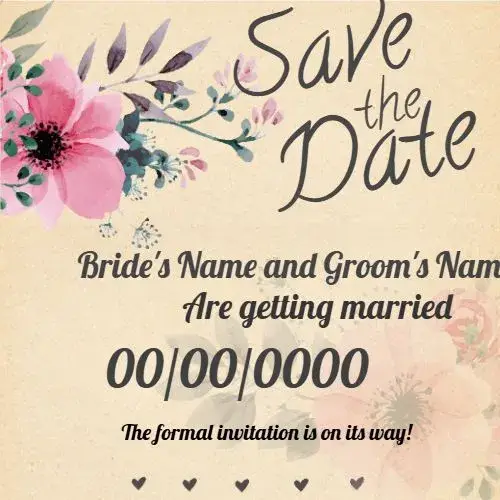
24 templates
Baby shower invitations to customize online
Compare baby shower invitation designs, organize the hosts, date and gift notes, then open a template to personalize the gathering details.
Curated templates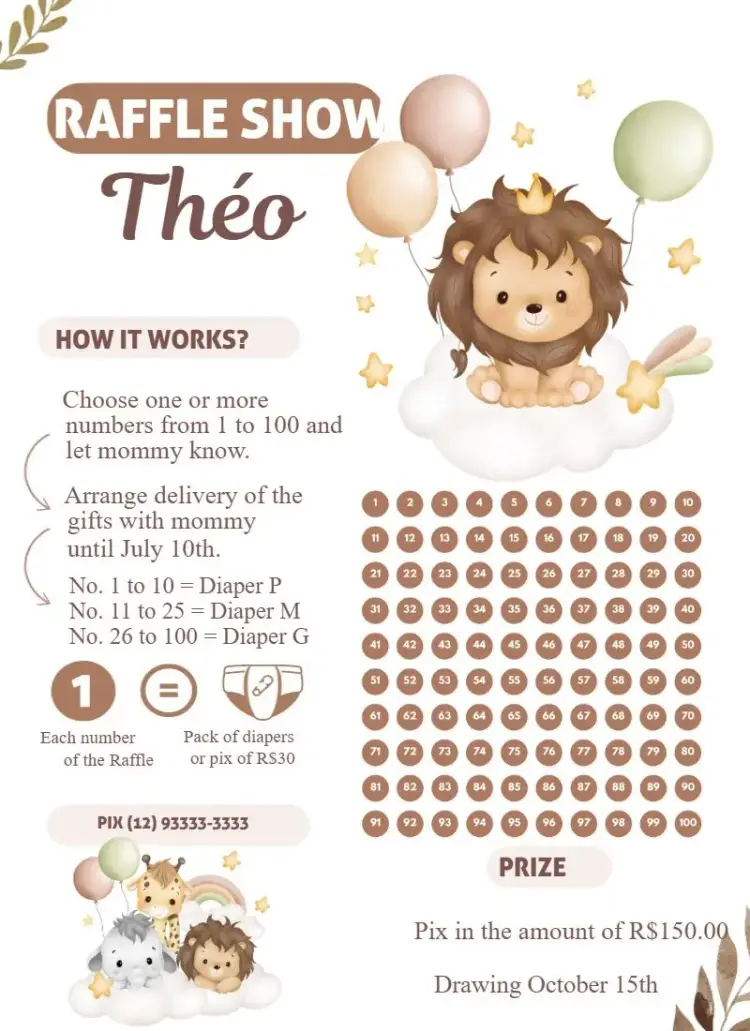
Invitation wording: customize and copy your message
Build invitation wording for birthdays, weddings, baby showers and graduations. Customize a sample and copy it into your invitation’s editable text fields.
Build your invitation messageHow to print invitations: size, aspect ratio and PDF
Estimate print dimensions and image resolution from pixels. Understand the editor’s one, two or four invitations per A4 PDF sheet options.
Estimate print size and image resolutionInvitations with RSVP: share an event confirmation link
Learn how to create an event from an edited invitation, review RSVP settings and send a published event link for guests to respond.
Prepare the message for your RSVP linkCreate an invitation that feels like yours
Choose a template and edit the wording, colors, and event details directly in your browser.