NewPowered by generative AI

Digital invite magic in seconds.

Describe the theme, upload a photo of the child and AI creates a unique invite for your event. Then just tweak in the editor and share.

How it works
How it works

Three steps to a unique invite

No design skills needed. AI does the heavy lifting while you answer a few simple questions.

1

Describe the event

Theme, honoree's name, date, venue. Optionally a photo to become the character.

2

AI paints the background

In ~30 seconds, the artistic background is generated — custom-painted for your event.

3

Edit and share

Open in the editor, adjust anything you want and download as PNG/PDF or share on WhatsApp.

Real examples

Made by AI in seconds

A few invites generated with the tool. Your result will be unique — inspired by your theme.
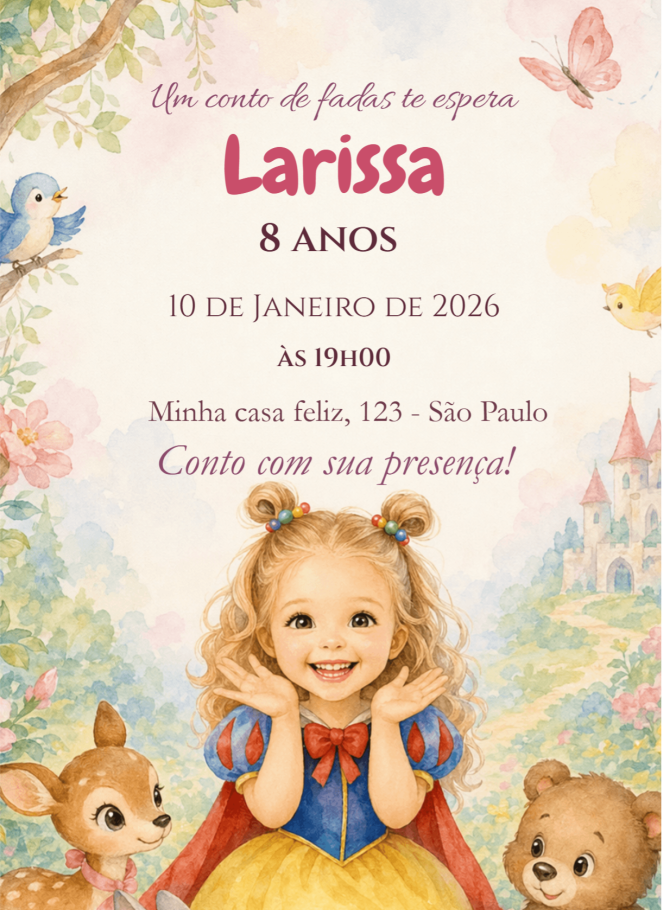
Princess · Larissa, 8 years
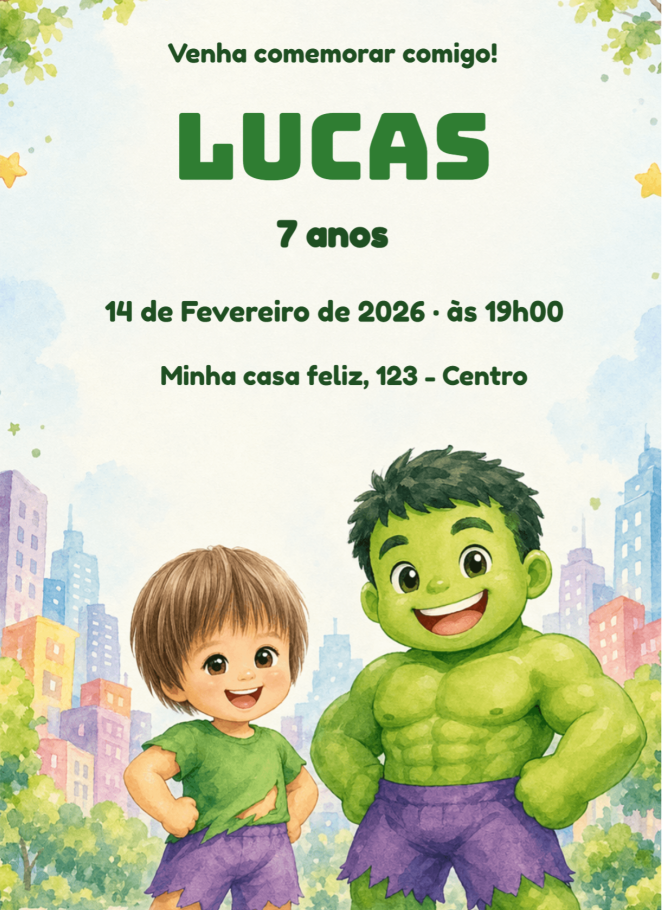
Hulk · Lucas, 7 years
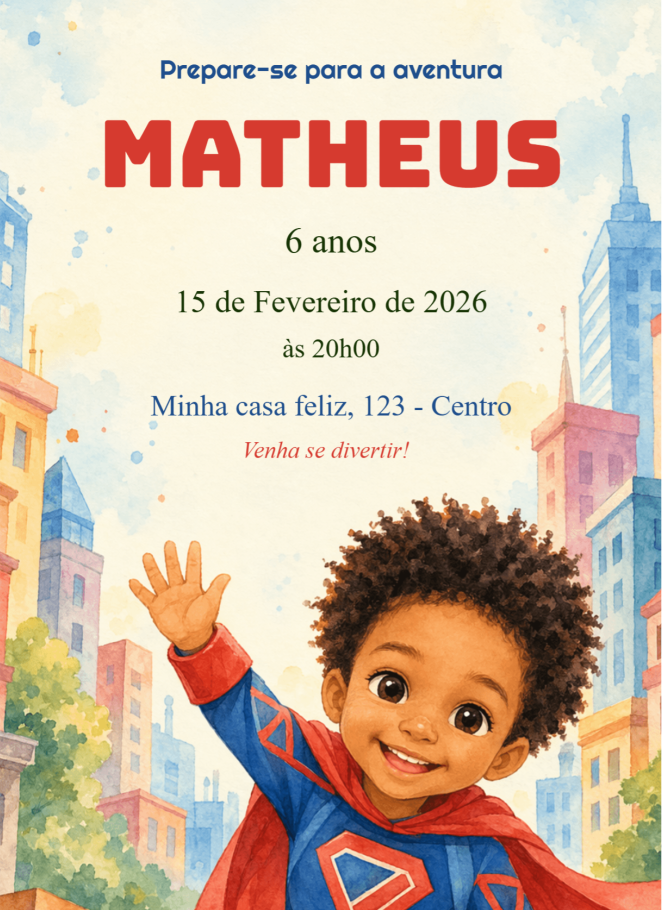
Superhero · Matheus, 6 years
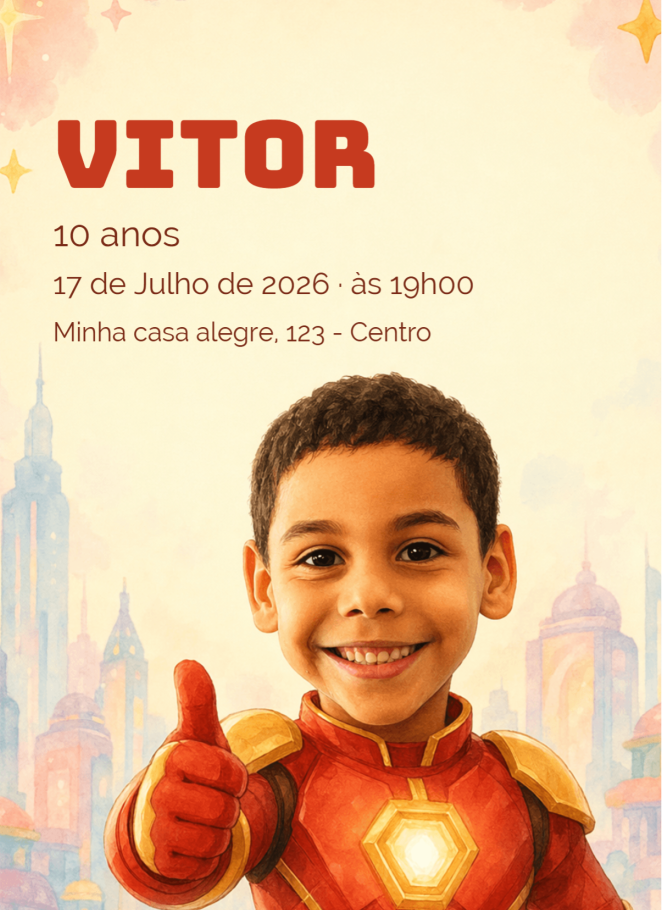
Golden hero · Vitor, 10 years
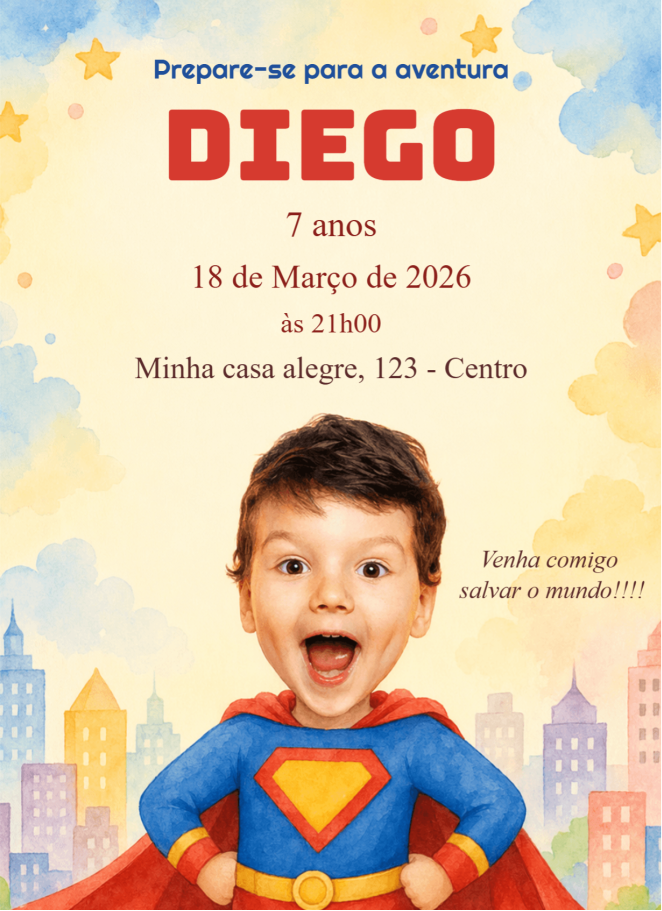
Superman · Diego, 7 years
Doctor · Lisa, 11 years
Why use it

Fast, unique and truly yours

Speed without giving up personalization — you control every detail afterwards.

Ready in seconds

AI generates the full invite in under 1 minute — artistic background plus placed text.

Looks like the child

Upload a photo and AI turns it into the exclusive invite character. No stock image feel.

Edit everything later

Nothing is fixed. Open in the editor and adjust colors, texts, positions — you're in control.

Share in 1 click

Download as PNG or PDF, or send straight via WhatsApp to RSVP with your guests.

Frequent questions

Common questions about Magic Invite

Got any other questions? Our team replies quickly via chat or WhatsApp.

Do I need to upload a photo of the child?
The photo is totally optional. If you upload, AI turns it into the invite character. Without it, AI draws a scene inspired by the theme you described.
Is my photo stored?
No. The photo is used only during generation and discarded right after. Nothing is saved on the server.
Can I edit the invite after AI generates it?
Yes, 100%. The result opens directly in our full editor — you can swap texts, move elements, change colors and add new objects.
How many invites can I generate per day?
New accounts can generate 3 invites per day. Premium subscribers have unlimited generation.
How good is the generated invite quality?
High-resolution watercolor painting style (1080×1920px), ready to print or share as a Story. Typography is chosen from 100+ curated fonts.
Is there a cost?
Creating and editing is free. You only pay when you download the invite in high resolution or activate digital RSVP.