
Save The Date Lights Whatsapp - Wedding Invitation
Personalize your wedding invitation Save The Date Lights Whatsapp. Edit online for free. Download it and send it to your guests. Celebrate your love uniquely!
- Editing is free
- Instant preview
- Card
You can adjust name, date and time before downloading.
VN
Created by Vinícius Noir- High-Quality PNG & PDF
- Share on WhatsApp
- Perfect for Wedding
- Modern and Professional Design
People who viewed this also liked...

Save The Date Heart
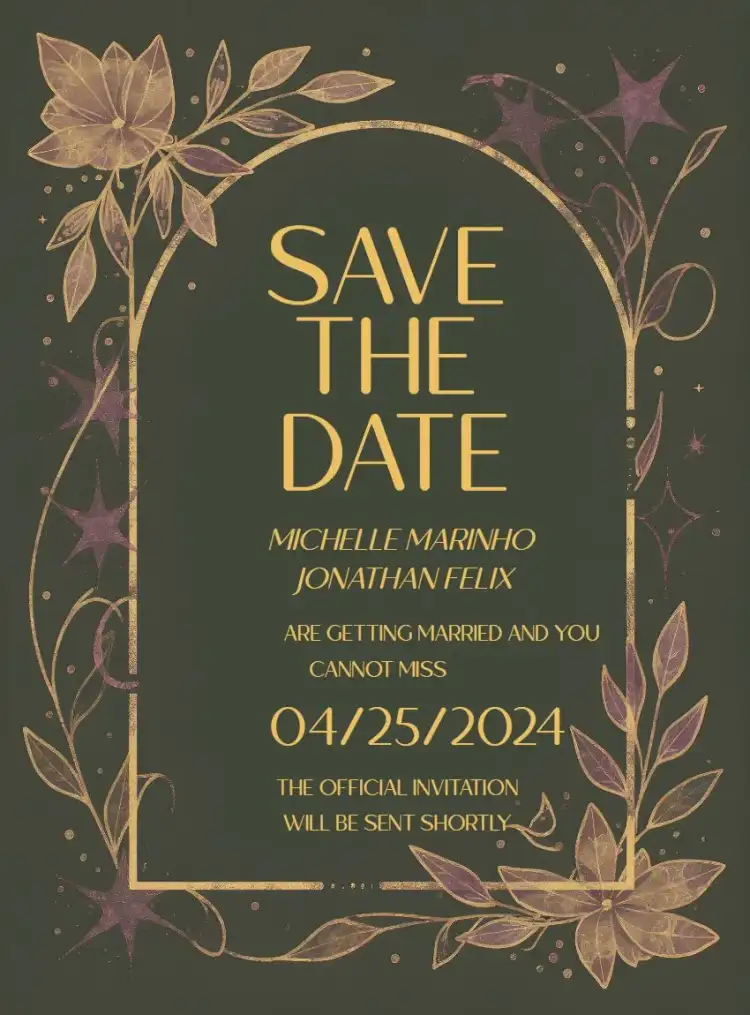
Save The Date Elegant Green Gold Wedding -

Save The Date Dark Sunflower Digital

Save The Date Purple Flowers
Save The Date Leaves Party
Casual Love Save The Date

Save The Date Flowers Wine 15 Years

Save The Date Floral Linen Burgundy Wedding
View more invitationsSwipe for more

About the Save The Date Lights Whatsapp Invitation
Introducing the digital invitation 'Save The Date Lights Whatsapp', a charming choice for those who want to announce a celebration of love. With visual elements that evoke the rusticity and beauty of the countryside, this invitation highlights sunflowers and lights on a wooden background, creating a warm and romantic atmosphere.
Ideal for weddings, it can also be used for 15th birthday parties and other special celebrations. One of the great advantages of this invitation is the possibility of customization.
You can edit all details online, ensuring that every aspect of the invitation reflects your style and that of your party. Available formats include PNG and PDF, allowing you to choose the best option for sending via WhatsApp or printing.
By using 'Save The Date Lights Whatsapp', you not only inform your guests about the event date but also set a festive and cheerful tone from the start. The lights adorning the invitation symbolize the joy and hope of a bright future together, making it perfect for rustic weddings and intimate celebrations.
With a design that combines elegance and simplicity, our invitation is the ideal choice for those seeking something special and meaningful. Don't miss the chance to create an invitation that will be remembered by all your guests.
Personalize now and make your celebration shine!
FAQ
Frequently Asked Questions about Save The Date Lights Whatsapp
How can I customize the invitation?
You can edit all the details directly on our online platform.
What formats are available for download?
The available formats are PNG and PDF, for you to choose your preference.
Can I use this invitation for other events?
Yes, it is ideal for weddings, quinceañeras, and other celebrations.
How do I send the invitation to my guests?
You can send it via WhatsApp or email, depending on your preference.
Is it possible to print the invitation?
Yes, the invitation can be printed in high quality after downloading.
How much does it cost to download the invitation without a watermark?
Editing online is free and shows a watermarked preview. To download it as PNG or PDF without a watermark, buy this template individually or use a credit or the Premium subscription; the price is shown before you pay.
Explore other invitation categories
raffle tea, commemorative dates, card, cake topper, diaper shower, most searched for, tickets
Invitation wording: customize and copy your message
Build invitation wording for birthdays, weddings, baby showers and graduations. Customize a sample and copy it into your invitation’s editable text fields.
Build your invitation messageHow to print invitations: size, aspect ratio and PDF
Estimate print dimensions and image resolution from pixels. Understand the editor’s one, two or four invitations per A4 PDF sheet options.
Estimate print size and image resolutionInvitations with RSVP: share an event confirmation link
Learn how to create an event from an edited invitation, review RSVP settings and send a published event link for guests to respond.
Prepare the message for your RSVP link