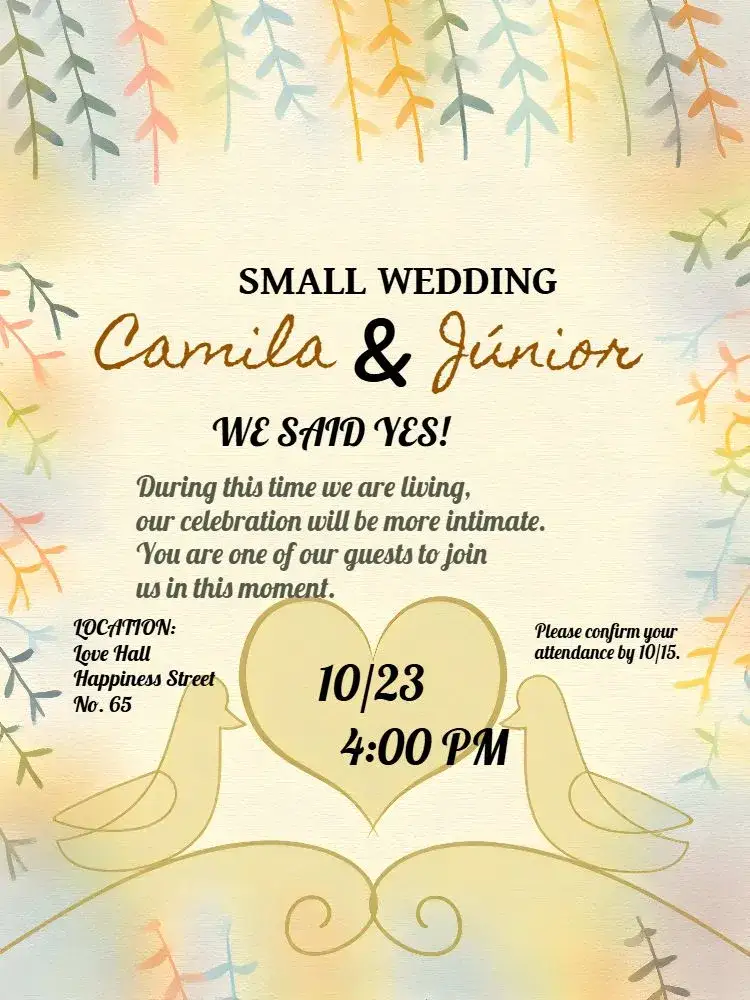
Digital Beige Floral Wedding Invitation | Elegance and Delicacy
Personalize your beige floral wedding invitation. Edit online for free! Download it and send it to your guests. Make your event even more special with a delicate touch.
- Editing is free
- Instant preview
- Card
You can adjust name, date and time before downloading.
LM
Created by LM- High-Quality PNG & PDF
- Share on WhatsApp
- Perfect for Wedding
- Modern and Professional Design
People who viewed this also liked...

Rustic Floral Beige Wedding
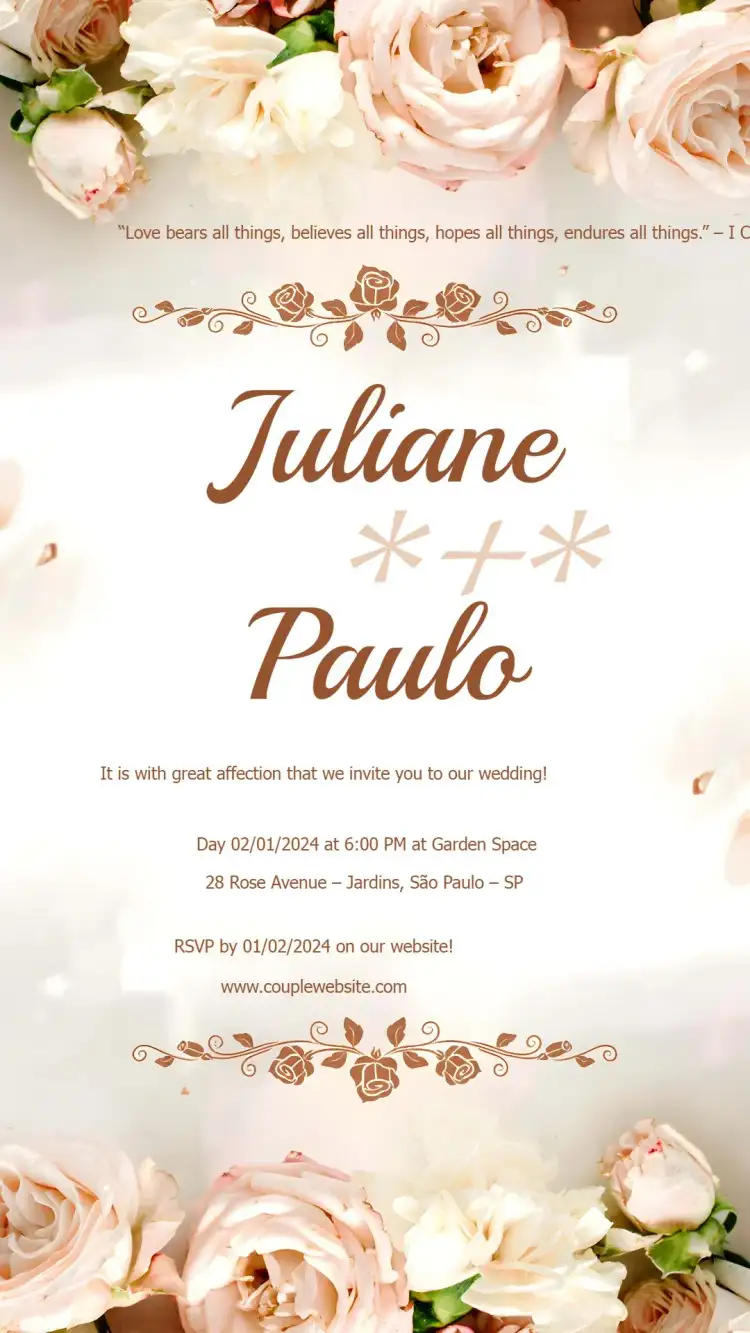
Floral Beige Wedding Invitation

For Wedding Godparents Delicate Floral Bridesmaid
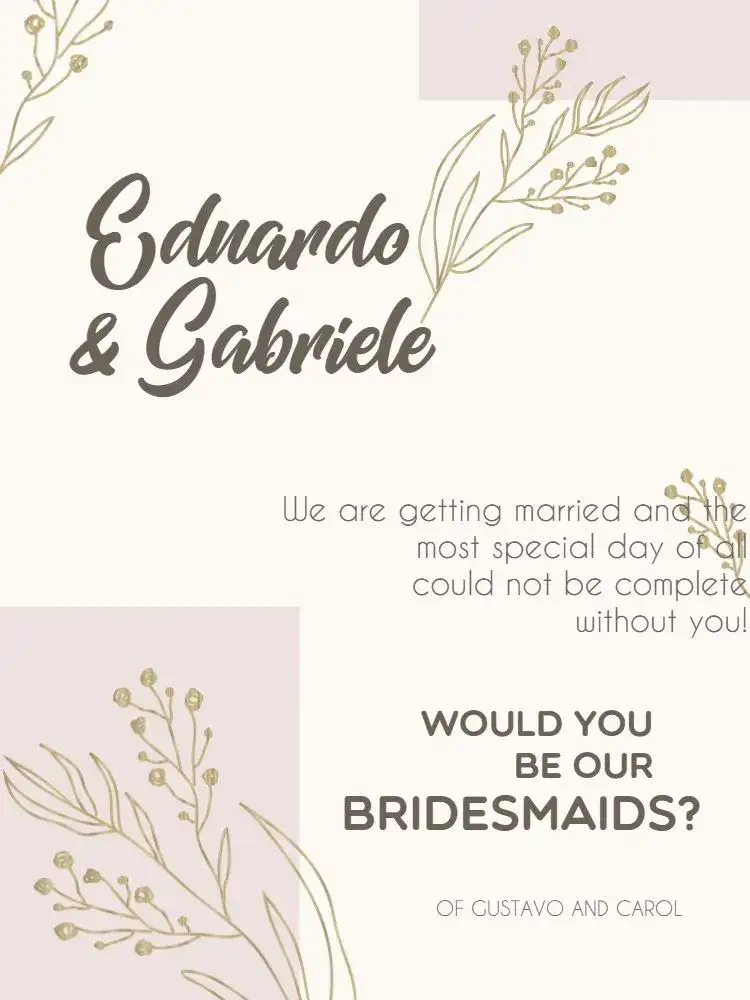
Modern Pink Floral Wedding Godparents

Rustic Beige Wedding

Floral Wedding - Elegant Minimalist

Modern and Minimalist Beige Wedding
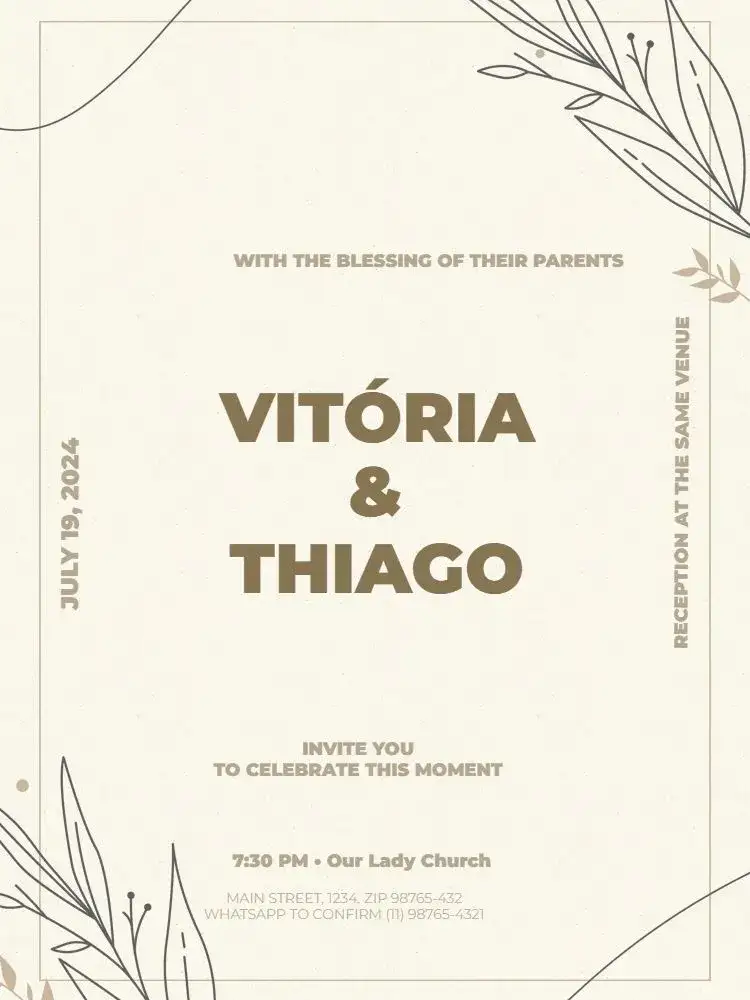
Chic And Delicate Beige Wedding
View more invitationsSwipe for more
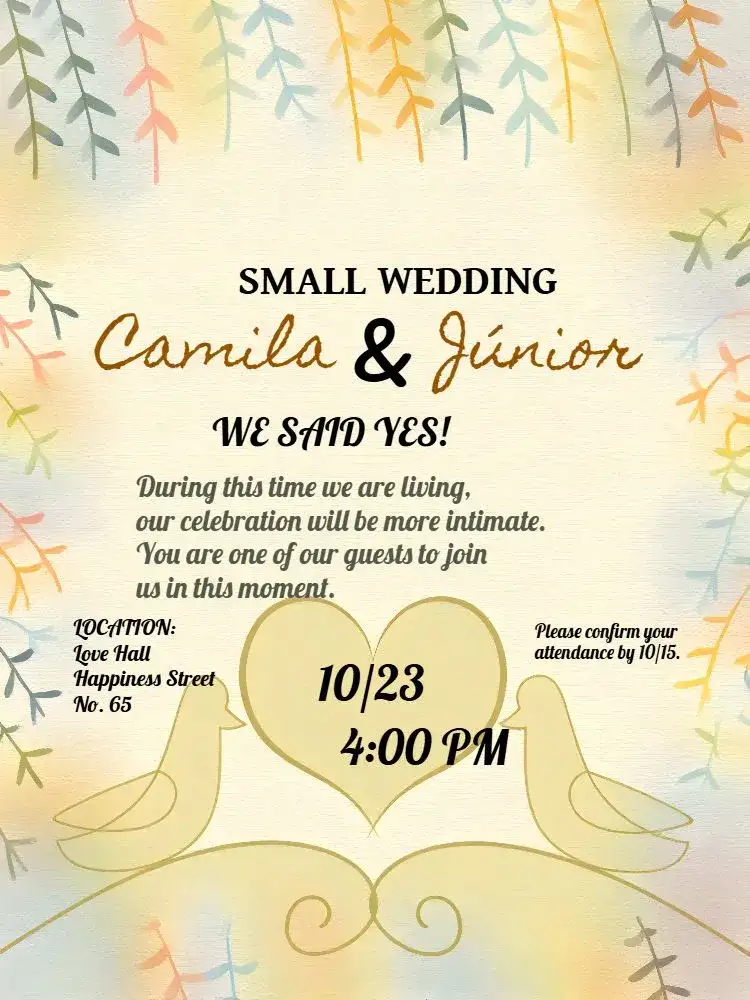
About the Beige Floral Wedding Invitation
Introducing the 'Beige Floral Wedding' digital invitation, a perfect choice for couples seeking a touch of elegance and delicacy for their big day. With a design inspired by nature, this invitation features soft floral elements in beige tones, perfectly matching the lightness and romance of the occasion.
Ideal for outdoor weddings, rustic ceremonies, or more intimate celebrations, it promises to enchant your guests at first sight. One of the great differentials of our invitation is the possibility of customization.
With just a few clicks, you can edit all necessary information, such as the couple's names, date, time, and location of the event. Additionally, we offer the option to include a special message or even a quote that represents the couple's story.
Available in PNG and PDF formats, the 'Beige Floral Wedding' invitation is flexible and easy to share. Whether by email, social media, or printed, you can choose the format that best suits your style and that of your guests.
Opting for digital invitations is a practical and sustainable choice, reducing paper usage and facilitating communication with guests. Furthermore, you can rest assured that all the details of your event will be well represented with a design as special as this one.
Turn your wedding into an unforgettable moment with our Beige Floral Invitation, reflecting the beauty and essence of love.
FAQ
Frequently Asked Questions about Beige Floral Wedding
How can I customize the invitation?
Just click on the editing option and fill in the fields with your information.
Can I download the invitation in other formats?
Yes! You can download it in PNG or PDF according to your preference.
Is it possible to print the invitation?
Yes! The PDF format is ideal for high-quality printing.
What should I do if I need help with editing?
Our team is available to assist with any questions about editing.
Are digital invitations sustainable?
Yes! They help reduce paper usage, being an eco-friendly option.
How much does it cost to download the invitation without a watermark?
Editing online is free and shows a watermarked preview. To download it as PNG or PDF without a watermark, buy this template individually or use a credit or the Premium subscription; the price is shown before you pay.
Explore other invitation categories
raffle tea, commemorative dates, card, cake topper, diaper shower, most searched for, tickets
Invitation wording: customize and copy your message
Build invitation wording for birthdays, weddings, baby showers and graduations. Customize a sample and copy it into your invitation’s editable text fields.
Build your invitation messageHow to print invitations: size, aspect ratio and PDF
Estimate print dimensions and image resolution from pixels. Understand the editor’s one, two or four invitations per A4 PDF sheet options.
Estimate print size and image resolutionInvitations with RSVP: share an event confirmation link
Learn how to create an event from an edited invitation, review RSVP settings and send a published event link for guests to respond.
Prepare the message for your RSVP link