
Pink Blue E Reveal Tea - Charming Digital Invitation
Discover the Pink Blue E Reveal Tea digital invitation! Customize online for free. Download it and send it to your guests. Make your event even more special with our charming design.
- Editing is free
- Instant preview
- Card
You can adjust name, date and time before downloading.
LM
Created by Lucas Monteiro- High-Quality PNG & PDF
- Share on WhatsApp
- Perfect for Gender Reveal
- Modern and Professional Design
People who viewed this also liked...
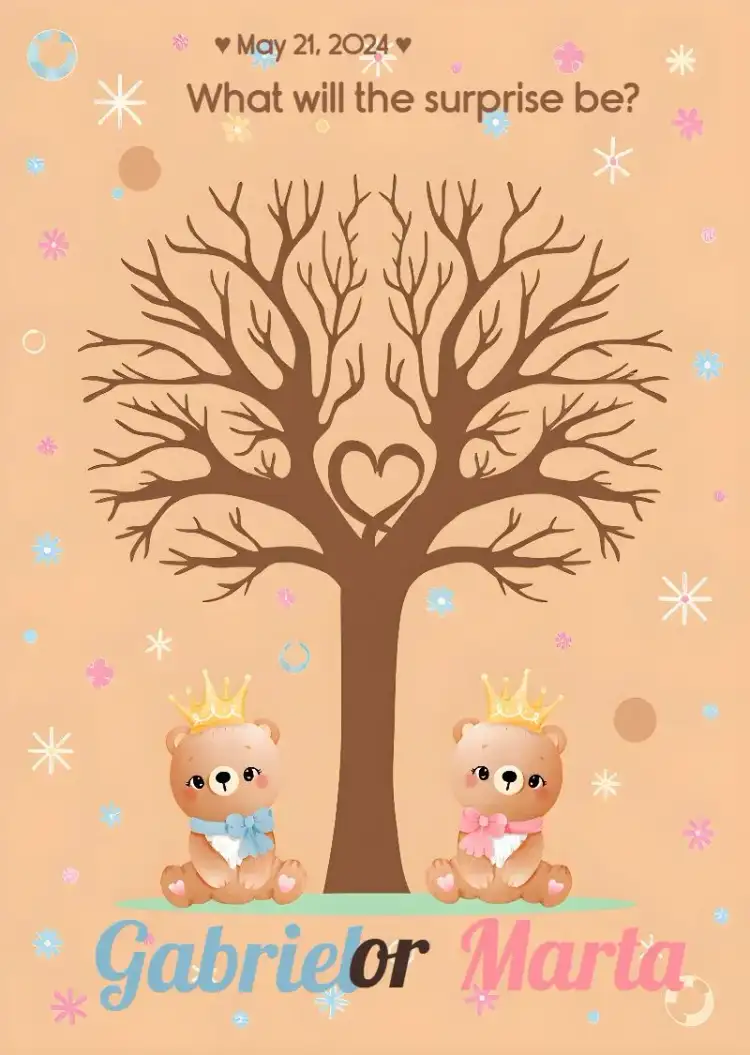
Fingerprint Tree Gender Reveal Pink
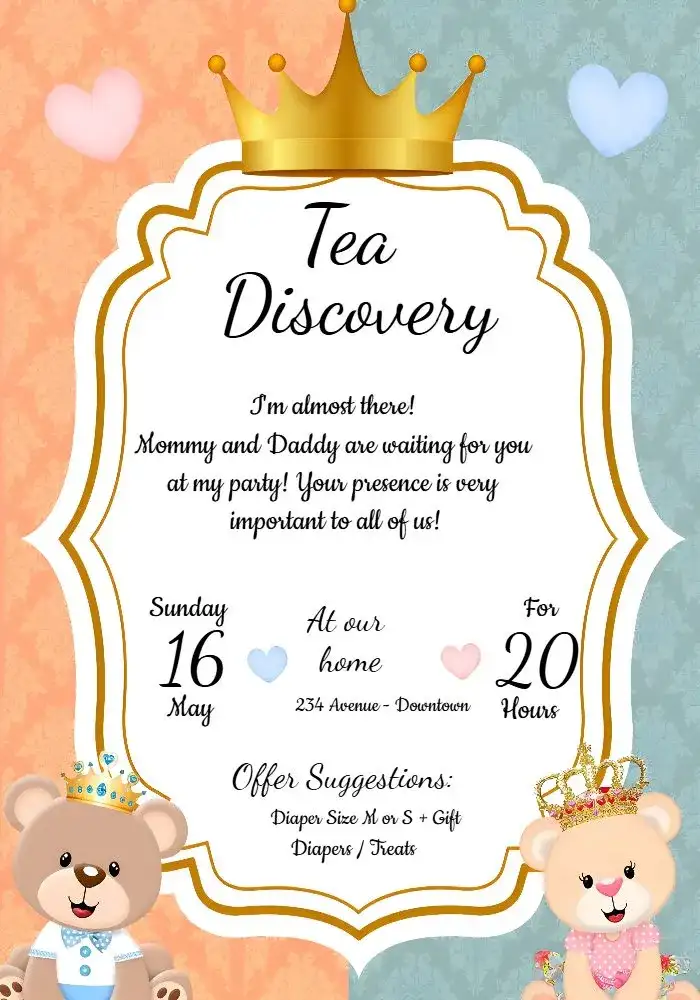
Pink And Blue Teddy Bears Gender Reveal
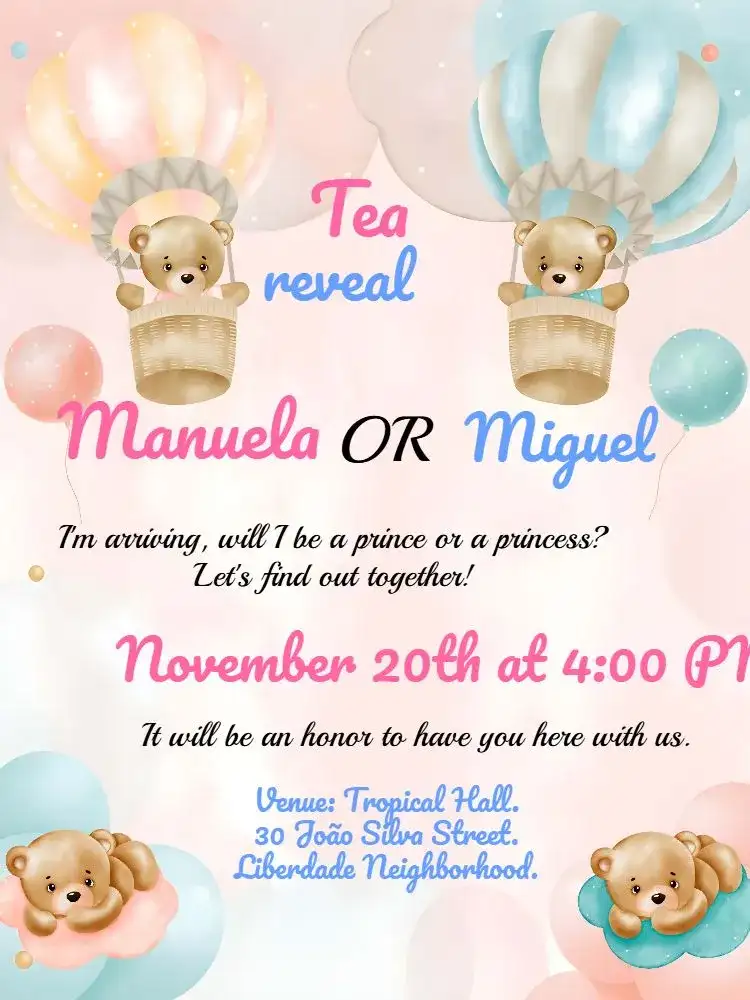
Teddy Bears Balloon Gender Reveal Pink

Pink And Blue Digital Gender Reveal Tea

Fingerprint Tree Gender Reveal Pink

Pink Blue Teddy Bear Gender Reveal Tea Party

Elegant Pink and Blue Balloons Gender Reveal Tea Invitation

Teddy Bear Balloonists Gender Reveal - Pink And Blue Boy
View more invitationsSwipe for more

About the Pink Blue E Reveal Tea Invitation
Introducing the "Pink Blue E Reveal Tea" digital invitation, the perfect choice to celebrate the arrival of your little one in a fun and unique way. With a charming design that combines pink and blue tones, this invitation brings a cheerful and balanced mix, ideal for those who want to surprise guests with a touch of creativity.
It is the perfect option for a reveal tea, providing an engaging look that captivates from the first glance. This invitation is fully customizable, allowing you to add your information quickly and easily.
You can edit online, choose fonts that match your style, and even add graphic elements that reflect your personality. Available in PNG and PDF formats, you can easily print or digitally send it, making your life even more convenient.
In addition to its appealing aesthetics, the use of digital invitations offers numerous advantages. You save time and money since you don't have to worry about physical prints.
The delivery is instant, ensuring that your guests receive the information promptly. Enjoy the ease of editing and resending, in case there are any last-minute changes.
Celebrate this special occasion with an invitation that combines charm, practicality, and a personal touch. Don't miss the opportunity to make your reveal tea a memorable event with the "Pink Blue E Reveal Tea" digital invitation.
FAQ
Frequently Asked Questions about Pink Blue E Reveal Tea
How can I customize the invitation?
You can edit all the information online, including texts and colors.
What file formats are available?
The invitation can be downloaded in PNG or PDF.
Can I print the invitation?
Yes, you can print the invitation after downloading it in the desired format.
Is it possible to send the invitation by email?
Yes, you can digitally send the invitation to your guests via email.
How much does it cost to download the invitation without a watermark?
Editing online is free and shows a watermarked preview. To download it as PNG or PDF without a watermark, buy this template individually or use a credit or the Premium subscription; the price is shown before you pay.
Explore other invitation categories
raffle tea, commemorative dates, card, cake topper, diaper shower, most searched for, tickets
Invitation wording: customize and copy your message
Build invitation wording for birthdays, weddings, baby showers and graduations. Customize a sample and copy it into your invitation’s editable text fields.
Build your invitation messageHow to print invitations: size, aspect ratio and PDF
Estimate print dimensions and image resolution from pixels. Understand the editor’s one, two or four invitations per A4 PDF sheet options.
Estimate print size and image resolutionInvitations with RSVP: share an event confirmation link
Learn how to create an event from an edited invitation, review RSVP settings and send a published event link for guests to respond.
Prepare the message for your RSVP link